

■ Play as Dragon: Comfort Edition is a very light modpack for those who do not like hardcore, read quests and experience difficulties in Dragon Survival. A good basis for playing in survival mode without unexpected encounters with monsters at night. Dragons also have all debuffs disabled.

■ This modpack is suitable for you if:
- You want fast progression.
- You like nice nature without aggression, but you don't mind a little monster hunting in caves.
- You like a more casual game and don't like complexity.
- You want dragons to have no debuffs or restrictions.
- You expect most of the mods and vanilla part of the game to be unchanged.
- You want to make your own modpack, but you don't know where to start and which mods go well together.
- You don't like reading big quests and would rather do optional achievements or just have fun.
■ This modpack is NOT for you if:
- You want real survival. This modpack is easy and more creative.
- You like the small limitations of the original Dragon Survival mod.
- You need some balance in gameplay. This modpack is not about that.
■ Other official modpacks:
- Terra Draconis - Primitive Dragon Survival - 1.21.1 - Try your hand at realistic survival with Terrafirmacraft! A completely redesigned Dragon Survival with numerous add-ons and unique gameplay! Hardly recommended!
- Play as Dragon Gothic Edition - 1.19.2 - It combines the creativity of Minecraft with the sternness of Gothic game series. You will be greeted by a variety of cruel animals on surface, and undeads will be lurking underground. Get ready for an interesting and long adventure! No wings at start.
■ More non-official Dragon Survival modpacks can be found here and here.
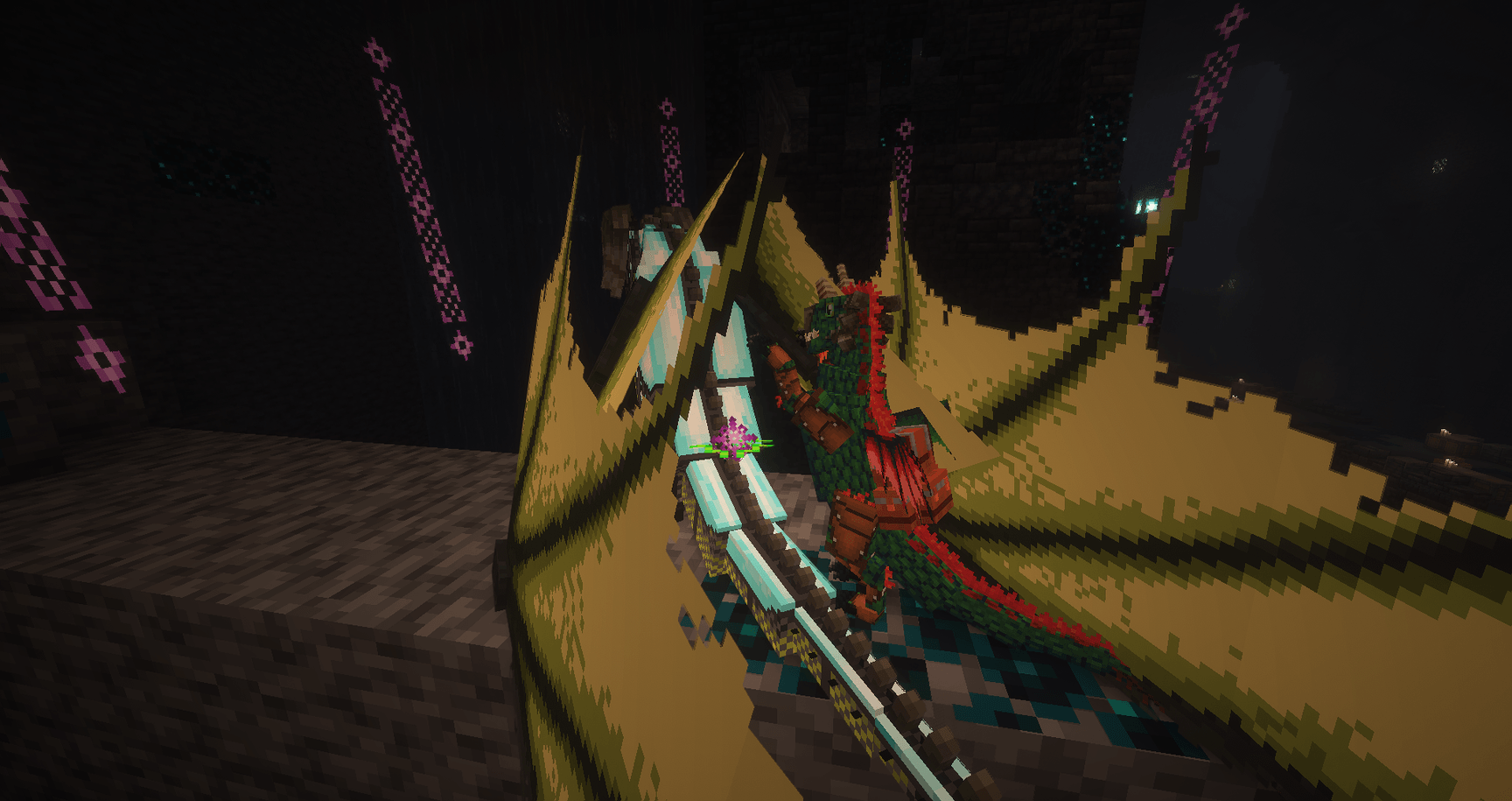
■ Modpack Features:
- This modpack is adapted for easy survival.
- Lots of wildlife and pets on the surface with no annoying undead. There are also no phantoms! Enemies is live only in spawners and in the deepest caves.
- Dragons do not have penalties - no item restrictions, innate debuffs, animals don't run away, and magic is enhanced. Full power time!
- Only 2 global mods: Dragon Survival and Create.
- Start with a gold backpack and a supply of food.
- Upon death, you will retain your armor, Curios, hotbar, and half of your experience. Everything else will remain in the grave and will be waiting for you forever.
- Increased the amount of meat, skins and feathers dropped from peaceful animals.
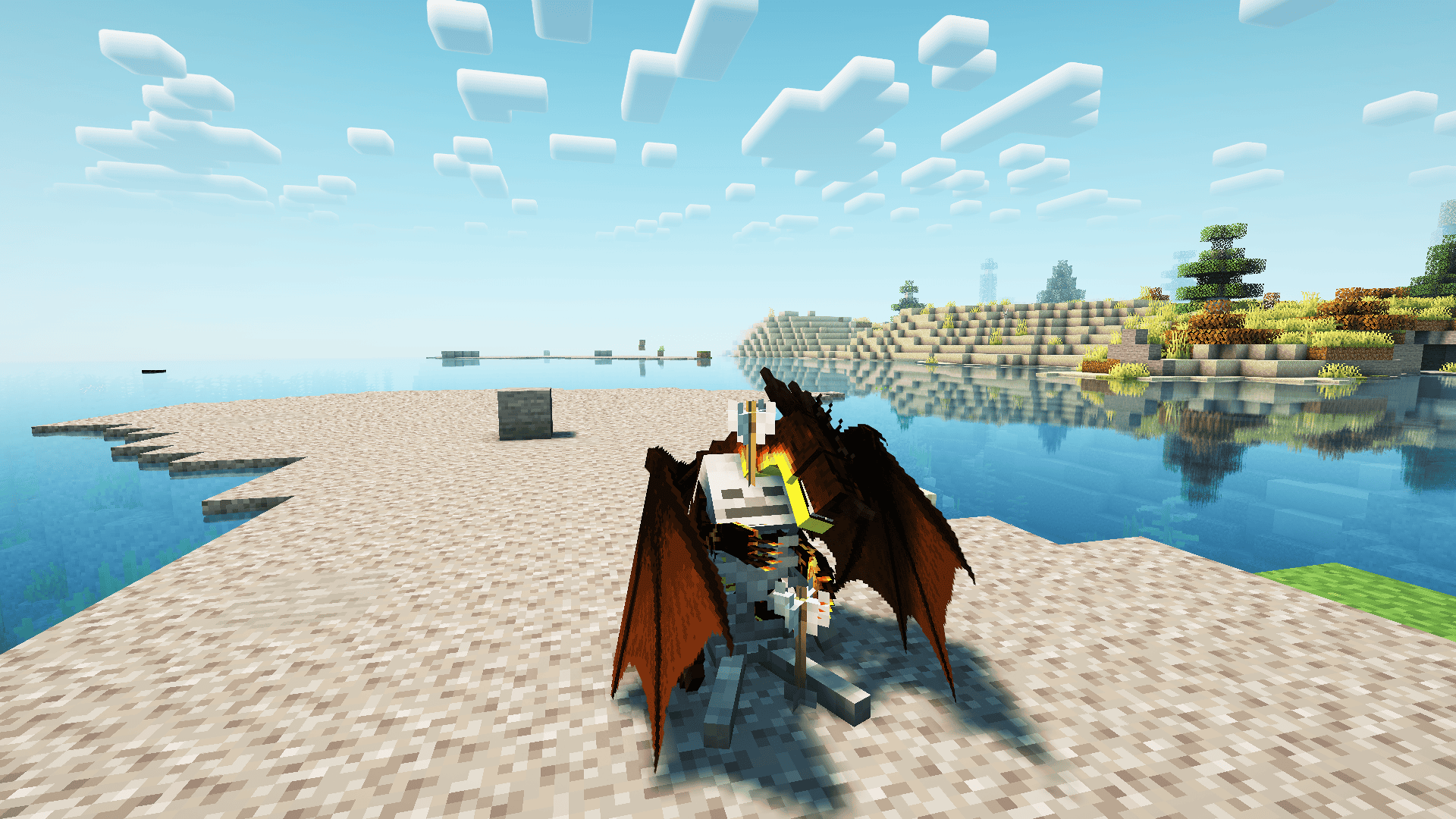
- Improved textures of skeletons, cats and dogs.
- A neat dark gui for each mod
- No annoying ads about hosting services.

■ Client Installation:
- Download Curseforge Launcher (article link)
- Find and Install my modpack (article link)
- Allocate a minimum of 6-8 gigabytes of memory in the Curseforge Launcher (video link)
- Make sure you have Java 21 (Open JDK) installed.
- Update AMD drivers if you are using video cards from that vendor.
- Play.
■ Server Installation:
- There is NO special version for the server. Use the previous point to install the modpack (as if you were going to play single, but not run this).
- Create the basic Neoforge server. If you don't know how to create an empty server, search online or use any hosting service you prefer.
- When you have done empty server, close server and delete the world folder.
- Move ALL (REALLY ALL) folders and files into a prepared server folder from installation in Curseforge Launcher (open local files). No need to download the zip from the website! Only full installation in the launcher!
- Delete Pretty Rain, BlueLib and Wakes
- Run server.
- Uninstall old versions of Java and install the latest version of Java 21 (Open JDK) if your server does not start.
(guide by user) Play as Dragon Modpack (version 2.4) running great as a Dedicated Server from Linux command line.
- Rename or remove Pretty Rain and wakes mods from the Server. Reason: Client-side code, incompatible with Dedicated Server. Filenames:
Pretty Rain-1.21.1-NeoForge-1.1.4.jarandwakes-1.21.1-NeoForge-1.0.2.jar, - Rename or remove BlueLib mod from Server AND the Client. Reason: Crashes with Null value on Server, Client cannot connect if mismatched Filename:
2.3.8-neoforge-1.21.1-bluelib-2.3.8.jar,
NOTE: Though the documentation says Java 17, I couldn't get it to lauch with openjdk-17 on Linux I had to use openjdk-21 If you need to switch between Java alternatives, you can use sudo update-alternatives --config java

■ - Update Modpack - When official modpack updates come out, I recommend creating a new profile and making backups (a copy to the desktop) of your world to avoid breakages. It's not necessary, but it might save your nerve cells one day. I always try to do updates as carefully as possible and test thoroughly before posting, but stuff happens. It's hard work and it's easy to make mistakes.
■ - Transferring to Other Launchers - For those who only move the "mods" folder there is a separate cauldron in hell. 99% of the content and features of modpacks are not stored in the mods folder. If you don't want to use Curseforge to run a modpack, be sure to transfer absolutely all of the folders and files that are in Cursefogre\Instances\Play as Dragon Comfort Edition. Before you move everything to the new folder, delete all the old folders. Under no circumstances should you move the files with replacements!!!
■ - Shaders - This modpack is 100500% not compatible with Optifine. Instead Iris are used here. You can quickly enable/disable shaders. The default setting is Complementary Reimagined (link). You can add more via the shaderpacks folder.
■ - Disabling simplifications - All changes are contained in the configs. Part of it is in \config\incontrol, the other part is in \config\openloader\pack. Open the files, see what you need or not. You can safely remove the excess, it won't break anything.
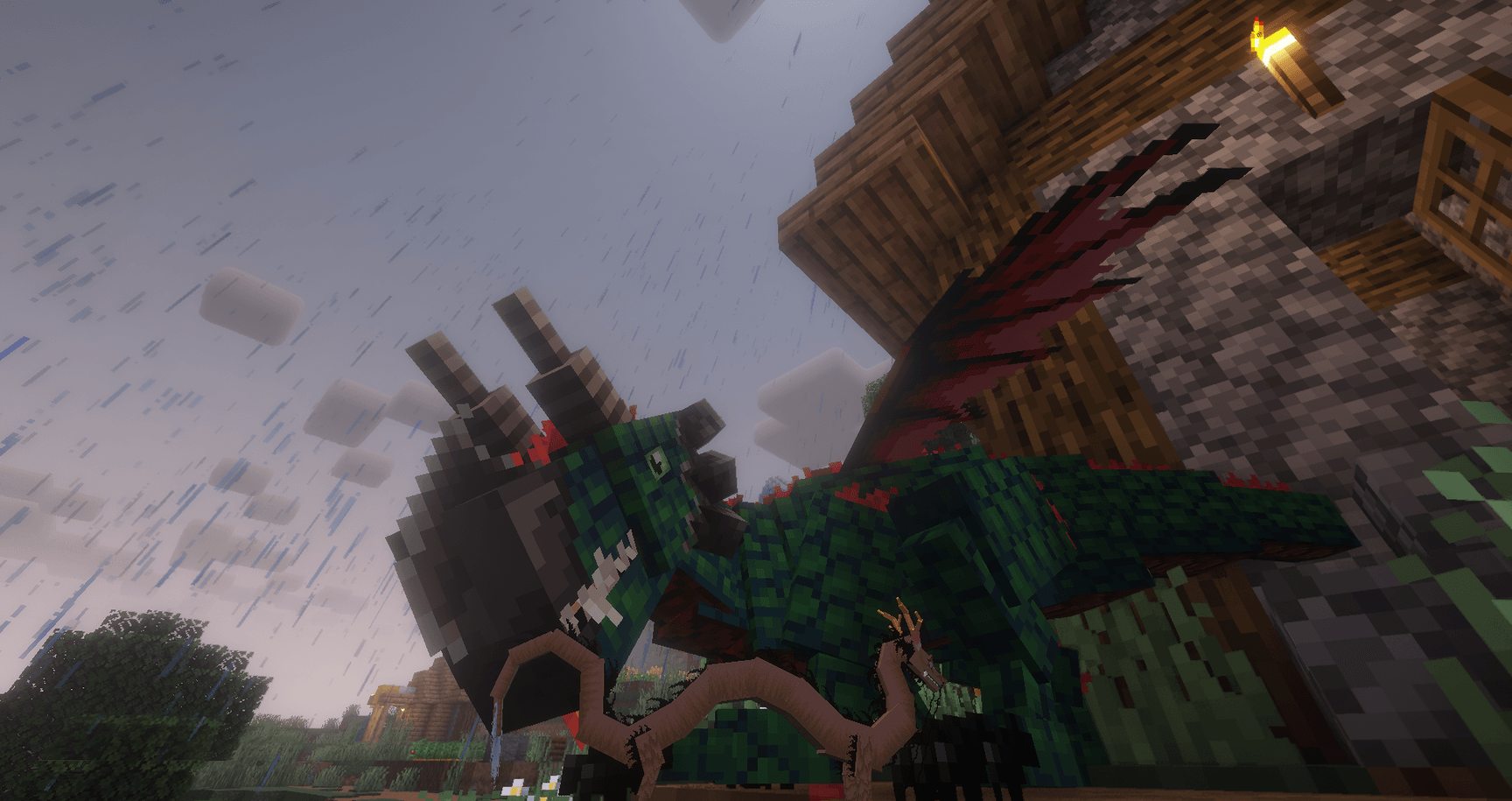
■ - Optimization - lot of work has been done to optimize the modpack and the only thing that can cause lag is the initial generation of the world. If you don't want to encounter slow loading chunks while traveling, use this command after join map: /pregen start gen radius 120Chunk SQUARE ~ ~ 32 minecraft:overworld NORMAL_GEN
■ - Check TPS - If you are experiencing freezes on your server and can't figure out what's causing them, and rebooting doesn't help, use the Spark mod. It will not fix your problem, but it will give you an idea why it happens. To start the test you should do the following steps:
- /spark profiler start
- /spark tickmonitor
- Fly around the world, visit different places and do different actions. There will be spam from the stats in the chat. If you often get spikes above 500-800 TPS, that's a reason to think about optimization.
- /spark tickmonitor
- /spark profiler stop
- A link will appear in your chat. Open it and analyze the results.
■ - Map - you can generate it yourself from any seed, but do not install someone else's maps that were not created specifically for this modpack.
■ - Links - The basis of this modpack is the Dragon Survival mod. If you don't understand something, use the Wiki for that mod. In case of problems, write to us on the discord server: http://discord.gg/8SsB8ar. You can support us on Patreon.
■ - Rights and Use - I do not allow the use of parts of modpack created by me (quests, datapacks, configs, textures) in other projects. If you want to use modpack on your server or YouTube channel, leave a link to this page. All rights to mods belong to their owners. Also, the modpack used content that are not in the Curseforge ecosystem: better-crops-3d-e2230 (https://www.planetminecraft.com/texture-pack/better-crops-3d-16x/). Shader: ComplementaryReimagined.
- Edition: Minecraft Java
- File type: .jar
- Minecraft versions listed: 1.21.1, 1.19.2
- How to install: Install the matching mod loader (Forge, Fabric or NeoForge) for your Minecraft version. → Download the .jar. → Put it in the .minecraft/mods folder and launch that loader profile.
- Where to get it: Opens on CurseForge — not every file is mirrored on our own servers.
Install steps are the general flow for this file type — How to install Minecraft Java mods & modpacks walks through it step by step.
Play as Dragon: Comfort Edition is a free Minecraft Java modpack. Compatible with Minecraft 1.21.1, 1.19.2. Downloaded 54,491 times (via CurseForge). Download it and open it directly in the game.