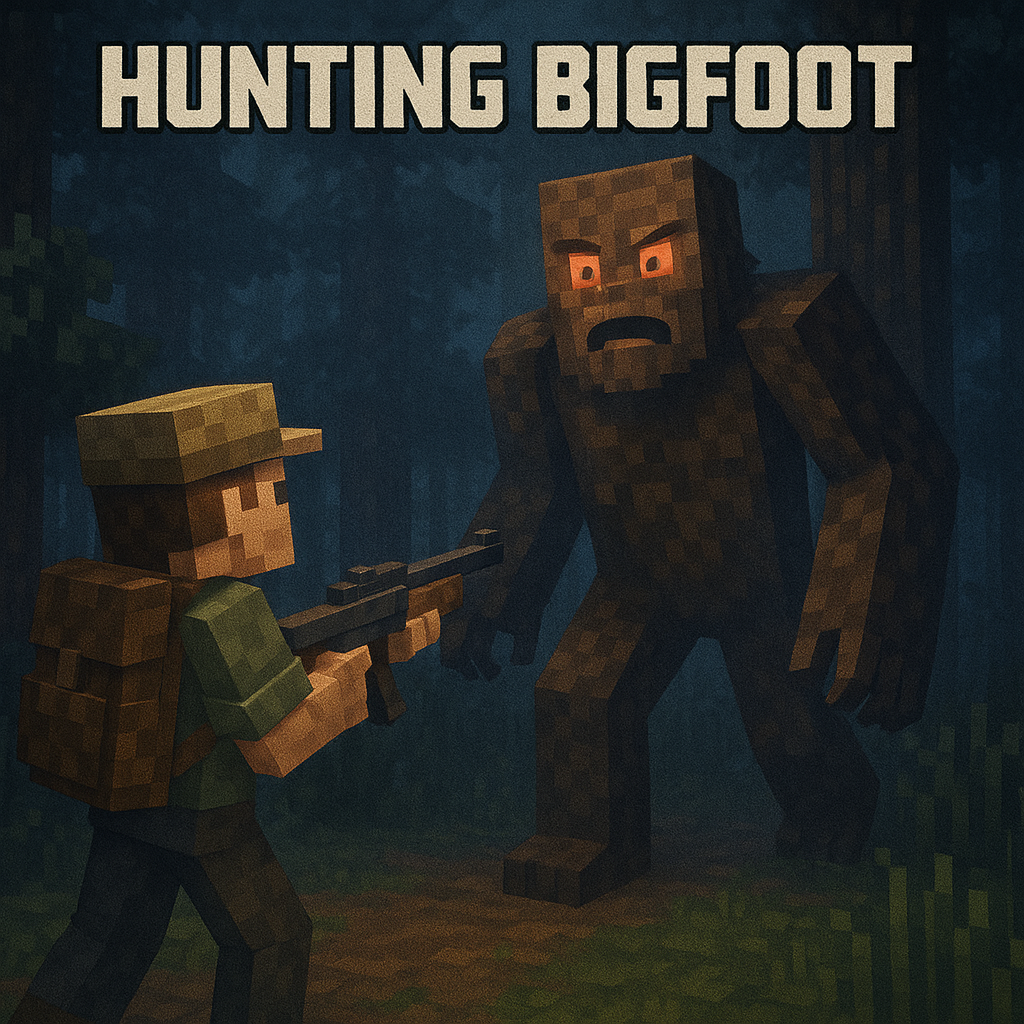
"Hunting Bigfoot" is a tense Minecraft modpack where players hunt the elusive and dangerous Bigfoot in dark, eerie forests. Equipped with guns and survival gear, you'll face a smart, deadly creature that stalks you at every turn. Navigate through dense wilderness and survive the hunt in this thrilling, heart-pounding adventure.
This modpack also adds quality of life features such as: An easier way to trade and capture villagers, enchantment descriptions, gravestones so you don't loose all of your stuff i bigfoot kills you, and backpacks so you don't have to worry about inventory space.
This modpack also includes shaders, ambient sounds, new structures and new armour.
- Bigfoot only appears in the Old Growth Pine Taiga biome, a single biome world is recommended.
(ONLY FOR "Hunting Bigfoot 1.1". "[TaCZ] Timeless and Classics Zero" should work fine in other versions) If you are playing multiplayer with the mod Essential or any other LAN server hosting mod in the latest version of this modpack and you are experiencing problems with "[TaCZ] Timeless and Classics Zero" you might need to enable/check the option "Disable Desync" in the "TaCZ Tweaks" settings. To find this setting open minecraft and when you are in the menu or in your world press Esc to bring up the menu and then press the "MODS" button, when you clicked that button you can search for "TaCZ Tweaks" and change the settings from there.
- Edition: Minecraft Java
- File type: .jar
- Minecraft version listed: 1.20.1
- How to install: Install the matching mod loader (Forge, Fabric or NeoForge) for your Minecraft version. → Download the .jar. → Put it in the .minecraft/mods folder and launch that loader profile.
- Where to get it: Opens on CurseForge — not every file is mirrored on our own servers.
Install steps are the general flow for this file type — How to install Minecraft Java mods & modpacks walks through it step by step.
Hunting Bigfoot is a free Minecraft Java modpack. Compatible with Minecraft 1.20.1. Downloaded 4,414 times (via CurseForge). Download it and open it directly in the game.