Fear Nightfall Remastered
Fear Nightfall Remade is a unique, immersive, and difficult horror modpack with a campaign and tons of custom content. It offers a horror-based Minecraft…
⬇ Download on CurseForgeThe author built this one for Minecraft 1.19.2 on Forge. On other versions it may install and then do nothing.
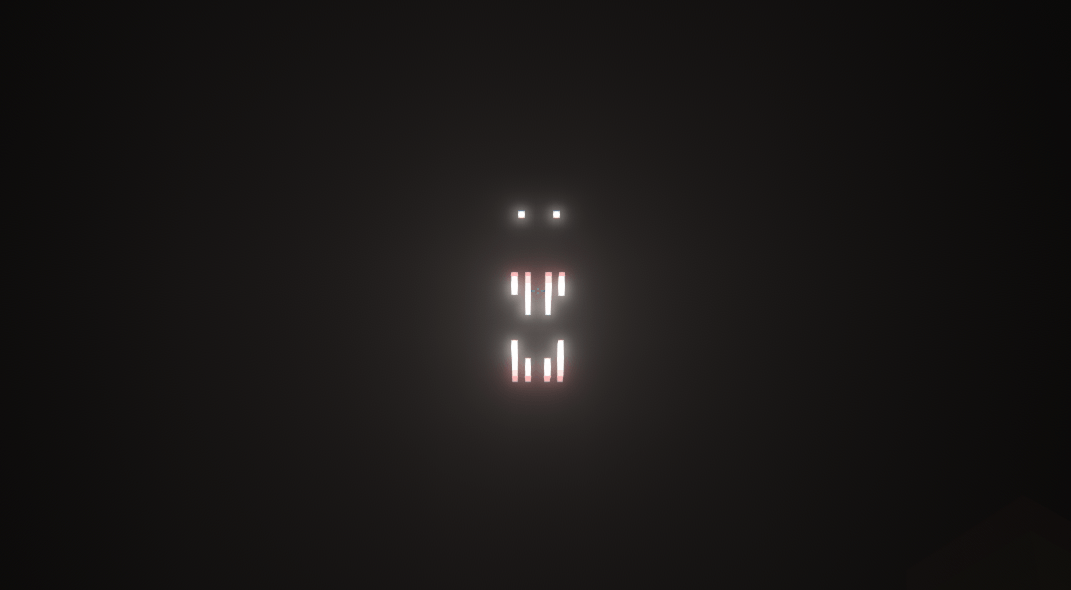
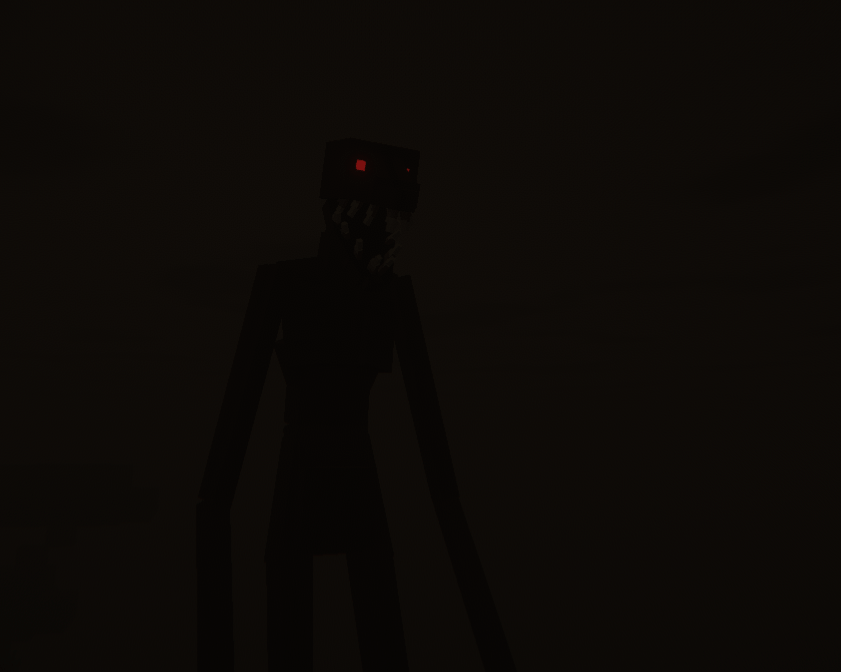
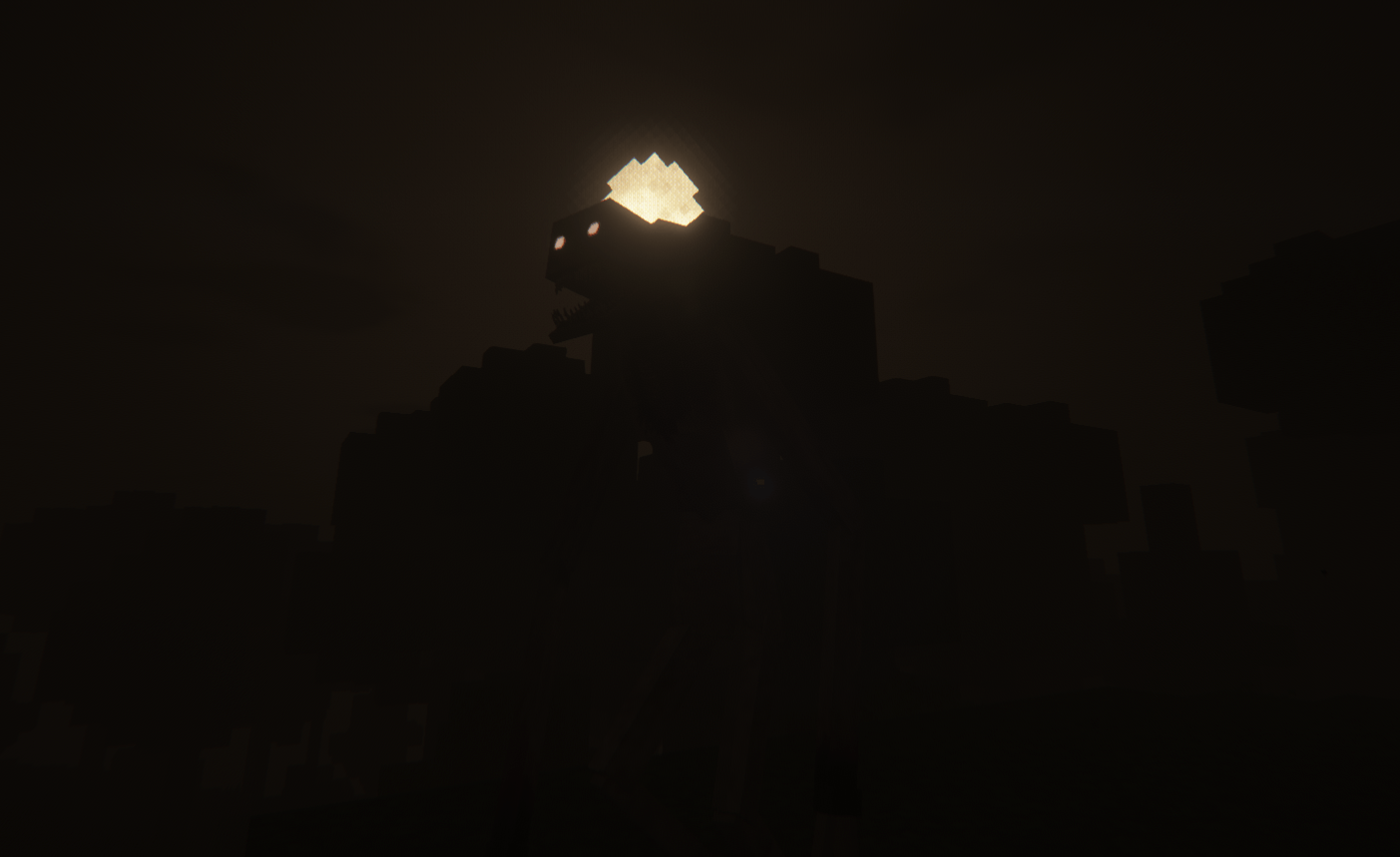
Fear Nightfall Remastered is a unique, immersive, and challenging horror modpack for Minecraft. It features a campaign and a wealth of custom content. The modpack includes popular horror figures such as Herobrine, The Rake, Slenderman, The Man from the Fog, and Cavedweller, providing a terrifying and thrilling gaming experience.
The world in this modpack has been transformed into a manifestation of darkness, where exposure to the dark can cause insanity in living inhabitants. This adds an extra layer of challenge and suspense to the gameplay.
One of the standout features of this modpack is its vast quest book. This quest book is divided into many chapters, each offering a unique storyline and objectives. This adds depth to the gameplay and provides players with a sense of progression and achievement.
The modpack is packed with over 200 mods and counting. This vast collection of mods enhances the gameplay and offers a wide range of experiences to the players. Moreover, the modpack is under active development and will receive updates, although they may not be consistent.
Please note that due to the extensive mod list and high-quality graphics, “Fear Nightfall Remastered” may sometimes run slowly or experience lag. Here are some tips to improve your game performance:
-
Adjust Game Settings: Minecraft has a variety of settings that can impact performance. Consider turning down some of the high-impact settings such as render distance, smooth lighting, and particle effects.
-
Modify Shaders Settings: Shaders can significantly impact game performance. If you’re experiencing lag, try turning off or reducing the shaders settings.
-
Allocate More RAM: If your computer has enough memory, you can allocate more RAM to Minecraft through the launcher settings. This can often help improve performance.
-
Disable Resource Packs: Resource packs can consume a lot of system resources. If you’re still experiencing performance issues after trying the above steps, consider disabling any active resource packs.
Happy Playing :D
- Edition: Minecraft Java
- File type: .jar
- Minecraft version listed: 1.19.2
- How to install: Install the matching mod loader (Forge, Fabric or NeoForge) for your Minecraft version. → Download the .jar. → Put it in the .minecraft/mods folder and launch that loader profile.
- Where to get it: Opens on CurseForge — not every file is mirrored on our own servers.
Install steps are the general flow for this file type — How to install Minecraft Java mods & modpacks walks through it step by step.
- Downloads as Fear Nightfall Remastered.zip
- Download size: 14.2 MB
- Download link checked 29 Aug 2026 — working
These come from our own check of the pack file, not from the source page.