MostlyTrue_Beneath
Java resource pack listed for Minecraft 1.20–1.21. Download on the author's site.
The Underground biomes hidden from view. MOSTLY TRUE FOR KIND EYES wants to bring true realism to the world of Minecraft but without sacrificing…
⬇ Download on CurseForge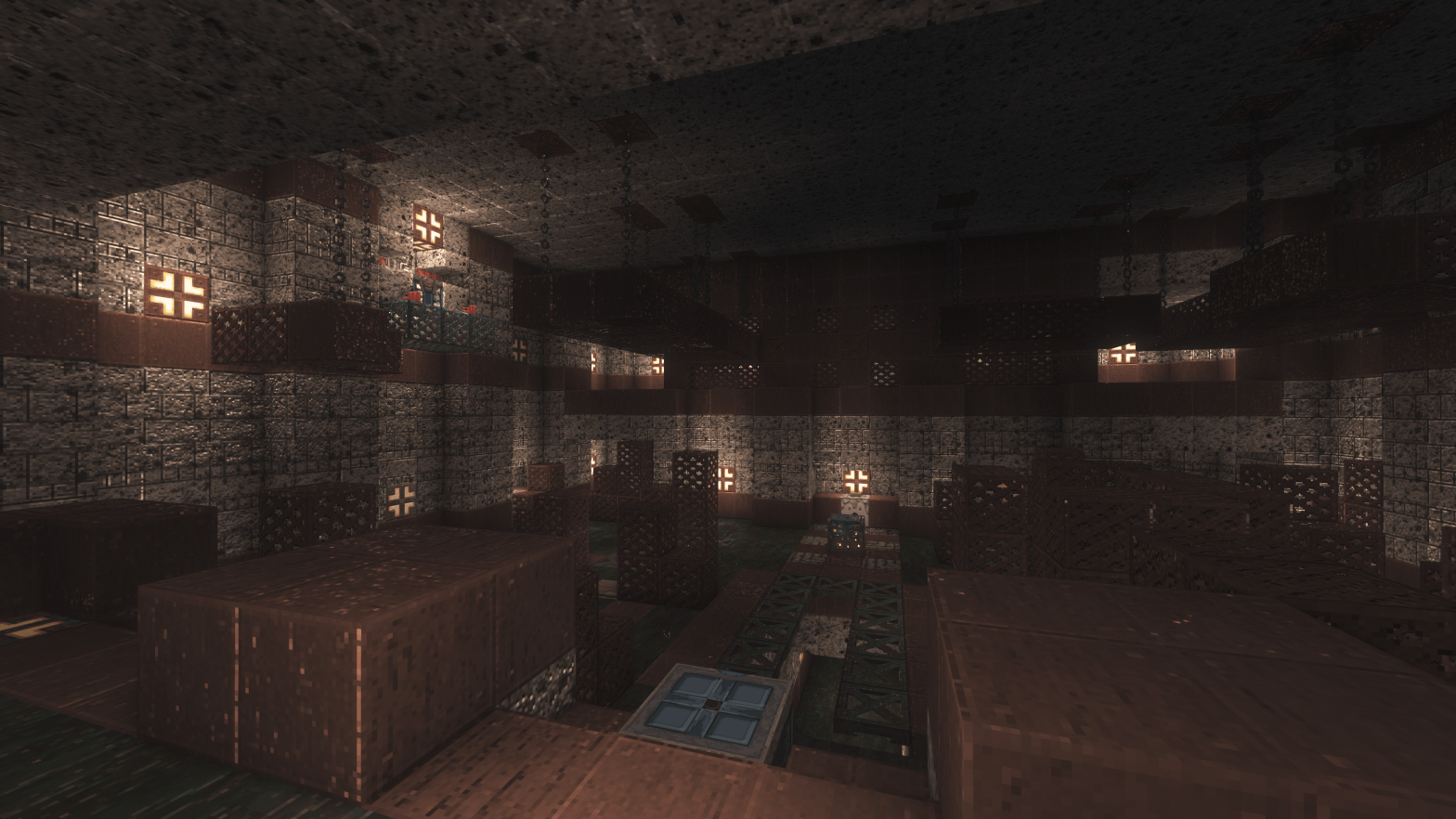
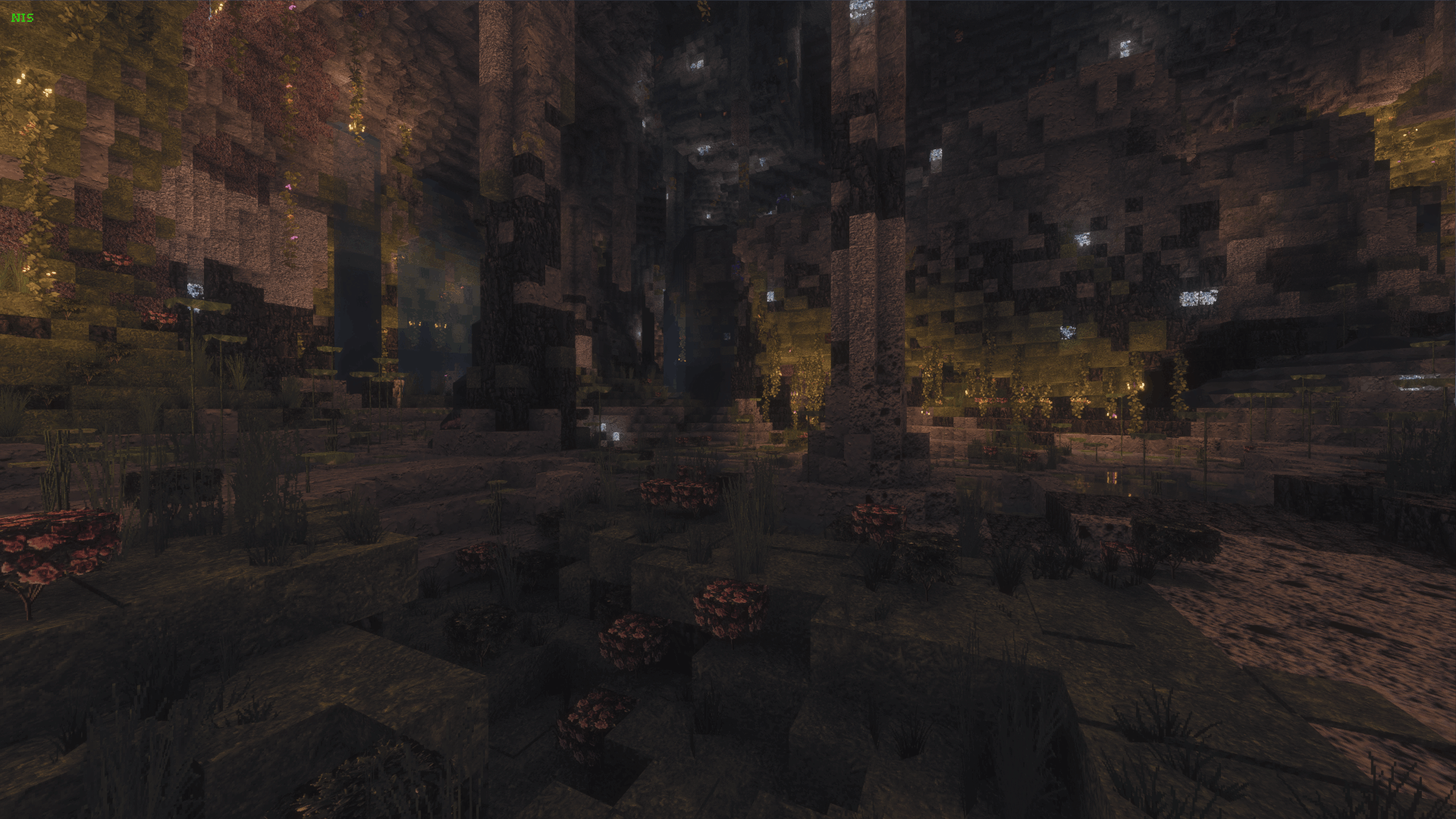
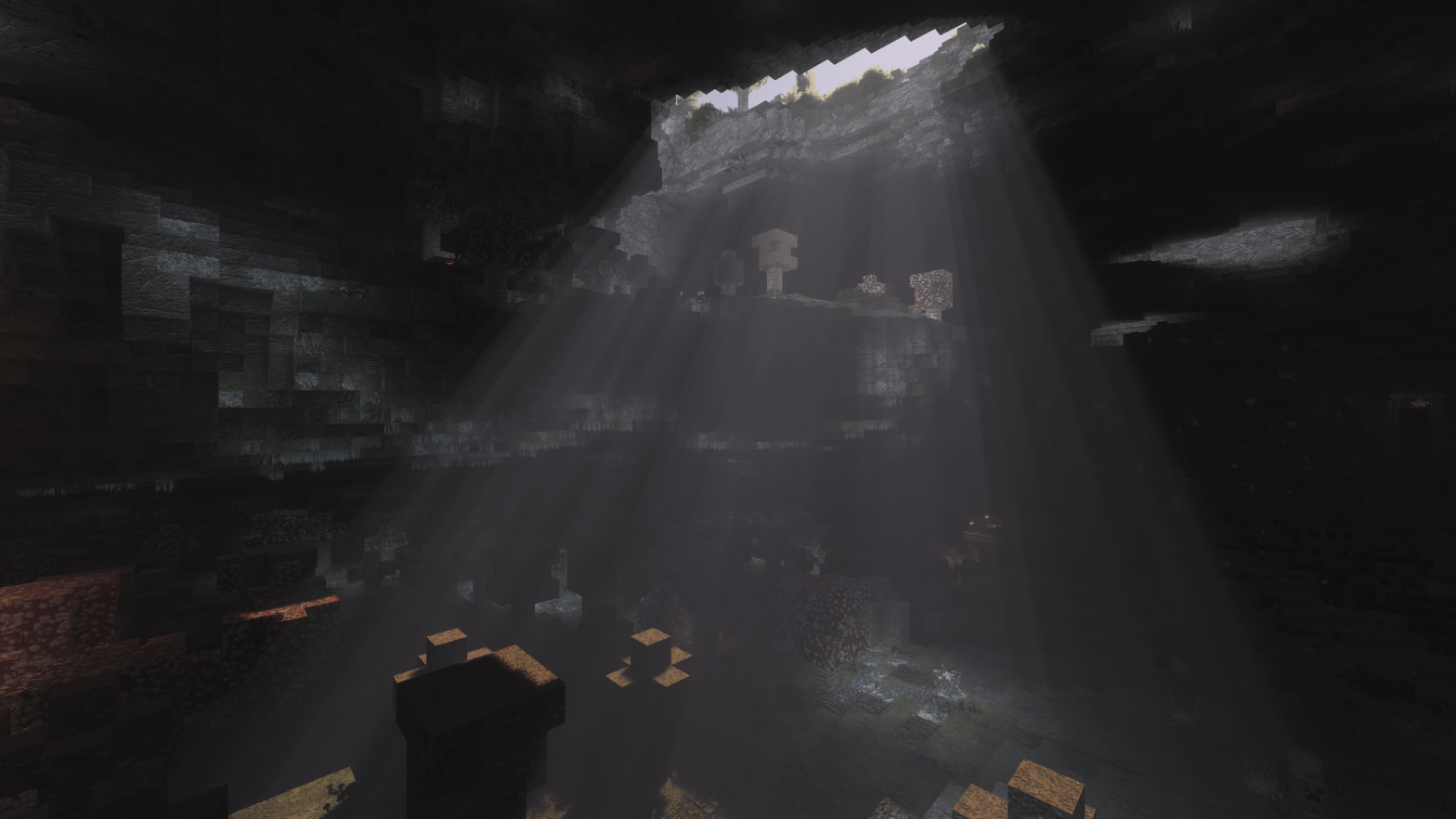
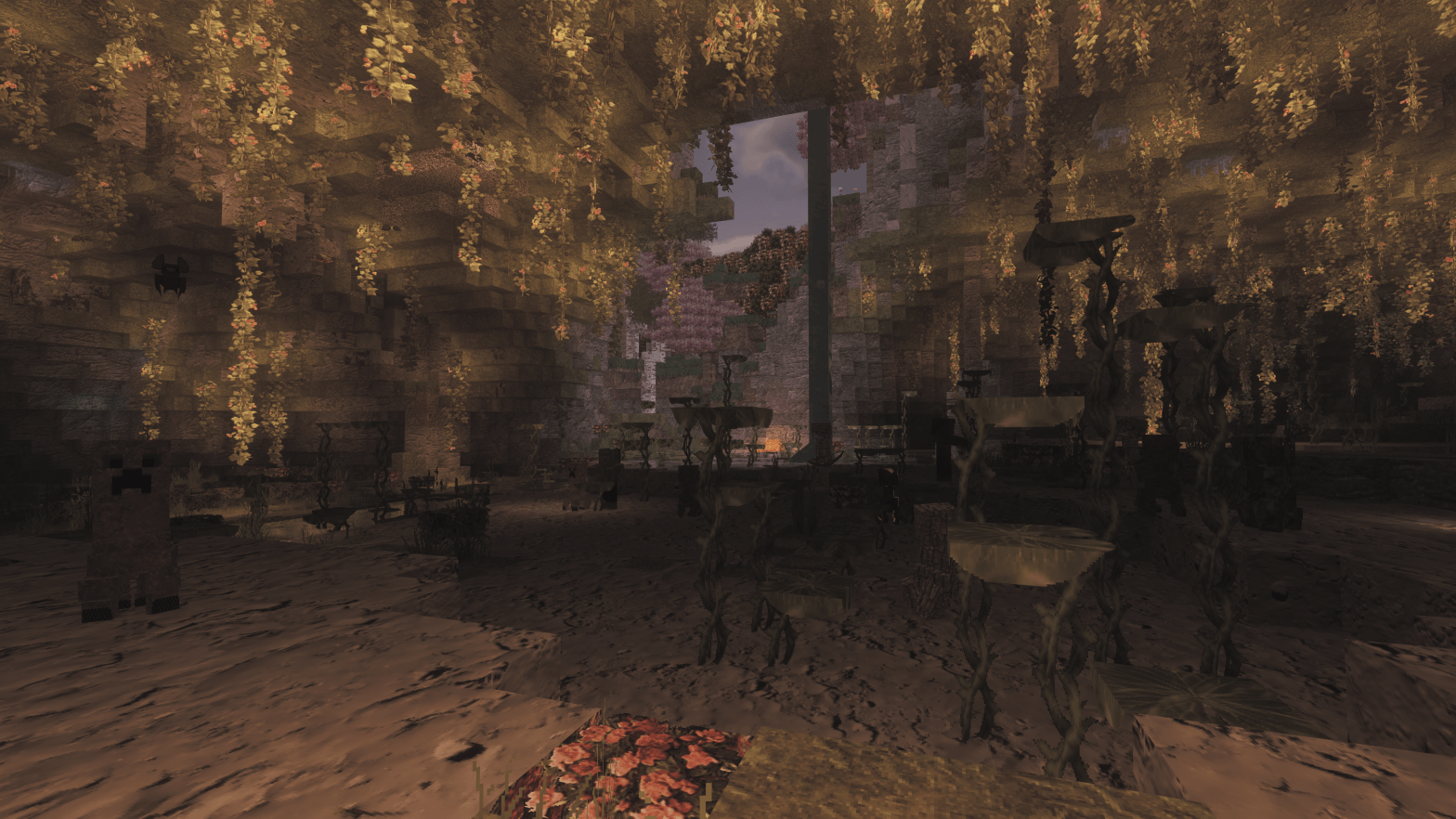
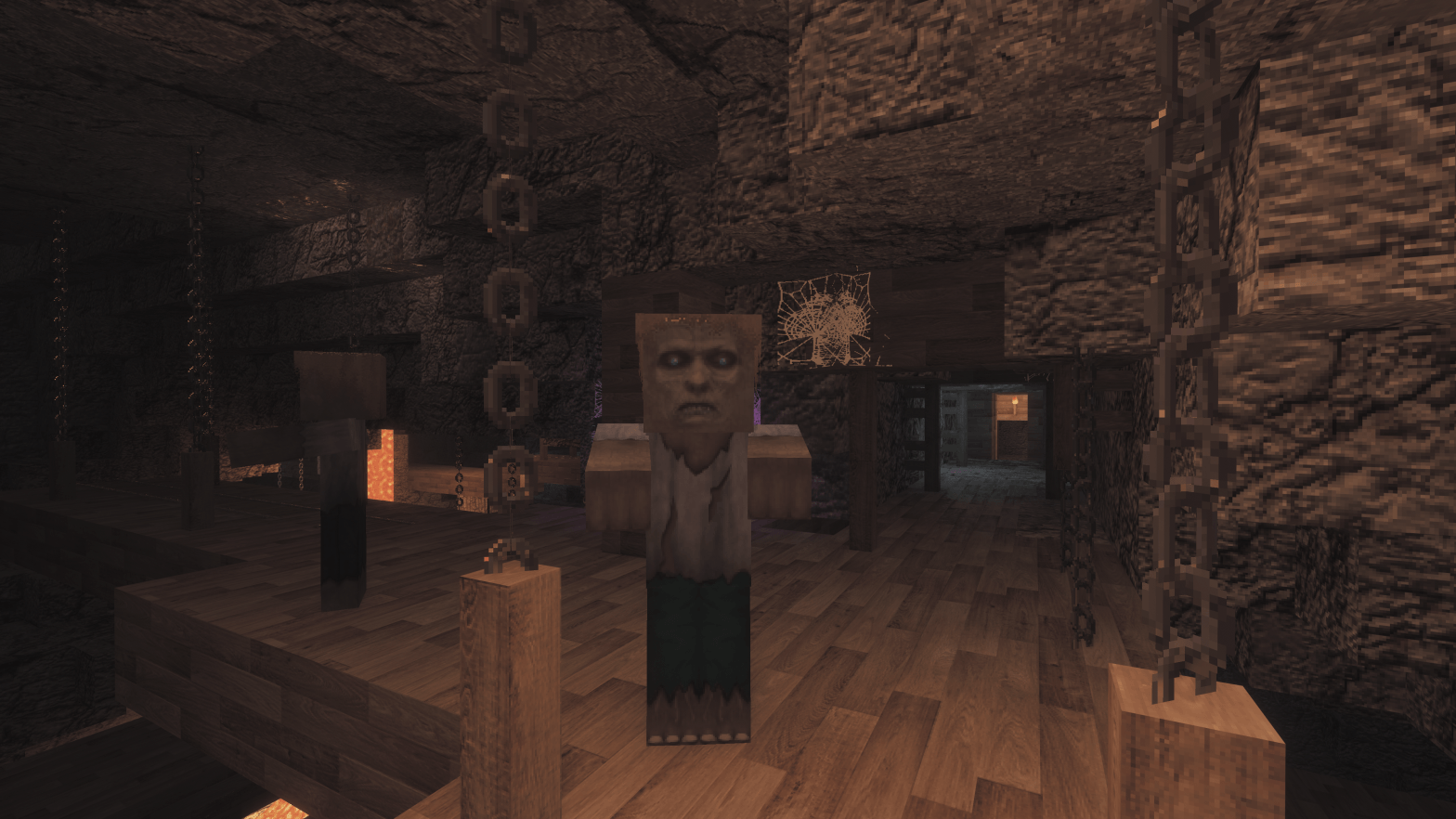
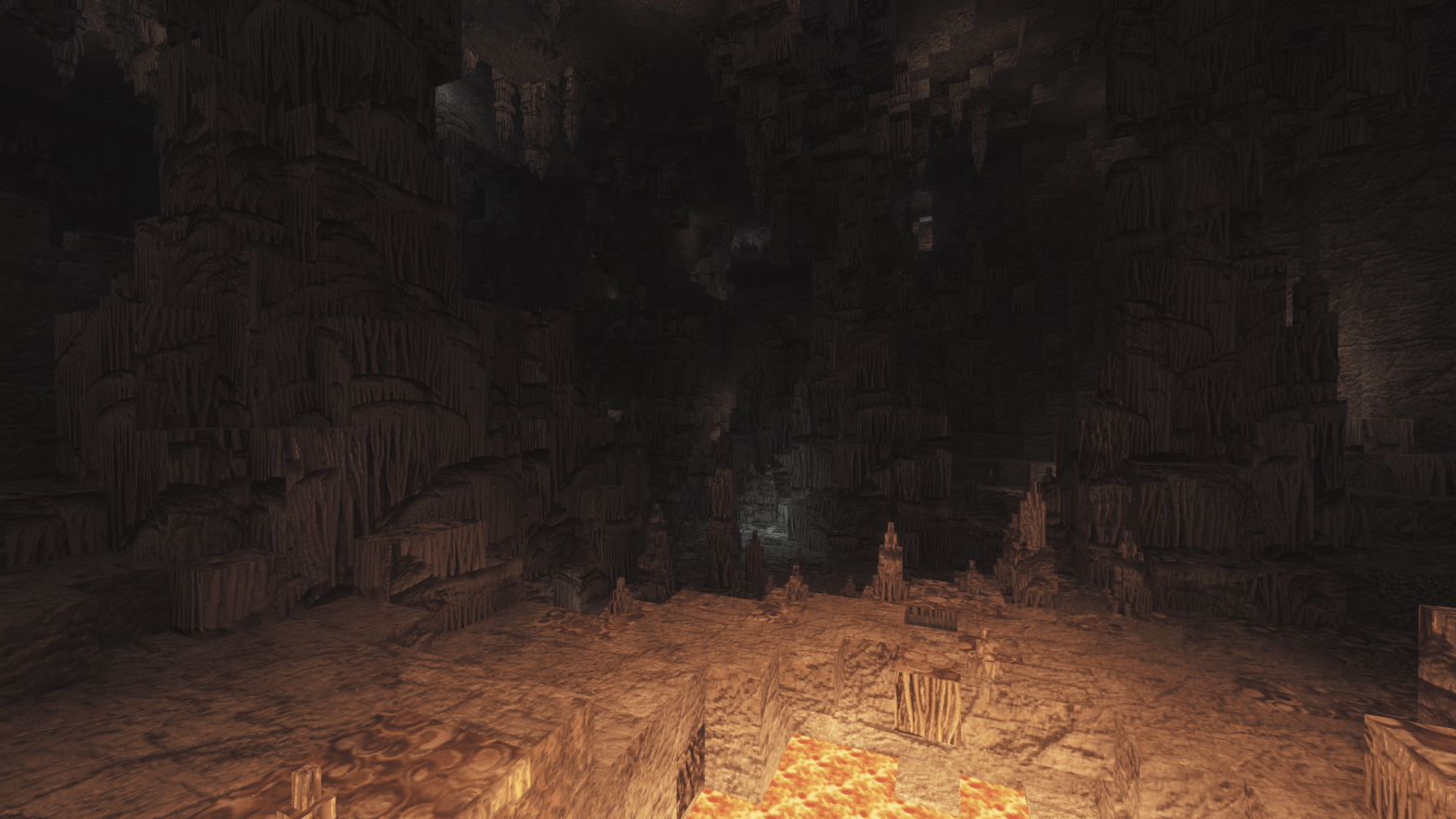
This project is splitted between FOUR different texture packs that complement each other:
1_Above, 2_Beneath, 3_Worlds, 4_So_Plenty
CHECK DOWNLOAD LINKS!
ADVISE: from versions 6.0 PaleGarden texture pack is included !.
| … desde la versiòn 6.0 Pale Garden està incluido! | … dalla versione 6.0 Pale Garden è incluso!
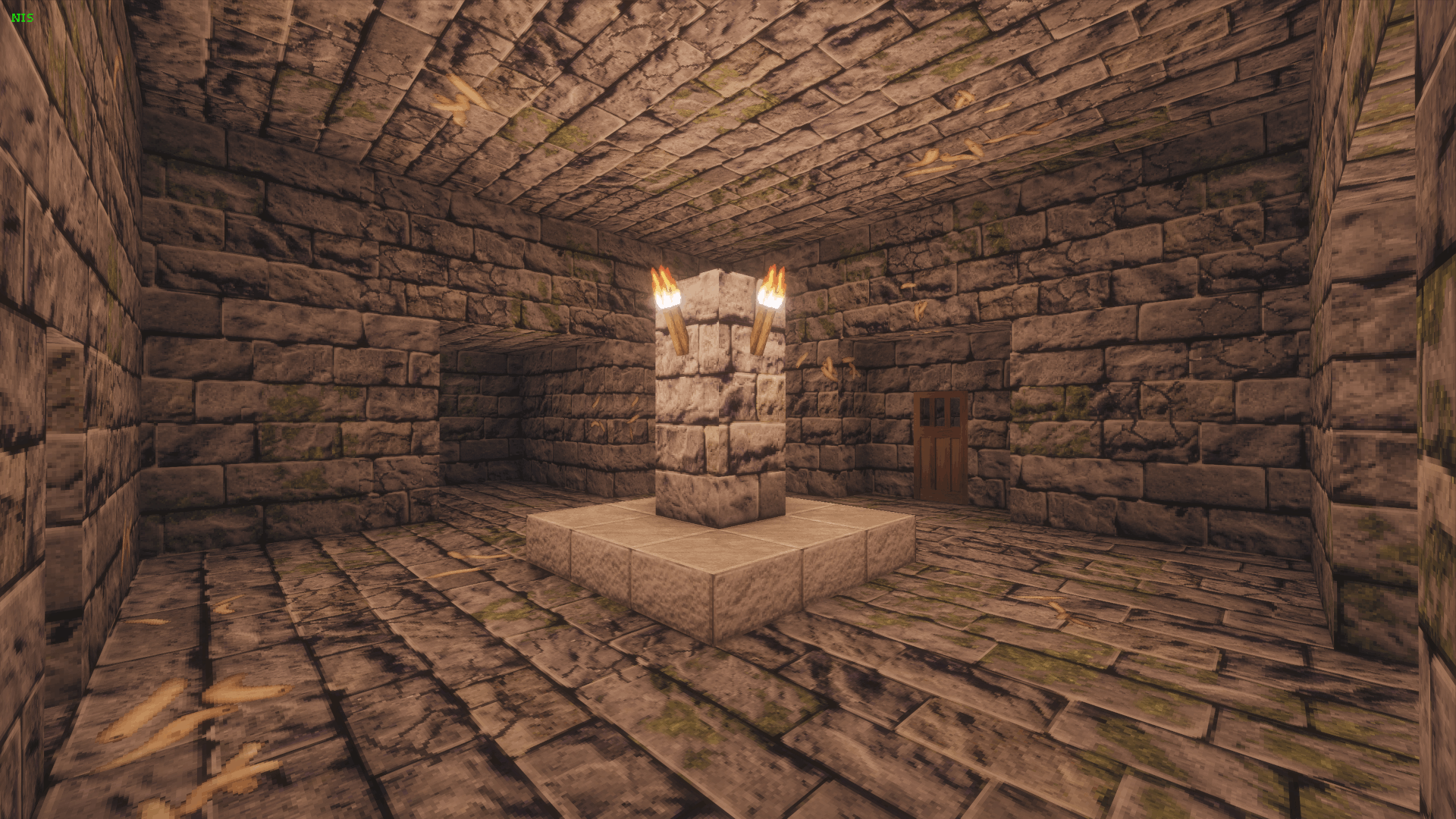
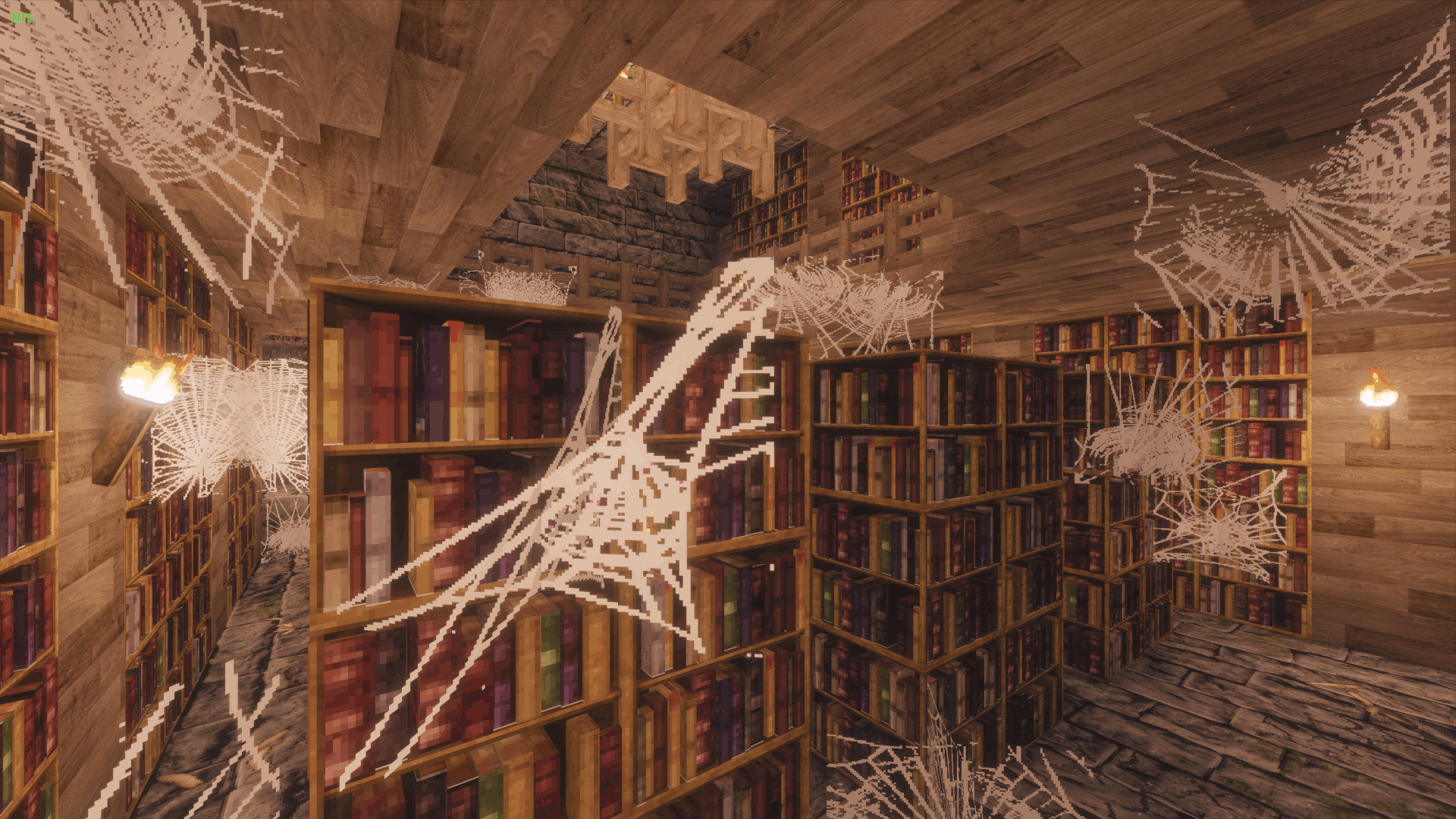
ENGLISH: It brings true realism to the underground world of Minecraft - neither Nether nor End - but without sacrificing playability. It was built with x64 textures, carefully worked from real photos. This package is constantly evolving, always striving to recreate a sense of realism, so…
… creation is in progress!
ESPAÑOL: Lleva verdadero realismo al el mundo bajo la superficie de Minecraft - ni Nether ni End - pero sin sacrificar la jugabilidad. Fue construido con texturas x64, cuidadosamente trabajadas a partir de fotos reales. Este paquete está en constante evolución, siempre buscando reproducir sensaciones de realismo, así que…
… la creazion està continuando!
ITALIANO: Porta vero realismo al mondo sotterraneo di Minecraft - nè Nether nè End - ma senza rinunciare alla giocabilità. E' stato costruito con textures x64, accuratamente lavorate da foto reali. Questo pacchetto è in continua evoluzione, sempre in cerca di riprodurre sensazioni di realismo, quindi…
… la creazione continua!
PC hardware requirements: | Requisitos de hardware del PC: | Requisiti hardware del PC:
Ryzen 5700 CPU, RTX 4070 GPU, 16Gb RAM
- allow you to play with minimum 30 FPS in the most complex scenes.
- permite jugar con un mínimo de 30 FPS en las escenas más complejas.
- permette di giocare con minimo 30 FPS nelle scene più complesse.
OPTIFINE IS REQUIRED ONLY USING FORGE
Complementary shader is recommended.
FORGE AND FABRIC USERS INSTALL INSTRUCTIONS - FOR MINECRAFT OFFICIAL LAUNCHER
FORGE users:
-INSTALLATION
- Install JavaSetup (jre) if you never have installed Java;
- Install Minecraft Java matching version;
- install OPTIFINE
-MODS installation
- put your mods into MODS folder inside Minecraft installation path "C:\Users\[your-user-name]\AppData\Roaming.minecraft"
-RESOURCE PACK installation
- open your preferred Minecraft Launcher and start an Forge-Optifine related game.
- create a world
- save and exit from the world
- return to Minecraft installation path and open "resourcepacks" folder where you can paste zip files
- reopen the game and select your resource pack from the left column list putting it to the right column
- enjoy
-SHADERS installation
- put your shader zip file into "shaderpacks" folder inside Minecraft installation path "C:\Users\[your-user-name]\AppData\Roaming.minecraft"
- inside the game option menu, click "graphics" button and then find your shaderpack to select
FABRIC users:
-INSTALLATION
- Install JavaSetup (jre) if you never have installed Java;
- Install Minecraft Java matching version;
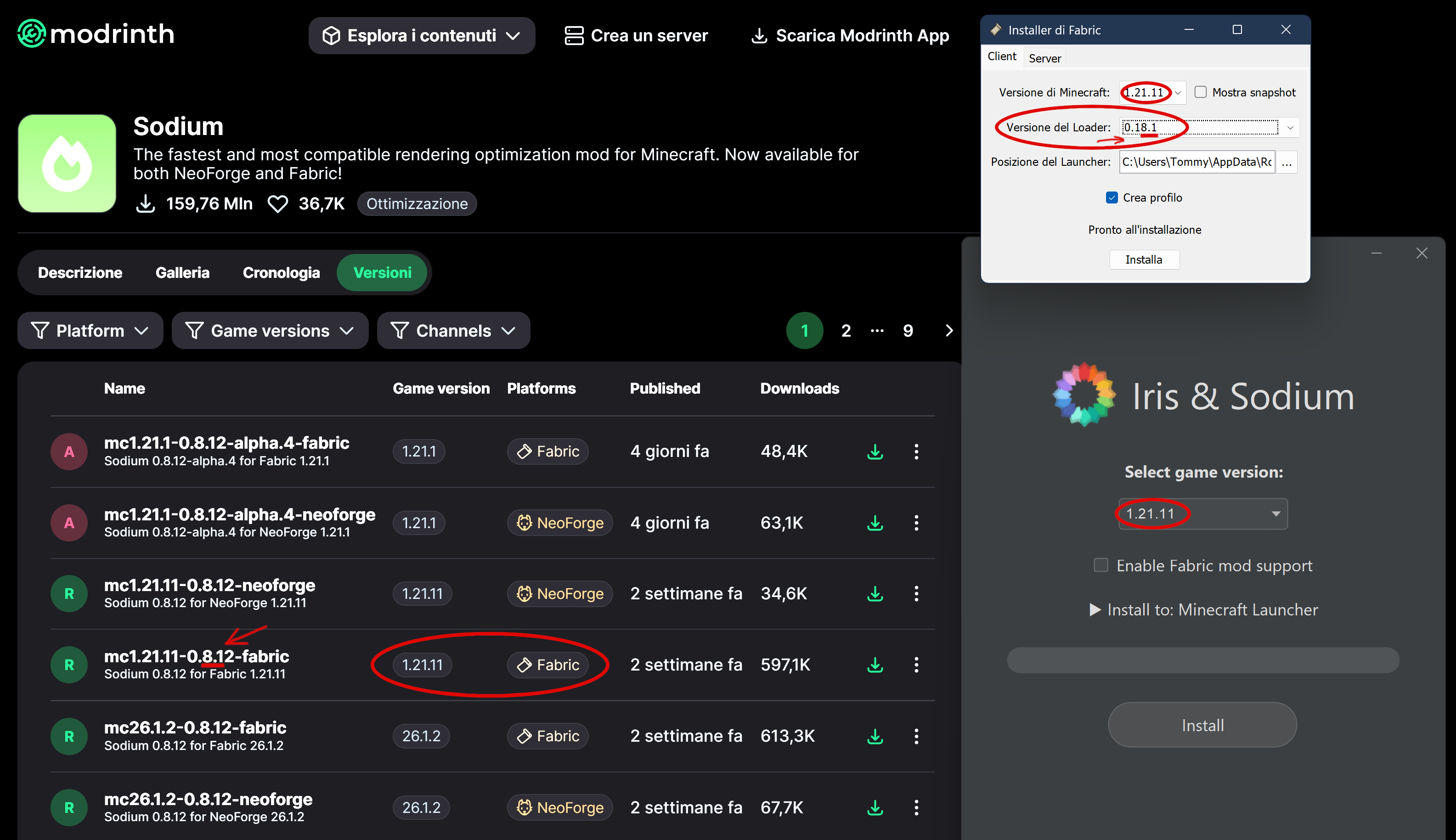
- Install fabric-installer before Iris-Installer (choose "Iris only" or do not select other options); Loader version must match Sodium version - see below - In this example, the most significant digit is the first one, namely the 8, which must match.
-MODS installation
- NOTE: the folder "mods" is not used anymore with Iris. Copy your mods into "iris-reserved" folder.
- MODS LIST must use to gain same Optifine features:
- continuity
- entity_model_feature_fabric (EMF)
- entity_texture_feature_fabric (ETF)
- fabric-api
- fabric-languange-kotlin
- indium
- iris-fabric
- sodium-fabric
-RESOURCE PACK installation
- open your preferred Minecraft Launcher and start an Iris-Fabric related game
- create a world
- save and exit from the world
- return to Minecraft installation path and open "resourcepacks" folder where you can paste zip files
- reopen the game and select your resource pack from the left column list putting it to the right column
- enjoy
-SHADERS installation
- put your shader zip file into "shaderpacks" folder inside Minecraft installation path "C:\Users\[your-user-name]\AppData\Roaming.minecraft"
- inside the game option menu, click "graphics" button and then find your shaderpack to select
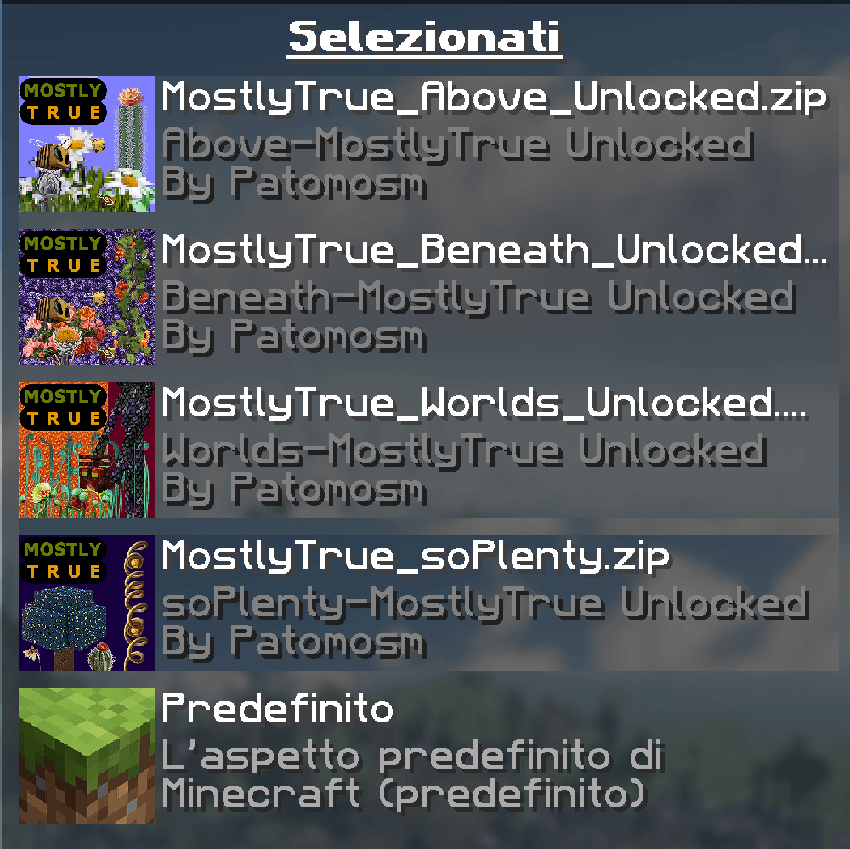
Resource packs SEQUENCE | SECUENCIA | SEQUENZA]
Support my work by offering me a coffee, if you want…
- Edition: Minecraft Java
- File type: .zip (resource pack)
- Minecraft versions listed: 1.21.11, 1.21.9, 1.21.10
- How to install: Download the .zip resource pack — do not unzip it. → Put it in .minecraft/resourcepacks. → Enable it in Options → Resource Packs.
- Where to get it: Opens on CurseForge — not every file is mirrored on our own servers.
Install steps are the general flow for this file type — How to install Minecraft Java resource packs walks through it step by step.
MostlyTrue_Beneath is a free Minecraft Java resourcepack. Compatible with Minecraft 1.21.11, 1.21.9, 1.21.10, 1.21.8 and newer. Downloaded 959 times (via CurseForge). Download it and open it directly in the game.