ModpacksJava
Lowfog
☁️ Lowfog - ldt 🐲 - FREE FOG & LAVA MINAGE + BETTER HUD Better experience of no-fog and clear lava & water ! Exploration - explore, discover with Xaero's…
I don't know my version or loader
Open the Minecraft launcher and look at the profile you play on — it names both, like fabric-loader-1.21.4. The version also shows in the bottom-right corner of the game's main menu.
No loader in the profile name? Then it's plain Minecraft, and these mods won't run — you need Fabric or NeoForge installed first.
☁️ Lowfog - ldt
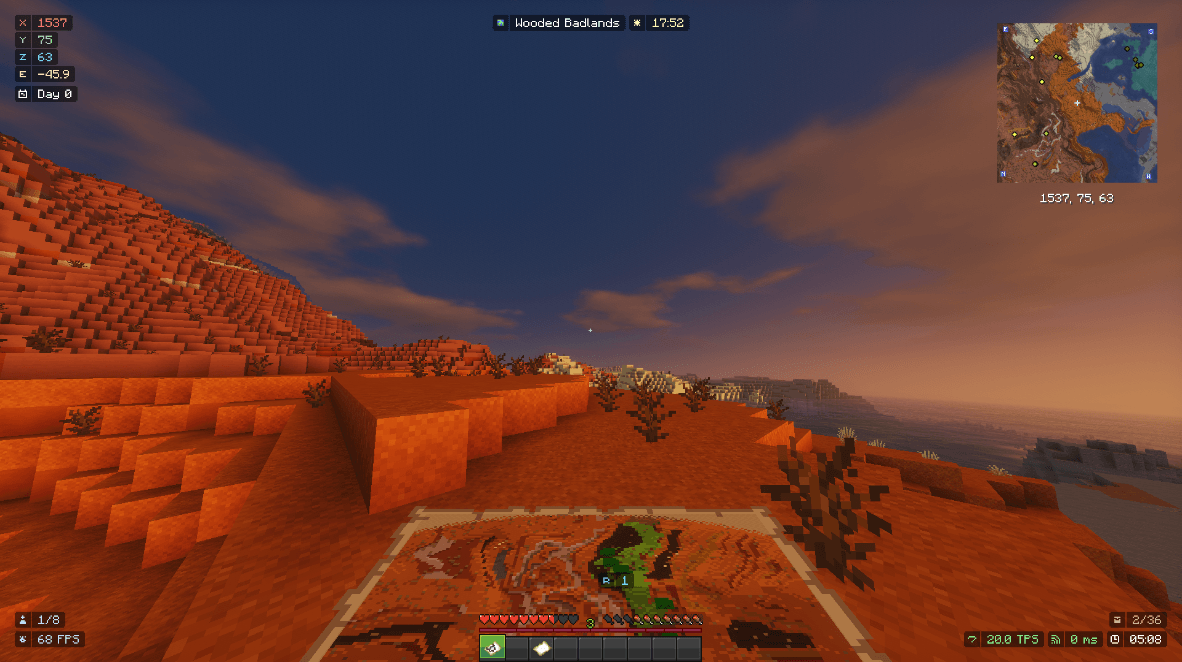
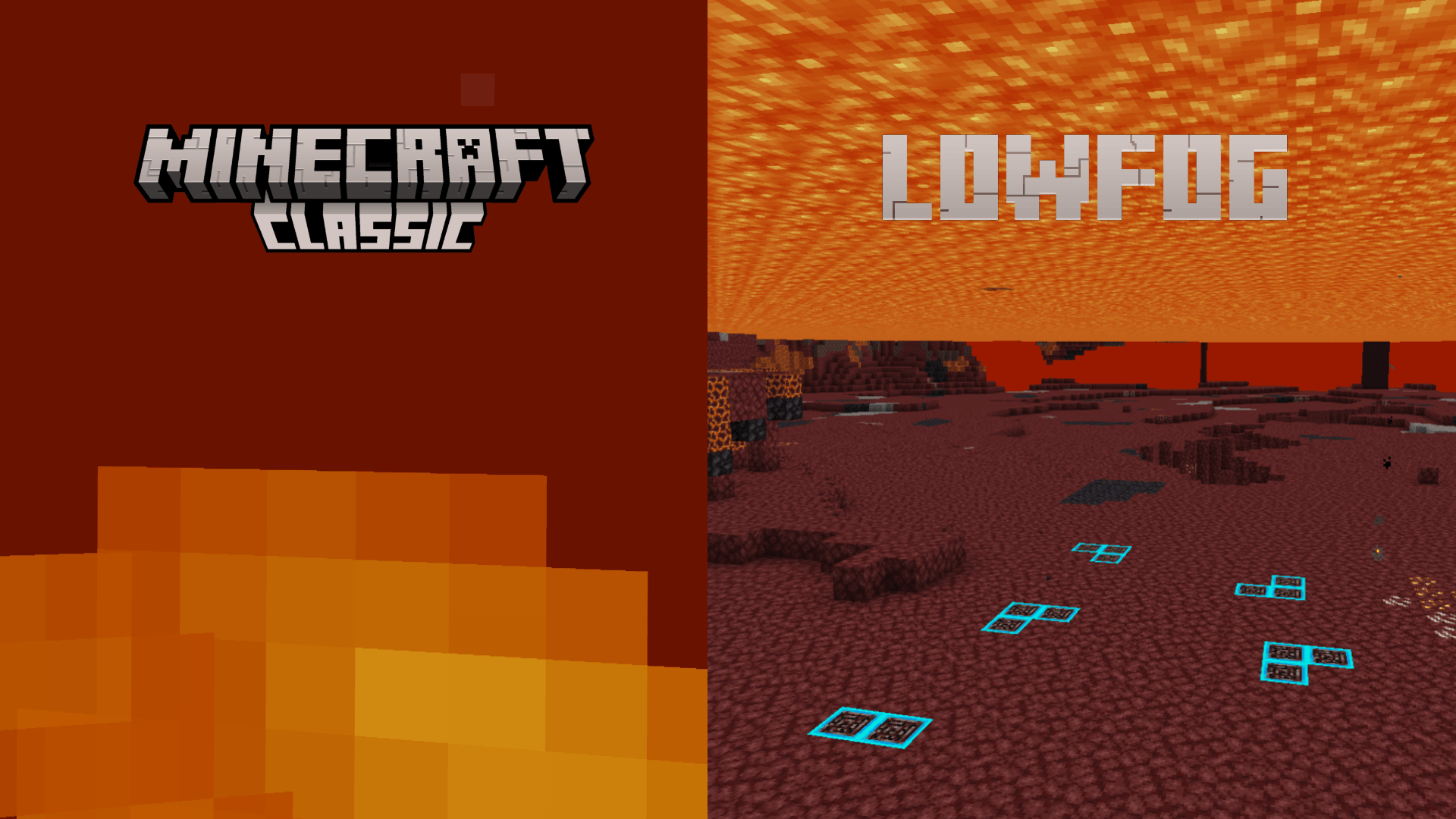
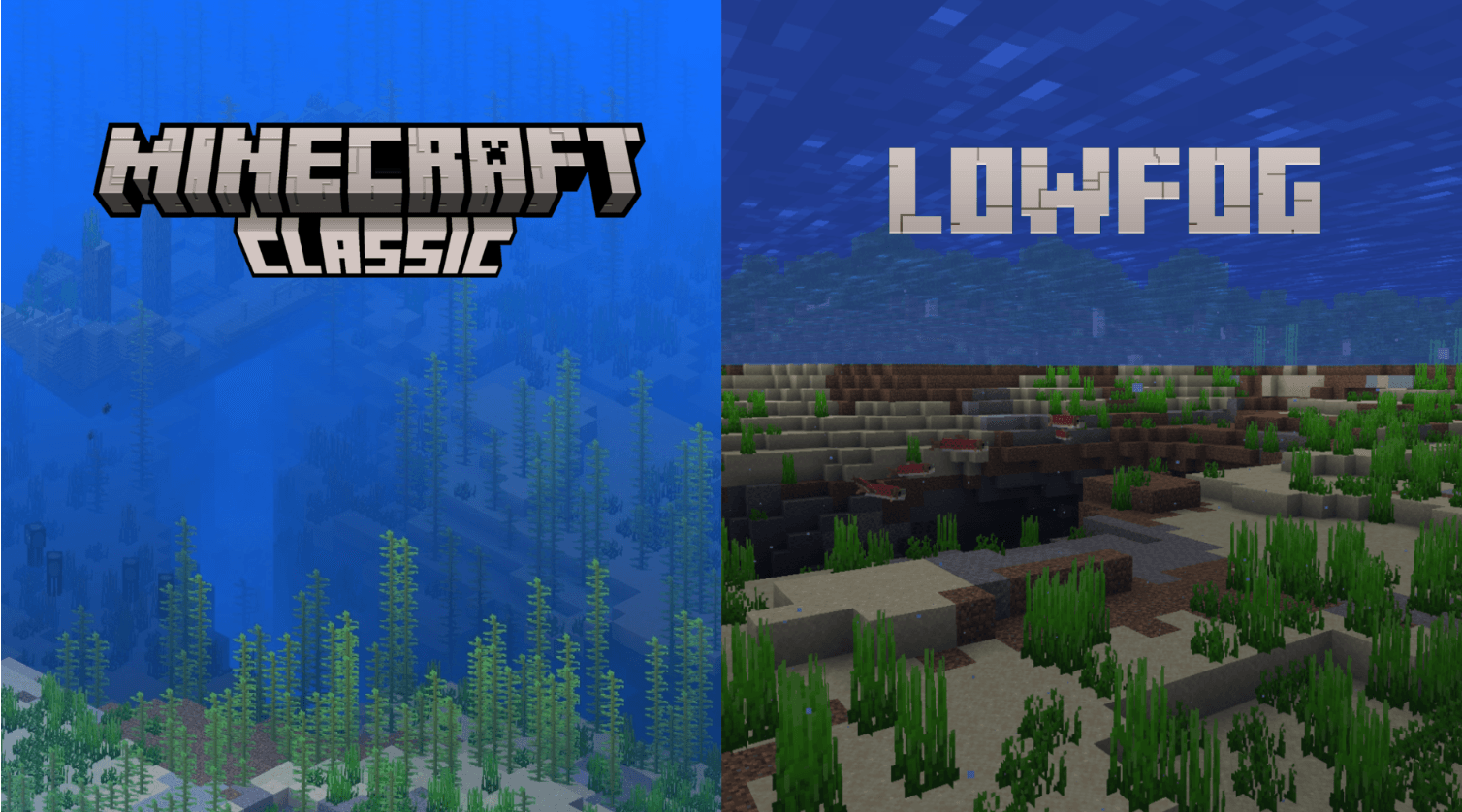
🐲 - FREE FOG & LAVA MINAGE + BETTER HUD
- Better experience of no-fog and clear lava & water !
- Exploration - explore, discover with Xaero's Minimap and World Map !
- Remove fog ambient
- Better sounds and gameplay area
Discover a new way to play with Lowfog—a modpack featuring the best possible optimizations, superior fog rendering, and an optimized lava-mining experience, all complemented by a modern, efficient HUD.

Quick facts
- Edition: Minecraft Java
- File type: .jar
- Minecraft versions listed: 1.21.11, 1.21.10, 1.20.6
- How to install: Install the matching mod loader (Forge, Fabric or NeoForge) for your Minecraft version. → Download the .jar. → Put it in the .minecraft/mods folder and launch that loader profile.
- Where to get it: Opens on CurseForge — not every file is mirrored on our own servers.
Install steps are the general flow for this file type — How to install Minecraft Java mods & modpacks walks through it step by step.
Verified by MCModsHub
- Downloads as lowfog-v11.zip
- Download size: 1.4 MB
- Download link checked 29 Aug 2026 — working
These come from our own check of the pack file, not from the source page.