ModsJava
Quick Pack Mod (26.2, 1.20.1) – Stop Waiting For Heavy Resource Packs To Load
Java mod listed for Minecraft 1.20. Downloads from the MC Java Mods app on Android.
⬇ Download
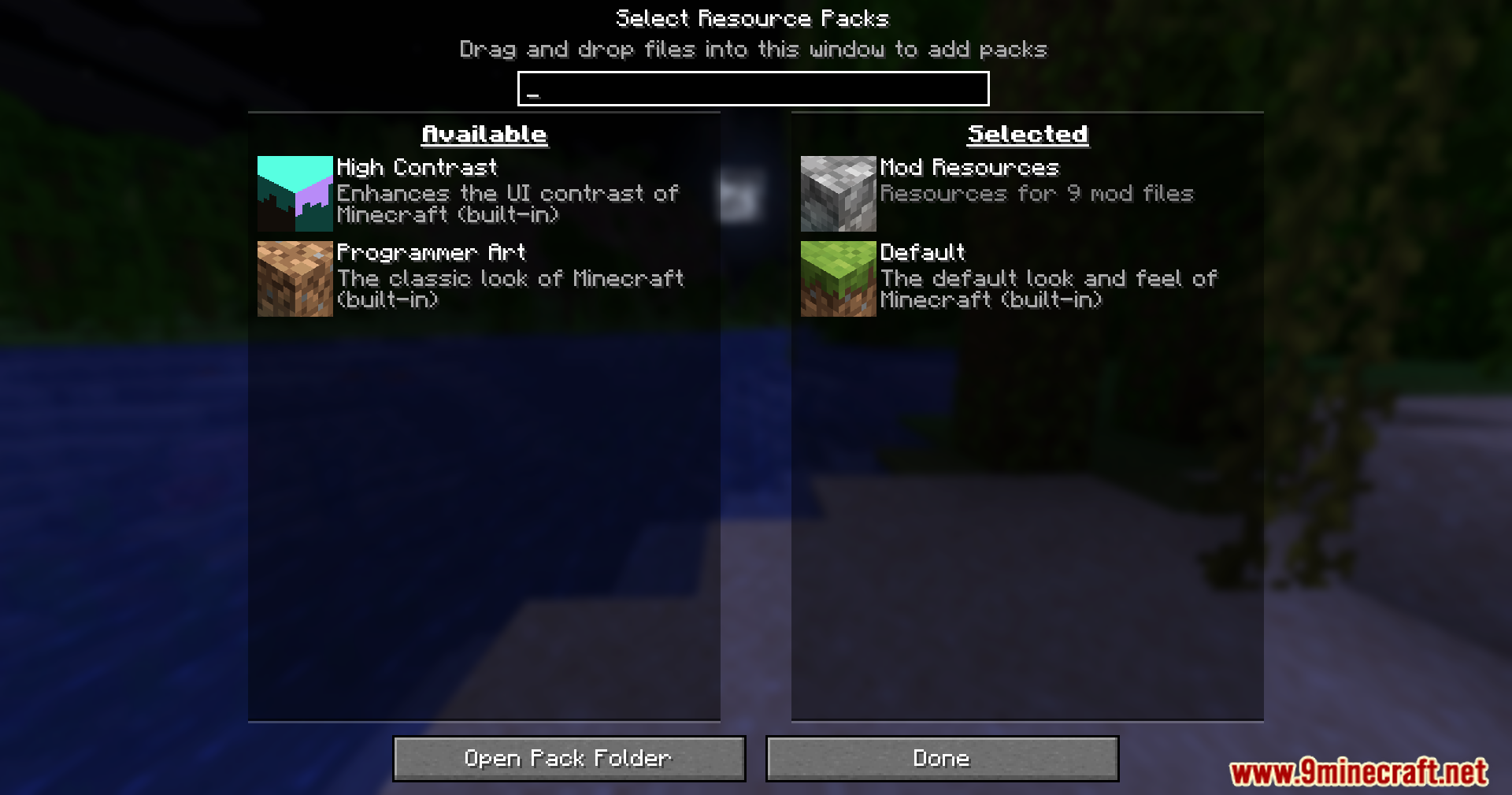
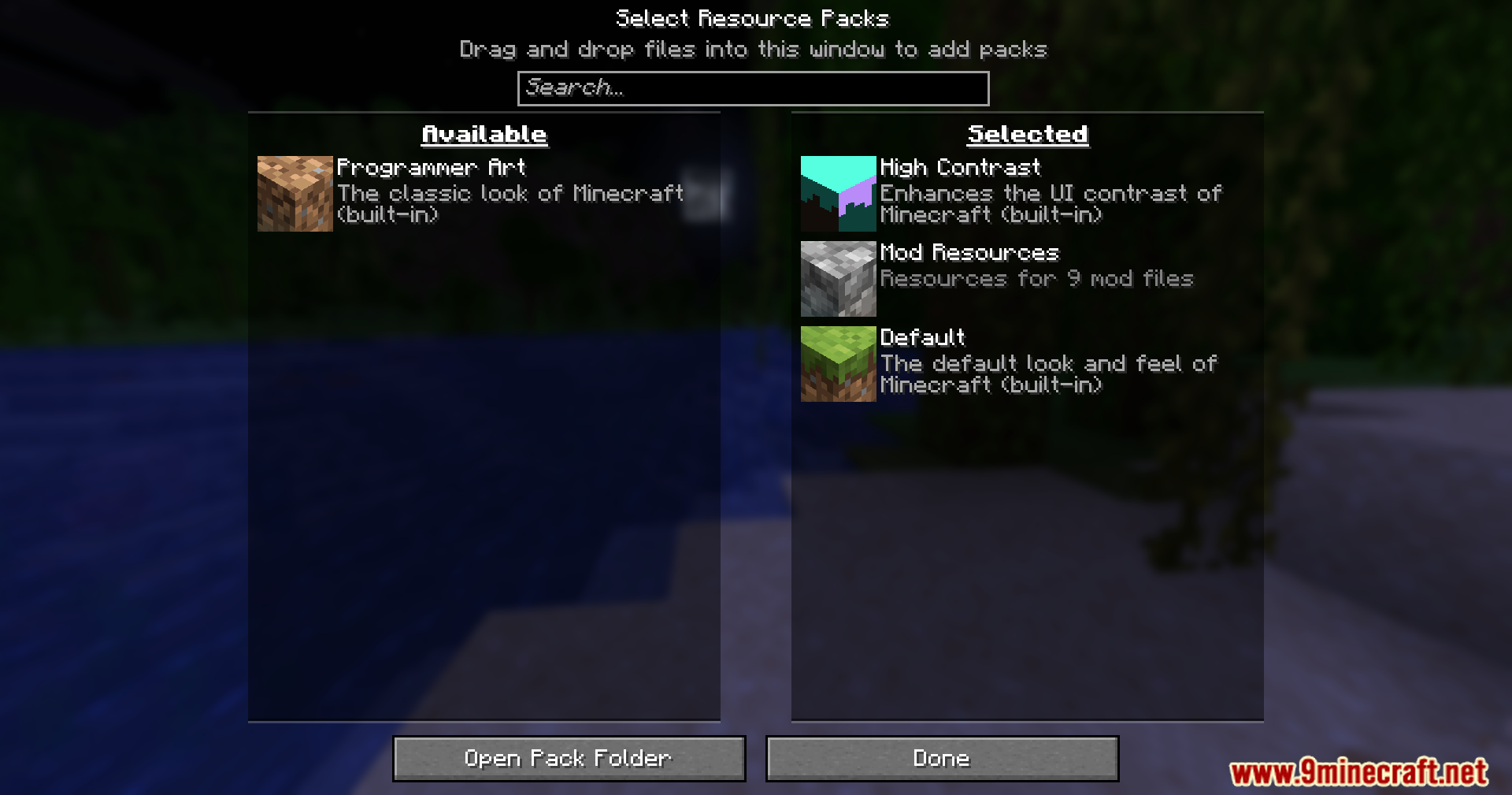
Quick Pack Mod fixes slow loading screens when you add new resource packs or data packs to your game. It reads the files inside zip folders much faster than the base game does. This saves you time waiting on the loading screen. The mod works well for huge packs with thousands of files, and it also speeds up small packs.
Features:
- Speeds up the time it takes to load custom resource packs and data packs.
- Works best on massive zip files that contain thousands of new textures or models.
- Helps smaller resource packs load faster so you can get into your world quicker.
- Cuts down long loading screens from over half a minute to just a few seconds.
Screenshots:
Quick Pack Mod Download Links
Quick facts
- Edition: Minecraft Java
- File type: .jar
- Minecraft version listed: 1.20.1
- How to install: Install the matching mod loader (Forge, Fabric or NeoForge) for your Minecraft version. → Download the .jar. → Put it in the .minecraft/mods folder and launch that loader profile.
- Where to get it: In MC Java Mods, or directly above on this page.
Install steps are the general flow for this file type — How to install Minecraft Java mods & modpacks walks through it step by step.
File checked by MCModsHub
- Downloads as 2257.mcaddon
- Download size: 20 KB
- Download link checked 25 Sept 2026 — working
- Mirrored on our own servers — the download does not depend on the original host
These come from our own check of the pack file, not from the source page.