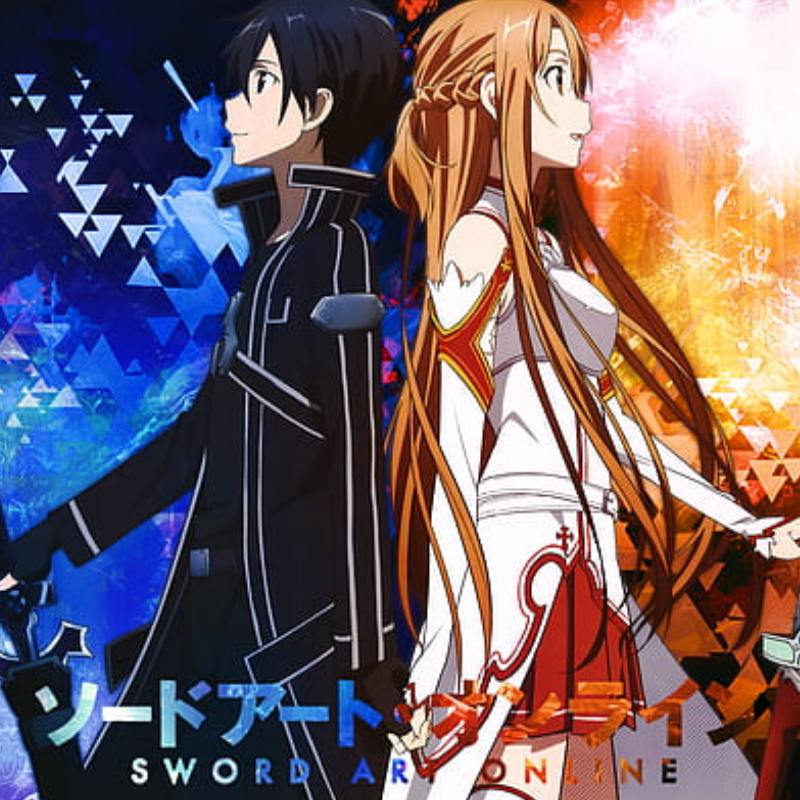
This Modpack is intended to bring Sword Art Online to life within the Minecraft game. Within this pack you will find changes to almost every aspect of the game. The user interface is upgraded to appear more like what is seen in the Anime. There are custom items available that are also from the anime to help bring the world to life, such as swords and armor as well as food and healing items. I have added mods to change the death animations, allow duel-wielding, and introduce better shields and shield mechanics. I have included the Advent of Ascension mod to include several custom boss mobs that require team tactics in order to defeat.
This is the same Modpack I use, as seen on Youtube in Mine Craft Online by BrownCoat67!
Included Mods/Modpacks:
- Advent of Ascension (Nevermine) (by Scimiguy)
- iChunUtil (by ohaiiChun)
- Cooking for Blockheads (by BlayTheNinth)
- Future Versions (by tiptopmtg)
- LLibrary (by _ForgeUser11902522)
- MrCrayfish's Furniture Mod (by MrCrayfish)
- SwordCraftOnline (by SrKenta)
- Barrels, Drums, Storage & More (by Funwayguy)
- LibrarianLib (by wiresegal)
- Mowzie's Mobs (by bobmowzie)
- Shadowfacts' Forgelin (by ShadowfactsDev)
- Better Combat Rebirth (by SanAndreasP)
- Spartan Shields (by ObliviousSpartan)
- SAO UI (by Bluexino)
- Wings (by pau101)
- saomclib (by Bluexino)
- Shatter (by ohaiiChun)
Included Shaders:
- Super Shaders
- Astralex
- Edition: Minecraft Java
- File type: .jar
- How to install: Install the matching mod loader (Forge, Fabric or NeoForge) for your Minecraft version. → Download the .jar. → Put it in the .minecraft/mods folder and launch that loader profile.
- Where to get it: Opens on CurseForge — not every file is mirrored on our own servers.
Install steps are the general flow for this file type — How to install Minecraft Java mods & modpacks walks through it step by step.
Mine Craft Online - Sword Art Online Modpack is a free Minecraft Java modpack. Downloaded 5,478 times (via CurseForge). Download it and open it directly in the game.