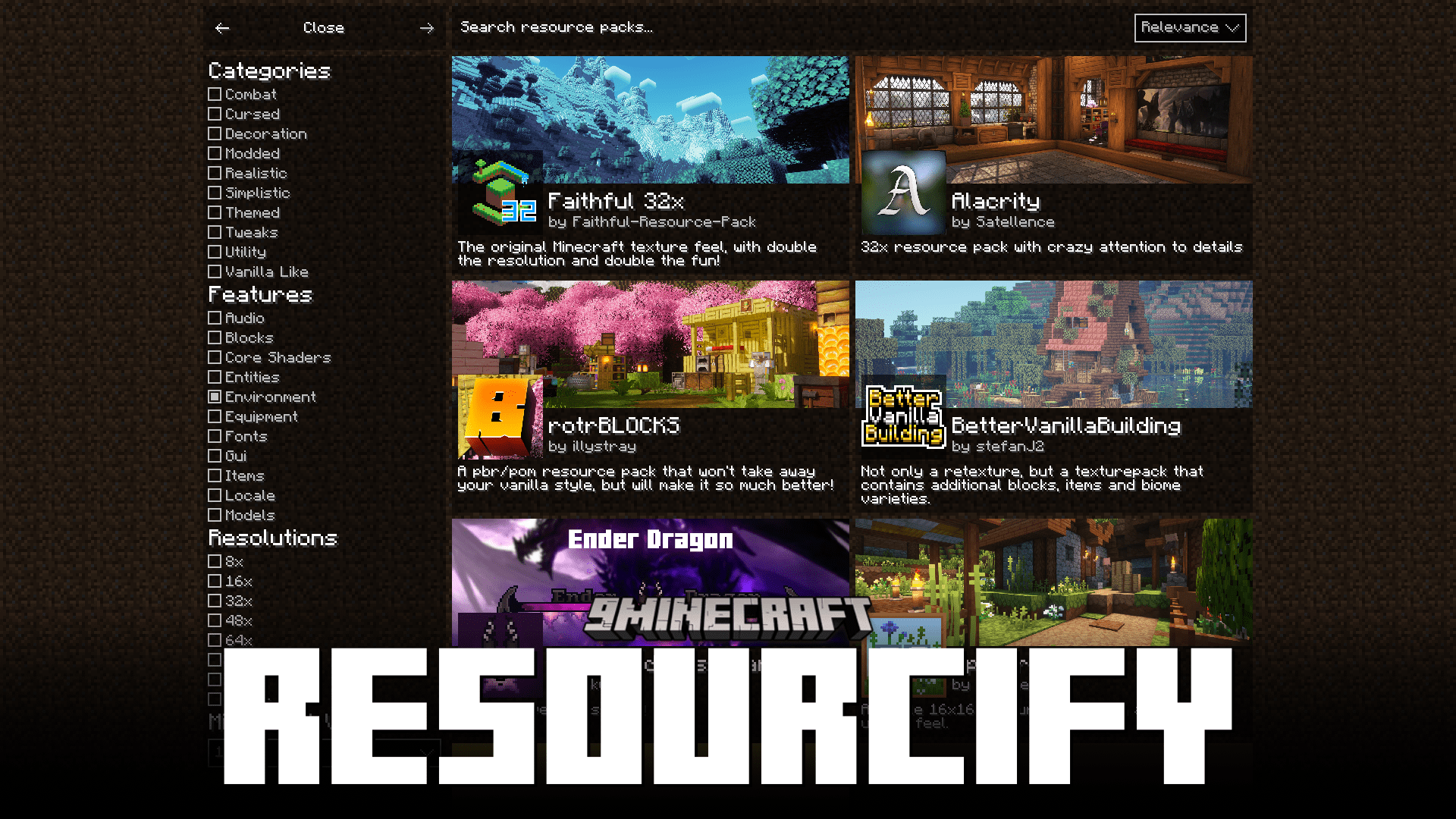
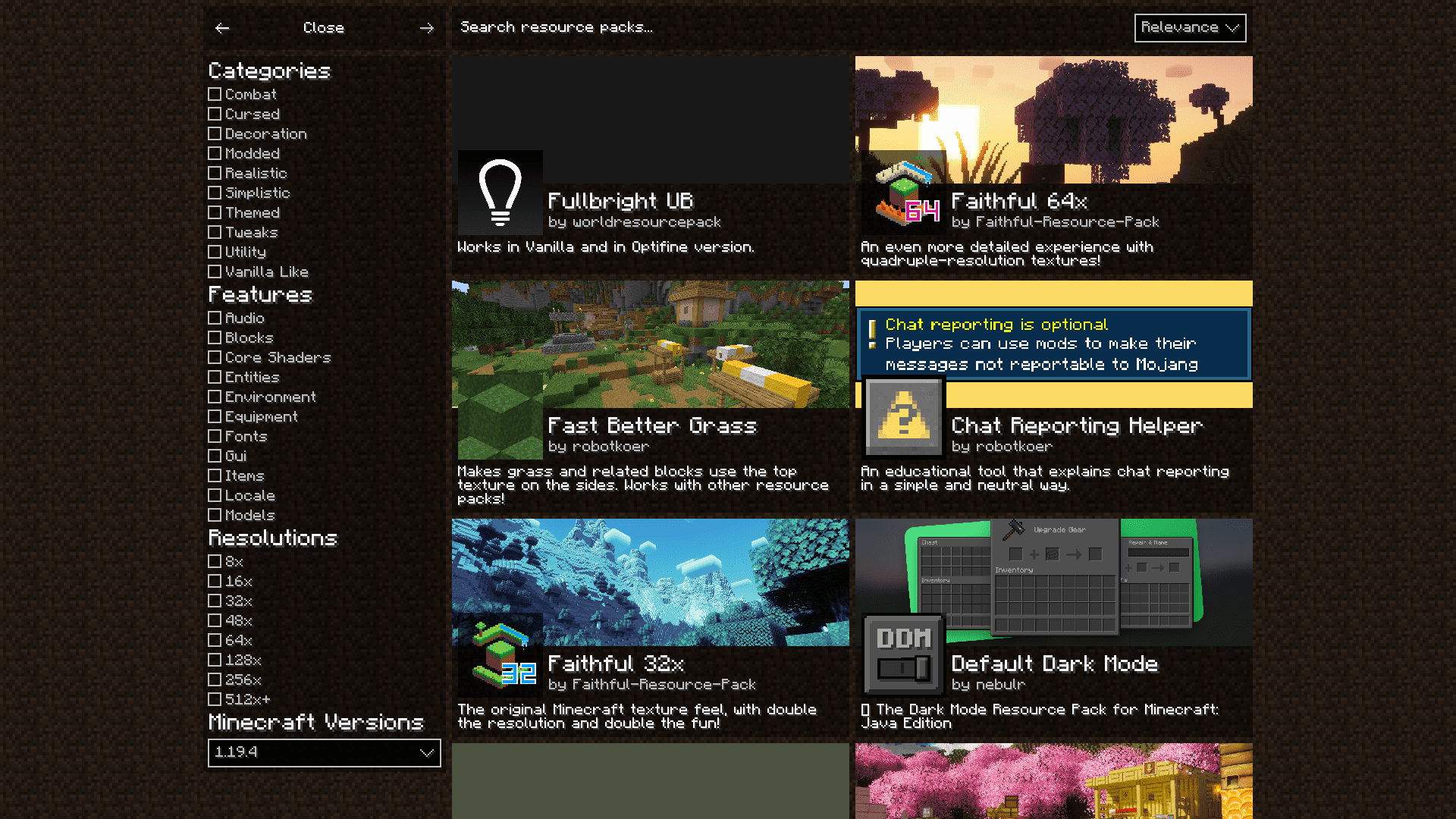
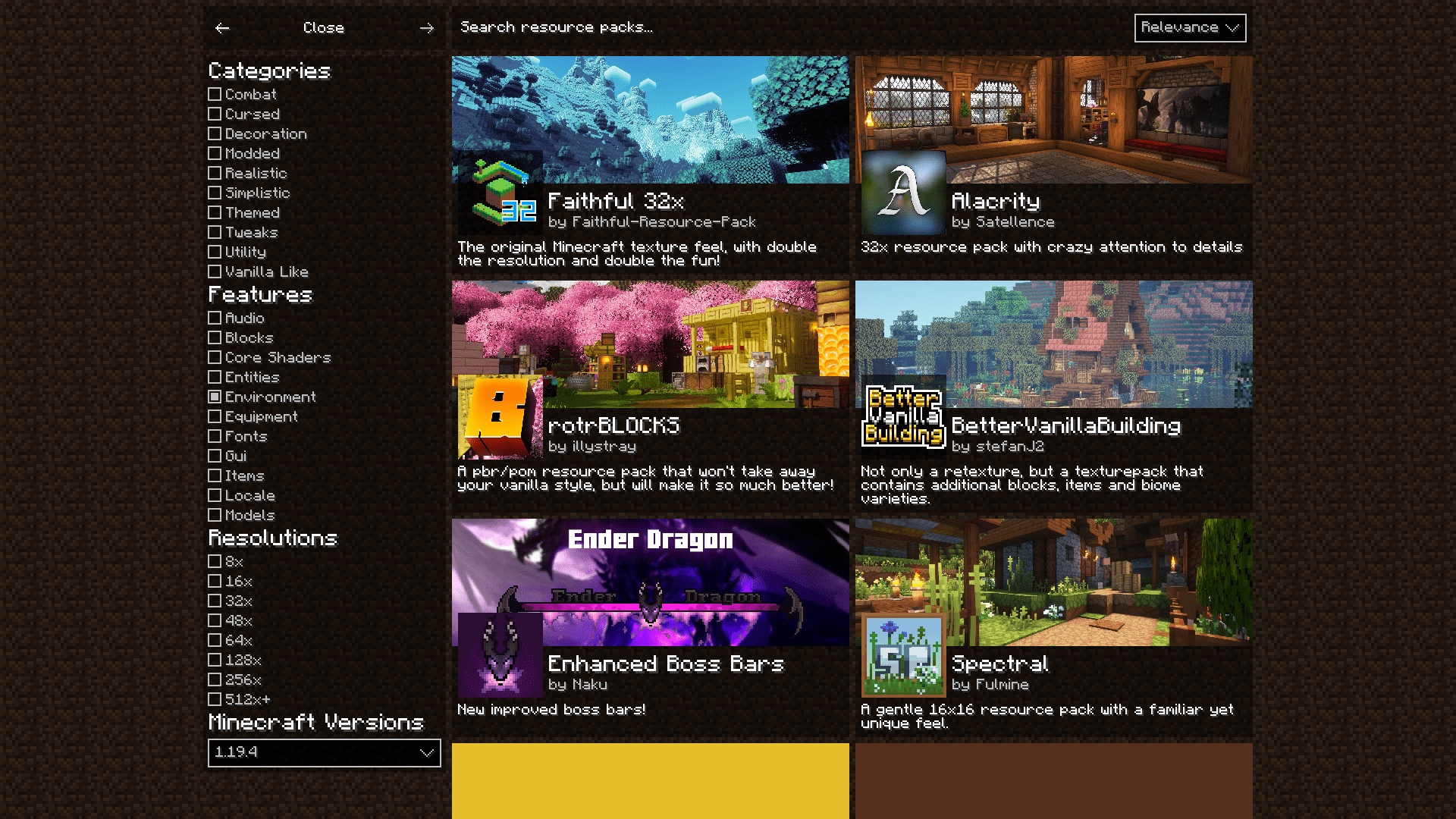
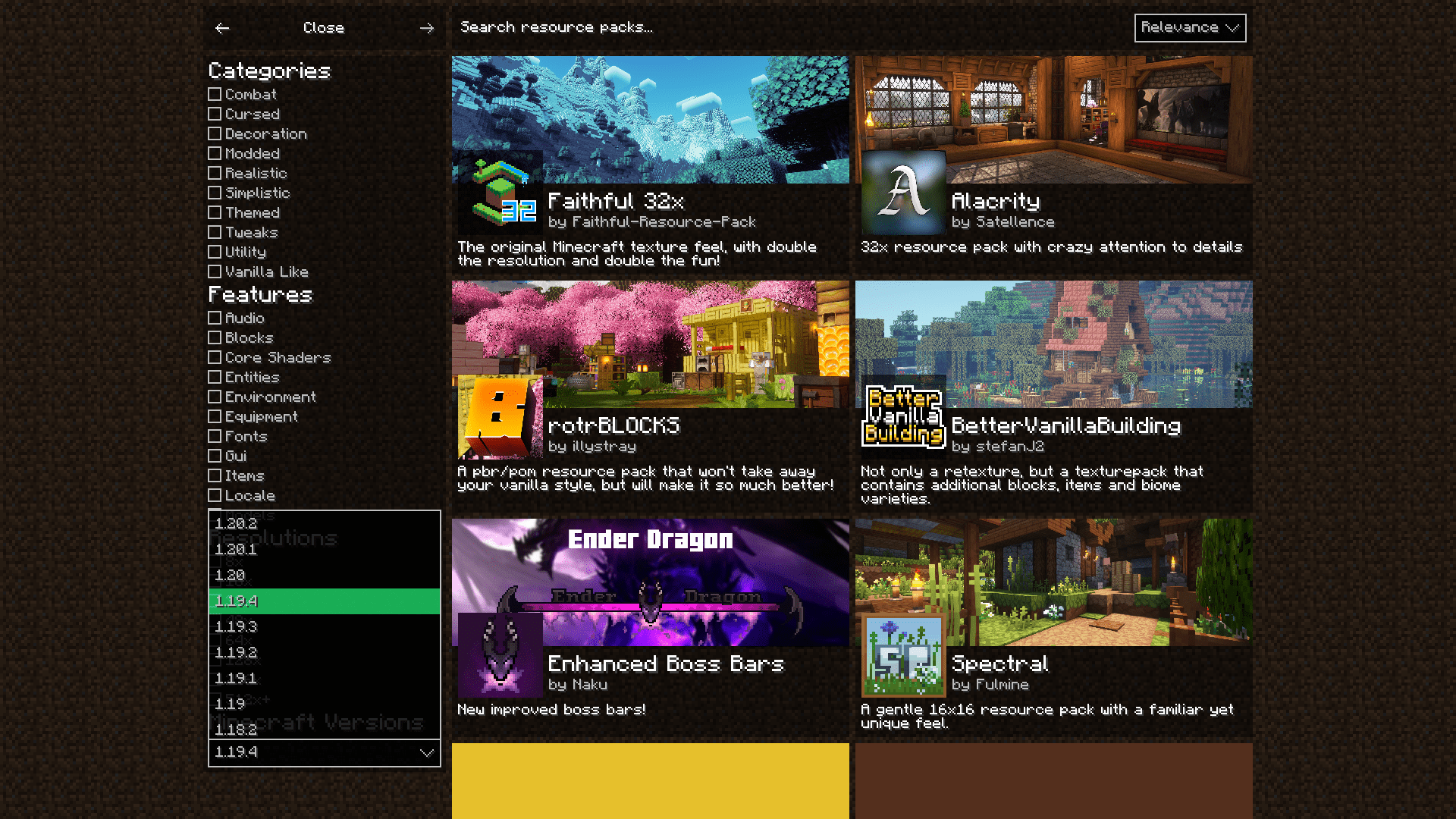
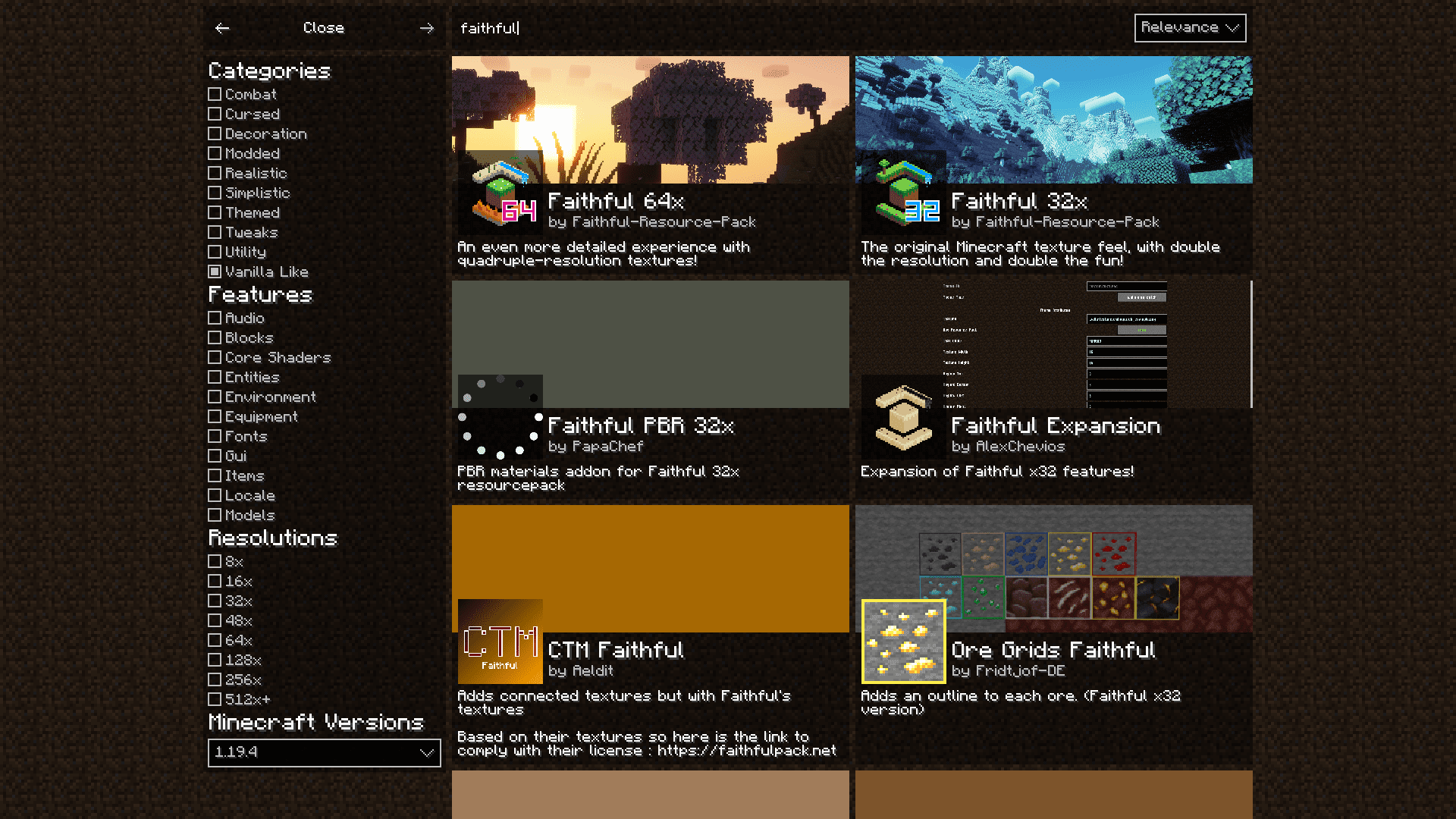
Resourcify Mod brings in-game resource pack and shader installation to Minecraft-no need to leave the game and open a browser. The mod uses the open API of modrinth.com, so all the packs available there can be browsed, downloaded, and installed directly within the game.
To access the mod’s interface:
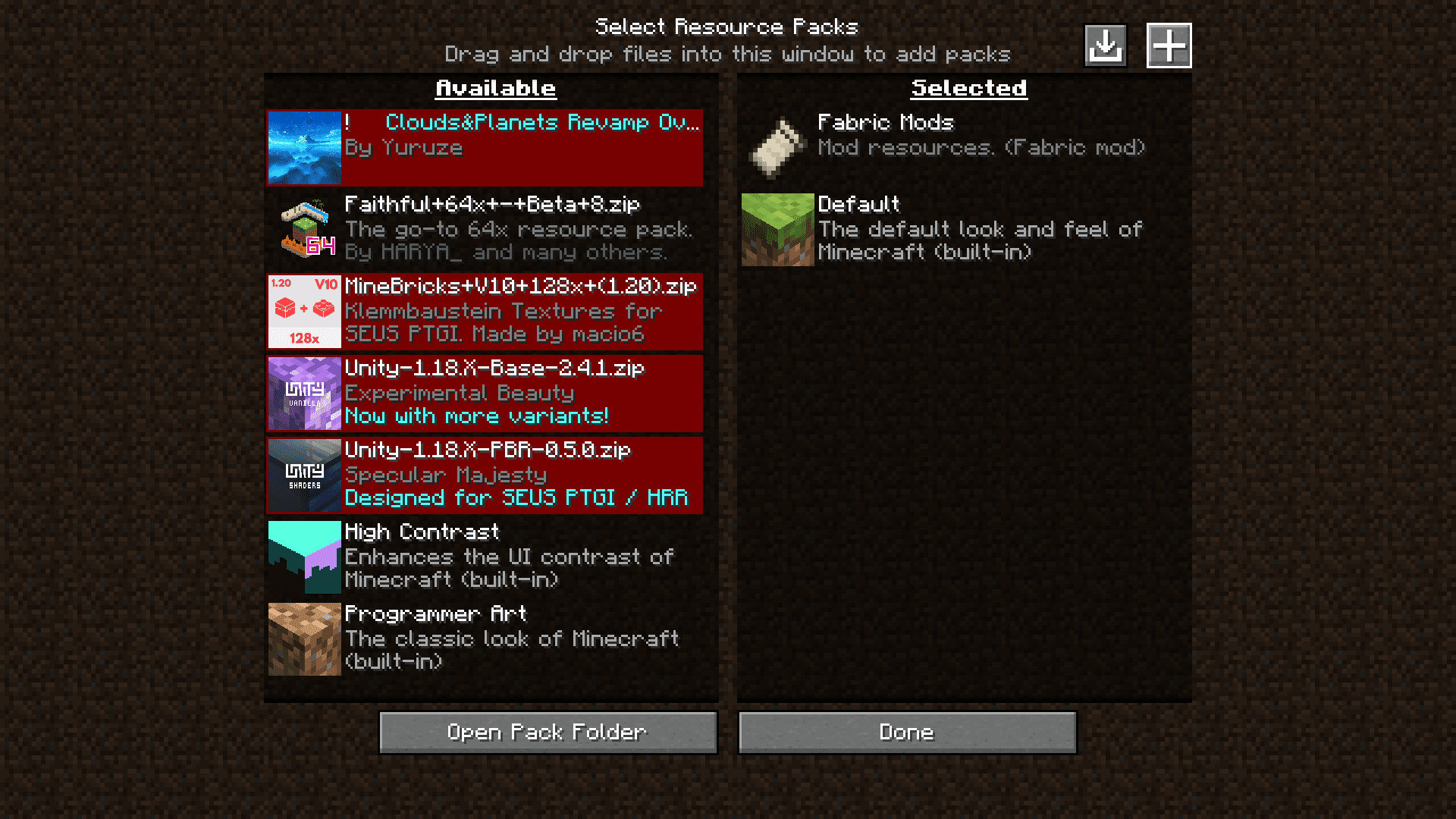
- Go to the Resource Packs section in the game settings.
- In the top-right corner, click the + button to browse and install packs.
- There’s also a button nearby to automatically update installed packs.
- For shaders, go to the Shaders menu and press the + button there.
Features:
- In-game content browser:
- Access packs from both Modrinth and CurseForge via a dropdown menu.
- View descriptions, galleries, and version info before installing.
- One-click installation:
- Install any supported pack with a single click-no file dragging or restarts required.
- Works for resource packs, data packs, and shader packs.
- Auto-updater:
- Easily check for updates and install them individually or all at once.
- Optional auto-update toggle for hands-free maintenance.
- Shader support:
- Browse and install shaders from the Shaders menu using the + button.
- Compatible with shader loaders like Iris or OptiFine (if installed).
- Settings GUI:
- Configure default source (Modrinth or CurseForge), disable ads, and tweak UI behavior.
- Requires Mod Menu for access on Fabric.
- Markdown support:
- Enhanced descriptions with styled text, colors, and expandable sections using the MineMark library.
Screenshots:
Fabric Language Kotlin
Resourcify Mod Download Links
Quick facts
- Edition: Minecraft Java
- File type: .jar
- Minecraft version listed: 1.20.1
- How to install: Install the matching mod loader (Forge, Fabric or NeoForge) for your Minecraft version. → Download the .jar. → Put it in the .minecraft/mods folder and launch that loader profile.
- Where to get it: In MC Java Mods, or directly above on this page.
Install steps are the general flow for this file type — How to install Minecraft Java mods & modpacks walks through it step by step.
Verified by MCModsHub
- Downloads as 2270.mcaddon
- Download size: 2.7 MB
- Download link checked 22 Sept 2026 — working
- Mirrored on our own servers — the download does not depend on the original host
These come from our own check of the pack file, not from the source page.