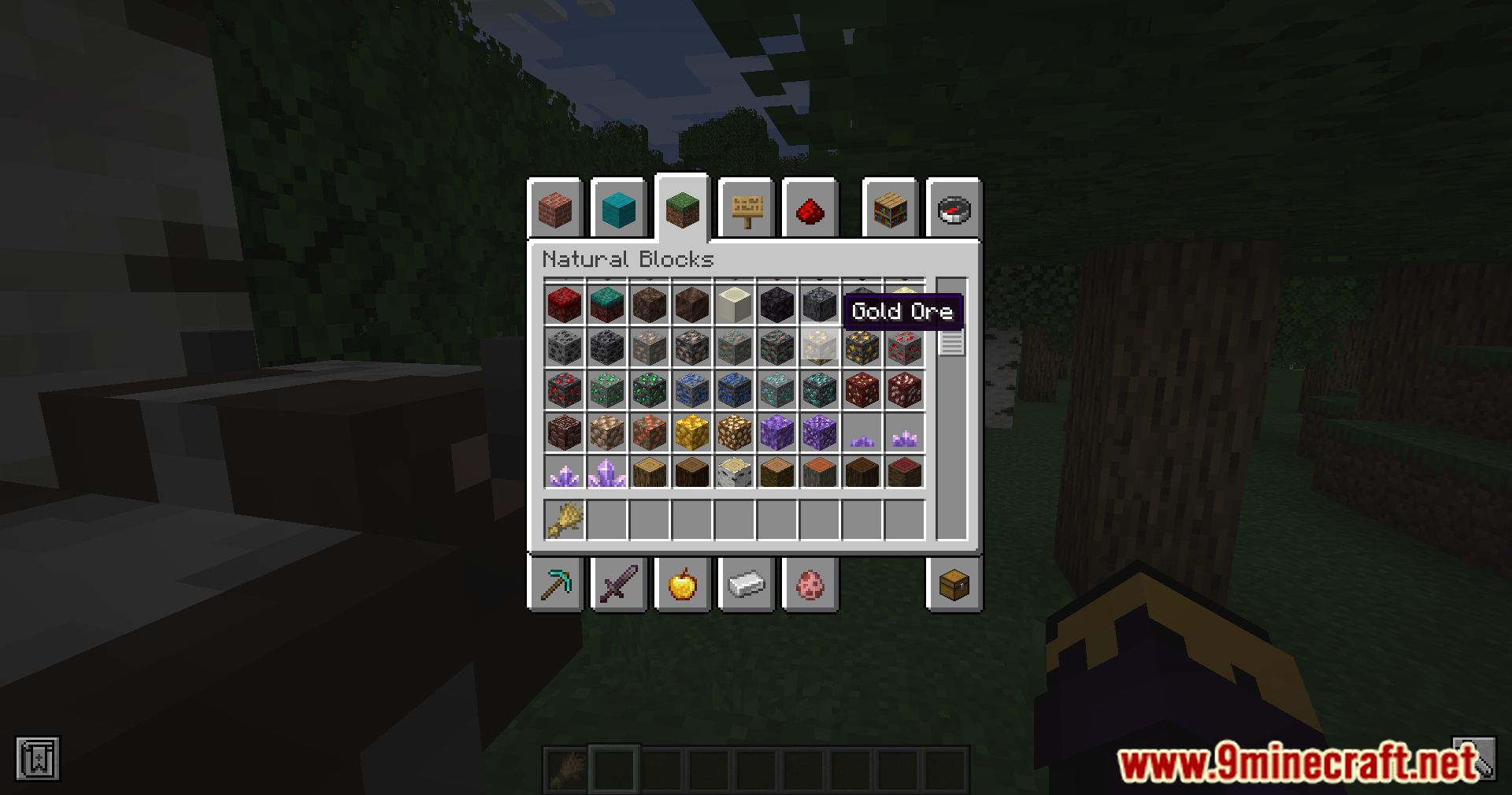
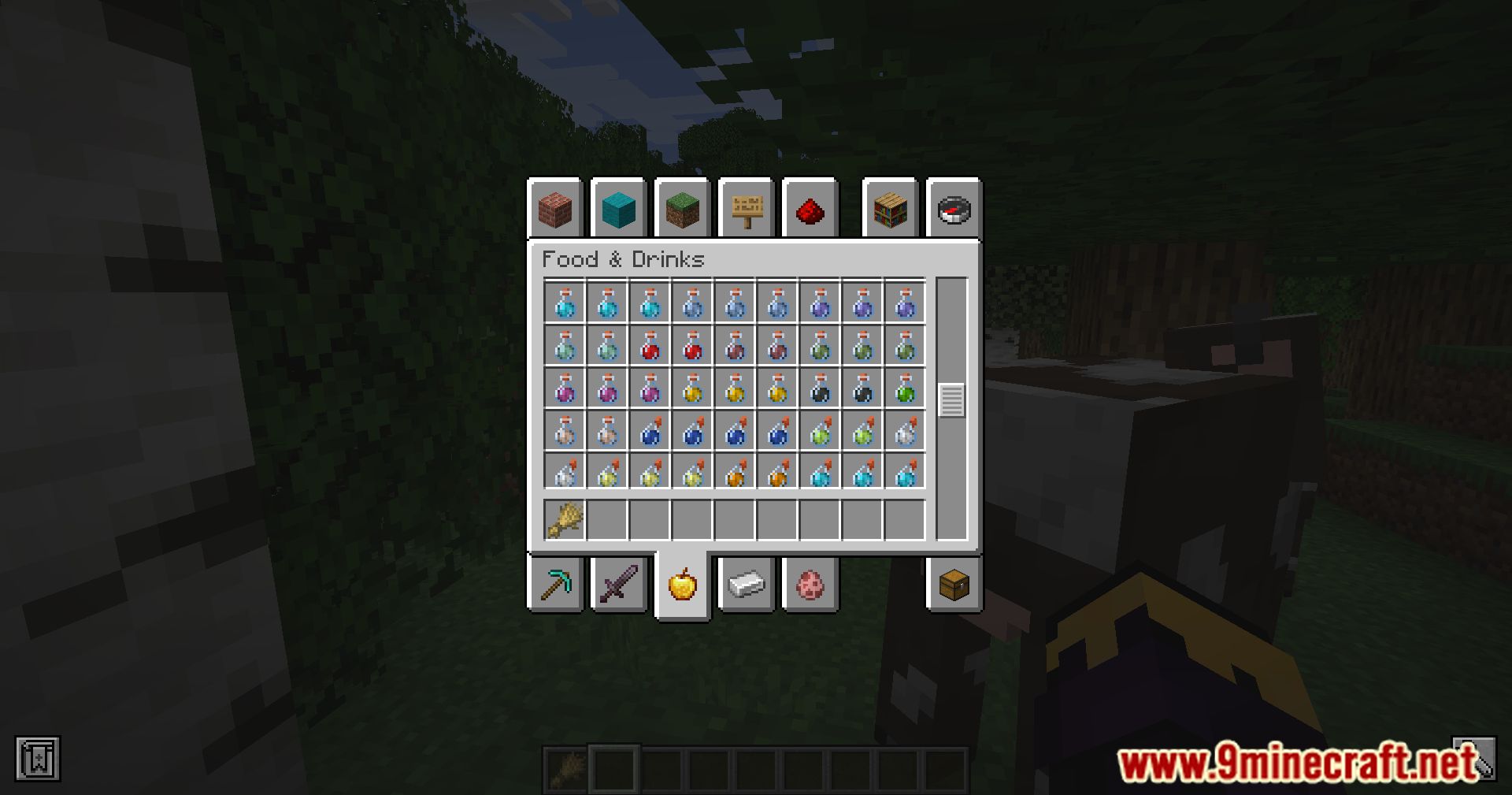
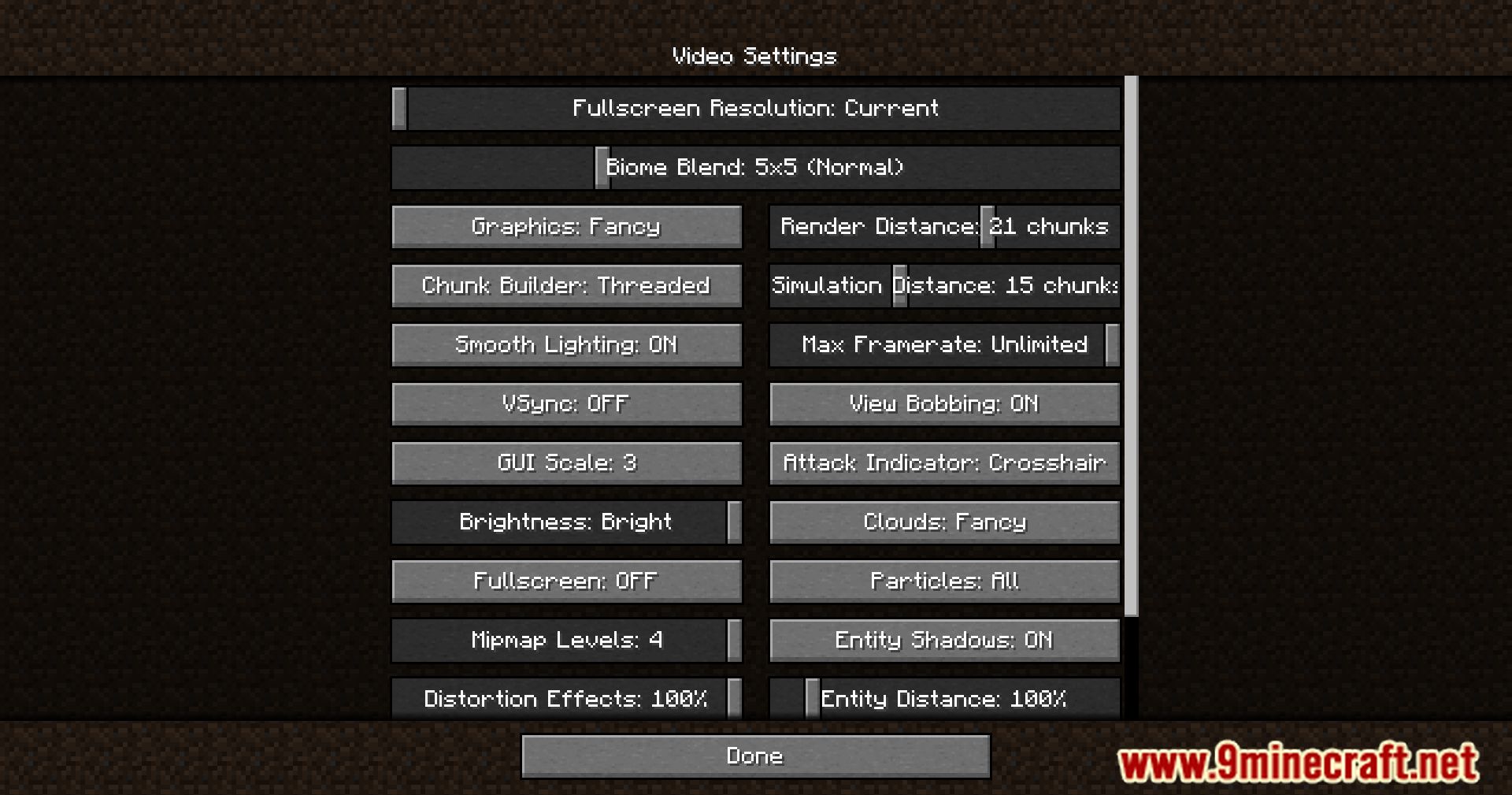
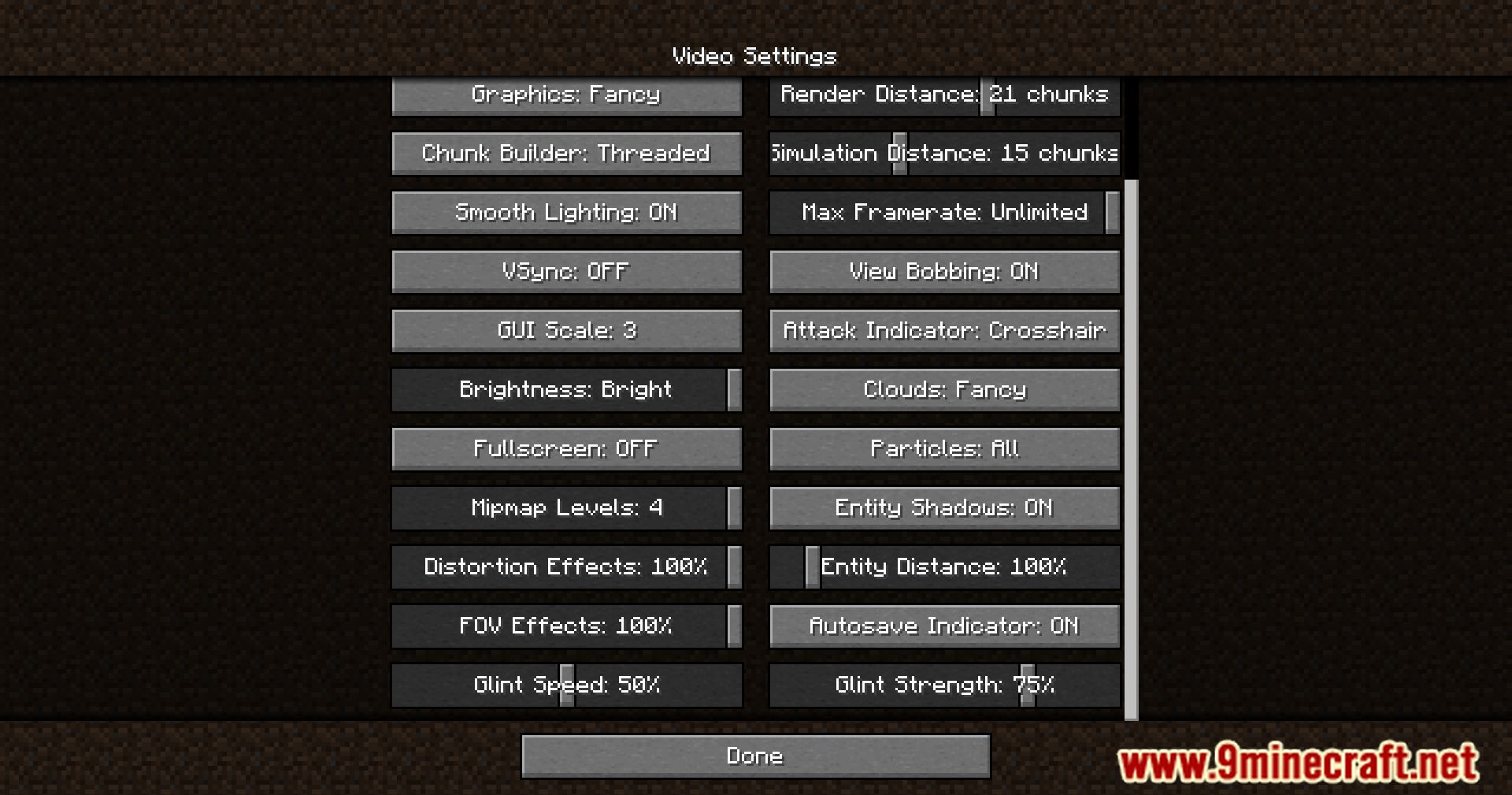
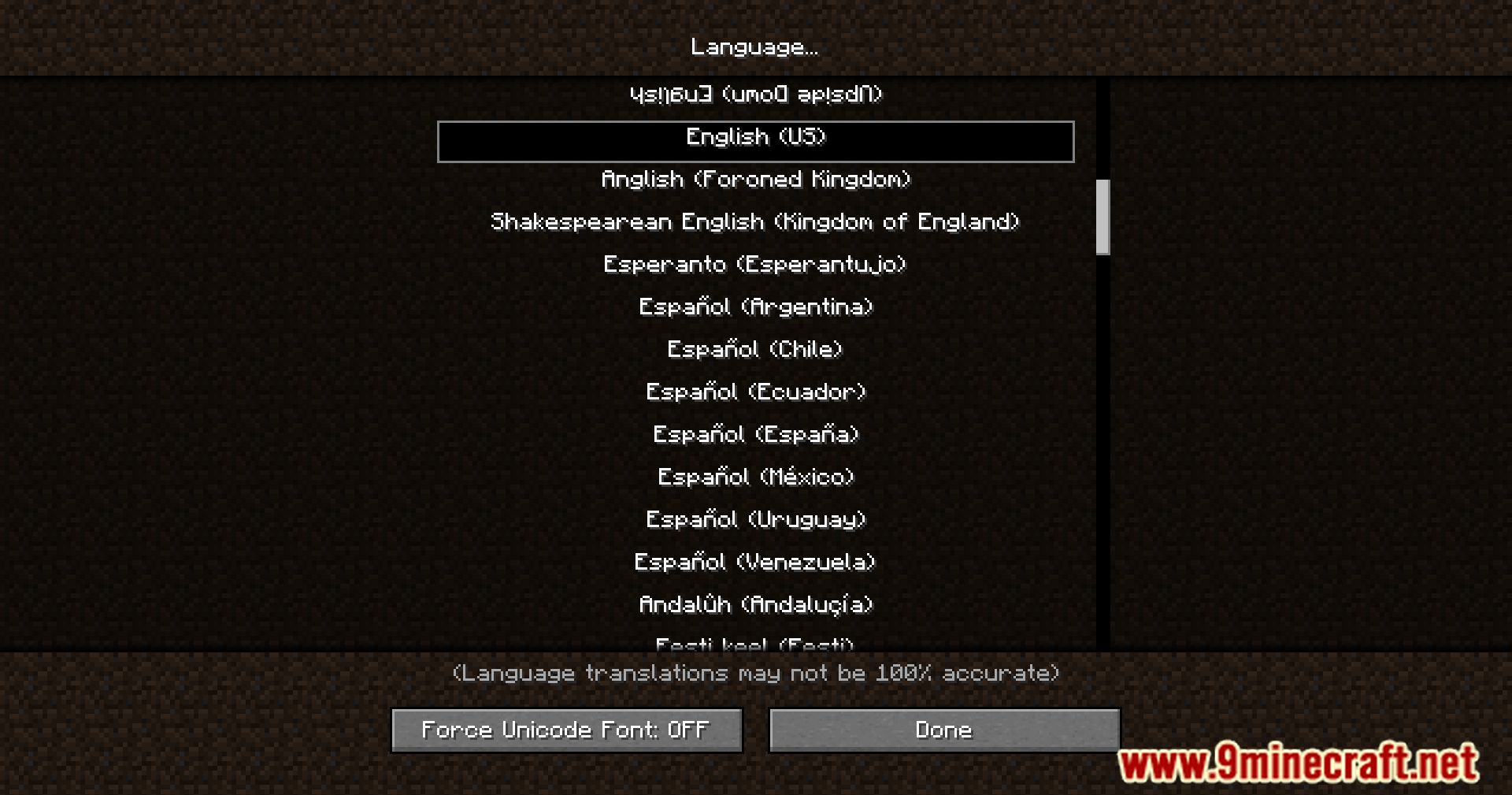
Smooth Scrolling Mod is a simple mod that adds a much-needed quality-of-life improvement to Minecraft. With this mod, scrolling through various lists and menus in Minecraft is no longer a jarring experience. Instead, it becomes a smooth and fluid motion that is much more pleasing to the eye. The mod is very easy to use. Once installed, it simply works in the background. You can adjust the animation speed to your liking, or even disable it completely if you prefer the old way.
Features:
- Adds smooth scrolling to various screens in Minecraft.
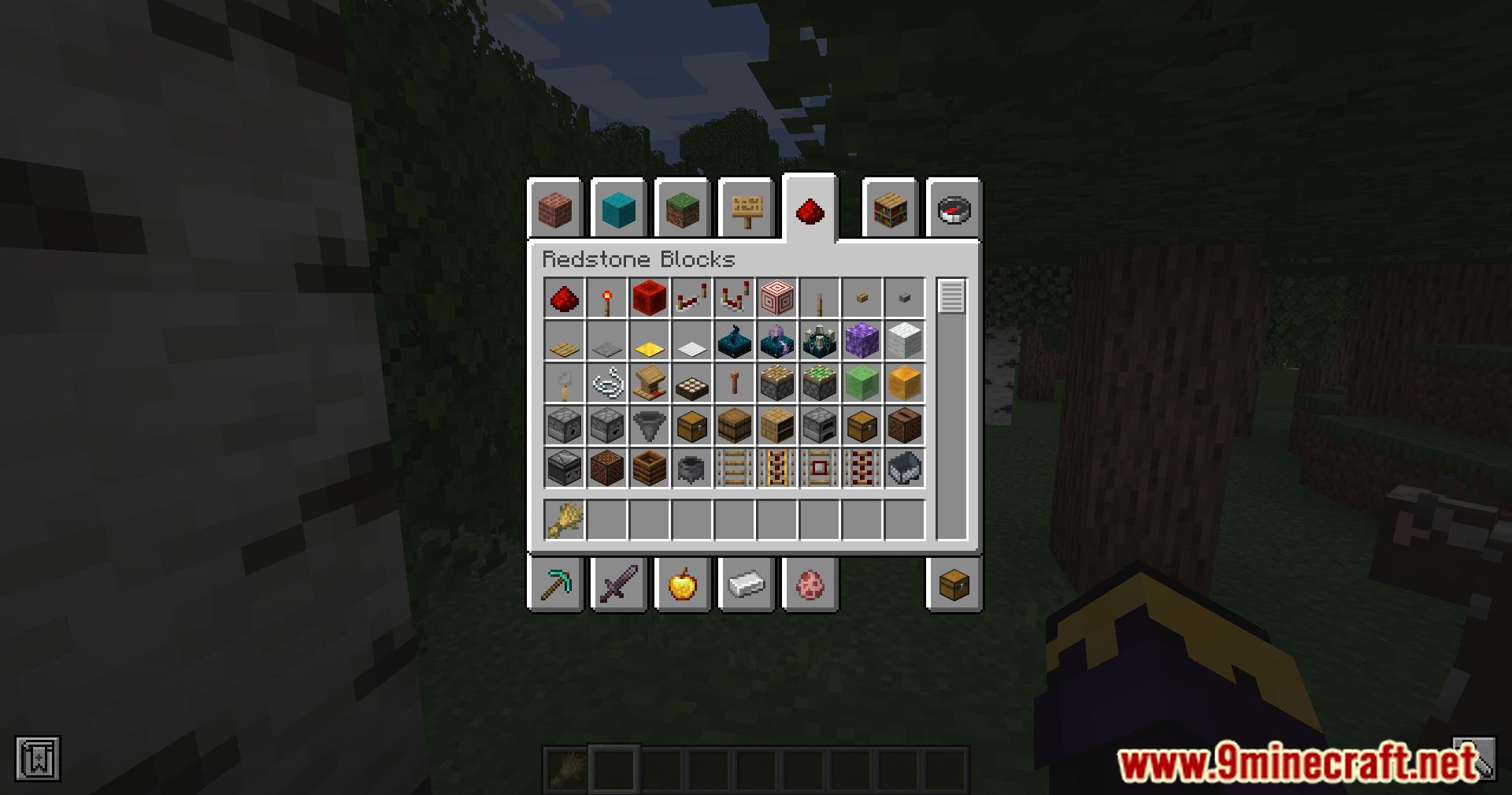
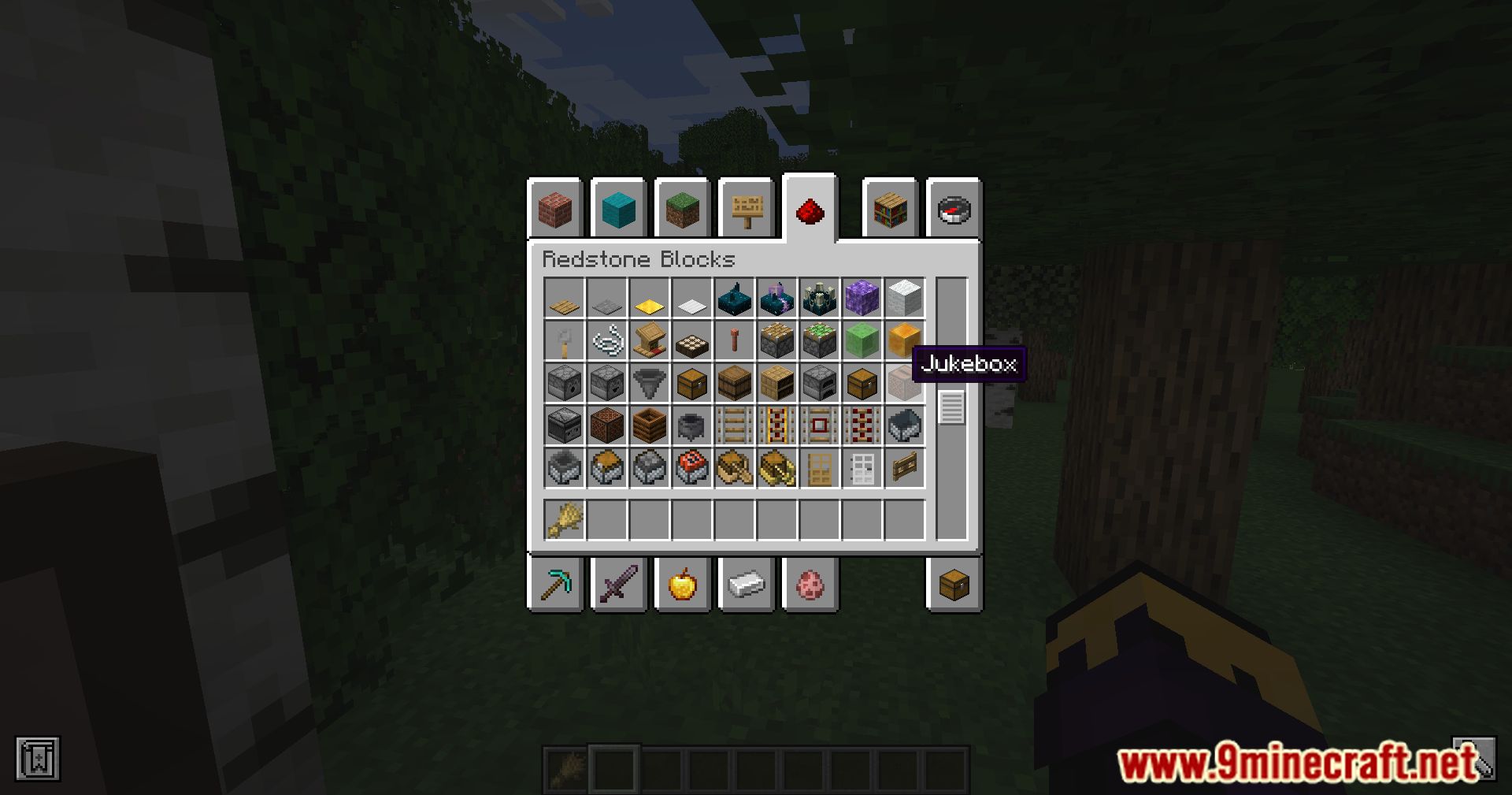
- Improves the fluidity of interactions with screens such as chat, hotbar, inventory, and more.
- Enhances the overall gameplay experience with seamless transitions.
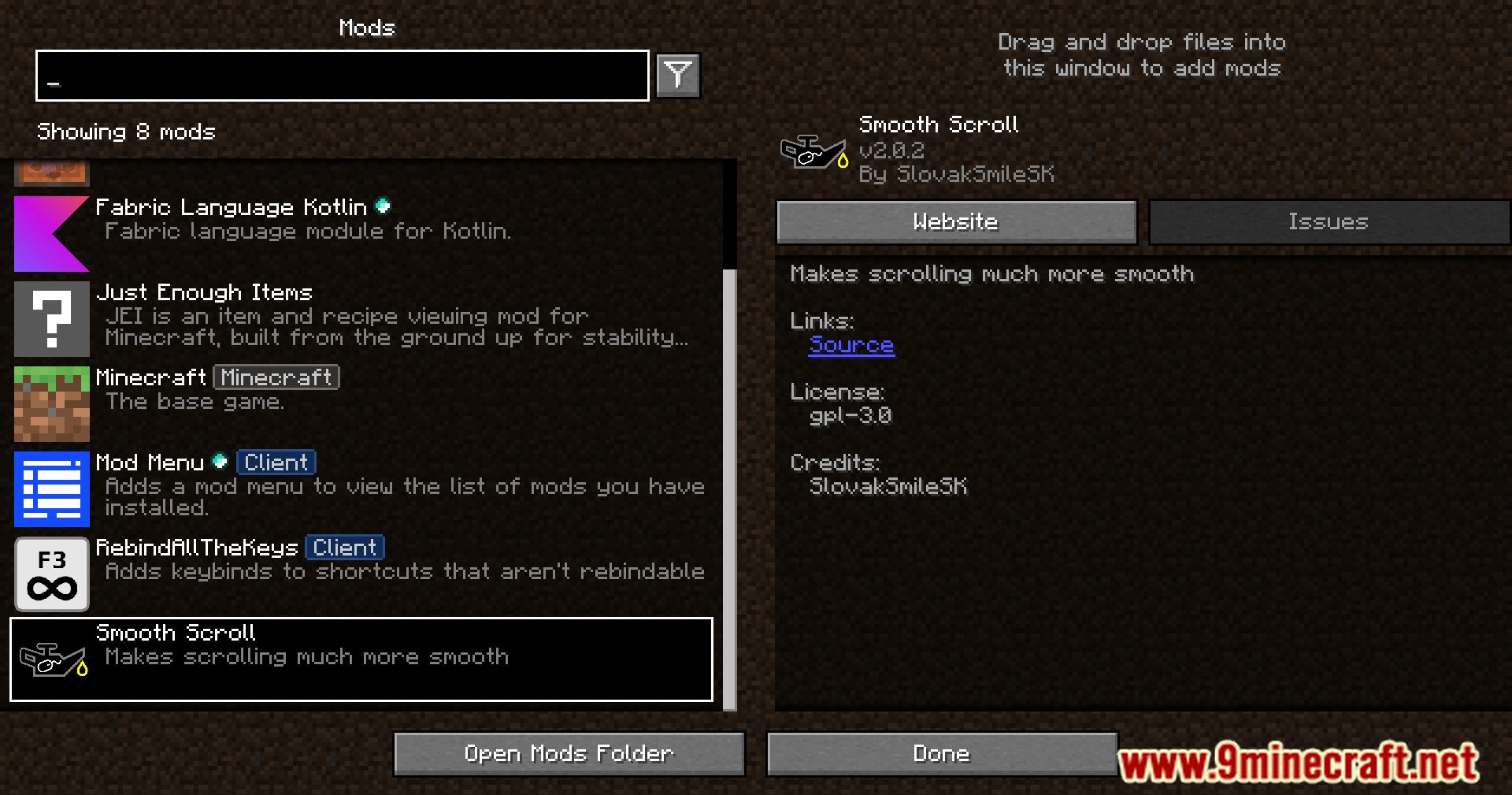
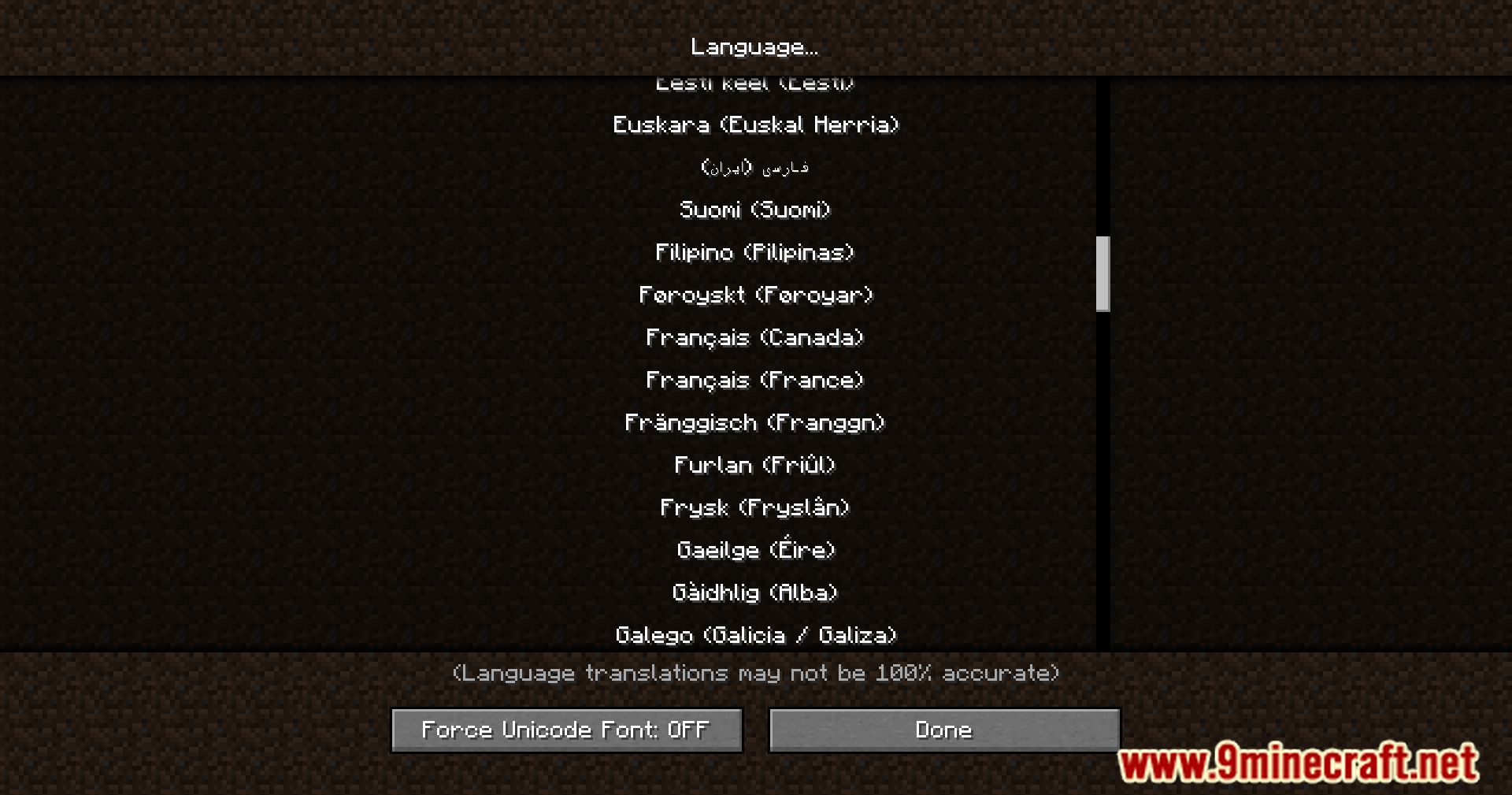
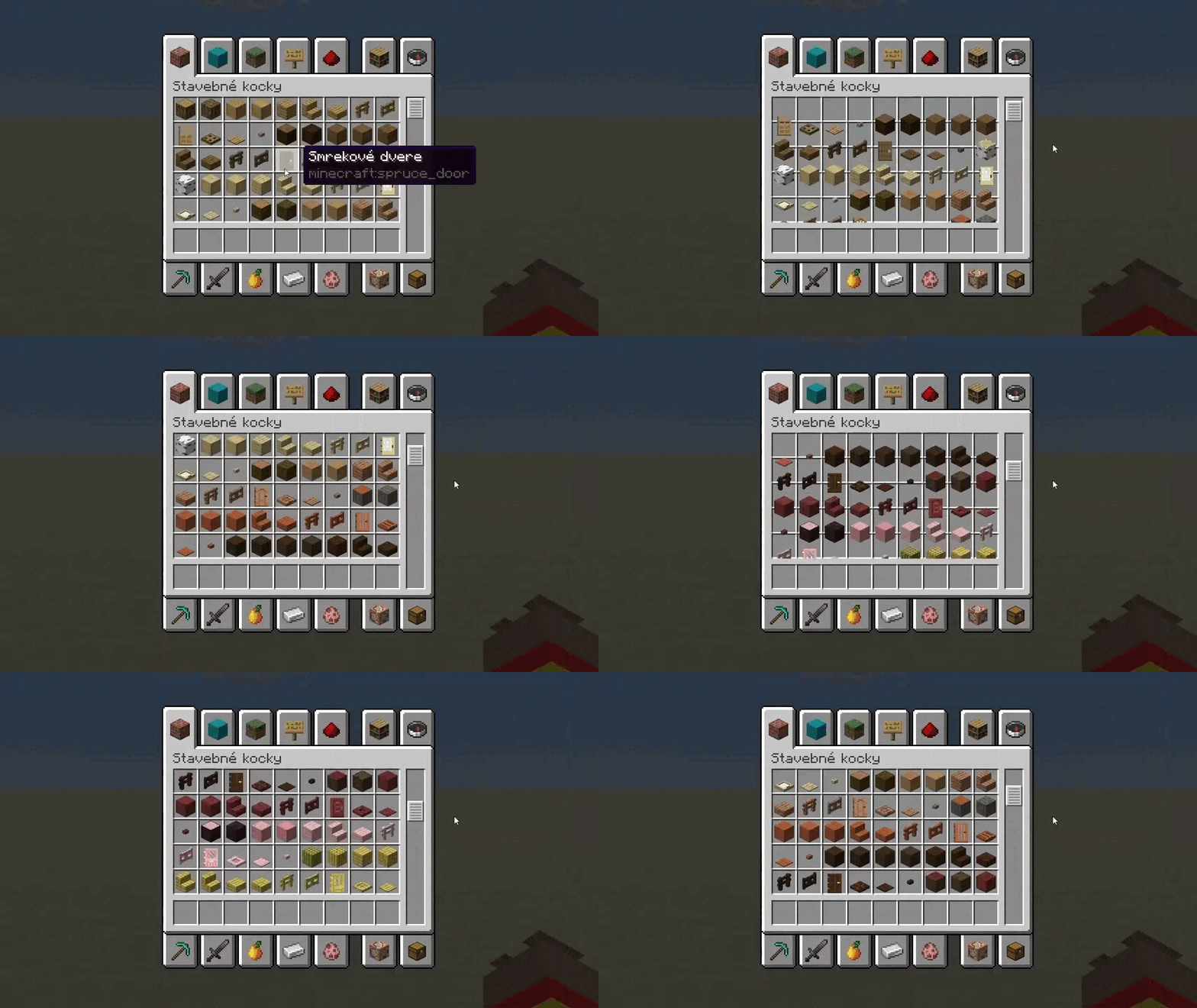
Screenshots:
Configs:
- Safe values are 0 – 1
- 0 is instant scrolling, 1 is no visible scrolling
- Lower value, faster animation
Smooth Scrolling Mod Download Links
Quick facts
- Edition: Minecraft Java
- File type: .jar
- Minecraft version listed: 1.20.1
- How to install: Install the matching mod loader (Forge, Fabric or NeoForge) for your Minecraft version. → Download the .jar. → Put it in the .minecraft/mods folder and launch that loader profile.
- Where to get it: In MC Java Mods, or directly above on this page.
Install steps are the general flow for this file type — How to install Minecraft Java mods & modpacks walks through it step by step.
Verified by MCModsHub
- Downloads as 2271.mcaddon
- Download size: 101 KB
- Download link checked 24 Sept 2026 — working
- Mirrored on our own servers — the download does not depend on the original host
These come from our own check of the pack file, not from the source page.