ModsJava
Chat Signing Hider Mod (26.2, 1.20.1) – Hiding Chat Signing Elements
Java mod listed for Minecraft 1.20. Downloads from the MC Java Mods app on Android.
⬇ Download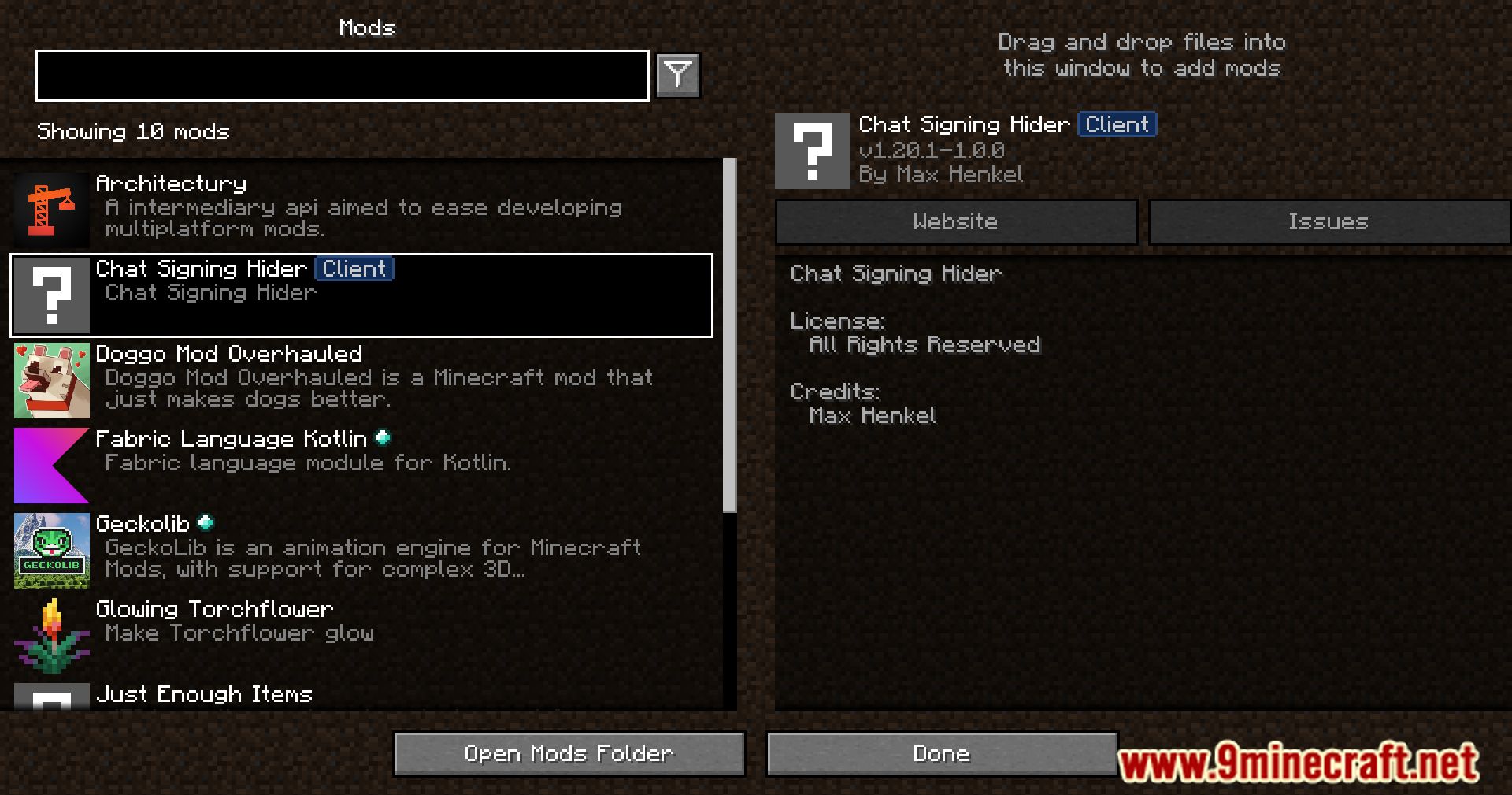







Chat Signing Hider Mod is a client-side mod designed to streamline the chat interface by concealing elements related to chat signing. Its purpose is to visually hide all elements related to chat signing in the game. It’s important to note that this mod does not alter or remove chat signatures themselves, nor does it prevent other players from reporting you. It is purely a visual modification. The mod is recommended for use on private servers you trust.
Features:
- Hidden Toast Messages:
- Removes the “Chat messages can’t be verified” toast message upon joining a server or opening the chat.
- Conceal the chat preview warning screen that appears when joining a server for the first time.
- Minimalistic Chat Indicators:
- Eliminates small color indicators next to chat messages, contributing to a cleaner and less cluttered chat display.
- Red Circle Removal:
- Hides the red circle next to unsigned chat messages, reducing visual distractions and promoting a more polished chat interface.
Screenshots:
Chat Signing Hider Mod Download Links
Quick facts
- Edition: Minecraft Java
- File type: .jar
- Minecraft version listed: 1.20.1
- How to install: Install the matching mod loader (Forge, Fabric or NeoForge) for your Minecraft version. → Download the .jar. → Put it in the .minecraft/mods folder and launch that loader profile.
- Where to get it: In MC Java Mods, or directly above on this page.
Install steps are the general flow for this file type — How to install Minecraft Java mods & modpacks walks through it step by step.
File checked by MCModsHub
- Downloads as 2275.mcaddon
- Download size: 5 KB
- Download link checked 25 Sept 2026 — working
- Mirrored on our own servers — the download does not depend on the original host
These come from our own check of the pack file, not from the source page.