
CoffeeG's Double Jump (Datapack)
Java data pack listed for Minecraft 1.16–1.21. Downloads from the MC Java Mods app on Android.
⬇ Download on CurseForge🛠 Double Jump!
☁ Simple datapack that adds double jump,leap and wall bounce mechanic to minecraft ✔
Features
QOL Features
- ⚠ Warning : Double jump is auto-disabled while you using creative mode (
1.0.3or above)
- Faster Sprinting (1.0.9 or above) : Sprinting faster (20% than normal)
Main Features
Leap (1.0.3 or above) : Press shift before a jump to jump higher
- Demo in Third Person:
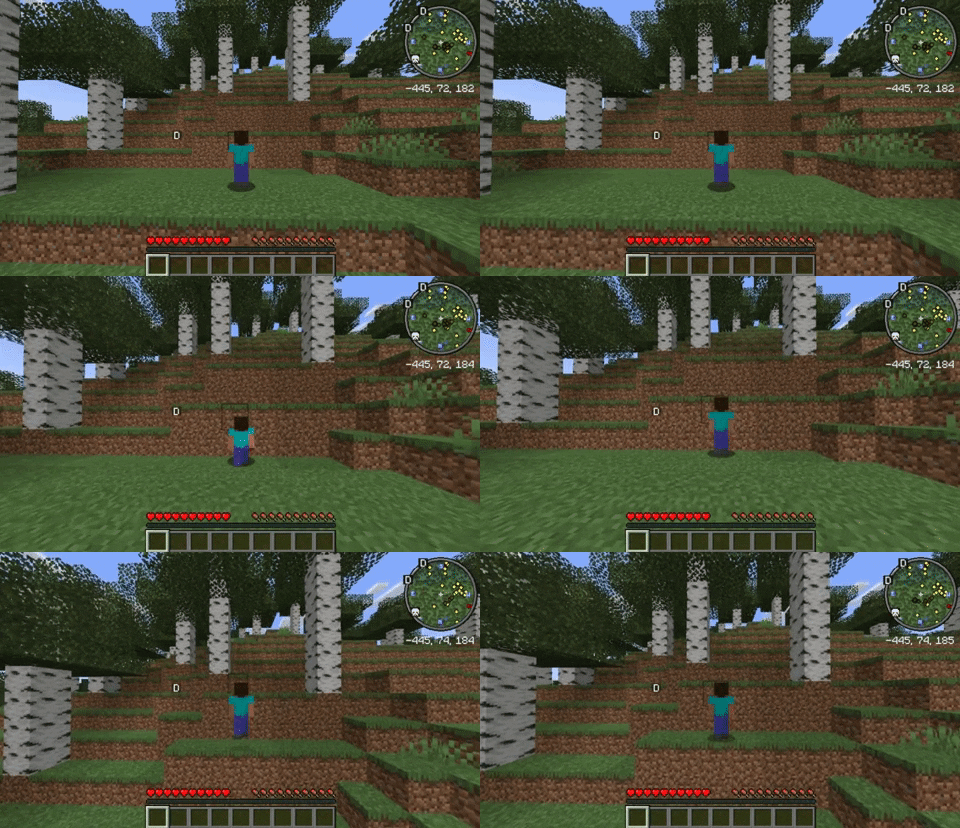
- Demo in Third Person:
Double jump (Of course) : Press shift in air and press JUMP
- Demo:
- Third Person:
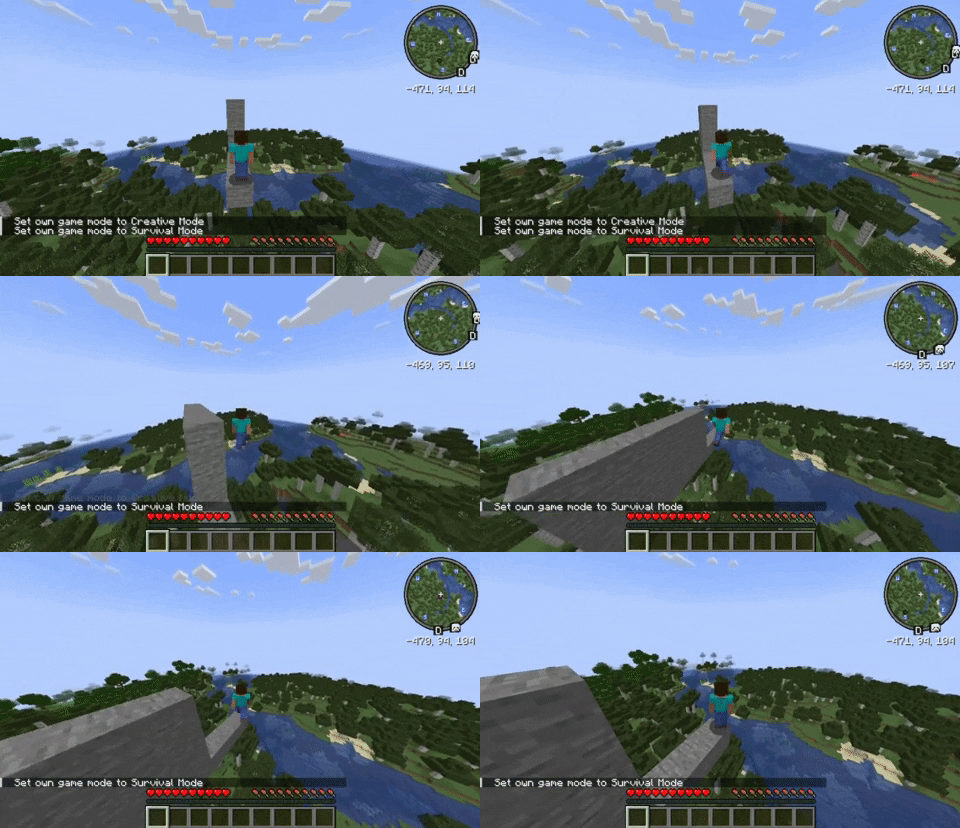
- First Person :
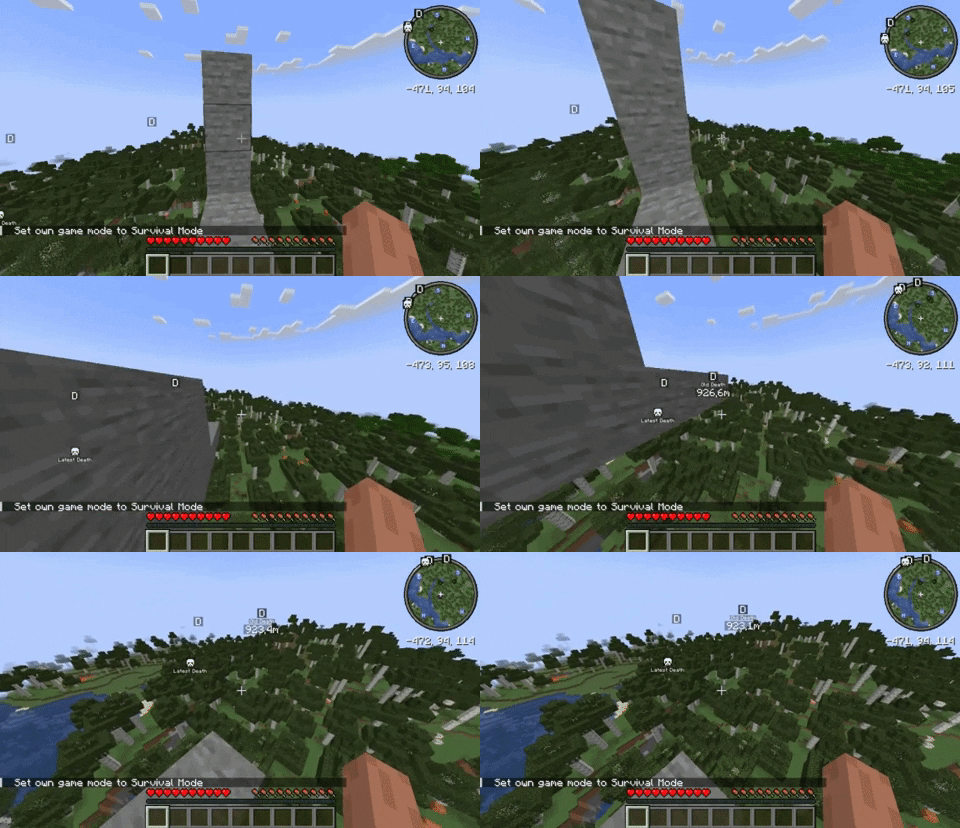
- Third Person:
- Demo:
Wall Bounce (Re-added
1.0.8or above) : You will gain an extra mid-air jump by touching a wall or block.- Demo in Third Person:

- Demo in Third Person:
WallBounce has many advantages if you master this skill!
Try my other datapacks/mods:
- CoffeeG's Wall Climbing - Add Wall Climb (Wall Jump) mechanic to minecraft
- CoffeeG's Supereme Back - Add
/trigger back, which command will bring you to your lastest death position - CoffeeG's Useful Snowball - Useful Snowball! Make snowball slow mob.
- CoffeeG's AwfulLightning - Makes Lightning strucks on players more oftenly, can create fun & surprising deaths with lightning bolts!
Uninstall You can easily remove datapack file(.zip) from datapacks folder
- Edition: Minecraft Java
- File type: .jar
- Minecraft versions listed: 1.17.1, 1.16.3, 1.19.3
- How to install: Install the matching mod loader (Forge, Fabric or NeoForge) for your Minecraft version. → Download the .jar. → Put it in the .minecraft/mods folder and launch that loader profile.
- Where to get it: Opens on CurseForge — not every file is mirrored on our own servers.
Install steps are the general flow for this file type — see the MC Java Mods guides for the full walkthrough.
CoffeeG's Double Jump (Datapack) is a free Minecraft Java datapack. Compatible with Minecraft 1.17.1, 1.16.3, 1.19.3, 1.20.2 and newer. Downloaded 954 times (via CurseForge). Download it and open it directly in the game.