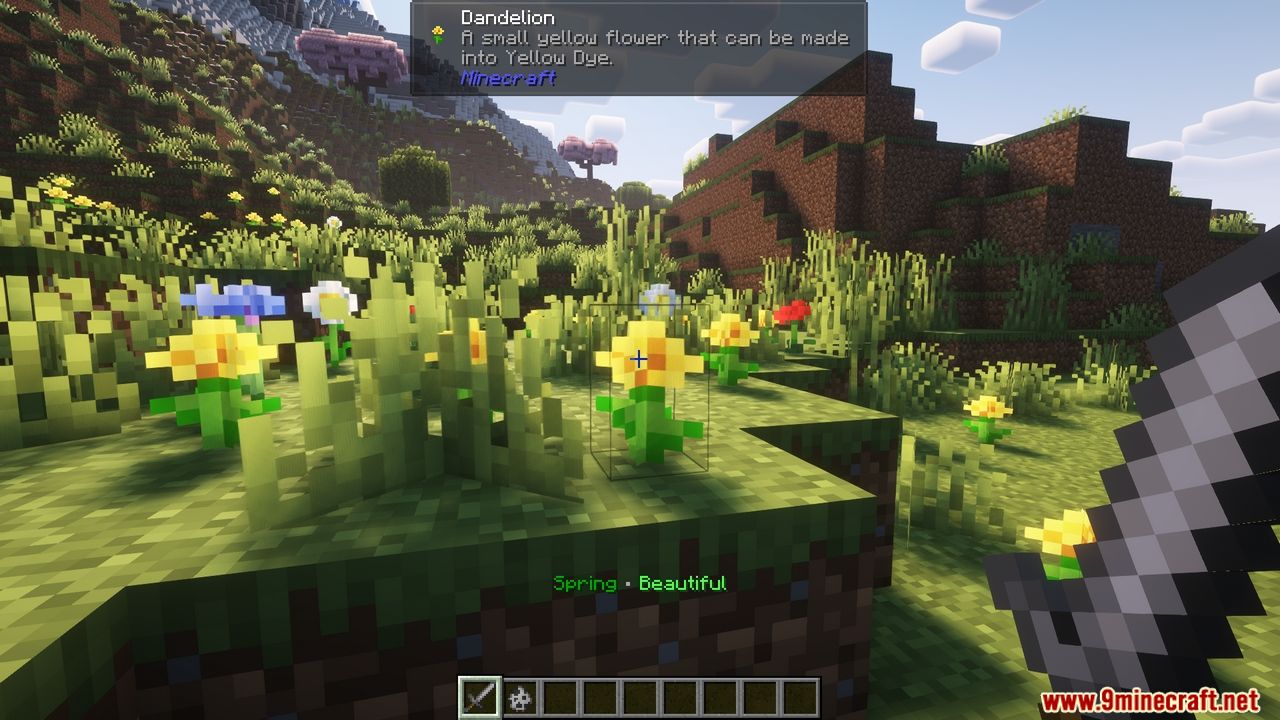
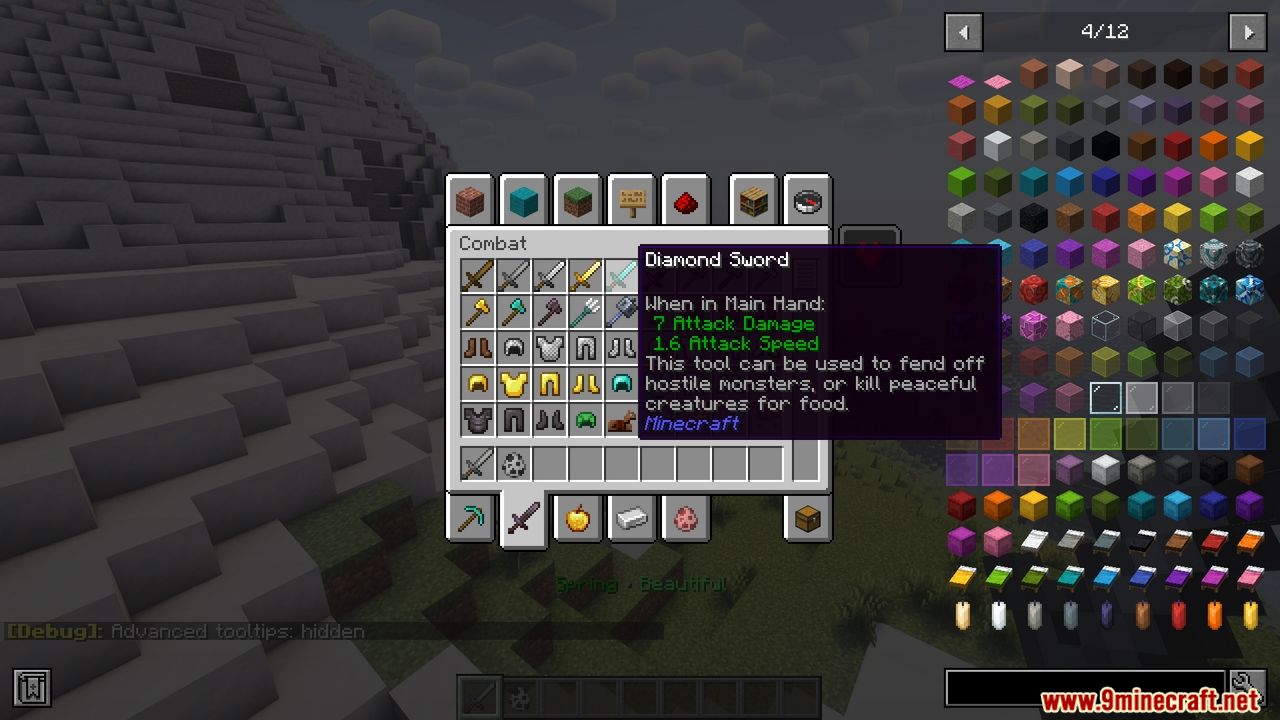
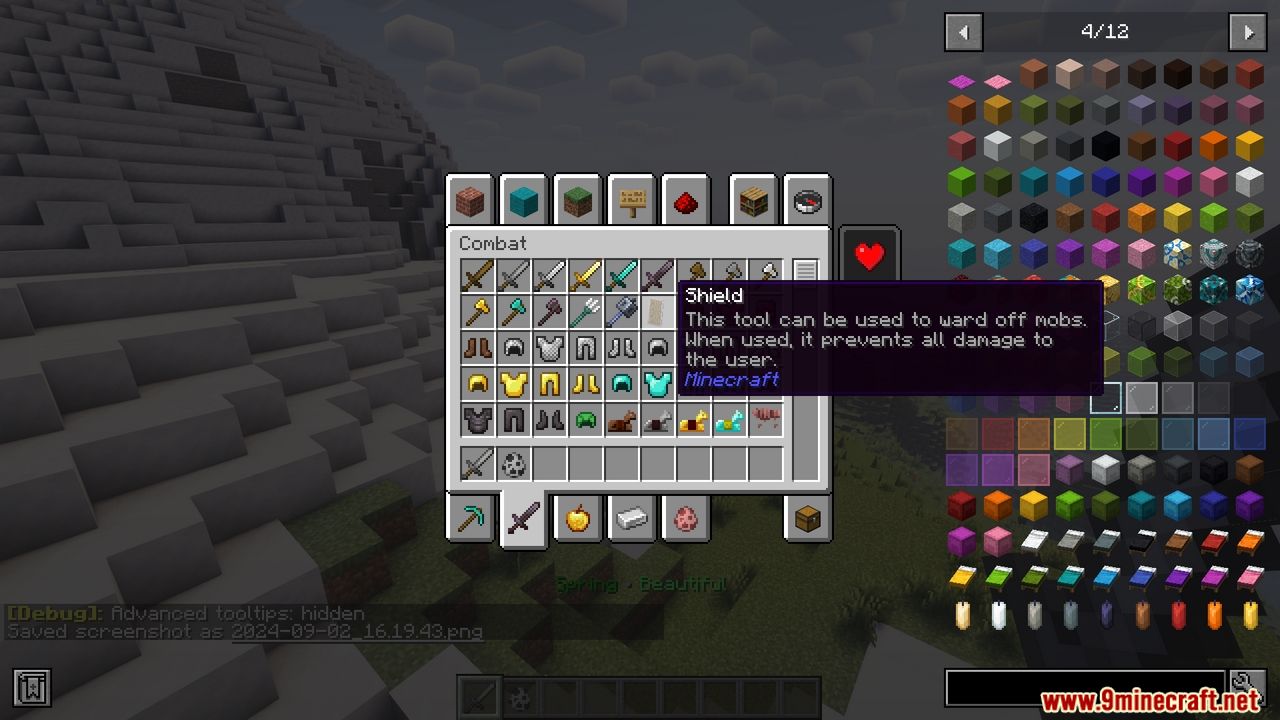
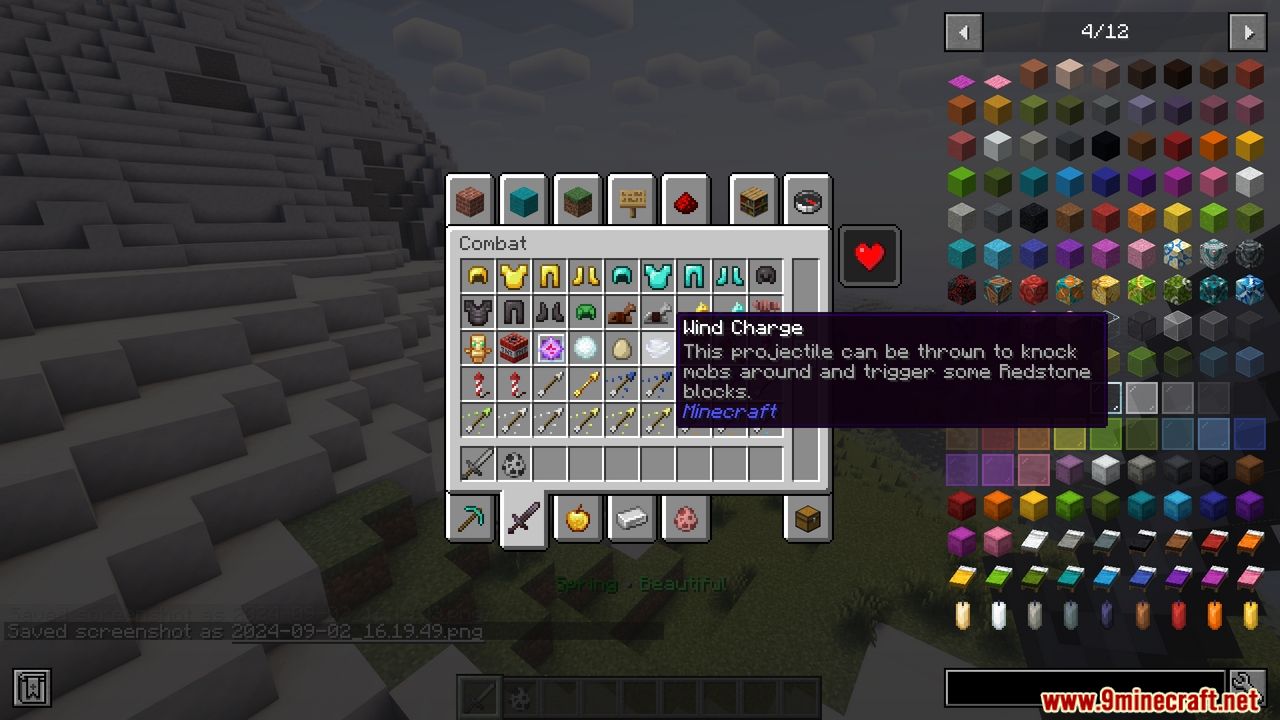
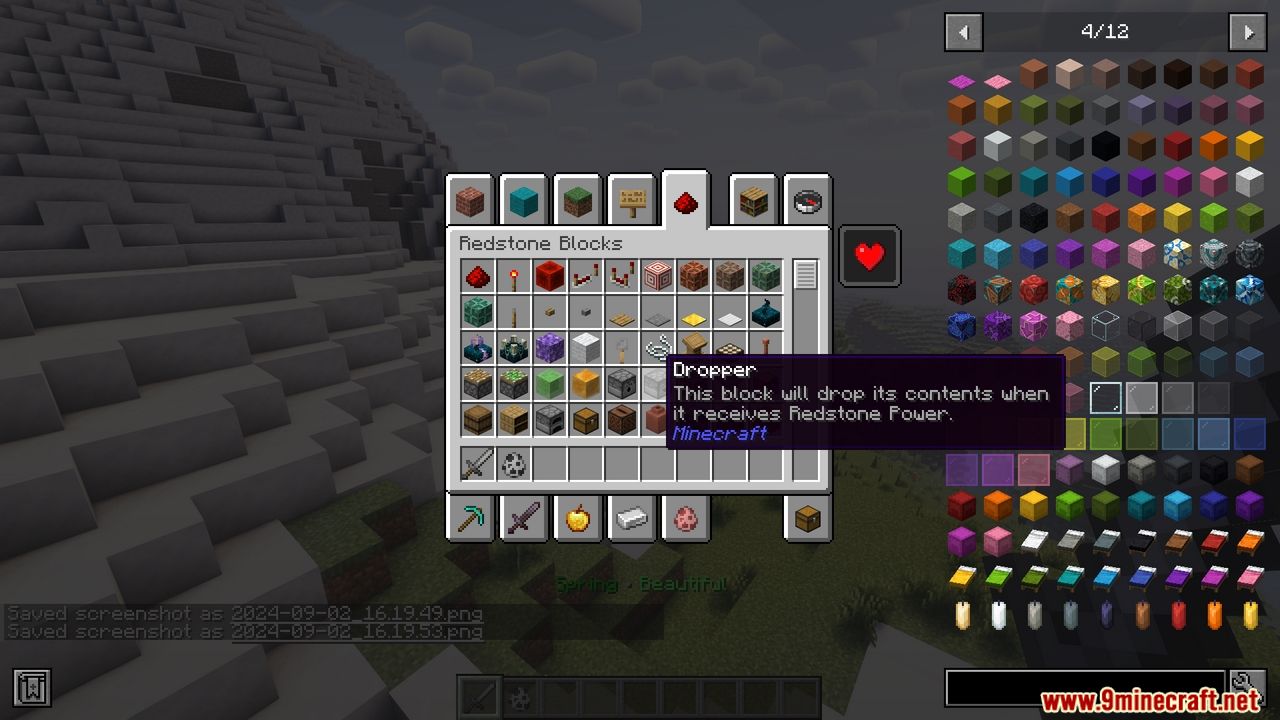
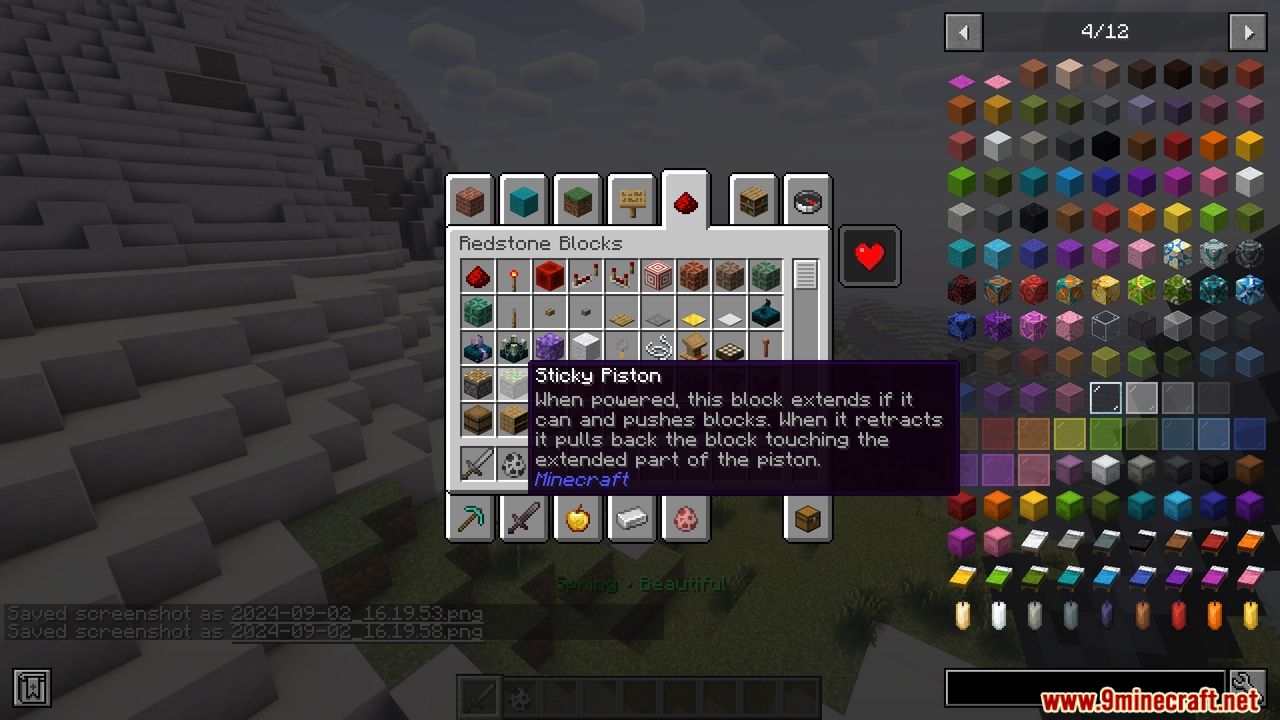
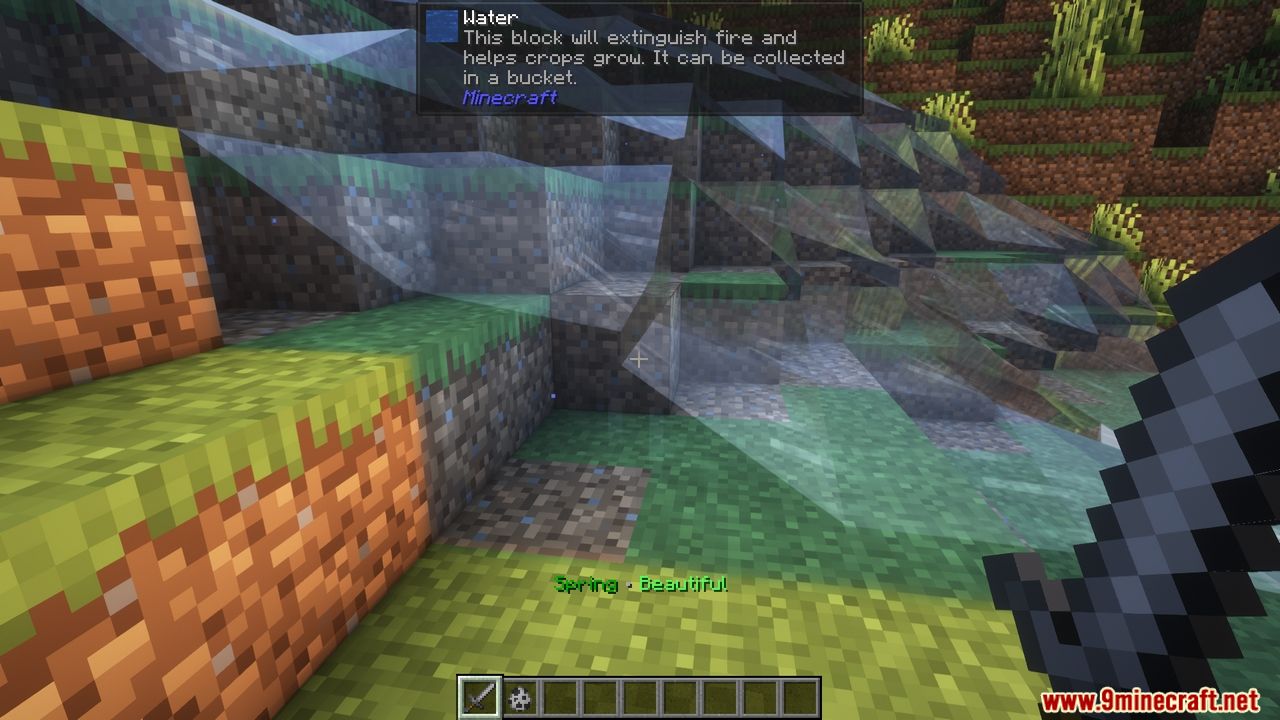
Item Descriptions Mod adds helpful descriptions to every block, item, and entity in the game. When you press the Ctrl key while hovering over an item, a short, clear description will pop up, telling you what the item is for, where it comes from, or other useful information. This mod is perfect for players who want to quickly understand items without needing to constantly check the Minecraft Wiki.
Features:
- Detailed Descriptions: Adds unique descriptions to all blocks, items, and entities.
- Easy Access: Press Ctrl while hovering over an item to view its description.
- Useful Information: Descriptions include item uses, sources, and other helpful details.
- Mod Support: Provides generic descriptions for various tags, covering many modded blocks.
Screenshots:
Item Descriptions Mod Download Links
Quick facts
- Edition: Minecraft Java
- File type: .jar
- Minecraft version listed: 1.20.1
- How to install: Install the matching mod loader (Forge, Fabric or NeoForge) for your Minecraft version. → Download the .jar. → Put it in the .minecraft/mods folder and launch that loader profile.
- Where to get it: In MC Java Mods, or directly above on this page.
Install steps are the general flow for this file type — How to install Minecraft Java mods & modpacks walks through it step by step.
Verified by MCModsHub
- Downloads as 2282.mcaddon
- Download size: 569 KB
- Download link checked 26 Sept 2026 — working
- Mirrored on our own servers — the download does not depend on the original host
These come from our own check of the pack file, not from the source page.