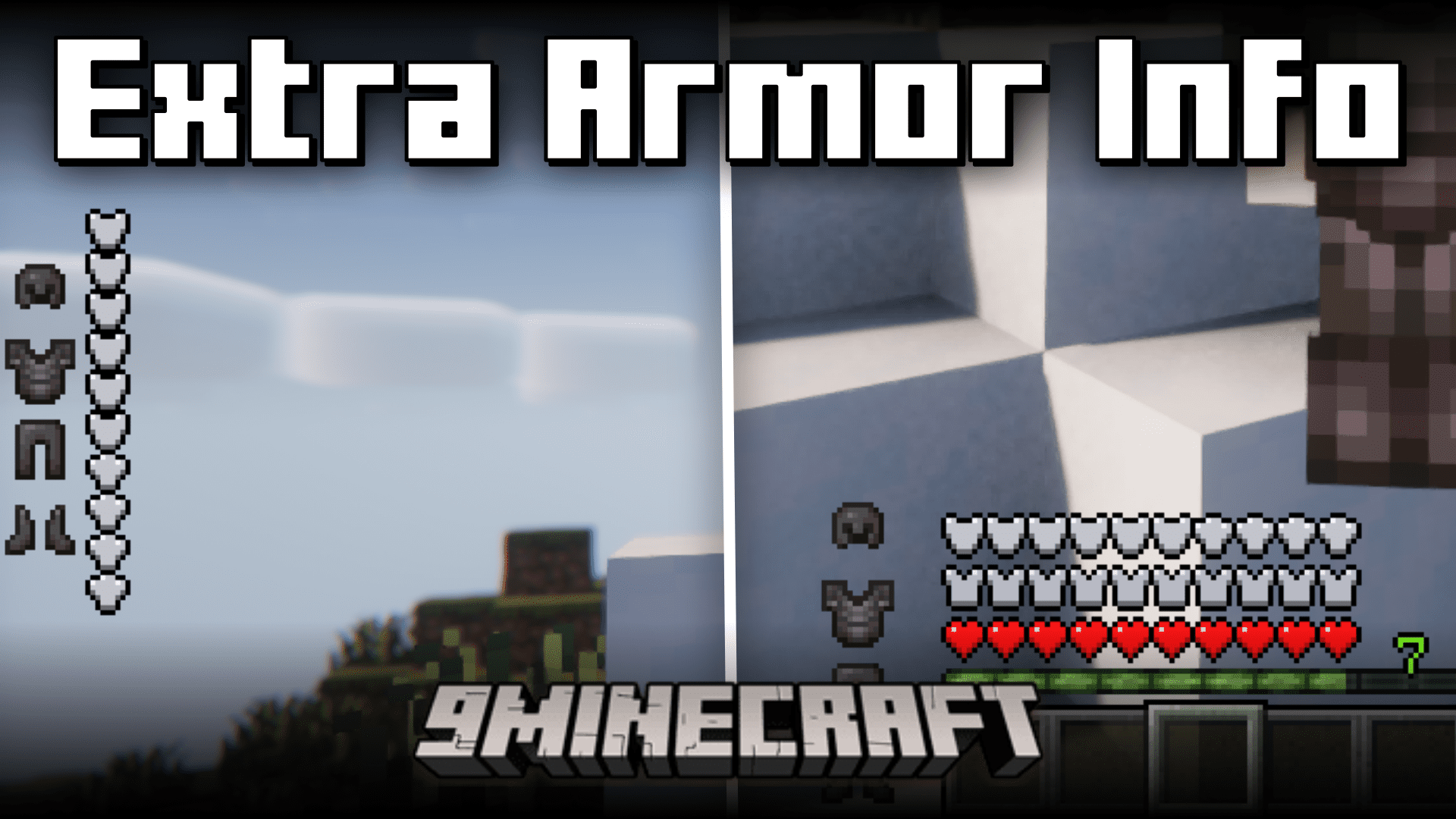




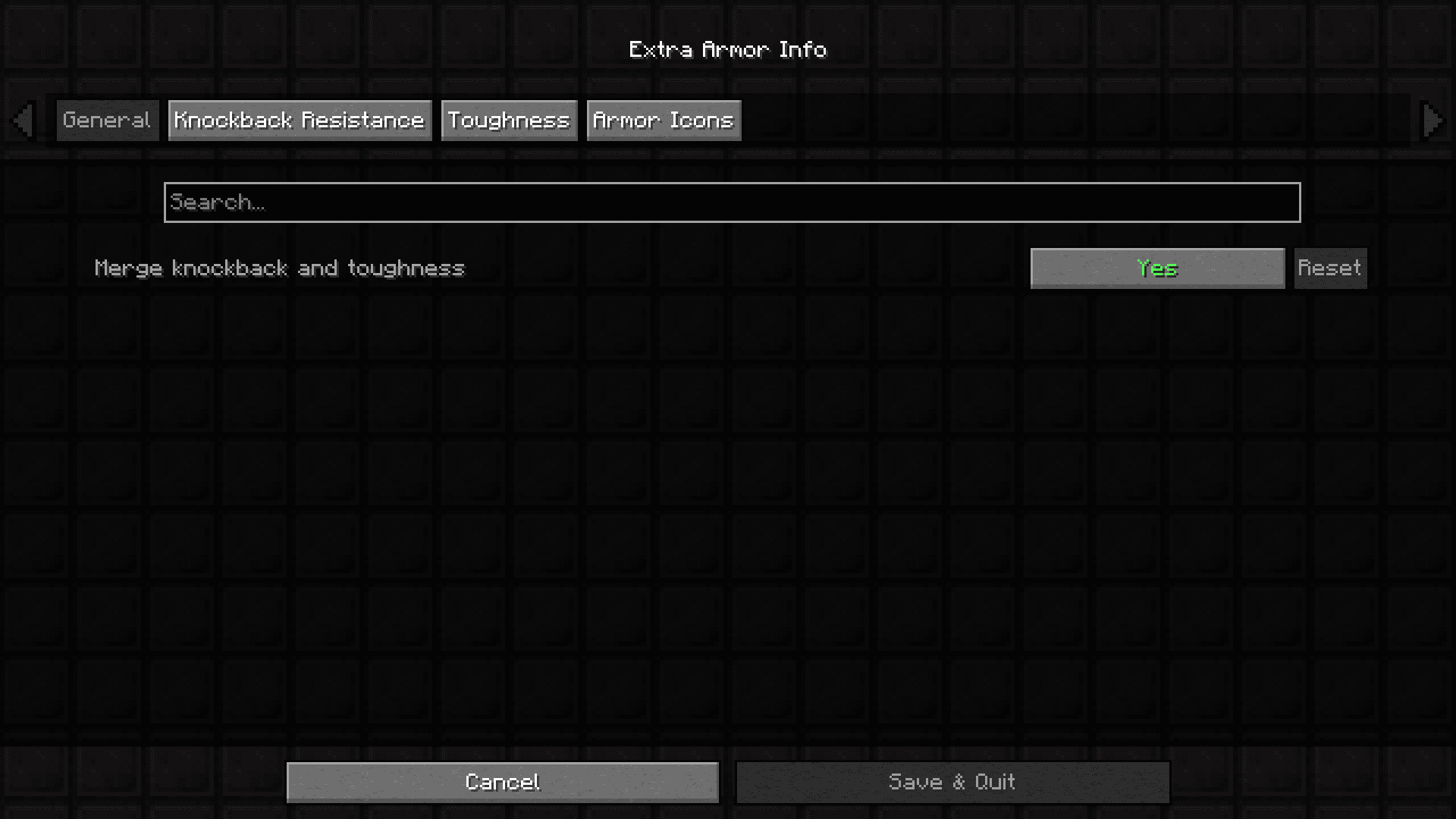
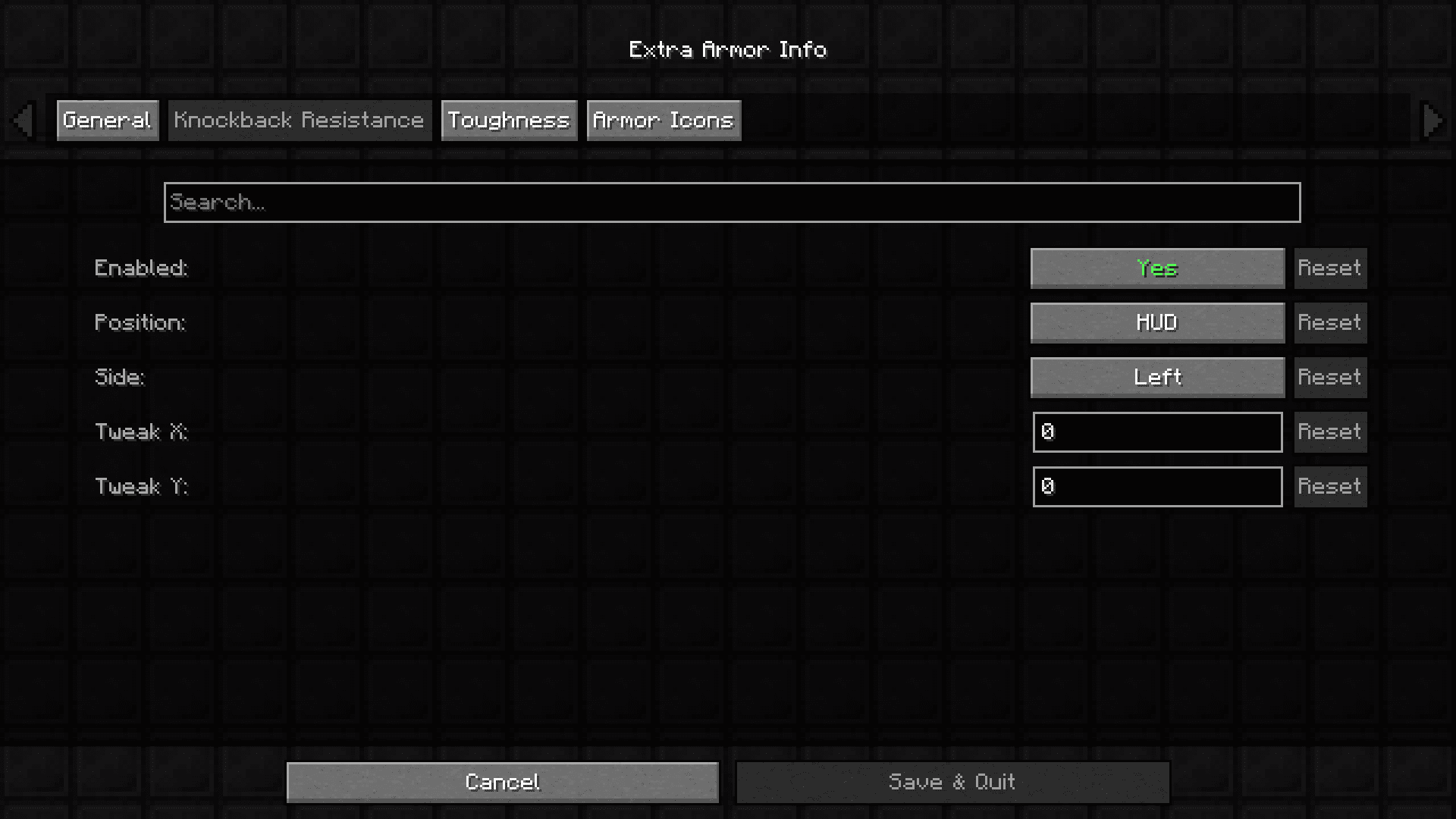
In the vanilla game, the protection that is given to you by your equipped armor set is shown as an overlay bar in your HUD. It is located right above the health bar and will give you good information regarding the equipped armor set. But it can be better! Extra Armor Info Mod aims to give you more information regarding your equipped armor by introducing a new set of HUD icons into the game. These HUD icons are for armor toughness and knockback resistance, and their position is highly configurable using the in-game config options provided by the mod.
Features:
- Adds new HUD icons for toughness and knockback.
- Position of the icons can be changed using the in-game config.
- Config option to turn on/off individual icons.
Screenshots:
Extra Armor Info Mod Download Links
- Edition: Minecraft Java
- File type: .jar
- Minecraft version listed: 1.20.1
- How to install: Install the matching mod loader (Forge, Fabric or NeoForge) for your Minecraft version. → Download the .jar. → Put it in the .minecraft/mods folder and launch that loader profile.
- Where to get it: In MC Java Mods, or directly above on this page.
Install steps are the general flow for this file type — How to install Minecraft Java mods & modpacks walks through it step by step.
- Downloads as 2285.mcaddon
- Download size: 109 KB
- Download link checked 23 Sept 2026 — working
- Mirrored on our own servers — the download does not depend on the original host
These come from our own check of the pack file, not from the source page.