
ModsJava
Mixin Conflict Helper Mod (26.2, 1.20.1) – User-friendly Errors for Mixin Conflicts
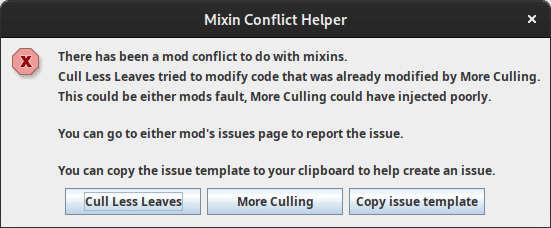






Mixin Conflict Helper Mod catches injection exceptions when two mixins conflict. It finds the culprits and displays a user-friendly GUI, explaining the problem and providing buttons to report the issue to the mod’s issues page. Once interacted with, the game crashes as usual. The goal is to reduce “unknown cause” crashes when mods conflict, helping players and mod makers identify and resolve issues more easily.
Features:
- When two mixins (which are custom code pieces or mods that modify classes/objects) conflict with each other – for example, when two different mods modify the same method or inject into the same spot – the mod captures exceptions related to failed mixin injections.
- After catching the error, it displays a user-friendly GUI that helps players identify which mod or mixin caused the conflict.
- This GUI also provides buttons to report the issue directly to the corresponding mod’s issue page, making it easier for developers to track and resolve problems.
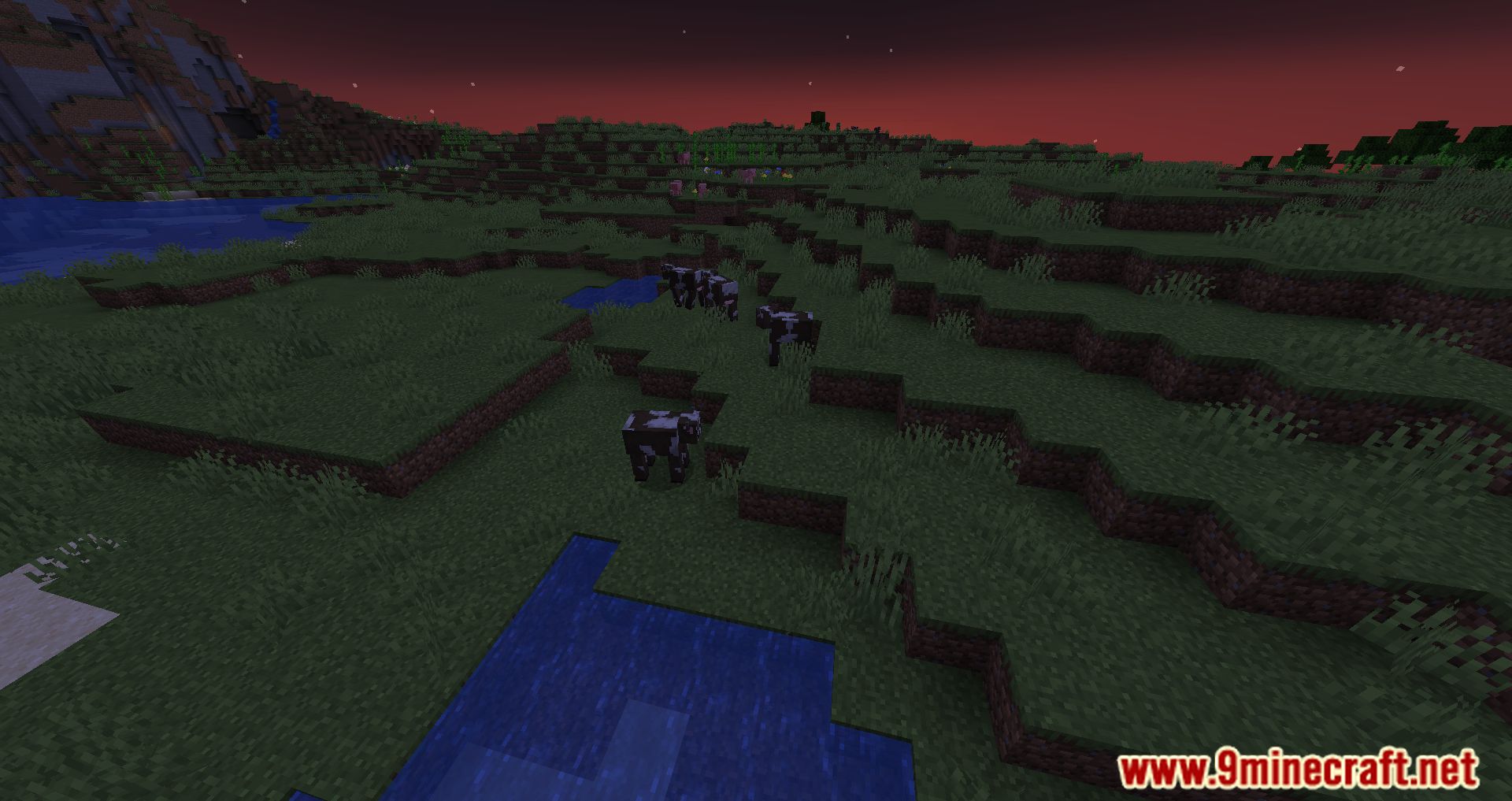
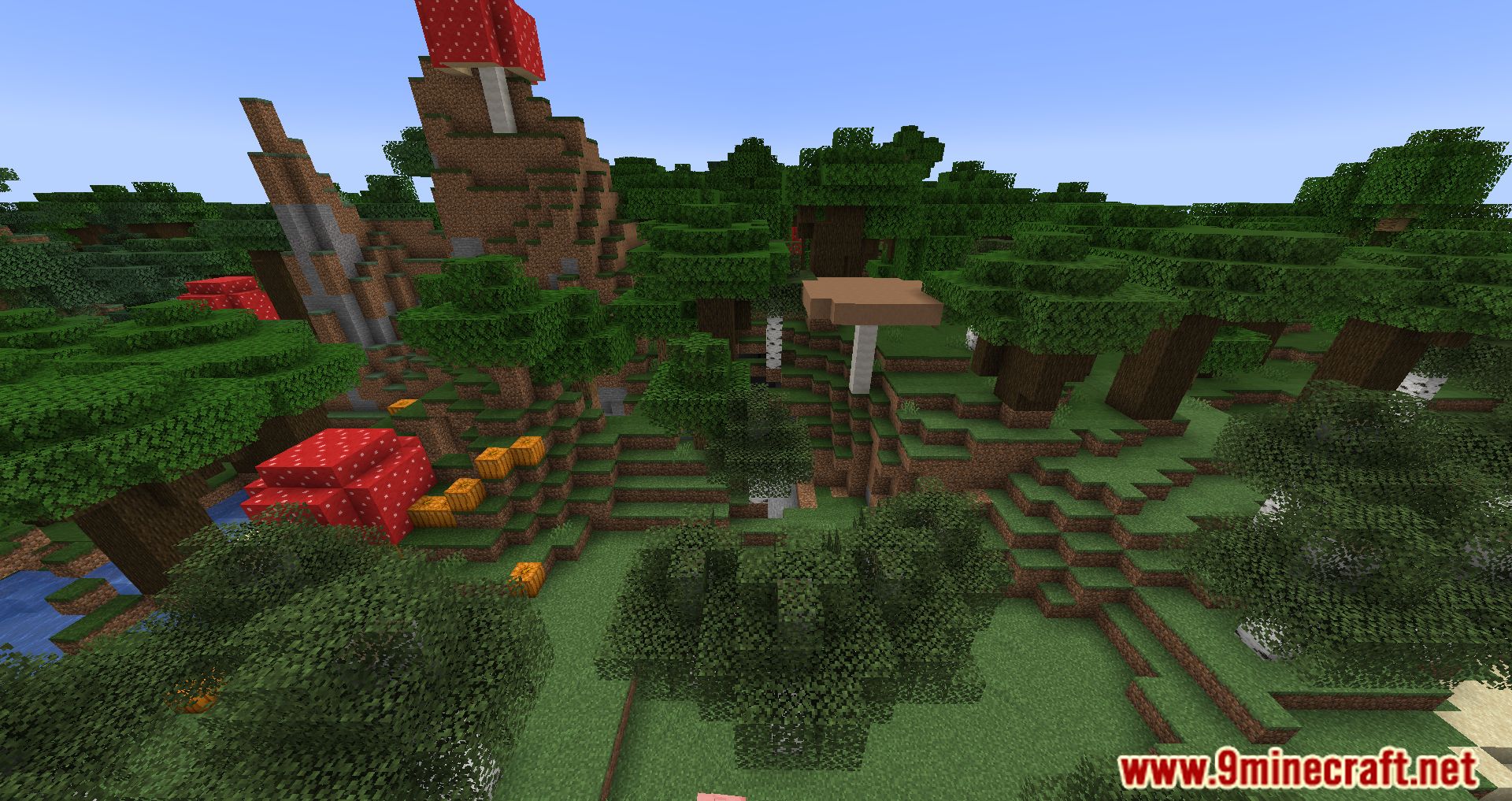
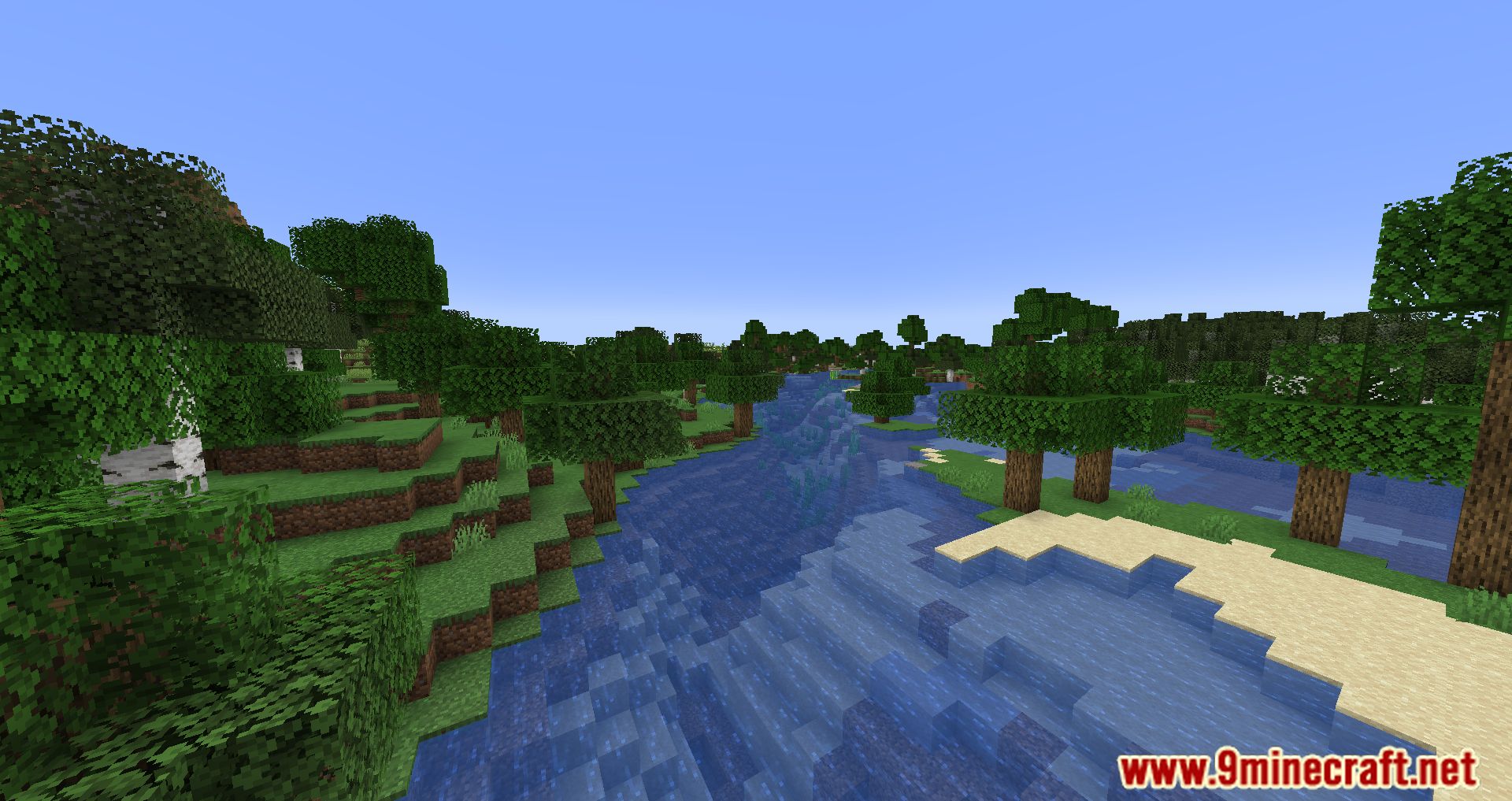
Screenshots:

Mixin Conflict Helper Mod Download Links
Quick facts
- Edition: Minecraft Java
- File type: .jar
- Minecraft version listed: 1.20.1
- How to install: Install the matching mod loader (Forge, Fabric or NeoForge) for your Minecraft version. → Download the .jar. → Put it in the .minecraft/mods folder and launch that loader profile.
- Where to get it: In MC Java Mods, or directly above on this page.
Install steps are the general flow for this file type — How to install Minecraft Java mods & modpacks walks through it step by step.
Verified by MCModsHub
- Downloads as 2288.mcaddon
- Download size: 168 KB
- Download link checked 22 Sept 2026 — working
- Mirrored on our own servers — the download does not depend on the original host
These come from our own check of the pack file, not from the source page.