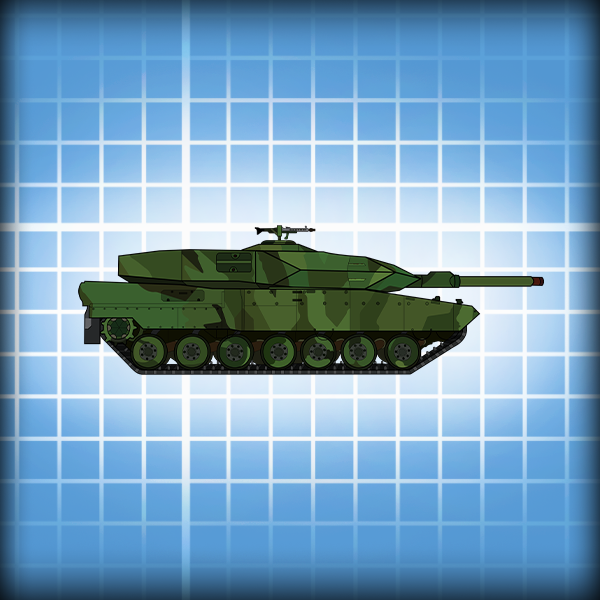
Create a War
Java modpack listed for Minecraft 1.20. File opened and checked on 16 Nov 2026; downloads from the MC Java Mods app on Android.
This modpack combines the power of the Create mod and the power of Valkyrien Skies combined with Minecolonies therefore making it the perfect candidate to…
⬇ Download on CurseForge
This mod has the create mod and many other create addons to make sure you can make soo many contraptions in just might break the world(joke). Then there is valkyrien skies where you can add physics to any in game block and if you wish combine that with a nuclear fusion bomb to make a missile… do it. Plenty of preformance mods on here so that isn't a issue. To top it all off we have minecolonies so if you are playing with friends nuke them. Also there are "voluntary workers".
KNOWN ISSUES/FIXES:
- If you can't see block on Valkyrien Skies entites, turn off "use max block entity distance" under "video settings/sodium extras/entity culling". If the problem presists turn off "entity culling" and "block face culling" under "video settings/preformance". This is now turned off by default.
IMPORTANT NOTE:
I know the DISTANT HORIZONS mod can be a lot for the computer so you can safely remove it from the modpack or serverpack. Just navigate to the place where the modpack is installed (if you are using the app you can click the 3 dots next to play) and look for the mods folder. Once in there search for DistantHorizons->version<-fabric-forge.jar and delete it. Same goes for the serverpack, just find the mod folder and delete distant horizons.
Note that if you delete it only in the modpack and not in the serverpack it won't work. Also vice-versa.
Want to play with friends?

The Create a War team has now partnered with Wabbanode server hosting.
If you would like to set up your own server with a 25% discount for the first month, here is the link: https://wabbanode.com/affiliate/createawar
Or if you want to select a different modpack (the discount still works): https://wabbanode.com/affiliate/panzerstridsvan
THE CODE IS:
CREATEAWAR25
- Edition: Minecraft Java
- File type: .jar
- Minecraft version listed: 1.20.1
- How to install: Install the matching mod loader (Forge, Fabric or NeoForge) for your Minecraft version. → Download the .jar. → Put it in the .minecraft/mods folder and launch that loader profile.
- Where to get it: Opens on CurseForge — not every file is mirrored on our own servers.
Install steps are the general flow for this file type — How to install Minecraft Java mods & modpacks walks through it step by step.
Create a War is a free Minecraft Java modpack. Compatible with Minecraft 1.20.1. Downloaded 1,917 times (via CurseForge). Download it and open it directly in the game.