Dynamic FPS Mod (26.2, 1.20.1) – Best Fps Boosting Mod
Java mod listed for Minecraft 1.20. Downloads from the MC Java Mods app on Android.
⬇ Download


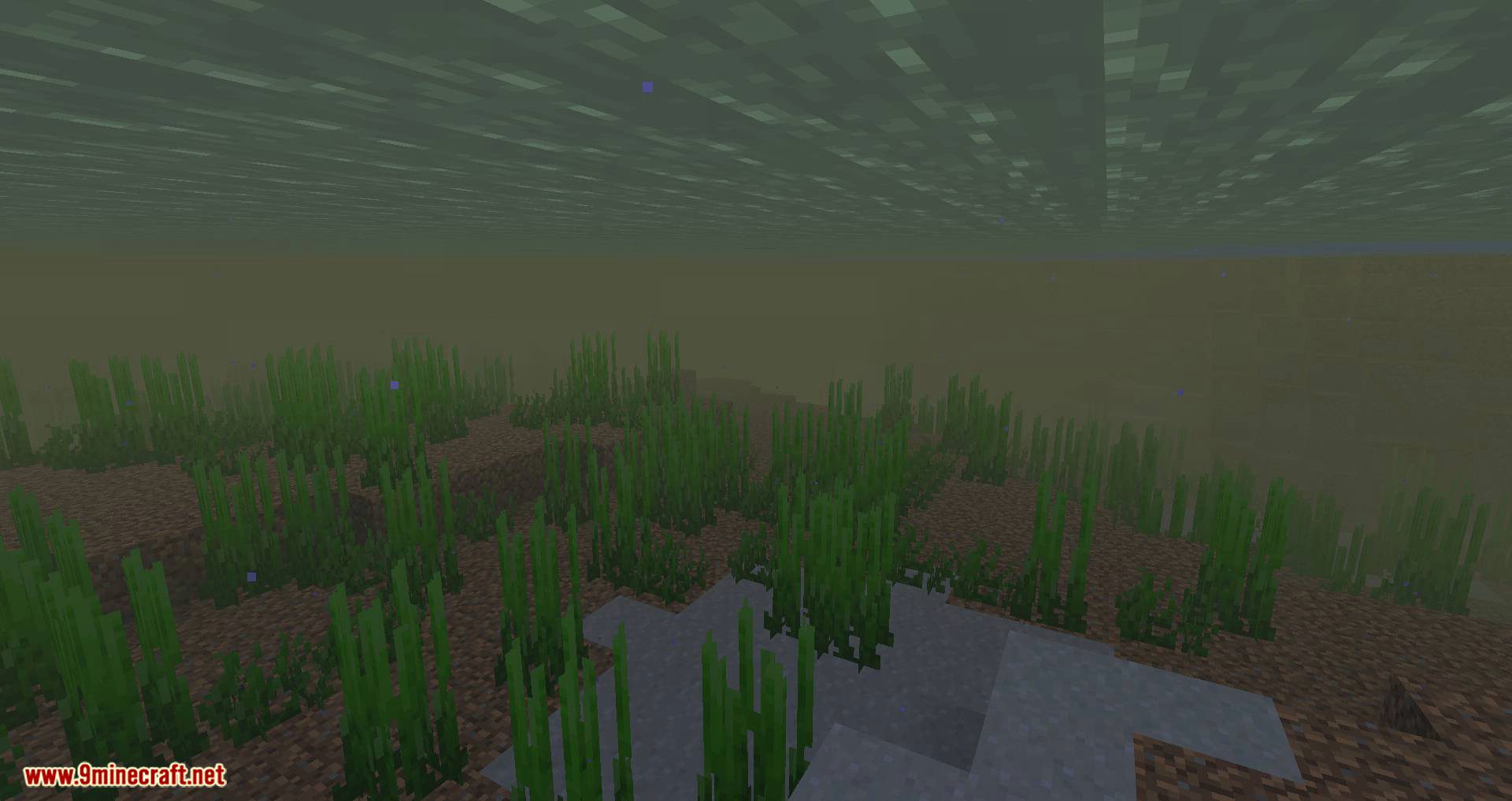

Dynamic FPS Mod is a tool designed to optimize system resource usage when the game is running in the background, is inactive, or when the device is operating on battery power.
The mod can automatically detect the state of the game window-whether it’s active, unfocused, minimized, or invisible-and adjusts parameters such as frame rate, volume, and popup notifications accordingly. For example, it can reduce the frame rate to 1 FPS or completely stop rendering when the window is hidden, which is especially useful for systems with limited resources.
Additionally, the mod allows for configuration of different settings for specific situations, such as periods of inactivity defined by a custom timer or when the device is running on battery. It even offers the option to display the current battery status in the interface and send notifications about its activity.
Features:
- Drops frame rate to as low as 1 FPS when Minecraft is unfocused, minimized, or hidden.
- Stops rendering entirely when the game window is invisible, saving CPU and GPU power.
- Adjusts or fades out game volume when idle or in the background.
- Pauses pop-up notifications when the game isn’t active.
Battery-Saving Tools:
- Lets you set different FPS limits when running on battery.
- Shows battery status (charging/discharging and level) directly in-game.
- Sends notifications when battery levels change or drop.
Smart Detection:
- Detects whether the game is active, hovered, unfocused, or invisible and adjusts settings accordingly.
- Customize how long the game waits before switching to idle mode.
Performance Fixes:
- Resolves a known issue where Minecraft consumes excessive resources in the background.
- Stops rendering when the game is obscured by loading screens or overlays.
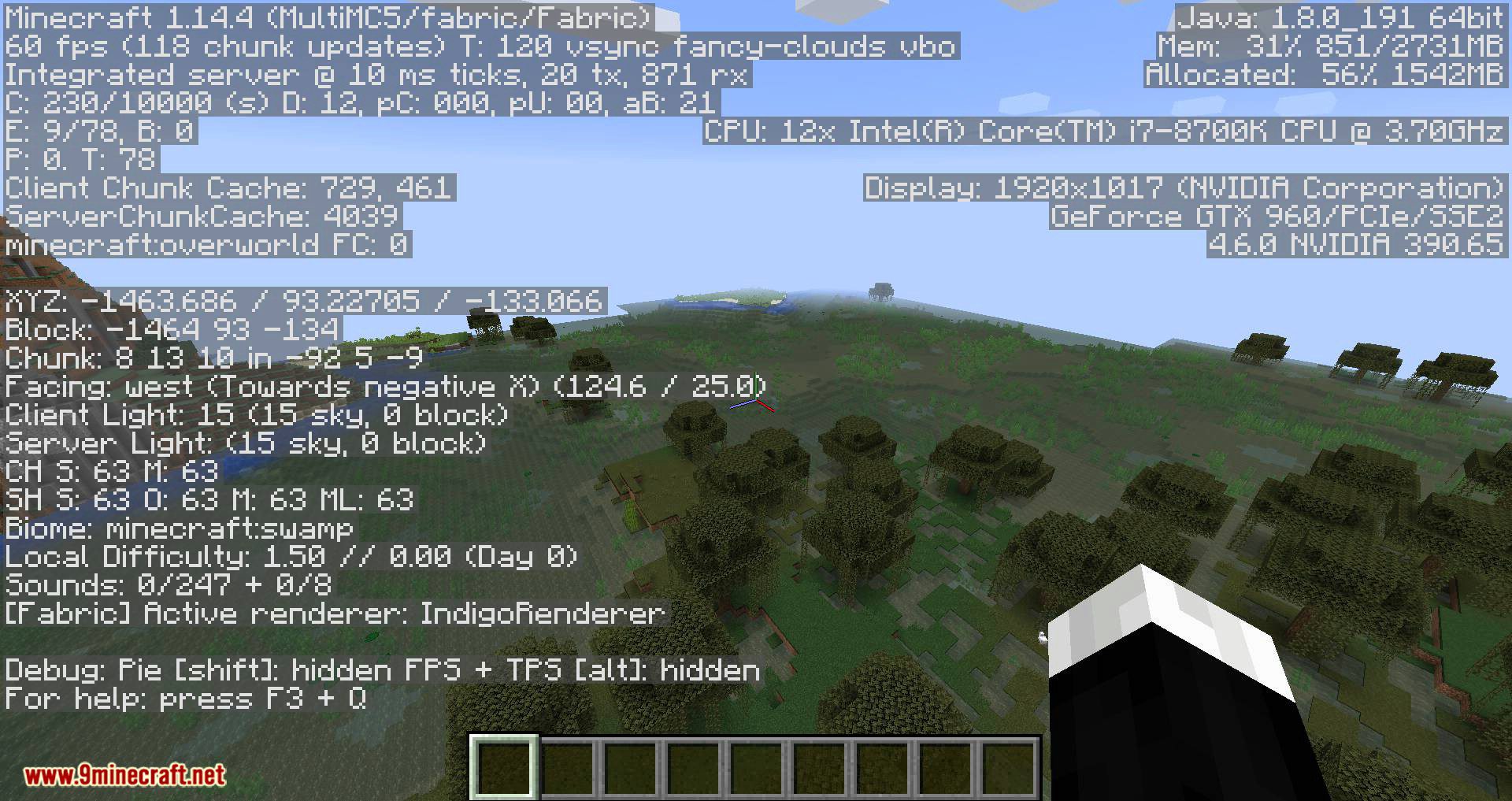
Screenshots:

Dynamic FPS Mod Download Links
- Edition: Minecraft Java
- File type: .jar
- Minecraft version listed: 1.20.1
- How to install: Install the matching mod loader (Forge, Fabric or NeoForge) for your Minecraft version. → Download the .jar. → Put it in the .minecraft/mods folder and launch that loader profile.
- Where to get it: In MC Java Mods, or directly above on this page.
Install steps are the general flow for this file type — How to install Minecraft Java mods & modpacks walks through it step by step.
- Downloads as 2296.mcaddon
- Download size: 185 KB
- Download link checked 25 Sept 2026 — working
- Mirrored on our own servers — the download does not depend on the original host
These come from our own check of the pack file, not from the source page.