ModsJava
The Nofog Mod (26.2, 1.21.1) – Enjoy Crystal Clear Views Across Distant Biomes
Java mod listed for Minecraft 1.21. Downloads from the MC Java Mods app on Android.
⬇ Download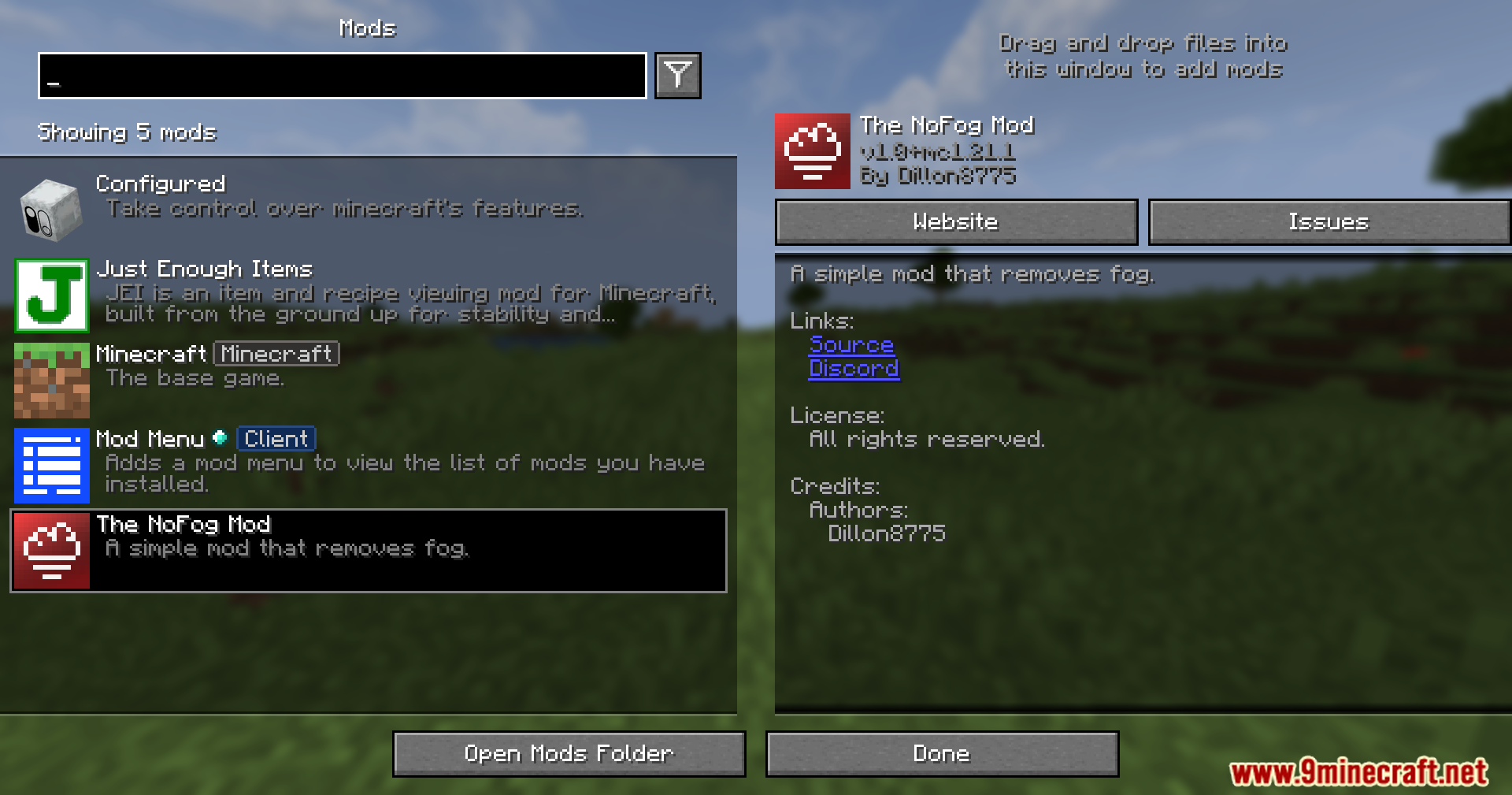
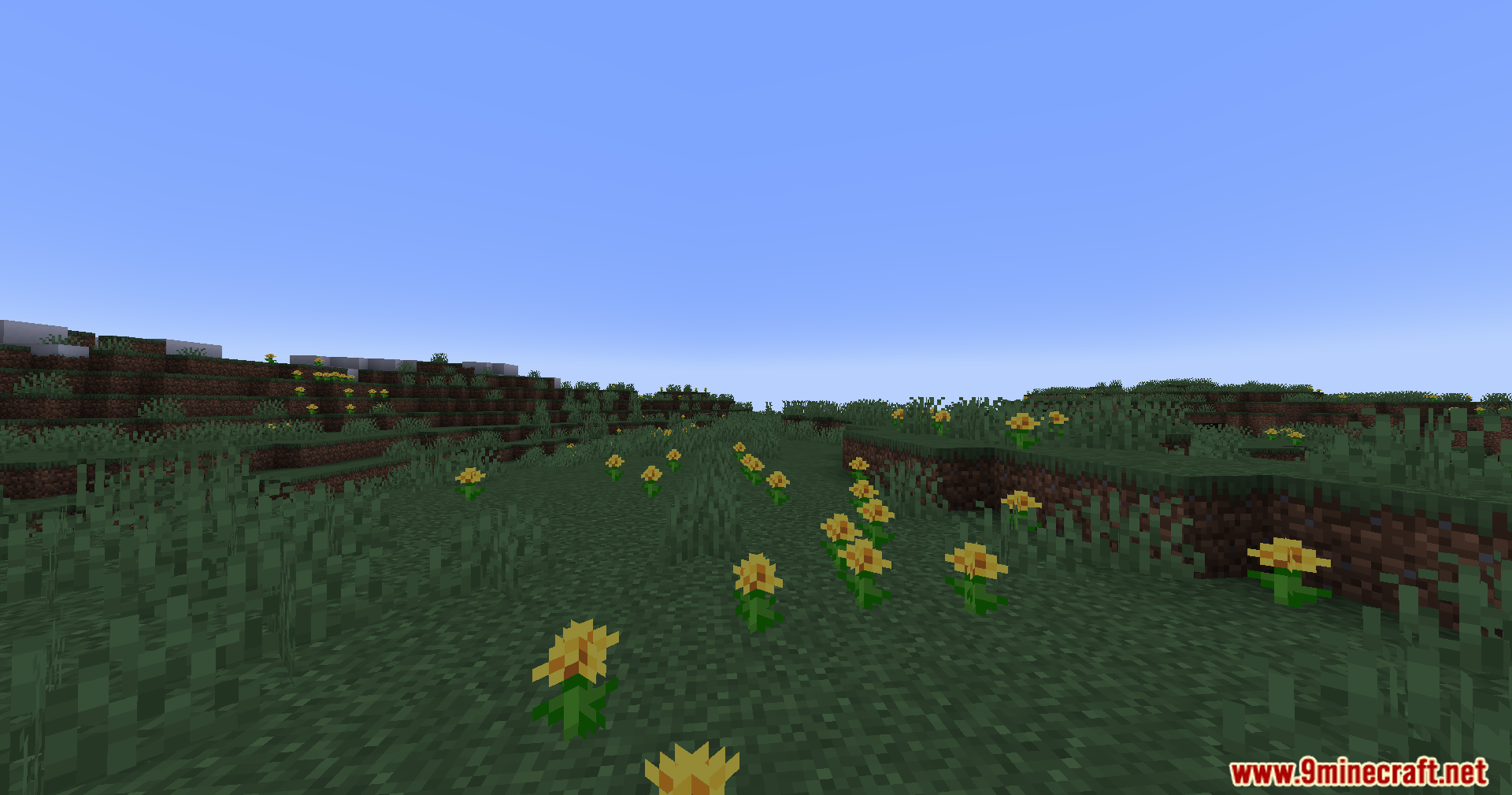
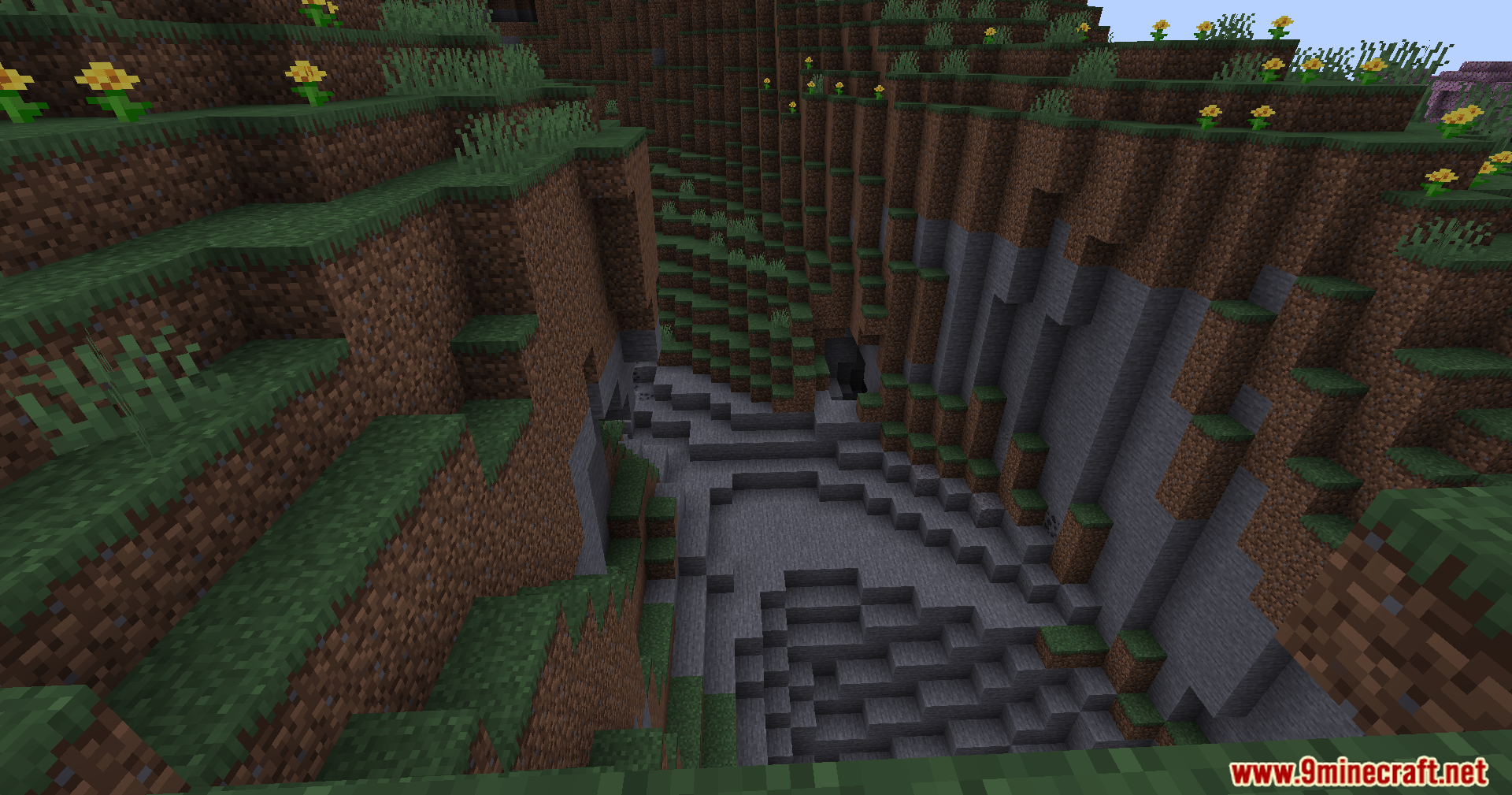
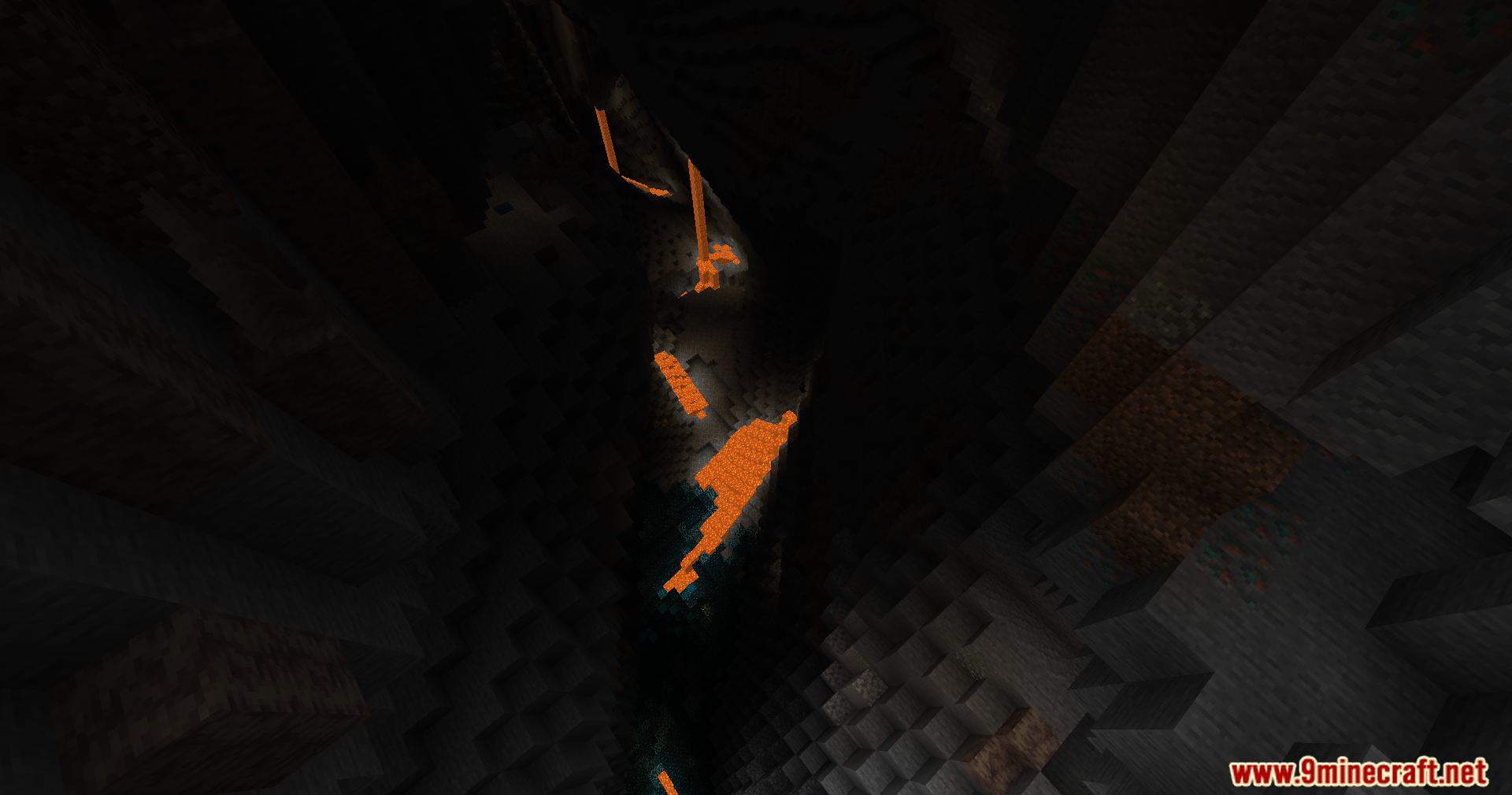
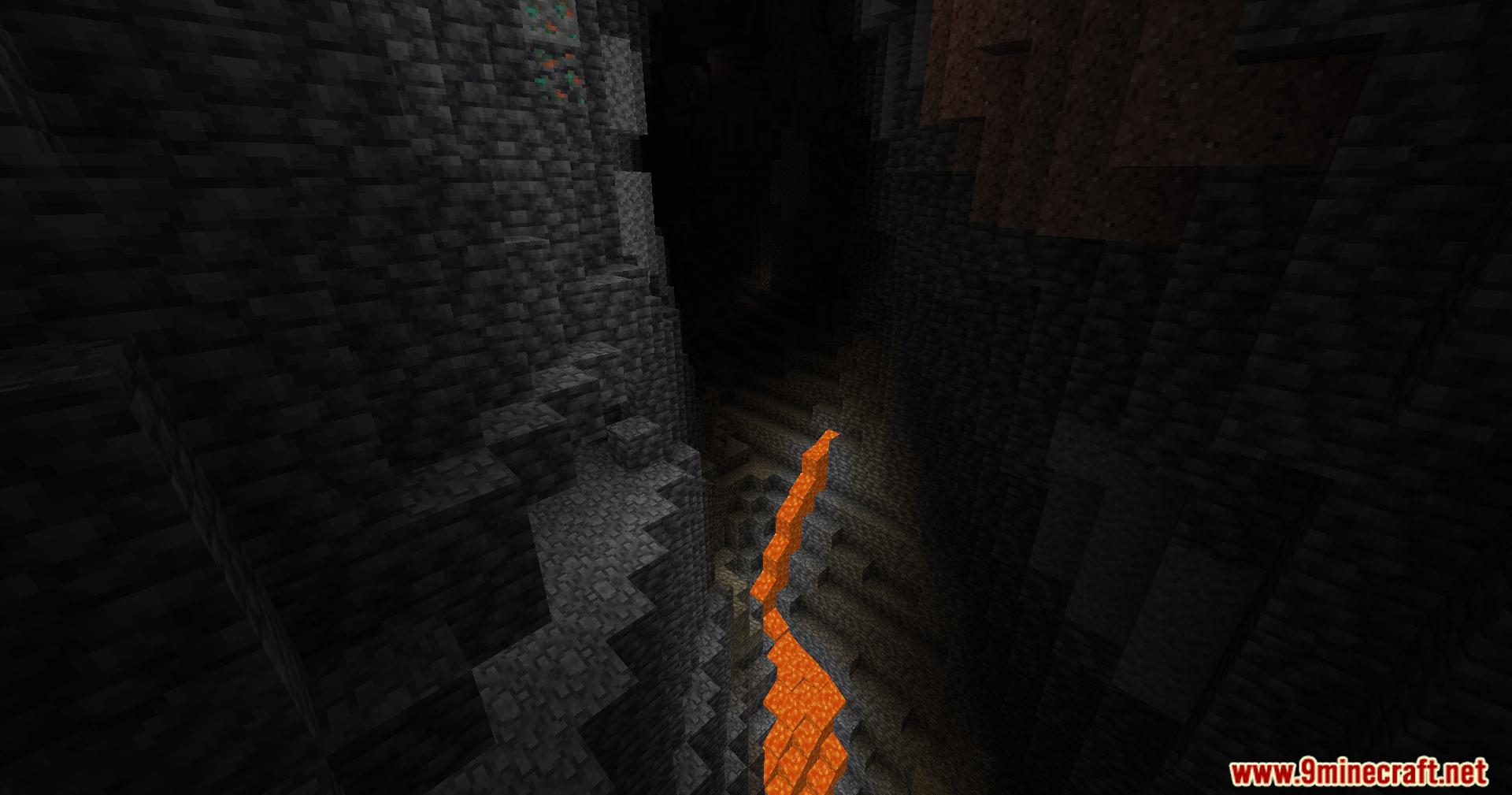
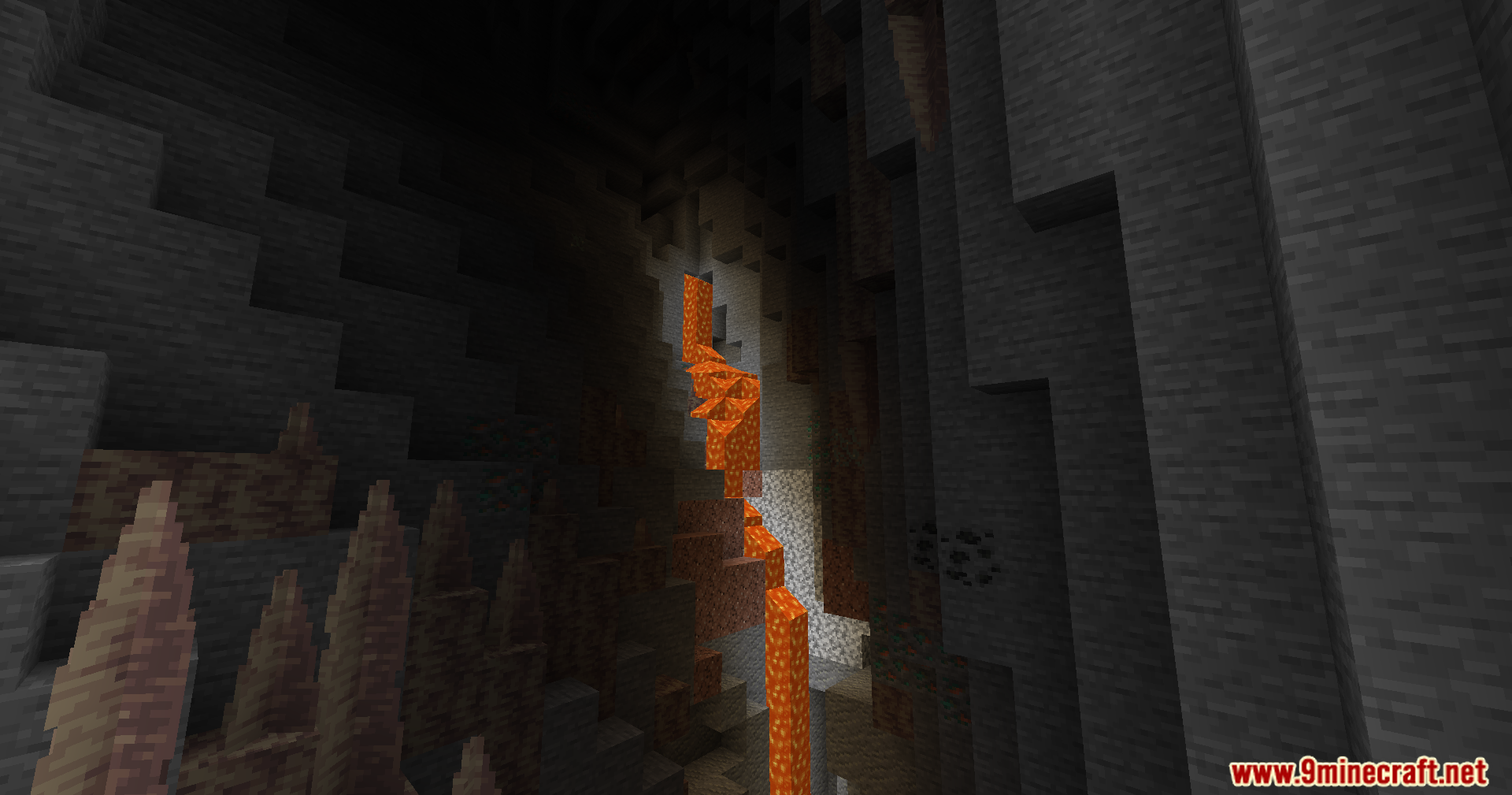
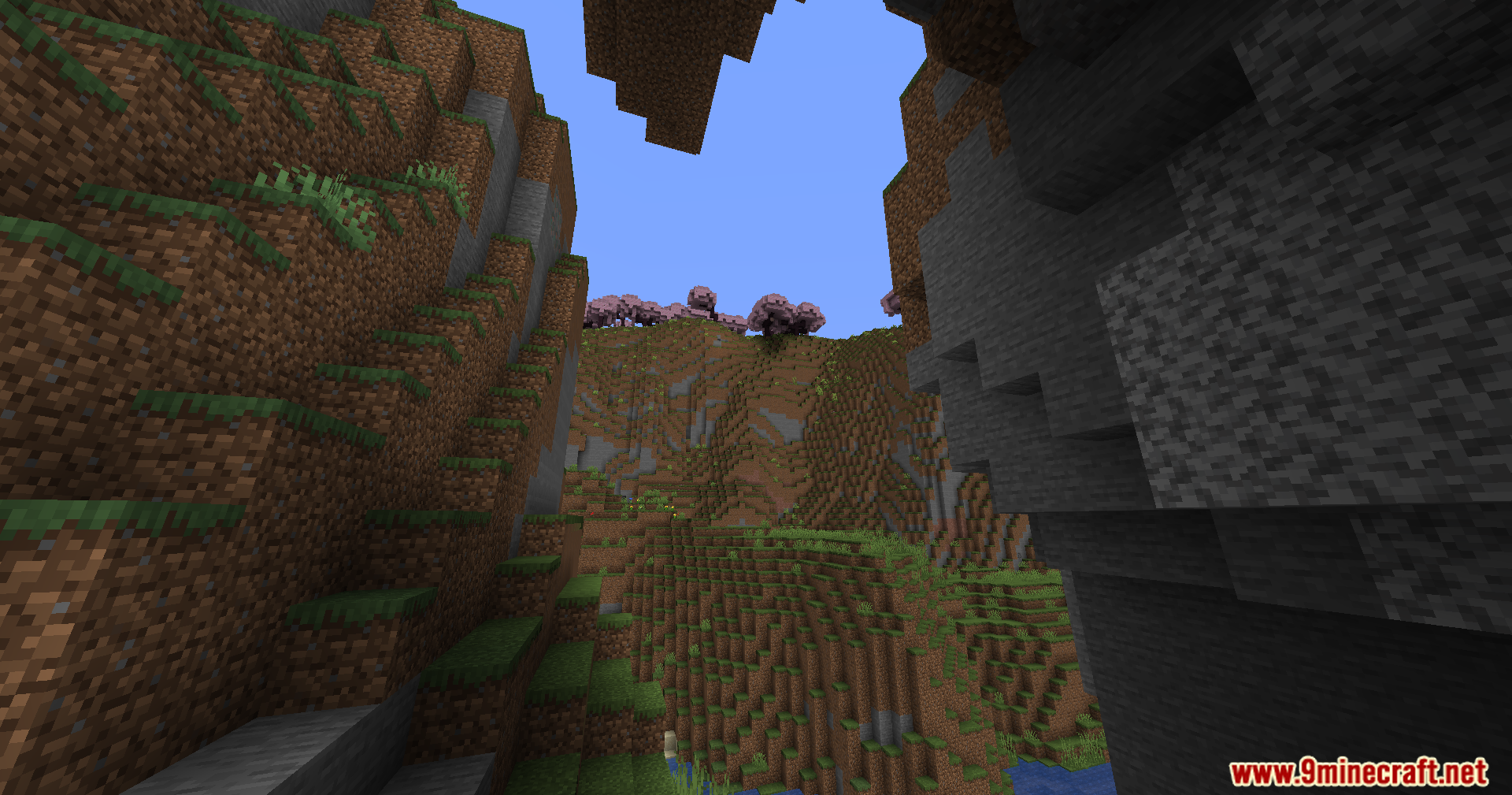
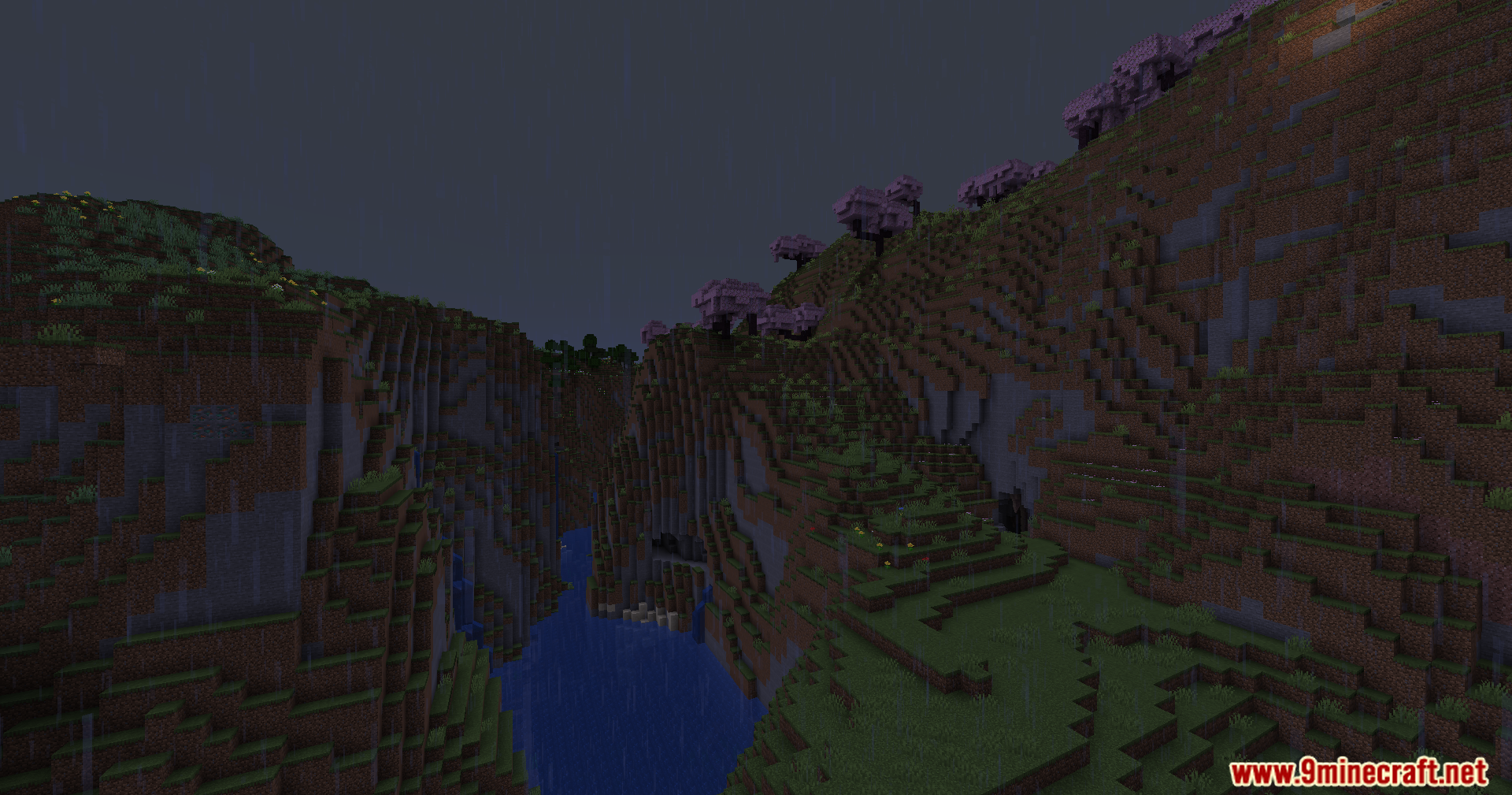
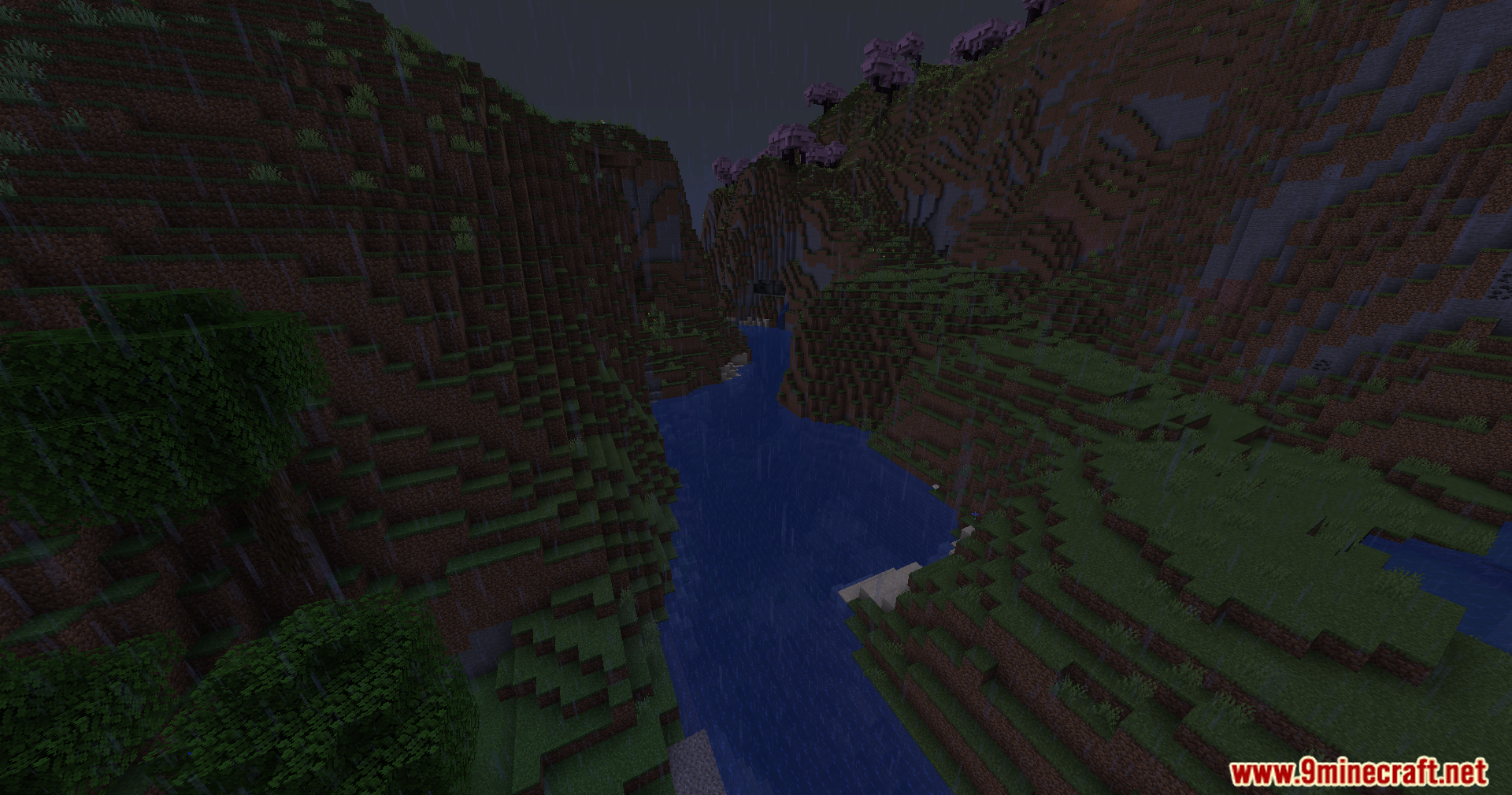
Nofog Mod deletes the thick fog that blocks your view in Minecraft. It clears up your screen so you can look far away into the distance. You do not need to change any settings or open any menus. Just load up your world, and the fog disappears.
Features:
- Removes all the fog from the game so you get a clear view of your surroundings.
- Works automatically right away without any complicated setup.
- Conflicts with OptiFine, The Speedrunner Mod, Simple Keybinds, and Quality of Queso since they already turn off fog.
Screenshots:
The Nofog Mod Download Links
Quick facts
- Edition: Minecraft Java
- File type: .jar
- Minecraft version listed: 1.21.1
- How to install: Install the matching mod loader (Forge, Fabric or NeoForge) for your Minecraft version. → Download the .jar. → Put it in the .minecraft/mods folder and launch that loader profile.
- Where to get it: In MC Java Mods, or directly above on this page.
Install steps are the general flow for this file type — How to install Minecraft Java mods & modpacks walks through it step by step.
File checked by MCModsHub
- Downloads as 2297.mcaddon
- Download size: 11 KB
- Download link checked 25 Sept 2026 — working
- Mirrored on our own servers — the download does not depend on the original host
These come from our own check of the pack file, not from the source page.