ModsJava
Fabric API (26.2, 1.20.1) – Play Hundreds of New Mods
Java mod listed for Minecraft 1.20. Downloads from the MC Java Mods app on Android.
⬇ Download
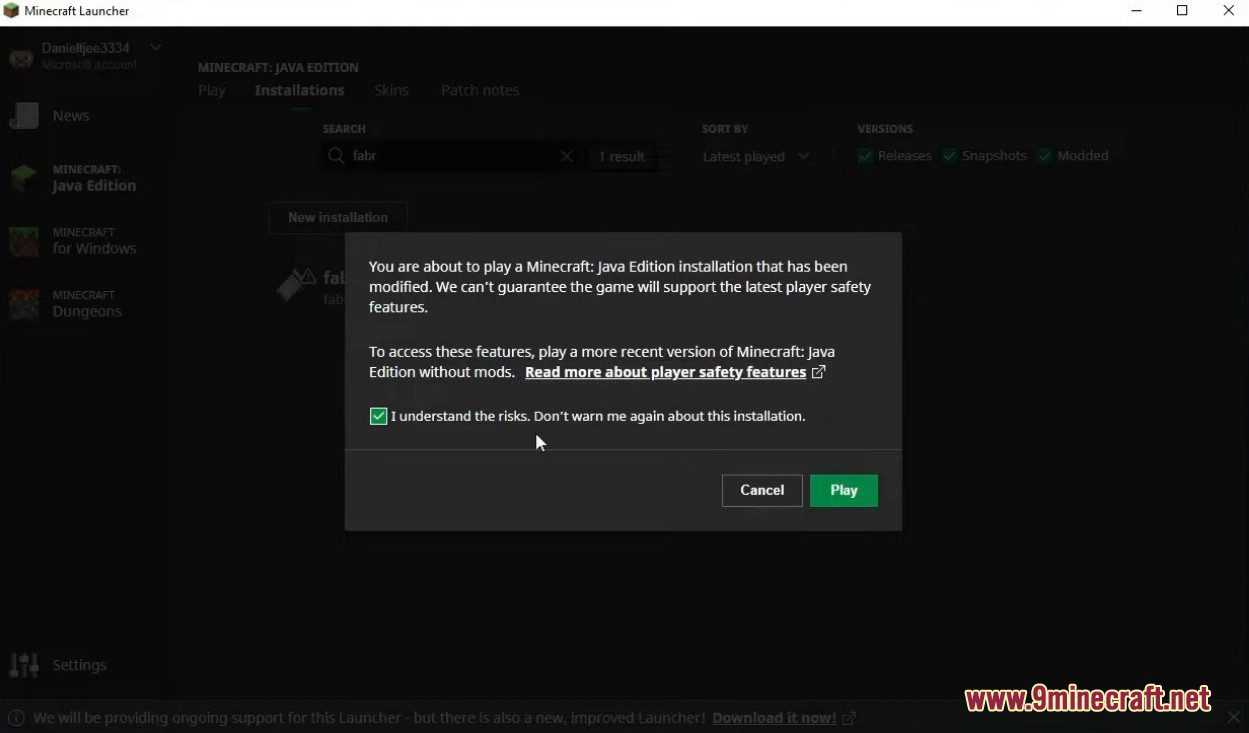
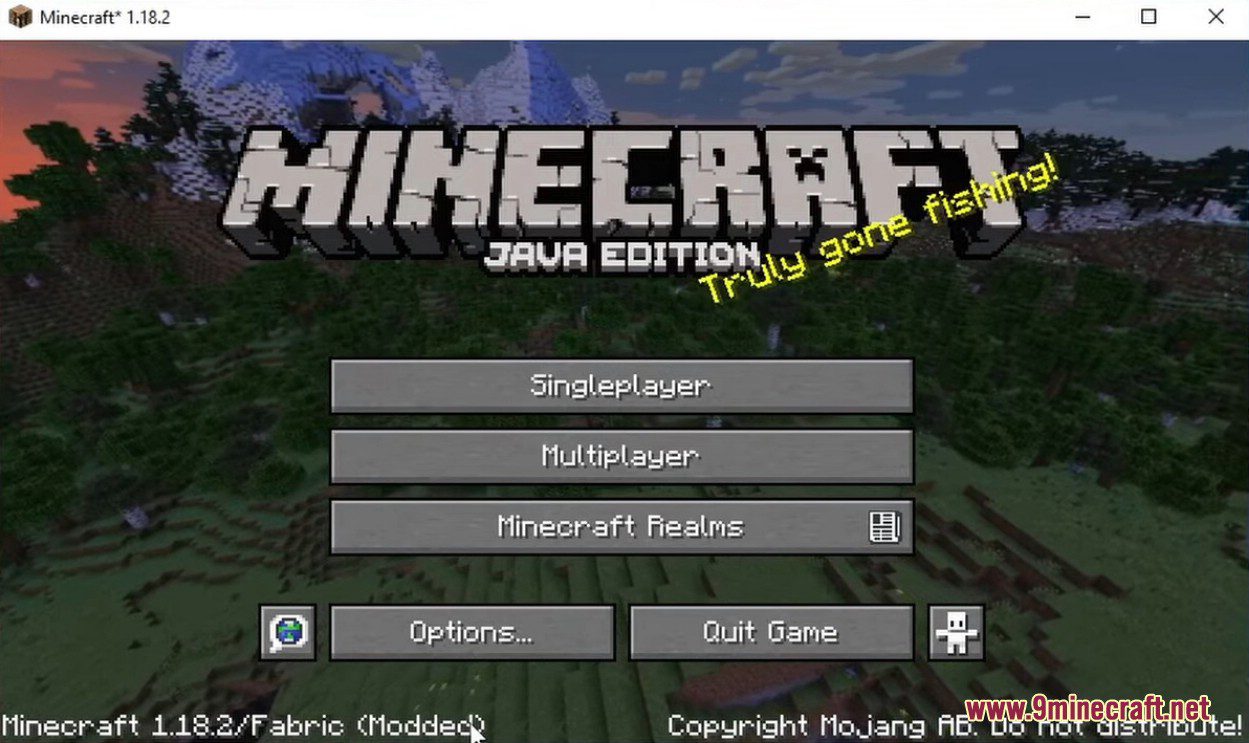
Fabric API provides the essential tools and connections that most Fabric mods need to work properly in Minecraft. It acts as a shared library, helping different mods communicate and run together smoothly. This API is required for almost all mods that use the Fabric Loader to function correctly.
Features:
- Gives mods easier access to game features that are normally hard to reach, like particles, biomes, and dimensions.
- Adds events and hooks that improve how different mods work together.
- Includes essential systems, such as synchronizing custom items and blocks between the server and client.
- Adds more useful information to crash reports, which helps in finding and fixing problems.
- Features an advanced rendering API designed to be compatible with optimization and graphics overhaul mods.
How to Use:
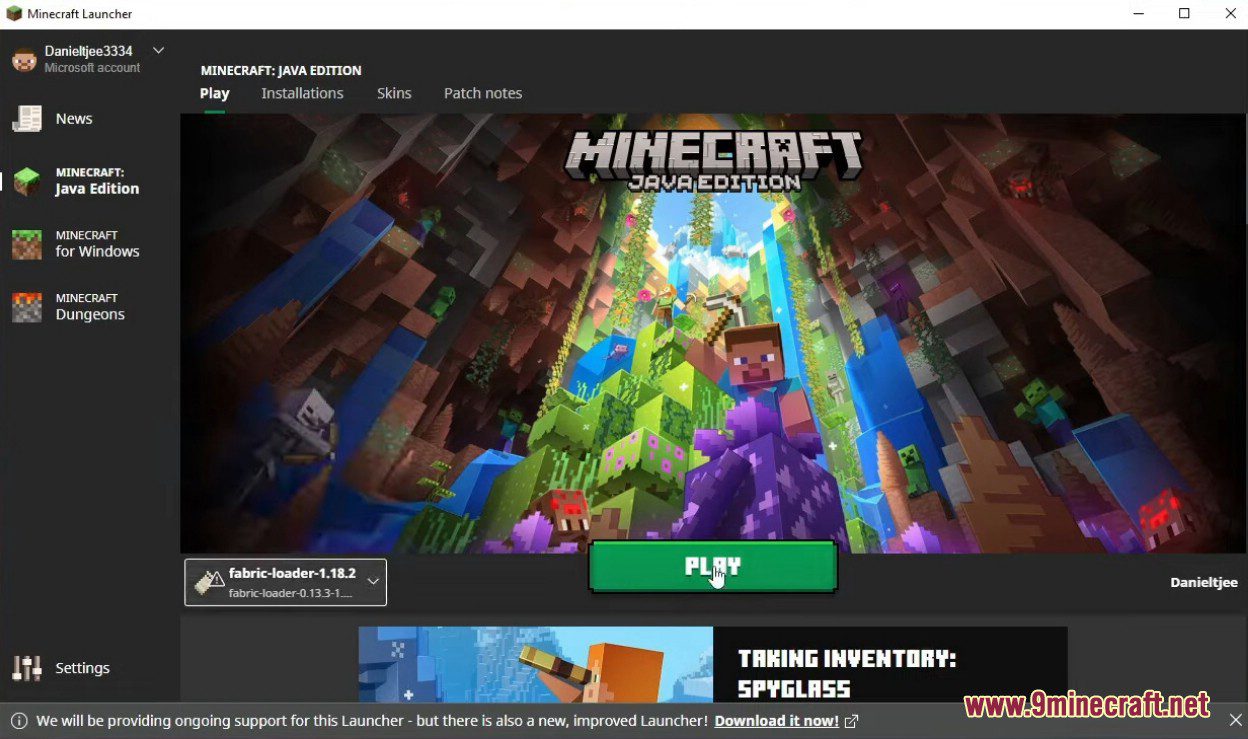
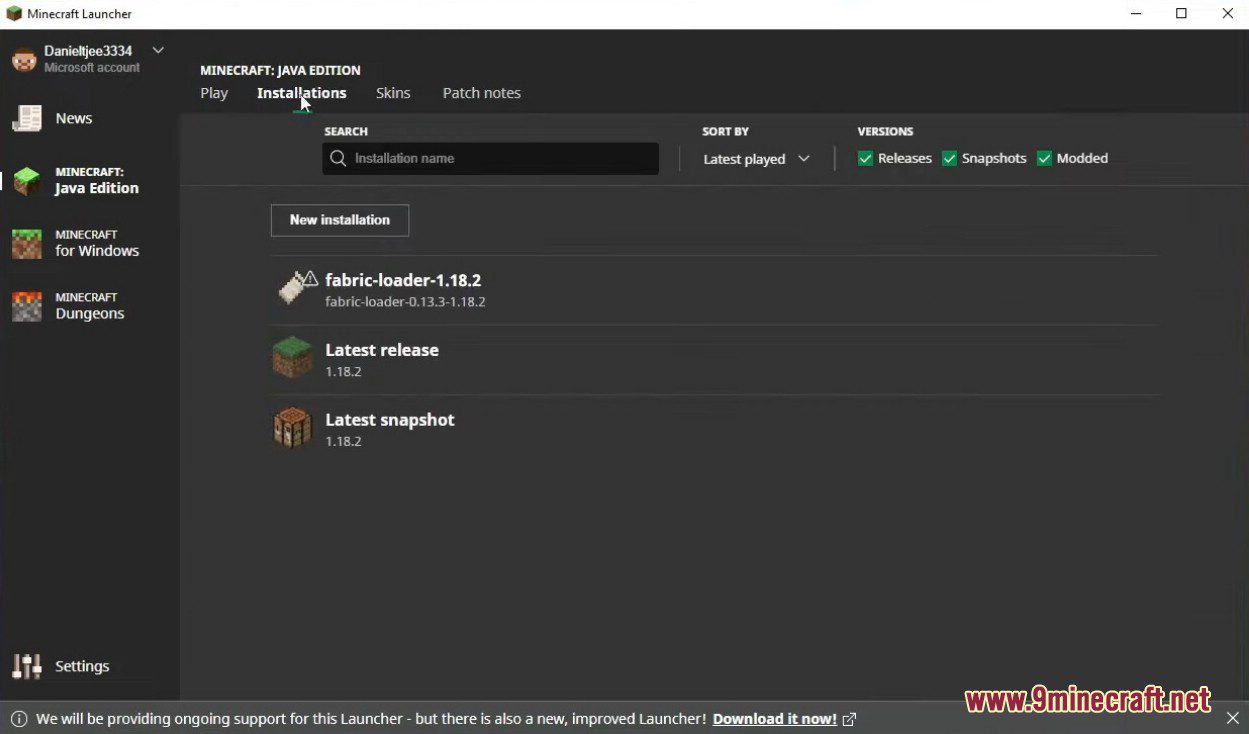
- Make sure you have Fabric Loader installed first.
- Place the downloaded Fabric API file into your ‘mods’ folder.
Screenshots:
Fabric API Download Links
Quick facts
- Edition: Minecraft Java
- File type: .jar
- Minecraft version listed: 1.20.1
- How to install: Install the matching mod loader (Forge, Fabric or NeoForge) for your Minecraft version. → Download the .jar. → Put it in the .minecraft/mods folder and launch that loader profile.
- Where to get it: In MC Java Mods, or directly above on this page.
Install steps are the general flow for this file type — How to install Minecraft Java mods & modpacks walks through it step by step.
File checked by MCModsHub
- Downloads as 2301.mcaddon
- Download size: 2.5 MB
- Download link checked 25 Sept 2026 — working
- Mirrored on our own servers — the download does not depend on the original host
These come from our own check of the pack file, not from the source page.