
More Culling Mod (26.2, 1.20.1) – Super Boosting Performance
Java mod listed for Minecraft 1.20. Downloads from the MC Java Mods app on Android.
⬇ Download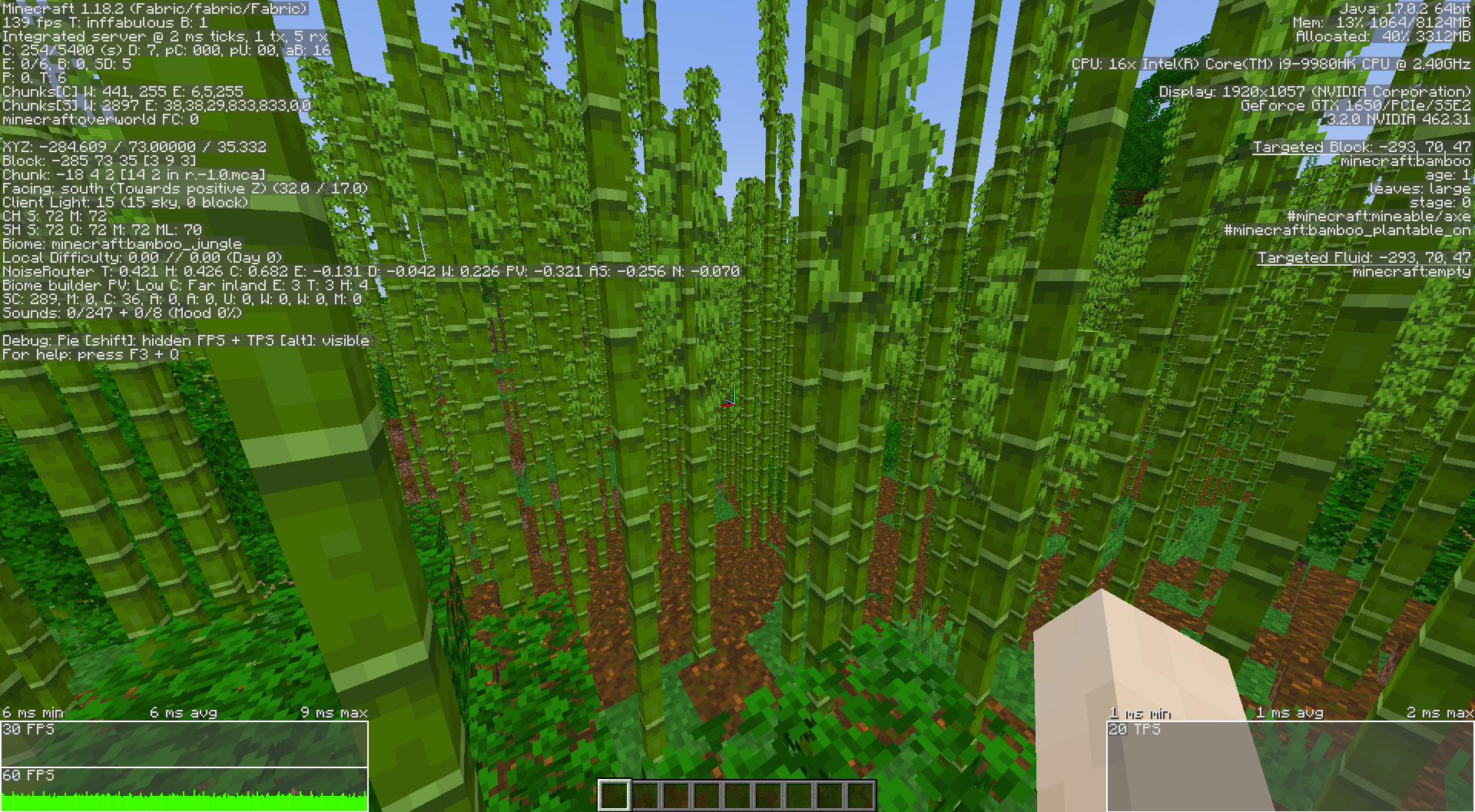
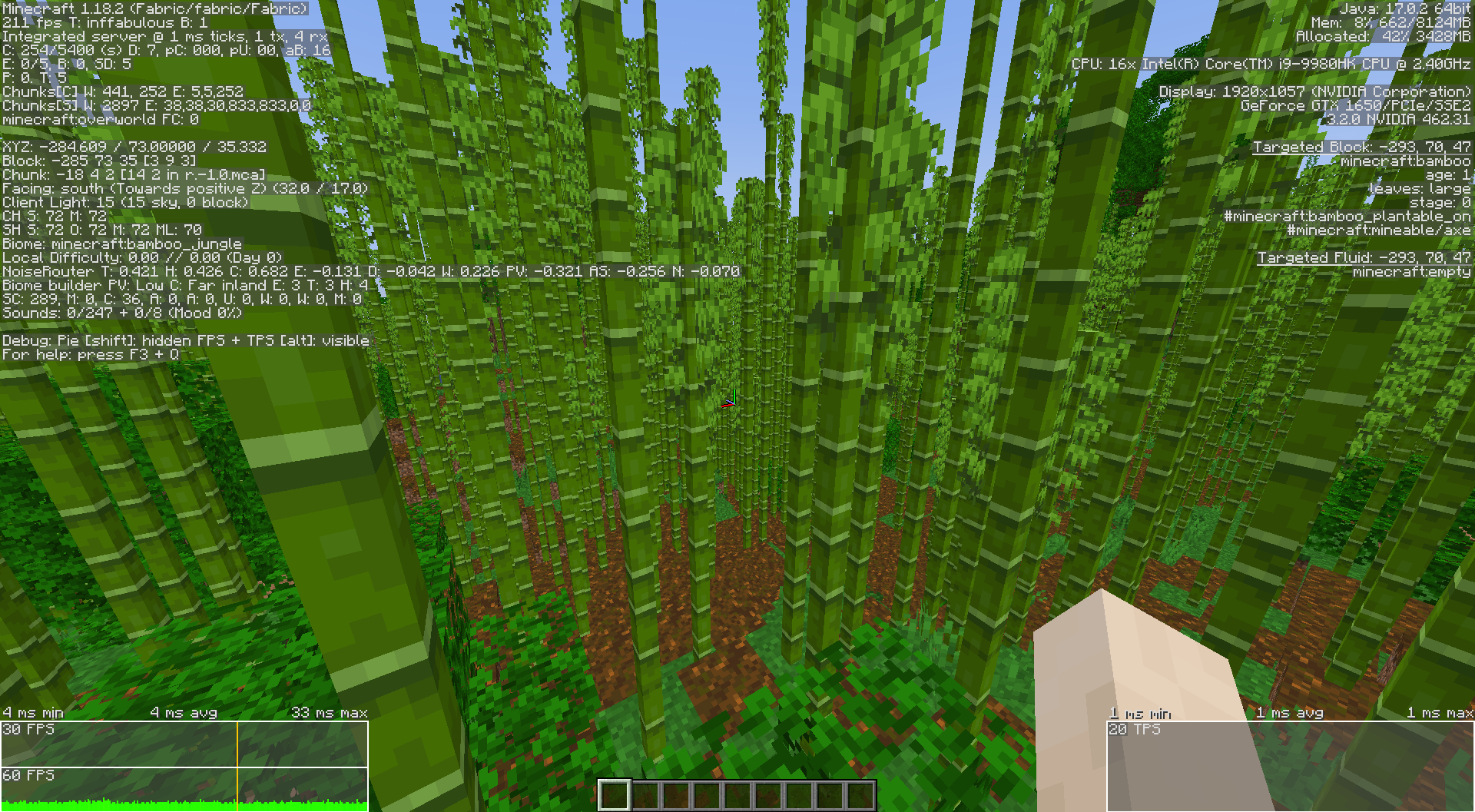
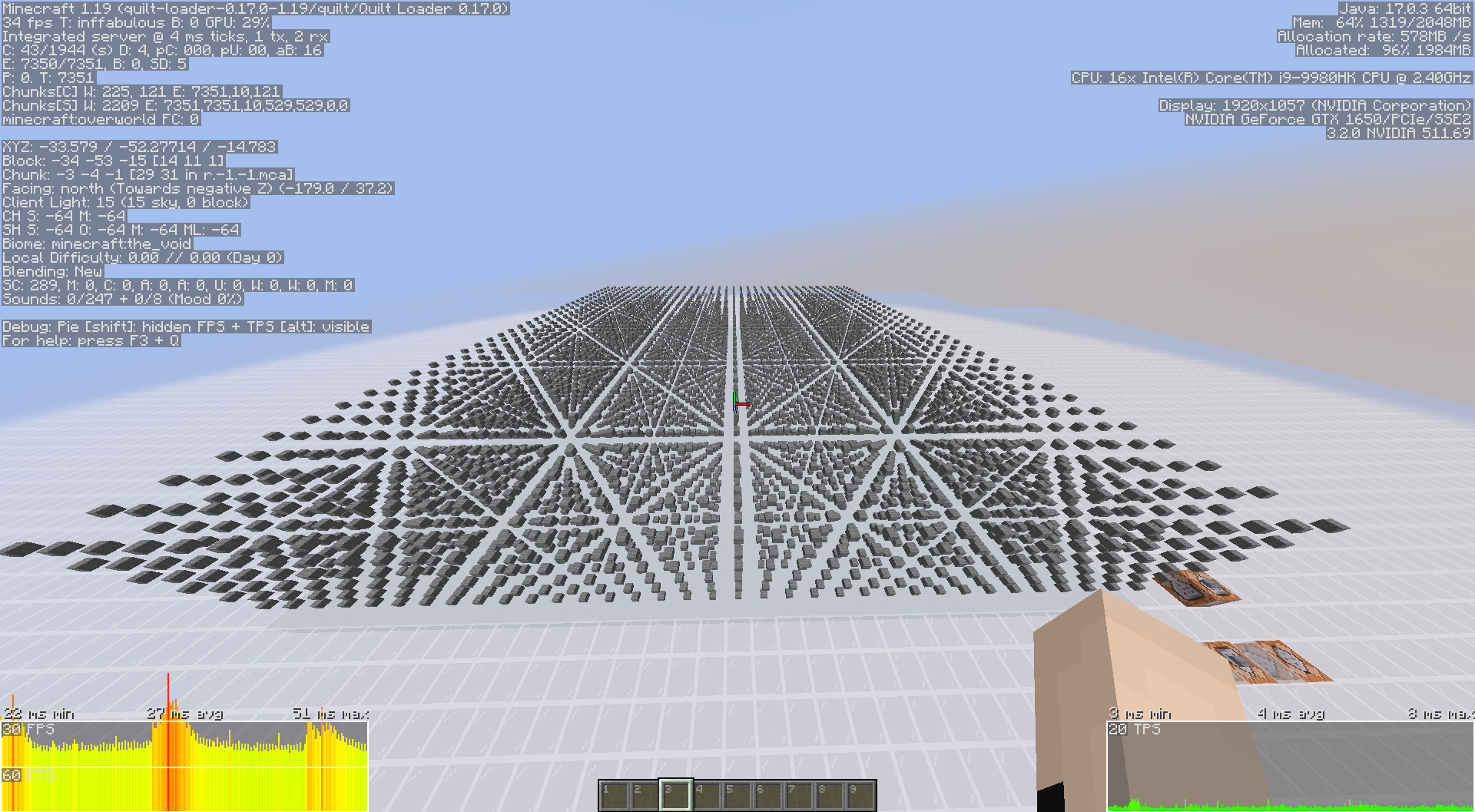
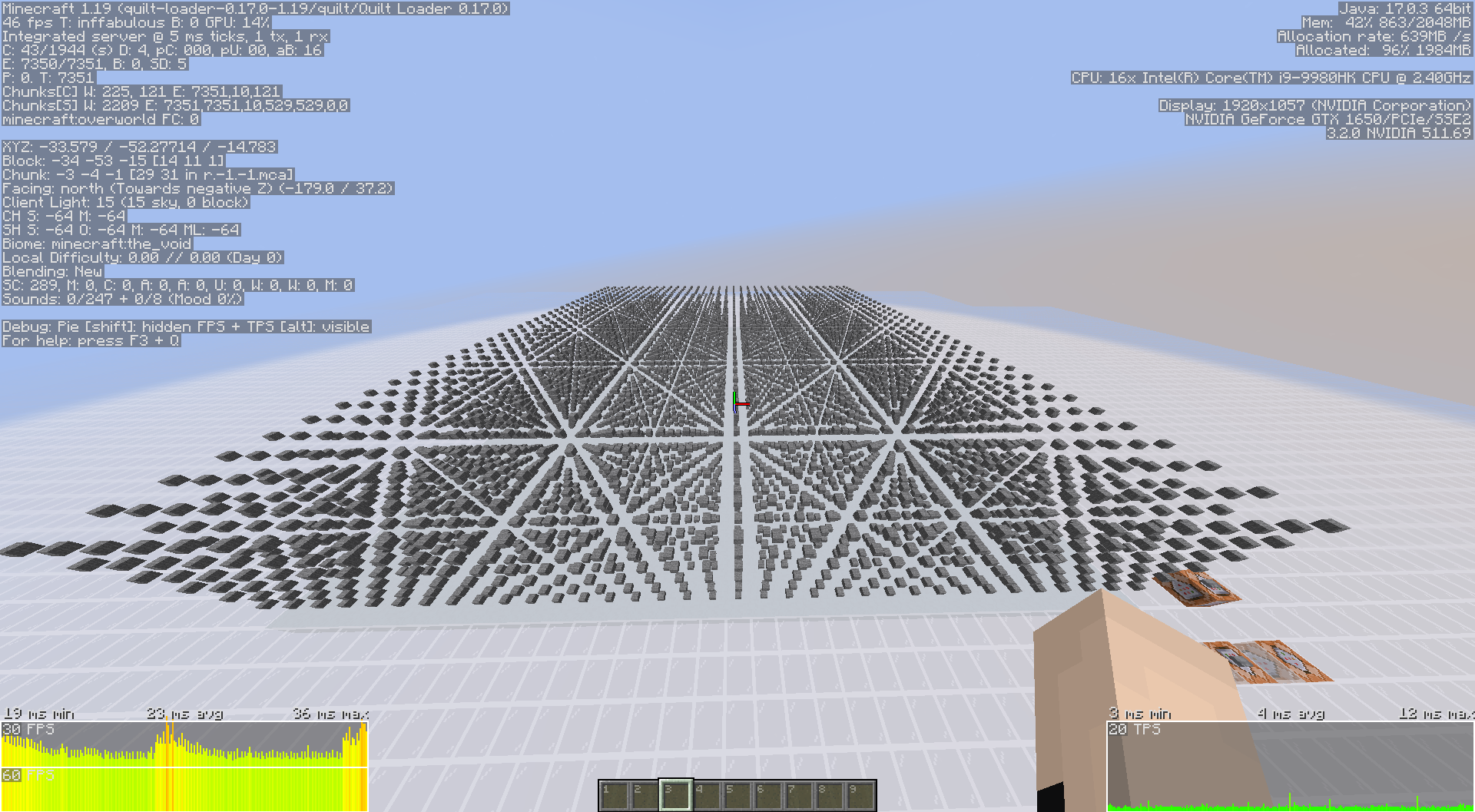
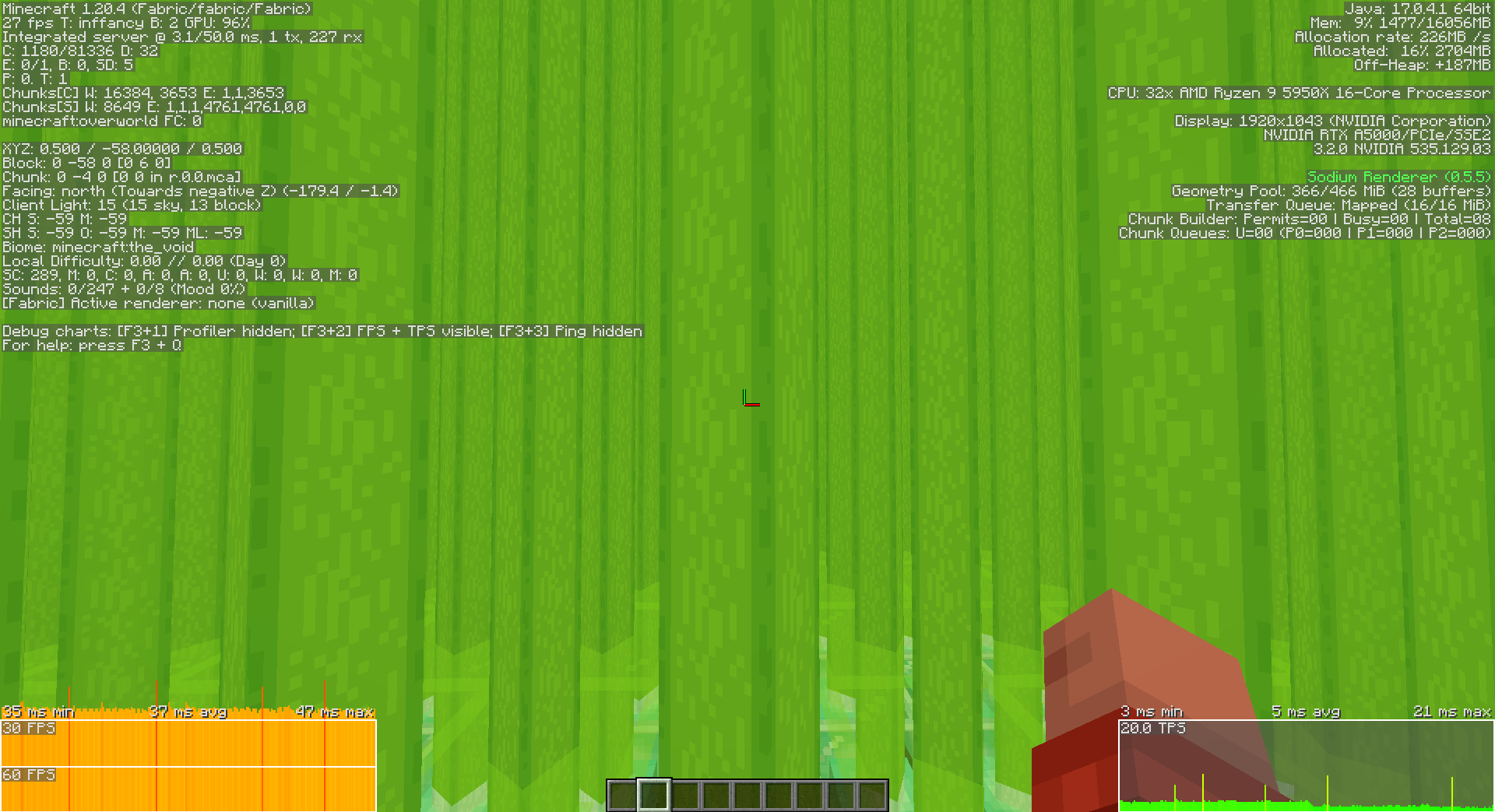
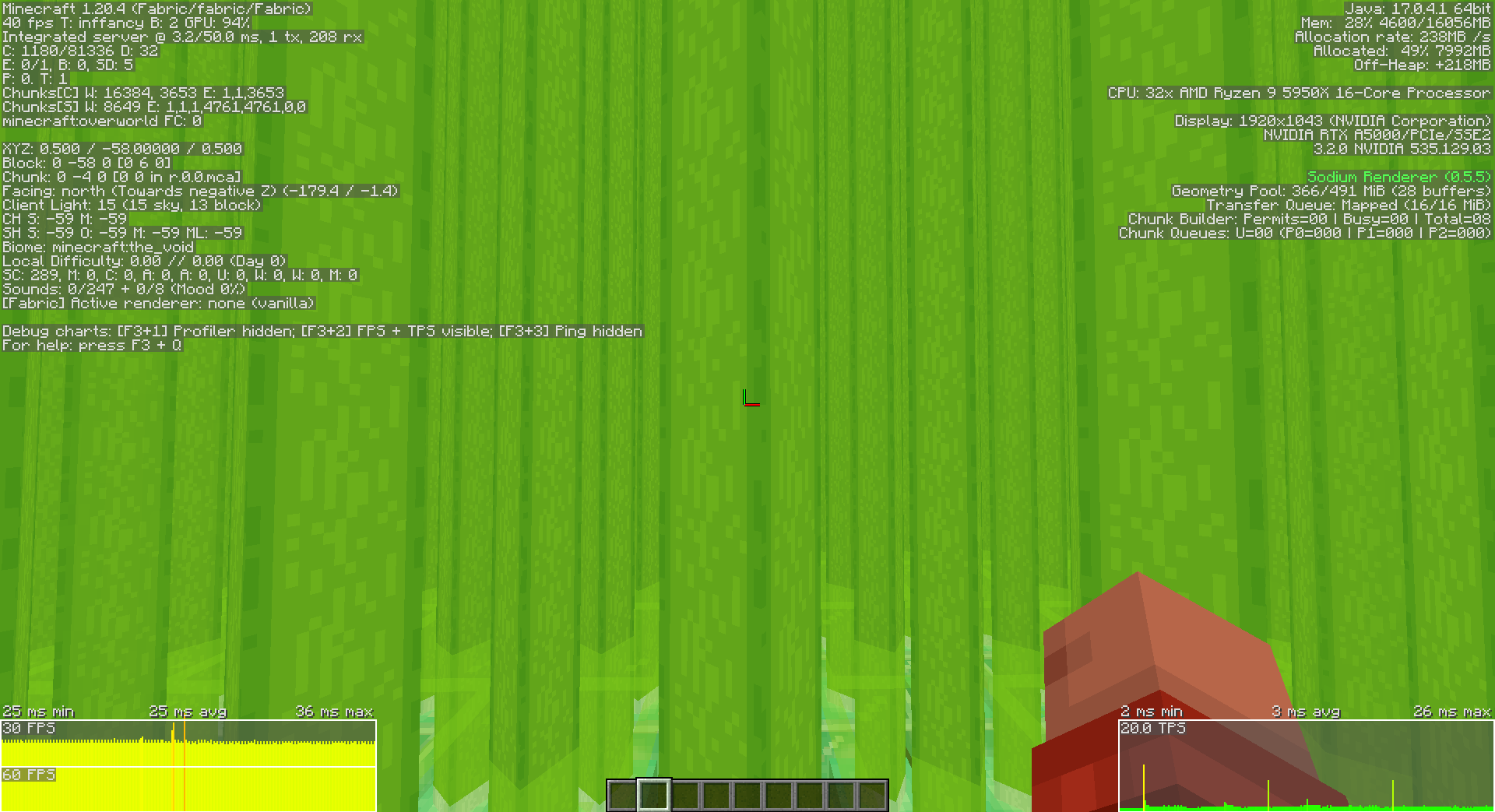
More Culling Mod optimizes the game and improves its performance by preventing the rendering and processing of objects that are not visible to the player. In many scenarios, the game calculates and renders objects even if the player cannot see them, which naturally has a negative impact on performance.
The mod includes a configuration file, allowing you to disable certain features if you encounter any issues. The mod limits the processing of the sky, text on signs, rain particles, frames, foliage, mangrove roots, entities, hidden blocks, and more.
Similar functionality can be found in many other mods, but the effectiveness depends on the implementation and specific in-game conditions. If the game map is filled with problematic areas that consume your limited performance, this mod can be a lifesaver.
Features:
- It modifies multiple types of culling (like frustum and block entity culling) to reduce rendering load.
- Entities and blocks outside your view are skipped, improving FPS without sacrificing gameplay clarity.
- With Cloth Config API, you can tweak what gets culled and how aggressively.
Screenshots:
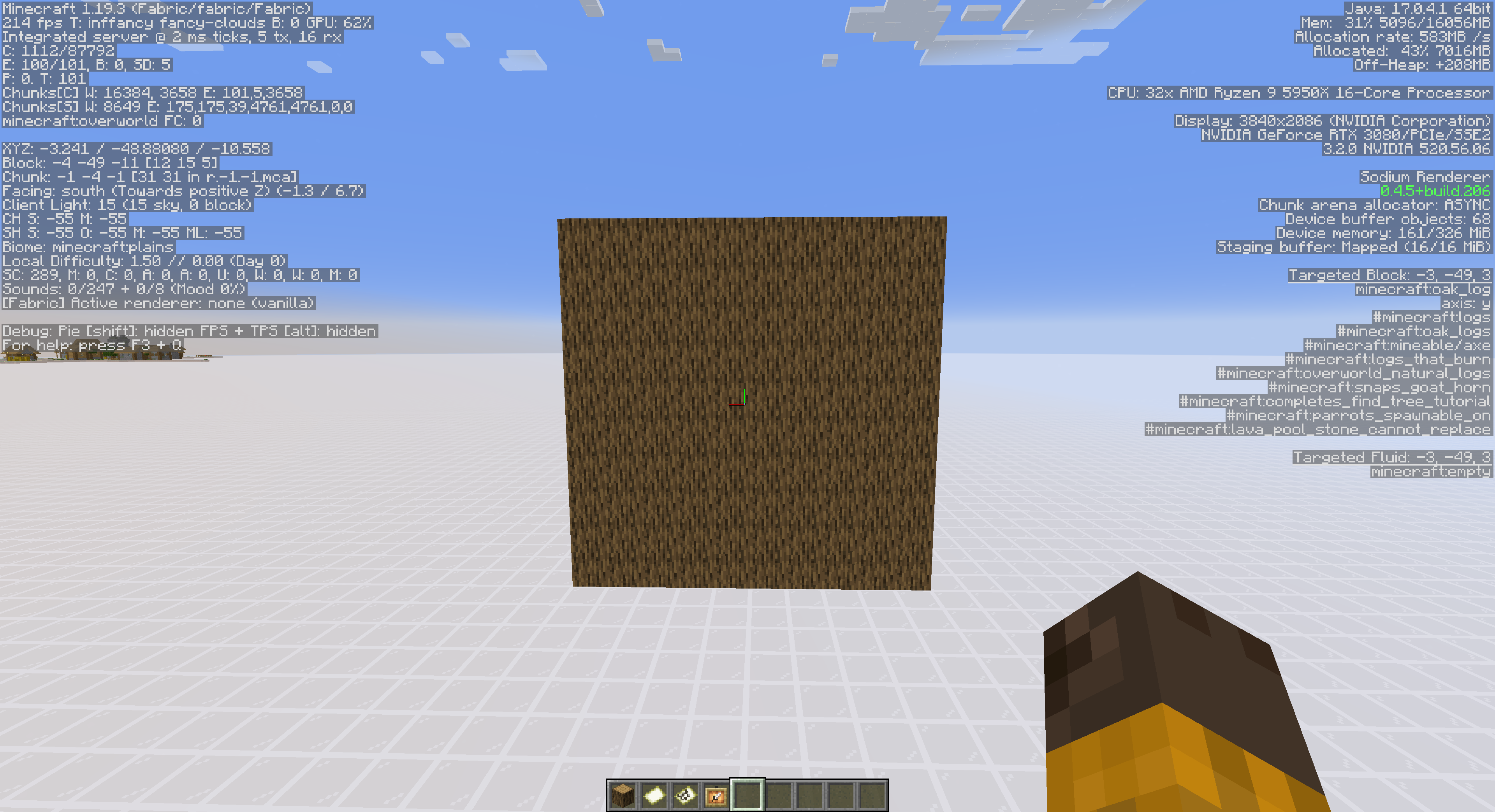
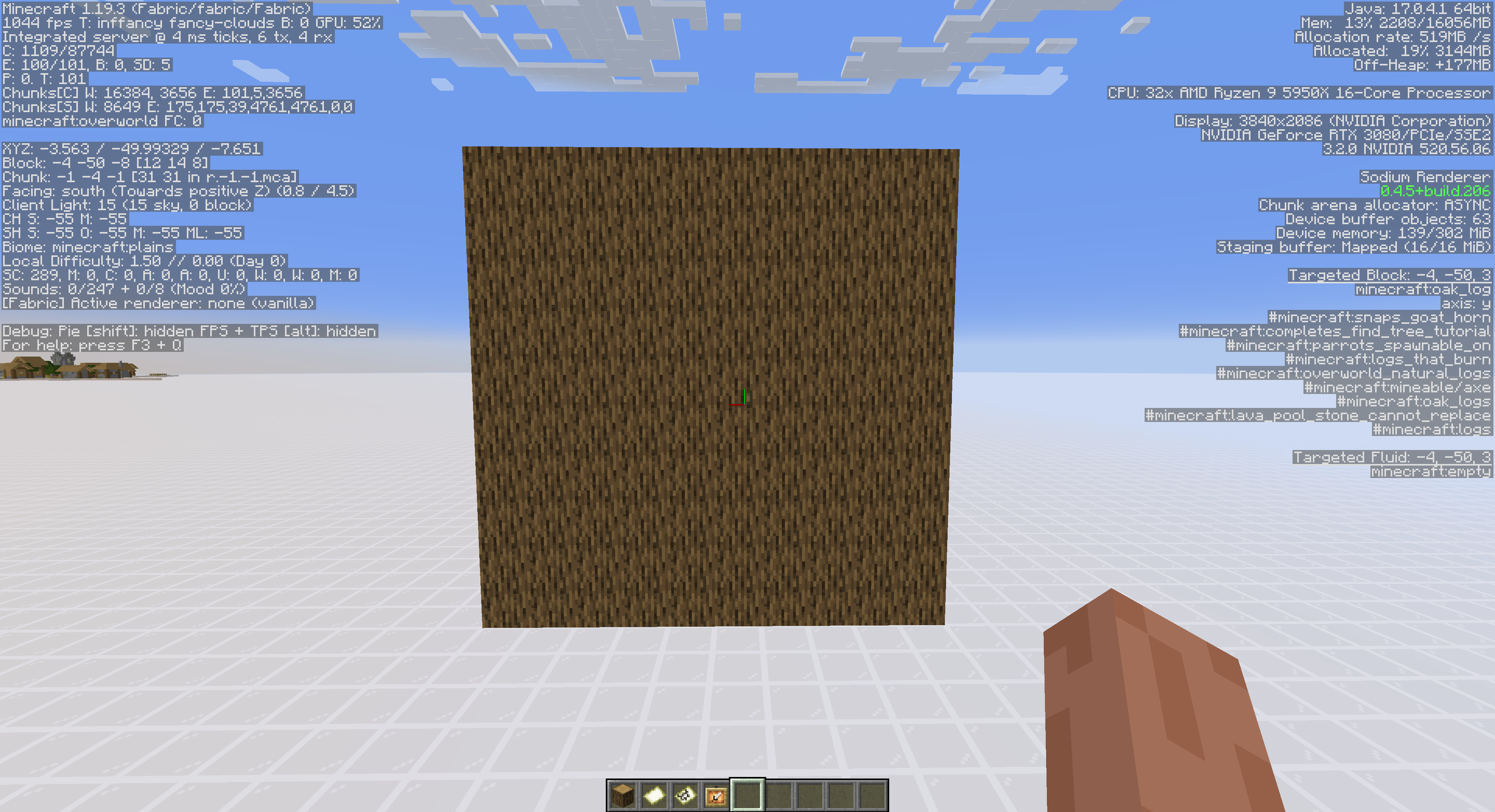
[Vanilla] Block Culling: Minecraft does block culling in order to render as little as possible. Although they do a pretty bad job at it and lots of blocks render faces you can’t see
[MoreCulling] Block Culling: MoreCulling removes most faces using aggressive block culling. It’s able to get much higher frames in most areas of the game, without changing any visuals.
[Vanilla] Map Culling: Minecraft does not cull stuff like maps behind blocks, causing huge performance loss for no reason
[MoreCulling] Map Culling: MoreCulling correctly culls there maps, and does the same for signs. Resulting in a much smoother and faster game
[Vanilla] Item Frames: Item Frames are generally known as being really laggy in minecraft. Also causes very unstable FPS resulting in frame freezing
[MoreCulling] Item Frames: MoreCulling handles item frames very aggressively. It’s able to properly optimize the rendering to make sure your game stays smooth and consistent.
[Vanilla] Beacon Beams: The terrible beacon rendering performance in Vanilla
[MoreCulling] Beacon Beam Culling: MoreCulling adds frustum culling to beacon beams.
More Culling Mod Download Links
- Edition: Minecraft Java
- File type: .jar
- Minecraft version listed: 1.20.1
- How to install: Install the matching mod loader (Forge, Fabric or NeoForge) for your Minecraft version. → Download the .jar. → Put it in the .minecraft/mods folder and launch that loader profile.
- Where to get it: In MC Java Mods, or directly above on this page.
Install steps are the general flow for this file type — How to install Minecraft Java mods & modpacks walks through it step by step.
- Downloads as 2302.mcaddon
- Download size: 269 KB
- Download link checked 24 Sept 2026 — working
- Mirrored on our own servers — the download does not depend on the original host
These come from our own check of the pack file, not from the source page.