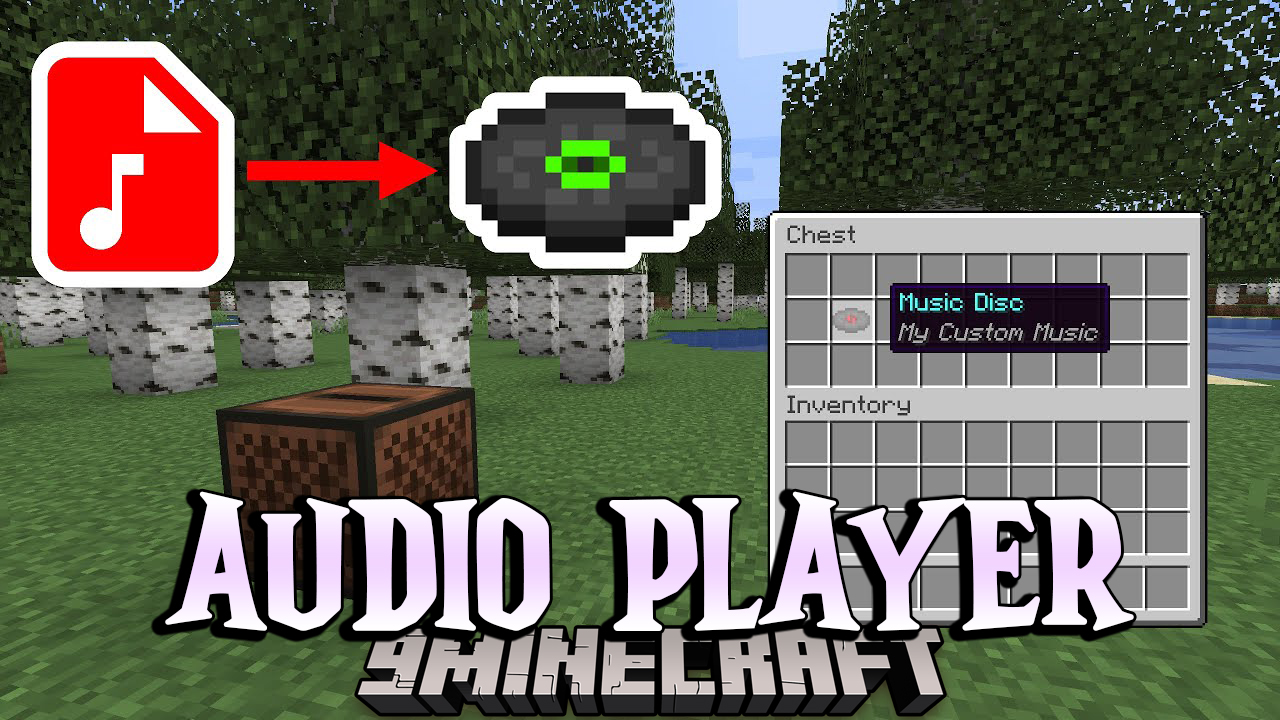
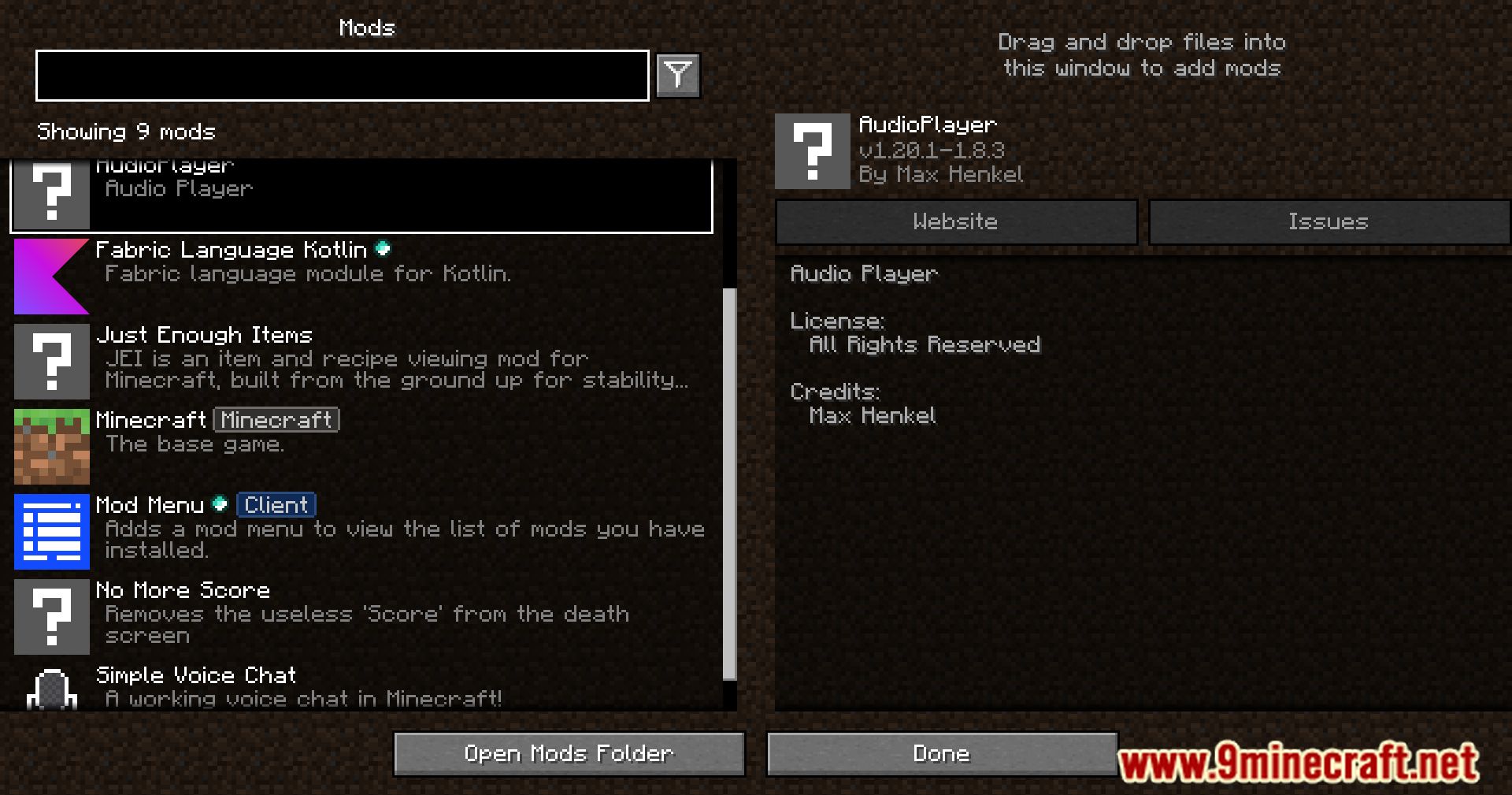
Audio Player Mod is a server-side mod that allows you to upload custom audio for music discs, goat horns, and note blocks with heads.
Features:
- Upload audio on the fly without restarting the server
- Supports mp3 and wav files
- Upload via:
- URL
- Directly to the server
- Filebin
- Website
- Server-side only, no client changes required
- No resource pack needed
- Configurable upload limit, command permissions, and audio range
- Per-item custom audio range
- Bulk apply audio to all items in containers (shulker boxes, bundles, etc.)
- Configurable goat horn cooldown
Commands:
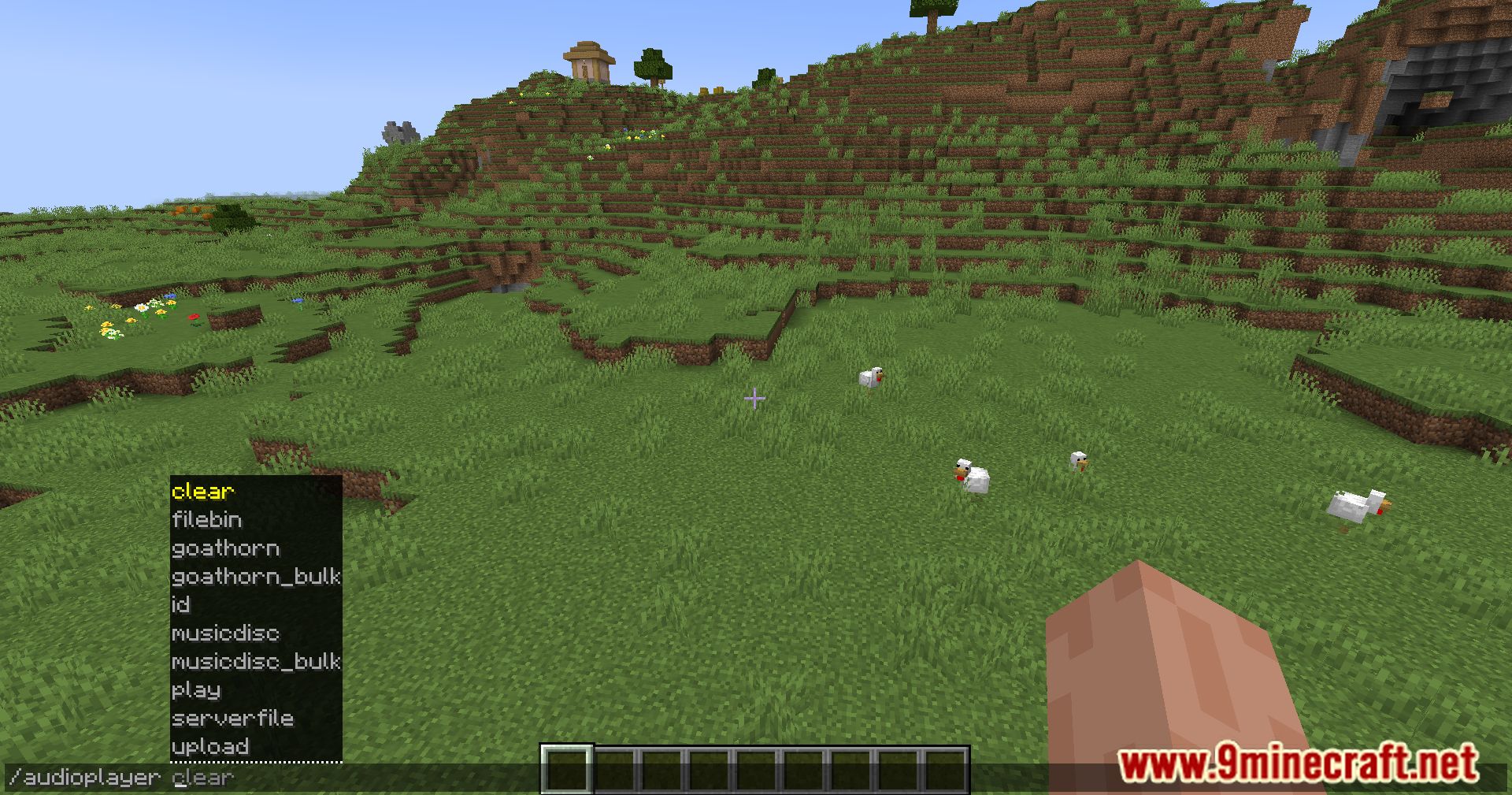
/audioplayer– Shows general information about uploading files- Upload via URL:
/audioplayer url "https://example.com/myaudio.mp3"- Replace the link with your own .mp3 or .wav file
- Upload directly to the server:
- Copy your file to
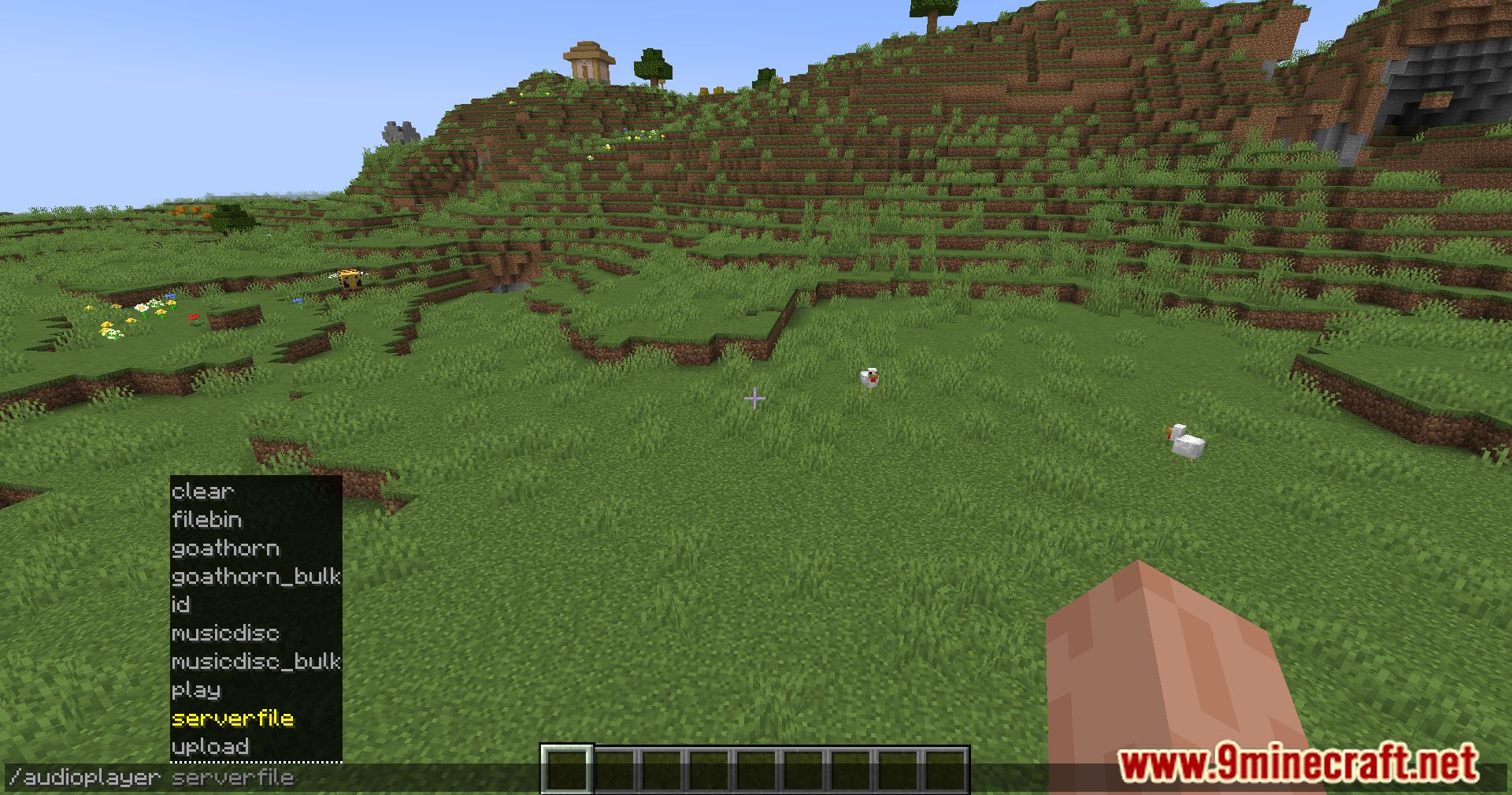
audioplayer_uploadsfolder on the server /audioplayer serverfile "yourfile.mp3"– Replace with your file name
- Copy your file to
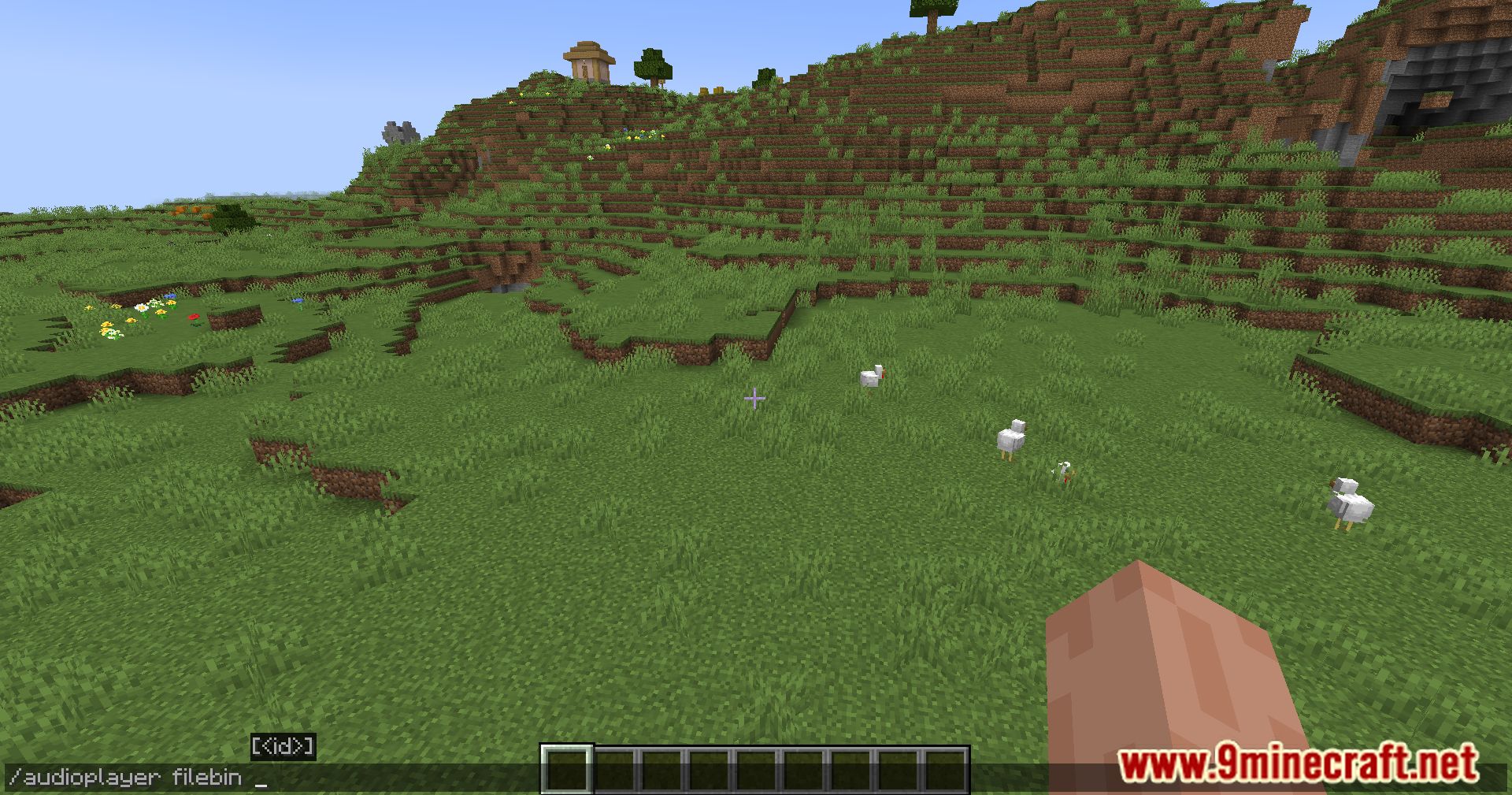
- Upload via Filebin:
/audioplayer filebin– Follow the instructions
- Apply audio to an item:
- Hold a music disc, goat horn, or head in your main hand
/audioplayer apply <ID>- Or apply by file name:
/audioplayer apply "<FILE_NAME>"(with or without extension) - Bulk apply: hold a container item (shulker box, bundle, etc.) and run the command
- Adjust audio range:
- Hold the item or container with items
/audioplayer range <RANGE>
- Get audio info:
- Hold an item with custom audio
/audioplayer info
- Search audio files:
/audioplayer search <SEARCH_TEXT>– Finds files containing the text
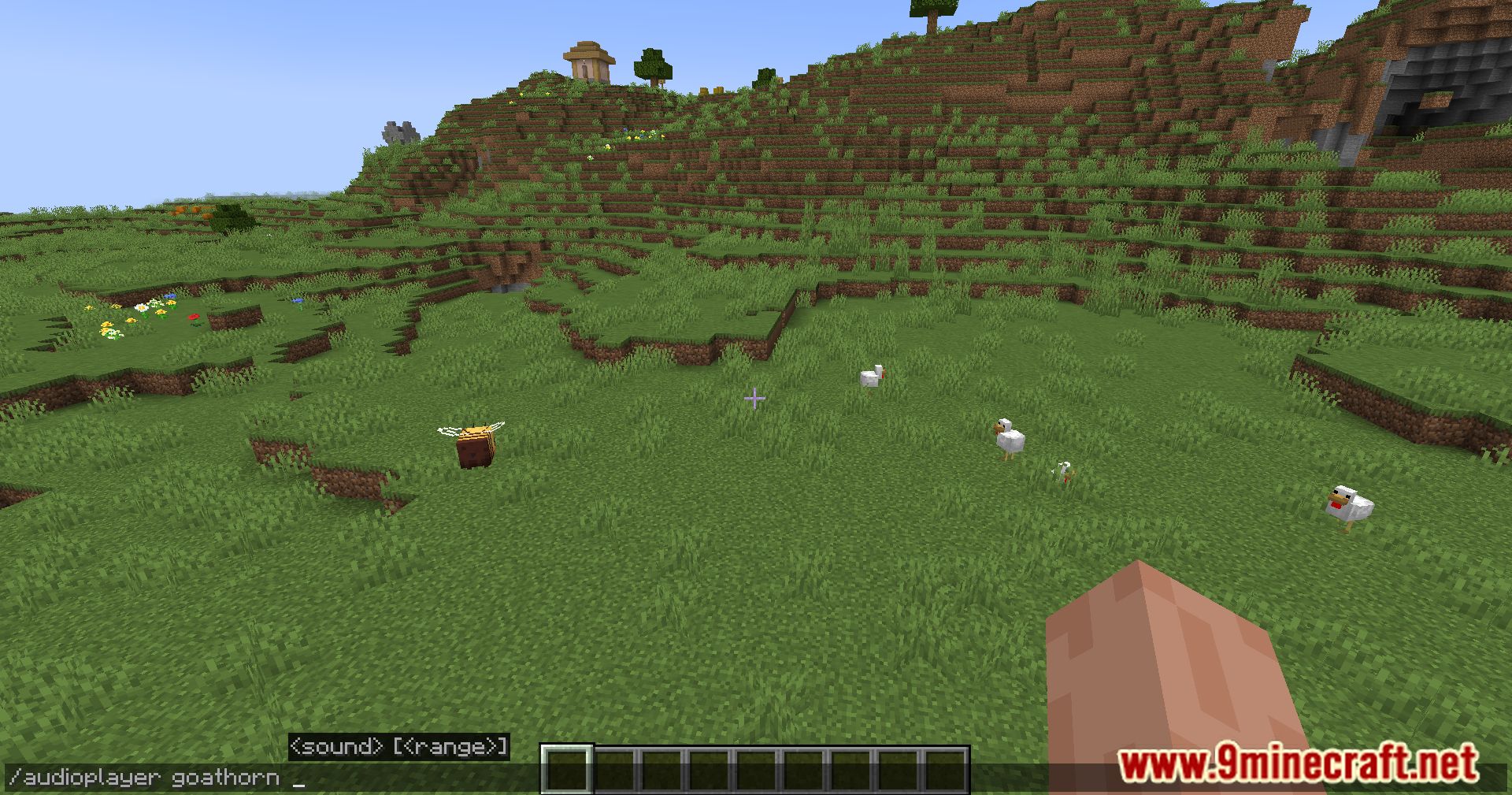
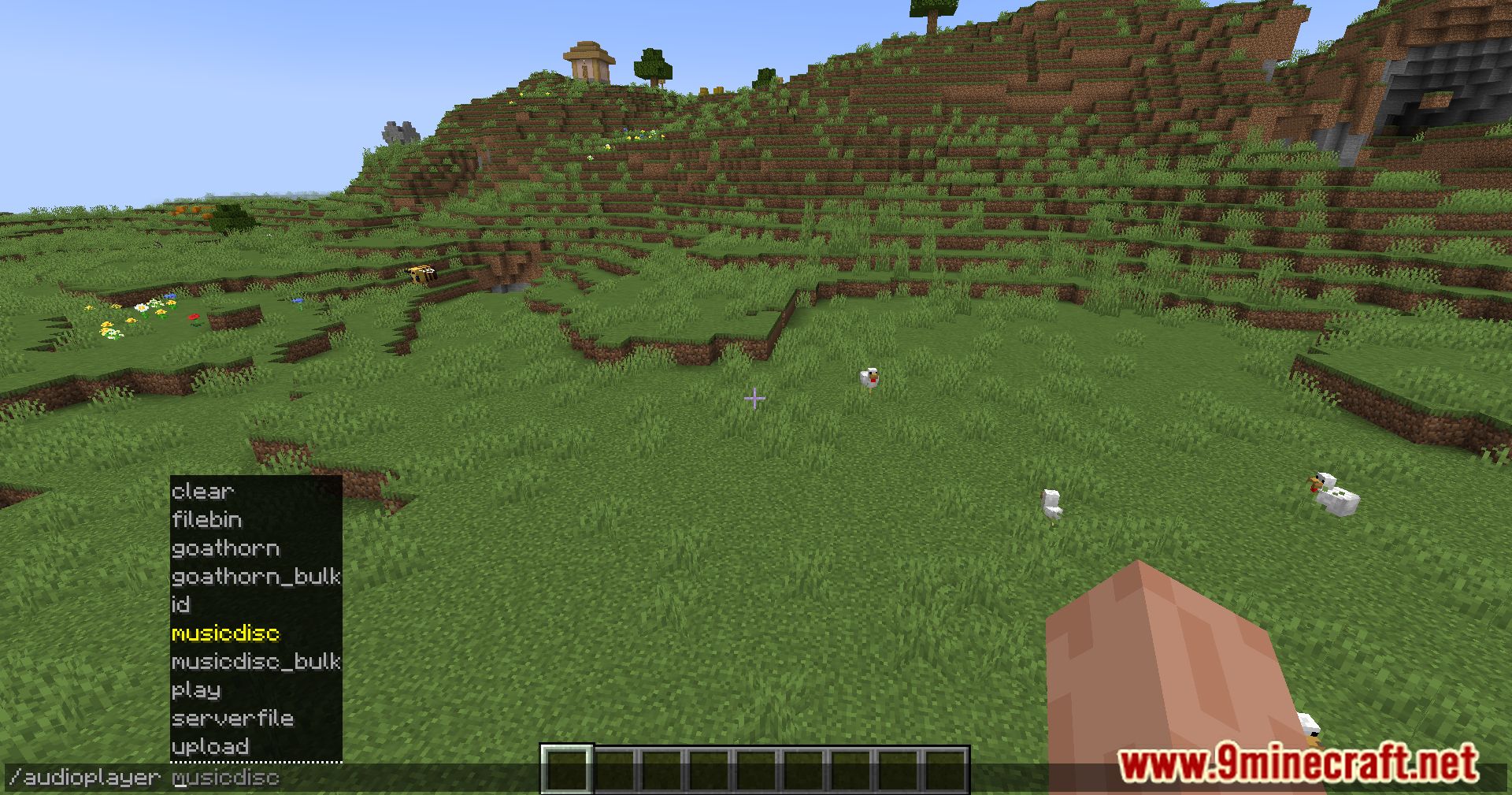
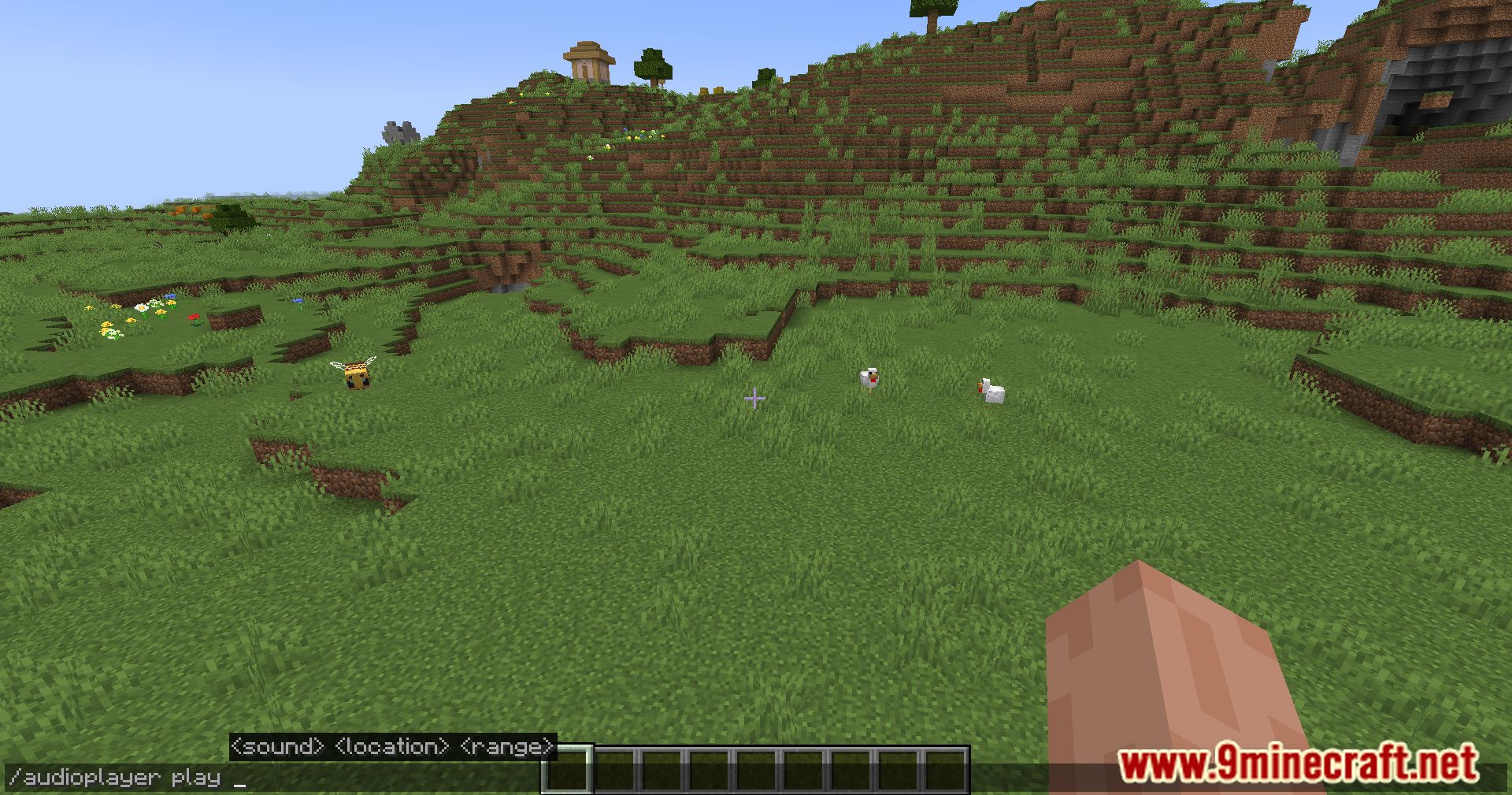
Screenshots:

Audio Player Mod Download Links
Quick facts
- Edition: Minecraft Java
- File type: .jar
- Minecraft version listed: 1.20.1
- How to install: Install the matching mod loader (Forge, Fabric or NeoForge) for your Minecraft version. → Download the .jar. → Put it in the .minecraft/mods folder and launch that loader profile.
- Where to get it: In MC Java Mods, or directly above on this page.
Install steps are the general flow for this file type — How to install Minecraft Java mods & modpacks walks through it step by step.
Verified by MCModsHub
- Downloads as 2310.mcaddon
- Download size: 1.1 MB
- Download link checked 25 Sept 2026 — working
- Mirrored on our own servers — the download does not depend on the original host
These come from our own check of the pack file, not from the source page.