Sodium Mod (26.2, 1.20.1) – Get Higher FPS Instantly
Java mod listed for Minecraft 1.20. Downloads from the MC Java Mods app on Android.
⭐ New & recommended: Try OptiFine HD 9minecraft – an all-in-one pack that combines high-FPS performance, shaders, and OptiFine-style features (zoom…
⬇ Download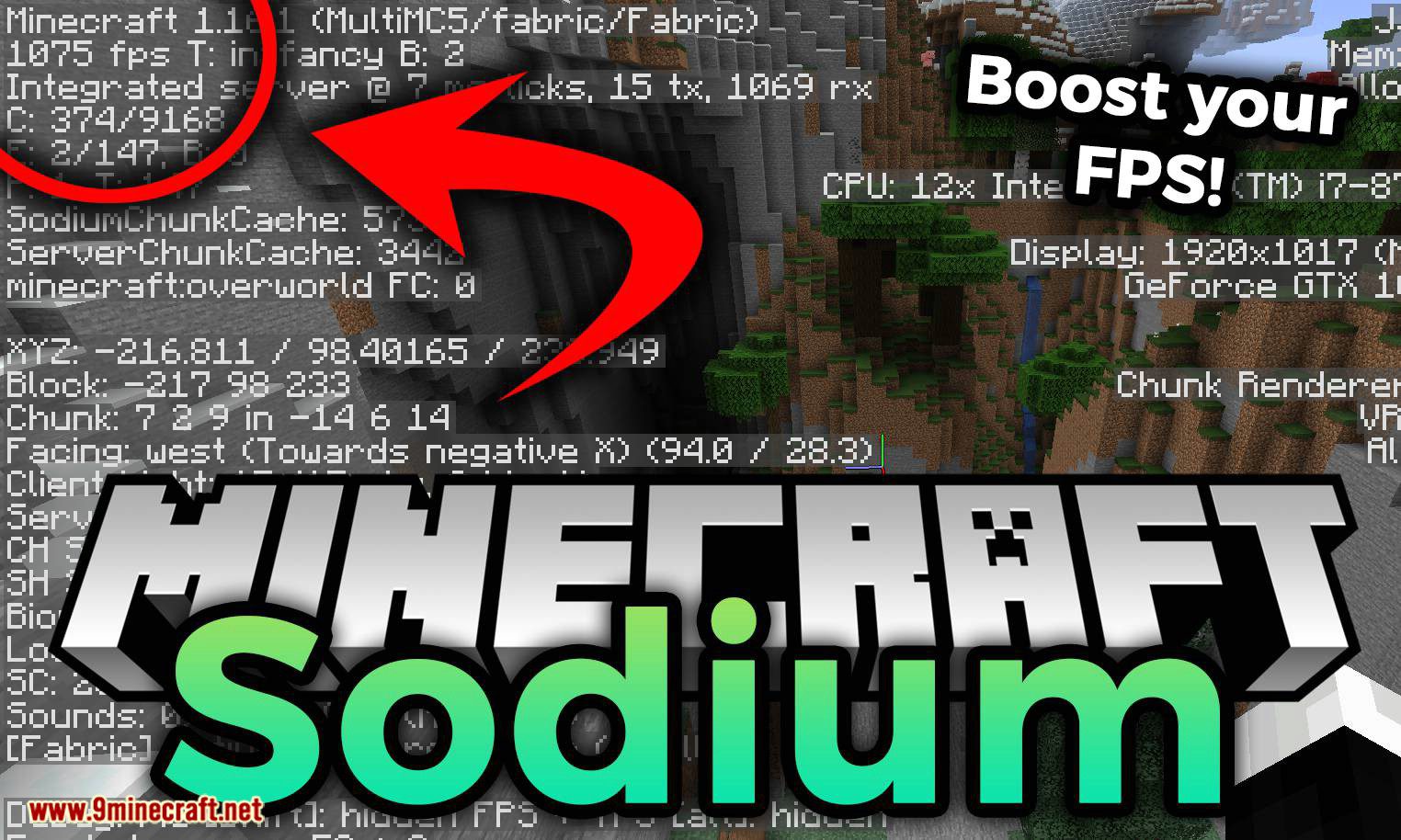
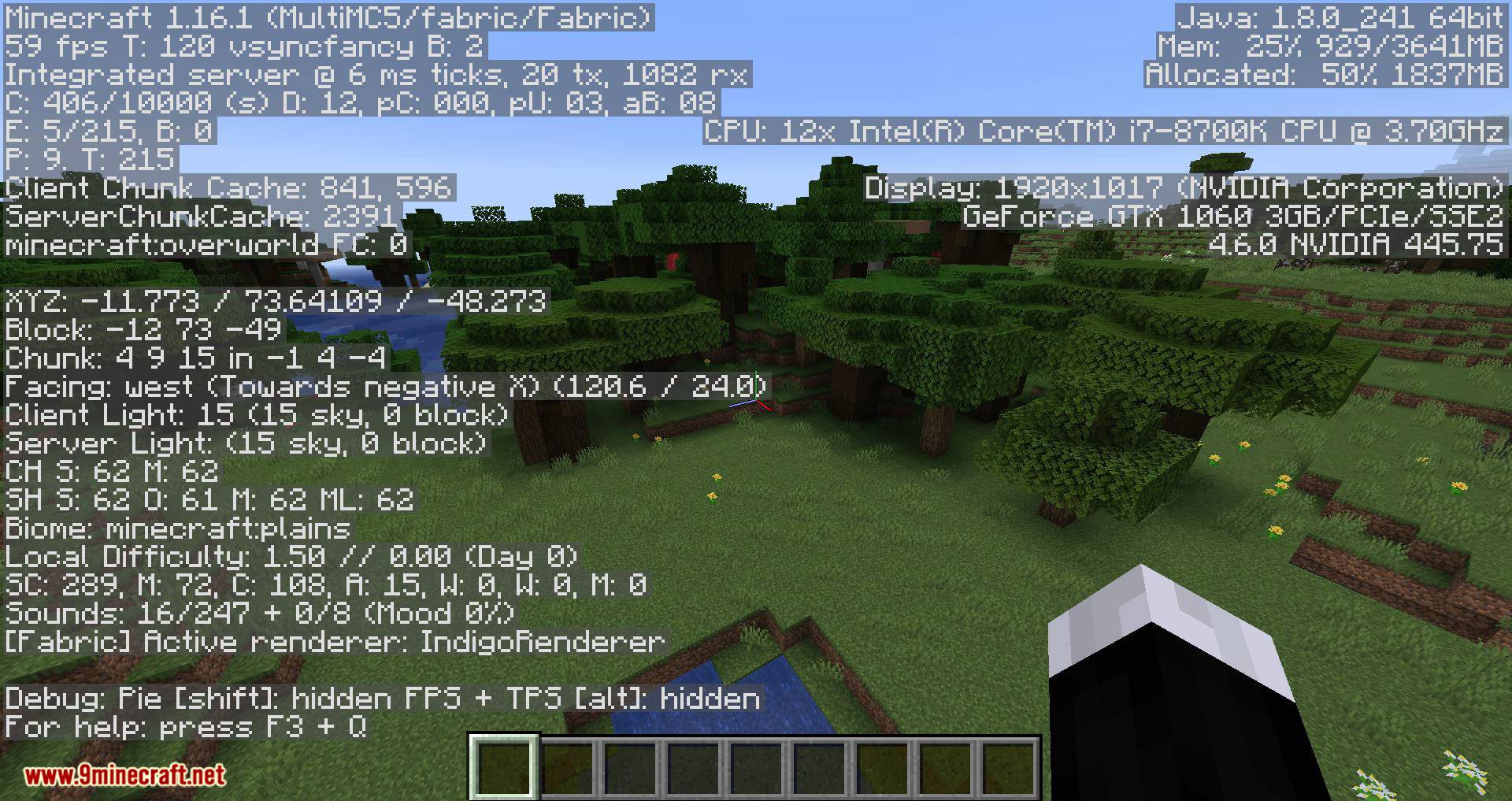
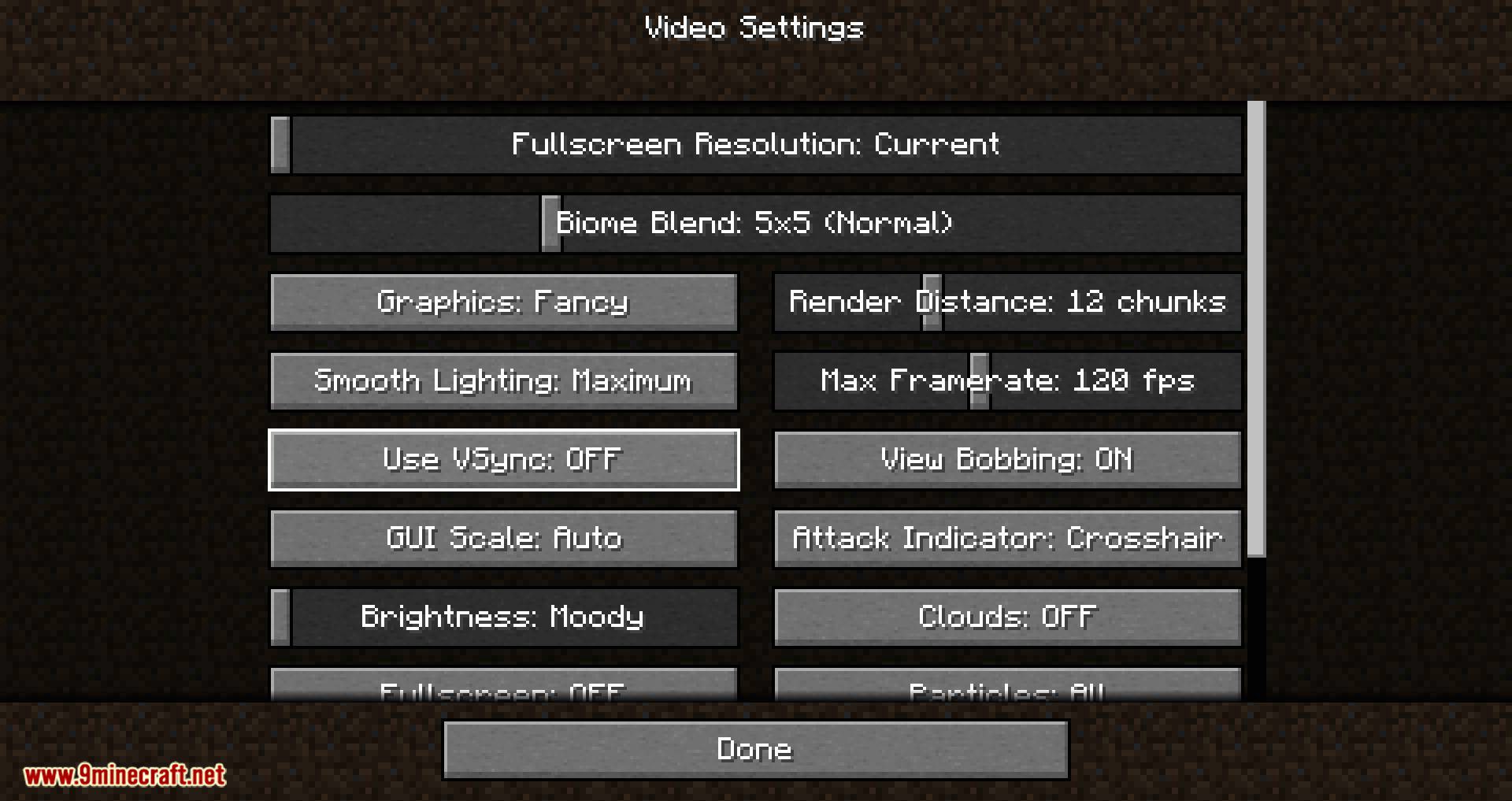
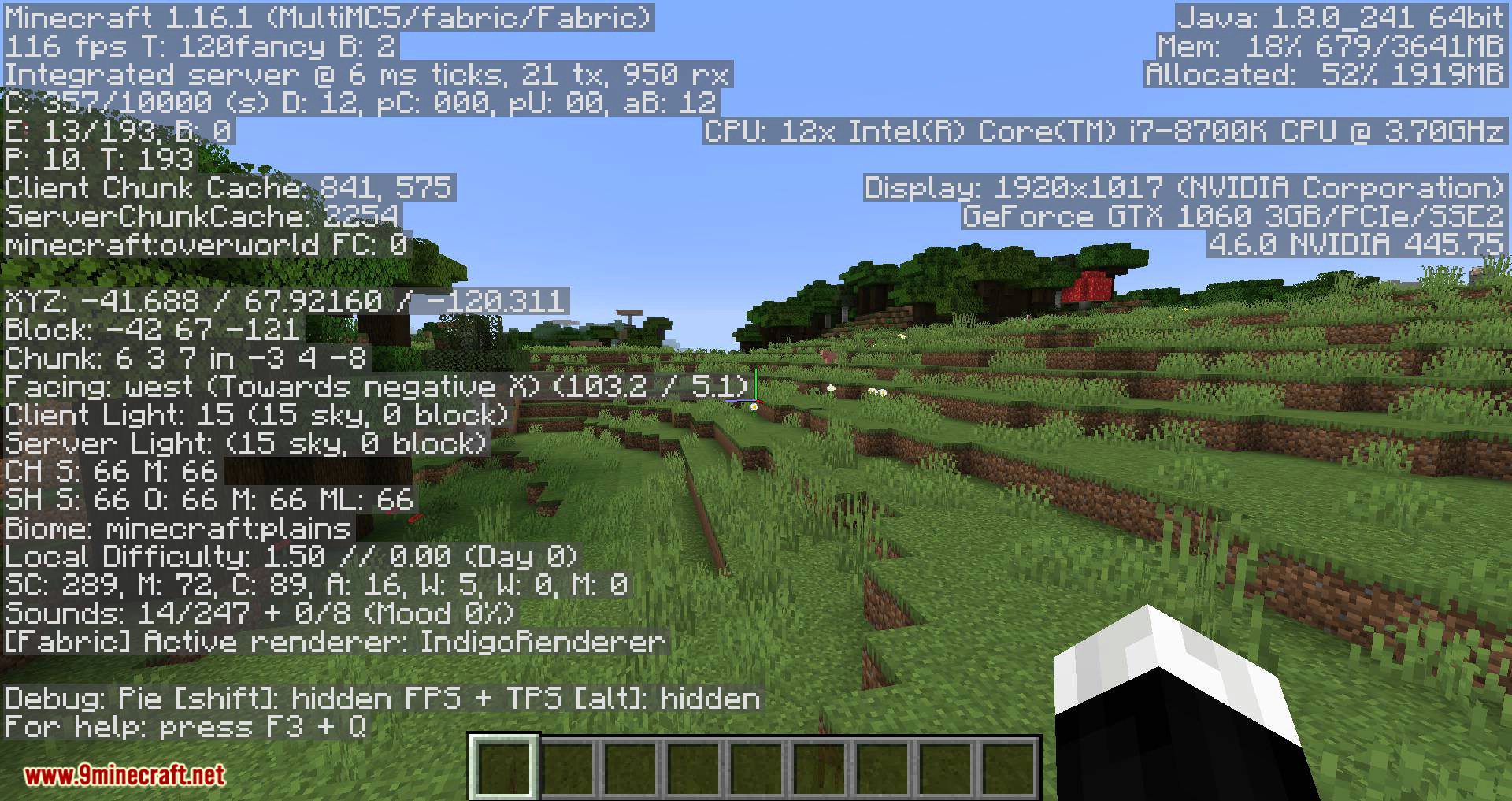
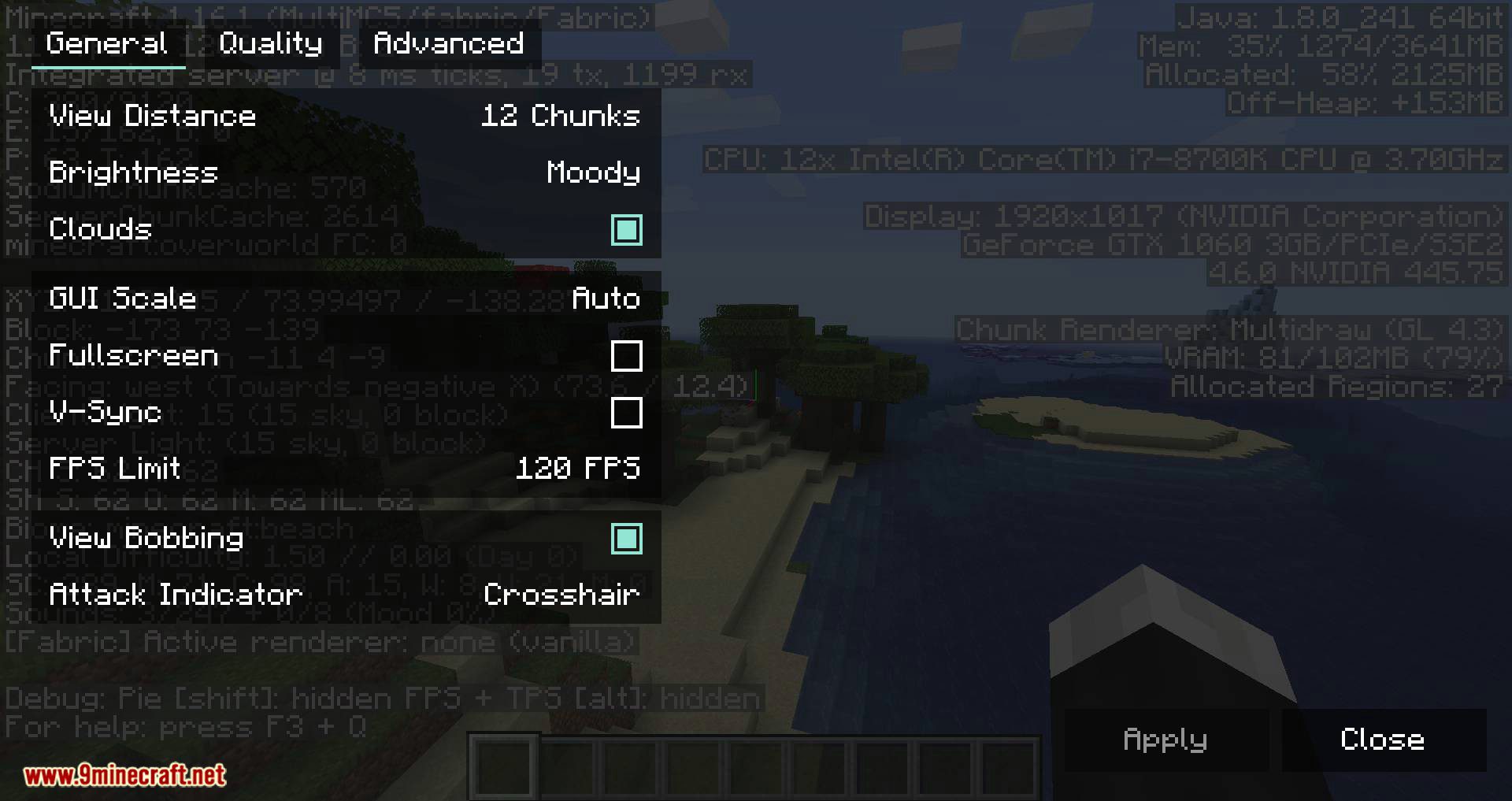
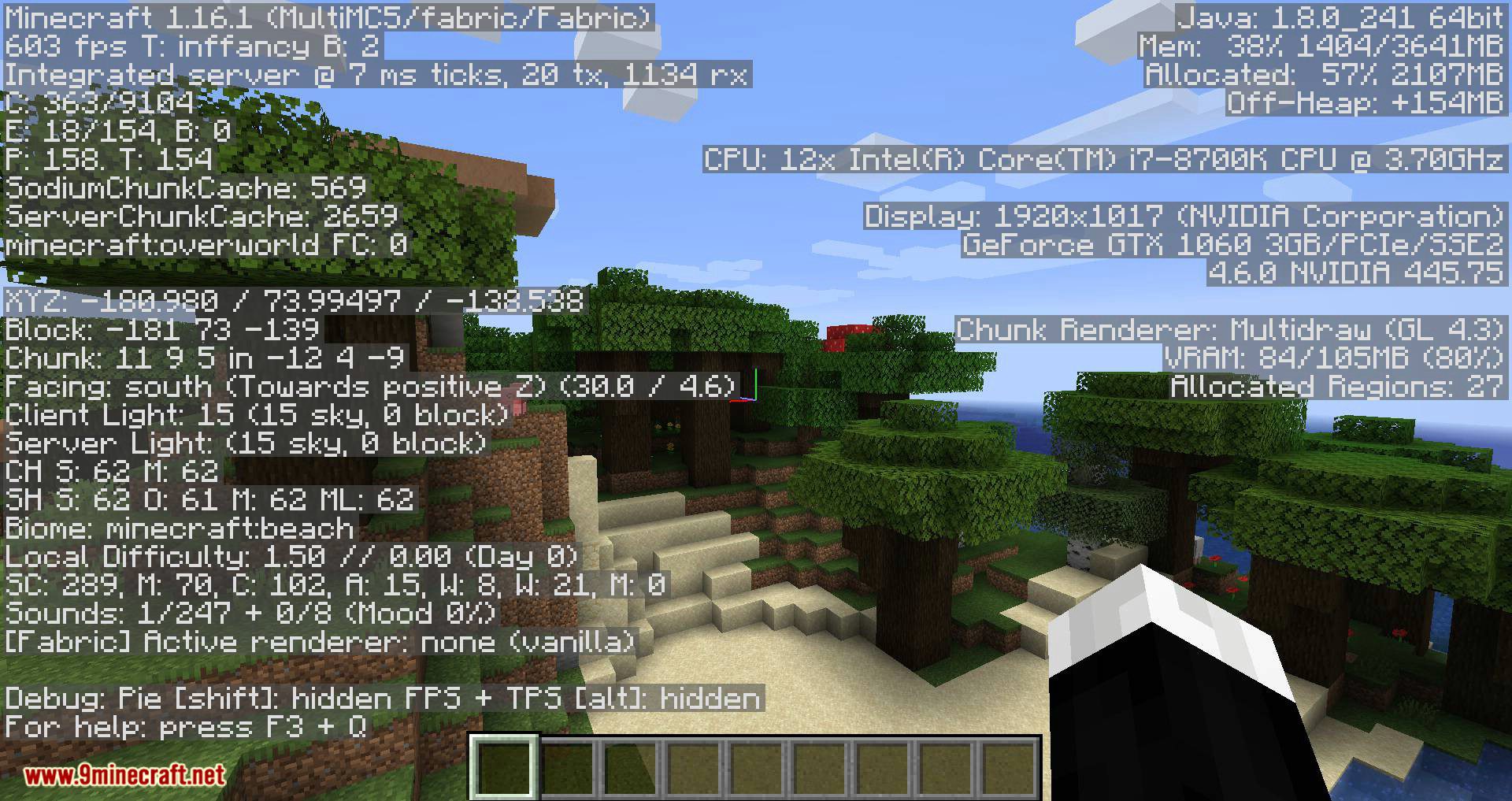
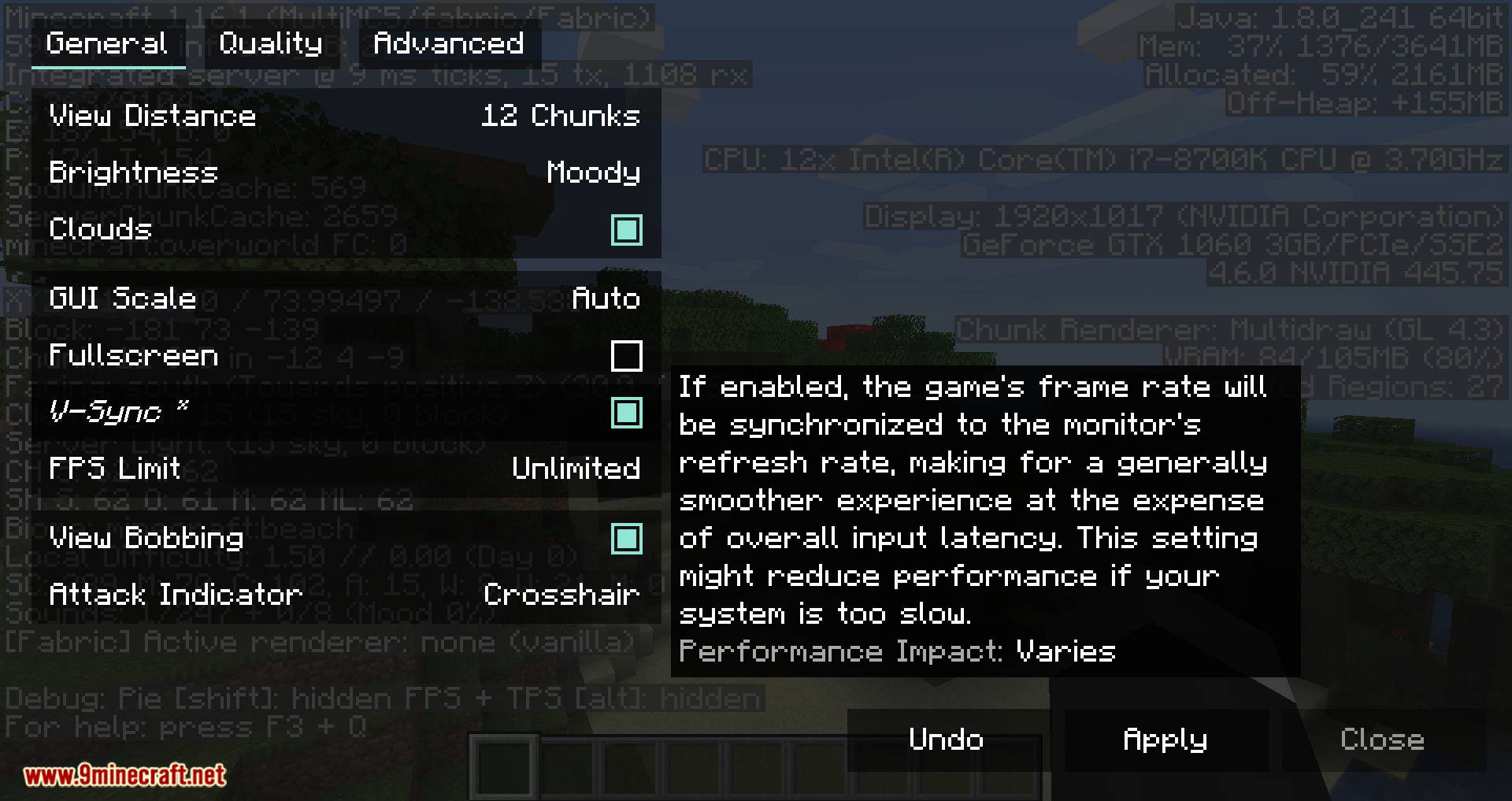
Sodium Mod greatly improves frame rates and reduces stuttering in Minecraft. It fixes many graphical issues to make your game run much smoother. This mod is an optimization tool that works without changing the original look and feel of the game.
Features:
- Uses a modern rendering system to significantly reduce CPU work, leading to higher frame rates.
- Makes game data for chunks more compact, cutting down on video memory usage.
- Processes nearby block updates using multi-threading to greatly reduce lag spikes.
- Avoids rendering chunk faces that are not visible to the player, saving GPU power.
- Optimizes how chunks load and blocks render, making the world appear faster with fewer stutters.
- Speeds up the rendering of mobs, items, and block entities like chests.
- Manages memory more efficiently to decrease lag from garbage collection.
- Fixes many graphical issues and provides smooth lighting for fluids and other special blocks.
- Creates smooth biome blending for blocks and fluids, improving visual quality.
- Stops updating animated textures when they are not on screen to improve performance.
How to Use:
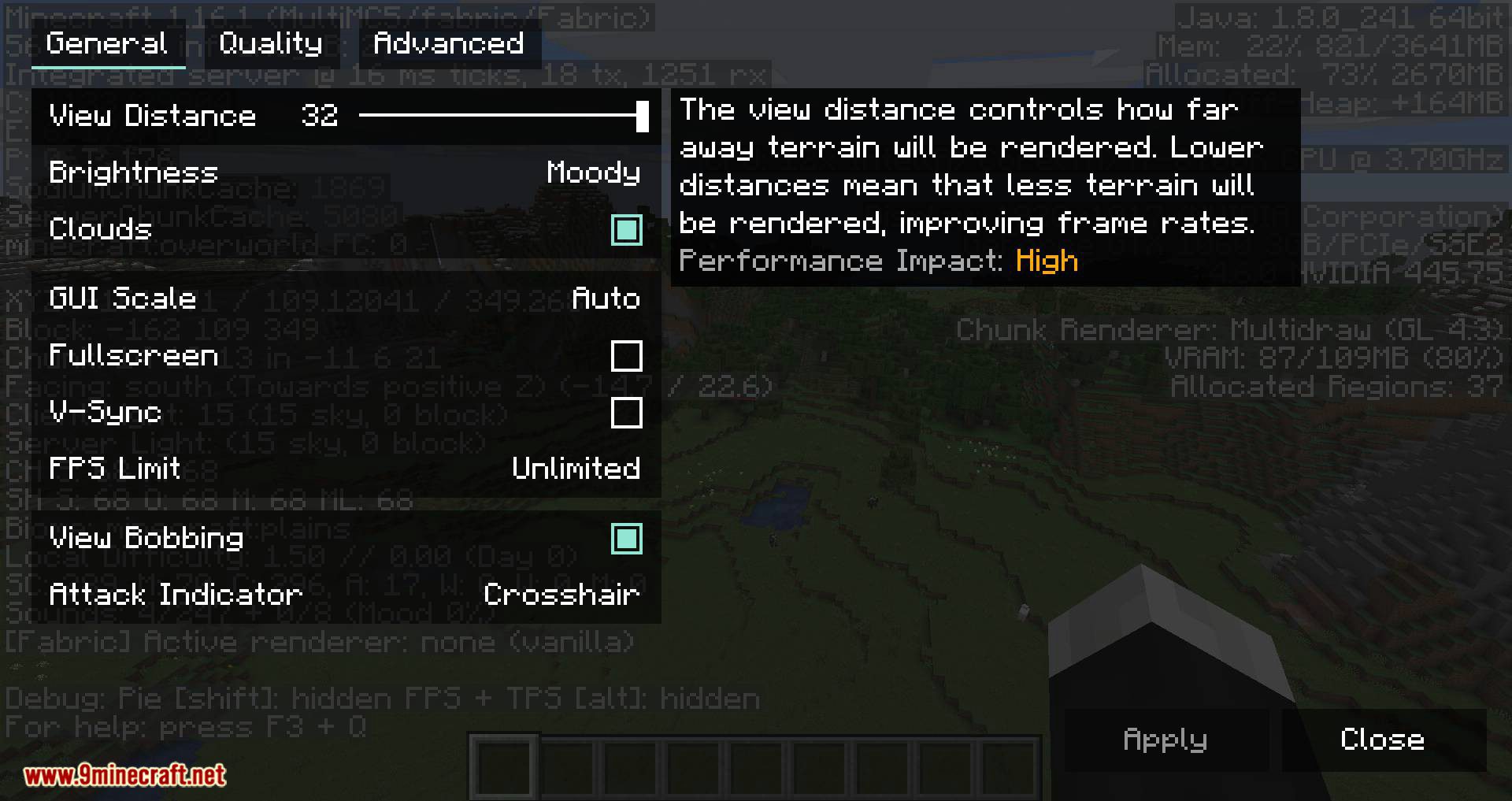
- After installing the mod, open your game’s Video Settings screen.
- You will see a new and improved user interface if the mod is working correctly.
- There is no need to change many settings. The mod automatically enables the best optimizations for your system by default.
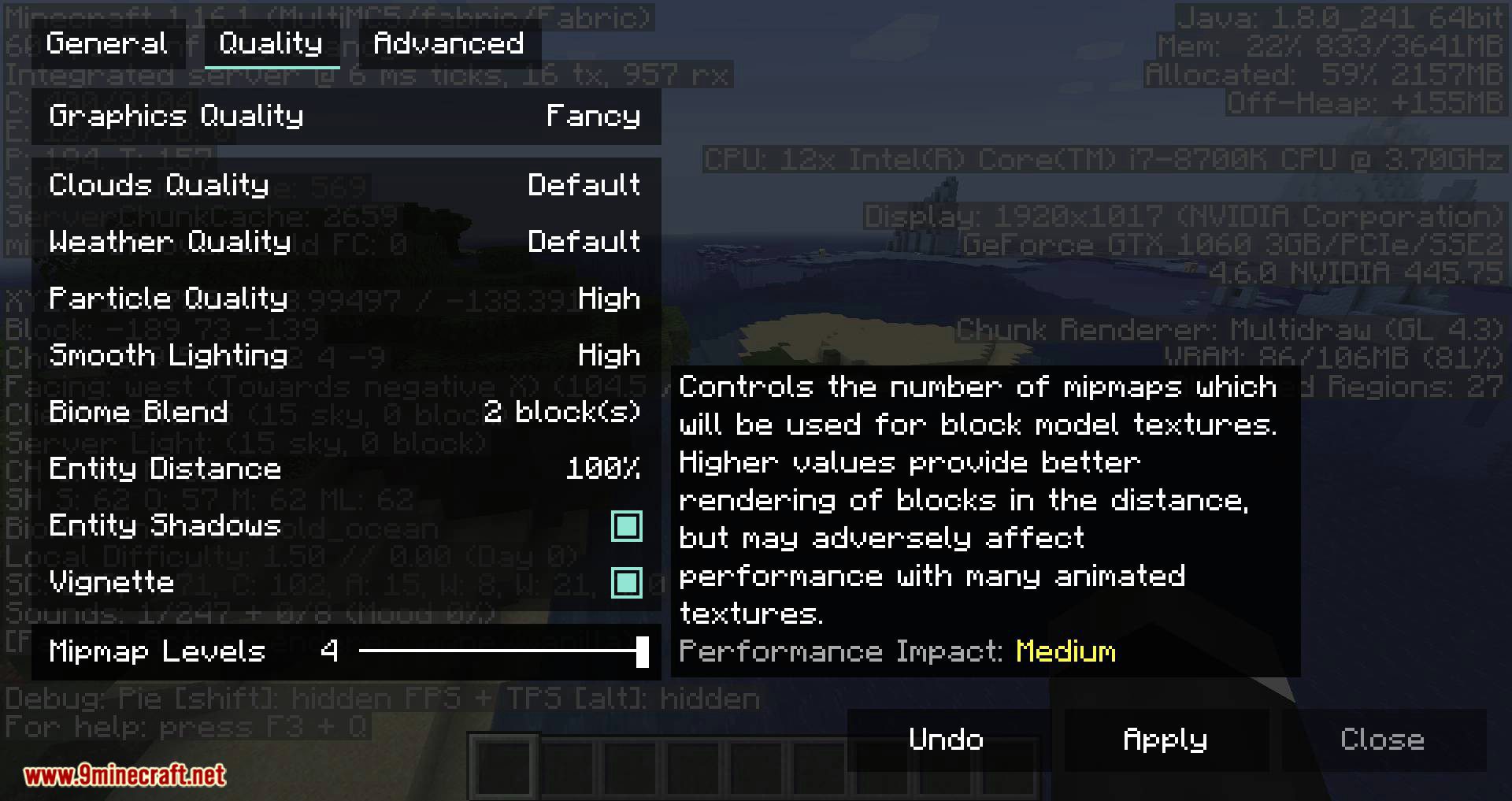
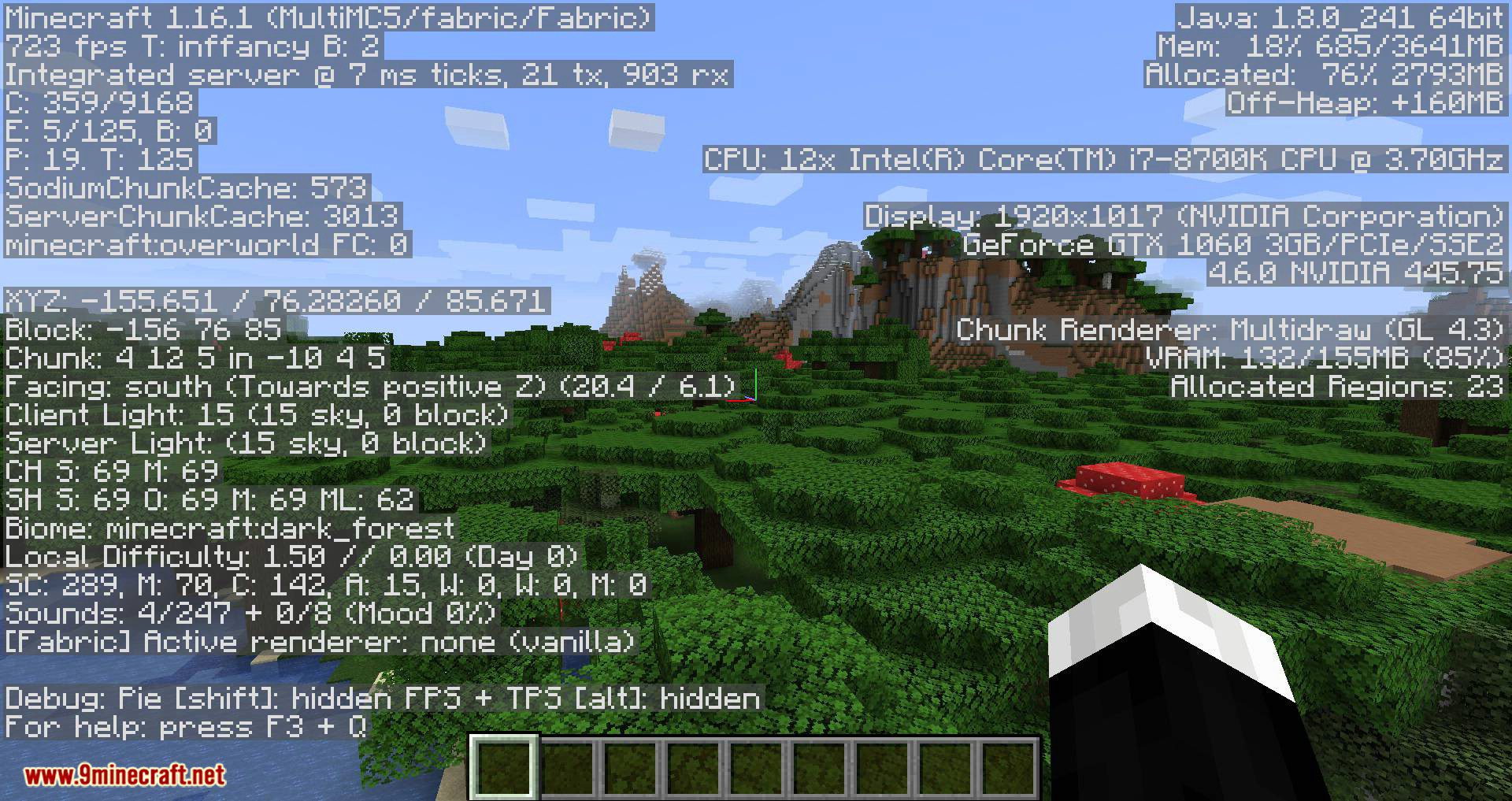
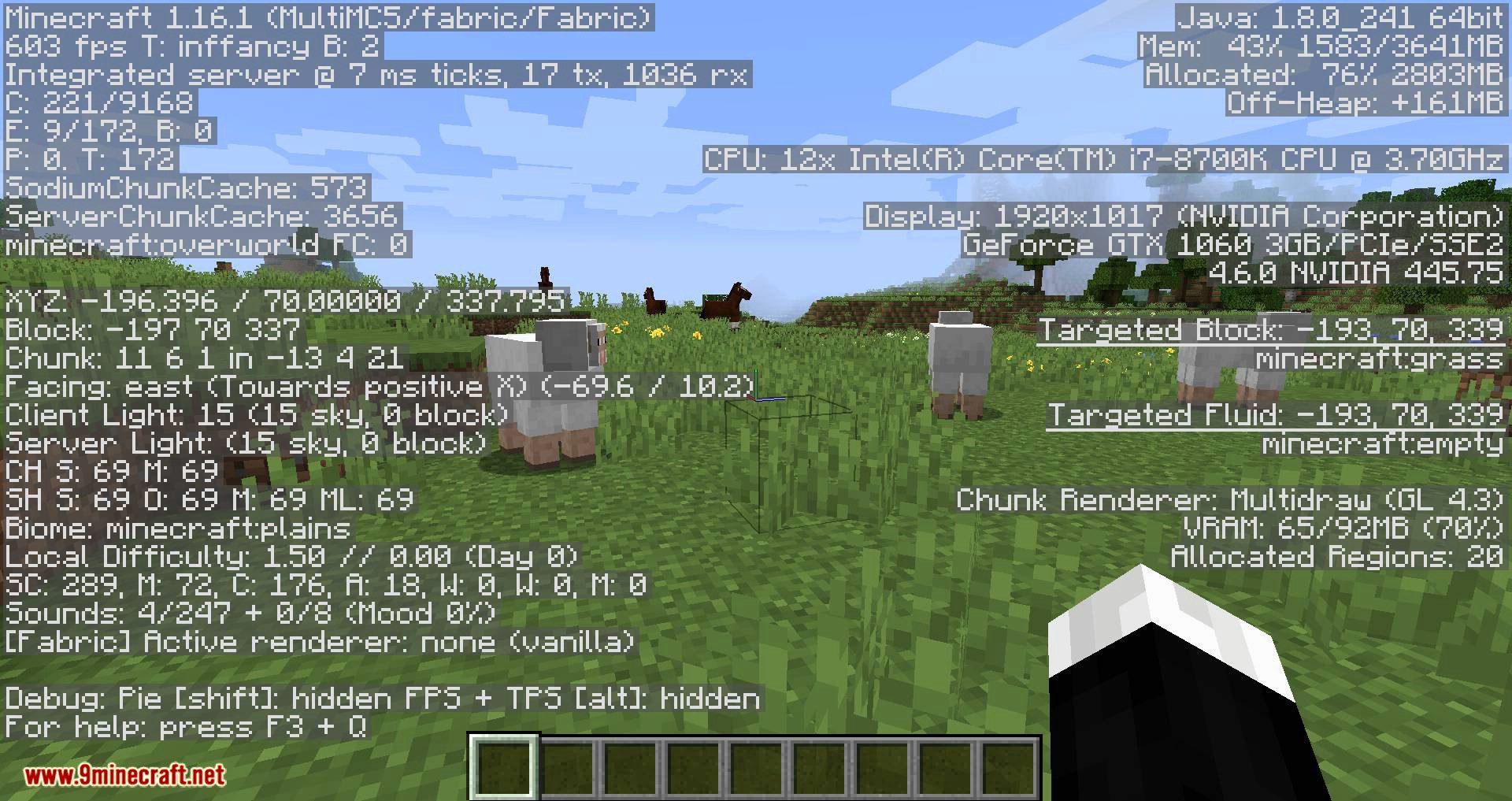
Screenshots:
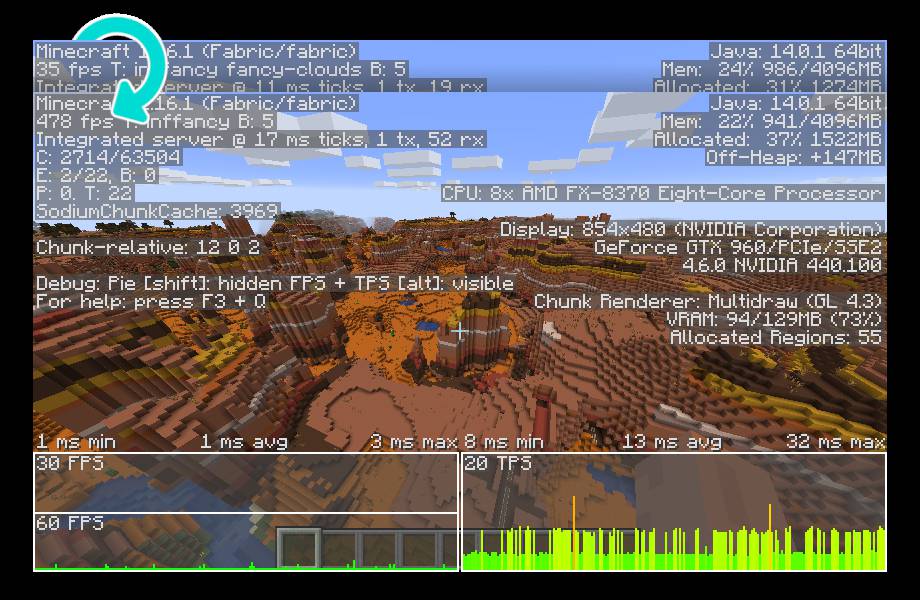
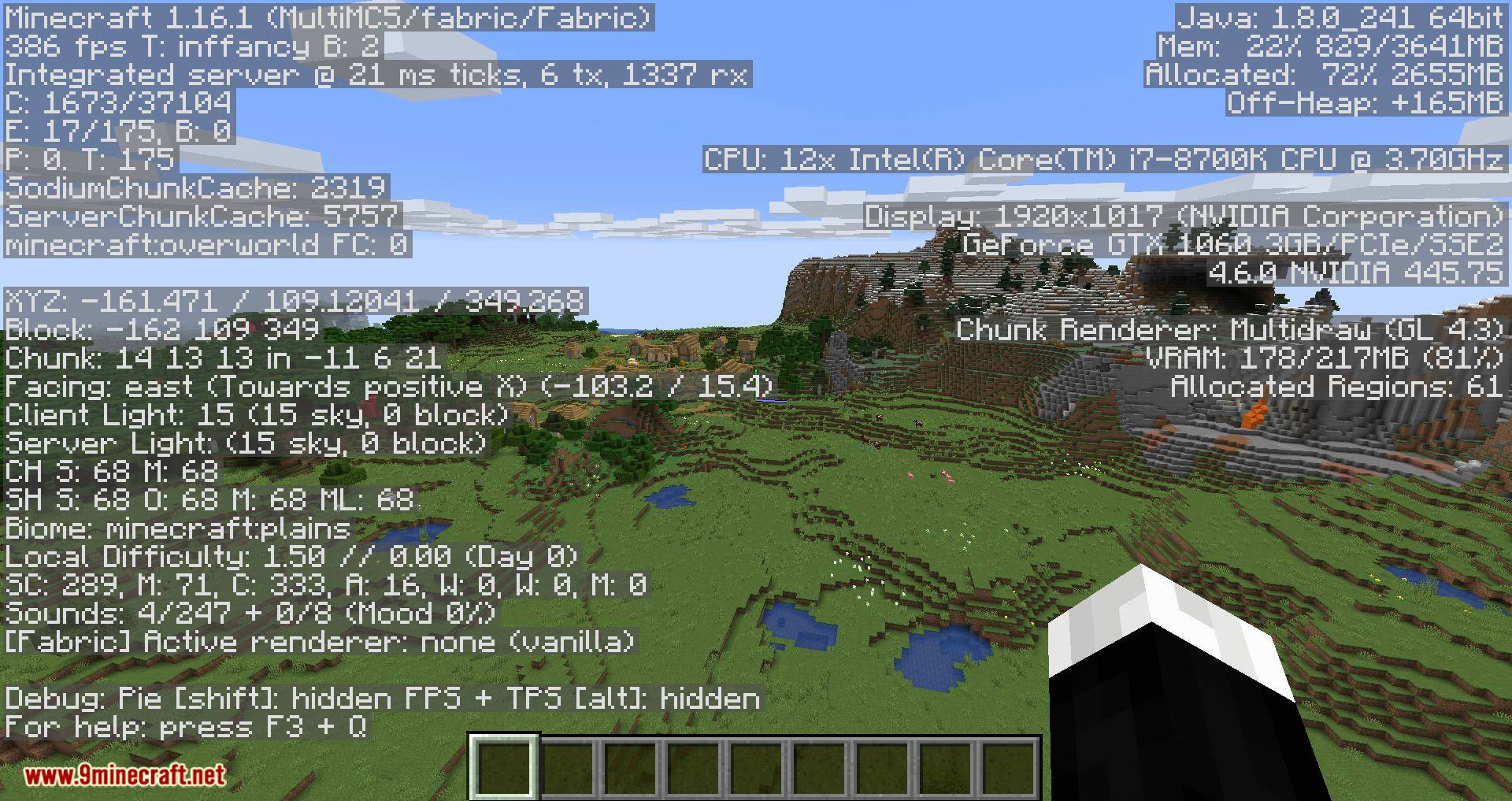
Frame rate comparison between vanilla Minecraft and Sodium at a render distance of 32 chunks.
Sodium Mod Download Links
- Edition: Minecraft Java
- File type: .jar
- Minecraft version listed: 1.20.1
- How to install: Install the matching mod loader (Forge, Fabric or NeoForge) for your Minecraft version. → Download the .jar. → Put it in the .minecraft/mods folder and launch that loader profile.
- Where to get it: In MC Java Mods, or directly above on this page.
Install steps are the general flow for this file type — How to install Minecraft Java mods & modpacks walks through it step by step.
- Downloads as 2314.mcaddon
- Download size: 1.8 MB
- Download link checked 25 Sept 2026 — working
- Mirrored on our own servers — the download does not depend on the original host
These come from our own check of the pack file, not from the source page.