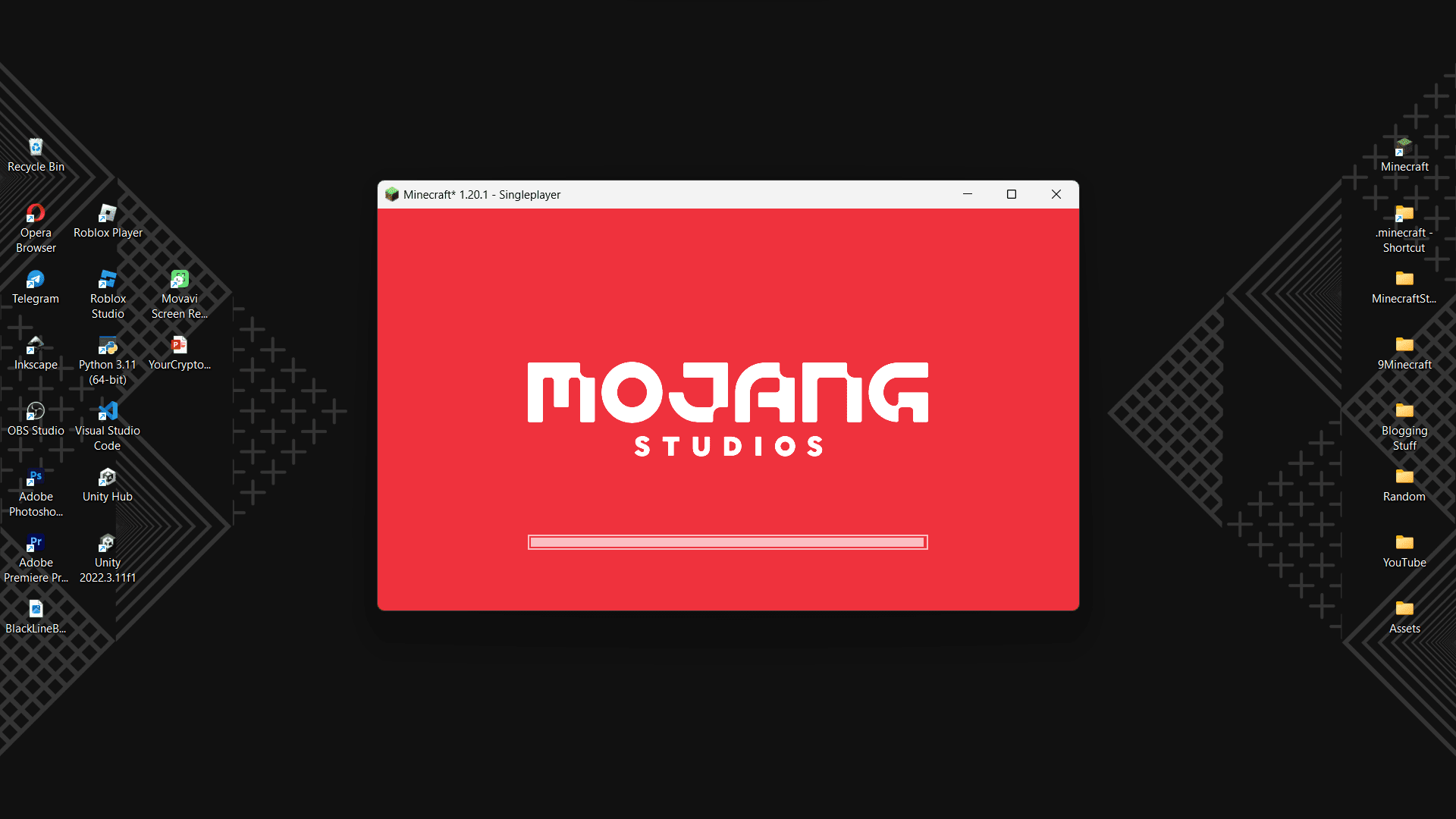
Players have mixed feelings about how Minecraft launches. Once you launch the game from the launcher, the game opens in fullscreen. While this is a good feature most of the time, as most players prefer to play in fullscreen, this can also be an inconvenience at times. Imagine you are playing Minecraft alongside some other task. If the game launches in fullscreen, you have to minimize it manually to continue the other tasks. FullscreeNO Mod fixes these issues for you. With this mod installed, Minecraft will launch in a minimized window, ensuring that the game does not take up your entire screen upon launch. From here, you can open the game fullscreen simply by pressing the F11 button or you can do the same by navigating to the Video Options menu in the settings.
Screenshots:
FullscreeNO Mod Download Links
- Edition: Minecraft Java
- File type: .jar
- Minecraft version listed: 1.20.1
- How to install: Install the matching mod loader (Forge, Fabric or NeoForge) for your Minecraft version. → Download the .jar. → Put it in the .minecraft/mods folder and launch that loader profile.
- Where to get it: In MC Java Mods, or directly above on this page.
Install steps are the general flow for this file type — How to install Minecraft Java mods & modpacks walks through it step by step.
- Downloads as 2316.mcaddon
- Download size: 7 KB
- Download link checked 26 Sept 2026 — working
- Mirrored on our own servers — the download does not depend on the original host
These come from our own check of the pack file, not from the source page.