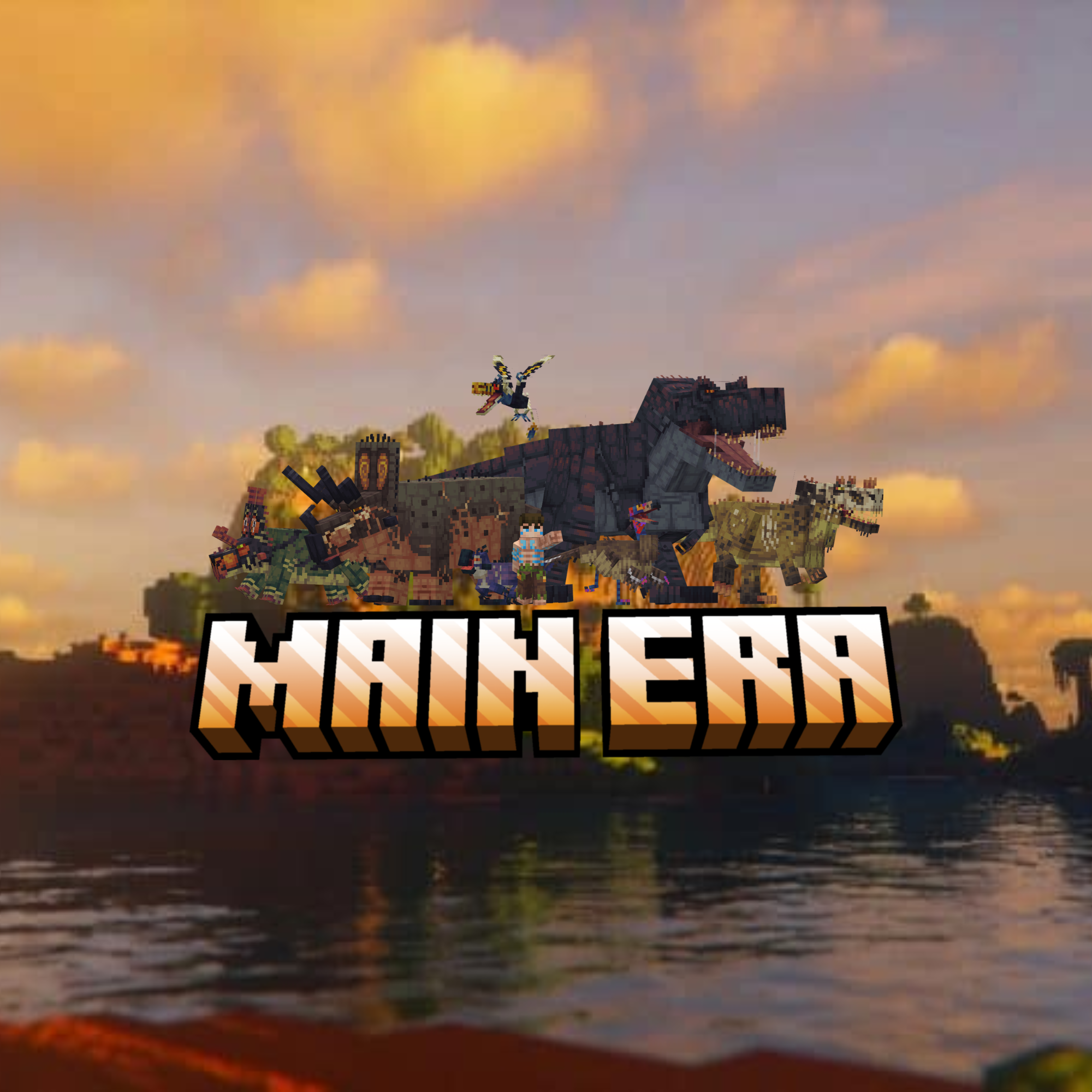
You must hunt, harvest, destroy objects, and forge land and shelters to survive. Use your skills and cunning to kill, tame, breed, and extract dinosaurs.
IF YOU USE THIS MODPACK IN A VIDEO PLEASE CREDIT ME! I LOVE WATCHING YOUR VIDEOS :)
My Username on youtube is @SosaSmurfs
Commands for Survival servers
/pvp — Toggle or manage PvP state/rules.
/freeze — Freeze/unfreeze players to prevent movement/actions.
/safe — Toggle “safe mode” protections. (Won't take damage past half heart LOL)
/ateam … — Team management (create/join/invite/modify).
/tm — Team chat.
/items — Admin item utilities (give/list/inspect).
/nether off/on — Disable or enable nether portal.
/end off/on — Disable or enable end portal.
/announce color Text color Subtitle text— Broadcast a server-wide announcement.
/roles — Open role management GUI (assign/edit roles).
/vanish — Toggle vanish/invisibility for admins.
/invsee — View a player’s inventory.
/endchest [player] — View a player’s ender chest.
/setwarp — Create a warp.
/warp — Teleport to a warp.
/delwarp — Delete a warp.
/bans — View/manage bans list and entries.
/instaban … — Instantly ban on specific triggers (hardcore integration).
/heal [player] — Heal self or target player.
/god [player] — Toggle invulnerability (God mode).
/nick — Set or clear a nickname.
/spectator [player] — Toggle spectator mode for a player.
/pod(s) — Commands for setting multiplayer spawn. (Think hunger games spawn points. Use the Pod Wand Item to set spawn points.)
/fly [player] — Toggle flight ability.
/build on/off— Toggle players ability to place/break blocks.
/barrel — Set barrel lootables via GUI.
/barrel_fill — Quickly fill barrels with configured loot.
/barrel_breakable — Toggle whether barrels are breakable.
/water_damage — Toggle/adjust water damage feature.
/items — Manage disabled items (block, list, remove).
/goldenapple_limit — View/enable/disable/set golden apple inventory cap.
/enchantban — Manage enchantment table XP-cost max (e.g., /enchantban max <0–255>, status, disable).
- Edition: Minecraft Java
- File type: .jar
- Minecraft version listed: 1.20.1
- How to install: Install the matching mod loader (Forge, Fabric or NeoForge) for your Minecraft version. → Download the .jar. → Put it in the .minecraft/mods folder and launch that loader profile.
- Where to get it: Opens on CurseForge — not every file is mirrored on our own servers.
Install steps are the general flow for this file type — How to install Minecraft Java mods & modpacks walks through it step by step.
Main Era is a free Minecraft Java modpack. Compatible with Minecraft 1.20.1. Downloaded 172 times (via CurseForge). Download it and open it directly in the game.