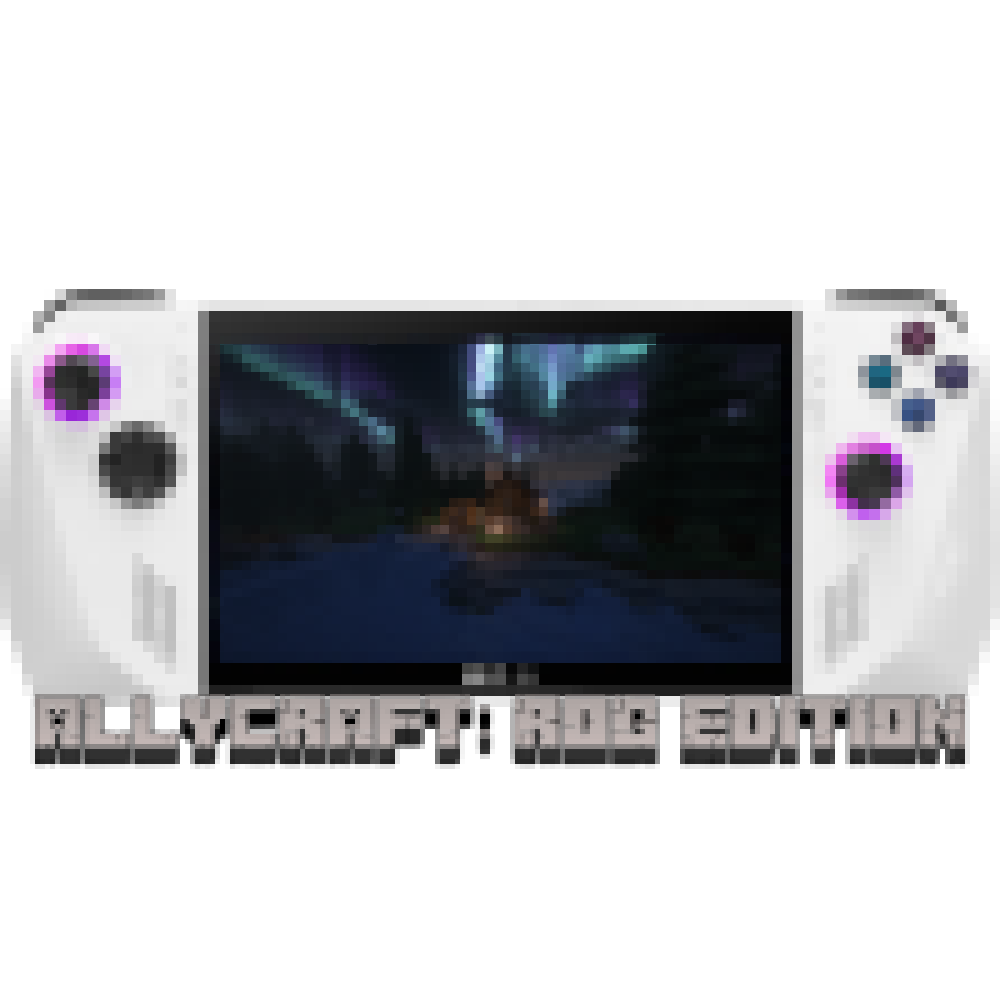
AllyCraft: ROG Edition
A modpack built around being compatible with the Asus ROG Ally with small additions to Vanilla minecraft. This modpack has roughly 100 mods with the…
⬇ Download on CurseForgeExperience Minecraft like never before with AllyCraft: ROG Edition! This modpack is designed specifically for the ASUS ROG Ally, ensuring smooth performance and enhanced gameplay. With a carefully curated selection of lightweight mods, AllyCraft Lite offers a perfect balance of new features and classic Minecraft charm.
Features:
Optimized Performance: Enjoy a lag-free experience with mods that are optimized for the ASUS ROG Ally's hardware.
Enhanced Graphics: Improved textures and shaders to make your Minecraft world look stunning without compromising performance.
Quality of Life Improvements: Mods that add convenience and streamline gameplay, such as inventory management tools and mini-maps.
New Adventures: Explore new biomes, and dungeons with a selection of adventure mods that add fresh content without overwhelming your system.
Multiplayer Ready: Seamlessly connect with friends and other players for a collaborative and competitive experience.
Whether you're a seasoned Minecraft veteran or a newcomer, AllyCraft: ROG Edition offers an enjoyable and immersive experience tailored to your ASUS ROG Ally. Dive into the world of Minecraft with enhanced performance and exciting new features!
- Edition: Minecraft Java
- File type: .jar
- Minecraft version listed: 1.20.1
- How to install: Install the matching mod loader (Forge, Fabric or NeoForge) for your Minecraft version. → Download the .jar. → Put it in the .minecraft/mods folder and launch that loader profile.
- Where to get it: Opens on CurseForge — not every file is mirrored on our own servers.
Install steps are the general flow for this file type — How to install Minecraft Java mods & modpacks walks through it step by step.
AllyCraft: ROG Edition is a free Minecraft Java modpack. Compatible with Minecraft 1.20.1. Downloaded 1,166 times (via CurseForge). Download it and open it directly in the game.