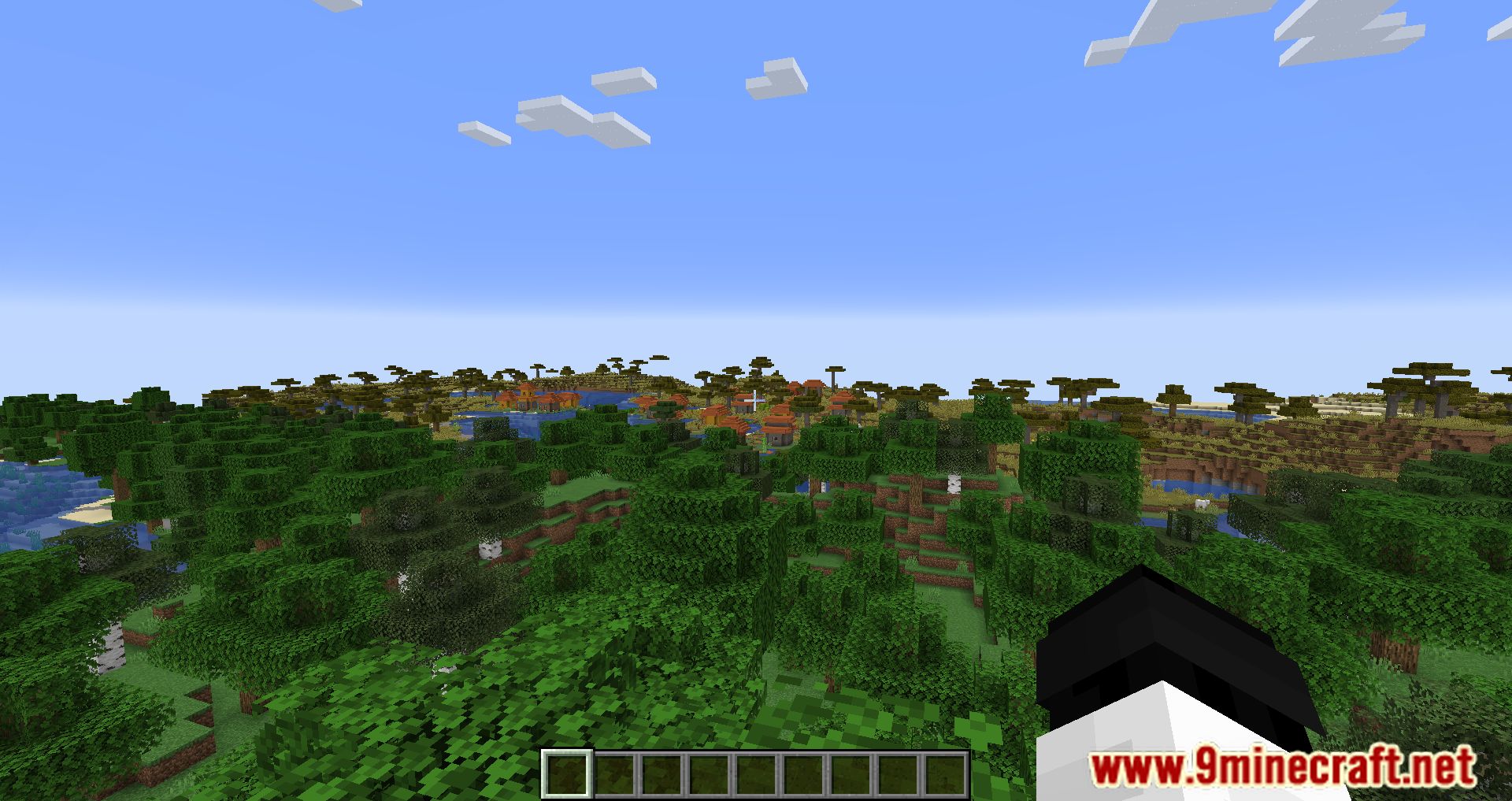
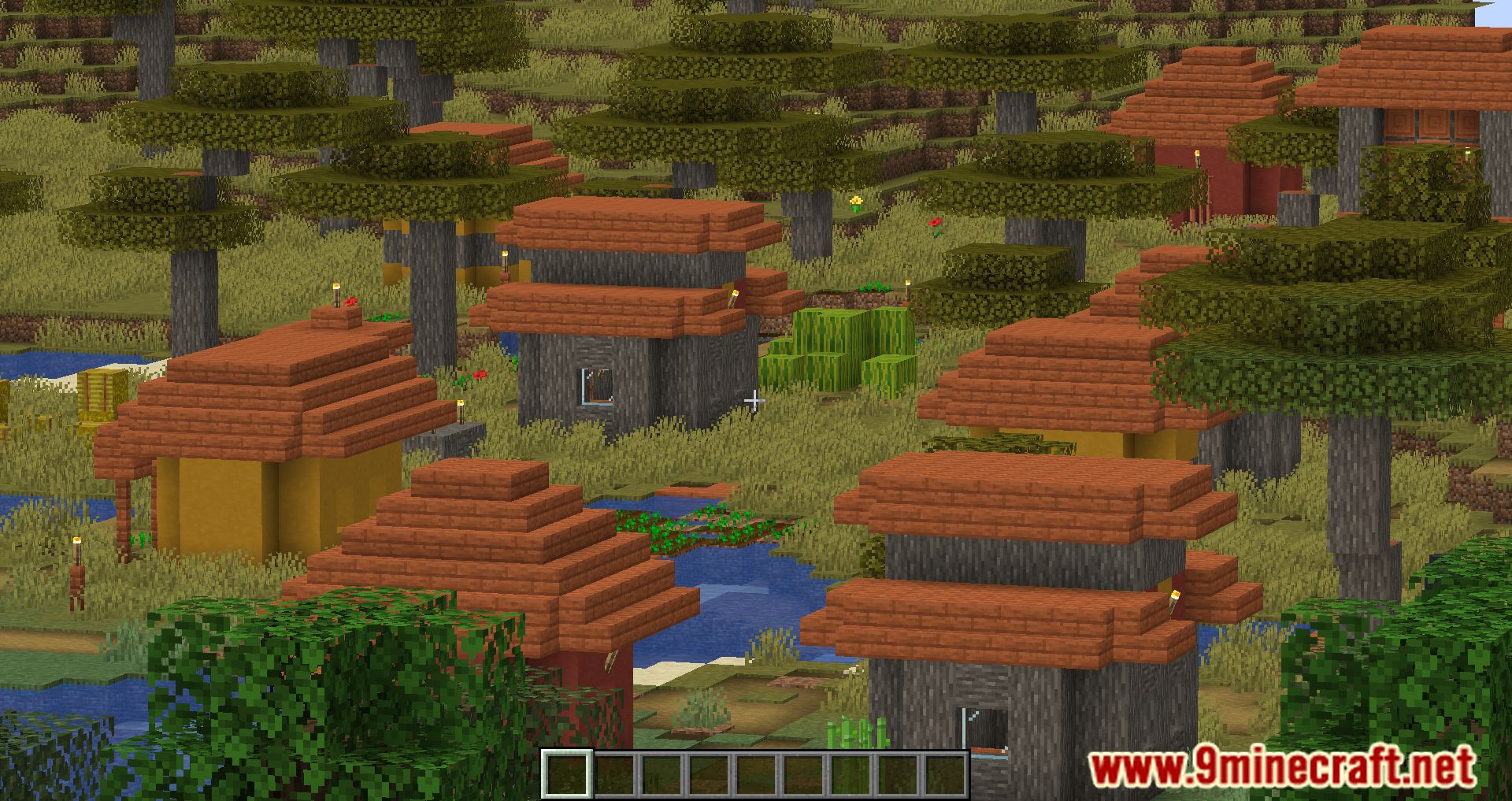
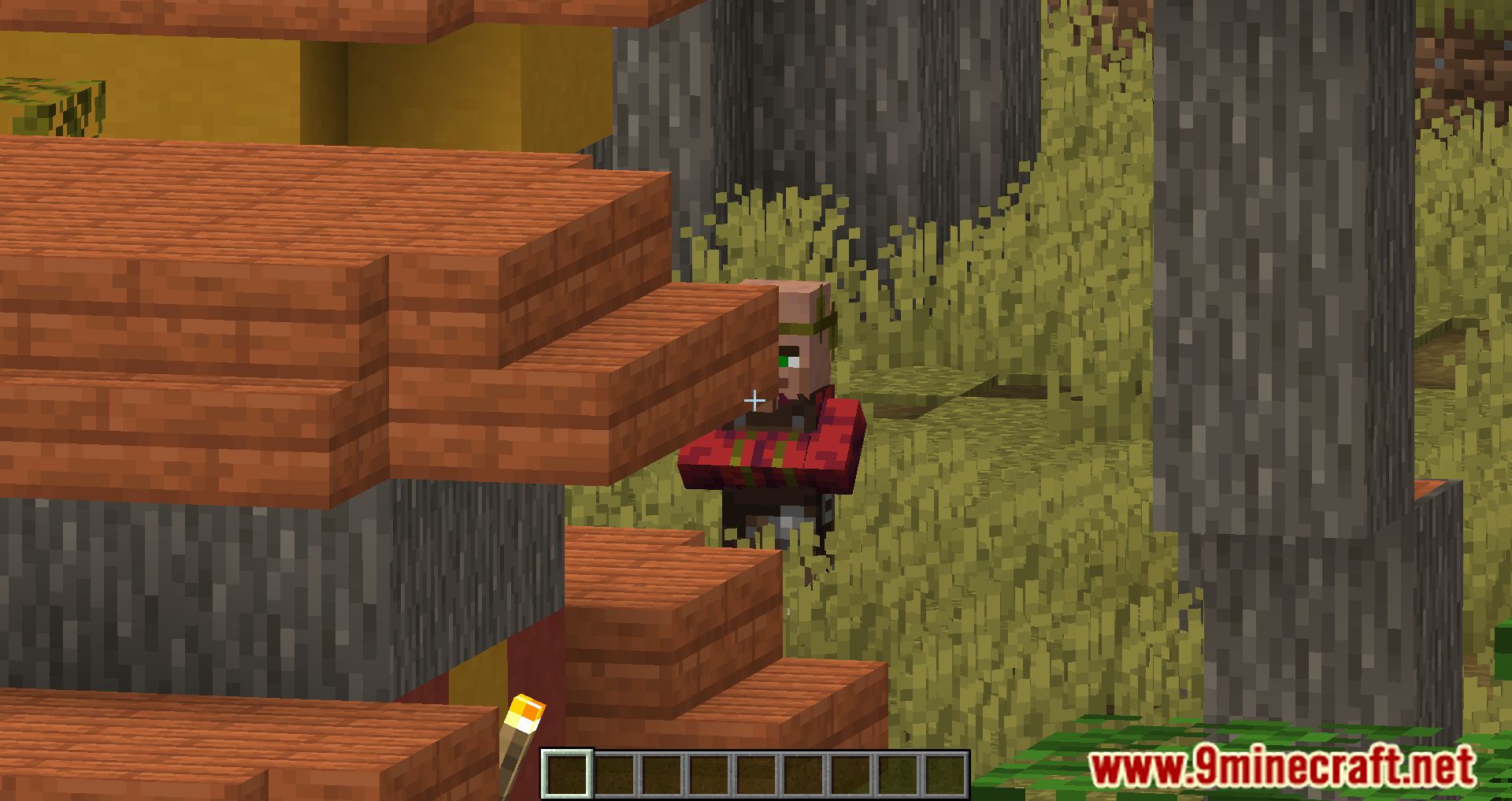
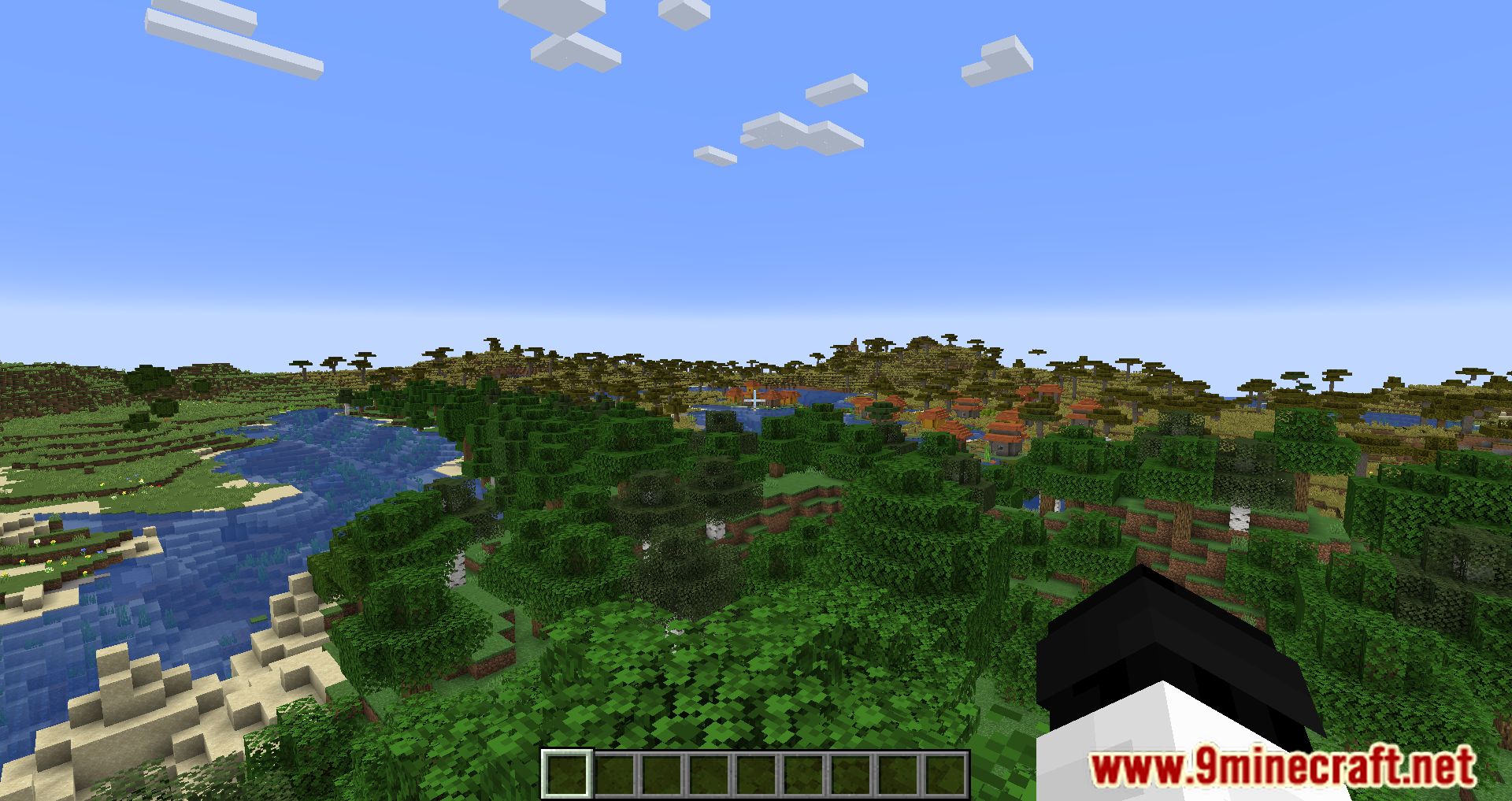
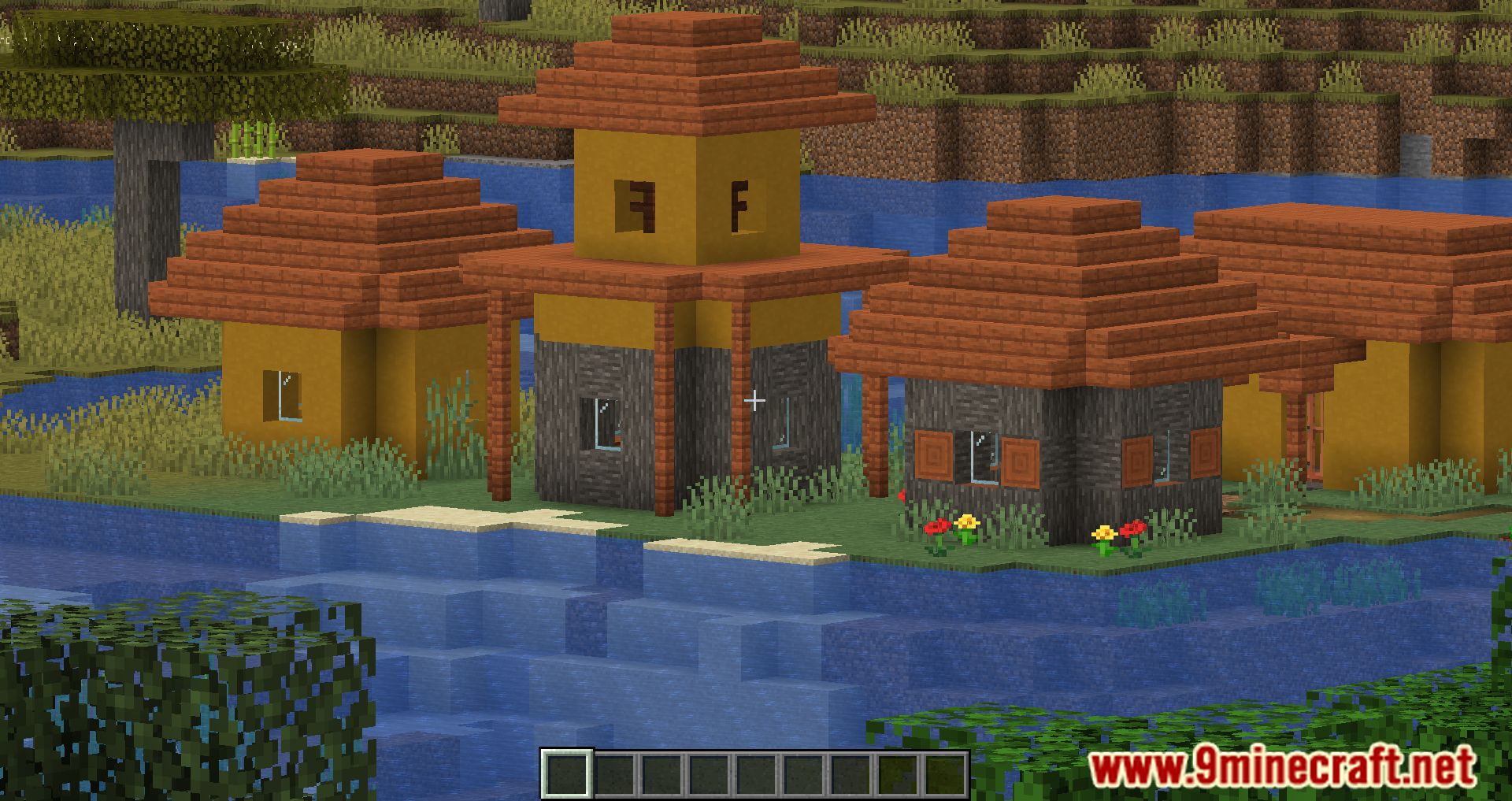
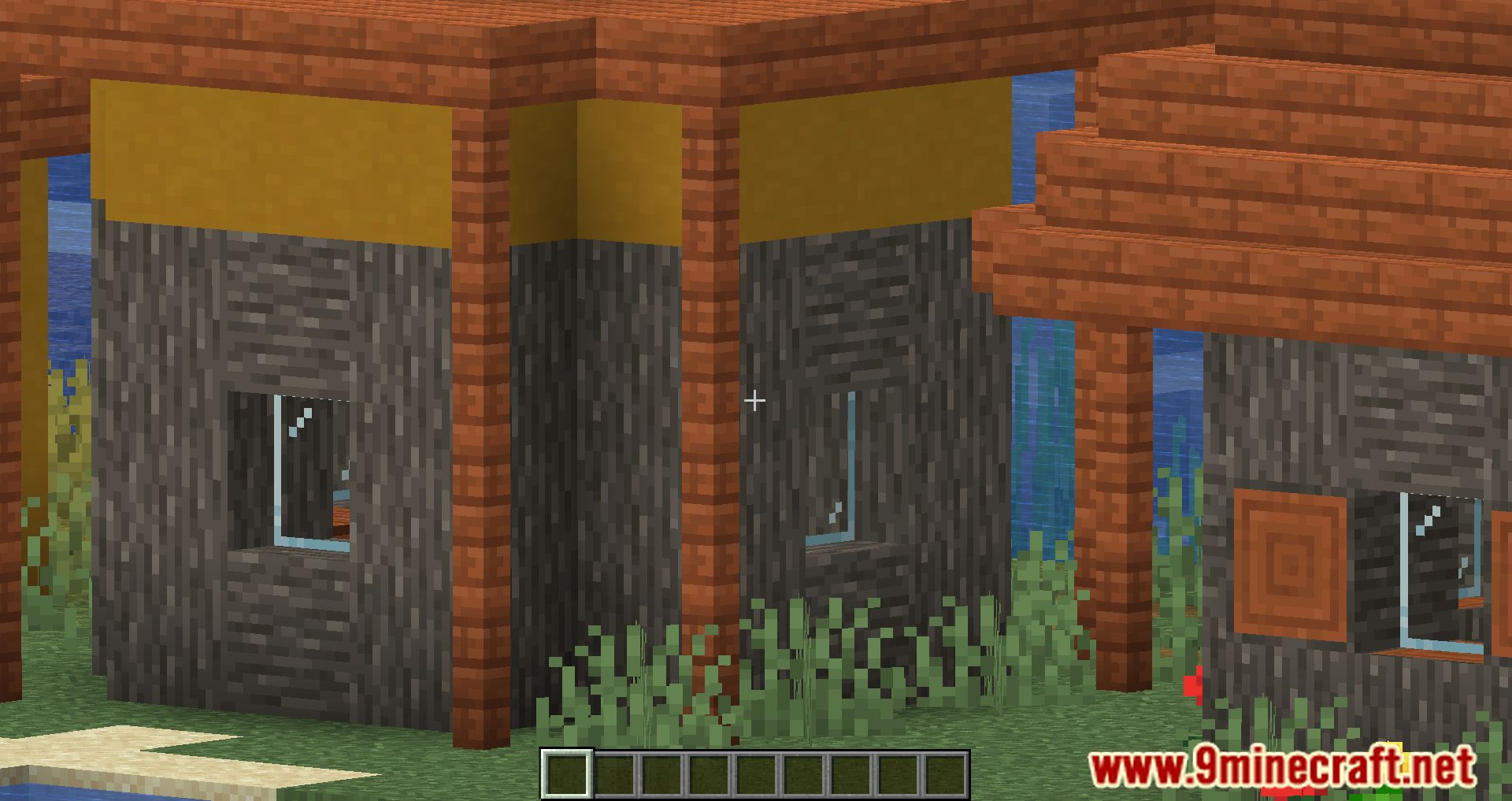
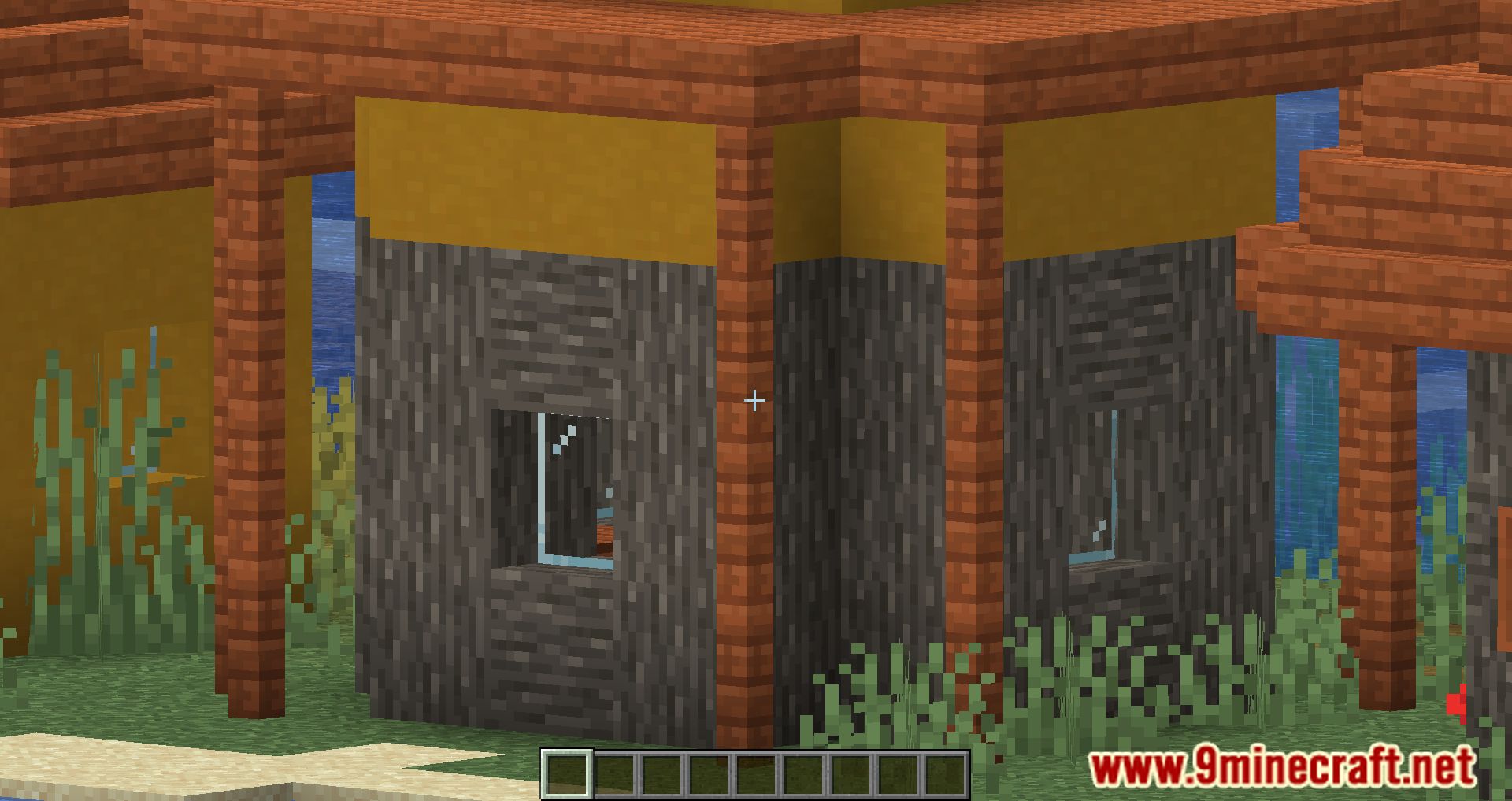
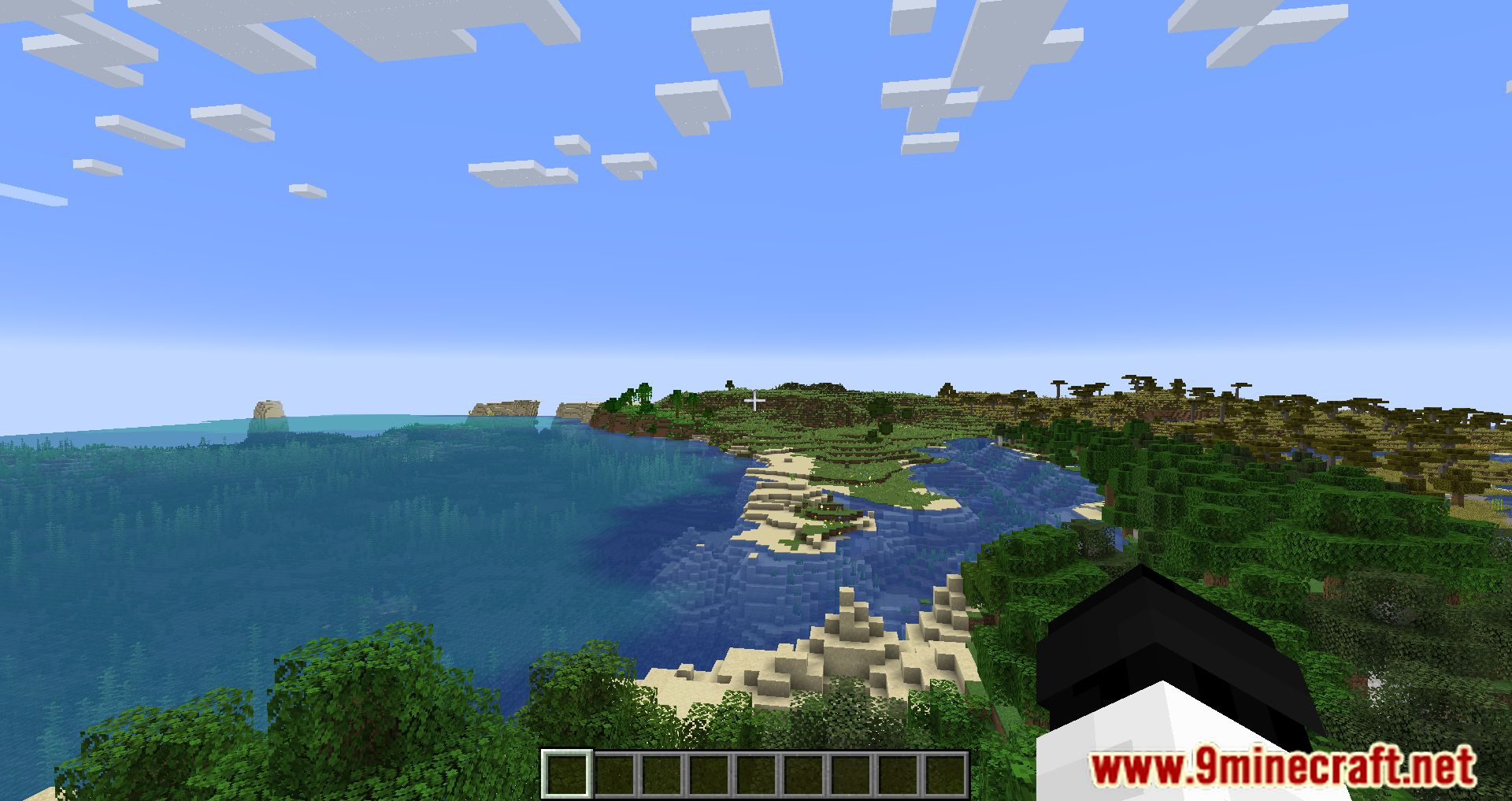
WI Zoom Mod will add a convenient and very powerful zoom effect to your game. Now you can zoom in and examine distant objects with up to 50x magnification, and you can smoothly zoom in using the mouse wheel. This feature is taken from the Wurst client. Controls: Press V and scroll the mouse wheel.
Features:
- Up to 50x Magnification: Allows you to zoom in on distant objects without needing a spyglass.
- Smooth Zooming: Use the mouse wheel to adjust the zoom level seamlessly.
- Dynamic Camera Movement: Unlike other mods, it avoids wobbly camera effects for a smoother experience.
- Activate zoom by pressing the “V” key (default), which can be customized.
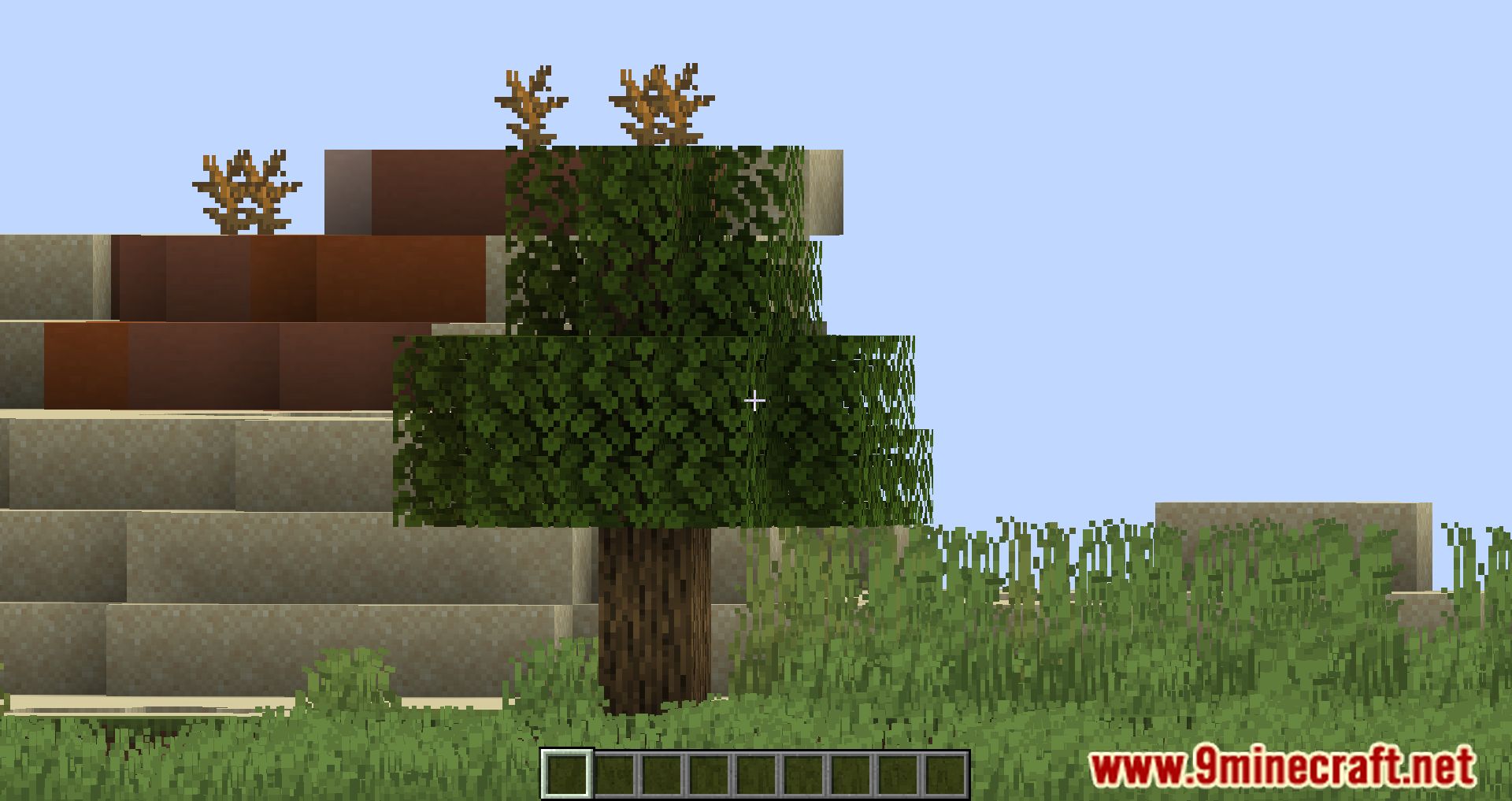
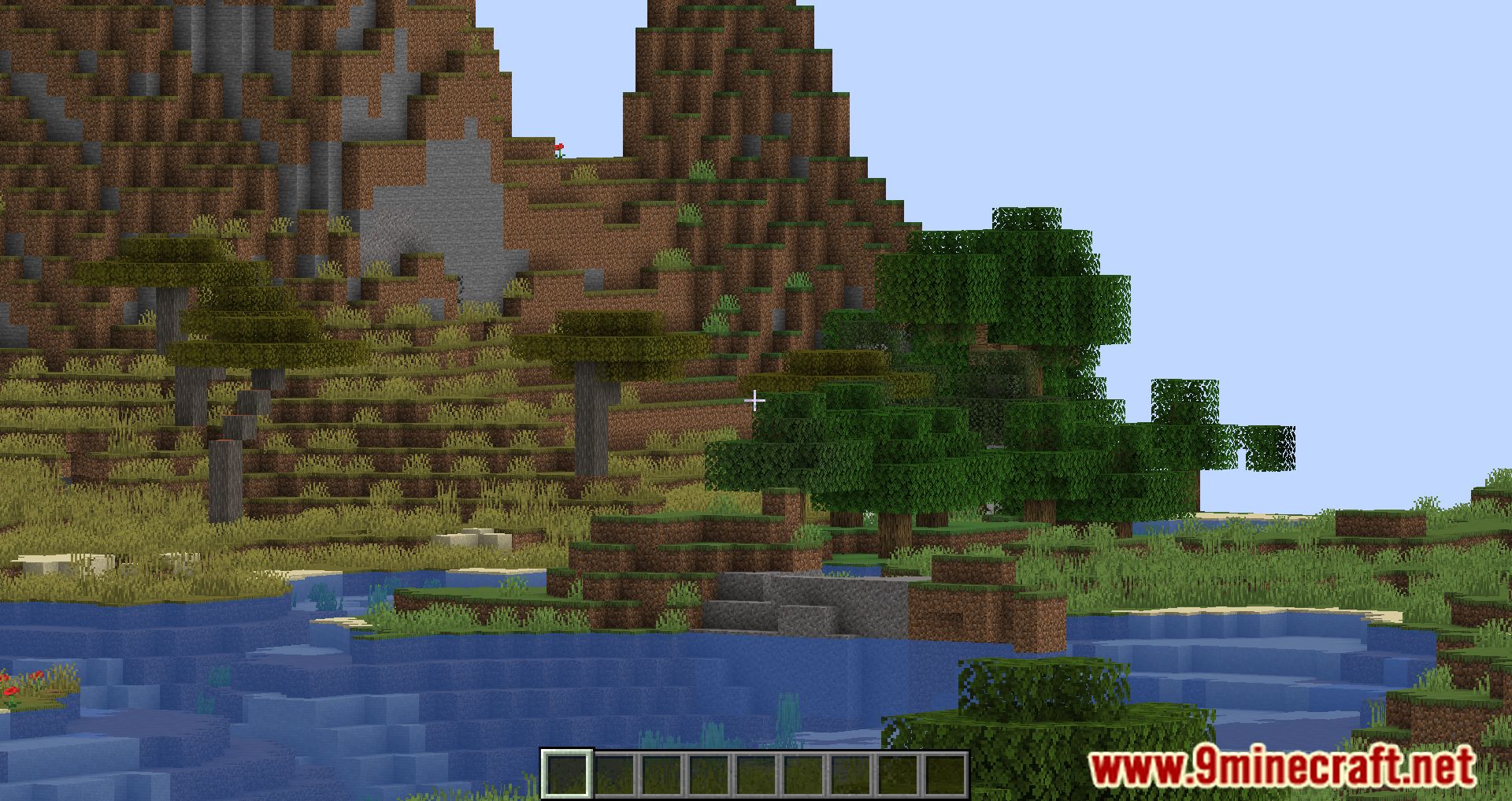
Screenshots:

WI Zoom Mod Download Links
Quick facts
- Edition: Minecraft Java
- File type: .jar
- Minecraft version listed: 1.20.1
- How to install: Install the matching mod loader (Forge, Fabric or NeoForge) for your Minecraft version. → Download the .jar. → Put it in the .minecraft/mods folder and launch that loader profile.
- Where to get it: In MC Java Mods, or directly above on this page.
Install steps are the general flow for this file type — How to install Minecraft Java mods & modpacks walks through it step by step.
Verified by MCModsHub
- Downloads as 2330.mcaddon
- Download size: 148 KB
- Download link checked 24 Sept 2026 — working
- Mirrored on our own servers — the download does not depend on the original host
These come from our own check of the pack file, not from the source page.