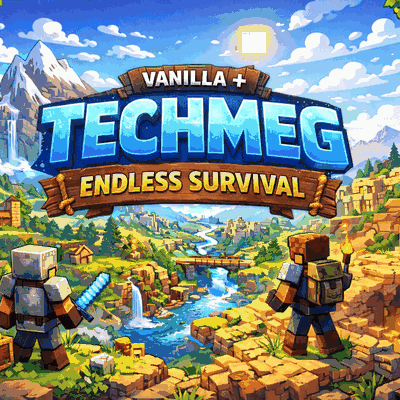
TechMeg-Endless Survival-
Java modpack listed for Minecraft 1.21. Downloads from the MC Java Mods app on Android.
TechMeg – Endless Survival is a challenging survival modpack that expands vanilla gameplay with progression tweaks, multiplayer-friendly mechanics, and…
⬇ Download on CurseForgeTechMeg – Endless Survival TechMeg – Endless Survival is a survival-focused pack created for an upcoming multiplayer server. The goal of this pack is to expand and improve the standard Minecraft survival experience with additional mechanics, progression systems, and gameplay improvements. This pack is currently in a testing phase, but players are welcome to download it and try it out. Features
- Enhanced survival gameplay
- Tweaks and adjustments to improve long-term progression
- Designed for multiplayer survival and community servers
- Balanced gameplay aimed at making survival more engaging
Gameplay Experience Players can expect a more challenging and rewarding survival experience compared to vanilla Minecraft. The pack focuses on exploration, progression, and cooperation between players, making it ideal for long-term survival worlds. It is built for an upcoming server but can also be played in singleplayer or with friends. Project Status This project is currently a test version for an upcoming server. Features may change as the pack is improved and expanded. Feedback and suggestions are welcome.
- Edition: Minecraft Java
- File type: .jar
- Minecraft version listed: 1.21.11
- How to install: Install the matching mod loader (Forge, Fabric or NeoForge) for your Minecraft version. → Download the .jar. → Put it in the .minecraft/mods folder and launch that loader profile.
- Where to get it: Opens on CurseForge — not every file is mirrored on our own servers.
Install steps are the general flow for this file type — How to install Minecraft Java mods & modpacks walks through it step by step.
TechMeg-Endless Survival- is a free Minecraft Java modpack. Compatible with Minecraft 1.21.11. Downloaded 824 times (via CurseForge). Download it and open it directly in the game.