Seafoam's Dyeable Blocks Mod (1.20.1)- Paintbrushes and Colored Blocks
Java mod listed for Minecraft 1.20. Downloads from the MC Java Mods app on Android.
⬇ Download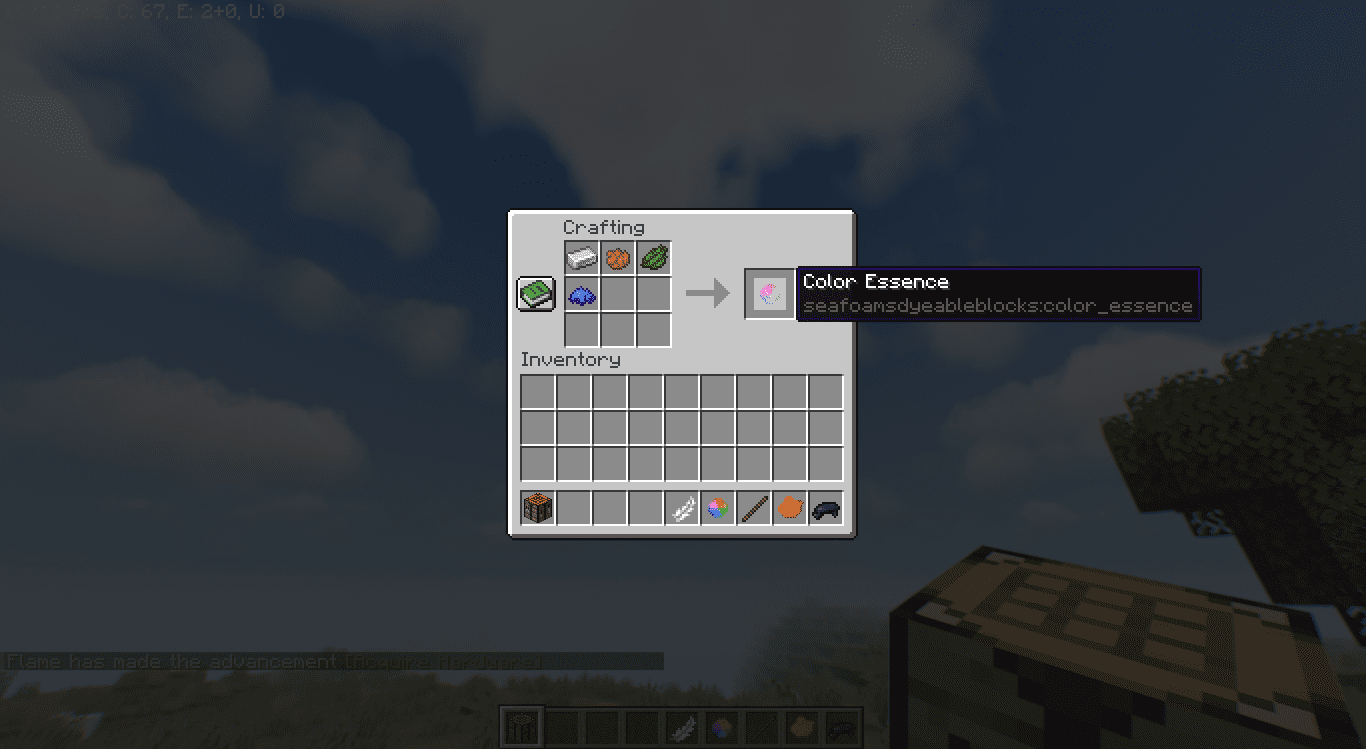
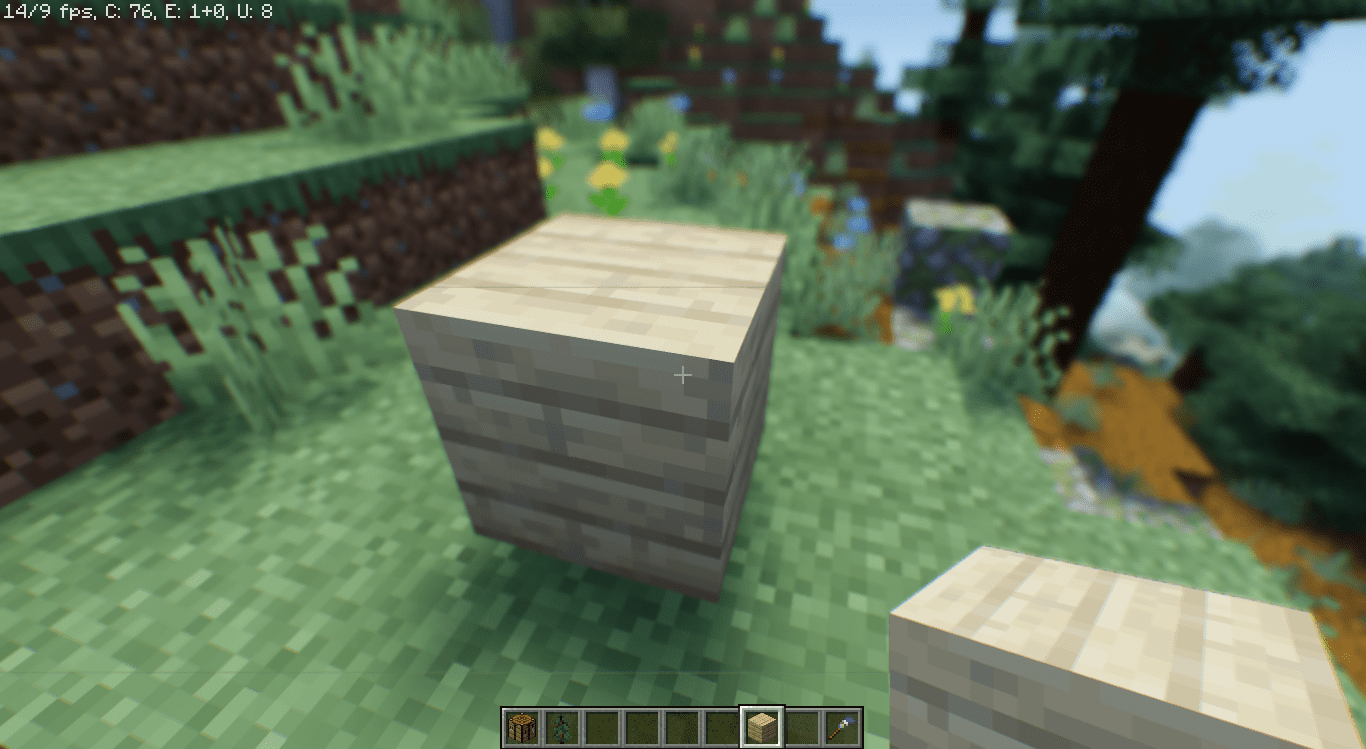
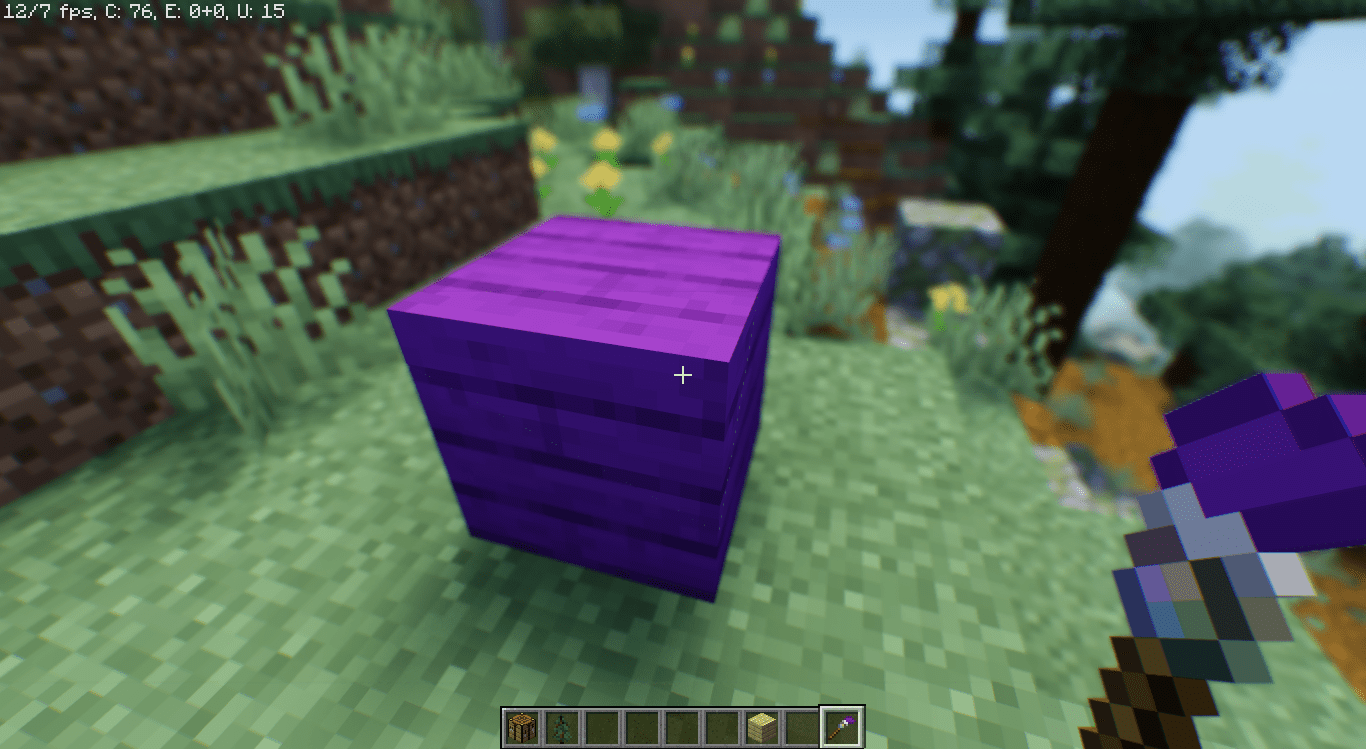
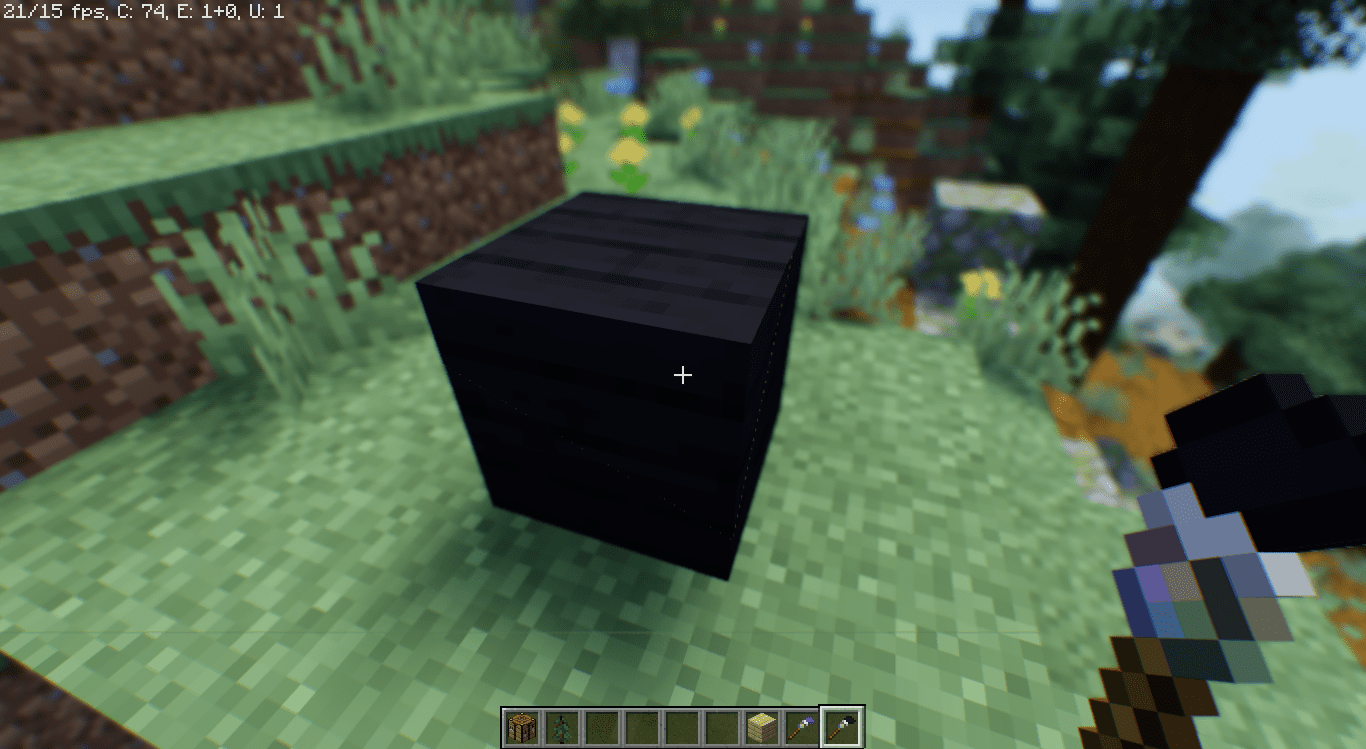
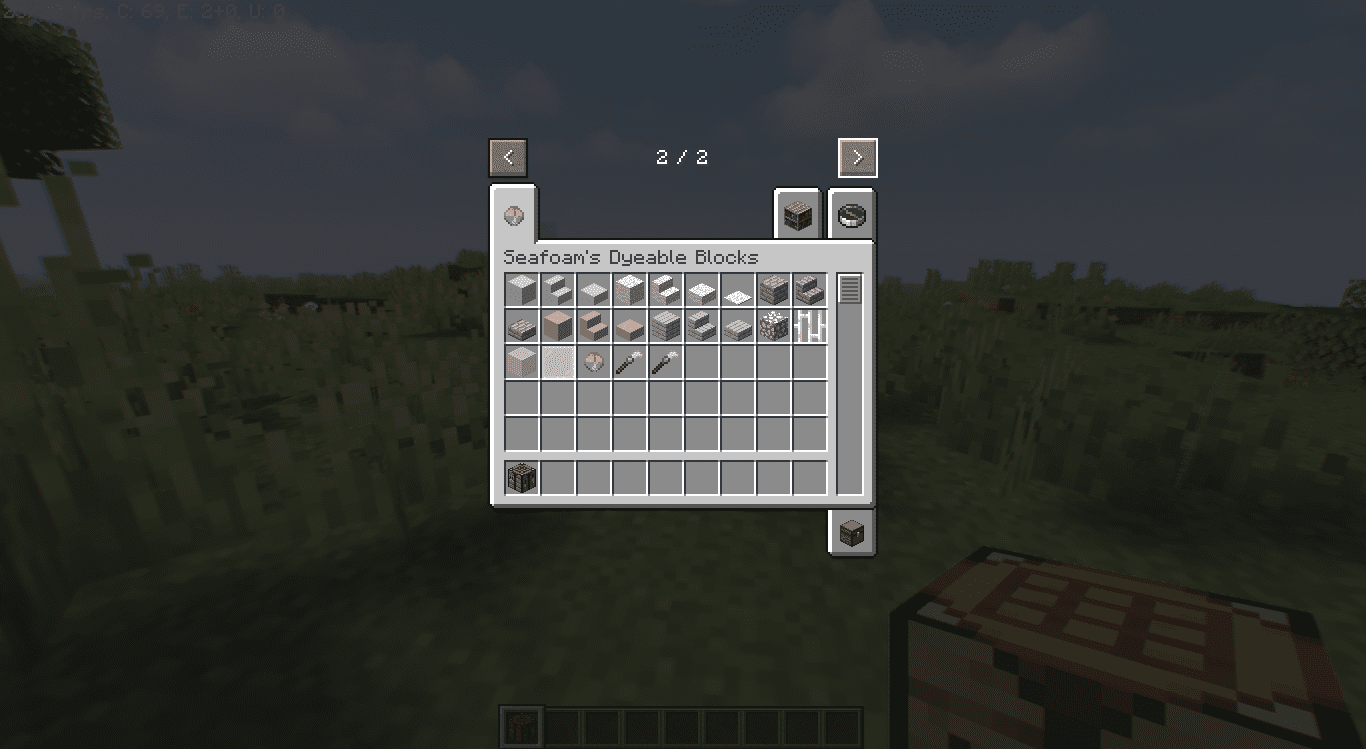
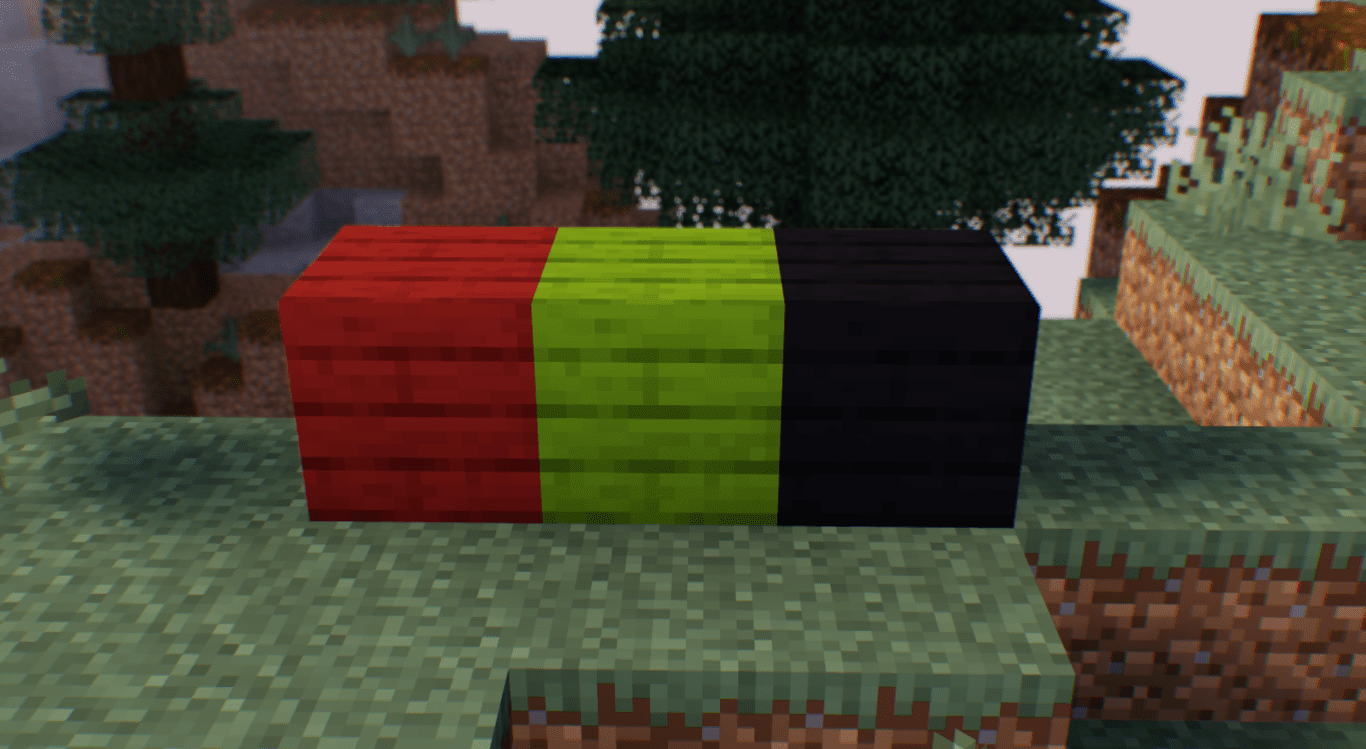
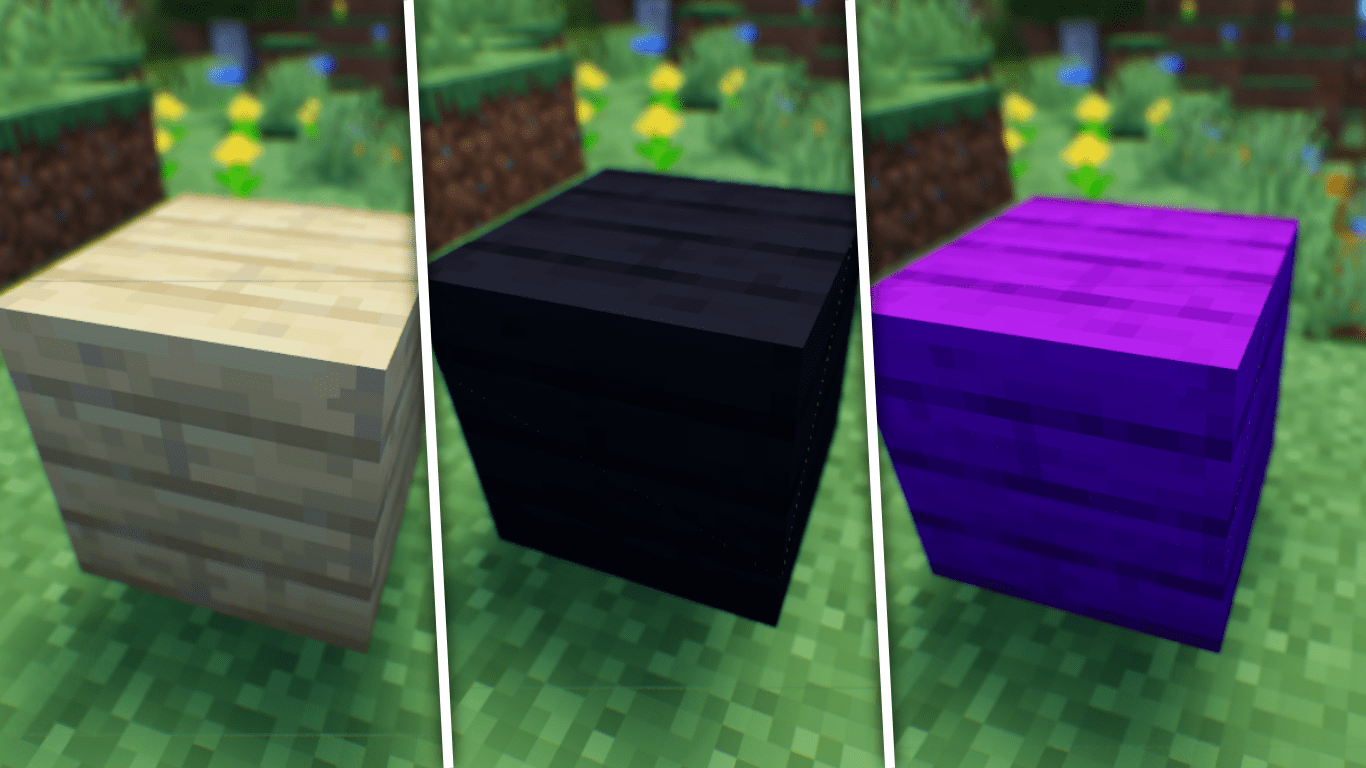
Tired of the same old block colors in your Minecraft builds? Look no further than Seafoam’s Dyeable Blocks Mod, a mod that elevates creativity to new heights. This mod introduces to the game the ability to dye certain widely used blocks, bringing a whole new dimension to your builds.
Features:
With the addition of dyed carpet, dyed iron bars, dyed stained glass, and dyed stained glass panes, the possibilities are boundless. No longer constrained by the limitations of the vanilla color palette, players can now design their structures with a spectrum of hues that match their wildest imaginations.
Crafting Recipes
Your first step would be to craft a Color Essence. Use the recipe given below:
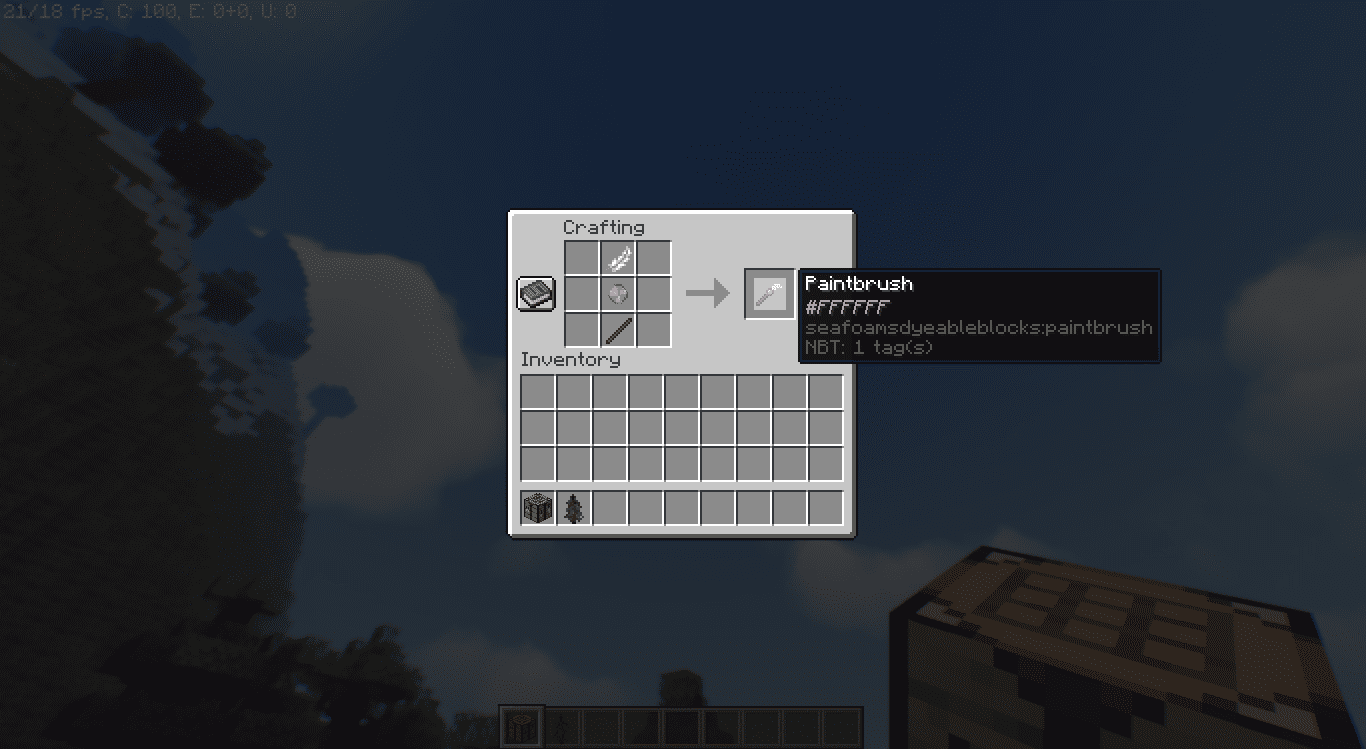
Then craft a paintbrush using the following recipe:
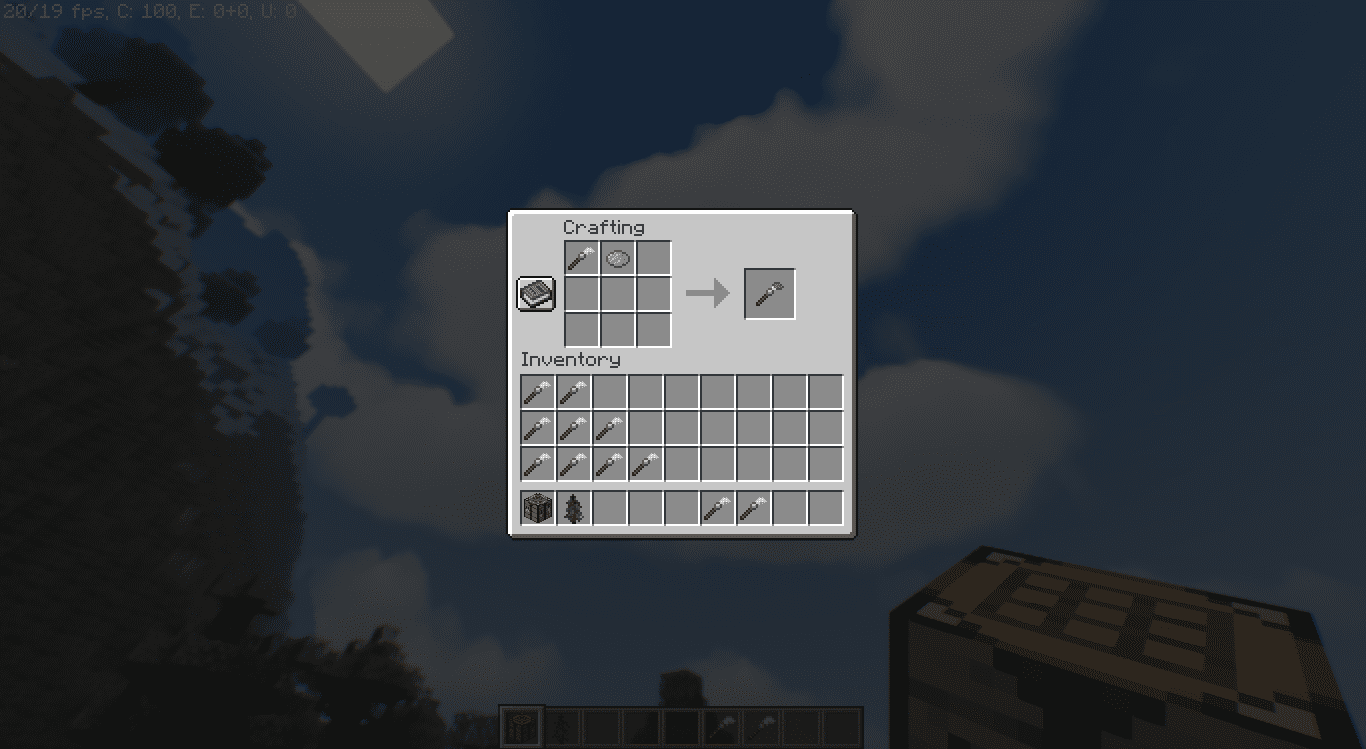
Once you have your paintbrush, you can dye it simply by placing it in a crafting grid along with a dye of your choice. Image below:
How to Use
Once you have paintbrushes for all of your required colors, you are set to go. Simply right click on a block to paint it. Images given below:
List of Paintable Blocks
- Wool
- Carpet
- Concrete
- Terracotta
- Any Wood Planks
- Any Wood Plank Stairs
- Any Wood Plank Slabs
- Bricks
- Brick Stairs
- Brick Slabs
- Stained Glass
- Stained Glass Panes
- Glowstone
- Iron Bars
Seafoam’s Dyeable Blocks Mod Download Links
- Edition: Minecraft Java
- File type: .jar
- Minecraft version listed: 1.20.1
- How to install: Install the matching mod loader (Forge, Fabric or NeoForge) for your Minecraft version. → Download the .jar. → Put it in the .minecraft/mods folder and launch that loader profile.
- Where to get it: In MC Java Mods, or directly above on this page.
Install steps are the general flow for this file type — How to install Minecraft Java mods & modpacks walks through it step by step.
- Downloads as 2332.mcaddon
- Download size: 184 KB
- Download link checked 25 Sept 2026 — working
- Mirrored on our own servers — the download does not depend on the original host
These come from our own check of the pack file, not from the source page.