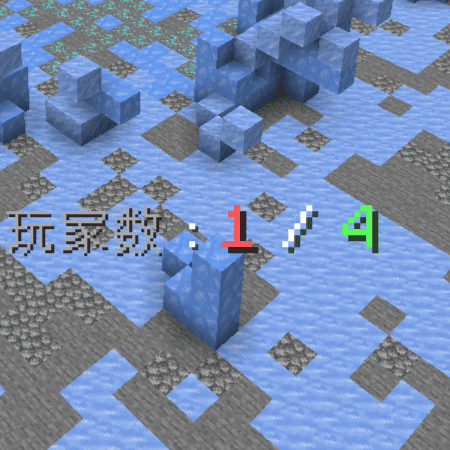
This data package provides additional features for the game map creator/game server provider of the Reign of Nether RTS module.
Current included features:
1. Allow players to set any number of spawn points for battle saves (using marker entities), and players who join the game can only place initial units at the set spawn points during the preparation phase
2. Automatically assign players to designated spawnpoints in sequence and lock the perspective until the start
3. Automatically count down and start the game after detecting that all points have been assigned to the player
4. Players who attempt to place units in advance or not in the designated location will be forced to reset the game (equivalent to rts reset)
5. Force players to enter spectator mode to prevent them from cheating by exploiting creative loopholes
6. A prominent timer implemented using an actionbar title that allows players to avoid wasting operations by clicking on the clock in the GUI
7. Players can use/tag @s add rw_ob to avoid being counted in the game, and currently only administrators have this permission
Usage method for setting the opening point:
1. Use/tag @s add rw_op to avoid being recognized as a player by data packets and triggering related mechanisms
2. Use/function x: base_det to obtain the monster spawning egg for setting, right-click on all the points that need to be set
3. Use/tag @s remove rw_op
4. Just save the archive
More features will be updated irregularly in the future. If you have any needs, you can leave a message directly in this comment section
Planned features to be added:
Preparation mechanism: Allow players to input commands to confirm that they are currently in place, and only count the number of standby players after confirming that they are in place
Force start, all prepared and still online players can enter commands to vote, and if all members agree, they can ignore the number requirement and force the start of the game after a certain period of time
At present, only Chinese is available. In the future, if there is a need, it will support multiple languages
- Edition: Minecraft Java
- File type: .jar
- Minecraft version listed: 1.19.2
- How to install: Install the matching mod loader (Forge, Fabric or NeoForge) for your Minecraft version. → Download the .jar. → Put it in the .minecraft/mods folder and launch that loader profile.
- Where to get it: Opens on CurseForge — not every file is mirrored on our own servers.
Install steps are the general flow for this file type — see the MC Java Mods guides for the full walkthrough.
Morphe_Lin's ron-rts tools is a free Minecraft Java datapack. Compatible with Minecraft 1.19.2. Downloaded 152 times (via CurseForge). Download it and open it directly in the game.