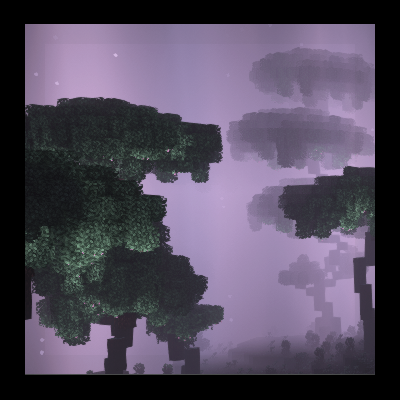
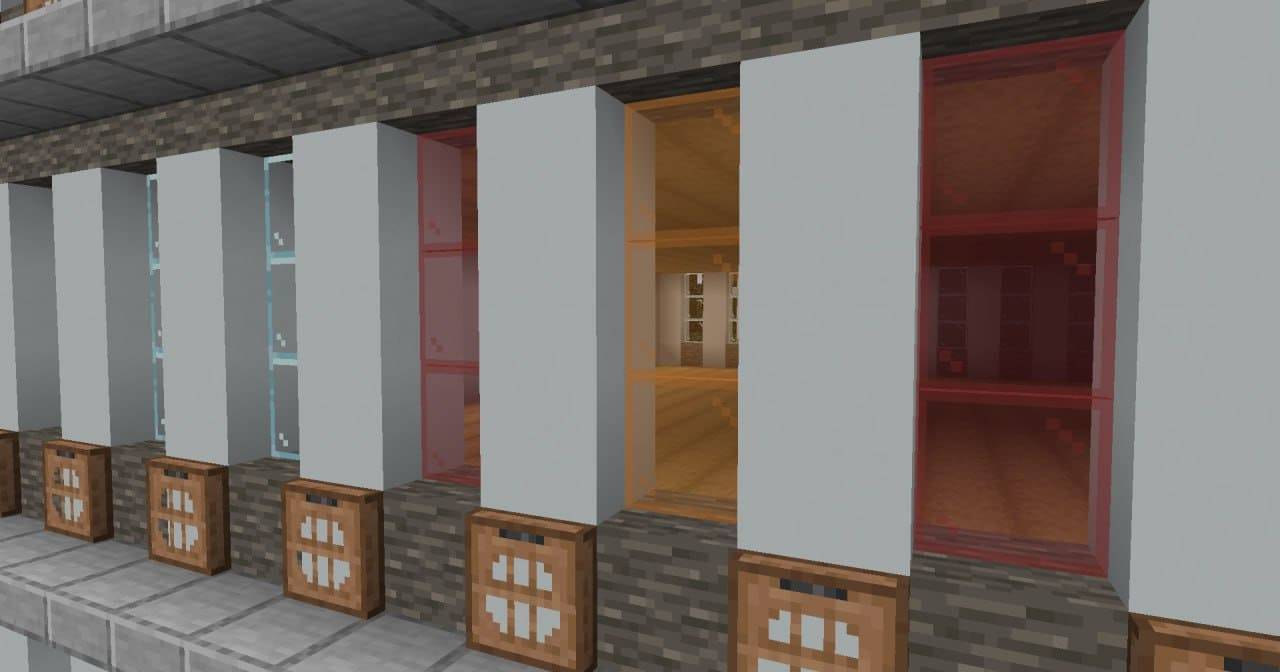
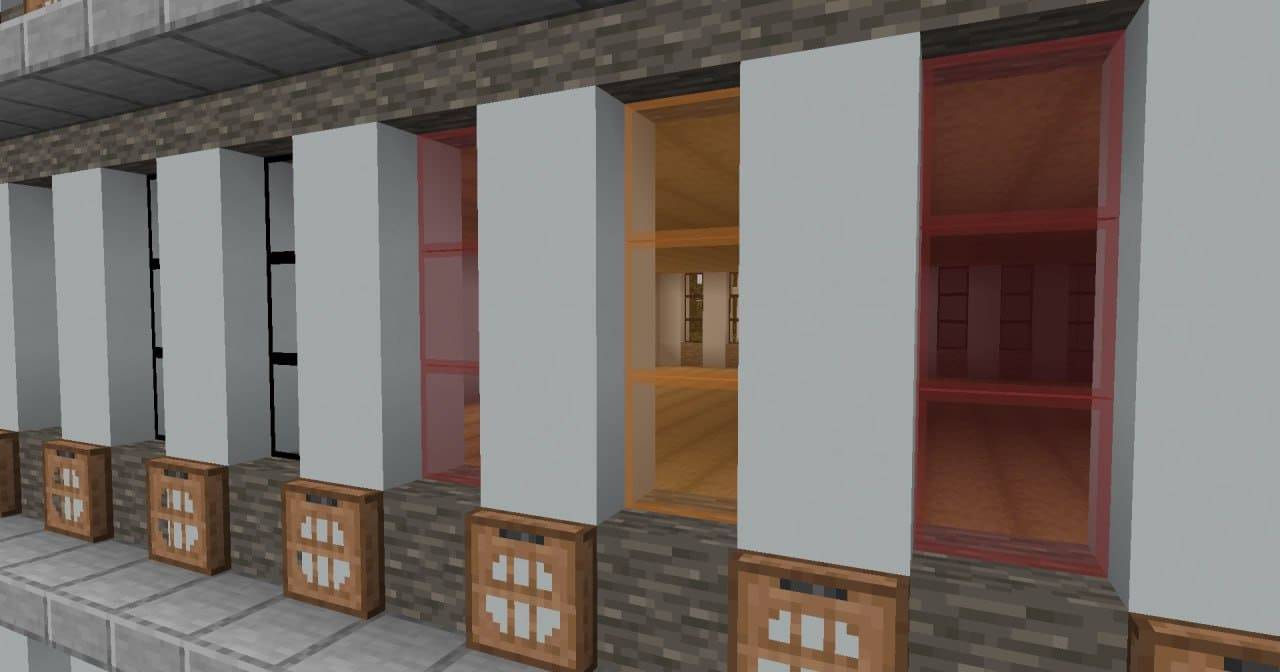
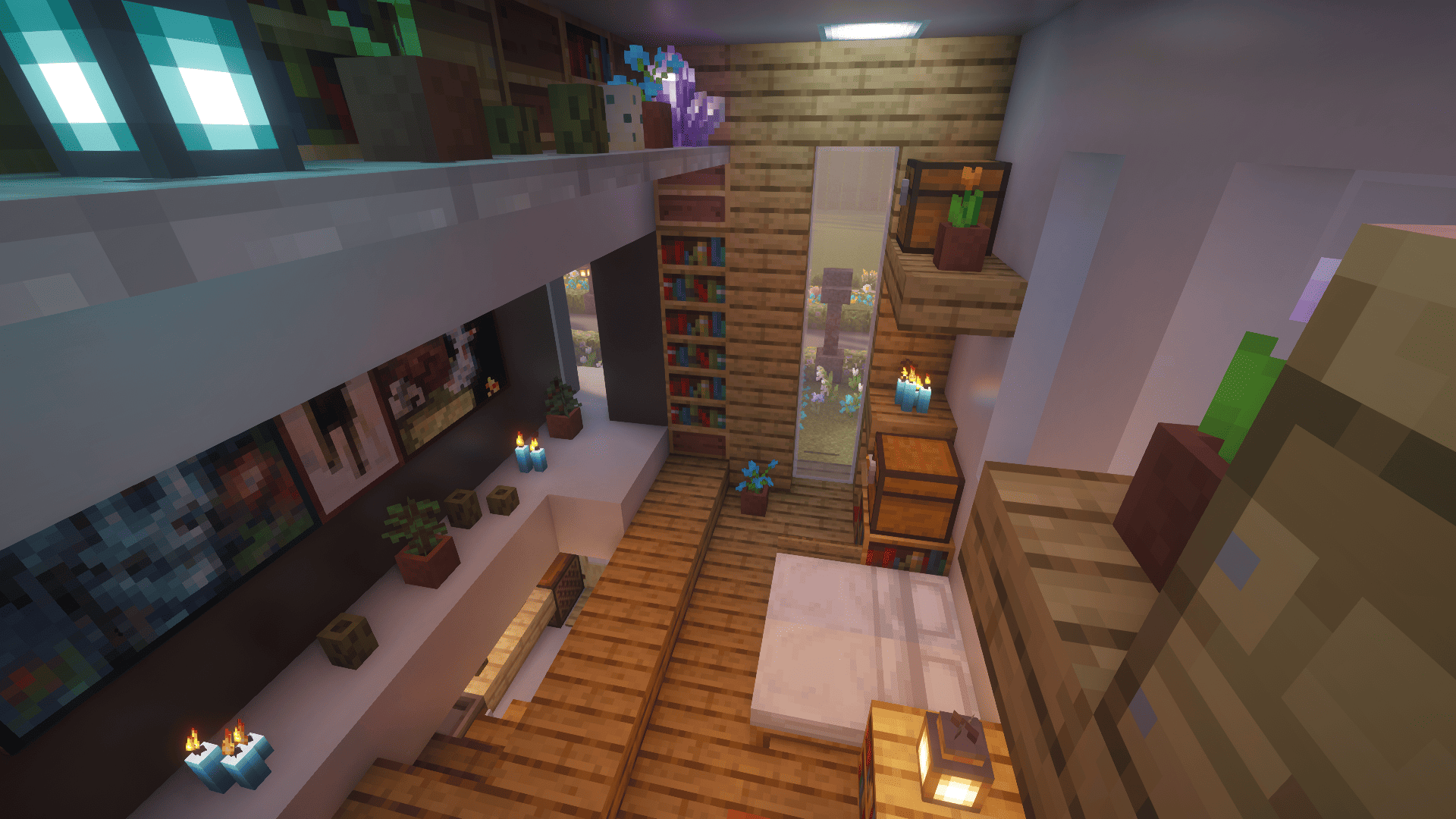
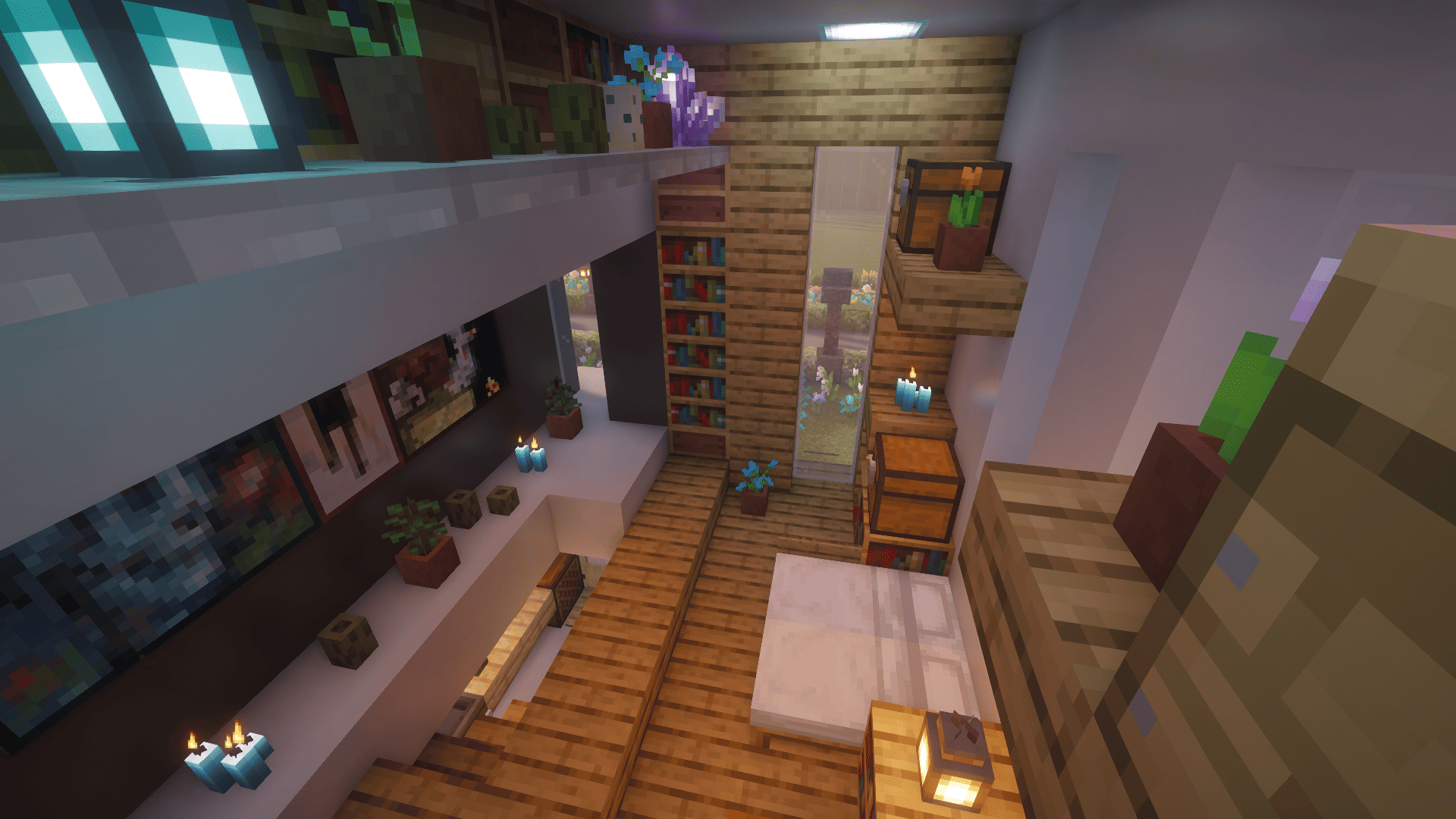
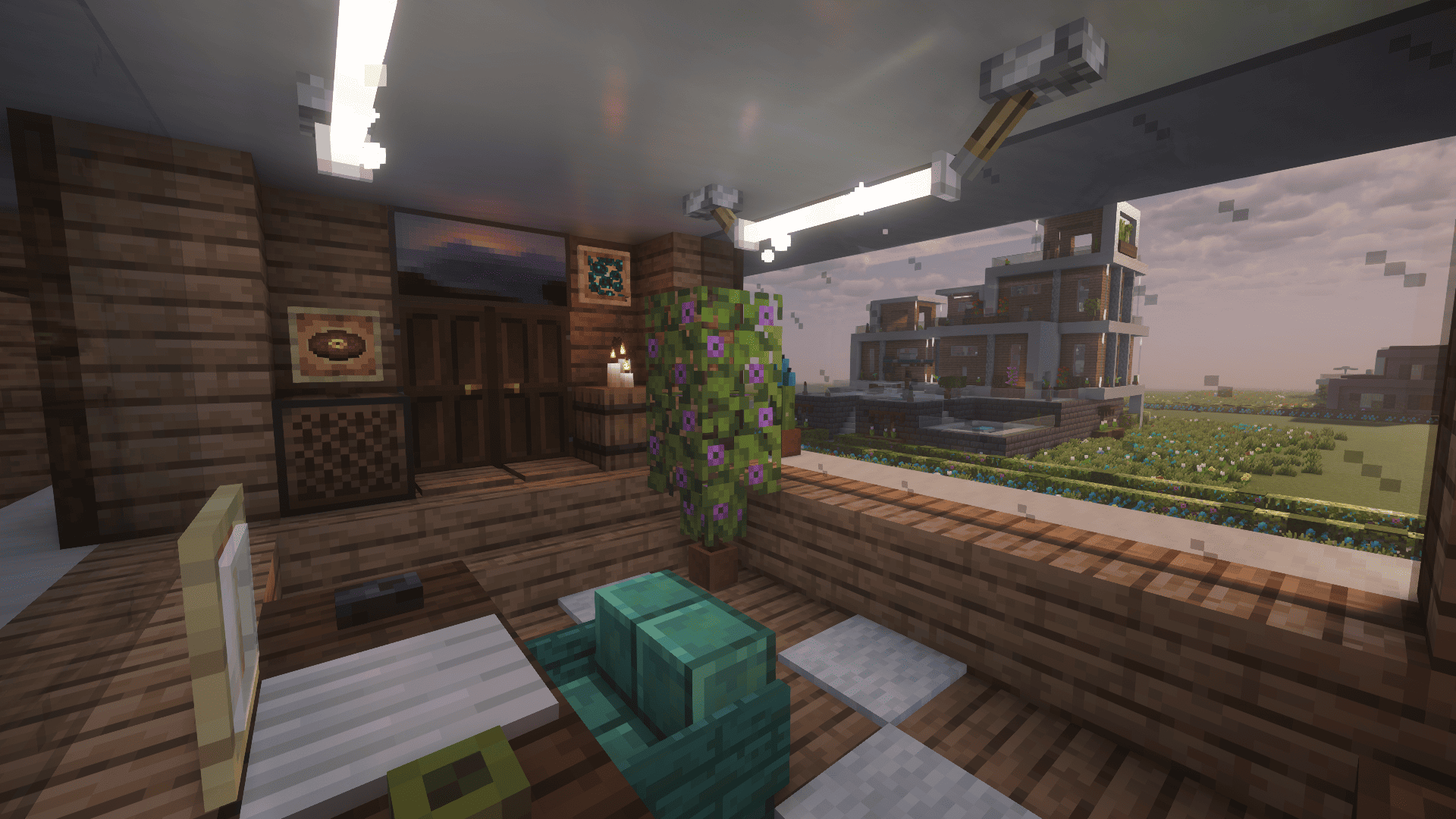
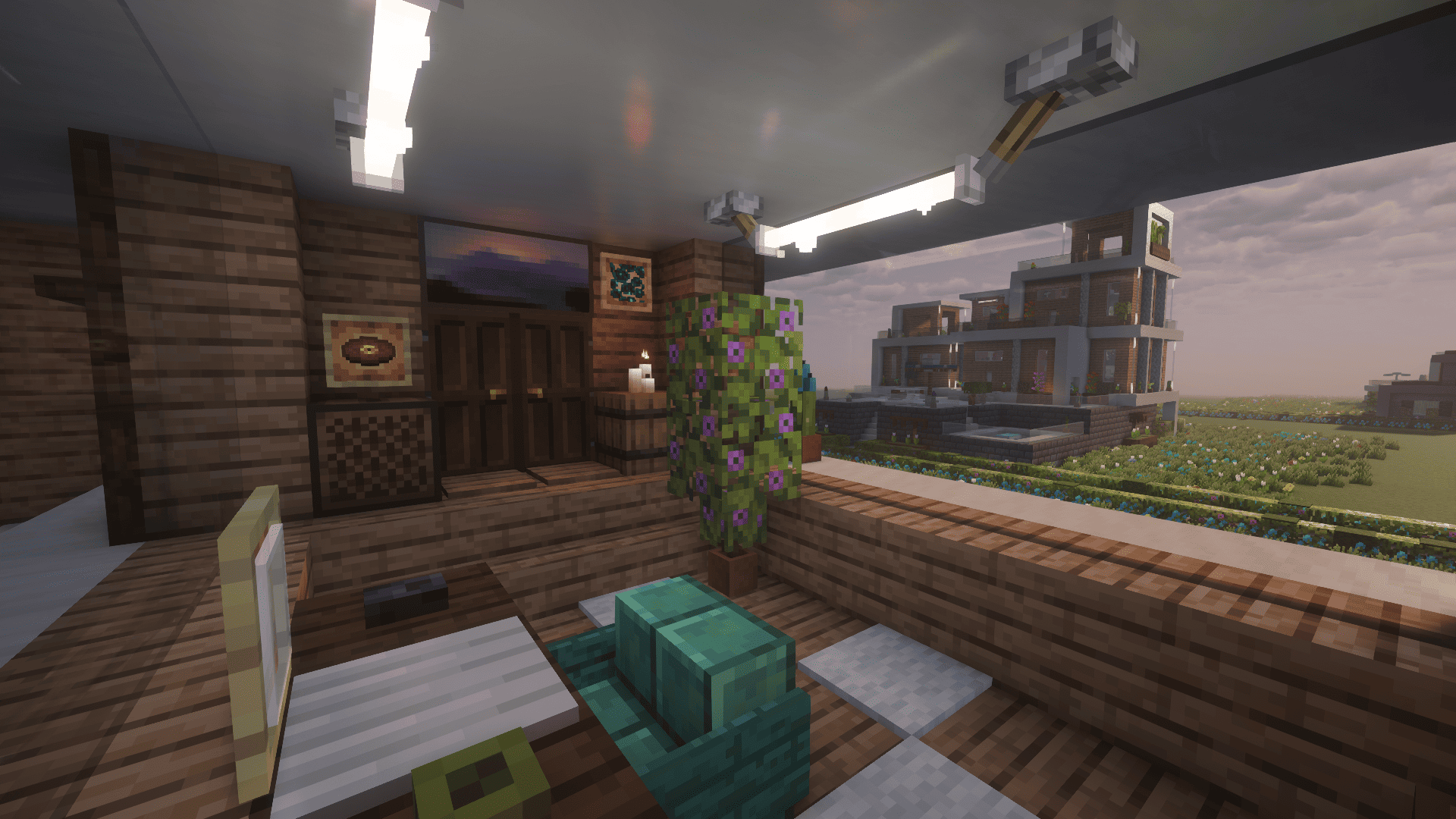
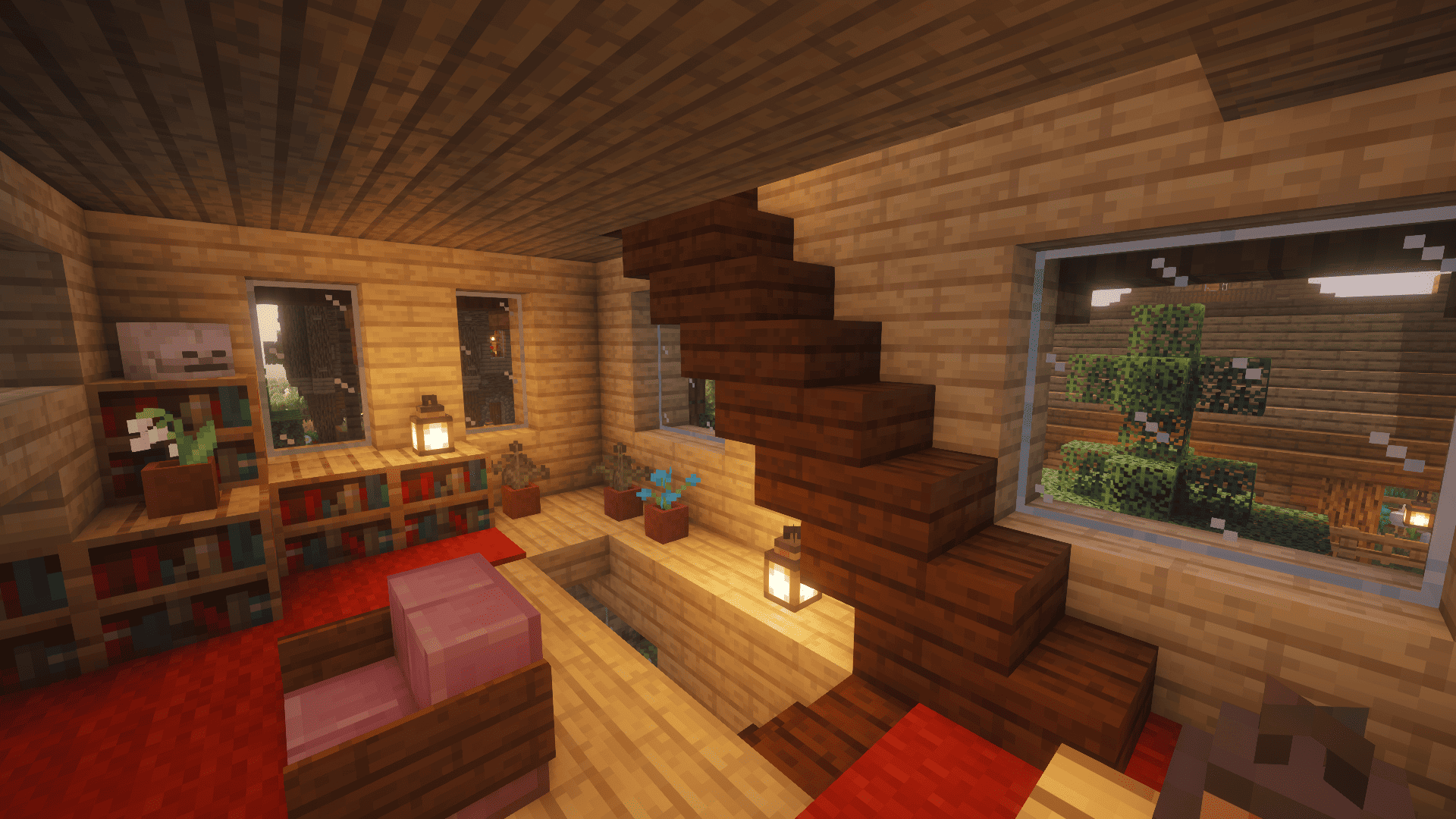
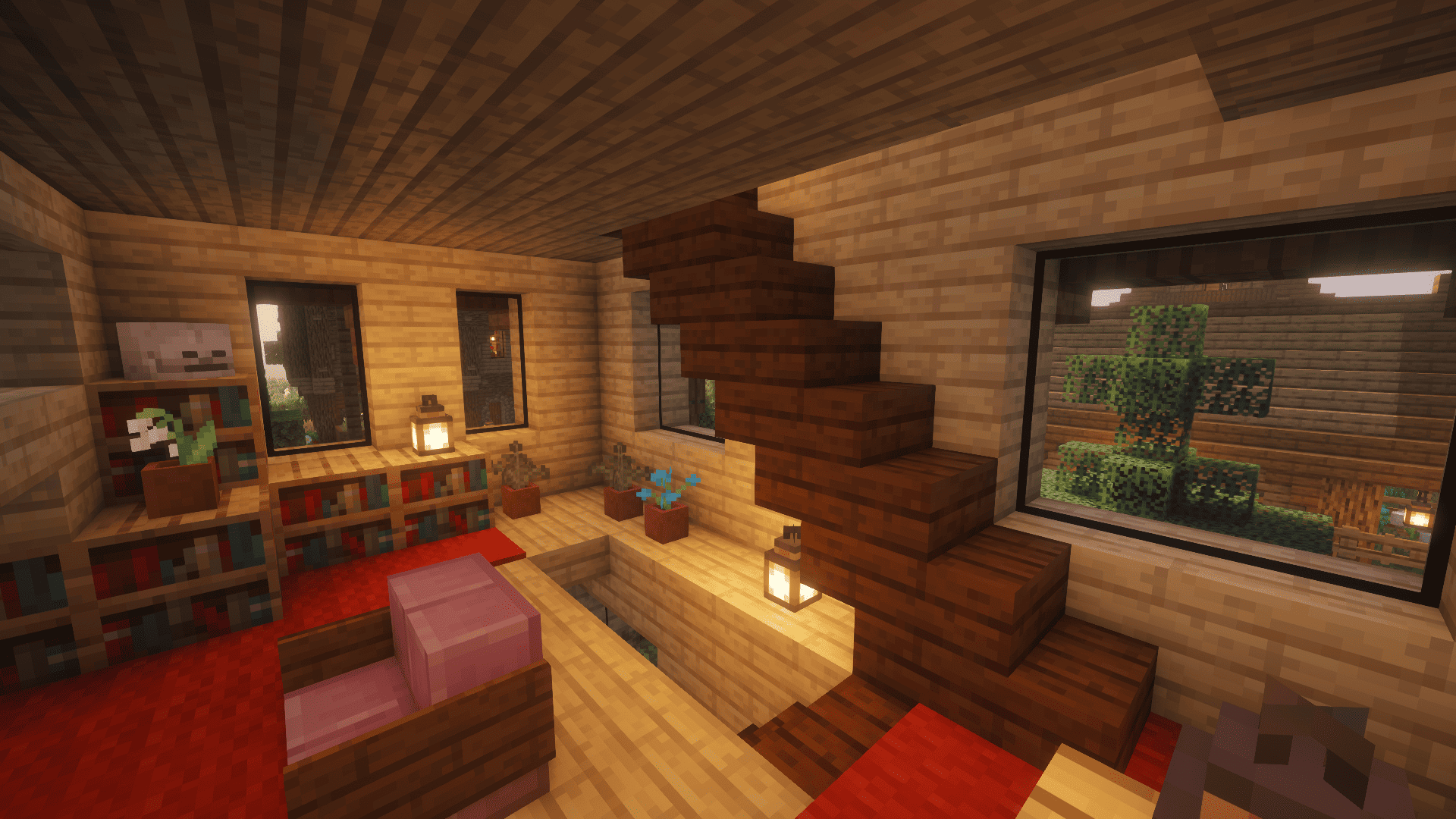
Clearest Glass is an elegant, minimalist pack that removes all pixel noise and stripes from the surfaces of glass blocks, making them smooth and clean. Block borders retain their color but gain a crisp black outline for better visual definition. Perfect for modern builds and clean lines.
Download & Installation
- Download the file - Click the Files tab above and select the latest version.
- Place in your resourcepacks folder - In-game, go to Options -> Resource Packs -> Open resource pack folder.
- Move and activate - Move the downloaded .zip archive into the opened folder, then select texture pack from the list of available packs.
- For the best effect (Optional): Install OptiFine and enable Connected Textures in Video Settings (Quality) or usse Continuity/Fusion mod. This will remove visible seams between blocks, creating the illusion of one large, seamless window or wall.
Main Features
- Clean Surfaces: All pixelated stripes and noise have been removed from the surfaces of regular glass, tinted glass, and glass panes.
- Crisp Black Borders: Block frames are now a deep black, improving their visibility and definition in structures.
- Stylistic Integrity: Blocks do not become completely invisible but retain their in-game essence with a polished, minimalist look.
- OptiFine Enhanced: For the ultimate seamless experience, use with OptiFine's Connected Textures feature.
Compatibility
- Minecraft Versions: The pack is updated for all versions from the introduction of tinted glass (1.17) up to the latest stable release (1.20.4 and above).
- Mods: Compatible with mods that add new glass blocks using standard vanilla texture templates.
- Shaders & OptiFine: Recommended for use with OptiFine to access Connected Textures. Fully compatible with major shader packs (BSL, SEUS, Complementary).
Changelog
Initial release. Removed "noise" from all vanilla glass blocks and panes, set borders on default glass to black.
License & Rights
This project is licensed under the GNU General Public License v3.0 (GPLv3).
You are free to use, modify, and share this texture pack.
If you create a derivative work (an edited pack, a compilation), you must distribute it under the same GPLv3 license and make its source textures publicly available.
Copyright for the original textures is held by UnderStudioGroup © 2024.
Disclaimer: This project is not an official Mojang Studios or Microsoft product. Minecraft is a trademark of Mojang AB, and all rights are owned by their respective holders.
Frequently Asked Questions (FAQ)
Q: Can I use these textures in my mod/pack/video?
A: Yes, under the terms of the GPLv3 license (see above). You must credit the original author (UnderStudioGroup) and provide a link back to this page.
Support & Links
- Bug Reports & Suggestions: Please use the
[Issues or Bug Reports]section on this page or the project's GitHub. - GitHub Repository: Clear Glass on GitHub
- Author: UnderStudioGroup
If you enjoy this pack, please consider leaving a ☆ Favorite and a ★ Rating on CurseForge! It's the best way to support the project.
- Edition: Minecraft Java
- File type: .zip (resource pack)
- Minecraft versions listed: 1.17.1, 1.21, 1.18.1
- How to install: Download the .zip resource pack — do not unzip it. → Put it in .minecraft/resourcepacks. → Enable it in Options → Resource Packs.
- Where to get it: Opens on CurseForge — not every file is mirrored on our own servers.
Install steps are the general flow for this file type — How to install Minecraft Java resource packs walks through it step by step.
- Downloads as Clear Glass.zip
- Download size: 714 KB
- Download link checked 28 Aug 2026 — working
These come from our own check of the pack file, not from the source page.