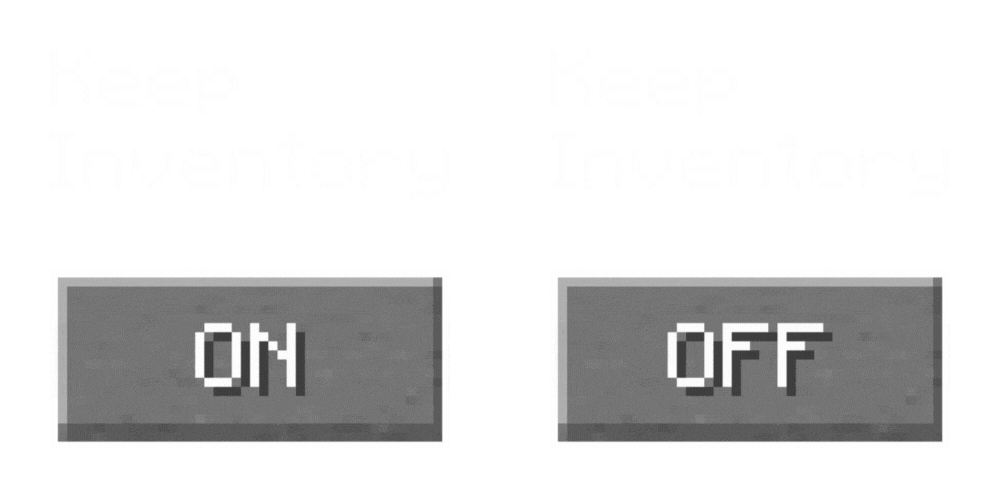
Keep Inventory On - Better Enhanced Gameplay
Keep Inventory ON is a practical texture pack for Minecraft that automatically sets the game rule to keep inventory on death, allowing players to retain…
⬇ Download on CurseForgeNever Lose Your Items with Keep Inventory ON
Secure Your Minecraft Adventure
The Keep Inventory ON texture pack automatically enables the game rule to keep inventory upon death, ensuring that players do not lose their items and experience when they die. This feature is perfect for those who want to enjoy Minecraft without the frustration of losing their progress after an unfortunate demise.

Features Include:
- Inventory Security: Automatically keep all your items and experience after death, reducing gameplay stress and enhancing enjoyment.
- Game Rule Automation: The texture pack simplifies gameplay by automating the 'keep inventory' game rule, making it a default setting without needing manual activation.
- Enhanced Player Experience: Focus more on exploration and building rather than worrying about losing items, which is especially useful for new or casual players.
Enhance your Minecraft experience with Keep Inventory ON and play without the fear of losing your belongings!

This resource pack is a game-changer for those looking to safeguard their in-game progress and enjoy a more relaxed Minecraft experience.
- Edition: Minecraft Java
- File type: .zip (resource pack)
- Minecraft versions listed: 1.17.1, 1.16.3, 1.19.3
- How to install: Download the .zip resource pack — do not unzip it. → Put it in .minecraft/resourcepacks. → Enable it in Options → Resource Packs.
- Where to get it: Opens on CurseForge — not every file is mirrored on our own servers.
Install steps are the general flow for this file type — How to install Minecraft Java resource packs walks through it step by step.
Keep Inventory On - Better Enhanced Gameplay is a free Minecraft Java resourcepack. Compatible with Minecraft 1.17.1, 1.16.3, 1.19.3, 1.20.2 and newer. Downloaded 635,679 times (via CurseForge). Download it and open it directly in the game.