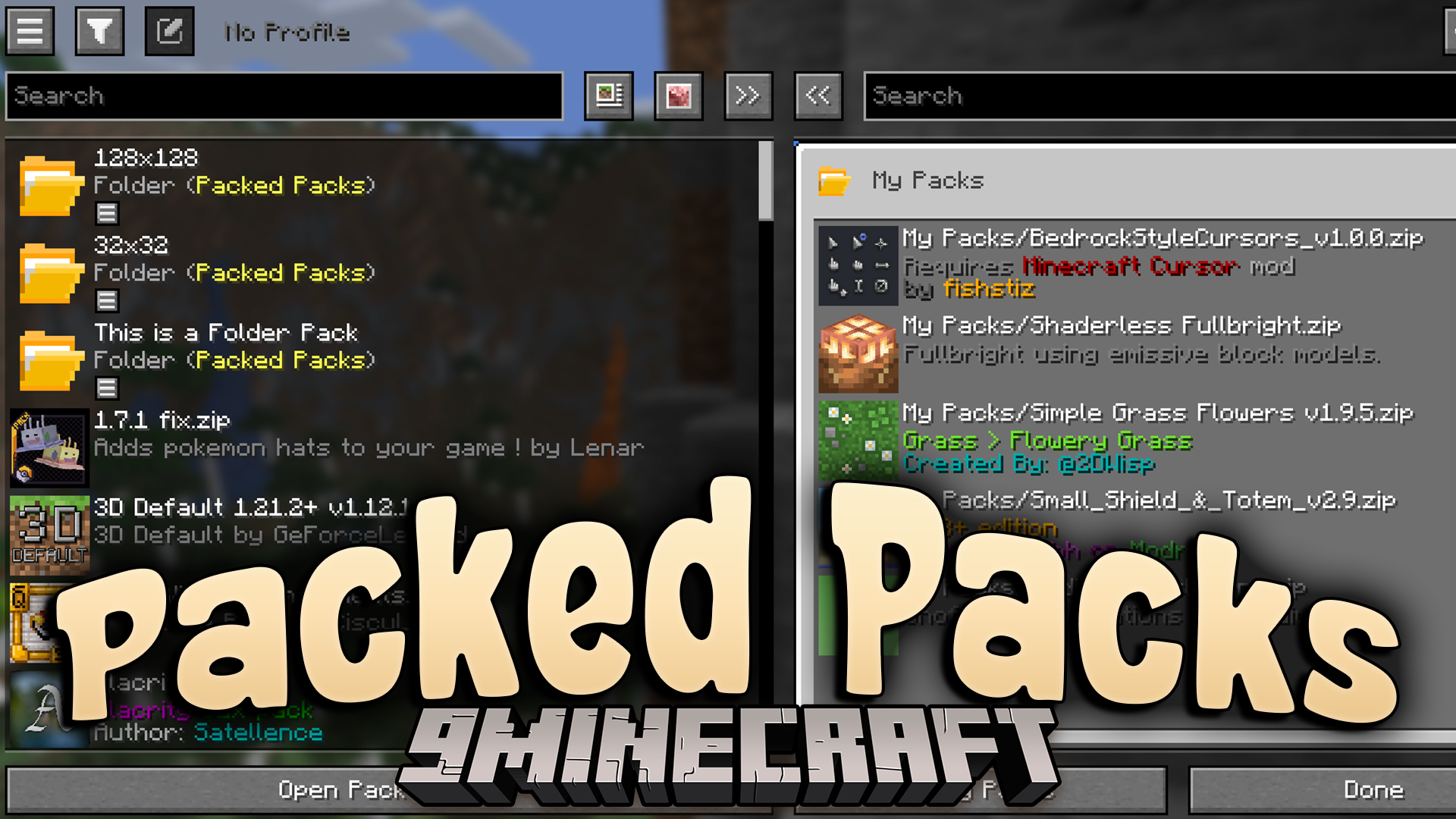
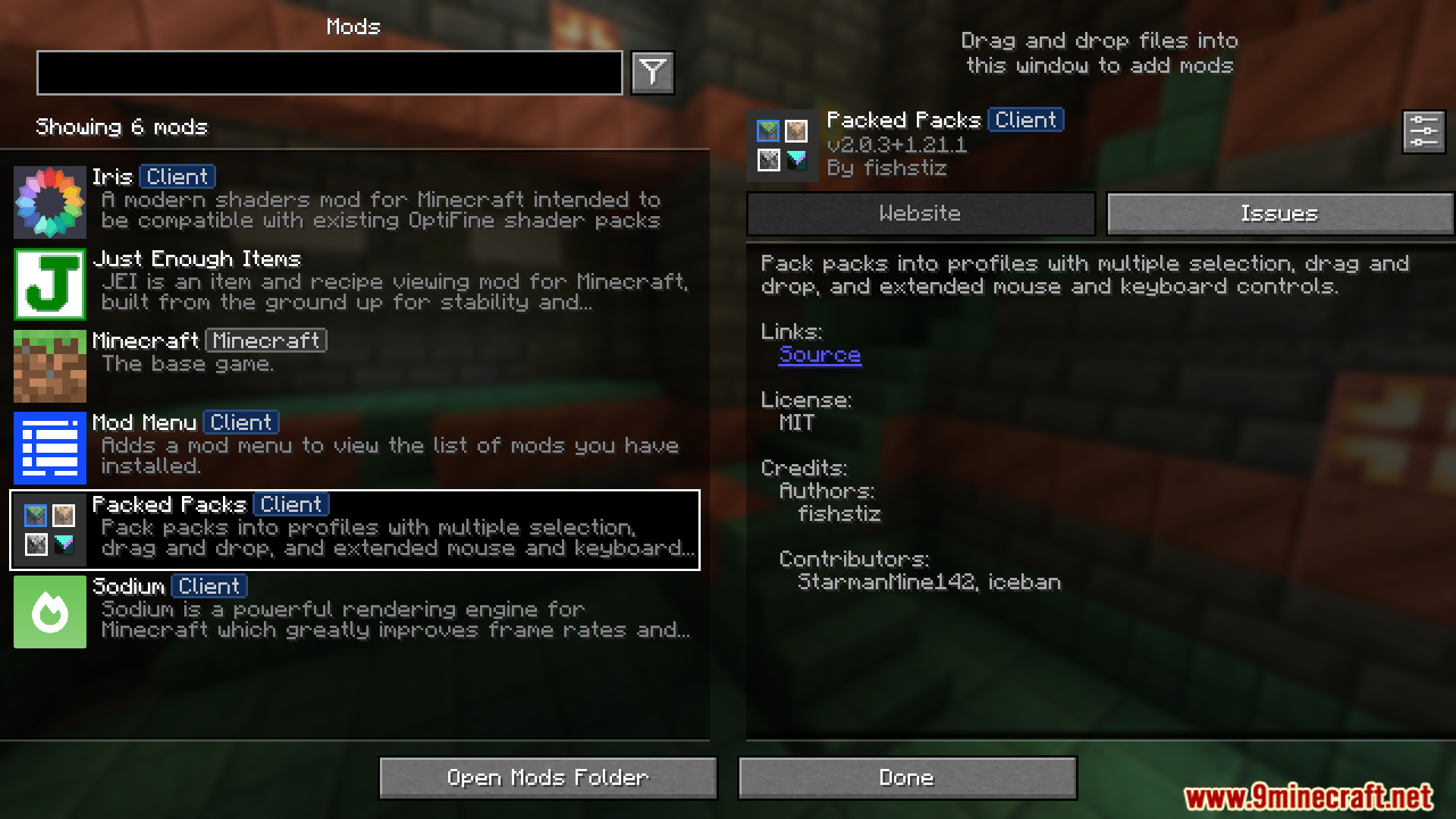


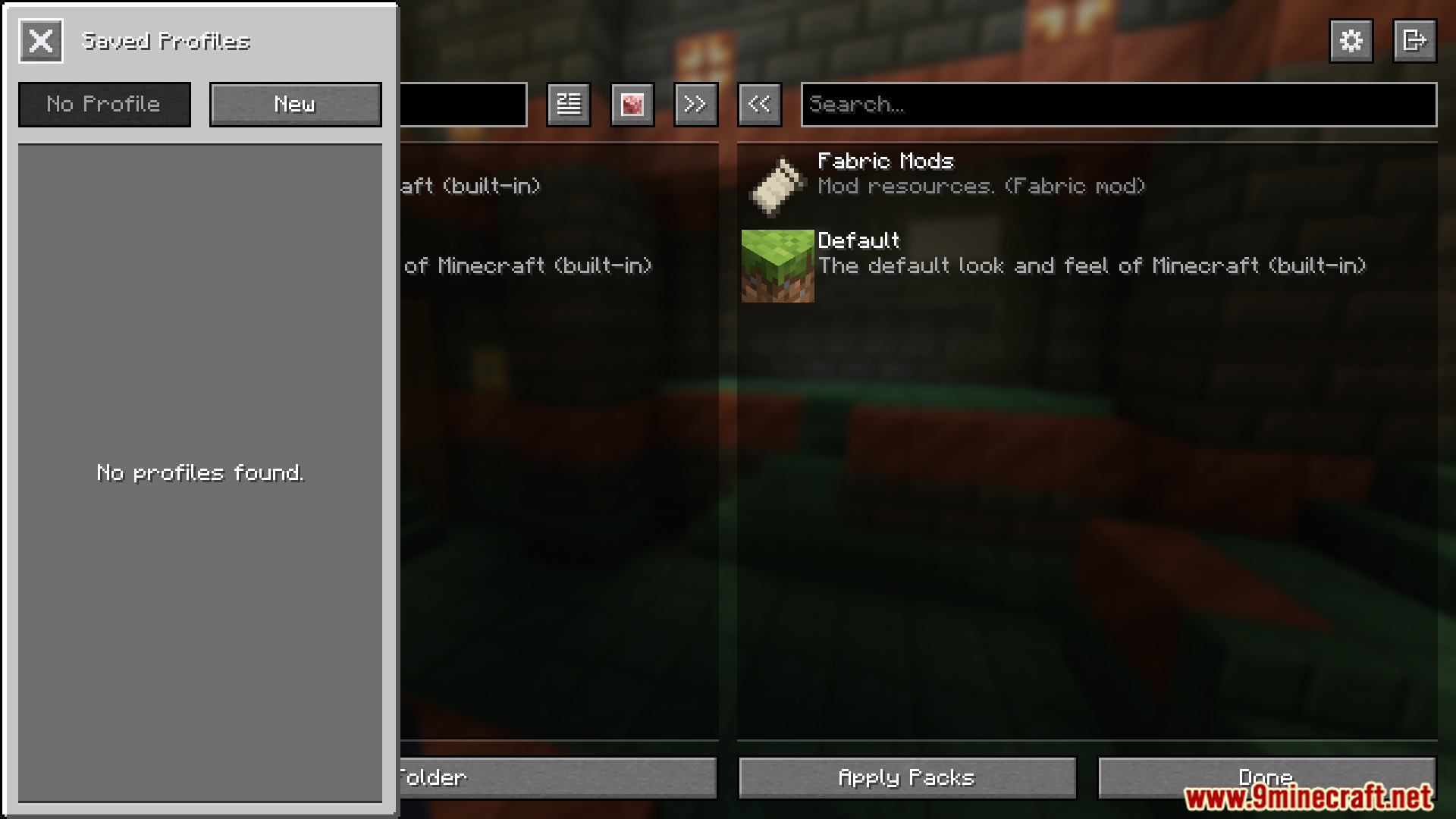
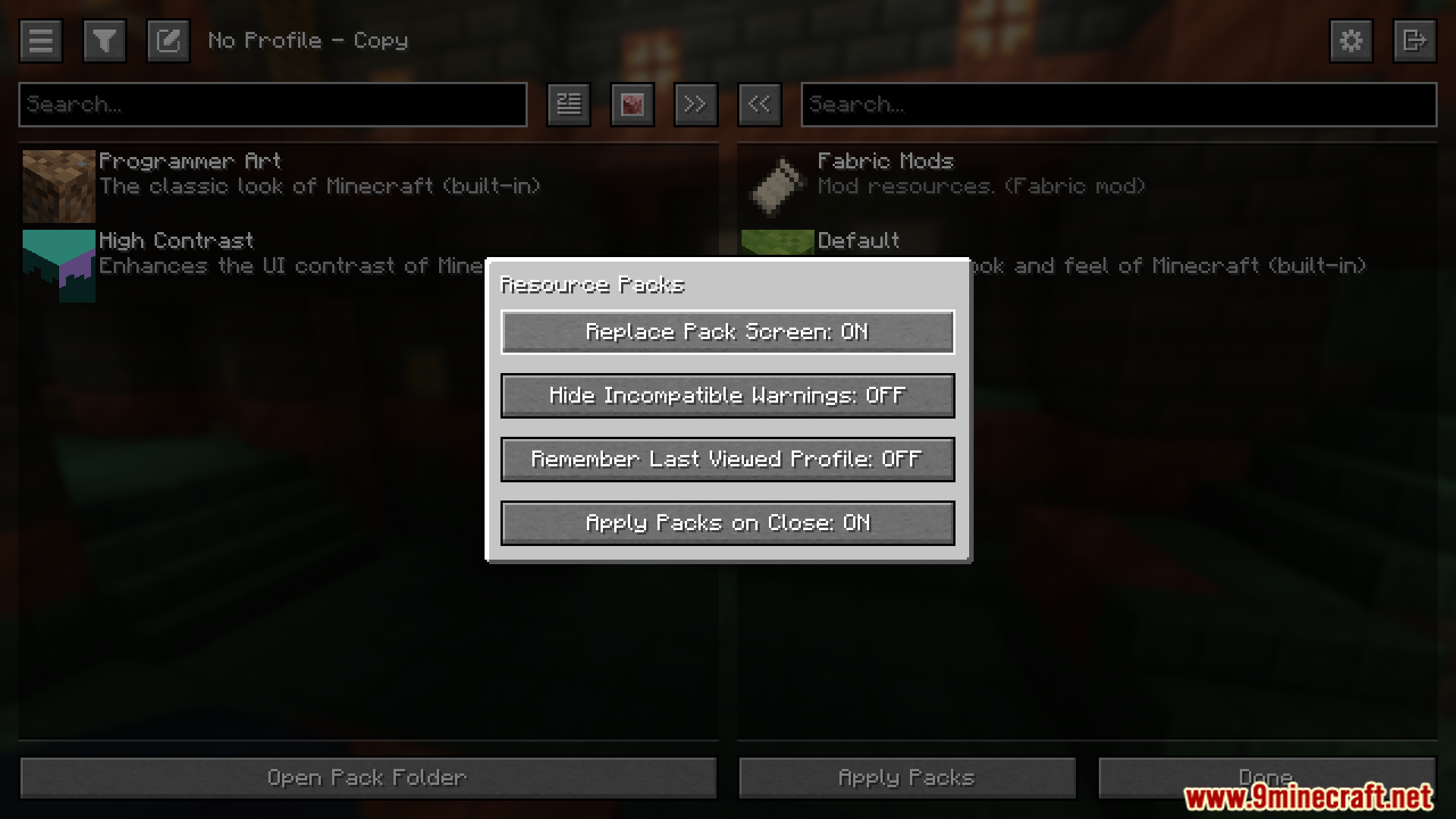
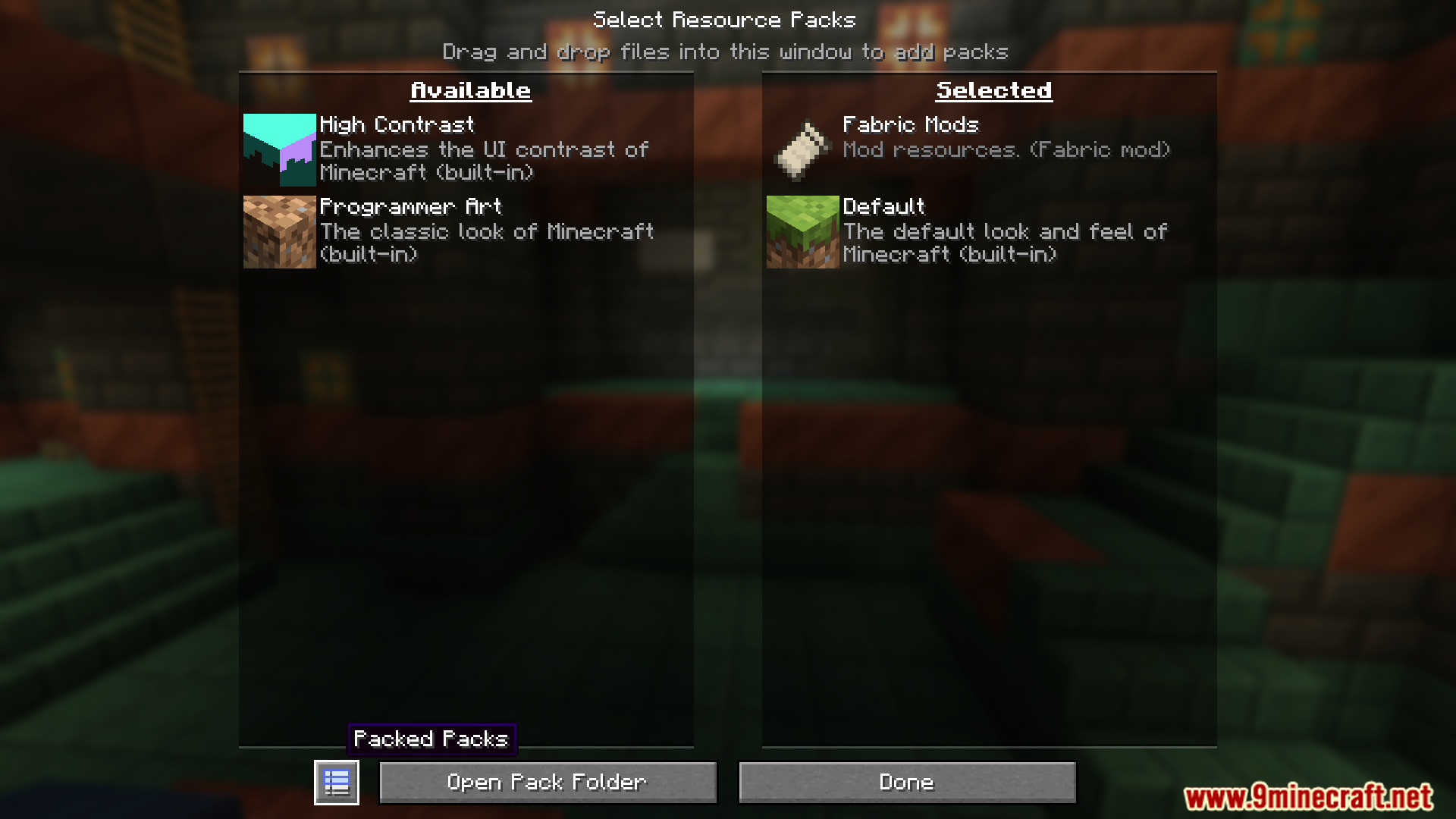
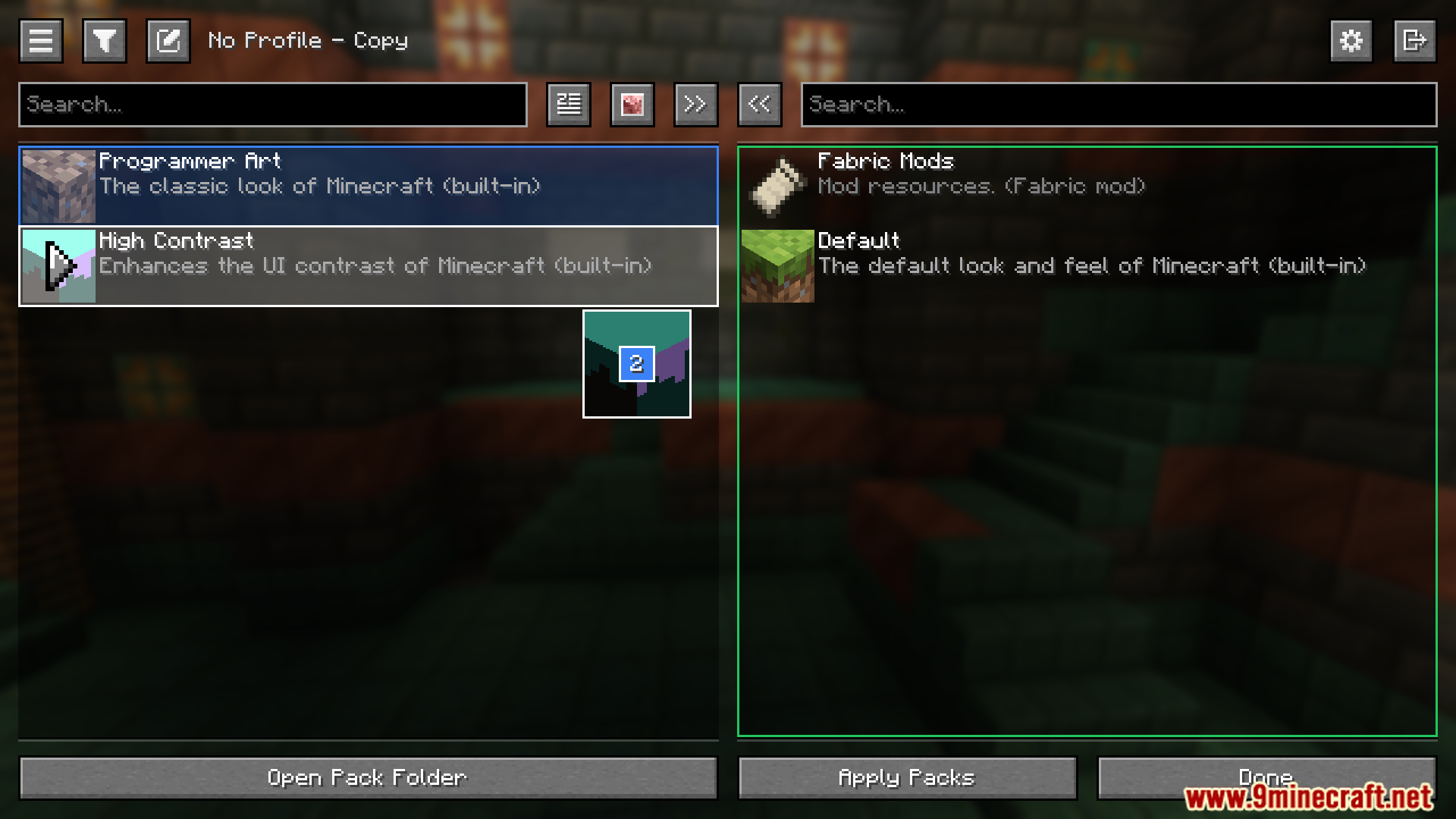
Packed Packs Mod lets you organize resource and data packs into customizable profiles with advanced controls like multiple selection, drag‑and‑drop, and extended mouse/keyboard shortcuts.
Features:
- Save and load custom profiles.
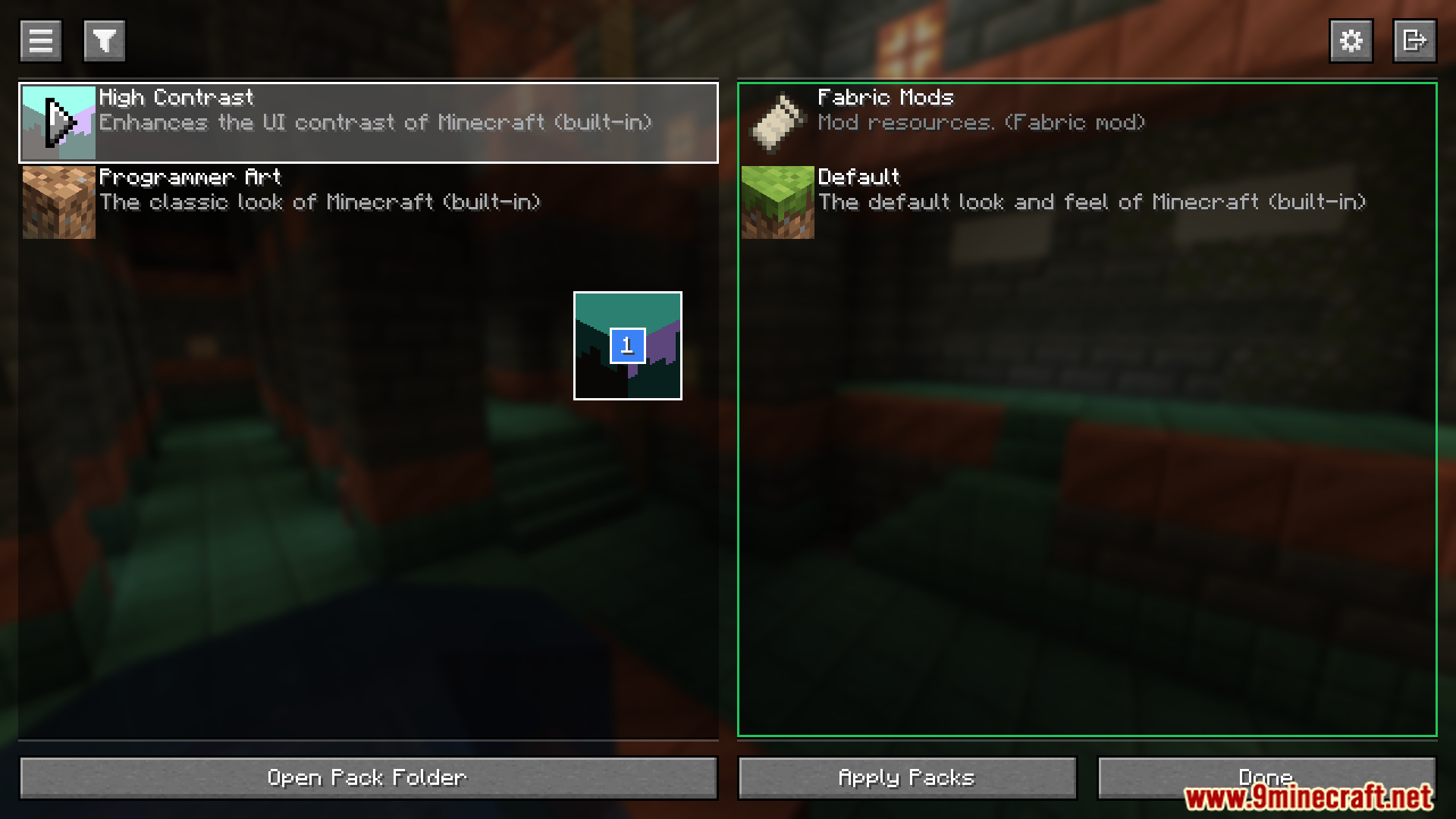
- Select multiple packs at once.
- Drag and drop selection between columns.
- Context menus for quick actions.
- Support for additional folders.
- Folder packs that behave like regular packs.
- Search packs by title.
- Filter out incompatible packs.
- Sort packs alphabetically or by last updated.
- Extended mouse and keyboard controls.
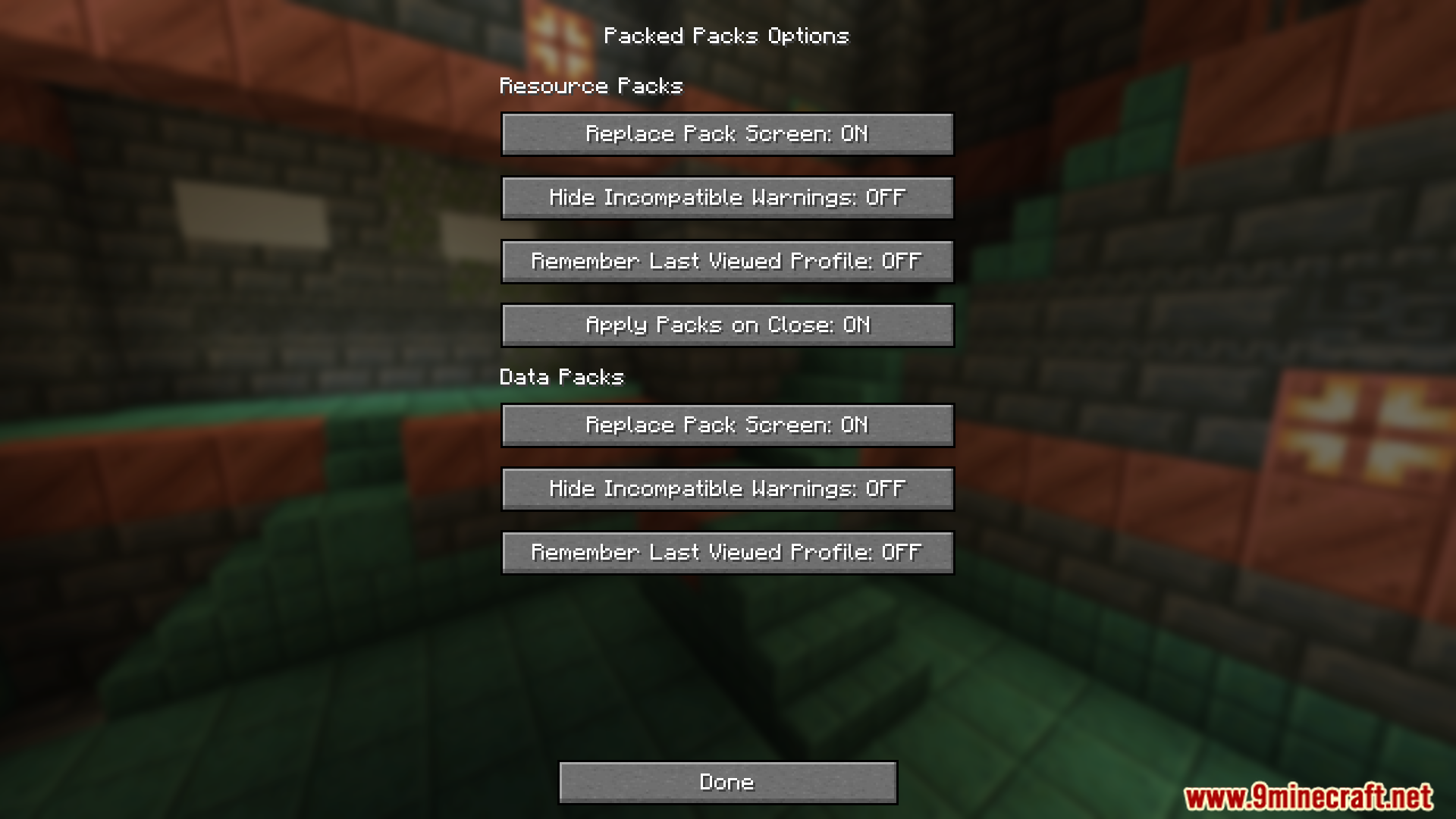
- Configuration options for customization.
- Developer mode for advanced use.
- Explicit compatibility with certain mods.
- History with undo and redo functionality.
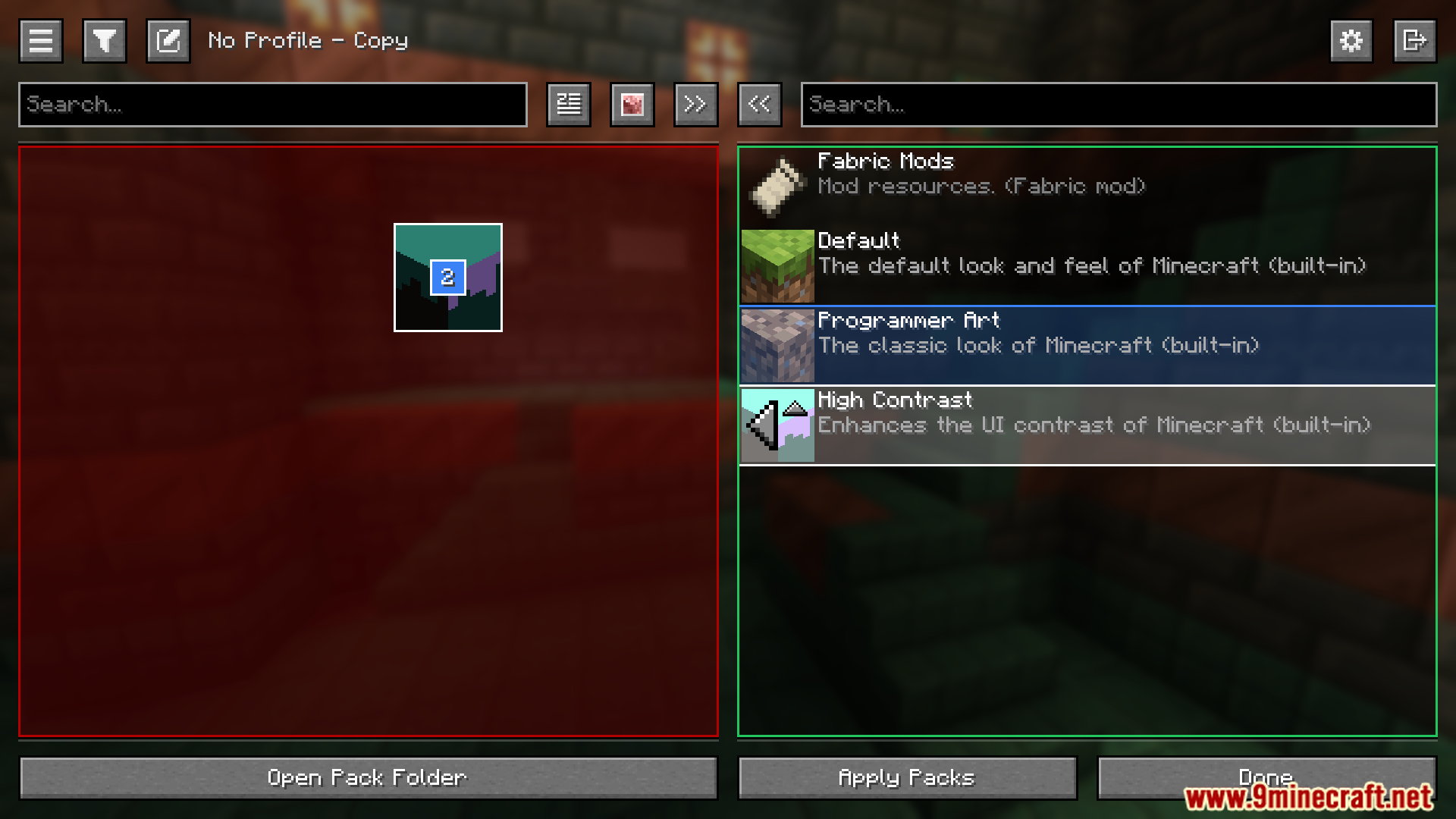
Screenshots:

Packed Packs Mod Download Links
Quick facts
- Edition: Minecraft Java
- File type: .jar
- Minecraft version listed: 1.21.1
- How to install: Install the matching mod loader (Forge, Fabric or NeoForge) for your Minecraft version. → Download the .jar. → Put it in the .minecraft/mods folder and launch that loader profile.
- Where to get it: In MC Java Mods, or directly above on this page.
Install steps are the general flow for this file type — How to install Minecraft Java mods & modpacks walks through it step by step.
Verified by MCModsHub
- Downloads as 2347.mcaddon
- Download size: 882 KB
- Download link checked 23 Sept 2026 — working
- Mirrored on our own servers — the download does not depend on the original host
These come from our own check of the pack file, not from the source page.