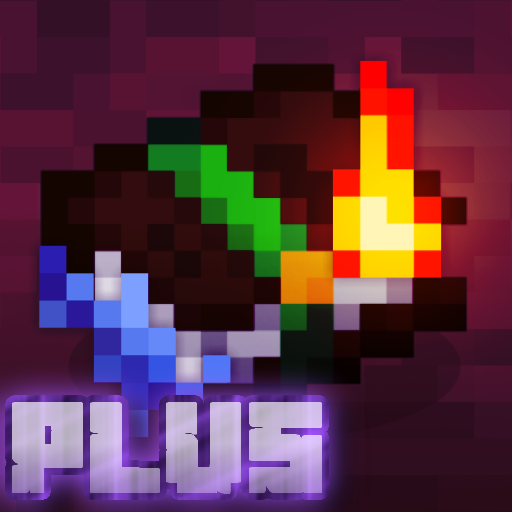
Bored of the ordinary enchanting books?
Now there is more than one form of Enchanting books!!
you can also add another resource pack to add flame enchanting on sword or any weapons it's call "Flaming Fire Aspect"Go and Download it
How to install Enchantment Textures Resource Pack?
For 1.21.5+ :
only download and have the FUN :D!!
For Older Versions :
For the case that you don‘t know how to install Enchantment Textures Resource Pack, we’ve listed you a short installation guide down below. The Installation Guide is for Minecraft any version of the versions you want, Be sure that you also have Optifine installed.
- Download Enchantment Textures Resource Pack for Minecraft
- Launch Minecraft and click on “options” then.
- Navigate from “options” over “Resource Packs” and click on “Open resource packs folder”
- Paste the Pack you just downloaded into this folder
- Restart the Game! The Pack will appear in your Resource Packs list
Not everything was made by me, but most of it was modified
Video Show You the Animation
- Edition: Minecraft Java
- File type: .zip (resource pack)
- Minecraft versions listed: 1.21.11, 1.21.9, 1.21.10
- How to install: Download the .zip resource pack — do not unzip it. → Put it in .minecraft/resourcepacks. → Enable it in Options → Resource Packs.
- Where to get it: Opens on CurseForge — not every file is mirrored on our own servers.
Install steps are the general flow for this file type — How to install Minecraft Java resource packs walks through it step by step.
Enchantment Textures Plus is a free Minecraft Java resourcepack. Compatible with Minecraft 1.21.11, 1.21.9, 1.21.10, 1.21.5 and newer. Downloaded 88,672 times (via CurseForge). Download it and open it directly in the game.