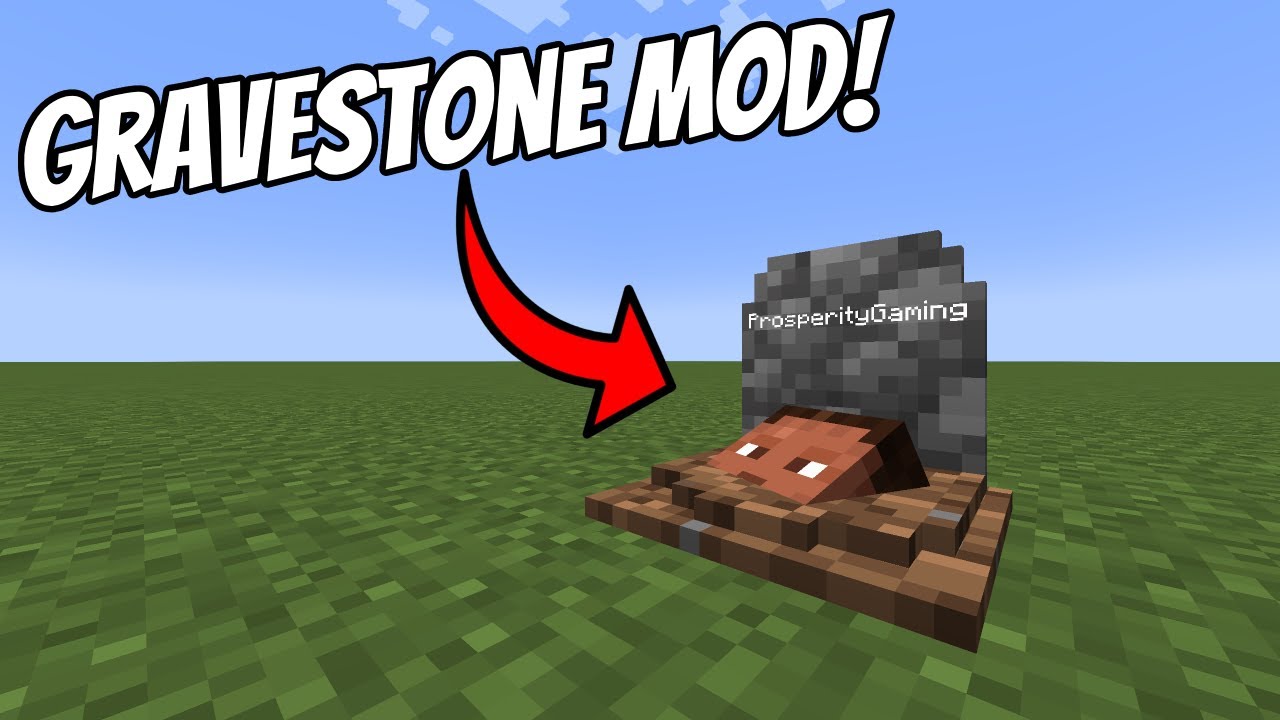
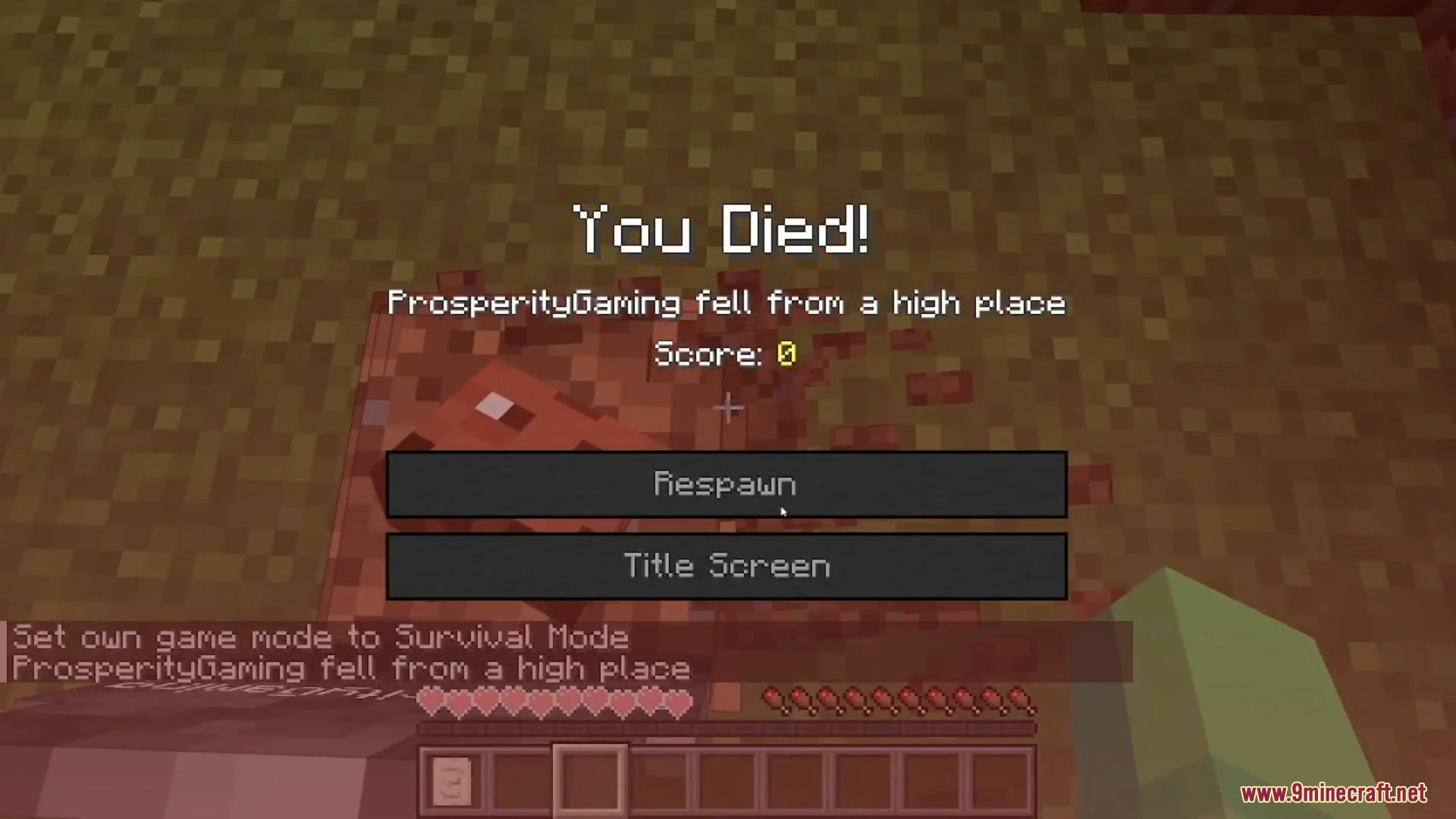
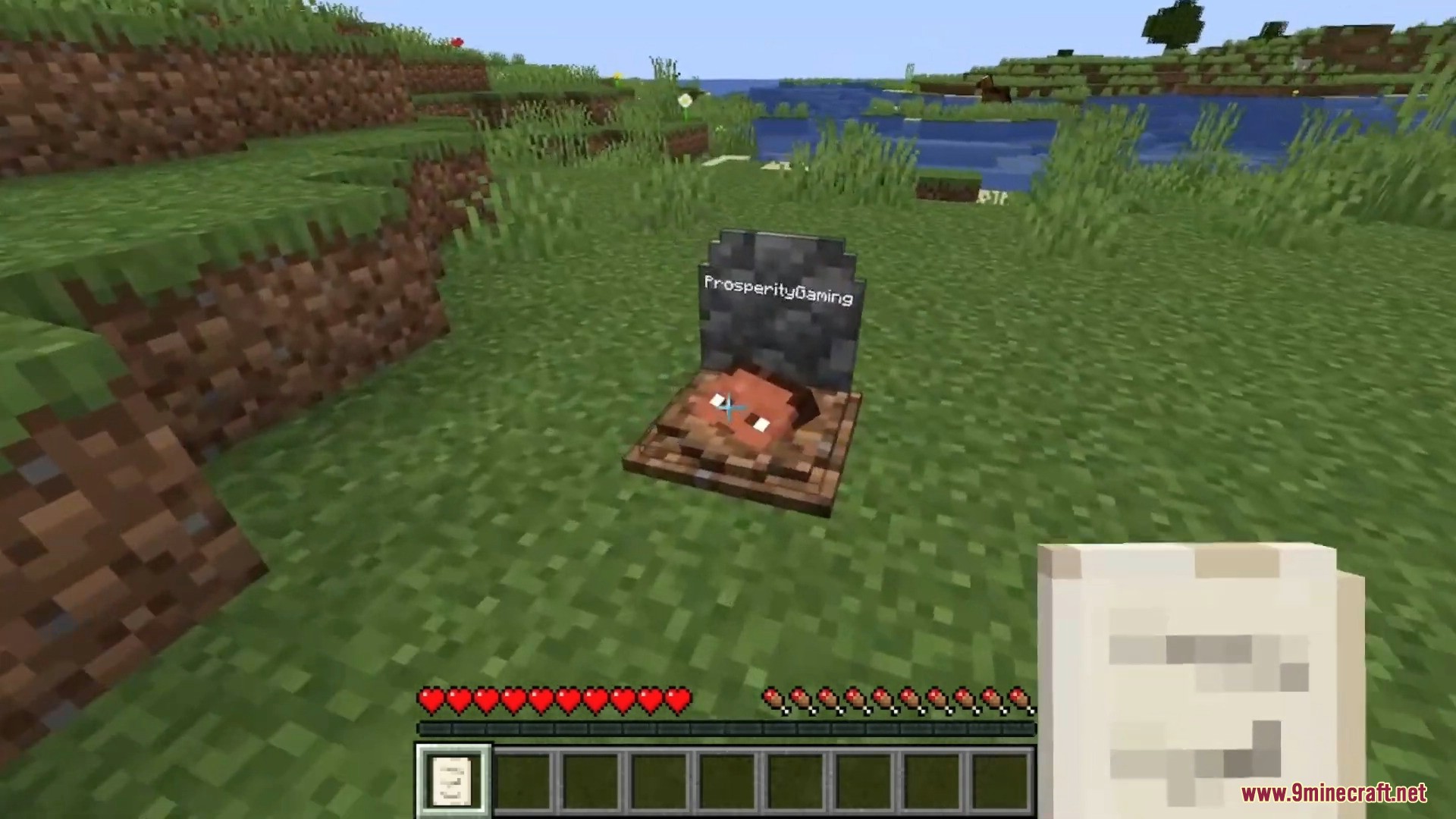
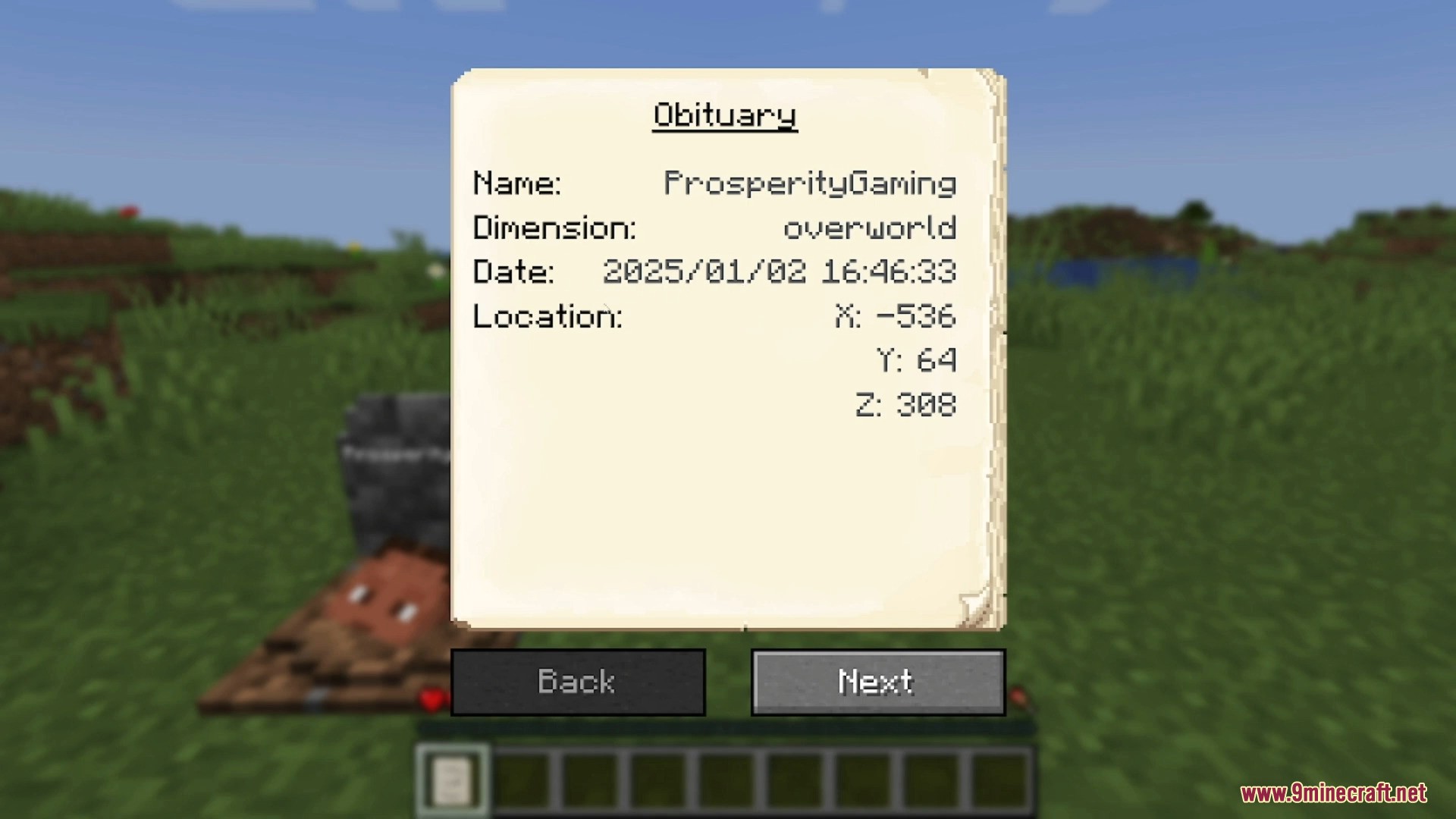
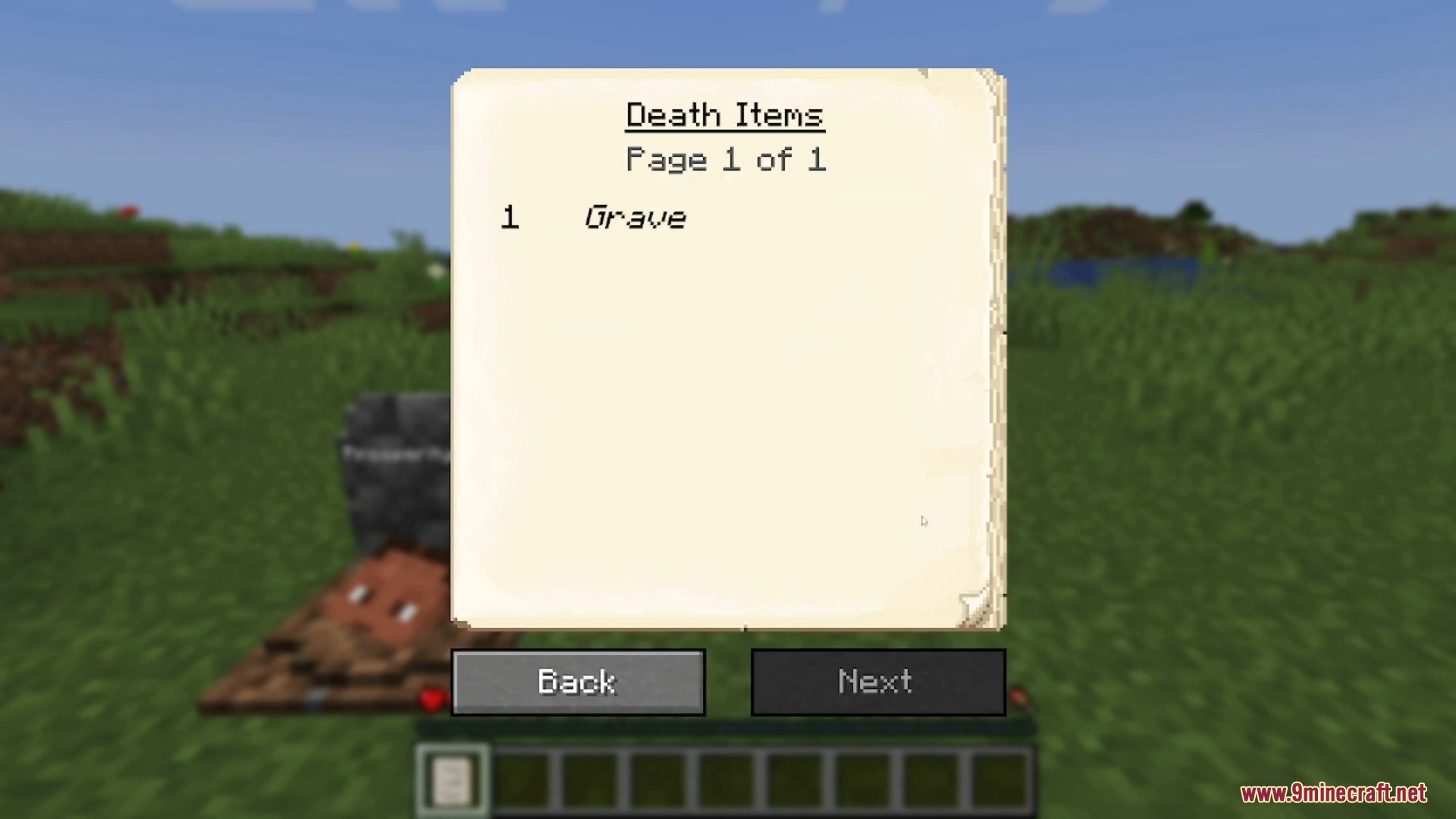
Gravestone Mod places a grave at your location when you die, keeping all your items safe inside. To get your items back, simply break the grave or sneak on it. You can right-click the grave to see details about your death, and the mod can even put items back into their original inventory slots.
Features:
- Automatically places a grave where you die to store your items.
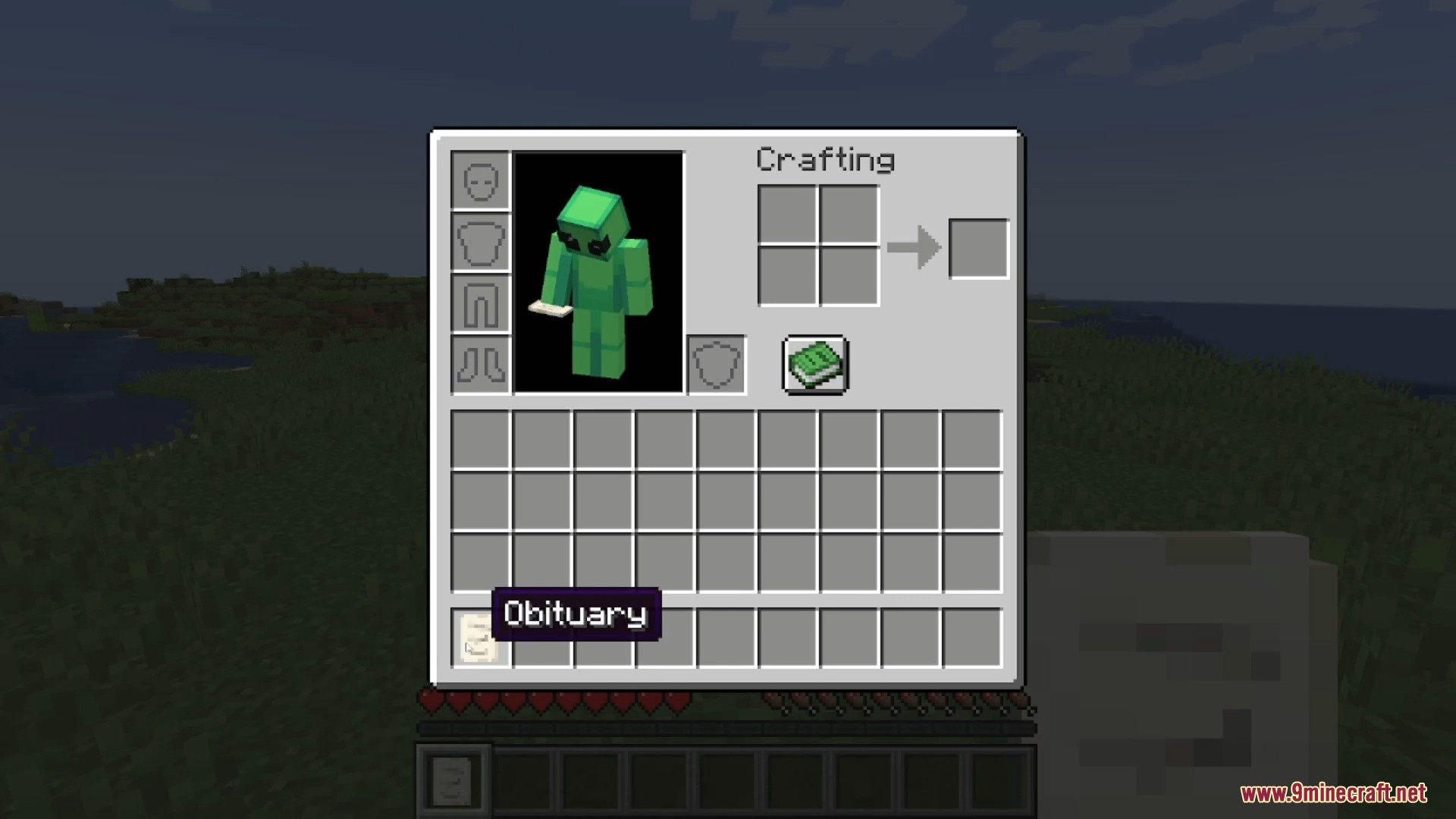
- Receive an obituary item with details like your name, death location, date, and a full list of lost items.
- Restores your items to their original inventory slots when you break the grave.
- Break a grave with a Silk Touch tool to pick it up as a block.
- Name a grave in an anvil to display custom text on it.
- Smart placement system finds a safe spot for the grave if you die inside a block or fall into the void.
- Lots of settings to change, such as text color, whether a skull appears, or if a friendly or hostile ghost spawns.
- Set it so only the owner of the grave can break it.
Commands:
If you lose your items, you can use a command to get them back:
/restore <player> <death_id> <replace|add>
- Player: The name of the player whose inventory you want to restore.
- Death_id: The specific ID of the death, found on the obituary item.
- Replace|add: Choose whether to overwrite the player’s current inventory or just add the items to it.
Admins can also sneak and right-click an obituary to get a pre-made restore command.
How to Use:
- When you die, a grave is automatically placed at your location.
- Find the grave and break it to get all your items back.
- You can also sneak on the grave to retrieve your items.
- Right-click the grave to view information about how and where you died.
Screenshots:
Requires:
Minecraft Forge or NeoForge Installer
Gravestone Mod Download Links
Quick facts
- Edition: Minecraft Java
- File type: .jar
- Minecraft version listed: 1.20.1
- How to install: Install the matching mod loader (Forge, Fabric or NeoForge) for your Minecraft version. → Download the .jar. → Put it in the .minecraft/mods folder and launch that loader profile.
- Where to get it: In MC Java Mods, or directly above on this page.
Install steps are the general flow for this file type — How to install Minecraft Java mods & modpacks walks through it step by step.
Verified by MCModsHub
- Downloads as 2349.mcaddon
- Download size: 327 KB
- Download link checked 22 Sept 2026 — working
- Mirrored on our own servers — the download does not depend on the original host
These come from our own check of the pack file, not from the source page.