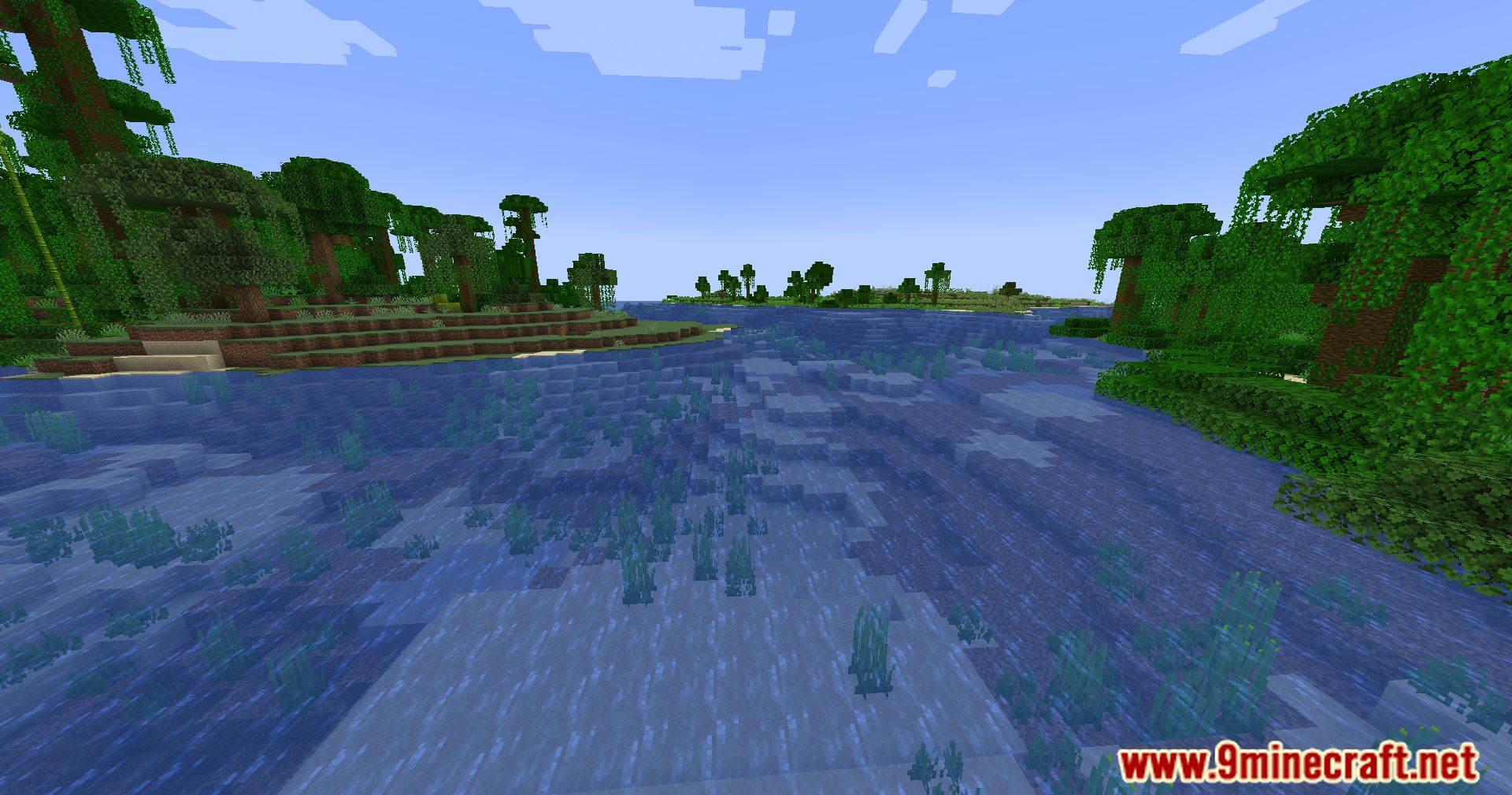
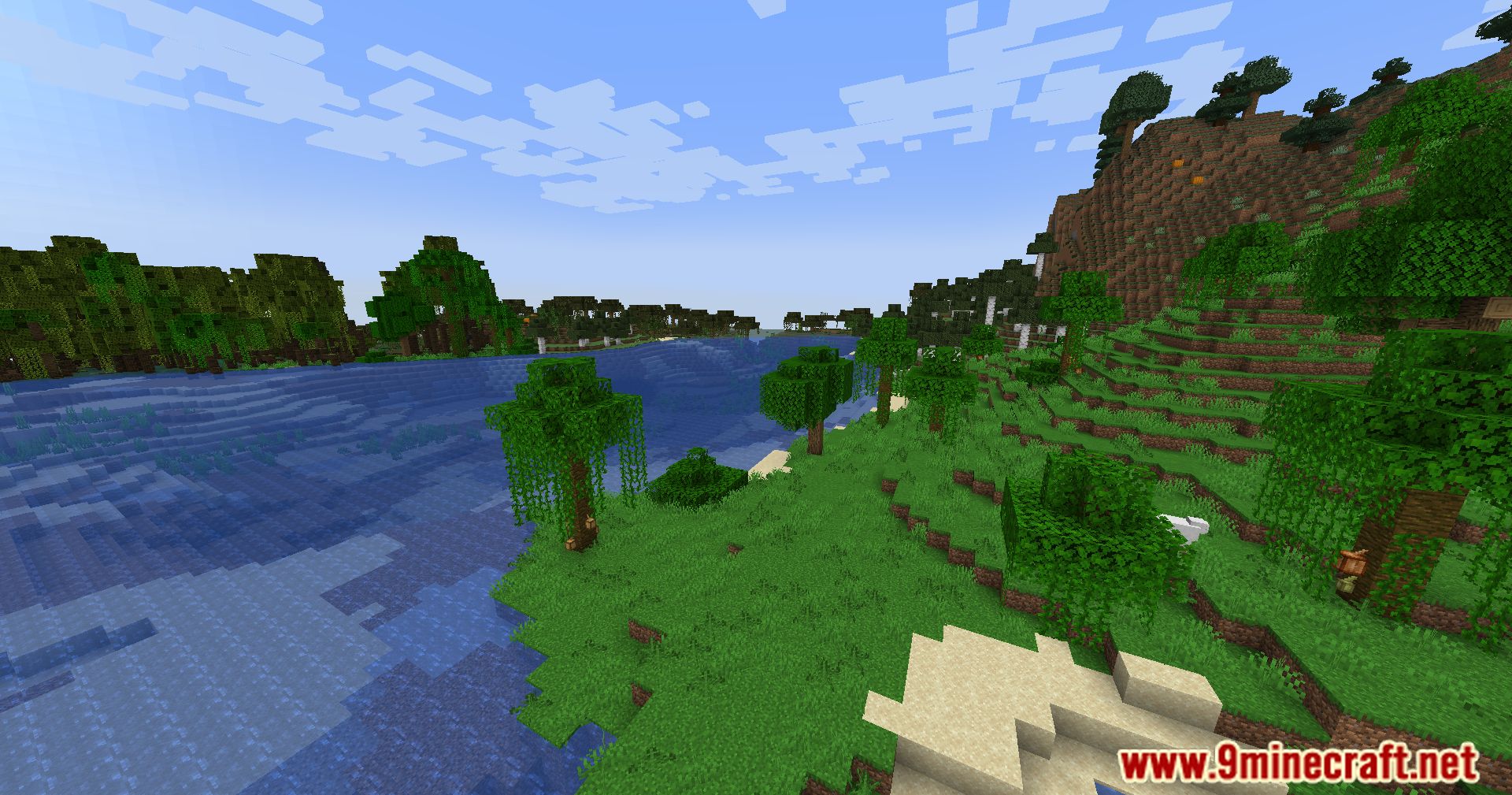
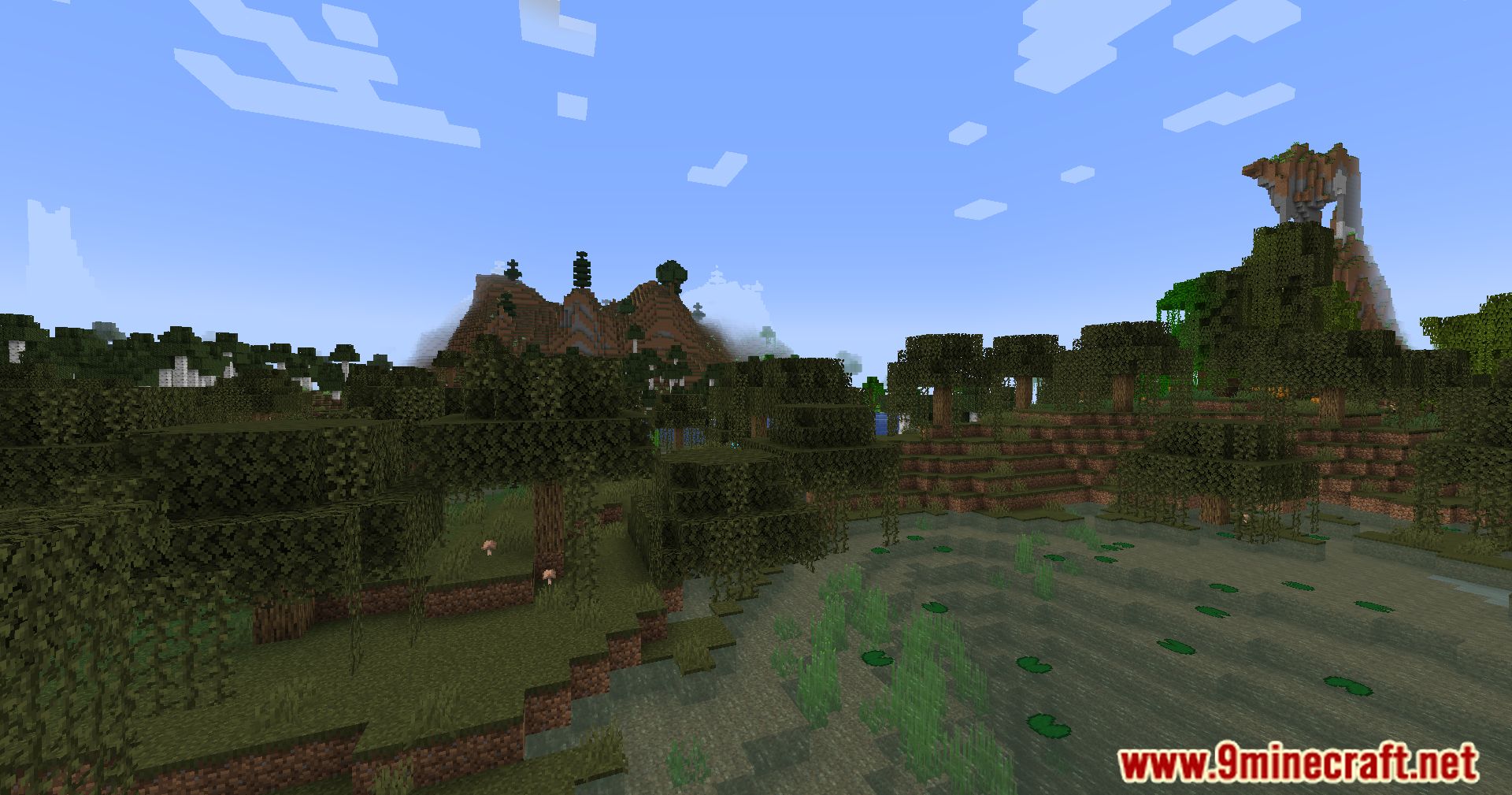
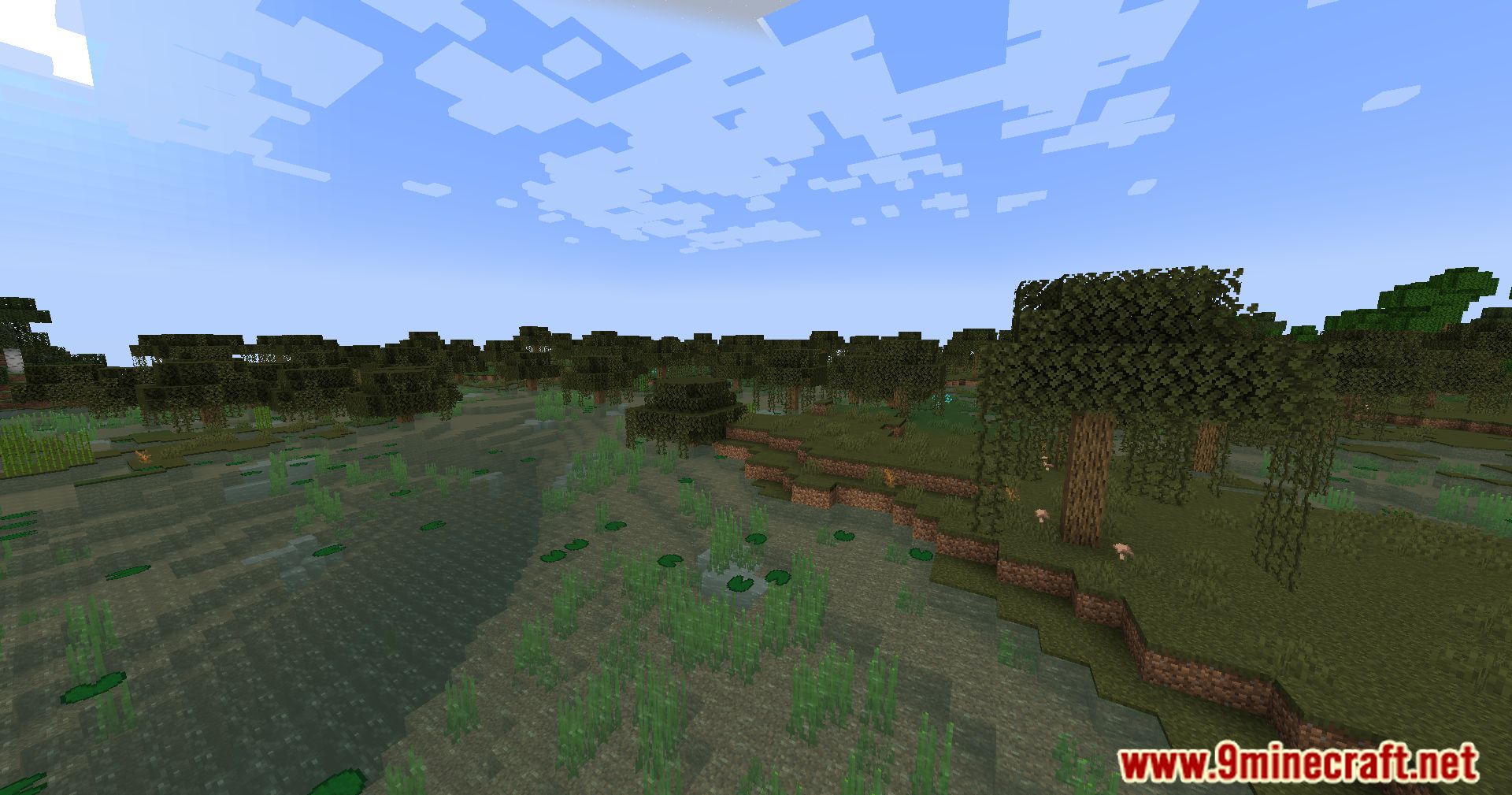
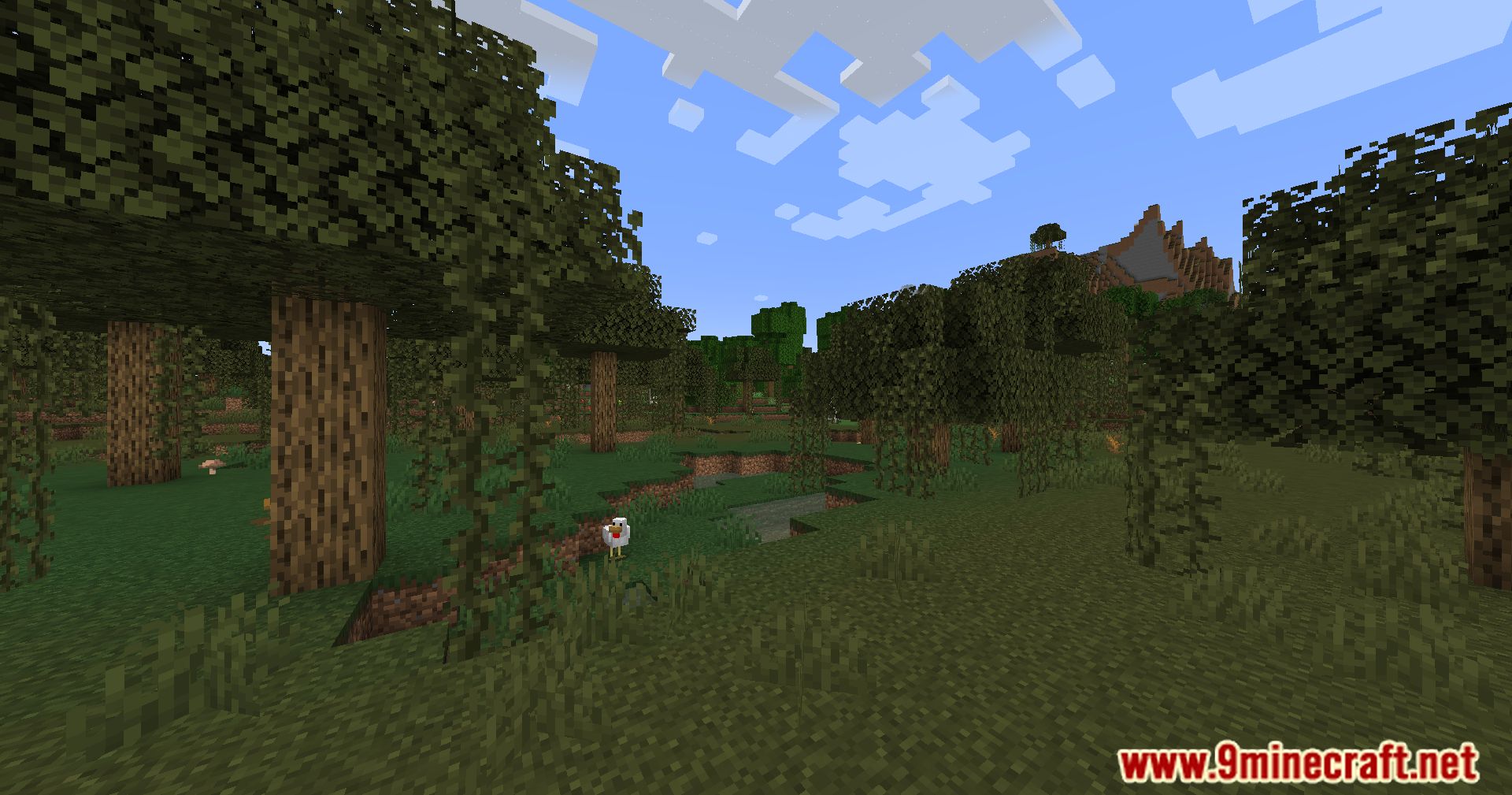
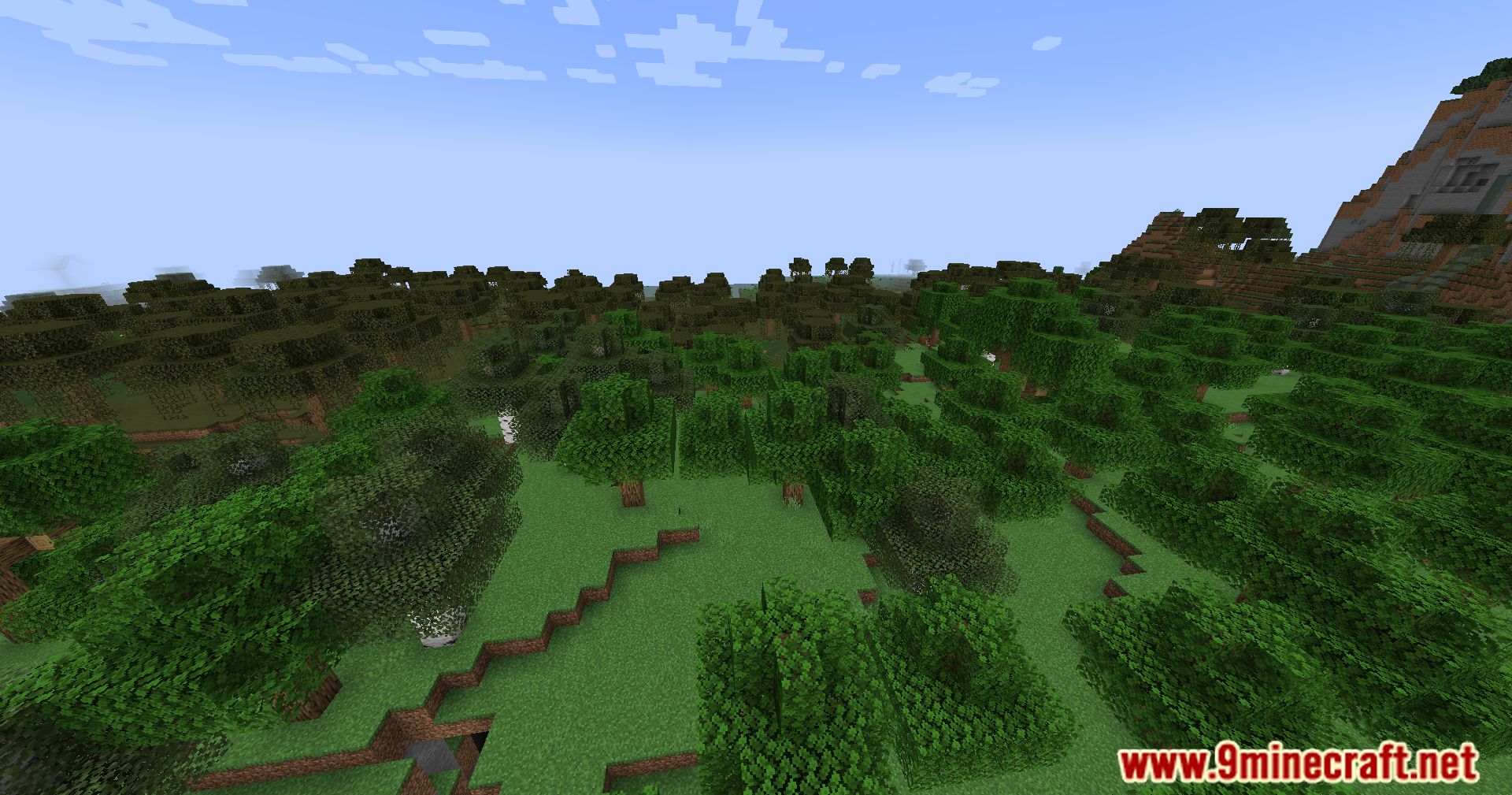
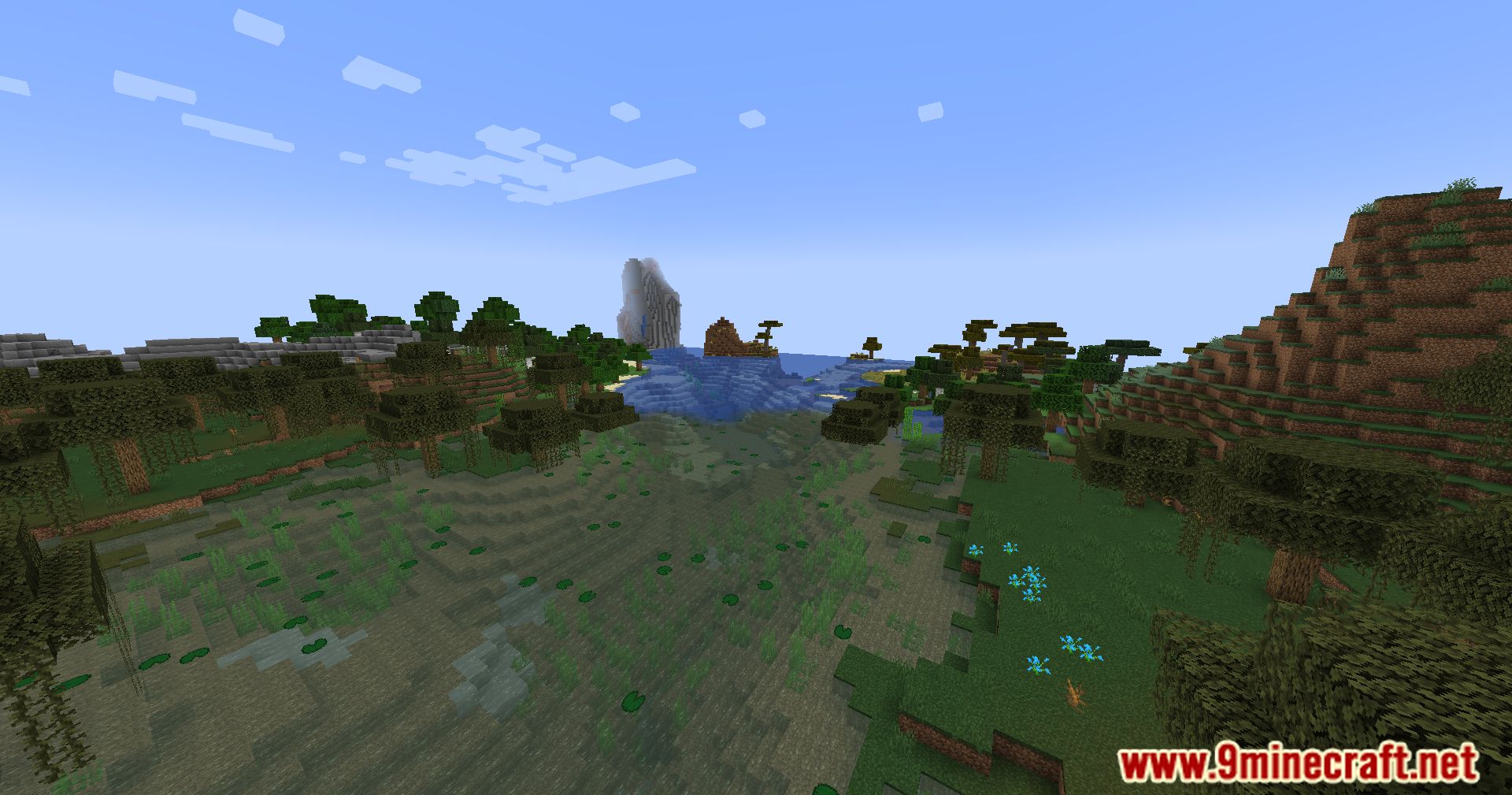
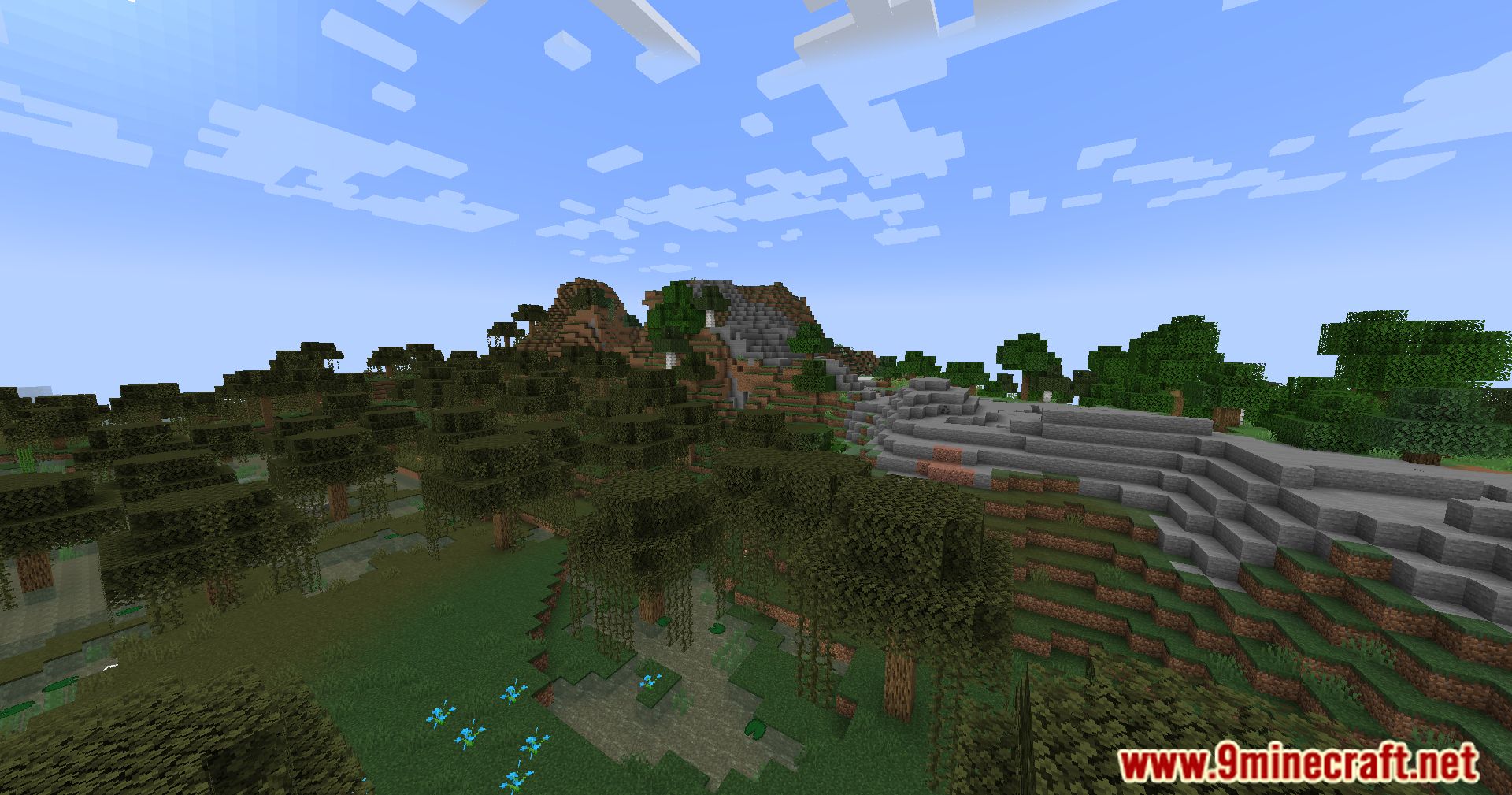
View Distance Fix Mod aims to fix the fog issues that arise when a server’s render distance is set lower than a client’s. The game normally creates a fog at the end of a player’s view, but this can make it difficult to see on servers, which normally keep render distances quite low. This mod removes this fog effect when the player’s client-side render distance is set higher than the server’s. This might not let players see as far as they normally would, but it at least makes it easier to see within the otherwise limited area allowed.
Features:
- Server-side mod designed to address fog rendering inconsistencies.
- Synchronizes render distance between client and server to ensure visual coherence.
- Fixes visual discrepancies caused by client-server render distance disparities.
- Enhances immersion and aesthetic appeal in multiplayer environments.
Screenshots:
View Distance Fix Mod Download Links
Quick facts
- Edition: Minecraft Java
- File type: .jar
- Minecraft version listed: 1.20.1
- How to install: Install the matching mod loader (Forge, Fabric or NeoForge) for your Minecraft version. → Download the .jar. → Put it in the .minecraft/mods folder and launch that loader profile.
- Where to get it: In MC Java Mods, or directly above on this page.
Install steps are the general flow for this file type — How to install Minecraft Java mods & modpacks walks through it step by step.
Verified by MCModsHub
- Downloads as 2350.mcaddon
- Download size: 276 KB
- Download link checked 23 Sept 2026 — working
- Mirrored on our own servers — the download does not depend on the original host
These come from our own check of the pack file, not from the source page.