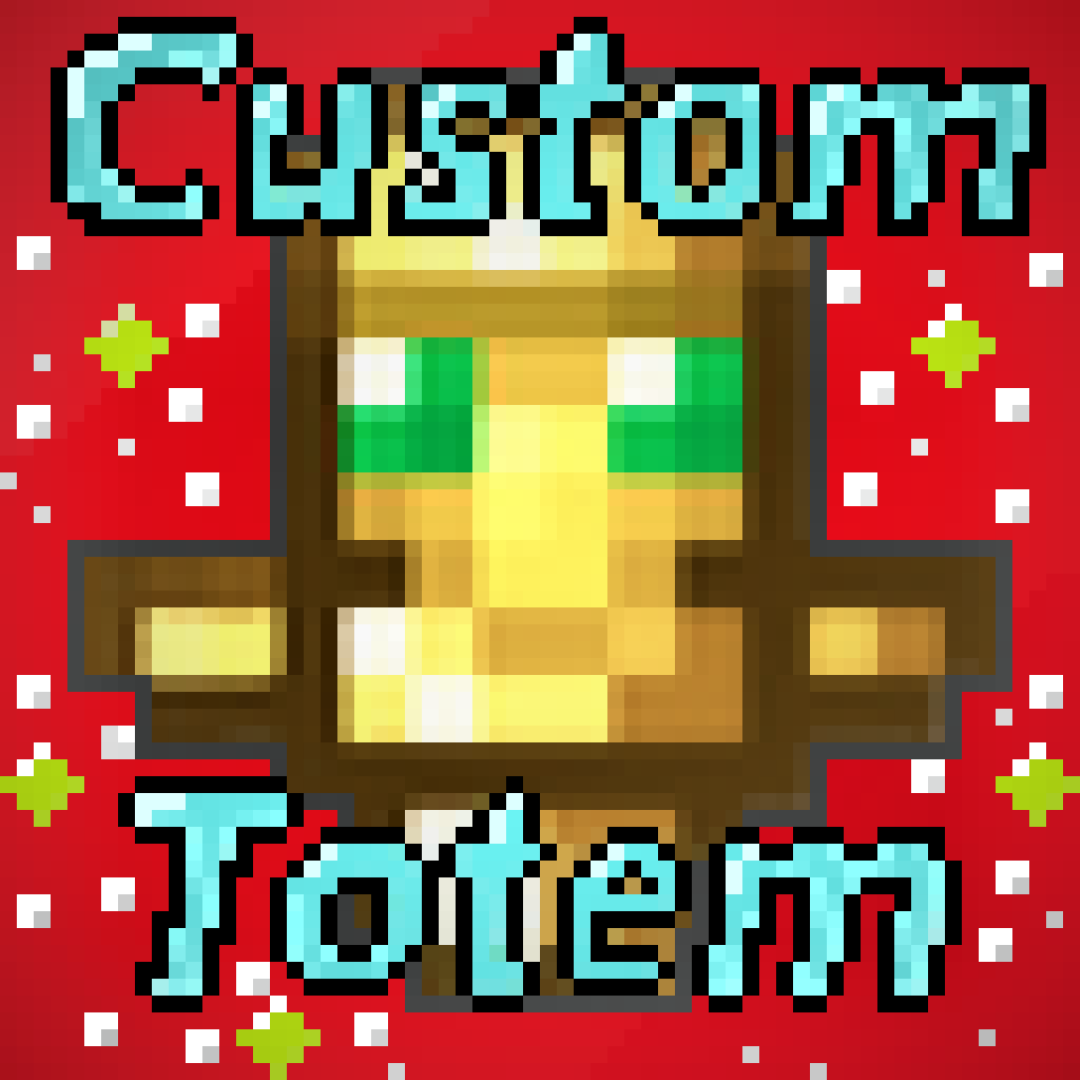
Give a totem with your own skin
Obtén un Tótem con tu propio skin
Features.
- 💡 Personalize with your 3D skin / Personalízalo con tu skin 3D
- 🎮 Compatible with Minecraft 1.11 to 1.20 / Compatible con Minecraft 1.11 a 1.20
- ⚙️ Simple installation / Instalación sencilla
- 📱 HD skin support / Soporte para skins HD
- 🎥 Smooth animations / Animaciones suaves
- 💪 Slim/Alex version available / Versión Slim/Alex disponible
- ⏰ Updated to version 1.20 / Actualizado a la versión 1.20
Video Tutorial.
Installation English.
1- First rename your skin to "totem.png" (without the "")
2- Then go to assets/minecraft/textures/item
3- Replace the "totem.png" that is there with your skin previously renamed the same
Open Minecraft and put the texture pack, that's it!
If you have any problem contact me
Discord: https://discord.gg/RRsRh7W
For 1.13 onwards the name of the texture is "totem_of_undying.png"
Instalación _Español._
1- Primero renombra tu skin a "totem.png" (sin las "")
2- Luego ve a assets/minecraft/textures/item
3- Reemplaza el "totem.png" que está ahí por tu skin previamente renombrada igual
Abre Minecraft y pon el texture pack, ¡listo!
Si tienes algún problema contáctame
Discord: https://discord.gg/RRsRh7W
Para la 1.13 en adelante el nombre de la textura es "totem_of_undying.png"
Contact: beejmodder@gmail.com
- Edition: Minecraft Java
- File type: .zip (resource pack)
- Minecraft versions listed: 1.20.2, 1.20.1, 1.20
- How to install: Download the .zip resource pack — do not unzip it. → Put it in .minecraft/resourcepacks. → Enable it in Options → Resource Packs.
- Where to get it: Opens on CurseForge — not every file is mirrored on our own servers.
Install steps are the general flow for this file type — How to install Minecraft Java resource packs walks through it step by step.
Custom Totem is a free Minecraft Java resourcepack. Compatible with Minecraft 1.20.2, 1.20.1, 1.20, 1.19.4 and newer. Downloaded 643,727 times (via CurseForge). Download it and open it directly in the game.