
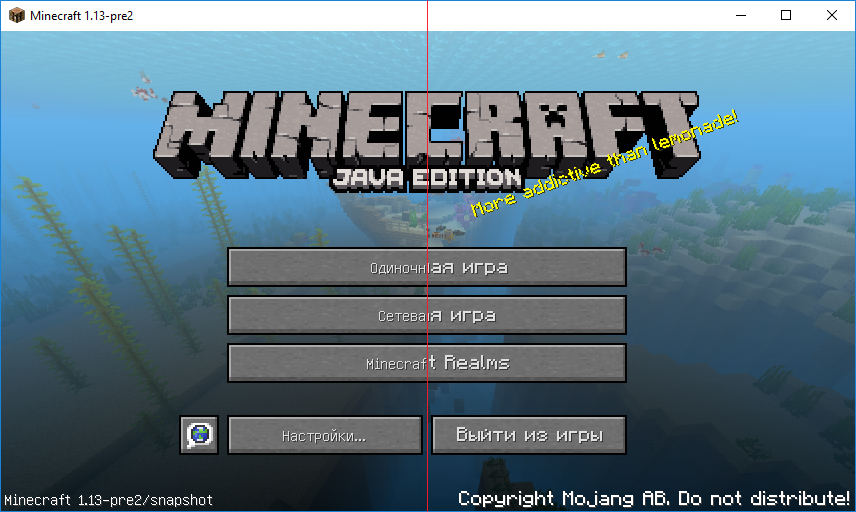
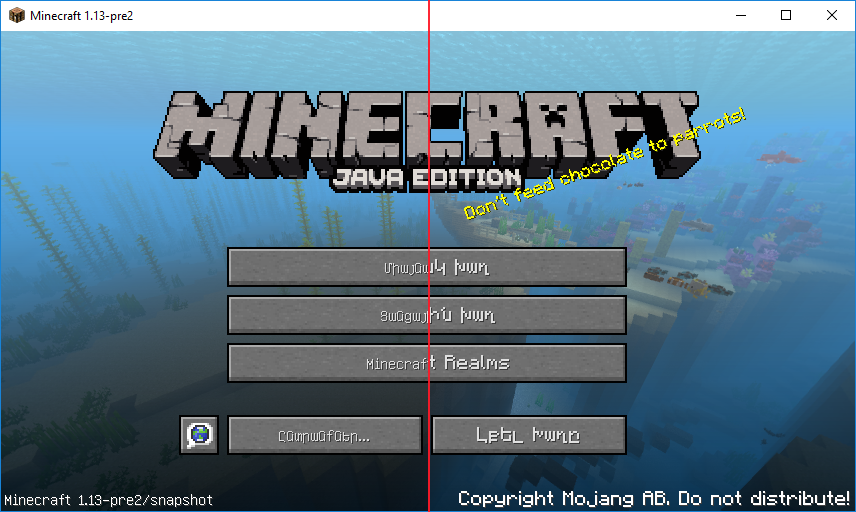
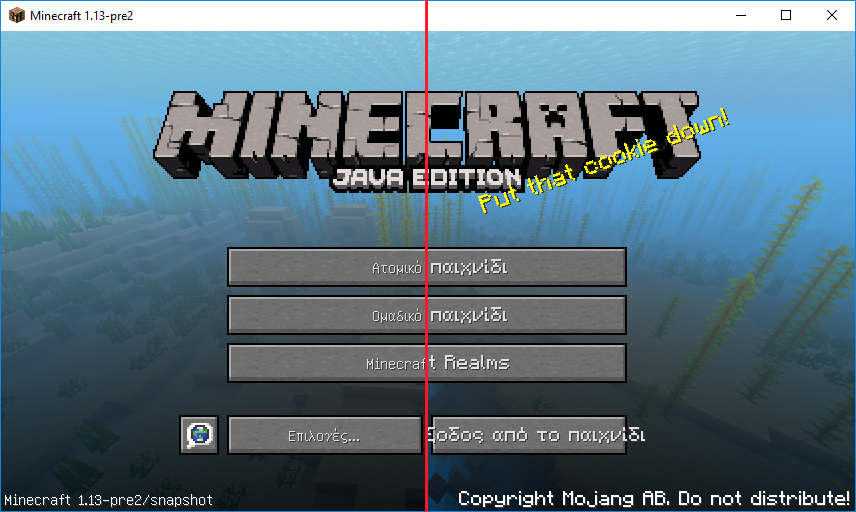
Minecraft Font (PC) resourcepack created to bring "thick" font into Minecraft and replace the default font (thin) that used in Minecraft for Cyrillic and some other languages.
If you need the same font for Minecraft Pocket Edition / Minecraft Windows 10 Edition you can download it here.
How to use
- Install and activate resource pack
- Enjoy :)
Info for server owners
You can suggest this font for your players using bukkit/spigot plugin MinecraftFont.
Example of the font (Before / After)
Credits
Font included into this resourcepack based on mod Default Font for Everything v0.1 for 1.9.2 created by Kapos.
- Edition: Minecraft Java
- File type: .zip (resource pack)
- How to install: Download the .zip resource pack — do not unzip it. → Put it in .minecraft/resourcepacks. → Enable it in Options → Resource Packs.
- Where to get it: Opens on CurseForge — not every file is mirrored on our own servers.
Install steps are the general flow for this file type — How to install Minecraft Java resource packs walks through it step by step.
Minecraft Font (PC) is a free Minecraft Java resourcepack. Downloaded 193,329 times (via CurseForge). Download it and open it directly in the game.