ThaiFixed
Resource Packs fix the issue of floating Thai vowels, making text easier to read and more visually comfortable.
⬇ Download on CurseForgeThaiFixed
Resource Pack แก้ไขปัญหาการแสดงผลภาษาไทยไม่ถูกต้องใน สำหรับ Minecraft Java Edition (Resource Pack fix Thai language display incorrect for Minecraft Java Edition)
- แก้ปัญหาภาษาไทยสระลอย (Fix Floating Thai Characters)
- อ่านง่าย สบายตา ฟอนต์น่ารัก ("Easy to read, eye-friendly, cute font")
Font (ฟอนต์)
Modified from `Itim` font
- ThaiFixed 1.21.3
- ThaiFixed 1.21.4
Modified from `IBM Plex Sans Thai` font
- ThaiFixed 1.13
- ThaiFixed 1.15
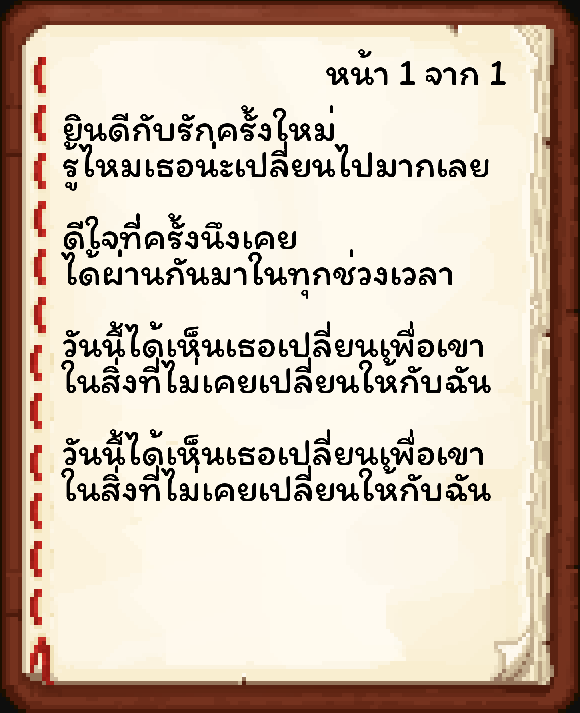
Preview (ตัวอย่าง)
- Original
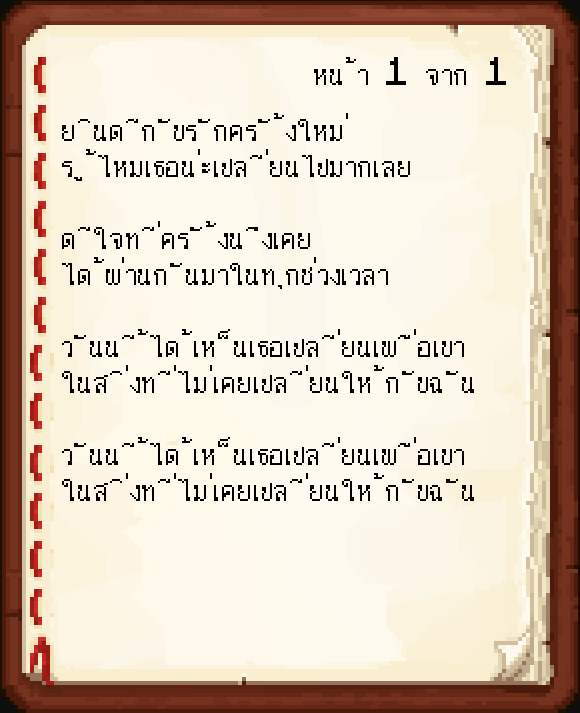
- ThaiFixed
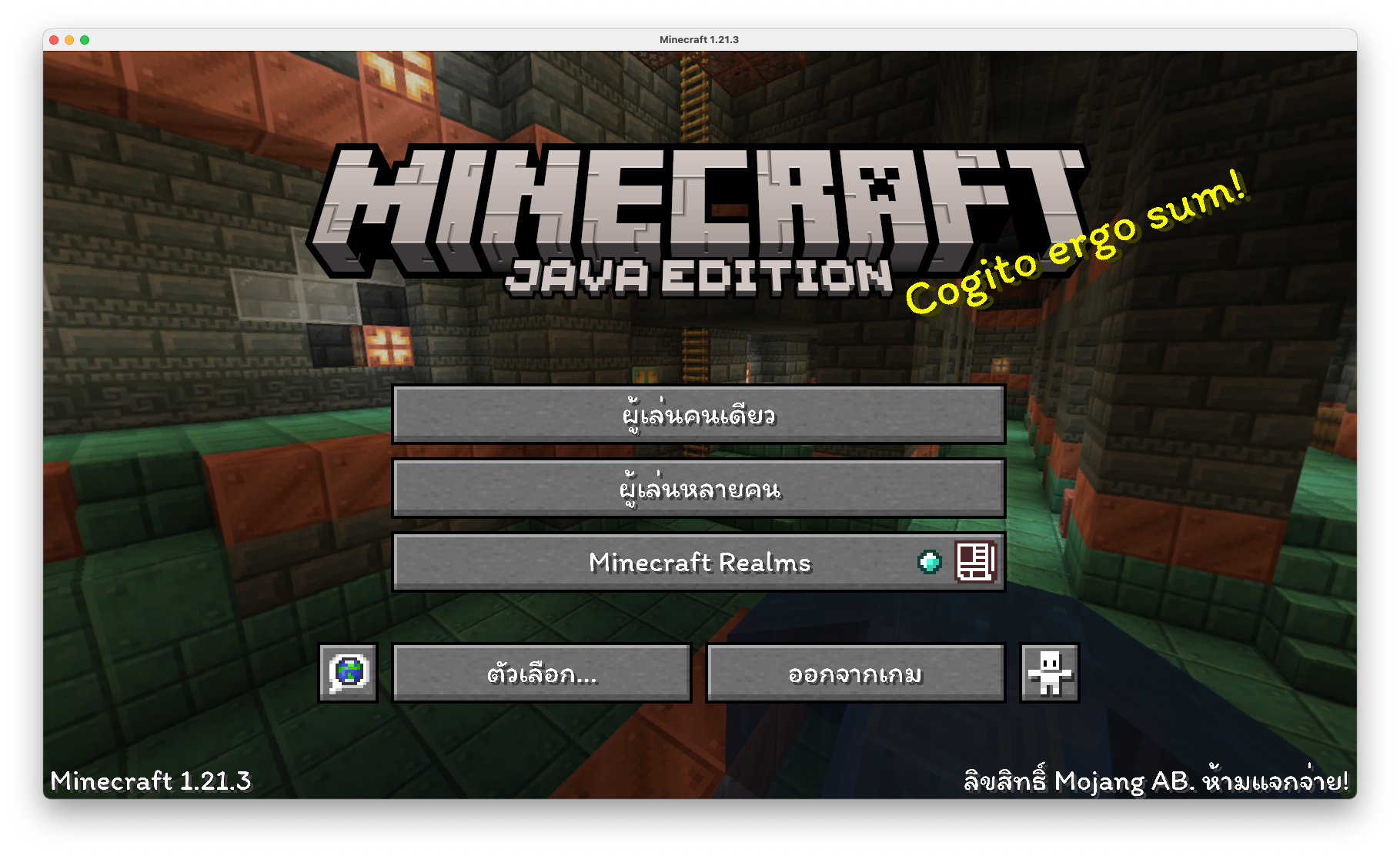
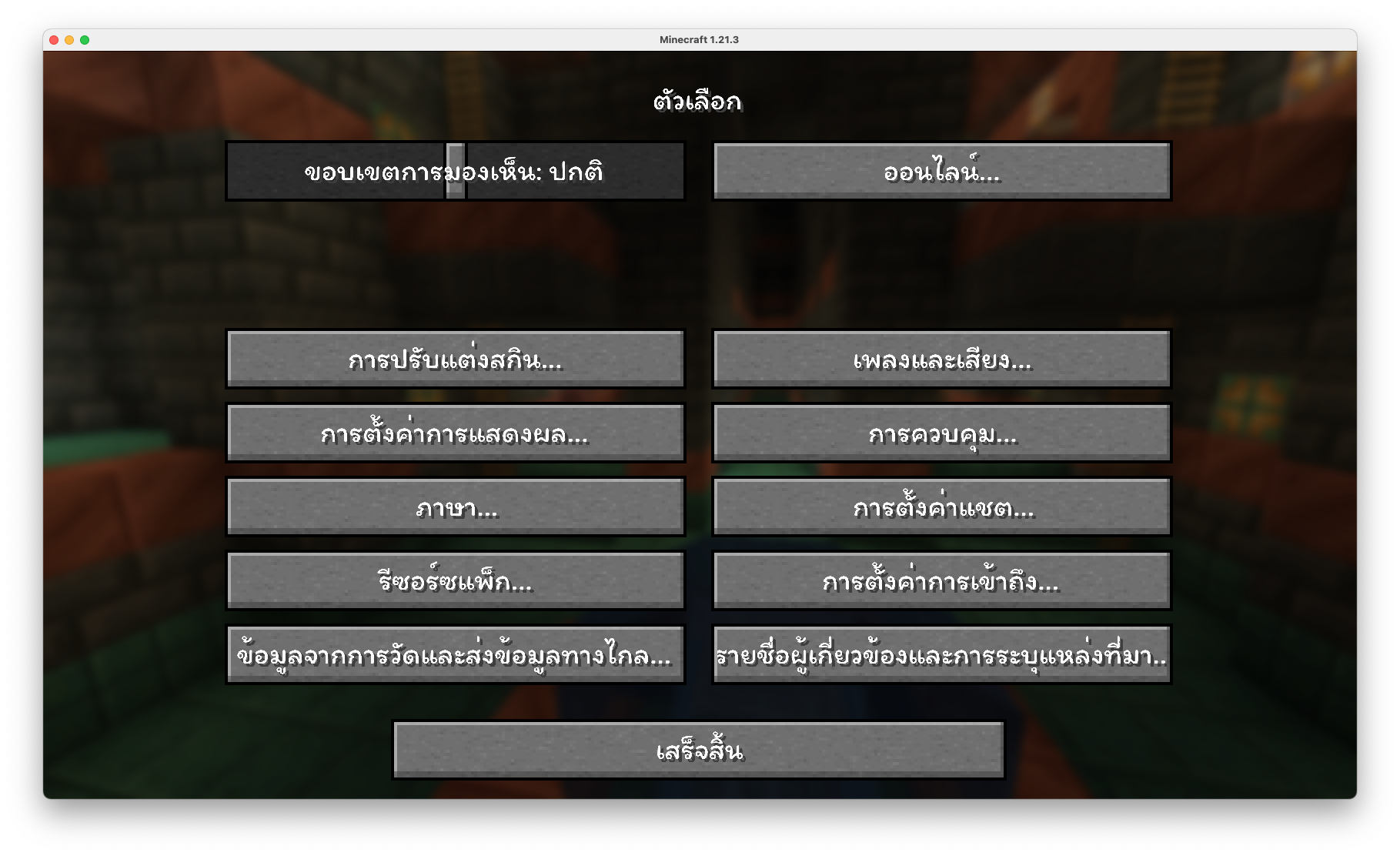
How to Install (วิธีการติดตั้ง)
1. Download ThaiFixed, you should get a .zip file (ดาวน์โหลด ThaiFixed จะได้รับไฟล์ .zip)
2. Open the folder to which you downloaded the file (เปิดโฟลเดอร์ที่คุณดาวน์โหลดไฟล์)
3. Copy the .zip file (คัดลอกไฟล์ .zip)
4. Open Minecraft (เปิด Minecraft)
5. Click on "Options", then "Resource Packs" (คลิกที่ "ตัวเลือก" แล้วเลือก "รีซอร์ซแพ็ก")
6. Choose "Open resource pack folder" (เลือก "เปิดโฟลเดอร์แพ็ก")
7. Paste the zip file into the resource folder in Minecraft (วางไฟล์ zip ลงในโฟลเดอร์ resourcepacks ของ Minecraft)
8. Go back to Minecraft, the resource pack should now be listed and you can activate it by choosing it and hitting "Finished" (กลับไปยัง Minecraft หน้า resource pack จะแสดงรายการ ThaiFixed ทำการเปิดใช้งานโดยการเลือกและทำการกด "เสร็จสิ้น")
- Edition: Minecraft Java
- File type: .zip (resource pack)
- Minecraft versions listed: 1.21.4, 1.21.3
- How to install: Download the .zip resource pack — do not unzip it. → Put it in .minecraft/resourcepacks. → Enable it in Options → Resource Packs.
- Where to get it: Opens on CurseForge — not every file is mirrored on our own servers.
Install steps are the general flow for this file type — How to install Minecraft Java resource packs walks through it step by step.
ThaiFixed is a free Minecraft Java resourcepack. Compatible with Minecraft 1.21.4, 1.21.3. Downloaded 8,700 times (via CurseForge). Download it and open it directly in the game.