Der's Shaded Font Plus (Default 16x)
10'000+ Shaded Glyphs | Config | Hypixel Skyblock & Wynncraft Support | Languages | Tweaks | The most advanced default shaded font | MC 1.6.1-26.2+
⬇ Download on CurseForge
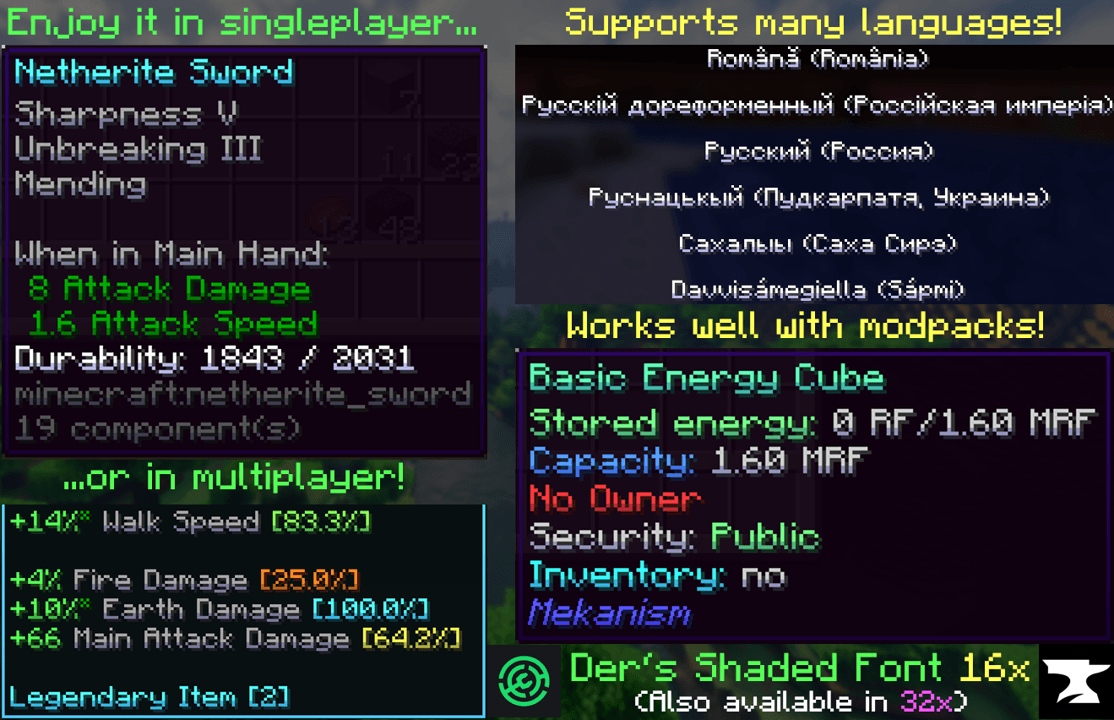
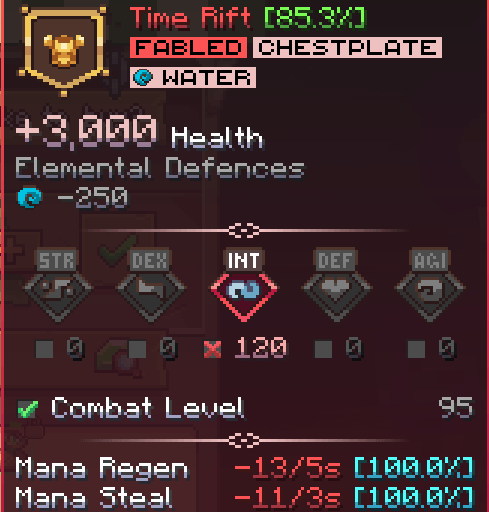
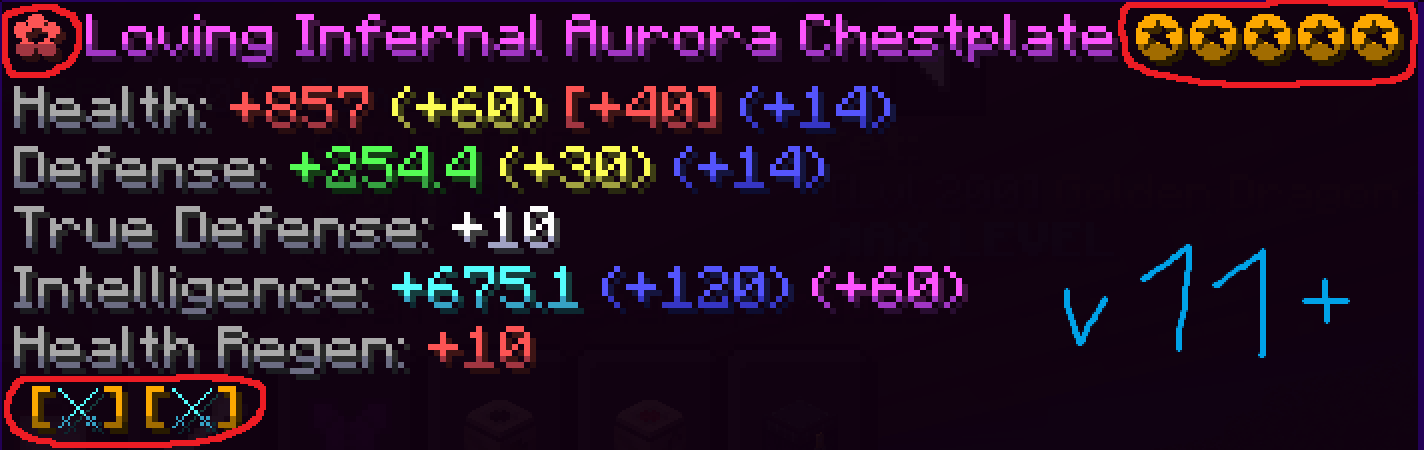
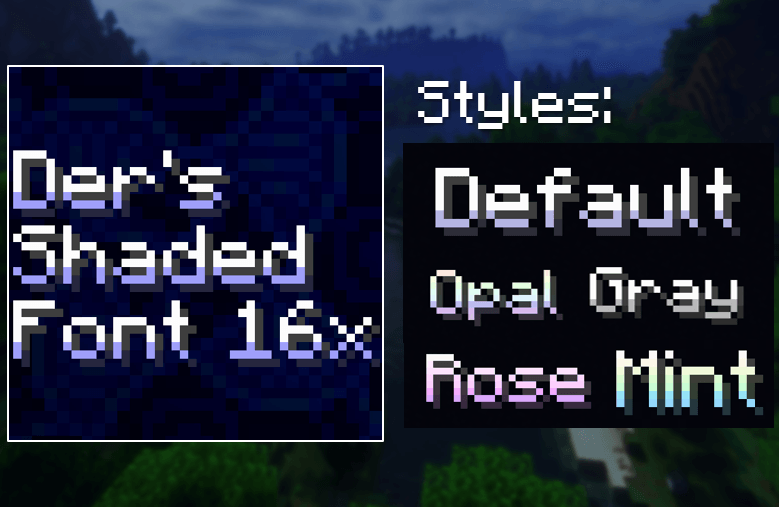
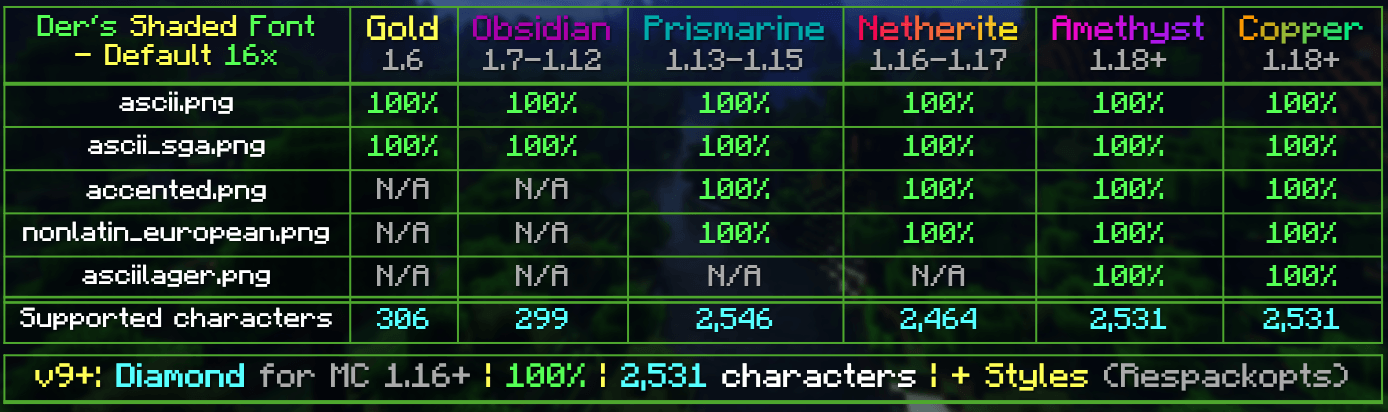
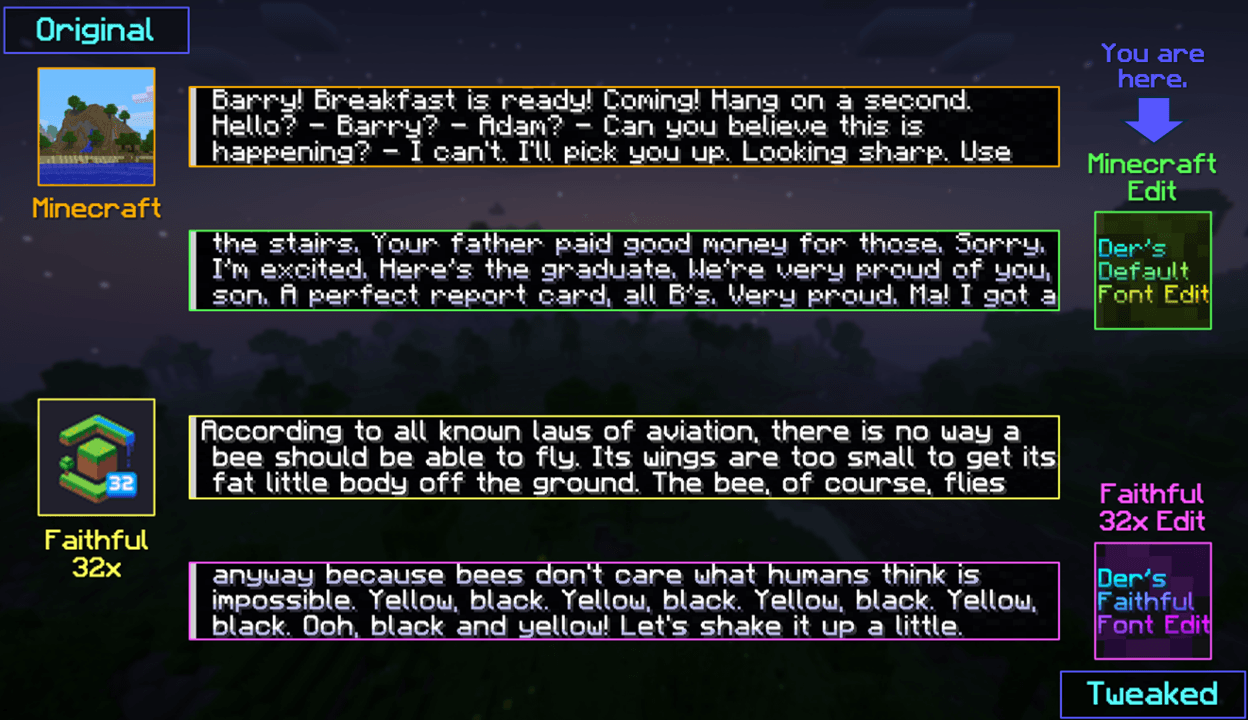


This resourcepack simply modifies Minecraft's Font by adding targeted colored shading to the lower parts of its characters, giving the game a more refreshing/visually appealing look! Supports 10,000+ characters, various languages, many symbols and is available for a wide range of game versions!
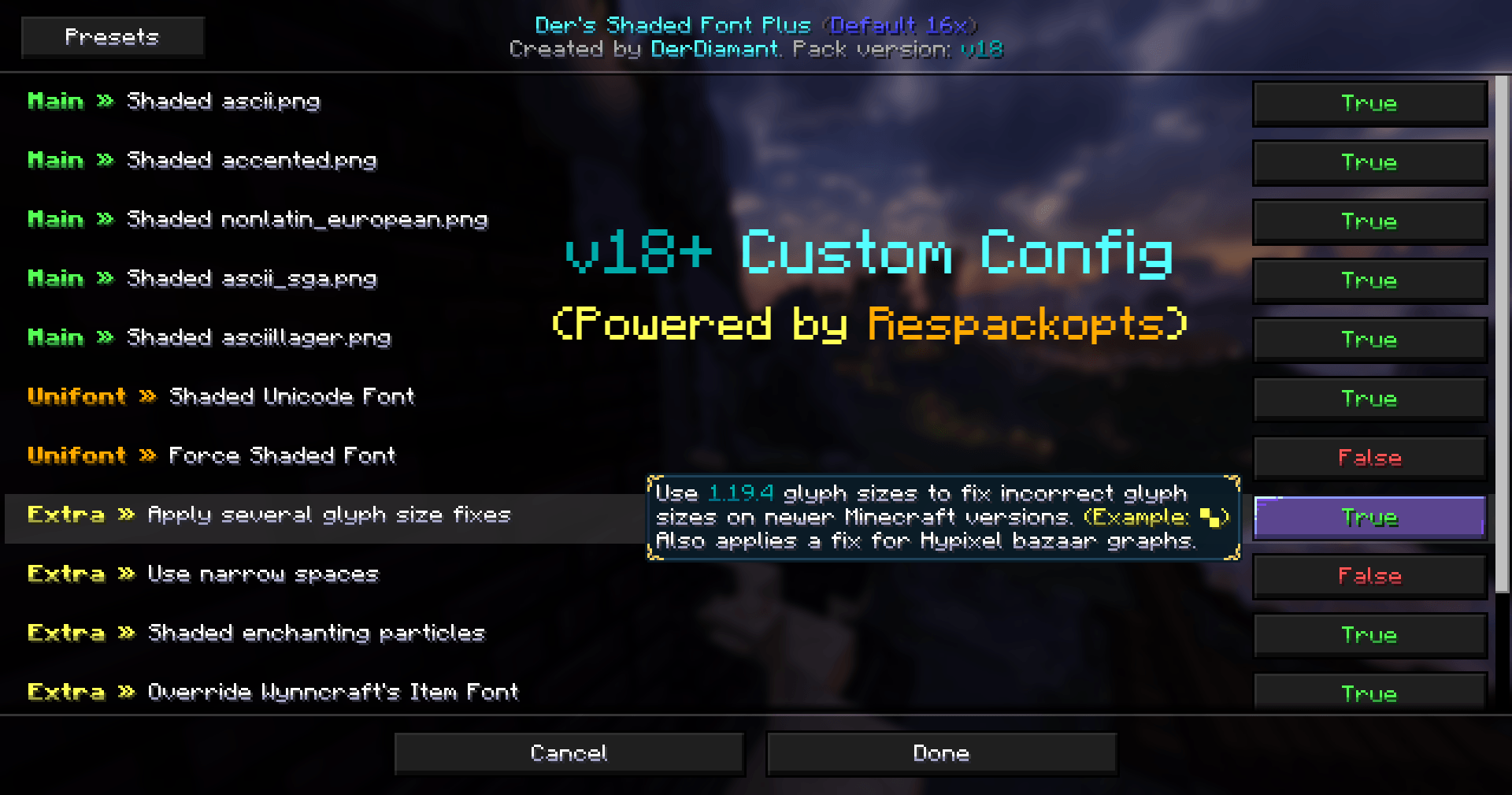
v18+ has custom configs, letting you toggle absolutely anything, including new experimental features, powered by Respackopts (optional). Without it, default settings will be applied which mimic v17 and contain tweaks from v18+.

All of Minecraft's font is currently supported and shaded*, consisting of:
- ascii.png: Most-used characters & some other symbols
- ascii_sga.png: Standard Galactic Alphabet used for enchanting
- asciillager.png: Secret characters only illagers may understand
- accented.png: Versions of letters with accents, diacritics, ligatures & circled numbers/letters
- nonlatin_european.png: Accented characters, miscellaneous symbols, some non-european characters & latin script characters
Beyond that, the latest releases also added:
- 8,000+ shaded glyphs across 36 unicode pages*
- Extensive language & symbol support*
- Corresponding font provider files allowing for individual tweaks*
- Extra options for narrow spacing, forced shaded font & mod guide book support
- Support for Wynncraft (item tooltip font*)
- Support for Hypixel (used unicode*, bazaar graph fix & revert text color changes)
- Config option to apply legacy shading
*indicates an enabled-by-default feature (without Respackopts)

Q1: May I use this for my modpack?
A1: Feel free to include it in your modpacks on Curseforge and Modrinth! If you are using it as a content creator, giving credit by linking to this project's page in your content's description is highly appreciated!
Q2: Do I need Respackopts?
A2: While this mod would let you toggle individual pack features, it is entirely optional! You would only really need it if you wanted to access features that are not enabled by default (for reasons) or to disable default ones. Default settings should be sufficient for most users. It is not recommended to try to use Respackopts on a different modloader through Connector, as it will make pack configs not work.
Q3: How do I use this on a server with a forced resourcepack?
A3: For use on any server that has a forced resourcepack, Server Pack Unlocker can be installed. Ensure to drag this pack above the server resourcepack for the font shading to have higher priority.
Q4: Why do a few specific glyphs/symbols have no shading?
A4: For affected unicode glyphs (also see Q5), editing those with a resourcepack causes a visual double-struck issue under certain circumstances, so shading for those has been removed in v14-16+, fixing that issue. For some other symbols it has been a design choice to improve readability. Lastly, custom icons of popular servers will not be supported due to their licensing.
Q5: What languages are not supported?
A5: Chinese, Japanese, Kannada & Korean currently have no shaded glyphs. This is due to the double-struck issue mentioned above. All other languages not listed here have shaded glyphs!
64x version / 32x version / Submit feedback
- Edition: Minecraft Java
- File type: .zip (resource pack)
- Minecraft versions listed: 1.17.1, 1.16.3, 1.16.1
- How to install: Download the .zip resource pack — do not unzip it. → Put it in .minecraft/resourcepacks. → Enable it in Options → Resource Packs.
- Where to get it: Opens on CurseForge — not every file is mirrored on our own servers.
Install steps are the general flow for this file type — How to install Minecraft Java resource packs walks through it step by step.
- Downloads as §bDer's Shaded Font §916x §3v20§8.zip
- Download size: 704 KB
- Download link checked 28 Aug 2026 — working
These come from our own check of the pack file, not from the source page.