
The Ultimate Item Toolkit [1.13-26.3]
Java data pack listed for Minecraft 1.16–1.21. Downloads from the MC Java Mods app on Android.
Get a Shulker Box with every item in the game using a single command. The perfect toolkit for builders, testers, and creators
⬇ Download on CurseForge
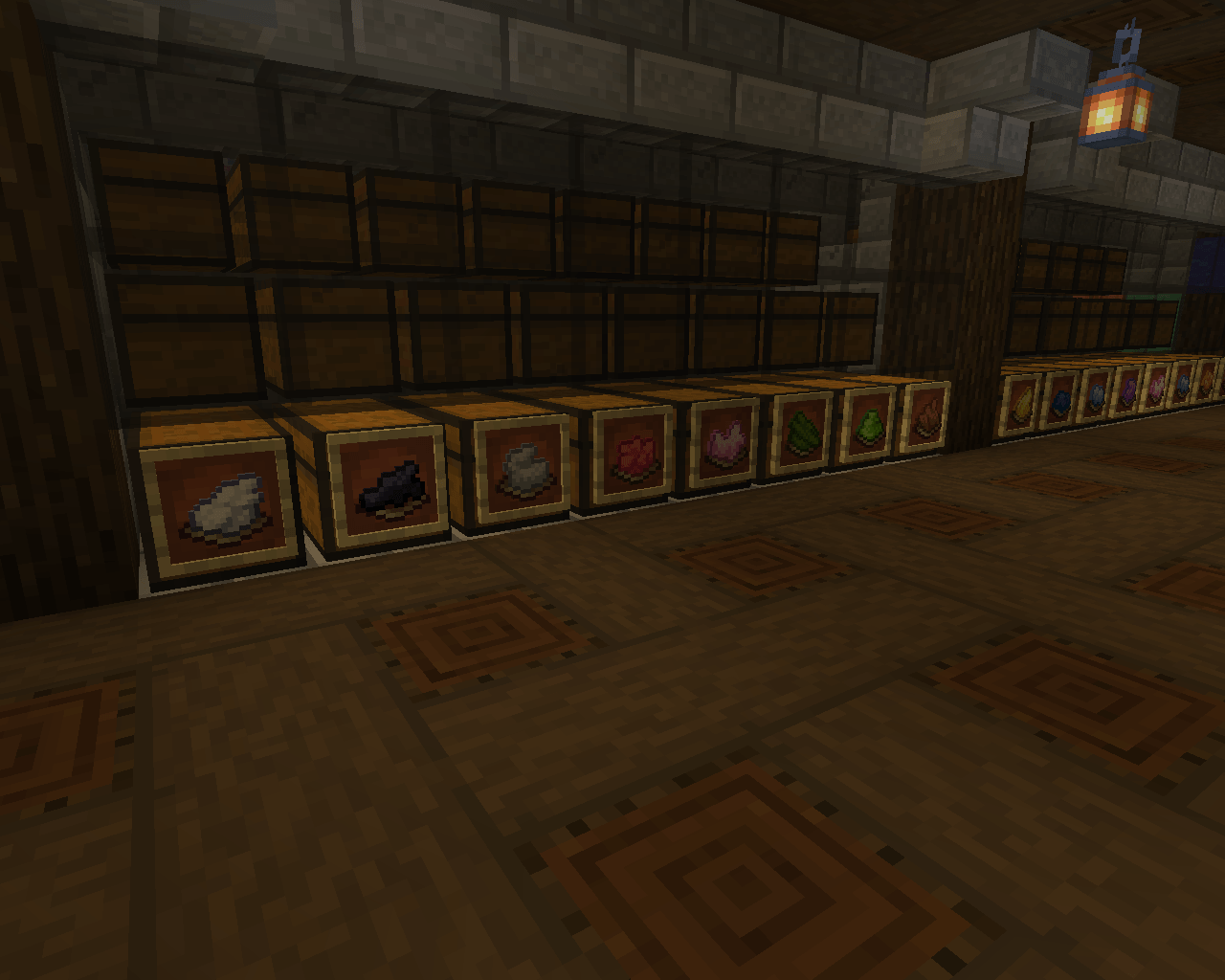
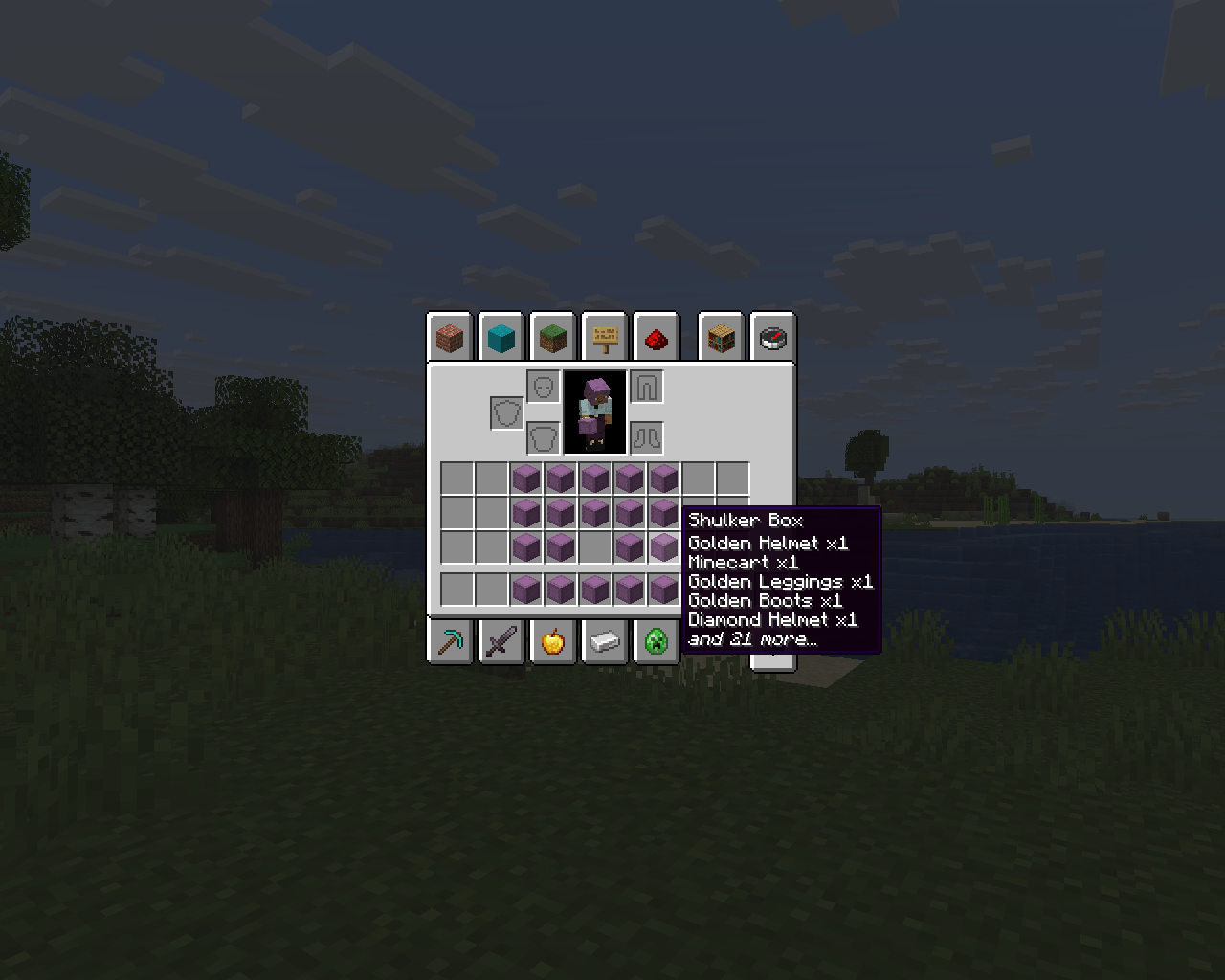
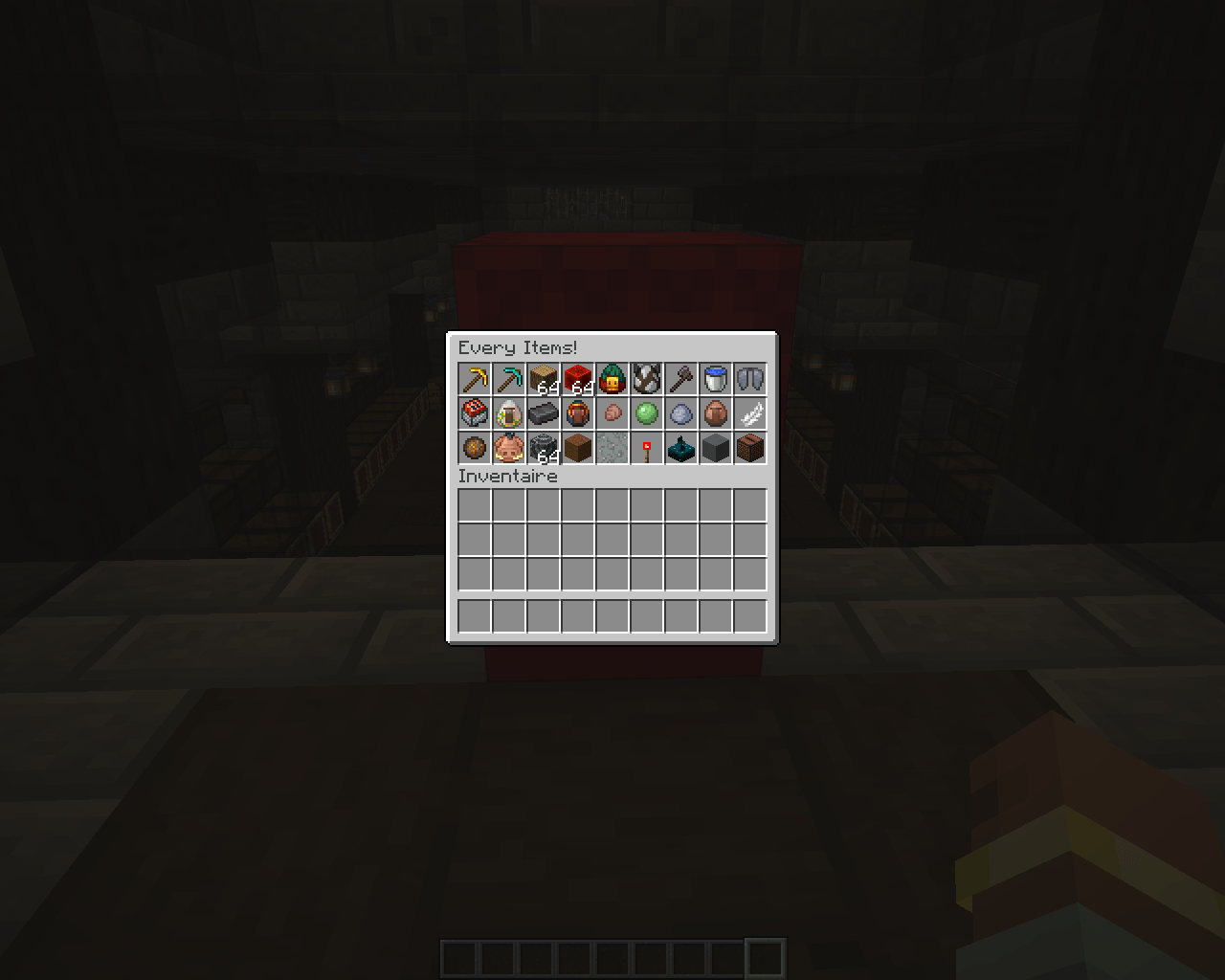
📦 OmniBox: Every Single Item in One Command!
More languages available here -> https://modrinth.com/datapack/omnibox-ultimate-toolkit
Tired of scrolling through the creative inventory or typing dozens of commands to test blocks, custom mechanics, or resource packs? OmniBox is the ultimate universal utility datapack that gives you instant access to every single item available, neatly organized into 19 distinct Shulker Boxes.
Built with compatibility in mind, this datapack is designed to work seamlessly across all Minecraft versions, saving you hours of tedious work. Whether you are a map maker, a server admin, a survival player looking to test builds, or a developer checking texture pack compatibility, OmniBox is the perfect tool for you.
✨ Features
- Universal Compatibility: Designed to run smoothly on any Minecraft version.
- 19 Custom Shulkers: Spawns a full set of Shulker Boxes containing every block, item, tool, armor piece, and spawn egg.
- Smart Organization: Items are sorted logically so you can find exactly what you need in seconds.
- Optimized for Creators: Perfect for quick testing, inventory setups, or showcase worlds.
- Lightweight & Clean: No lag, no permanent background loops, just pure efficiency.
🚀 How to Use
Simply open your chat and type the following command:
/function allitems:give_shulkers
(Note: Ensure cheats are enabled on your world or that you have operator status (OP) on your server to execute functions!)
🛠️ Installation
- Download the datapack
.zipfile. - Put it inside the
datapacksfolder of your Minecraft world save. - Type
/reloadin-game (or restart your world), and you are ready to go!
🏷️ Tags & Keywords
Vanilla Utility, Admin Tools, Creative Mode, Item Spawner, Utility Datapack, Developer Tools, Map Making, All Items Command, Cheat, Shulker Box Setup.
- Edition: Minecraft Java
- File type: .jar
- Minecraft versions listed: 1.21.11, 1.21.9, 1.21.10
- How to install: Install the matching mod loader (Forge, Fabric or NeoForge) for your Minecraft version. → Download the .jar. → Put it in the .minecraft/mods folder and launch that loader profile.
- Where to get it: Opens on CurseForge — not every file is mirrored on our own servers.
Install steps are the general flow for this file type — see the MC Java Mods guides for the full walkthrough.
- Downloads as allitems_26.2.zip
- Download size: 5 KB
- Download link checked 19 Oct 2026 — working
These come from our own check of the pack file, not from the source page.