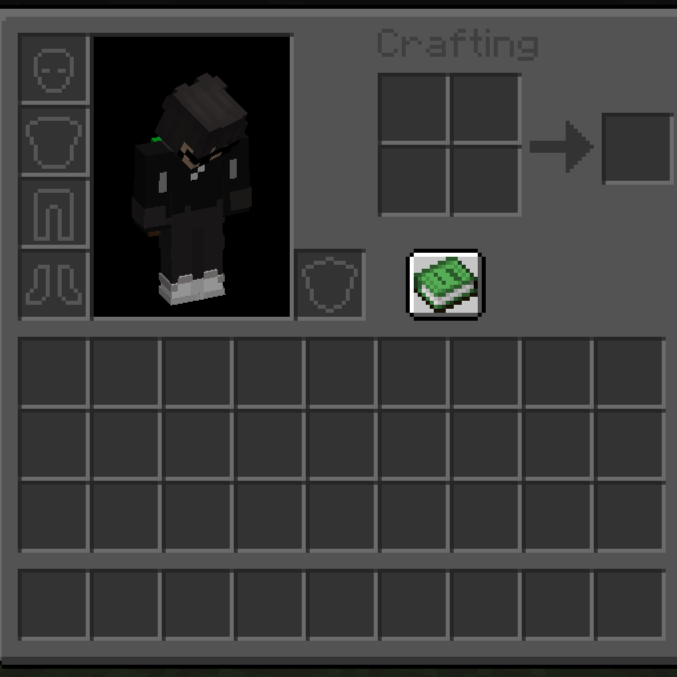
dark interface mode
Java resource pack listed for Minecraft 1.21. Downloads from the MC Java Mods app on Android.
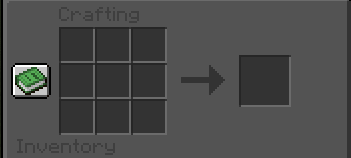
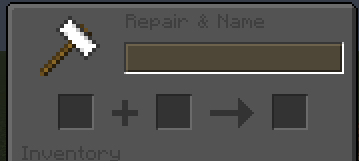
Dark GUI PvP is a clean and minimal resource pack that replaces the default Minecraft interface with a dark, modern GUI for better focus and comfort.
⬇ Download on CurseForge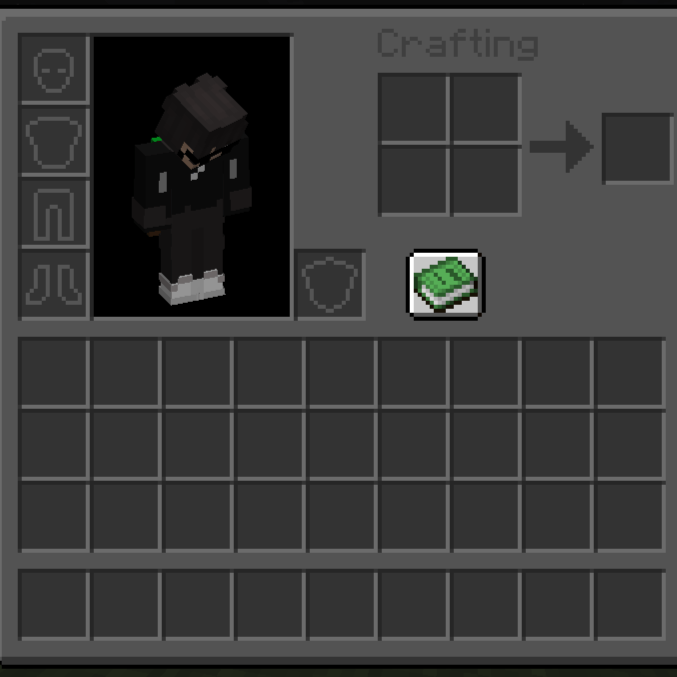
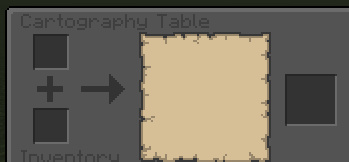
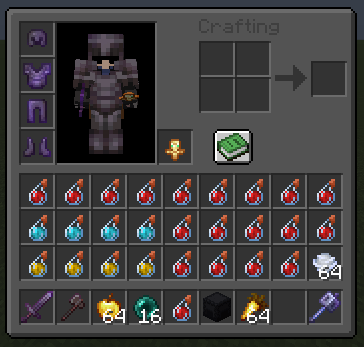
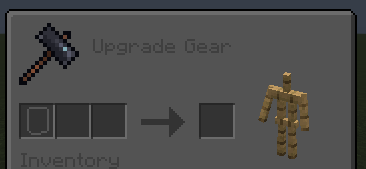
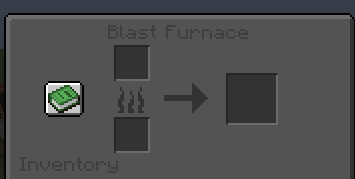
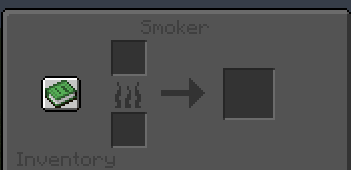
Features:
-
🌙 Dark GUI for menus, inventories, and screens
-
👁️ Easier on the eyes during long sessions
-
⚔️ PvP-friendly design with clean visuals
-
🚀 Lightweight and FPS-friendly
-
🎮 Compatible with most PvP servers
Why Dark GUI?
-
Cleaner look than default UI
-
Better contrast for items and text
-
Ideal for PvP, SMP, and Survival
Perfect for players who want a modern, distraction-free Minecraft interface.
- Edition: Minecraft Java
- File type: .zip (resource pack)
- Minecraft versions listed: 1.21, 1.21.8, 1.21.5
- How to install: Download the .zip resource pack — do not unzip it. → Put it in .minecraft/resourcepacks. → Enable it in Options → Resource Packs.
- Where to get it: Opens on CurseForge — not every file is mirrored on our own servers.
Install steps are the general flow for this file type — How to install Minecraft Java resource packs walks through it step by step.
- Downloads as Tiny Tools PvP by - styley.zip
- Download size: 7.1 MB
- Download link checked 30 Oct 2026 — working
These come from our own check of the pack file, not from the source page.