
Realistic sky, sun and moon with vanilla textures or any other pack of your choice! High-res enough to look good with HD packs, but not so much it would look out of place with vanilla low-res textures.
- If you like this pack don't ask me if you can use it, but suggest people to use it together with your own pack, that's the whole point of format changes Mojang introduced months ago.
- If you want to let people know of this pack do it by posting a link to this page so I get credit and downloads.
To make this pack work properly you need to mod your game with Optifine. If you don't, only the sun and the moon will change. Once downloaded, put it in your resource pack folder, start Minecraft, go to the resource pack menu, move them on top of your other resource packs and finally confirm to apply the changes.
NOTE: vanilla clouds are disabled so those ugly white boxes don't get in the way.
PR Atmosphere shouldn't give issues with any pack regardless of version and resolution, as long as it doesn't add a huge amount of sky boxes itself.
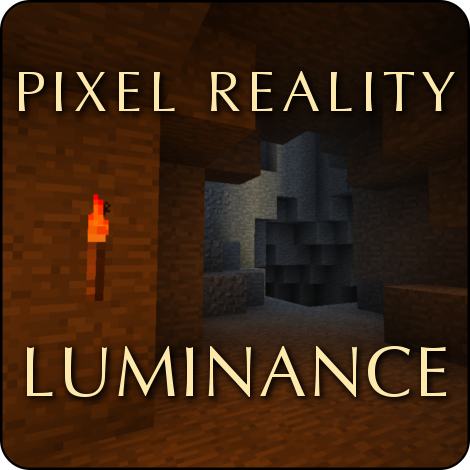 Also check Pixel Reality - Luminance: it adds realistic light effects to vanilla or any pack, it's a good companion to Atmosphere if you want to give a realistic feel to your favorite pack.
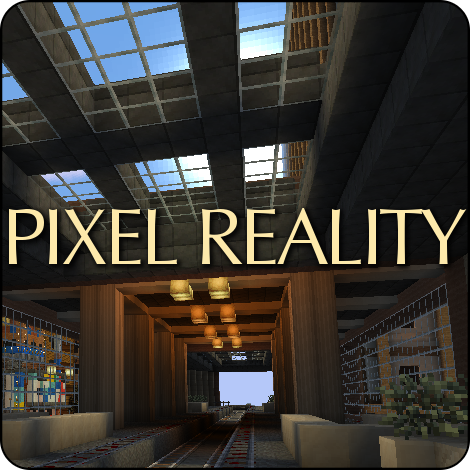 [outaded] This pack is included in the Pixel Reality resource pack, you might want to check it out if you need a realistic 16x pack.
- Edition: Minecraft Java
- File type: .zip (resource pack)
- Minecraft versions listed: 1.19.4, 1.17, 1.17.1
- How to install: Download the .zip resource pack — do not unzip it. → Put it in .minecraft/resourcepacks. → Enable it in Options → Resource Packs.
- Where to get it: Opens on CurseForge — not every file is mirrored on our own servers.
Install steps are the general flow for this file type — How to install Minecraft Java resource packs walks through it step by step.
Pixel Reality - Atmosphere is a free Minecraft Java resourcepack. Compatible with Minecraft 1.19.4, 1.17, 1.17.1, 1.16.3 and newer. Downloaded 198,161 times (via CurseForge). Download it and open it directly in the game.