Home›Java›Mods›Seamless Serverless Multiplayer Mod (1.21.11, 1.21.1) – Play With Friends Without Setting Up A Server
ModsJava
Seamless Serverless Multiplayer Mod (1.21.11, 1.21.1) – Play With Friends Without Setting Up A Server
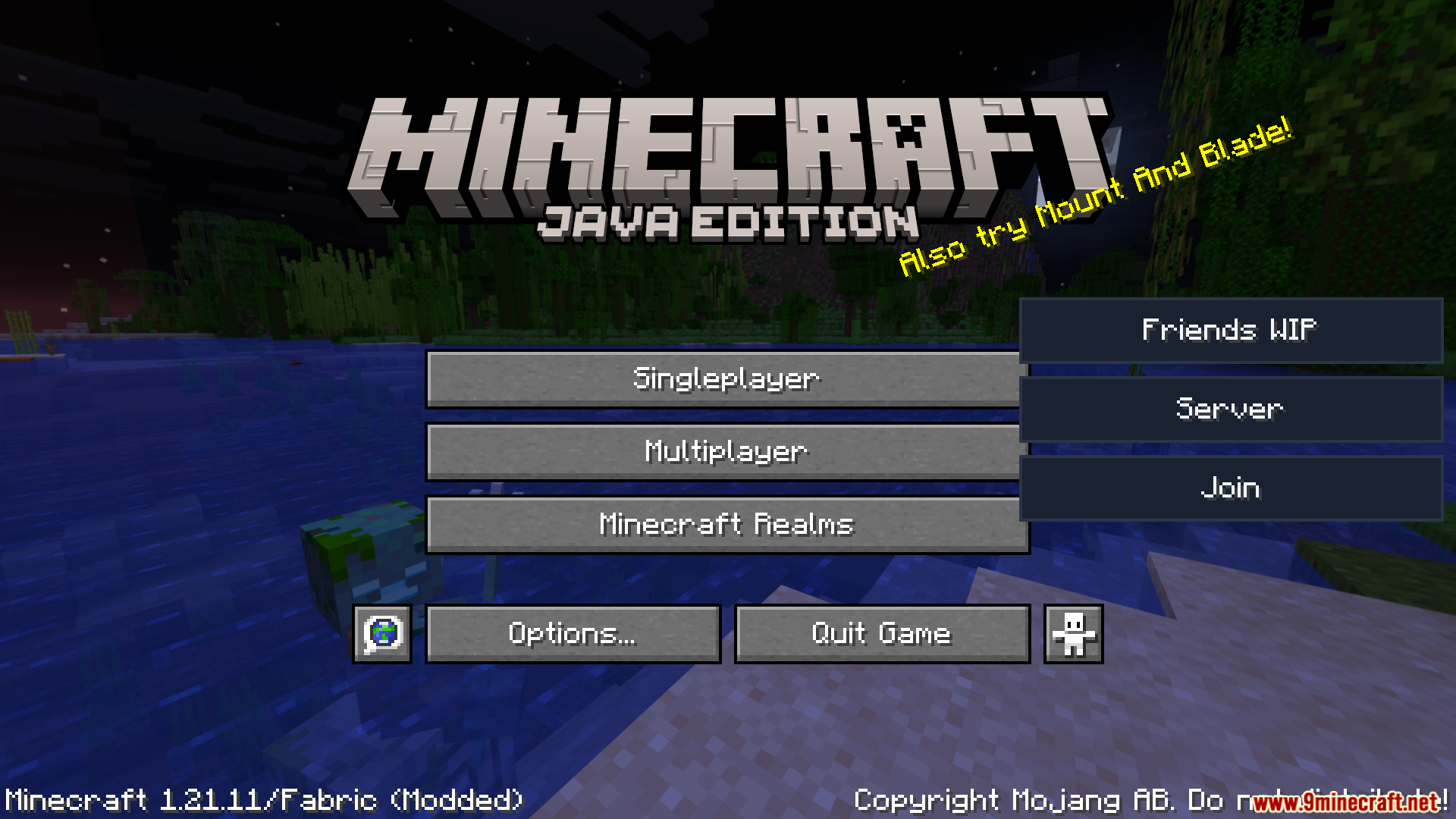
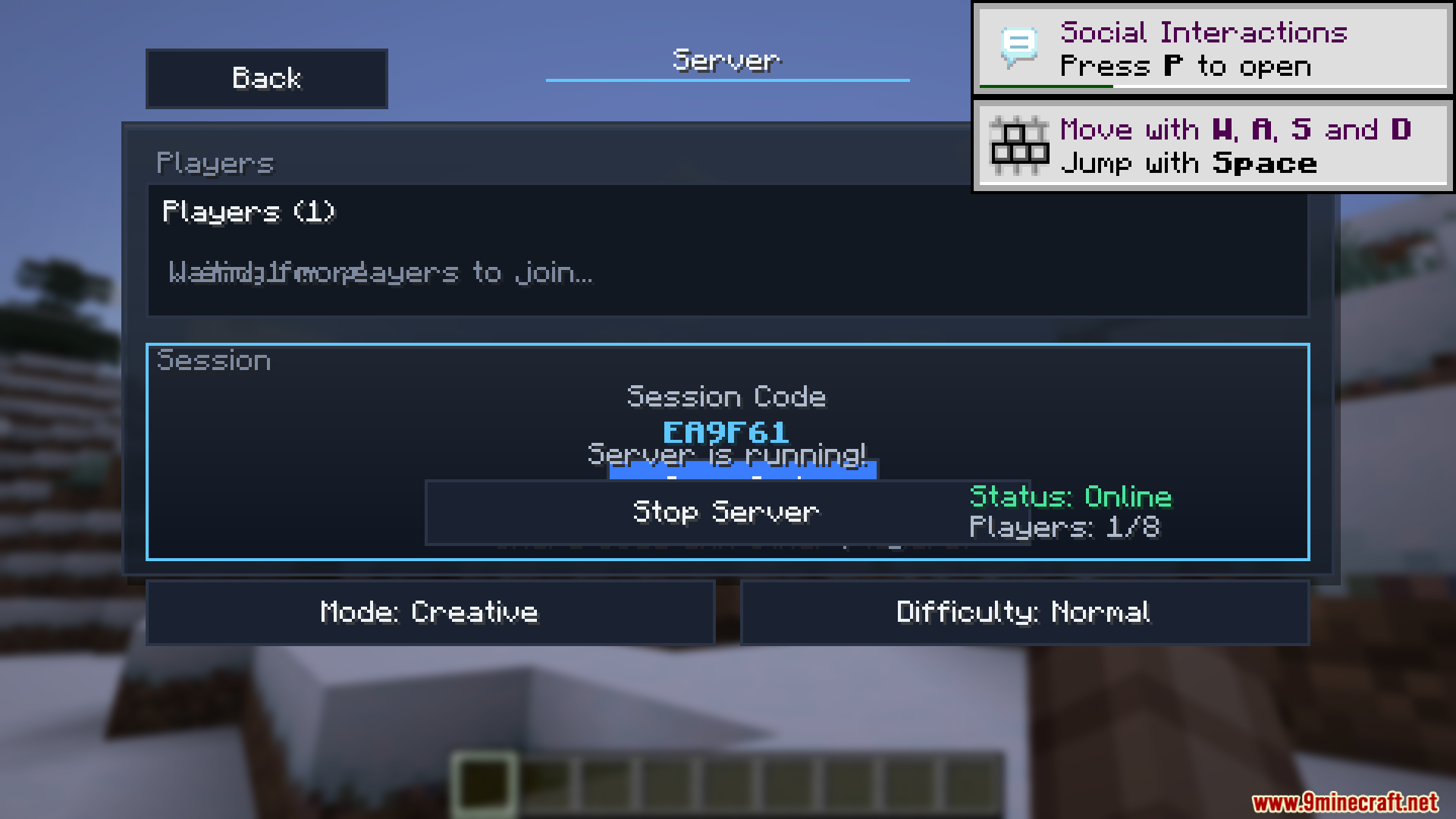
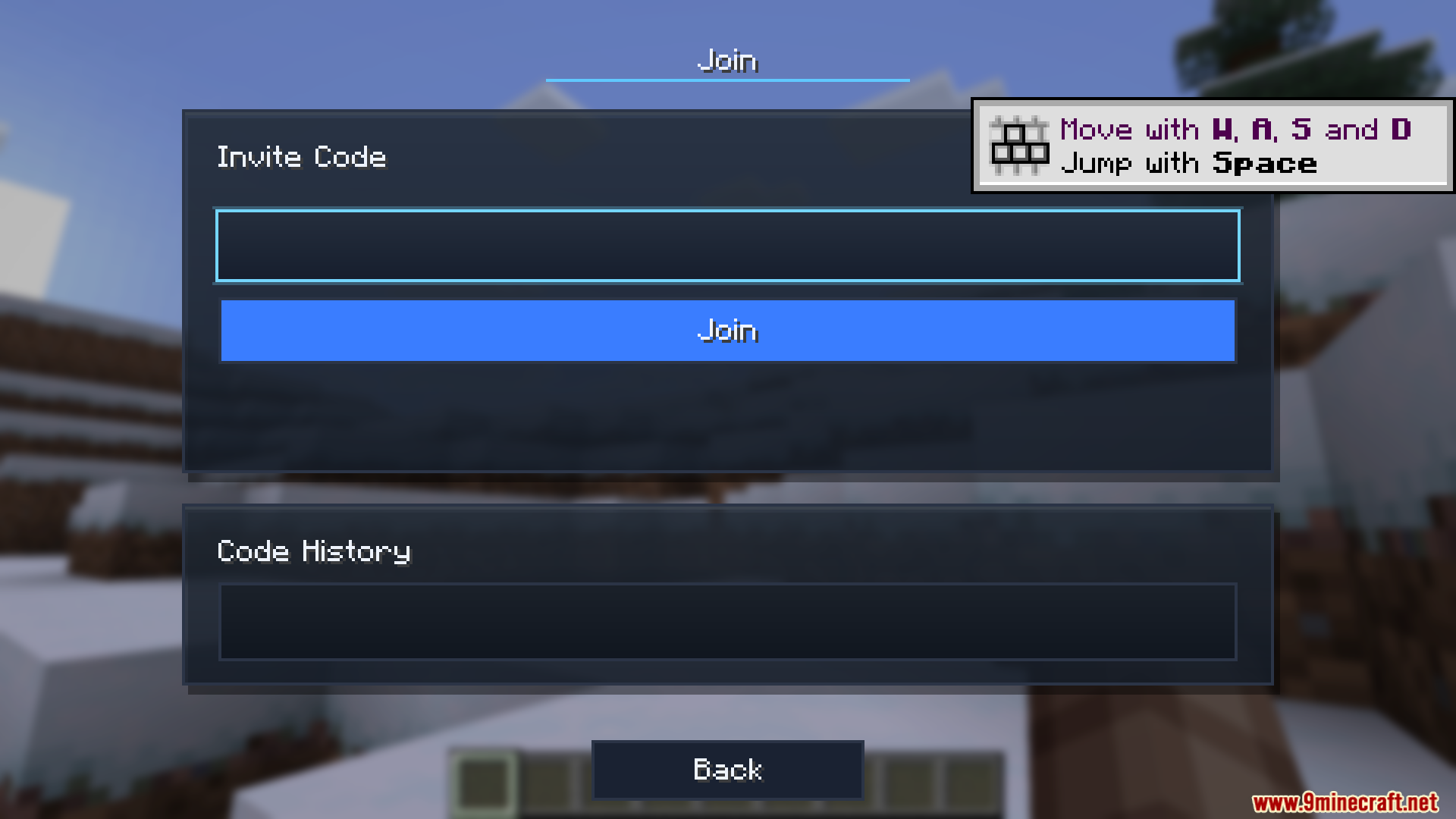
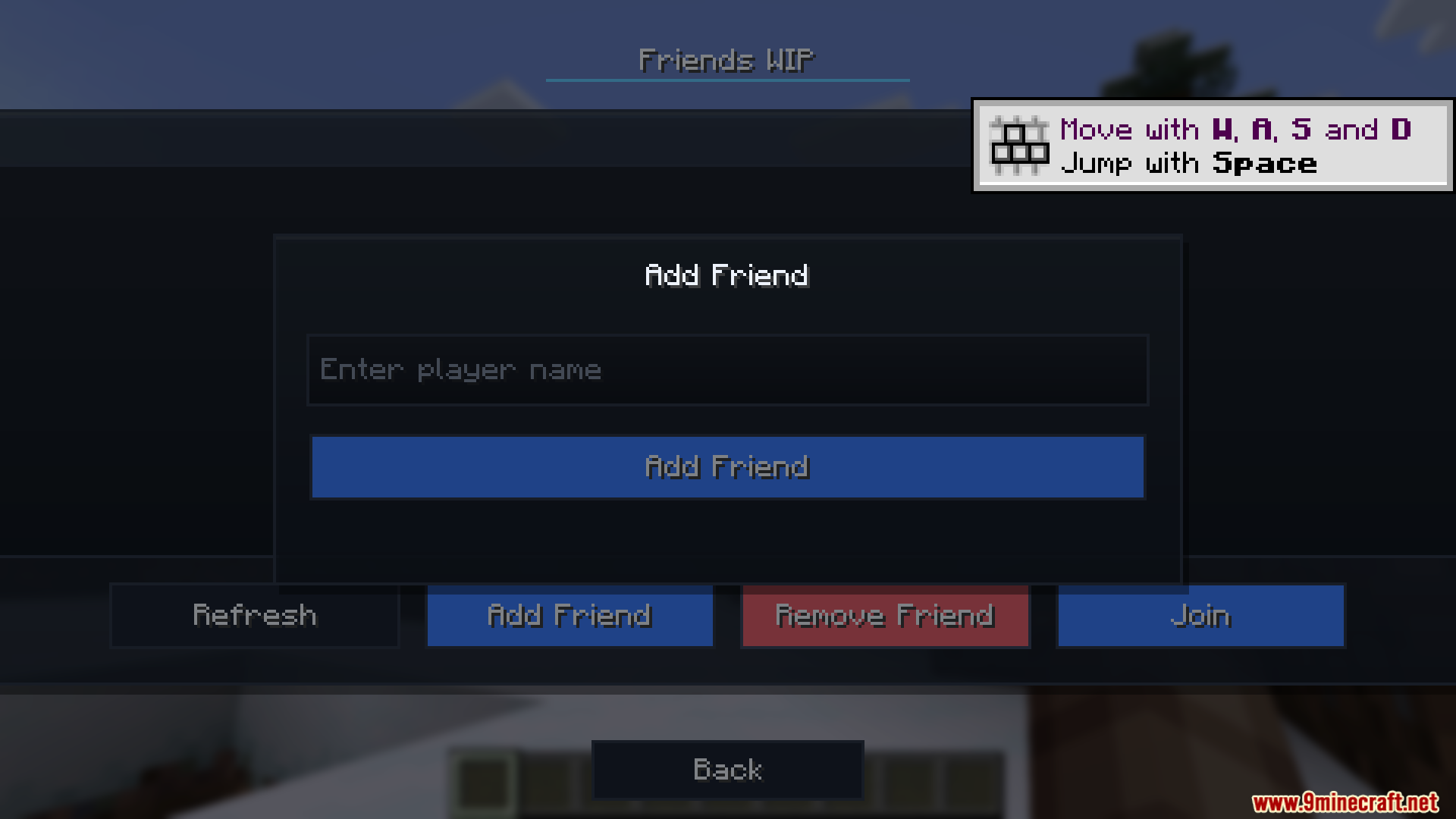
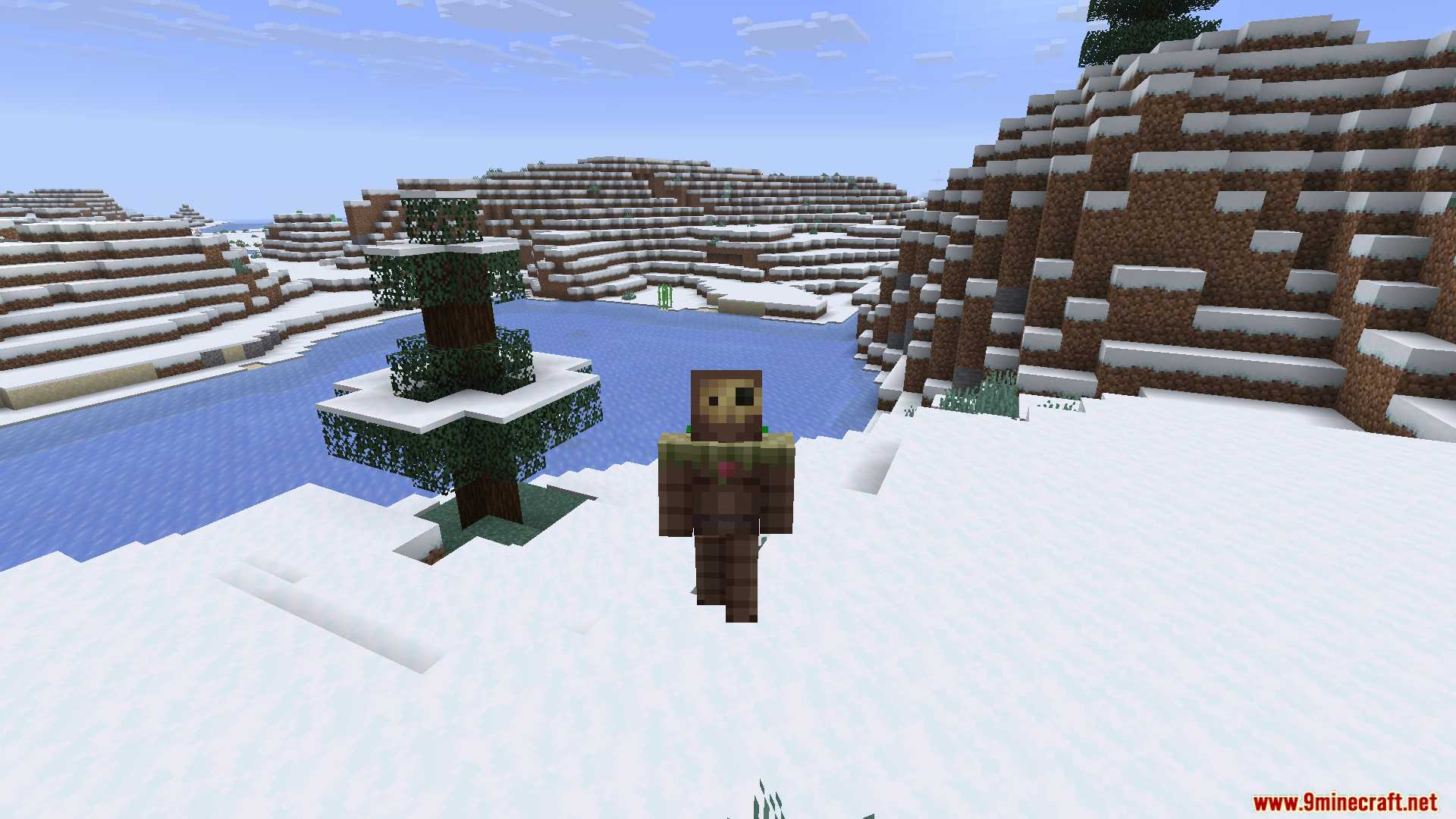
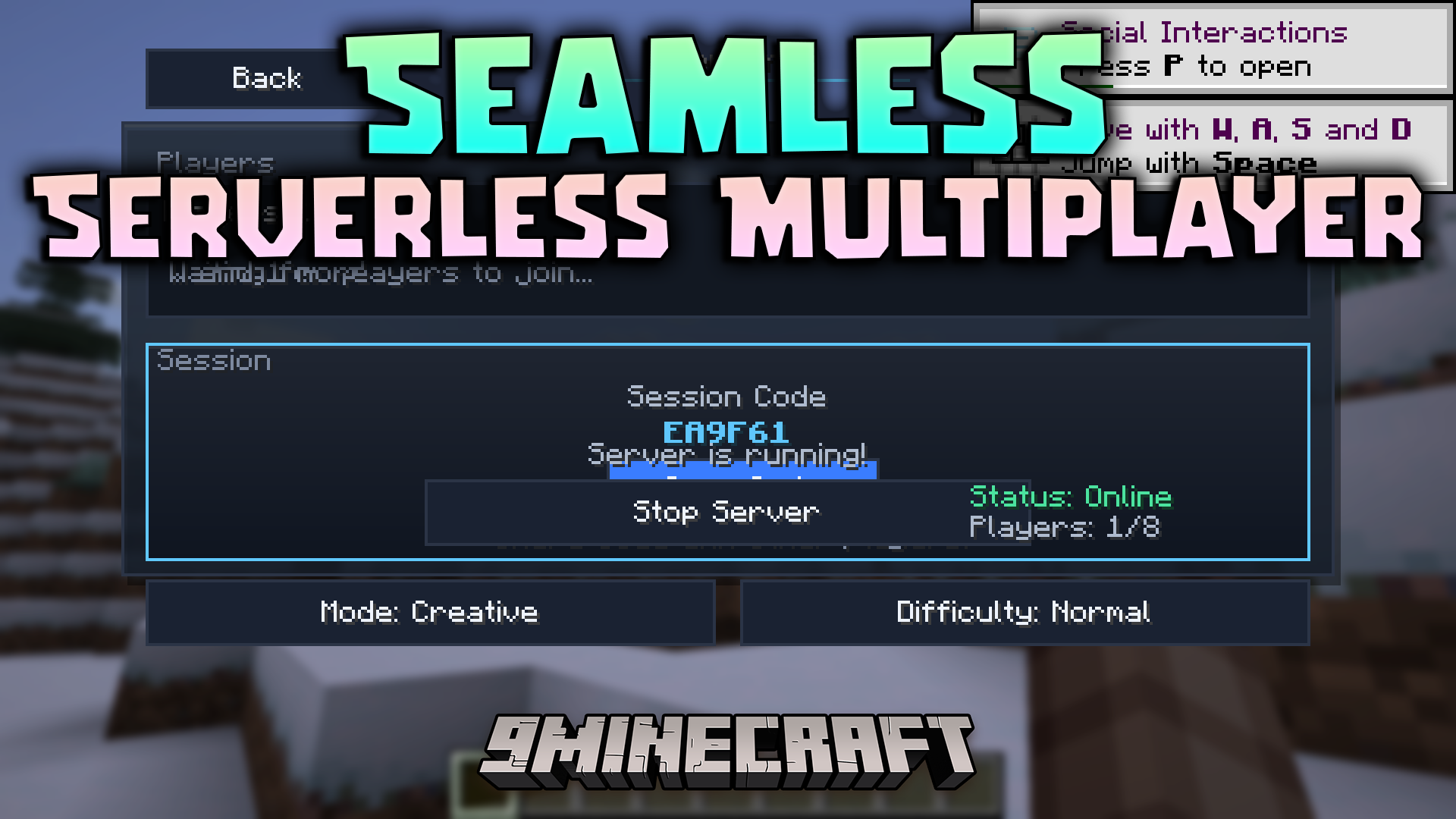
Seamless Serverless Multiplayer Mod lets you play with your friends without setting up a real server. It turns your normal single-player world into a multiplayer game with just one click. You do not need to change router settings or learn about port forwarding. The mod handles all the tricky network connections in the background. Your friends join your world using a short, simple code instead of a long IP address.
Features:
- One-Click Hosting: Starts a server right from your normal game menu without any extra software.
- Simple Invite Codes: Gives you a short six-digit code to share with your friends so they can join quickly.
- Checks your mods before someone joins to make sure everyone has the exact same mod list.
- Stops the game from crashing if a player tries to join with the wrong mods.
- Closes the multiplayer session automatically if no one plays for an hour.
- Fixes network problems on its own so you never have to change your router settings.
- Shows you exactly how many players are in your world right now.
- Saves your session so you can rejoin easily if your internet drops.
How to Use:
- Open your normal game menu while playing in your world.
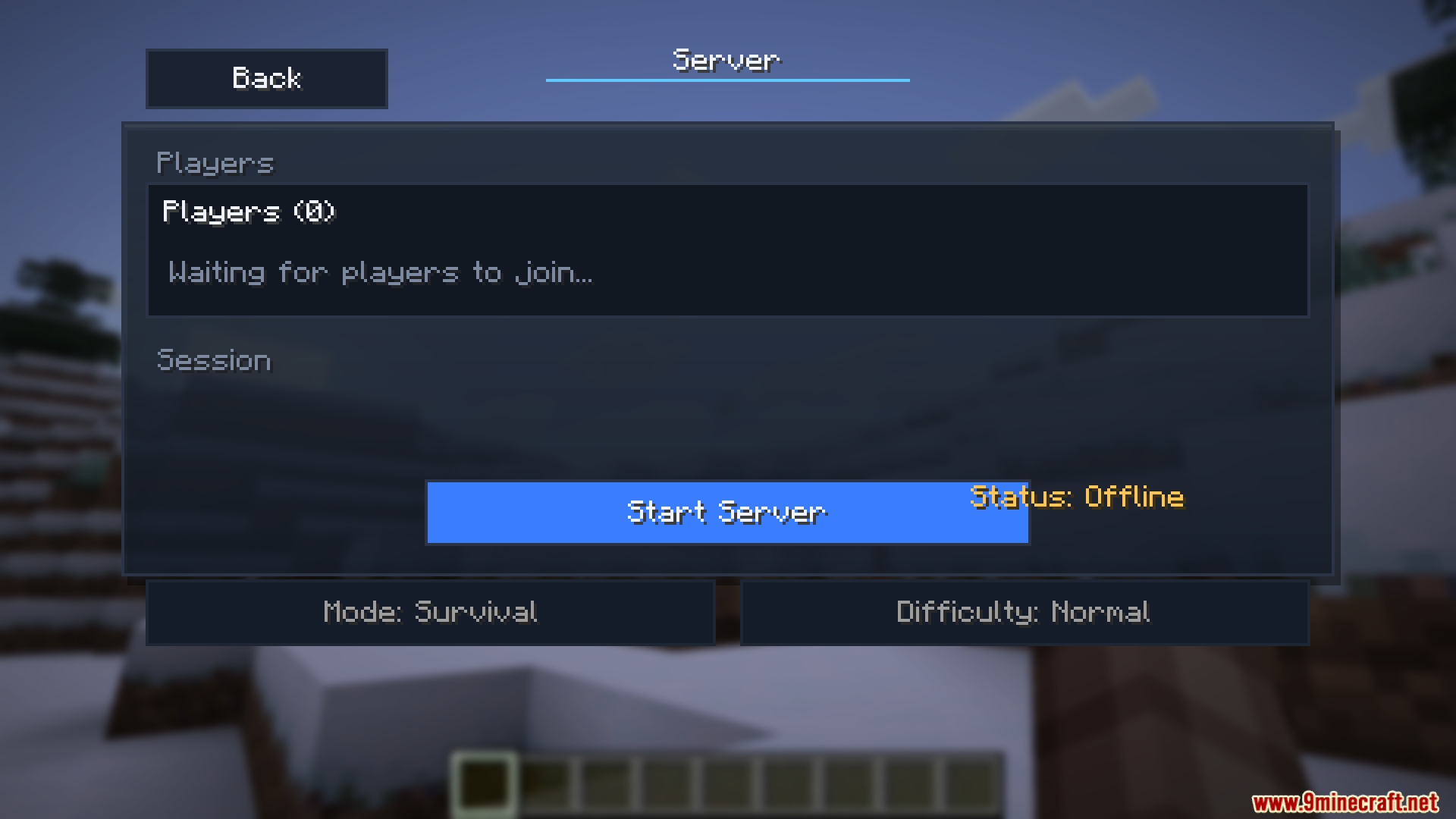
- Click the “Server” button and then hit “Start Server”.
- Copy the six-digit invite code the game gives you and send it to your friends.
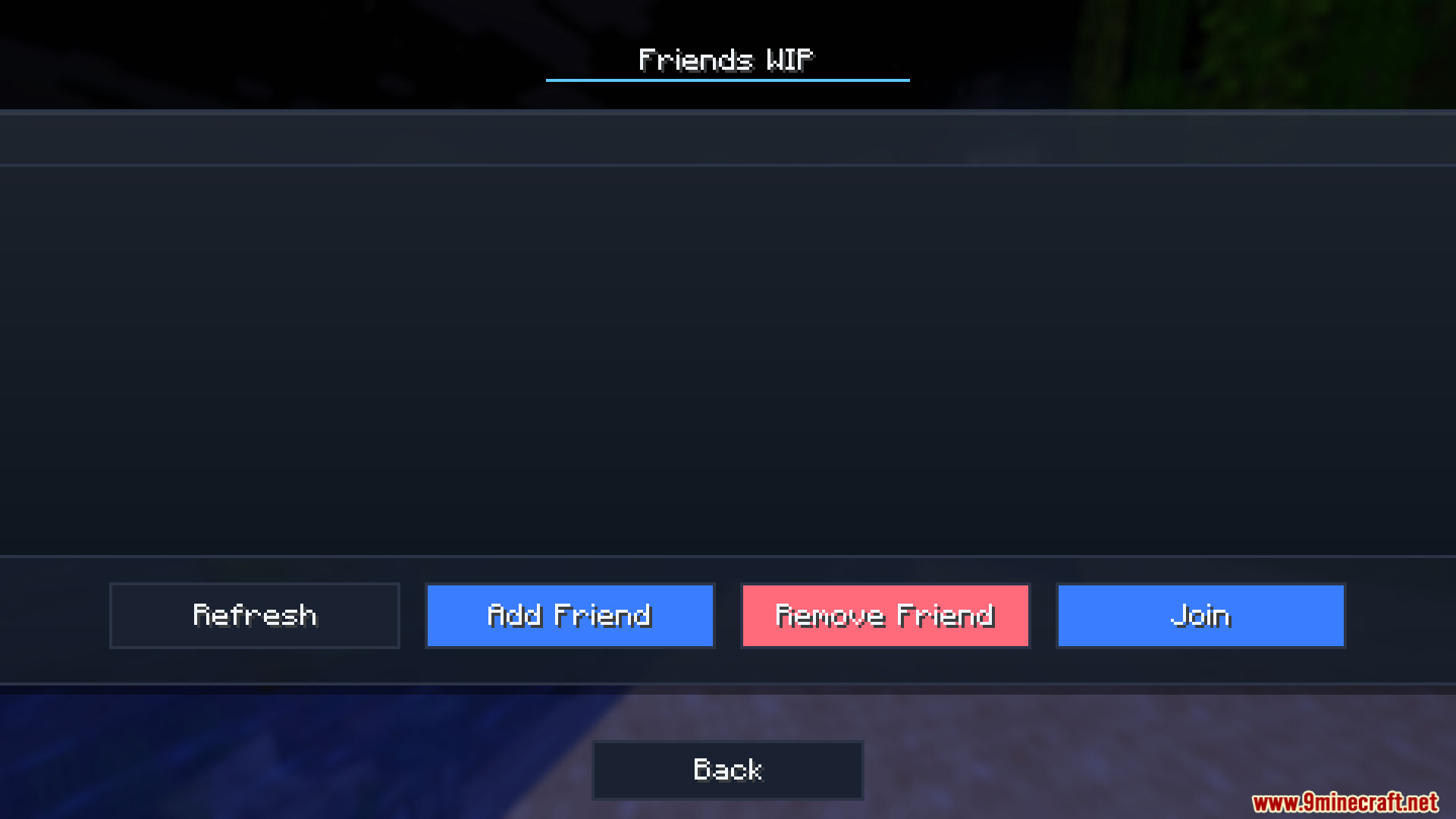
- To join someone else, open the join menu in your game and type in their six-digit code.
Screenshots:
Seamless Serverless Multiplayer Mod Download Links
Quick facts
- Edition: Minecraft Java
- File type: .jar
- Minecraft versions listed: 1.21.11, 1.21.1
- How to install: Install the matching mod loader (Forge, Fabric or NeoForge) for your Minecraft version. → Download the .jar. → Put it in the .minecraft/mods folder and launch that loader profile.
- Where to get it: In MC Java Mods, or directly above on this page.
Install steps are the general flow for this file type — How to install Minecraft Java mods & modpacks walks through it step by step.
Verified by MCModsHub
- Downloads as 2370.mcaddon
- Download size: 3.8 MB
- Download link checked 24 Sept 2026 — working
- Mirrored on our own servers — the download does not depend on the original host
These come from our own check of the pack file, not from the source page.