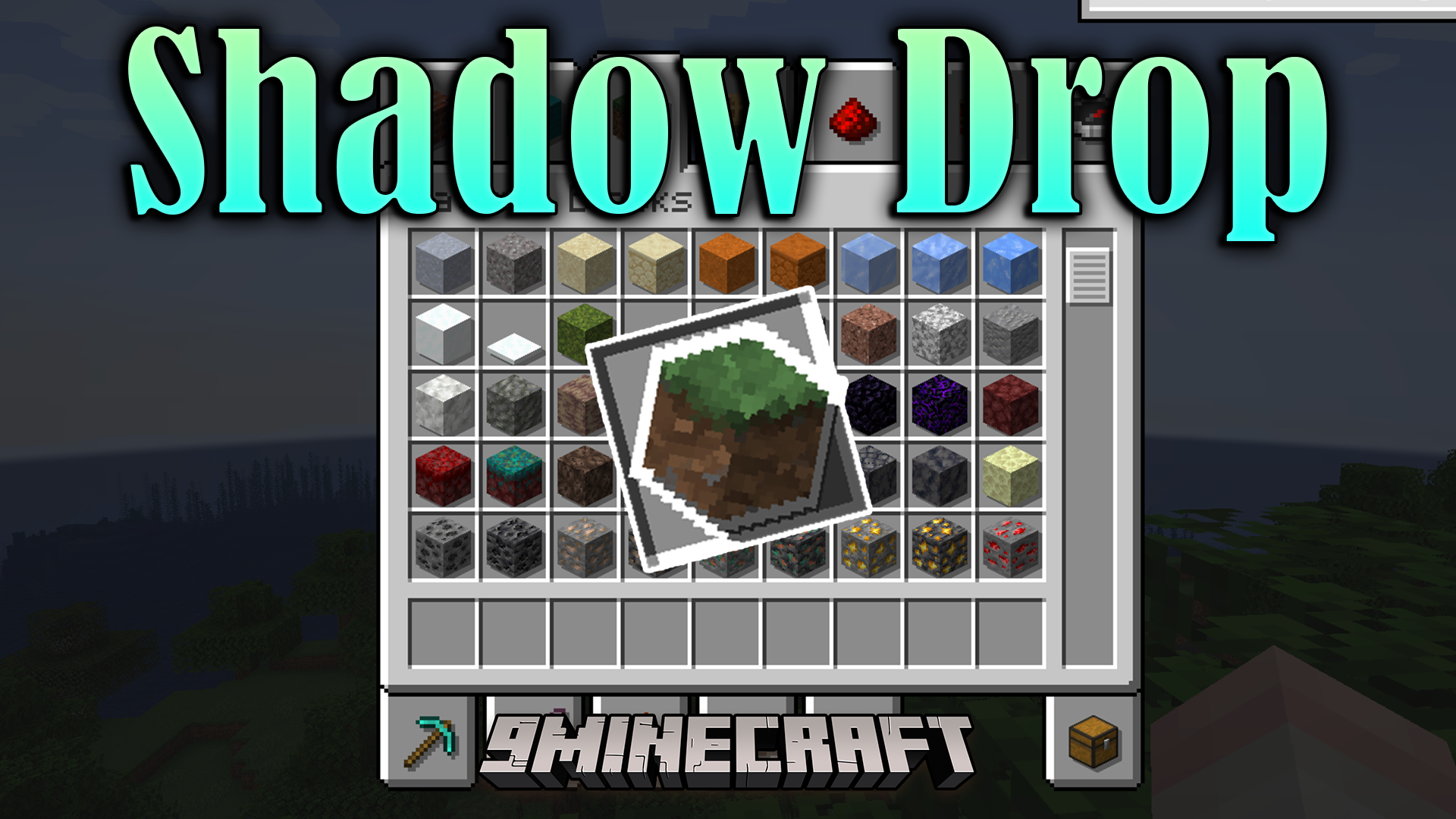
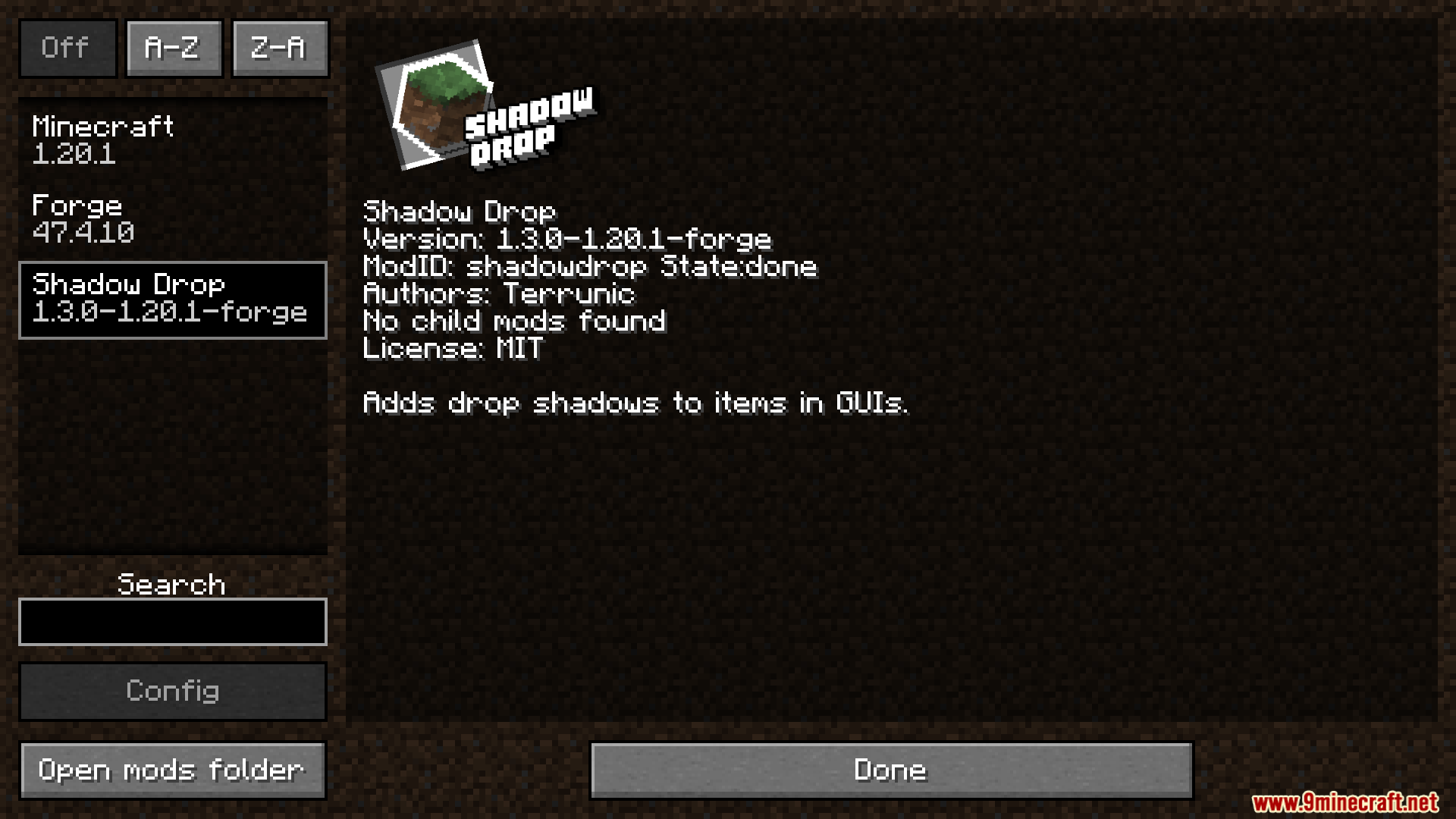
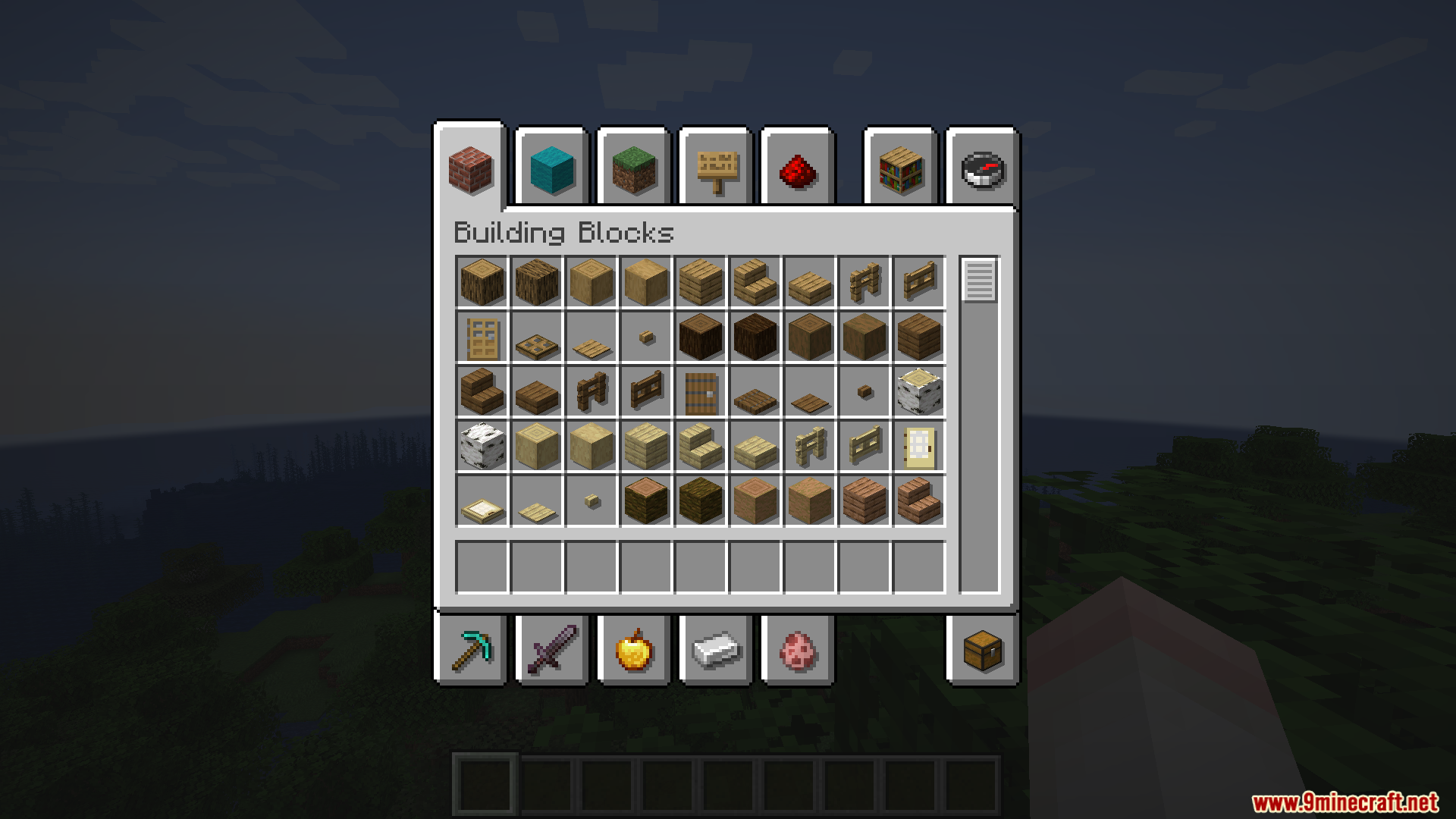
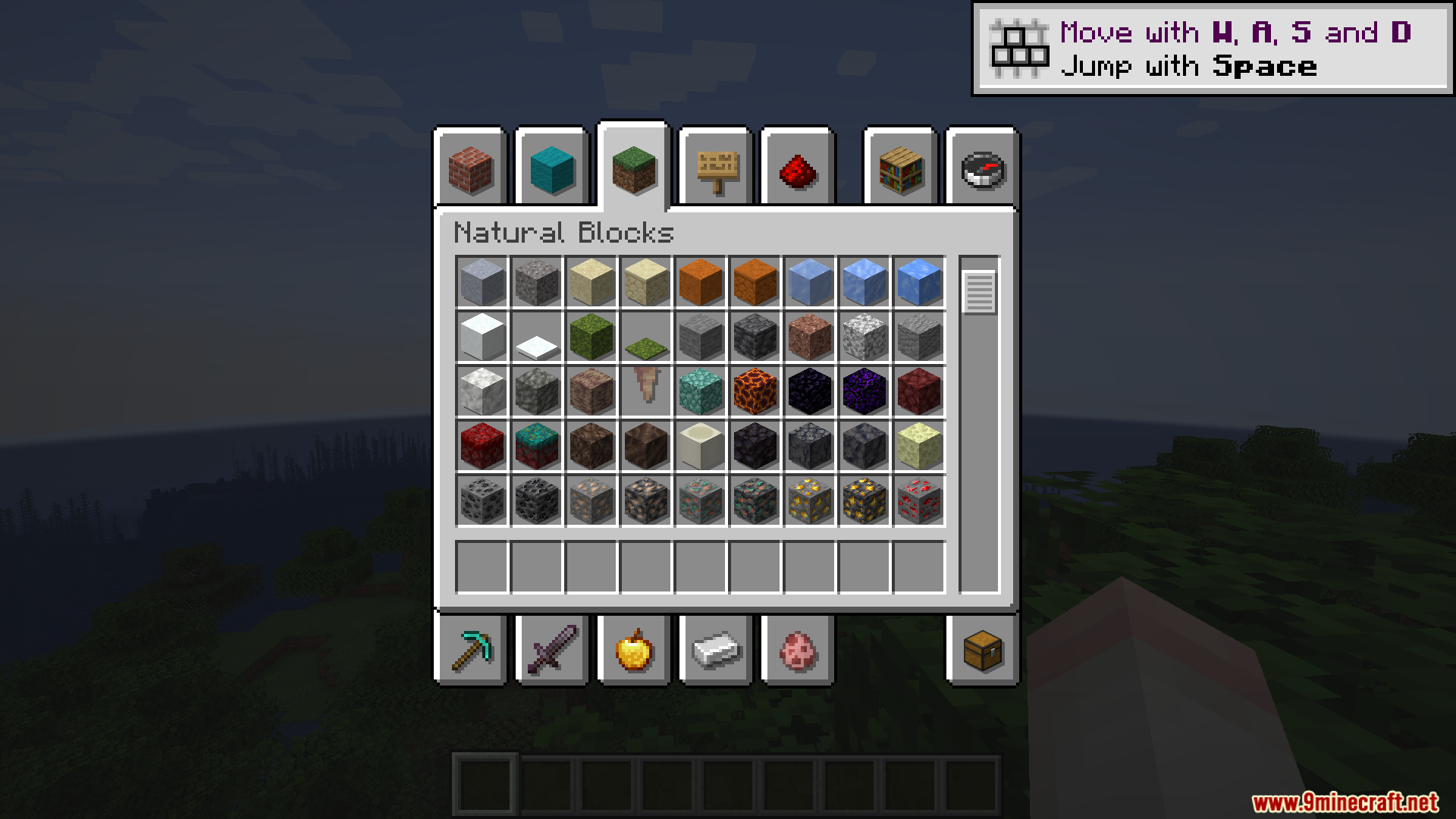
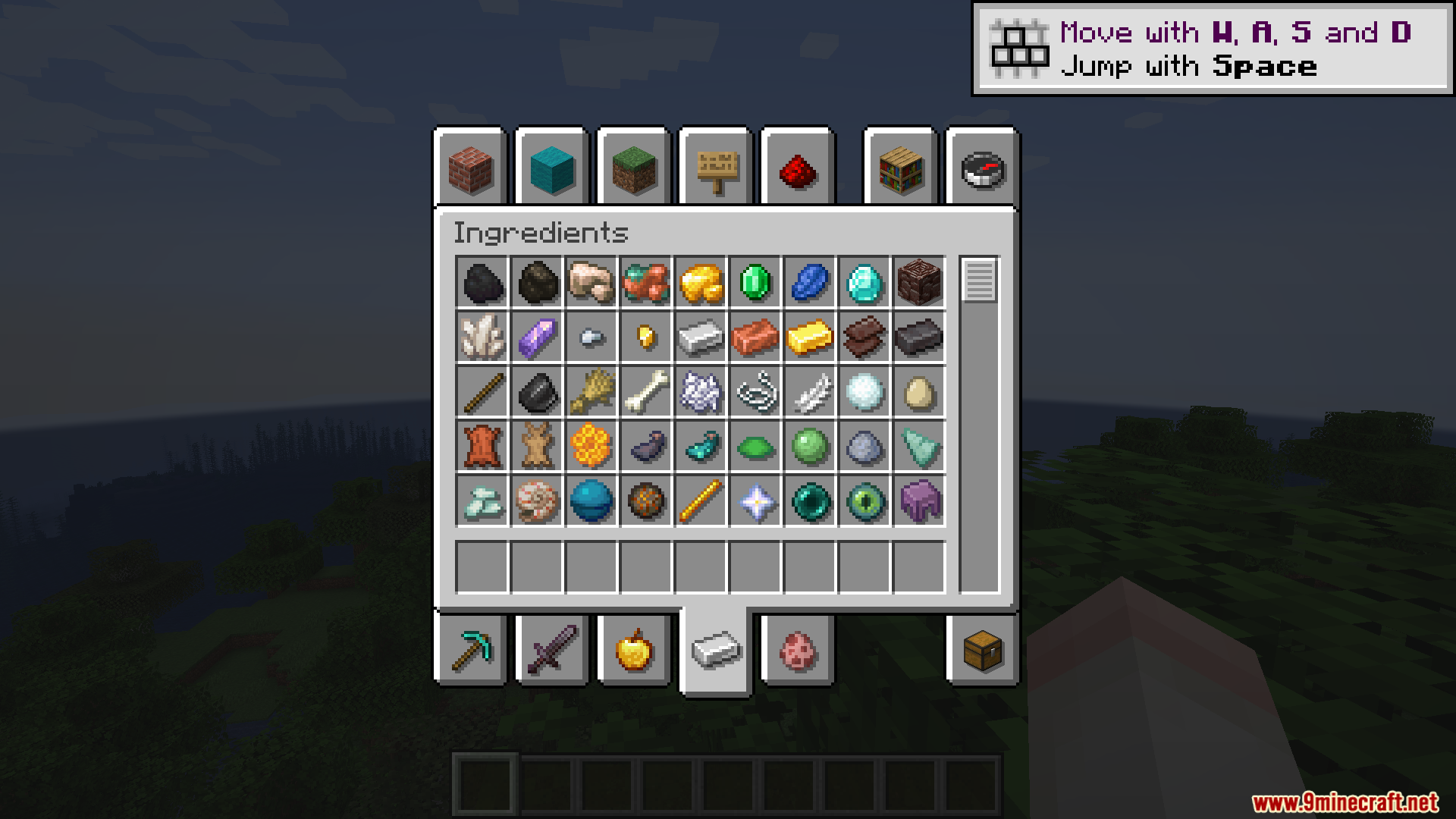
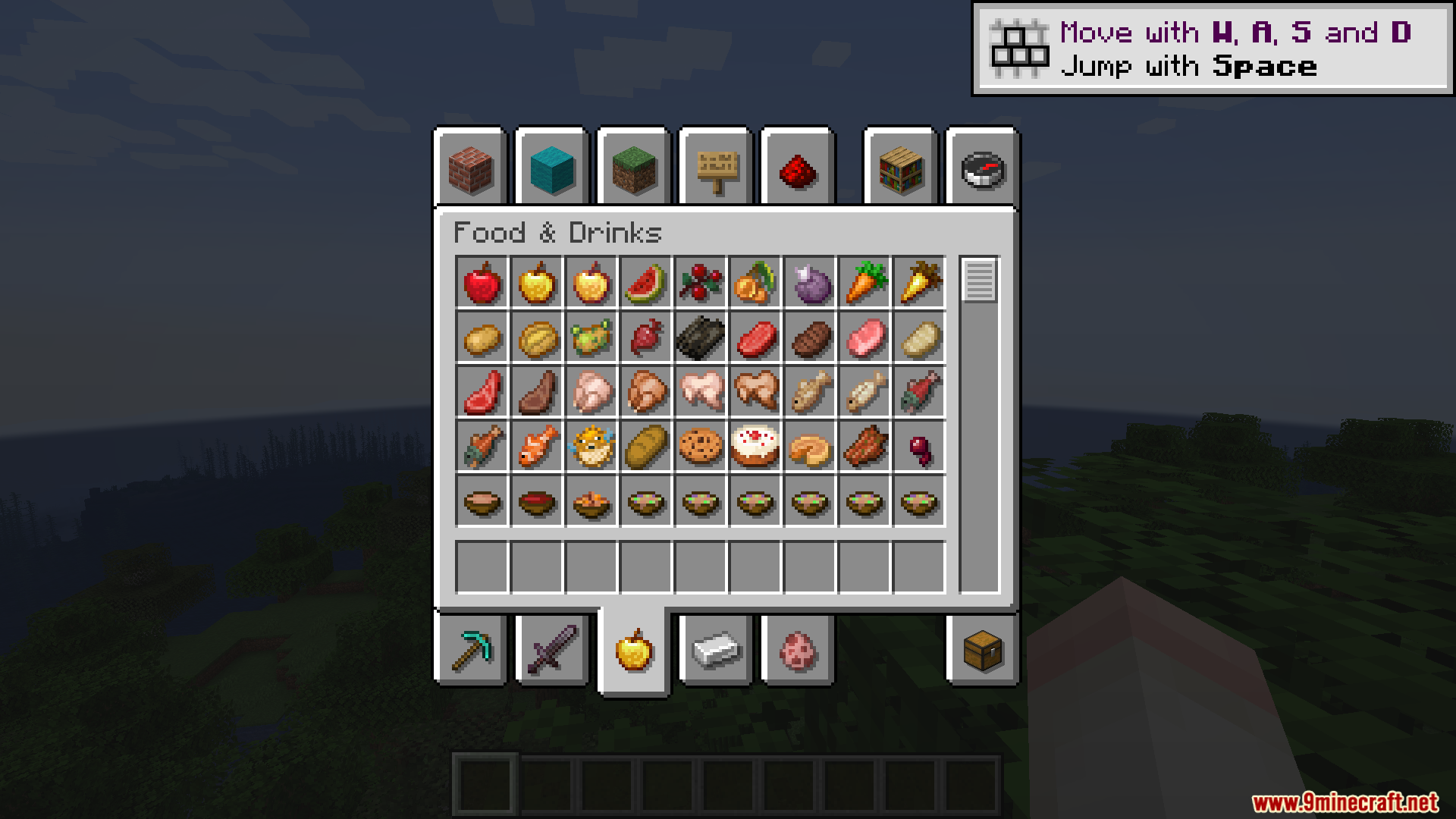
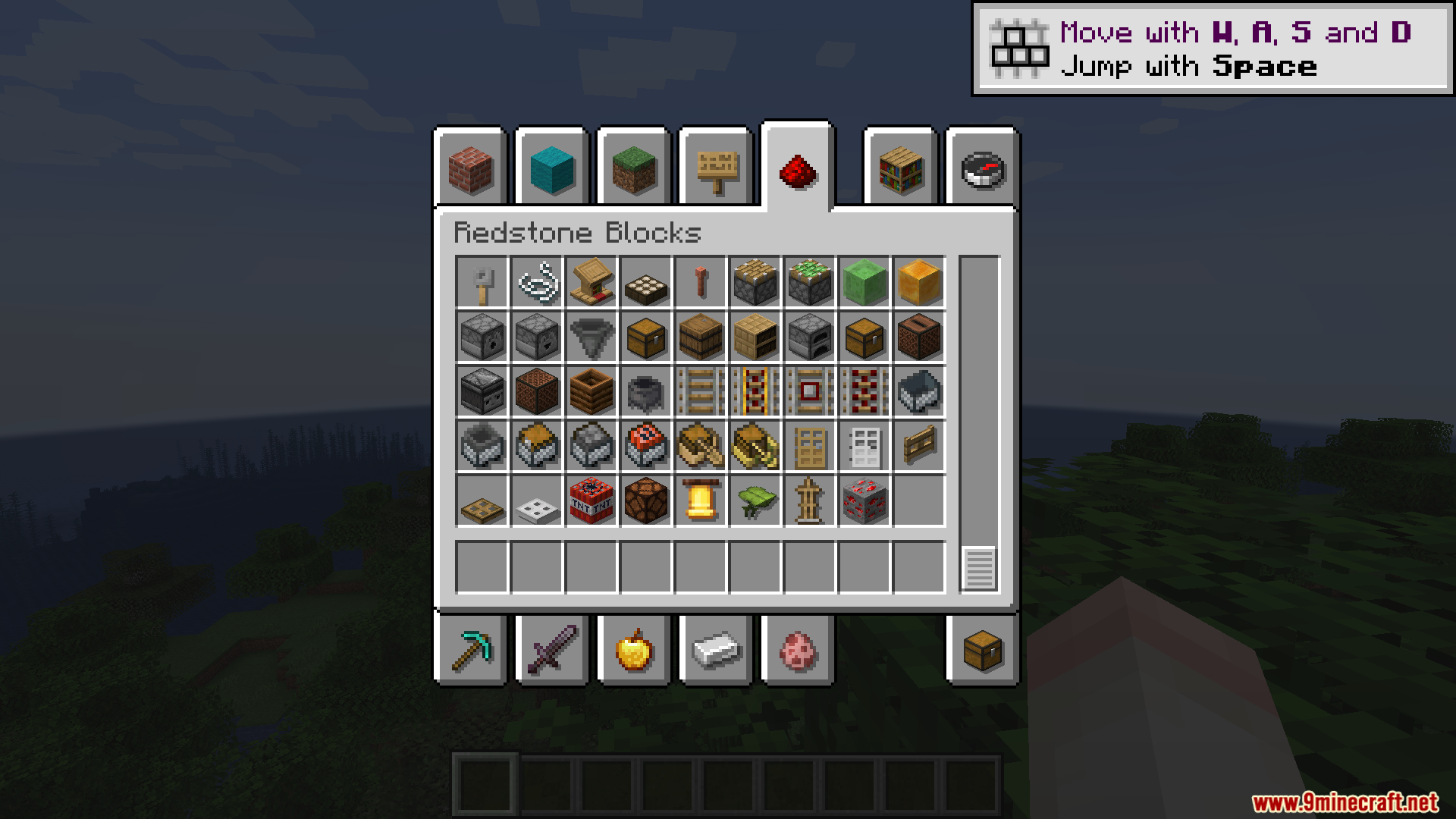
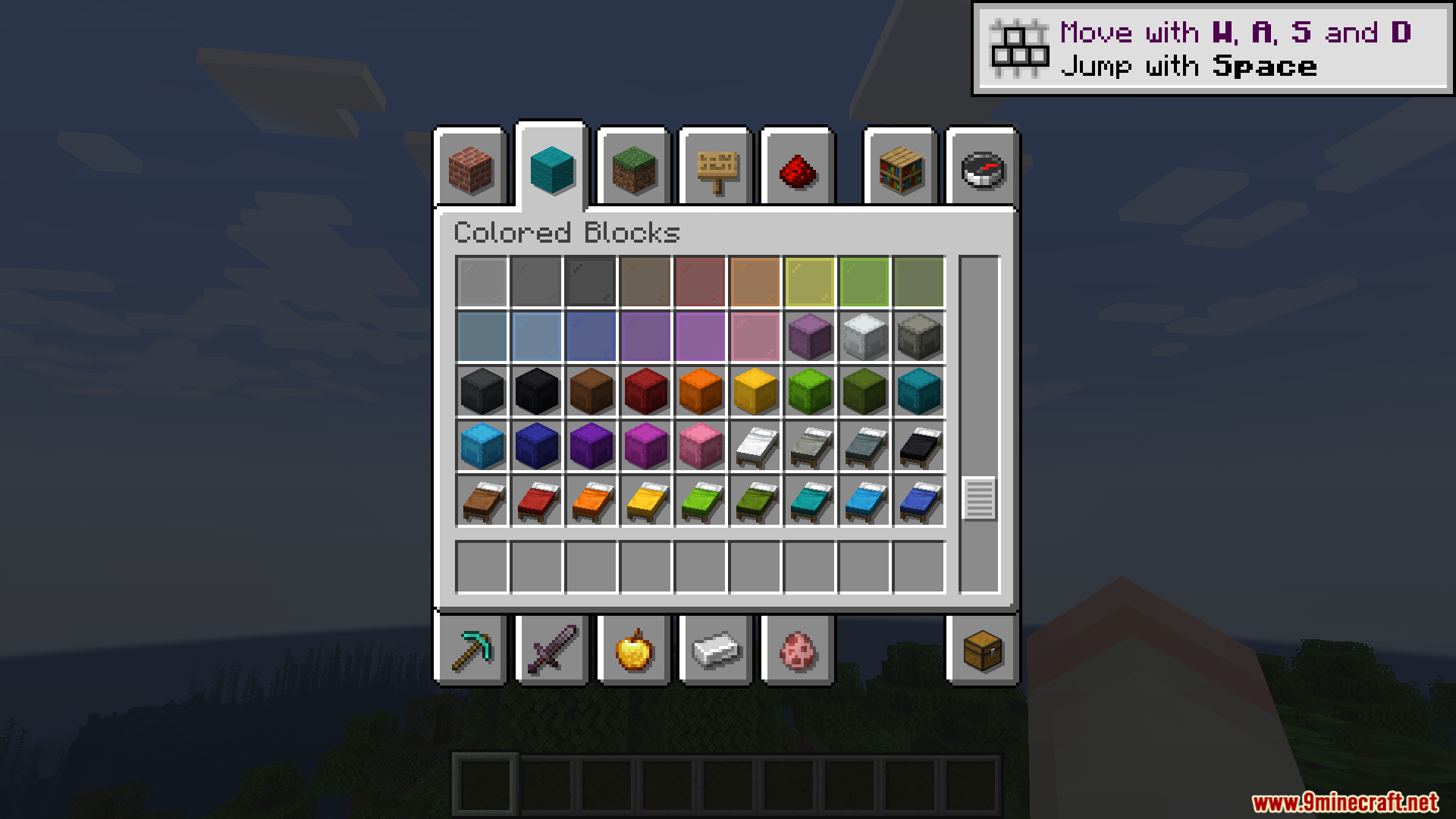
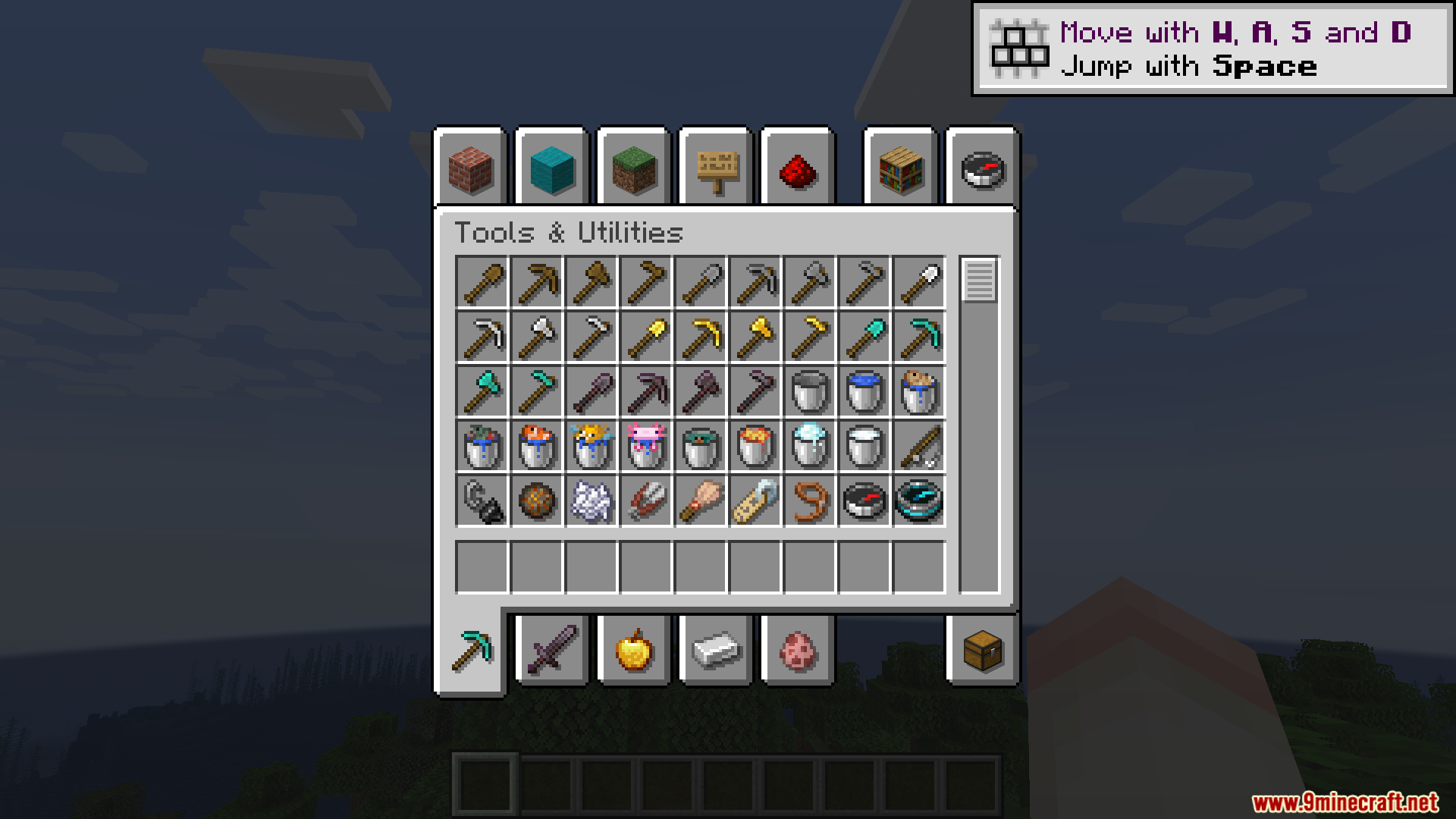
Shadow Drop Mod adds dark shadows behind the items in your menus. This mod gives a 3D pop to the things inside your hotbar, inventory, and advancement screens. It makes flat icons look like they sit slightly above the background.
Features:
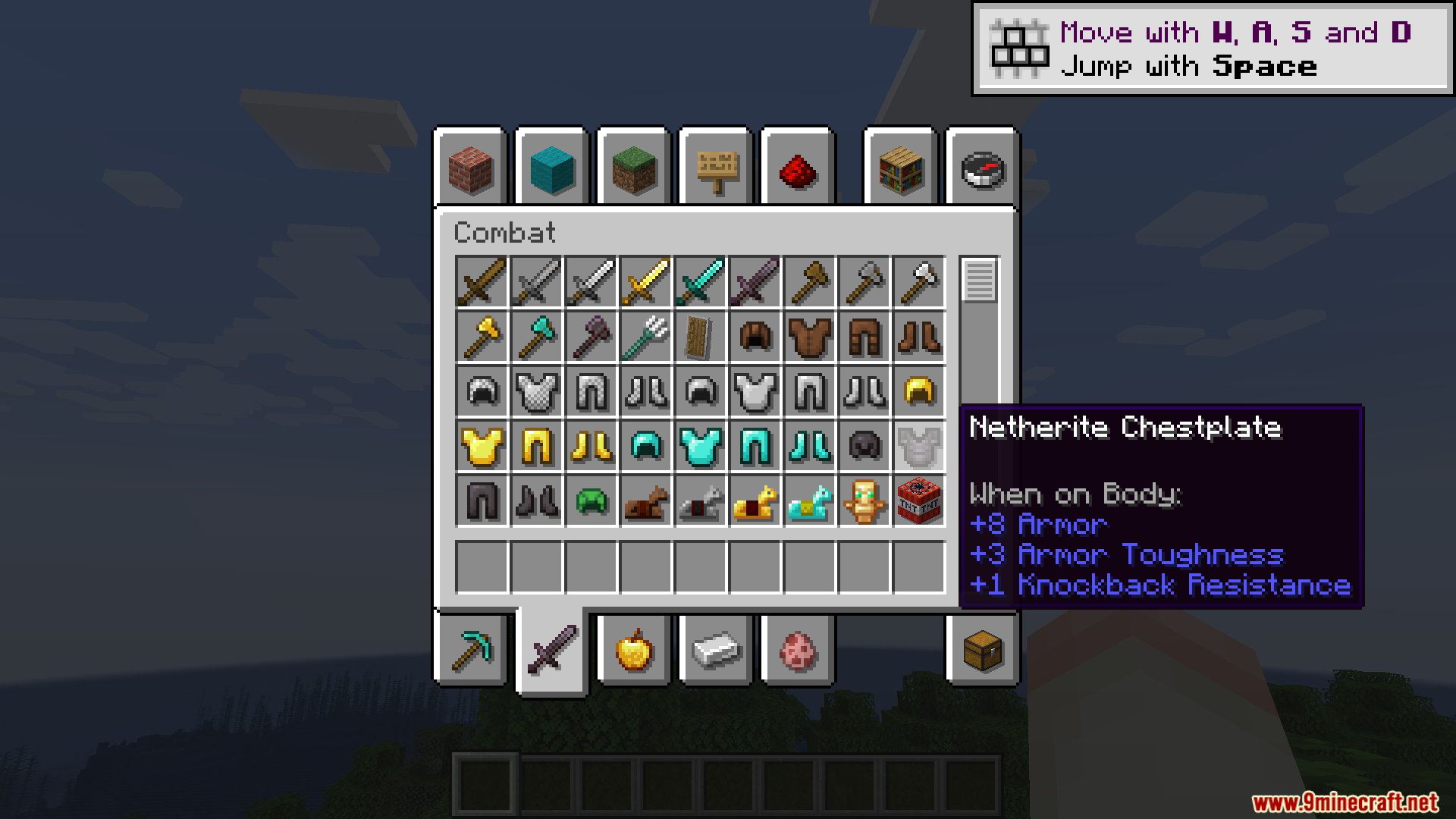
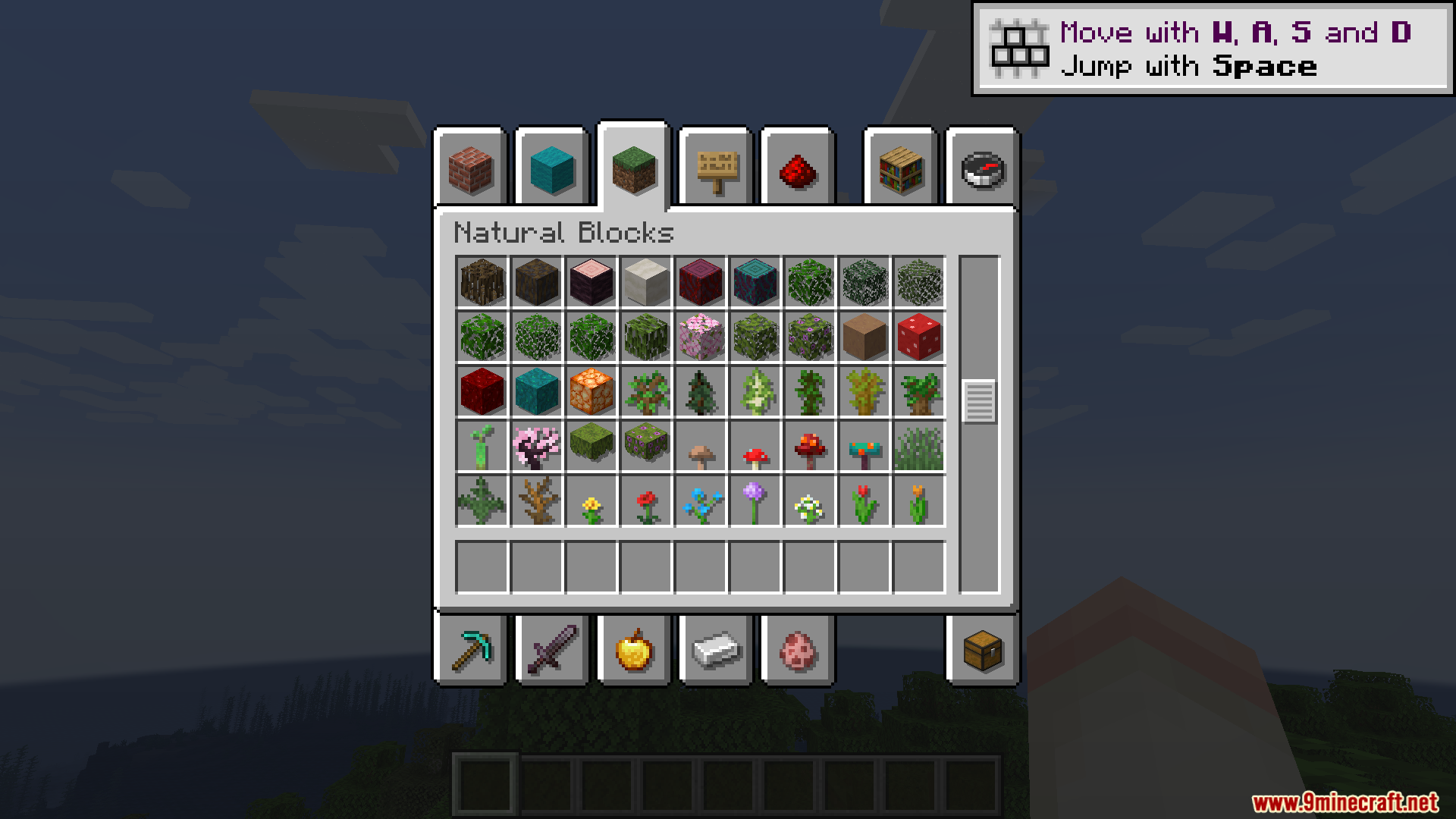
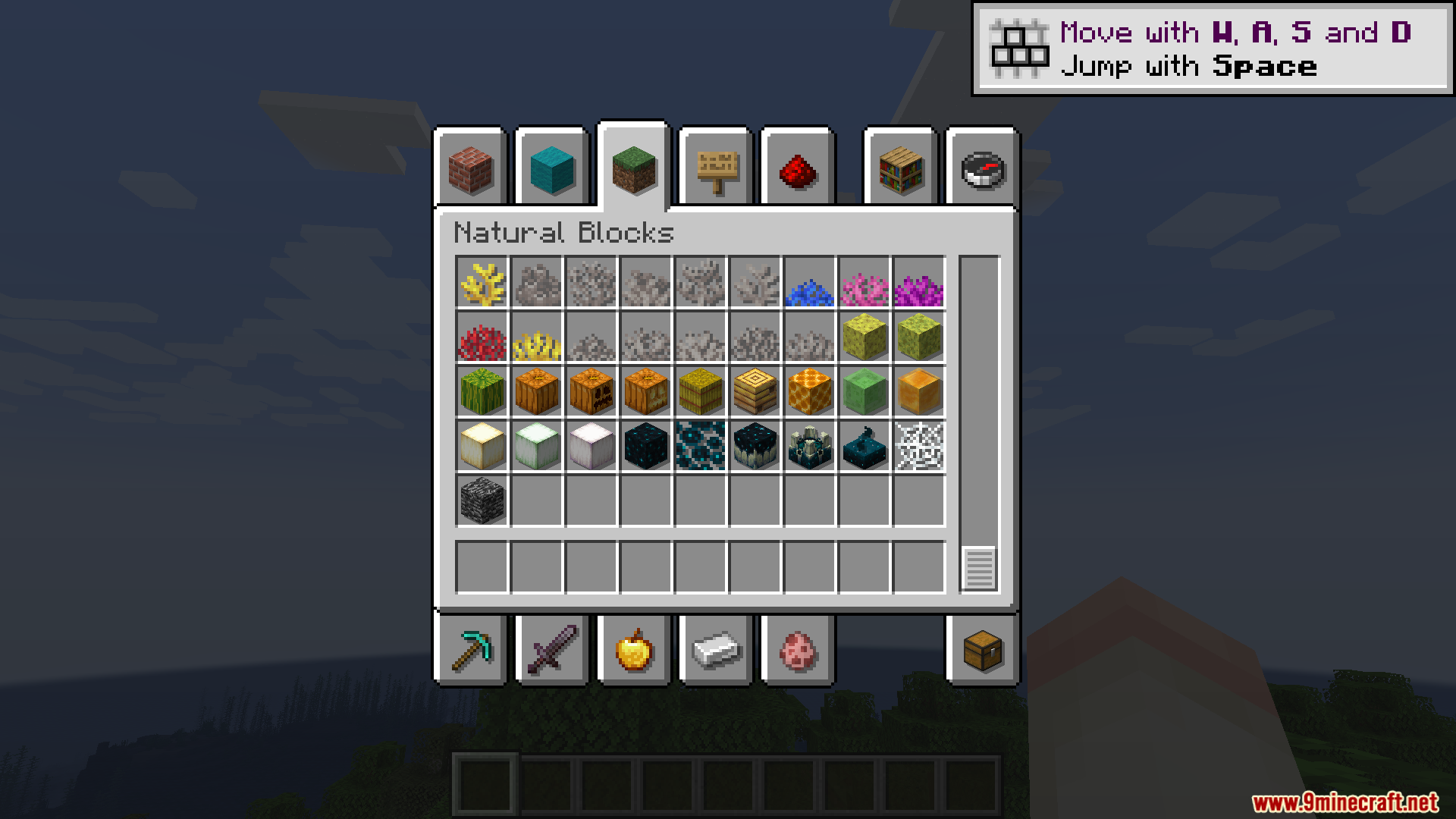
- Adds a small, see-through shadow behind every item in your inventory.
- Offsets the shadow by one pixel to the bottom and right for a clean look.
- Crops the shadows perfectly so they stay inside their specific item slots.
- Makes shadows lighter or darker depending on the item, giving blocks like glass a more transparent shadow.
- Doubles the number of items drawn on your screen, which might lower your frames per second if you open a massive chest.
Configuration:
- Change settings inside the
shadowdrop-client.tomlfile. - Adjust the
slotBrColorssetting if you use resource packs that change the color of inventory slots. - Turn off
use-batched-rendererif you play with the EMI mod. - Disable
hud_batchingwhen running the ImmediatelyFast mod. - Turn off
gui_accelerationif you have Accelerated Rendering installed.
Screenshots:
Shadow Drop Mod Download Links
Quick facts
- Edition: Minecraft Java
- File type: .jar
- Minecraft versions listed: 1.21.1, 1.20.1
- How to install: Install the matching mod loader (Forge, Fabric or NeoForge) for your Minecraft version. → Download the .jar. → Put it in the .minecraft/mods folder and launch that loader profile.
- Where to get it: In MC Java Mods, or directly above on this page.
Install steps are the general flow for this file type — How to install Minecraft Java mods & modpacks walks through it step by step.
Verified by MCModsHub
- Downloads as 2371.mcaddon
- Download size: 27 KB
- Download link checked 25 Sept 2026 — working
- Mirrored on our own servers — the download does not depend on the original host
These come from our own check of the pack file, not from the source page.