NEW: Support for Paintings++ mod!
More Info Below!
Also: Resource pack for the Extra Alchemy mod released, find it HERE
. .
.
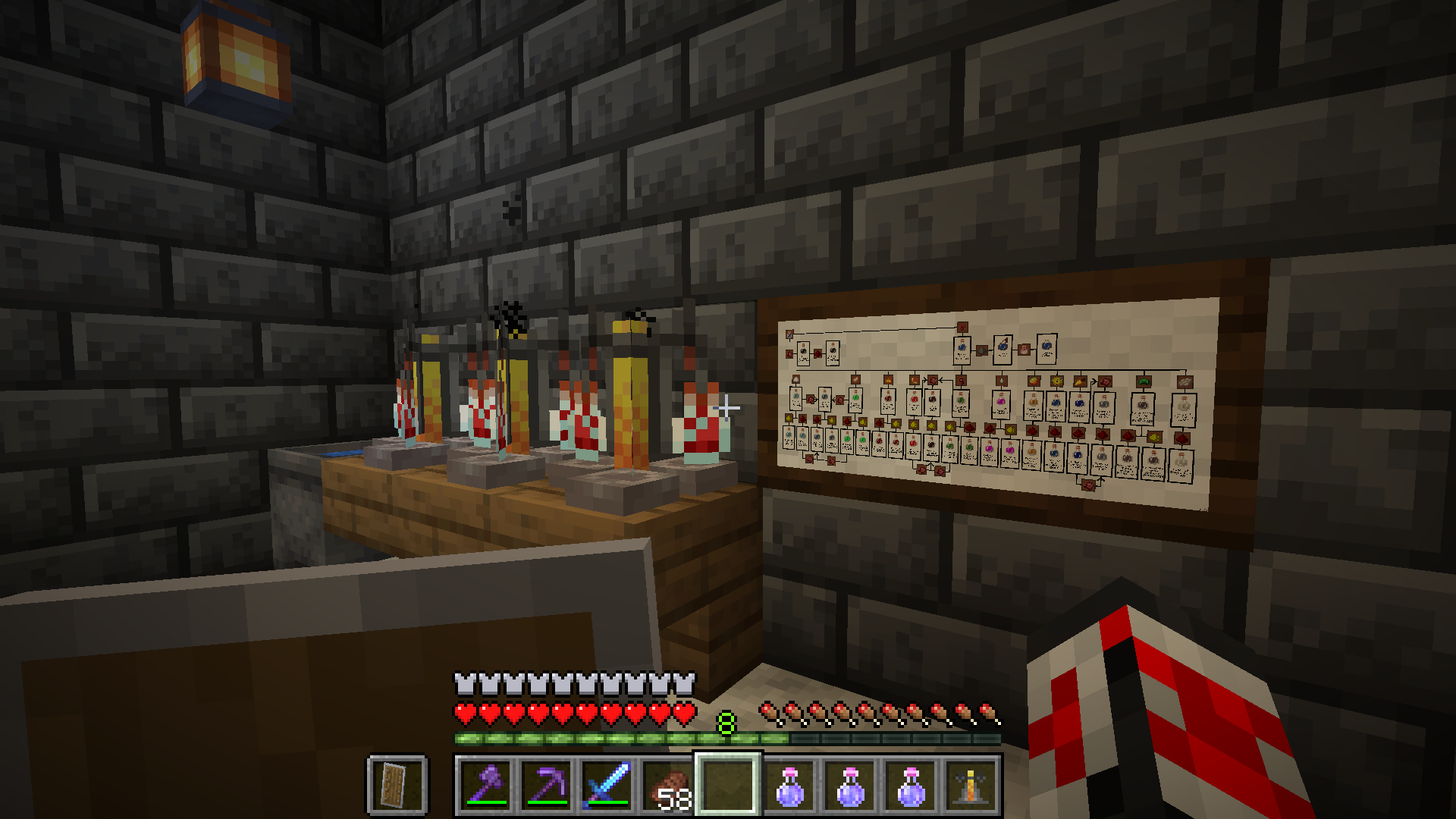
Small 2x1 painting viewed in-game
. .
.
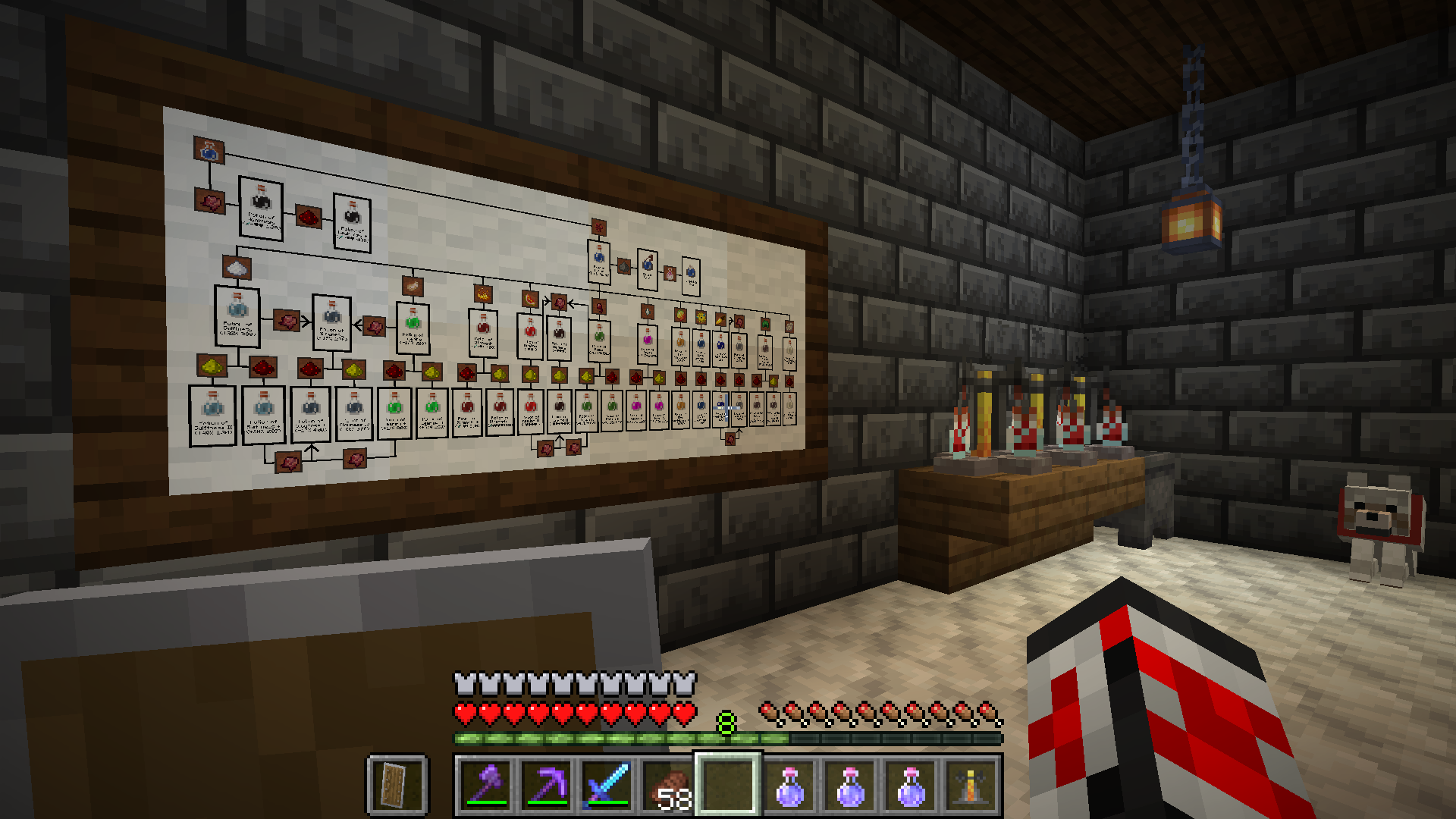
Large 4x2 painting viewed in-game
. .
.
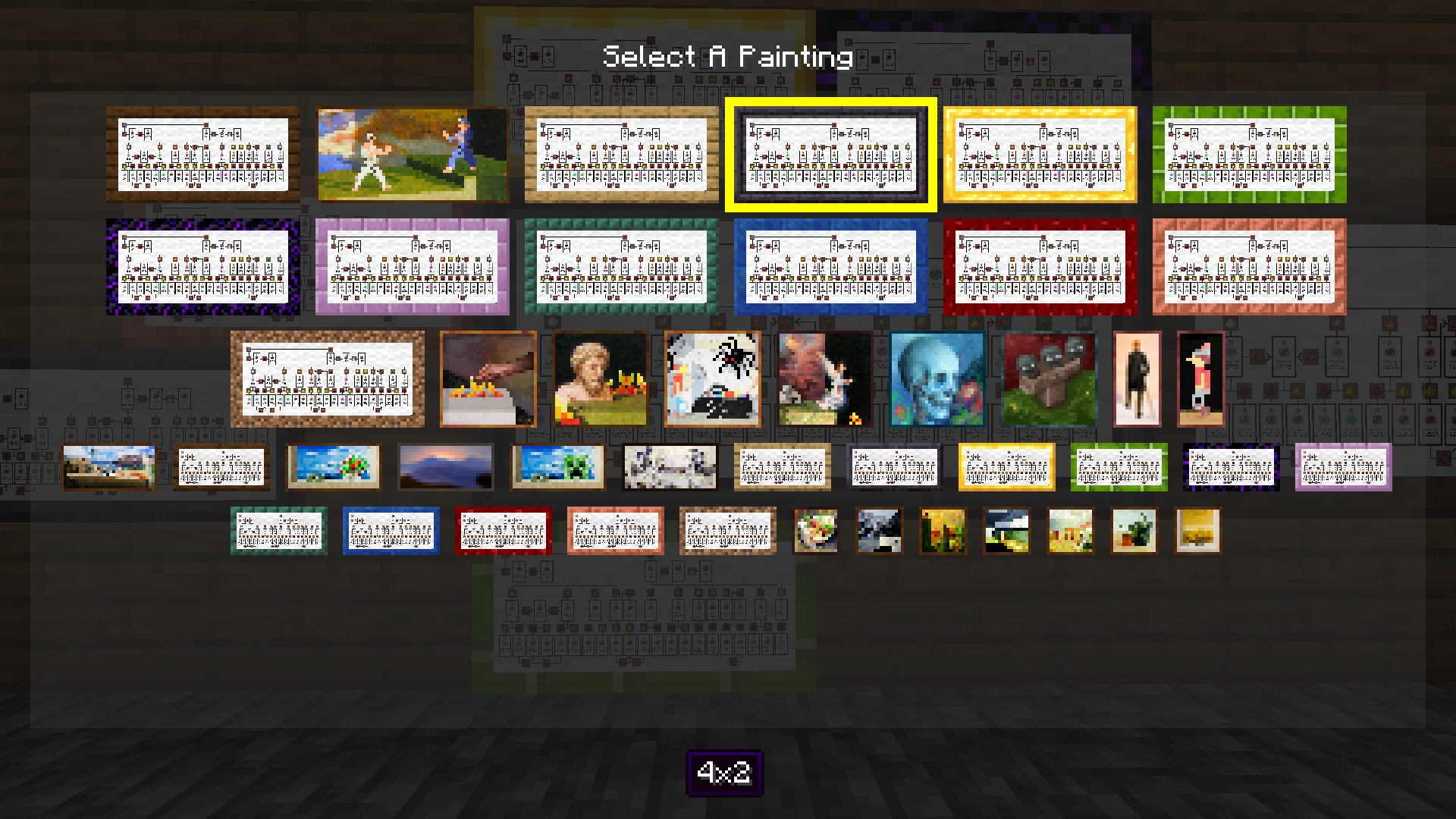
Paintings++ Mod GUI viewed in-game
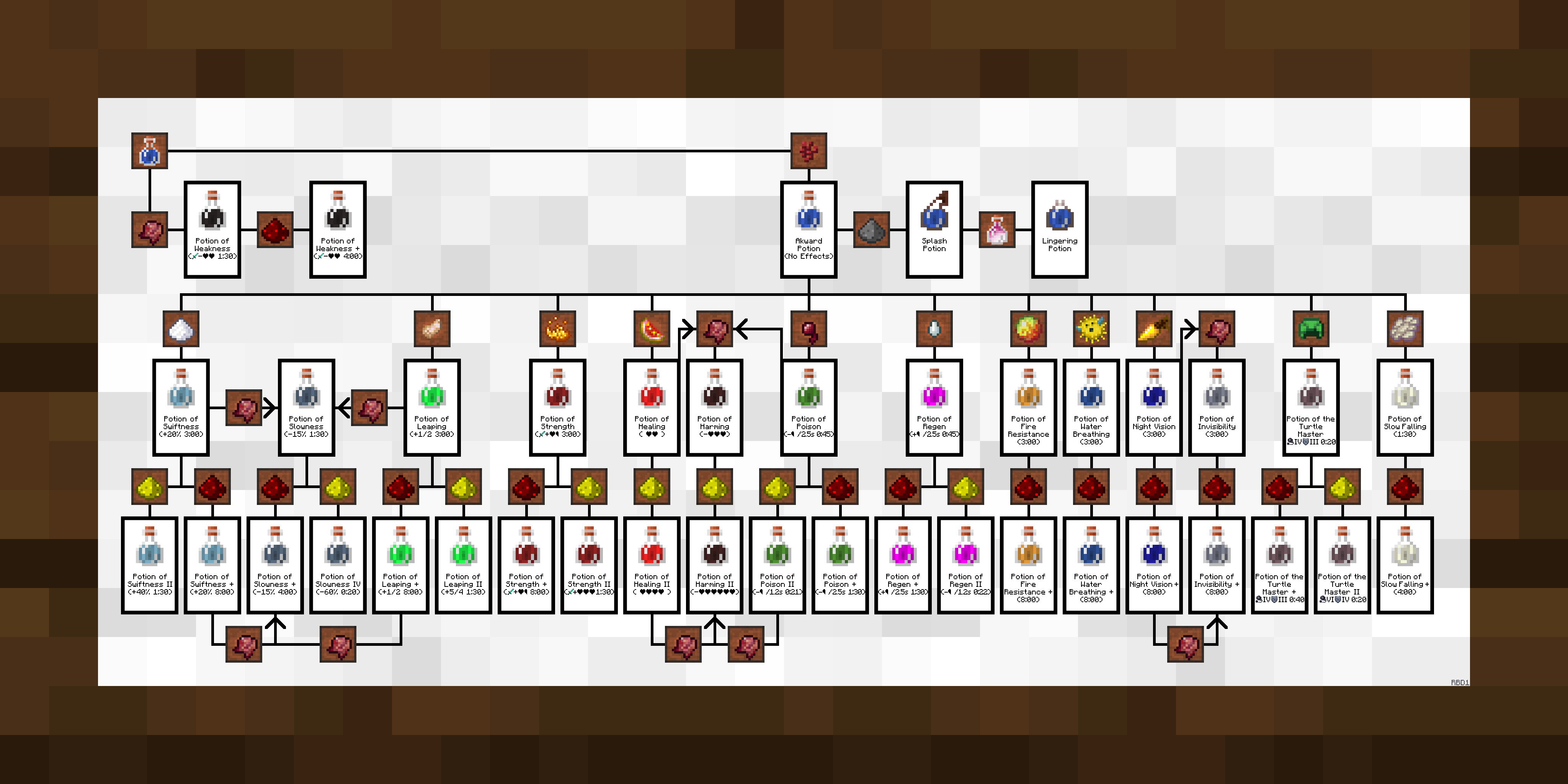 .
.
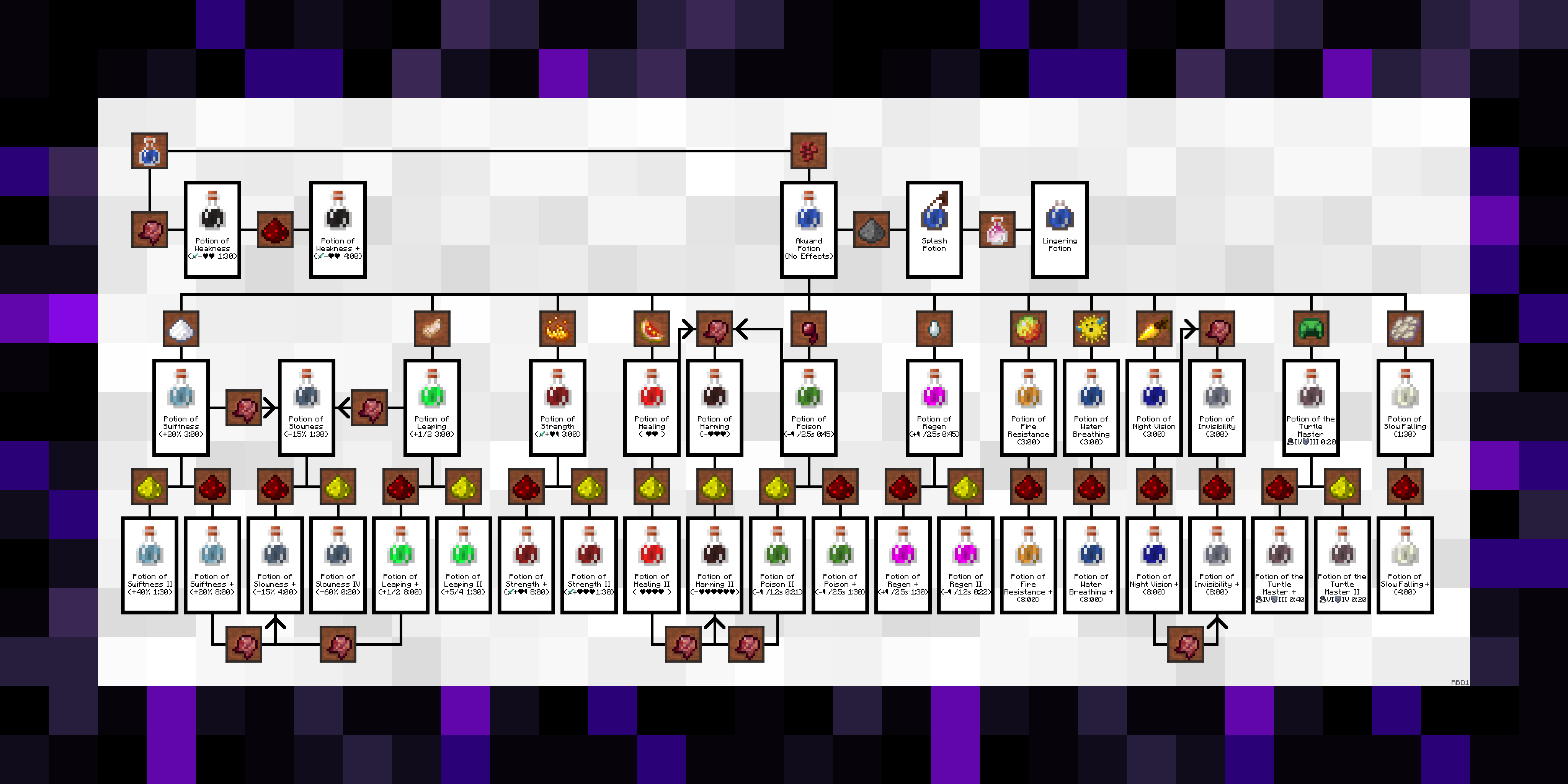
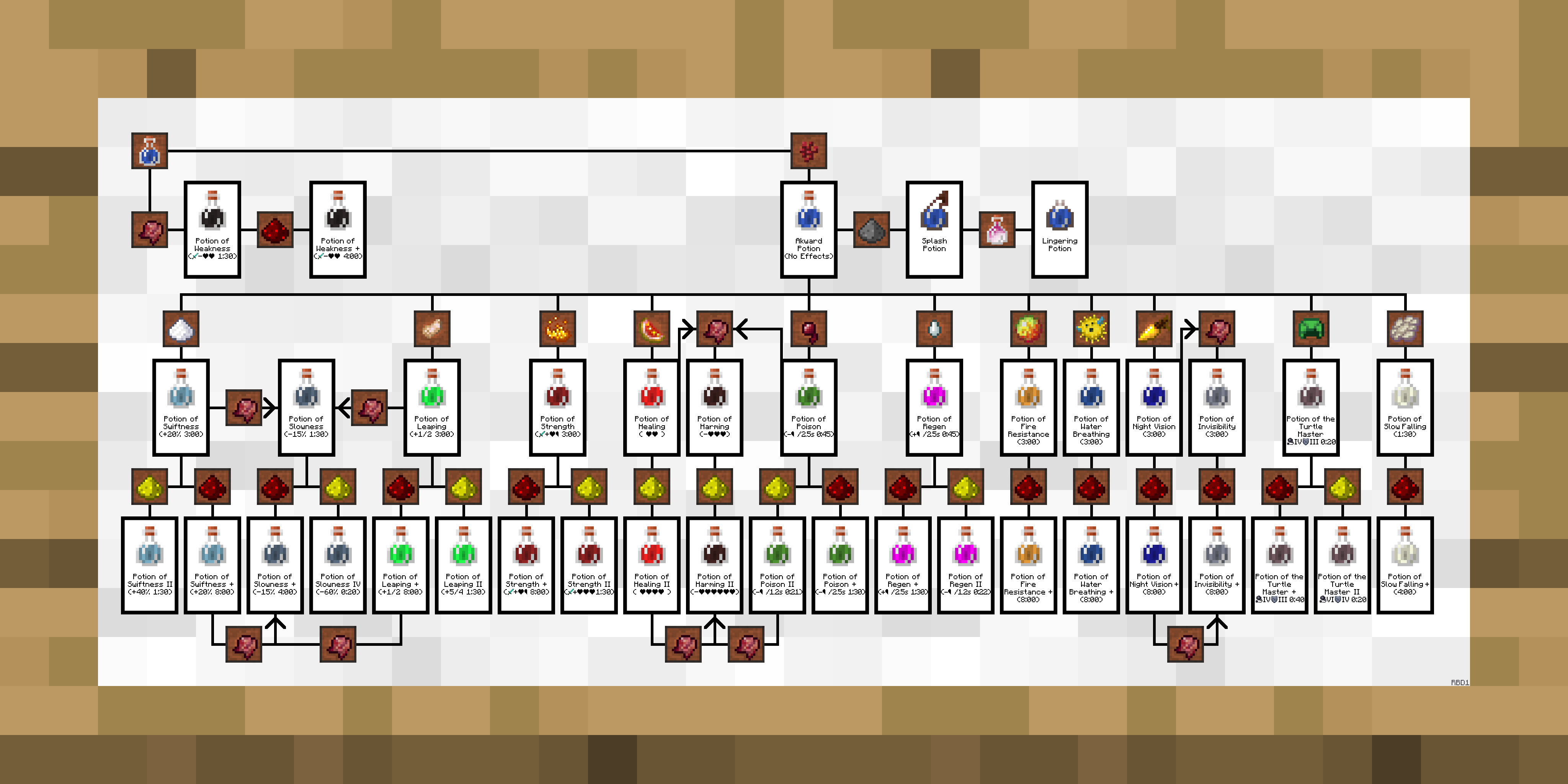
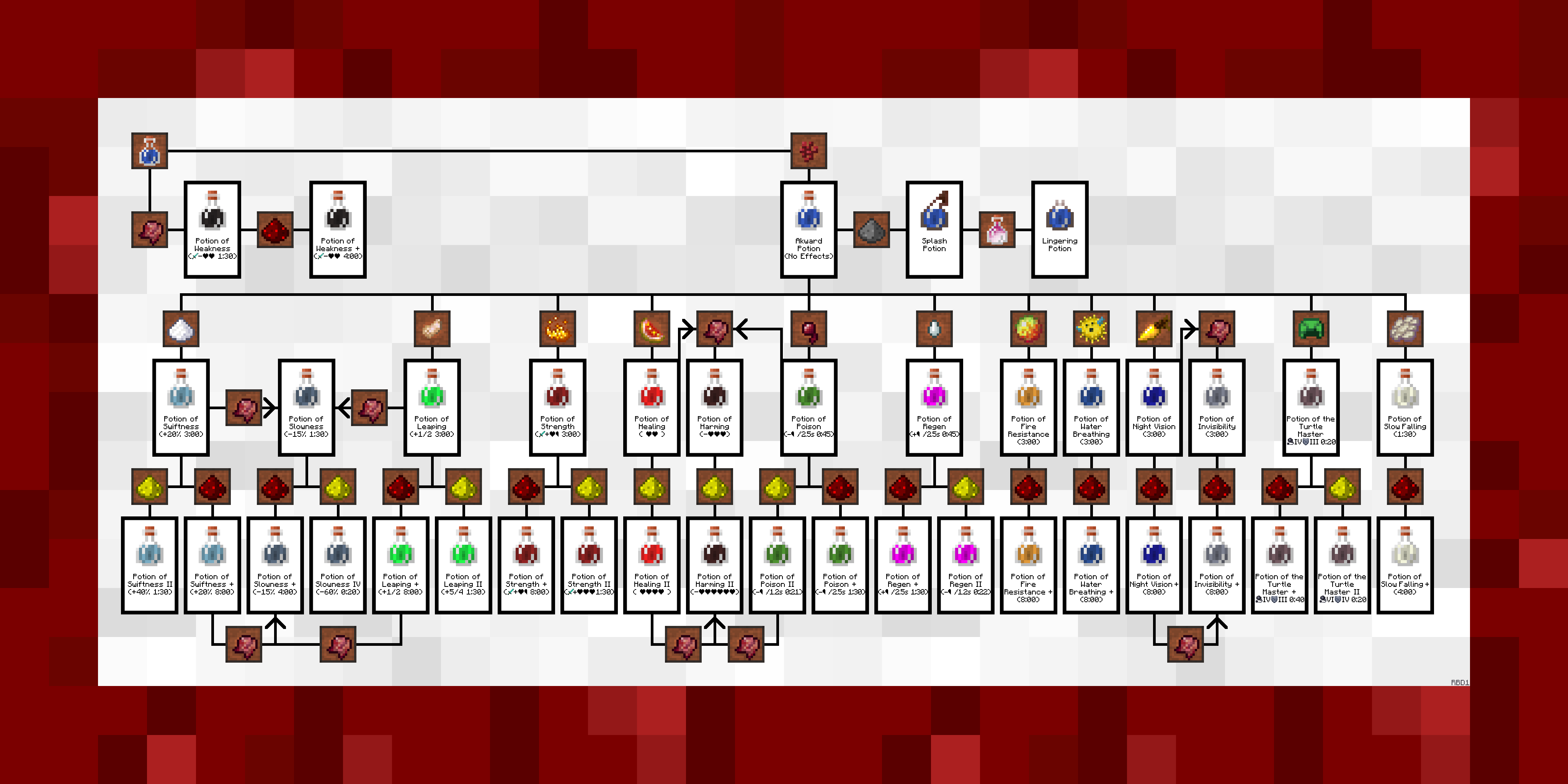
Default Texture
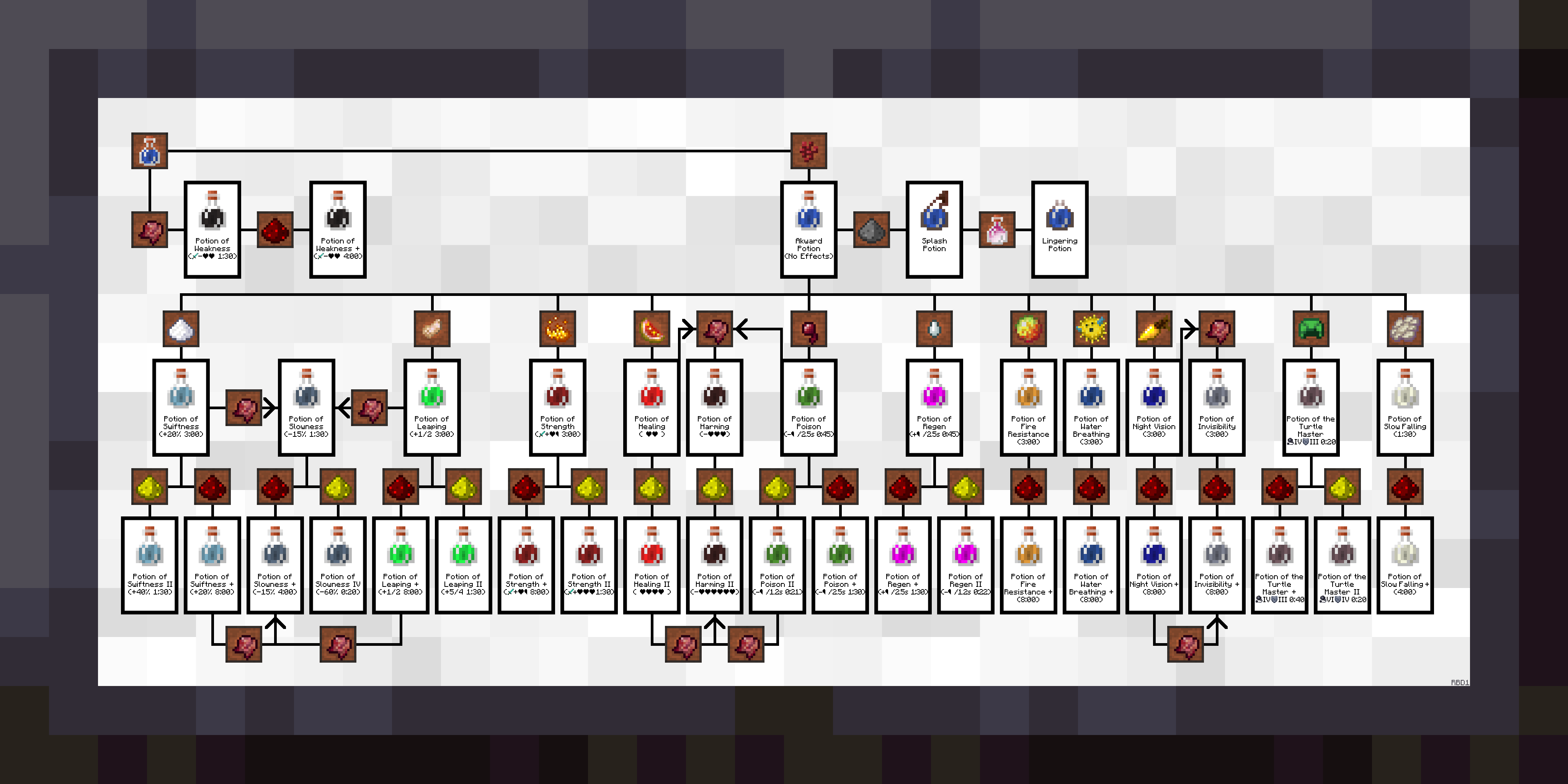
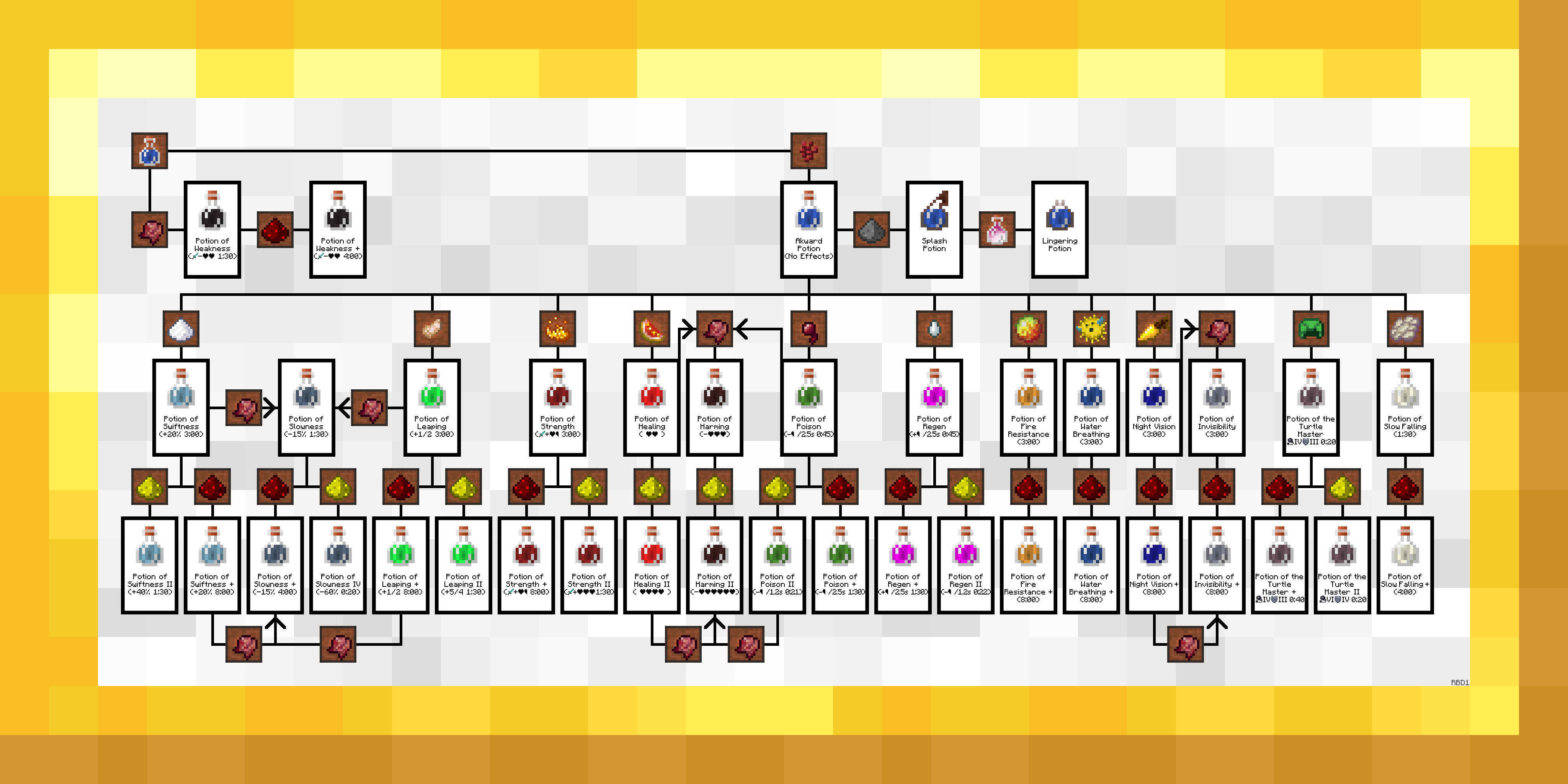
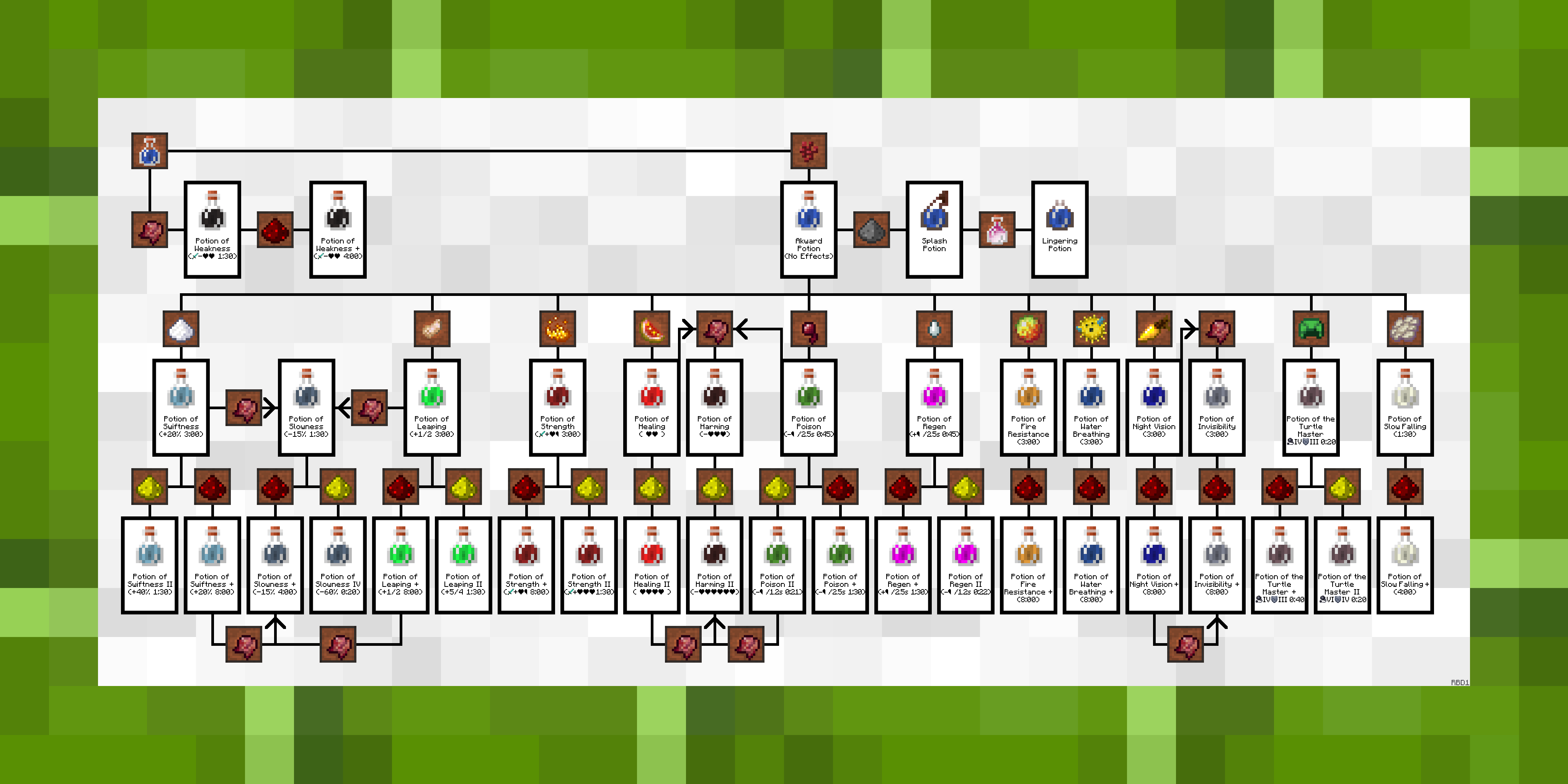
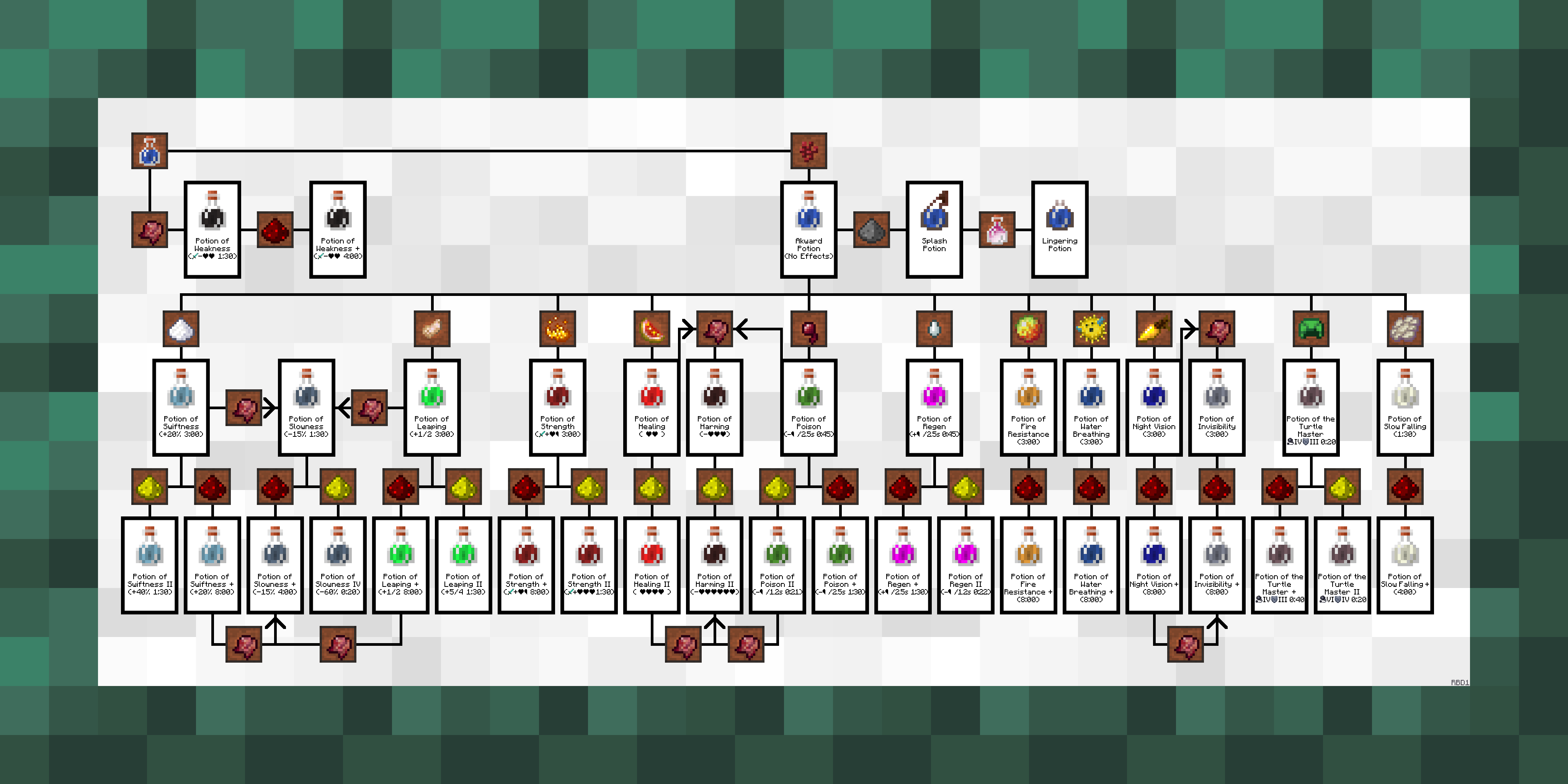
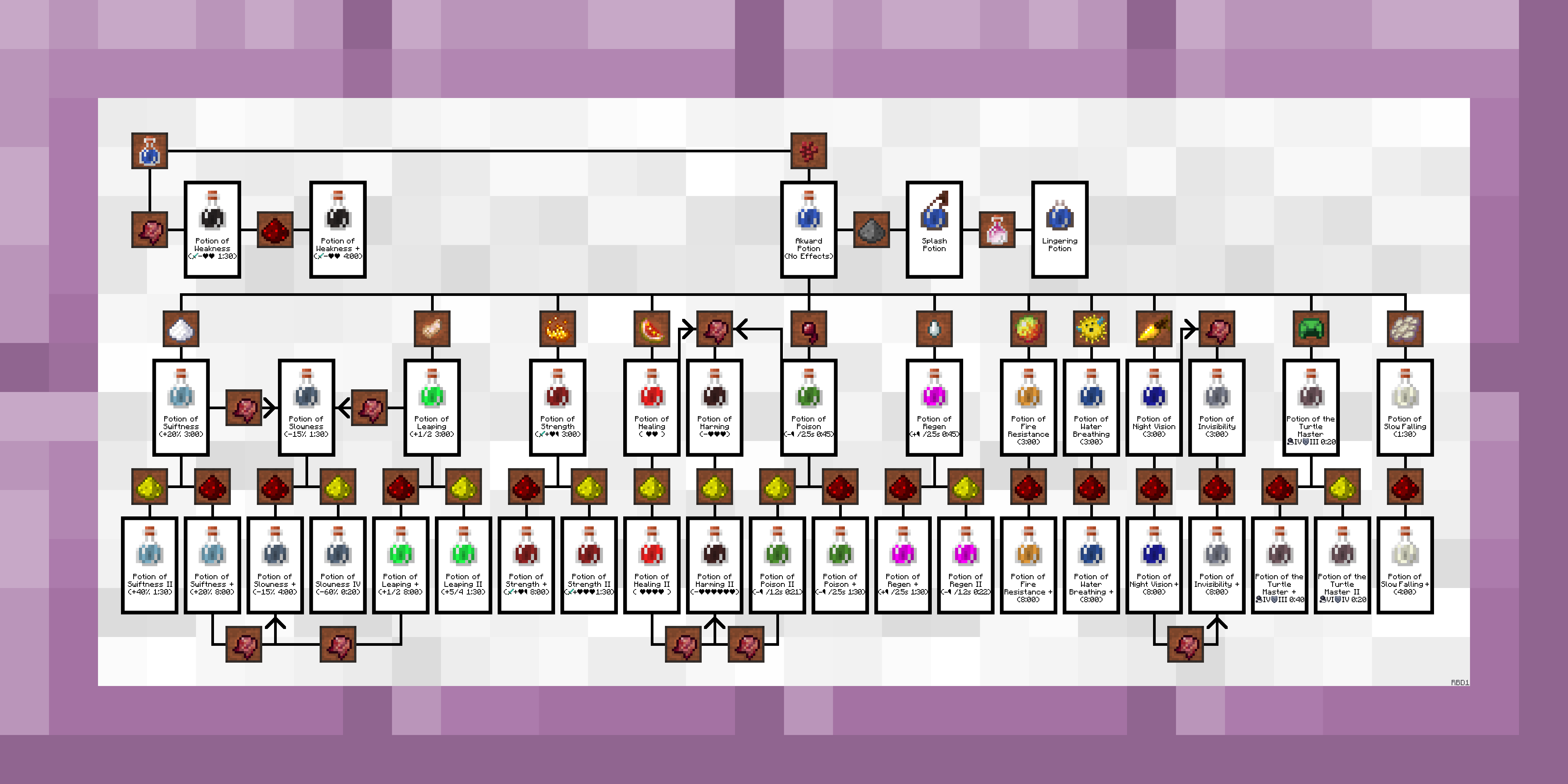
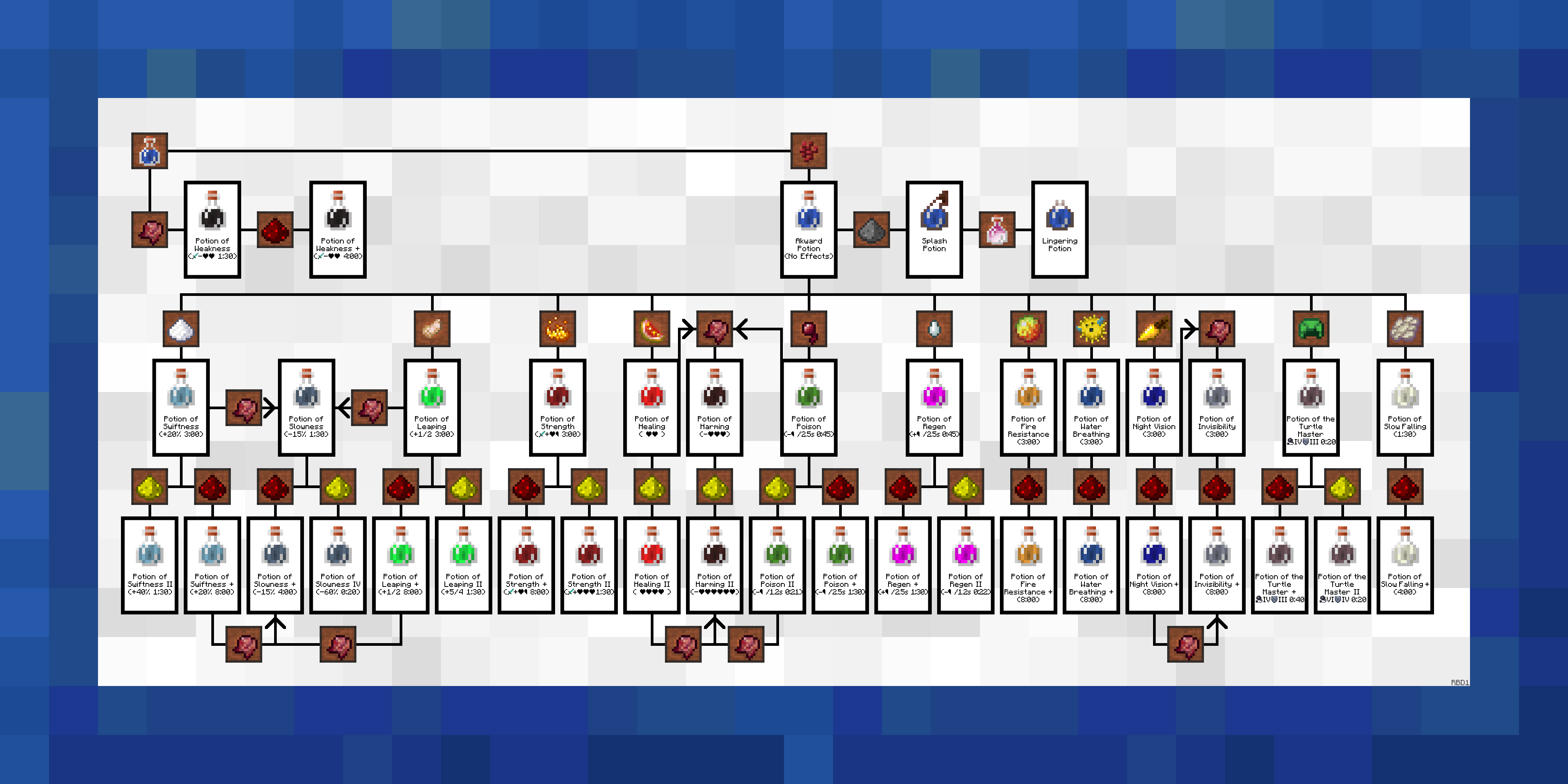
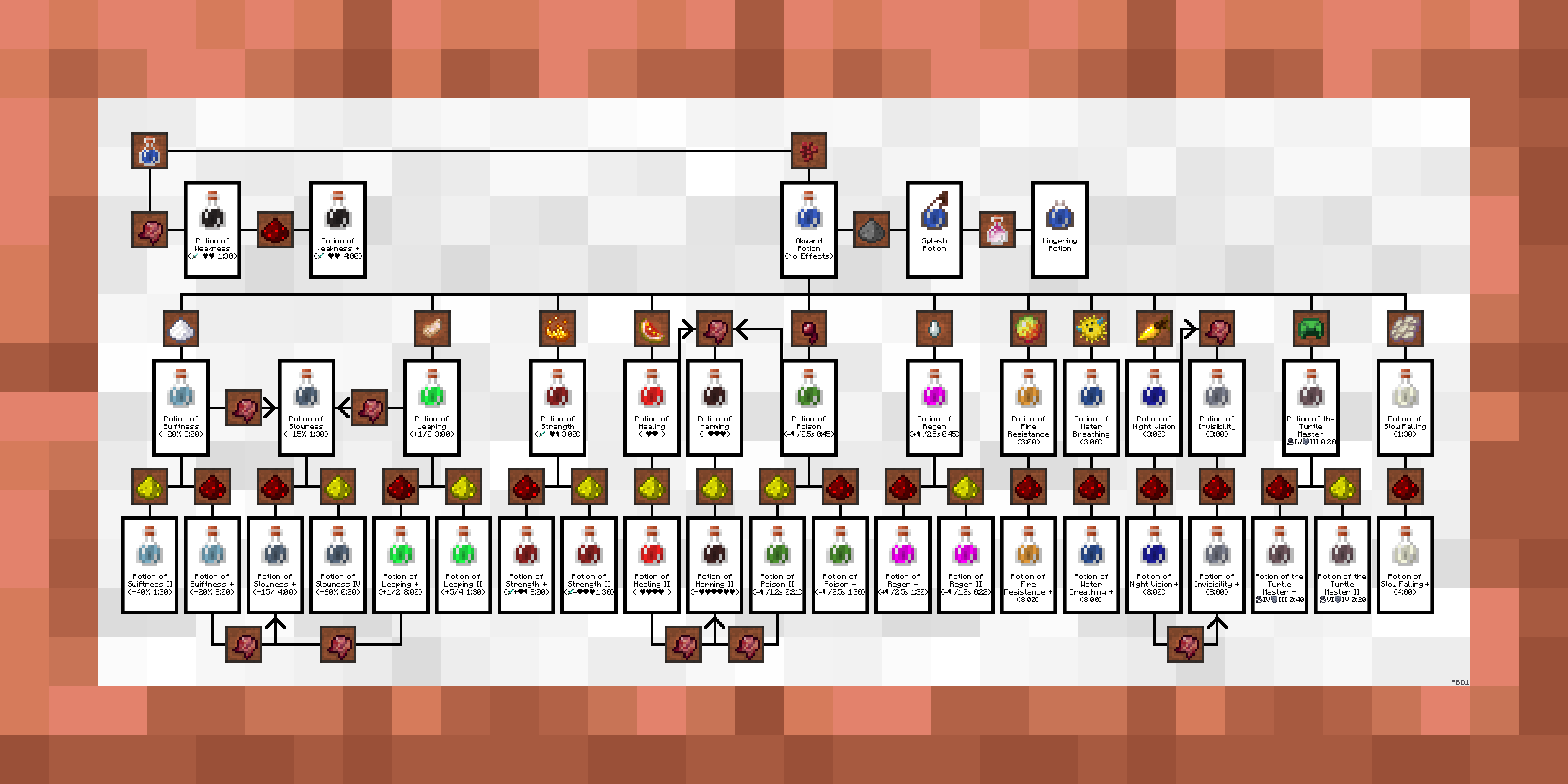
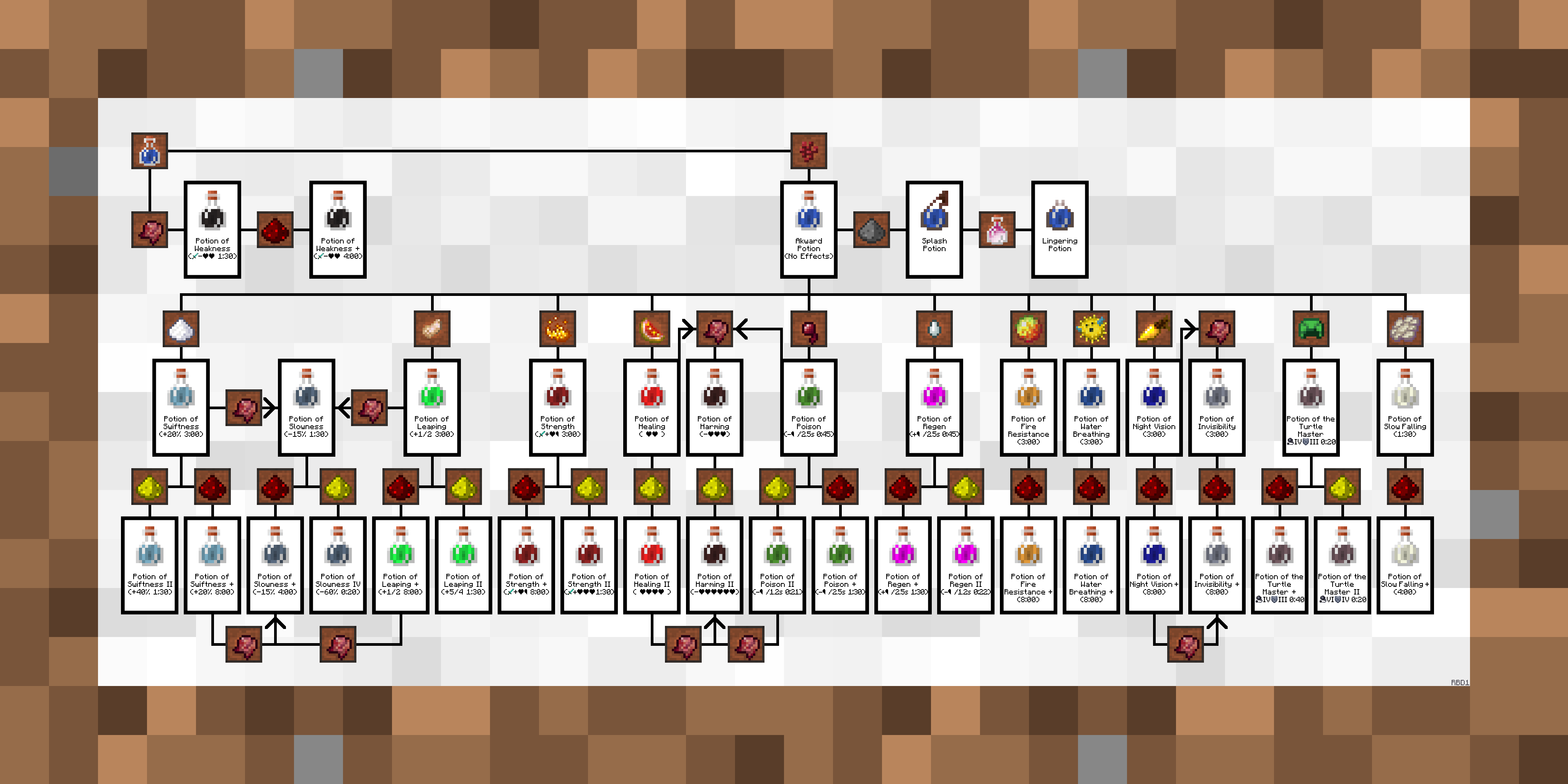
Alternative Frames
. 
 .
.
. 
 .
.
. 
 .
.
.
 .
.
Description / Instructions
Just add to your game like any other texture pack and it will replace the "Courbet" and "Fighters" paintings. You can use the alternative frames by replacing the default one in the folder and naming them "courbet" or "fighters". You can also replace the other 4 vanilla landscape paintings, more information is in the included .txt file.
- Paintings++ mod support is built into V6 and later. Follow the instructions to install the mod, otherwise, this pack is drag and drop.
A Lil' Backstory
I had gotten sick of pulling up the Minecraft wiki to check how to brew a potion every time. So I went looking for in-game alternatives, there was a really simple one for Bedrock Edition but I was on Java. There was also the VanillaTweaks potion guide but I wanted an easier to understand, step-by-step instruction guide for making potions. I ended up making this a month-long side project and published it here. I update this fairly often.
Mod Support
- [NEW] Paintings++ :https://www.curseforge.com/minecraft/mc-mods/paintings
- [WIP] Extra Alchemy : https://www.curseforge.com/minecraft/texture-packs/extraalchemycanvas-extra-alchemy-guide
Extra Notes
> You may use this pack in custom maps. I think there's a way to have the resource pack embedded in a map file, not completely sure.
> Clearly don't re-upload this pack as your own, edited or not (within custom maps are fine).
> If you use the alternative frames the sides of the paintings will still be wood, this is a limitation in Minecraft's engine and cannot be changed without changing ALL of the sides of Minecraft's paintings.
> Thanks to AbsolemJackdaw for making the Paintings++ mod
> TO OPTIFINE DEVELOPERS, I would love to be able to expand on this pack with randomized textures and maybe even texture overlays, but Optifine doesn't support what I think was described as "atlas textures for entities" or something like that.
- Edition: Minecraft Java
- File type: .zip (resource pack)
- Minecraft versions listed: 1.19.3, 1.19.4, 1.19.2
- How to install: Download the .zip resource pack — do not unzip it. → Put it in .minecraft/resourcepacks. → Enable it in Options → Resource Packs.
- Where to get it: Opens on CurseForge — not every file is mirrored on our own servers.
Install steps are the general flow for this file type — see the MC Java Mods guides for the full walkthrough.
BrewingCanvas - Potion Guide is a free Minecraft Java resourcepack. Compatible with Minecraft 1.19.3, 1.19.4, 1.19.2, 1.20.1 and newer. Downloaded 140,803 times (via CurseForge). Download it and open it directly in the game.