
Now you can customise your totem's texture with an image you want!
Simply change the totem_of_undying.png file with an image that you like (merge your image name with the totem's file name).
The image should be a square.
If you want a clear image without white spaces or background consider using a .png to trasparent .png converter
This is what it looks like if you don't change the image
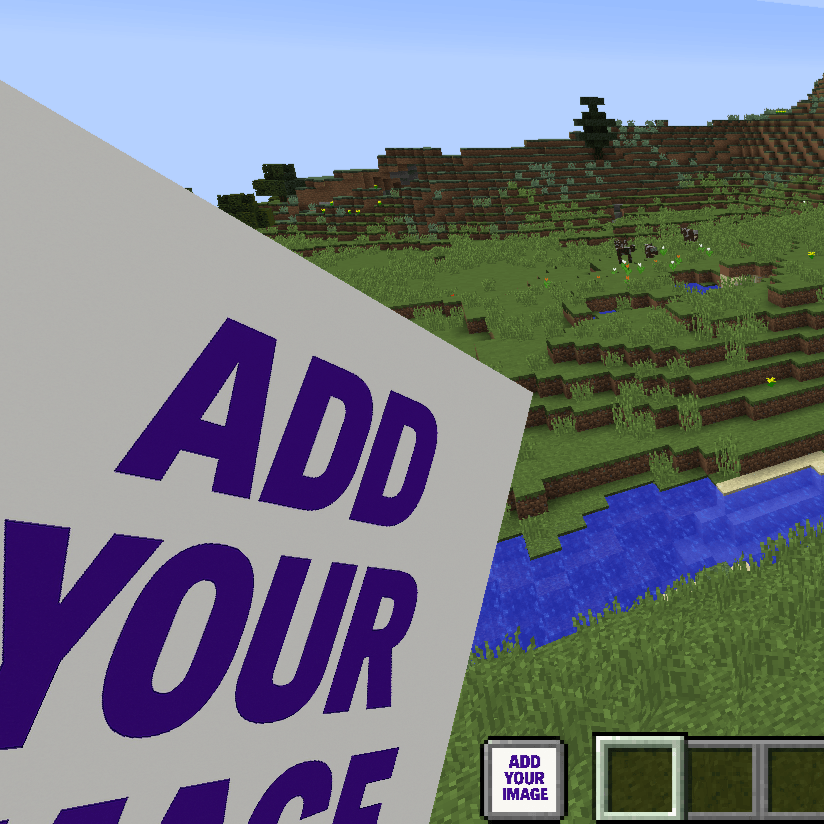
This is an example of a custom totem:
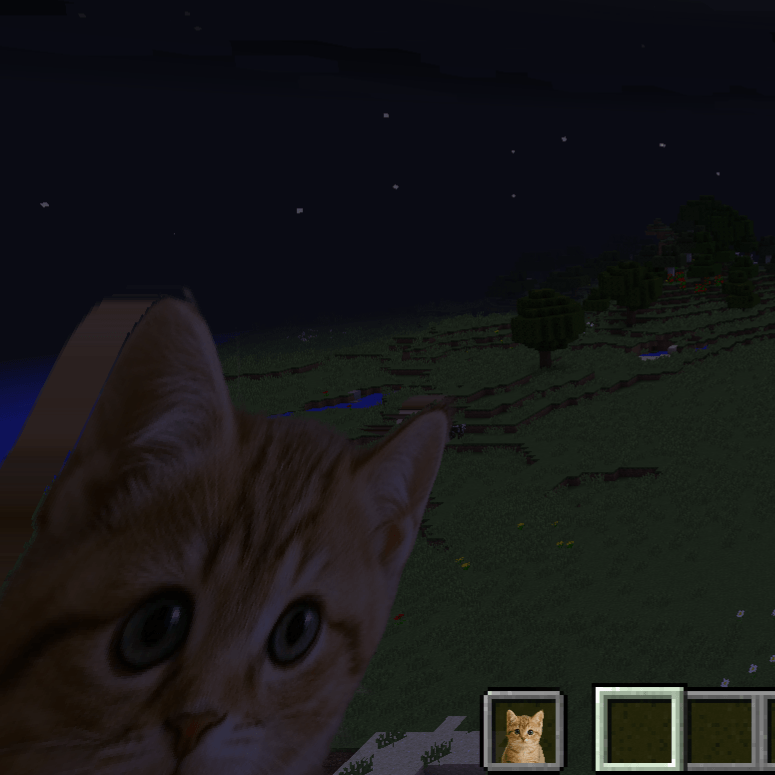
(You can find this totem here: Cute Cat Totem)
COMMON ISSUES
- If you can't change the image close the game and every app that opens it (WinRAR, 7-zip and sometimes also windows explorer). Then you should be able to choose the image you want.
- If you see the texture purple and black check if the image is perfectly a square like 100x100, 200x200, 201x201...
- I don't know if I can use this in my modpack... Yes you can!!!
- Edition: Minecraft Java
- File type: .zip (resource pack)
- Minecraft versions listed: 1.17.1, 1.16.3, 1.19.3
- How to install: Download the .zip resource pack — do not unzip it. → Put it in .minecraft/resourcepacks. → Enable it in Options → Resource Packs.
- Where to get it: Opens on CurseForge — not every file is mirrored on our own servers.
Install steps are the general flow for this file type — How to install Minecraft Java resource packs walks through it step by step.
Custom Totem Texture is a free Minecraft Java resourcepack. Compatible with Minecraft 1.17.1, 1.16.3, 1.19.3, 1.20.2 and newer. Downloaded 6,855 times (via CurseForge). Download it and open it directly in the game.