ModsJava
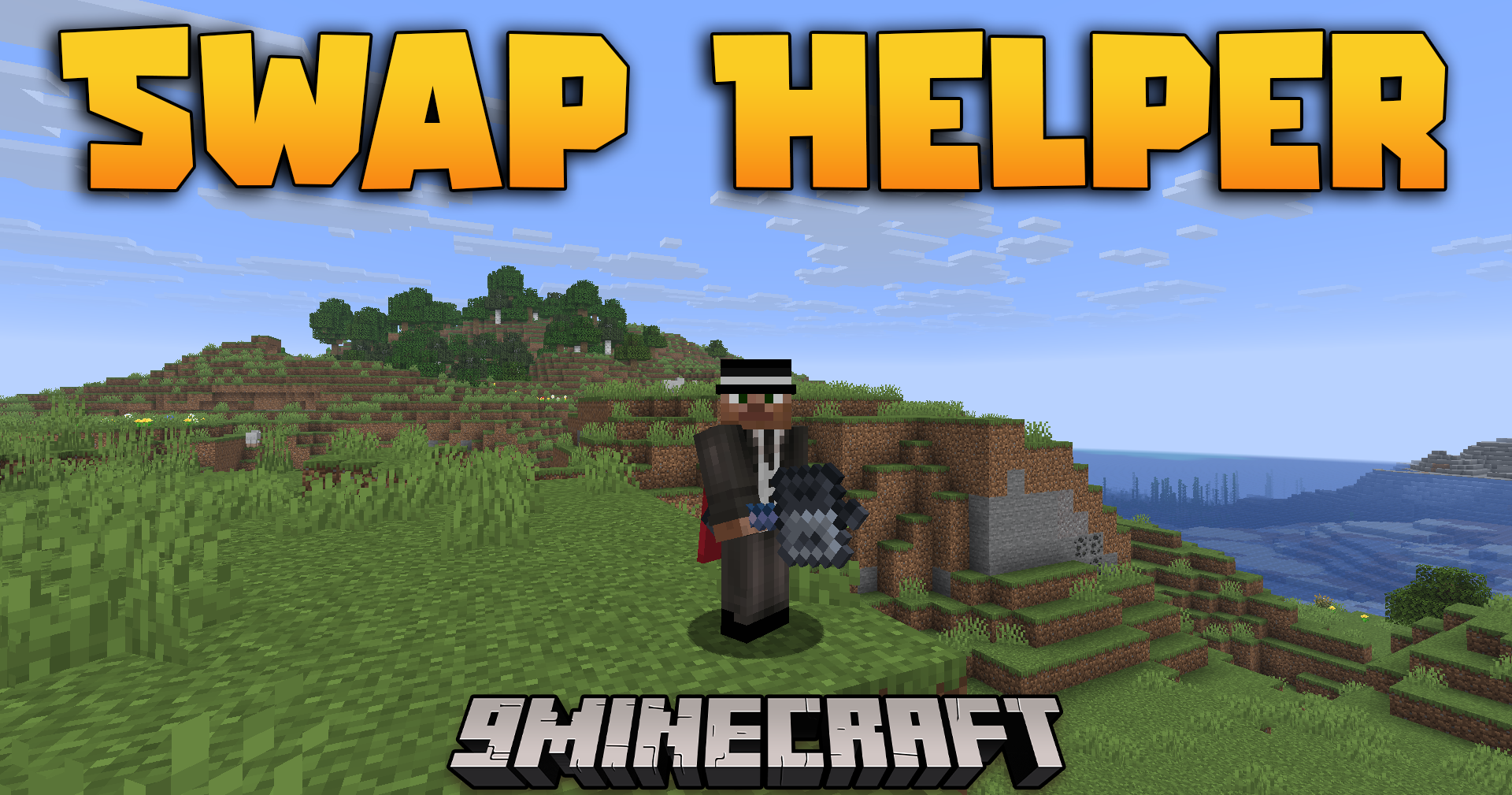
Swap Helper Mod (1.21.11) – Execute Perfect Mace Attacks Without Fumbling
Java mod listed for Minecraft 1.21. Downloads from the MC Java Mods app on Android.
⬇ Download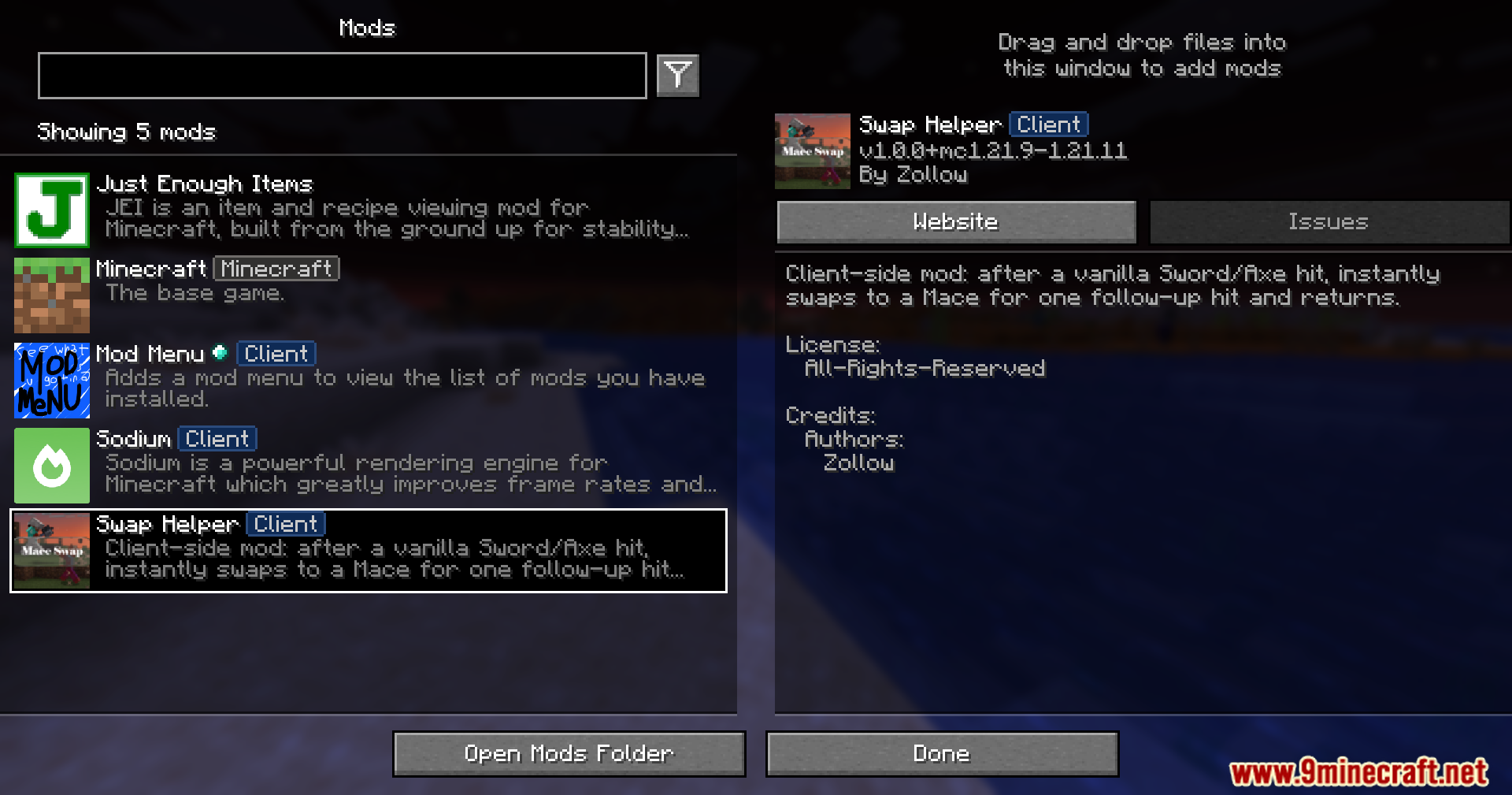
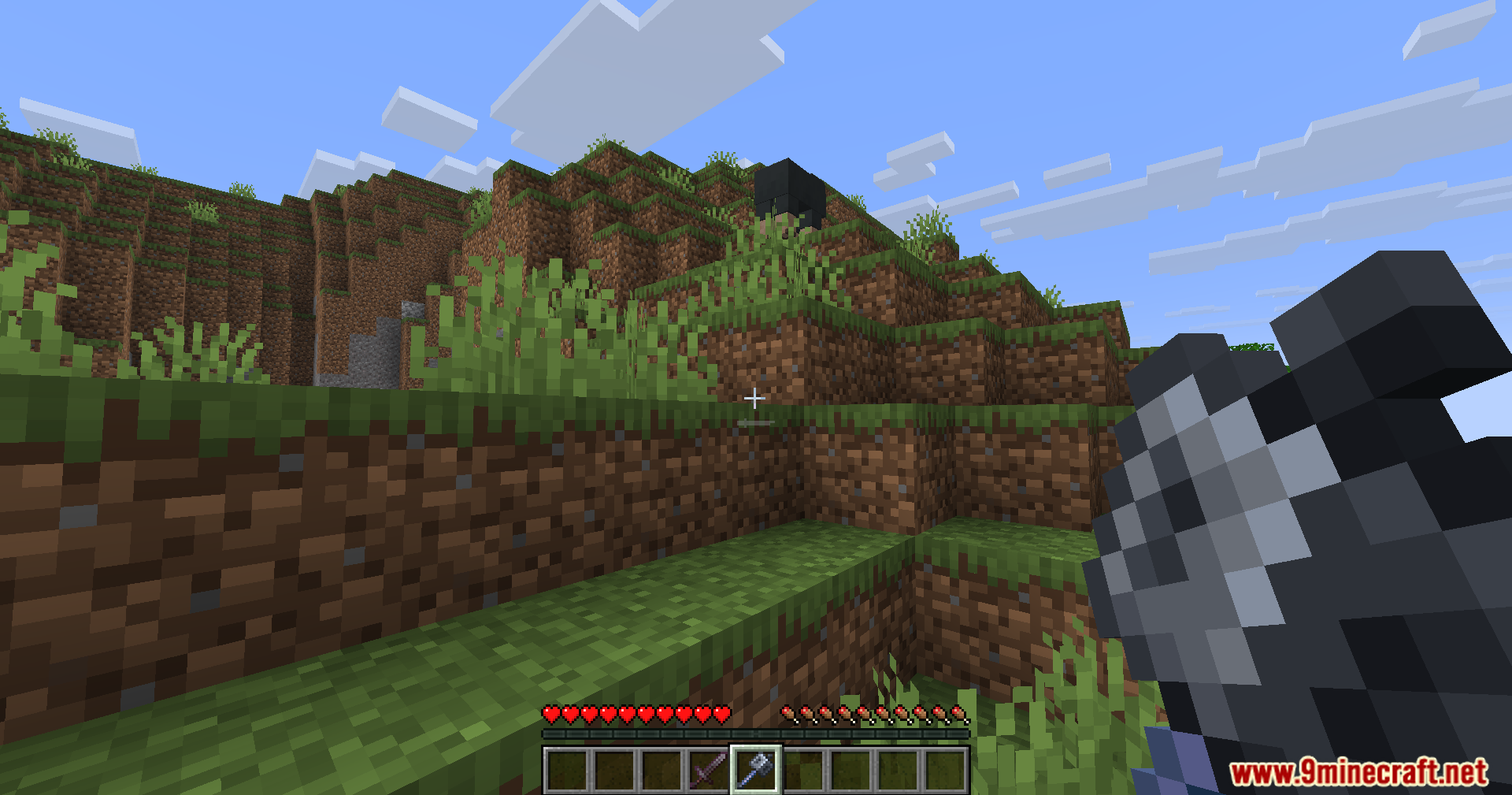
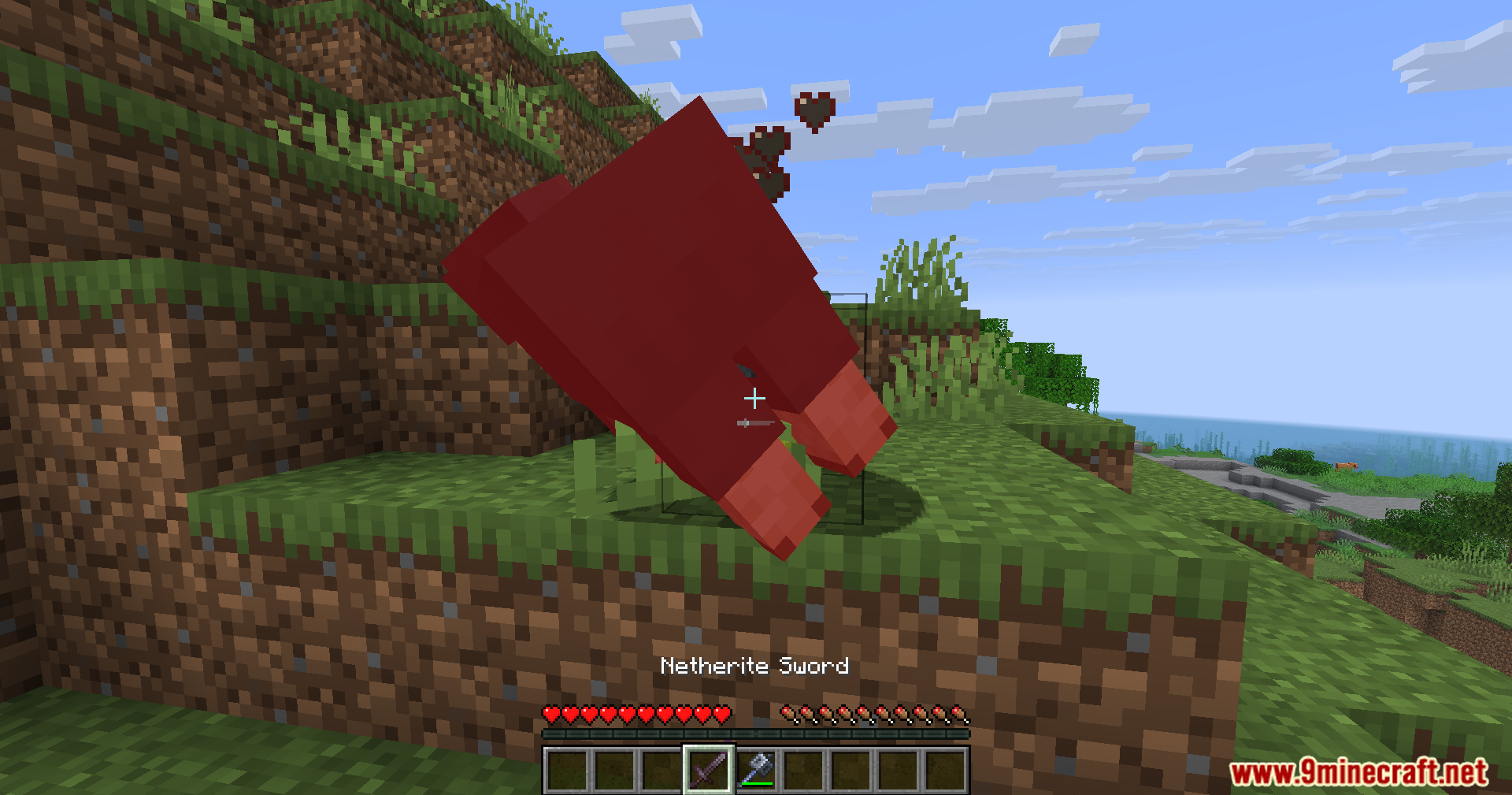
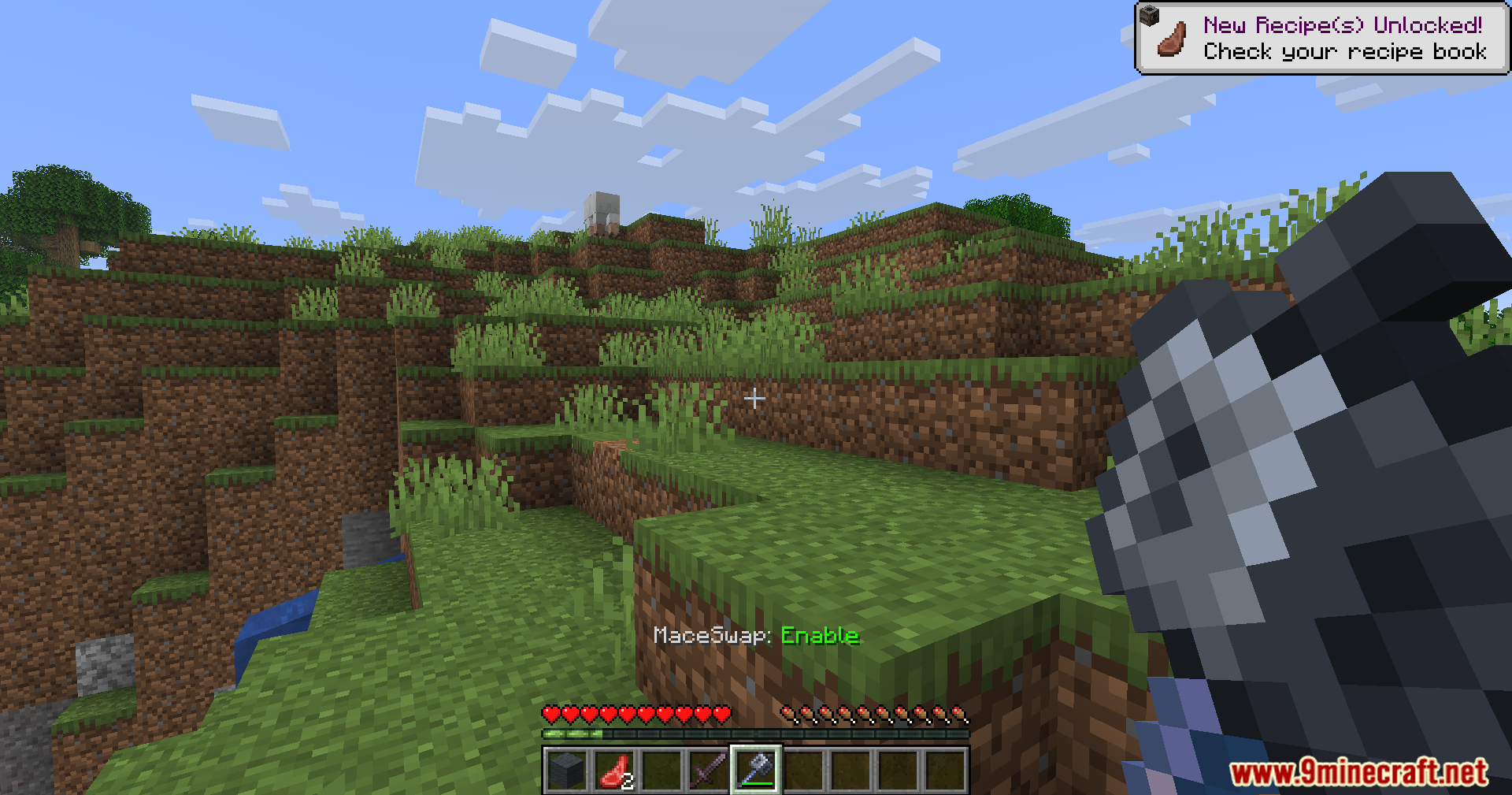
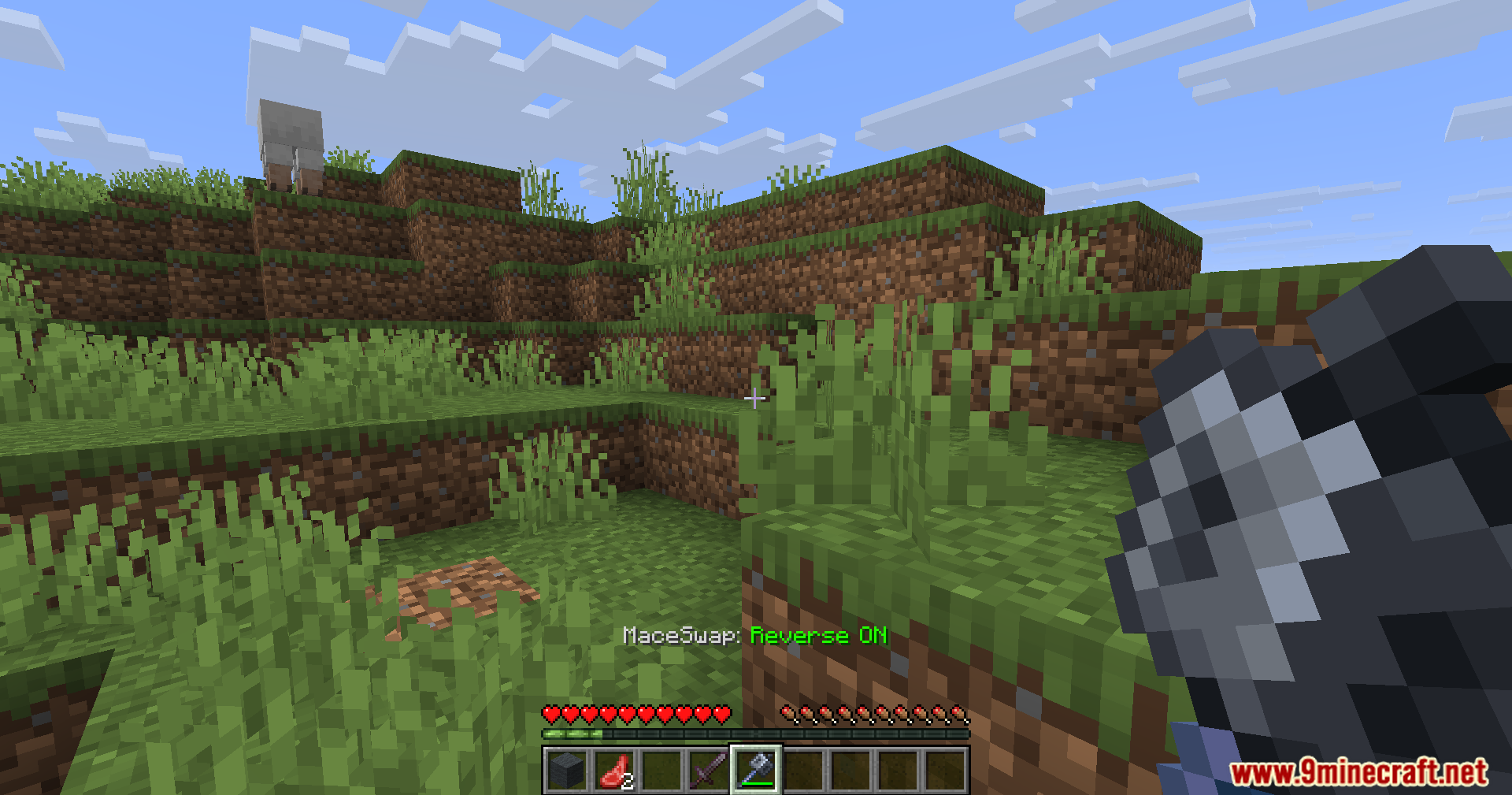
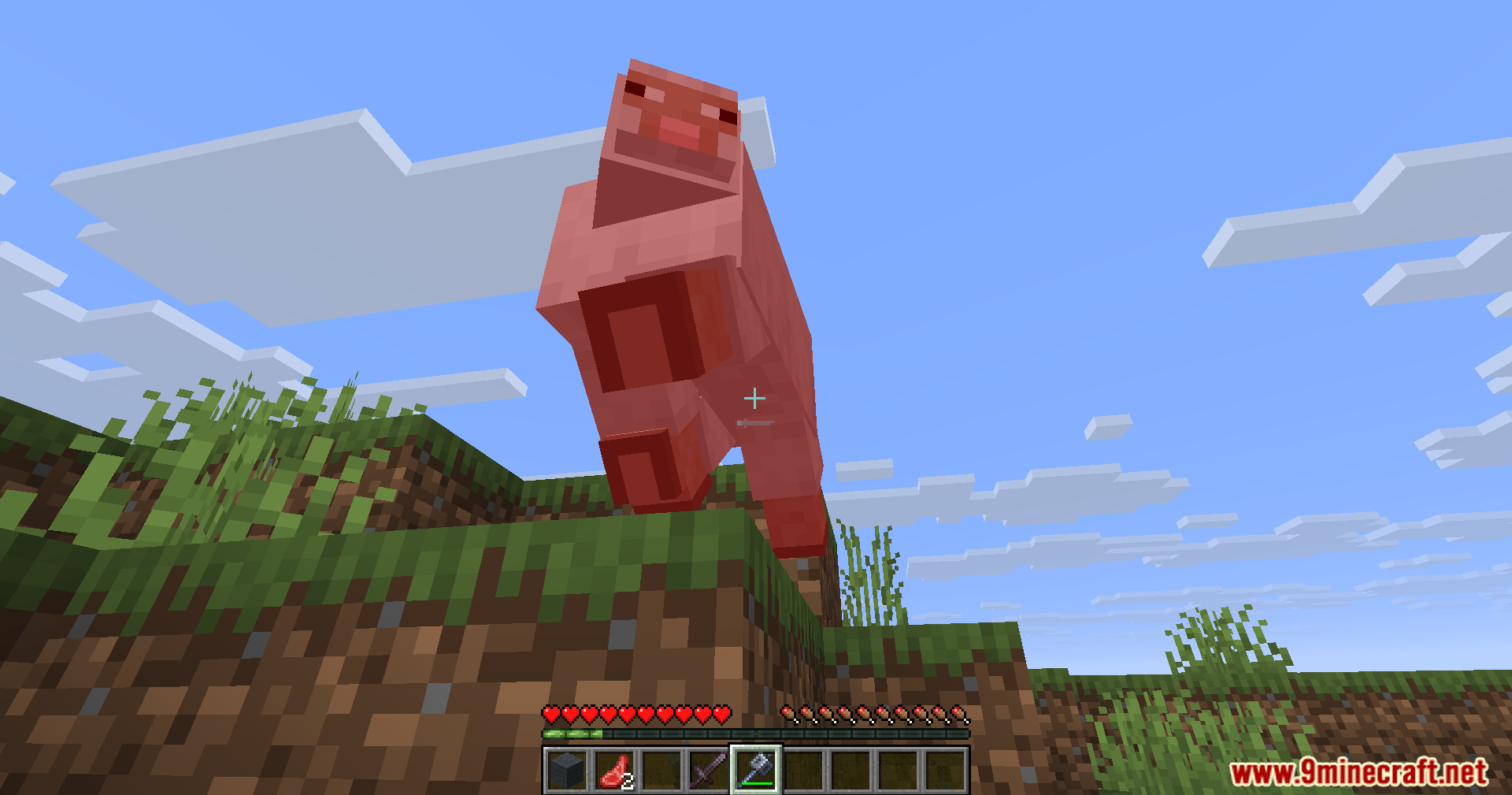
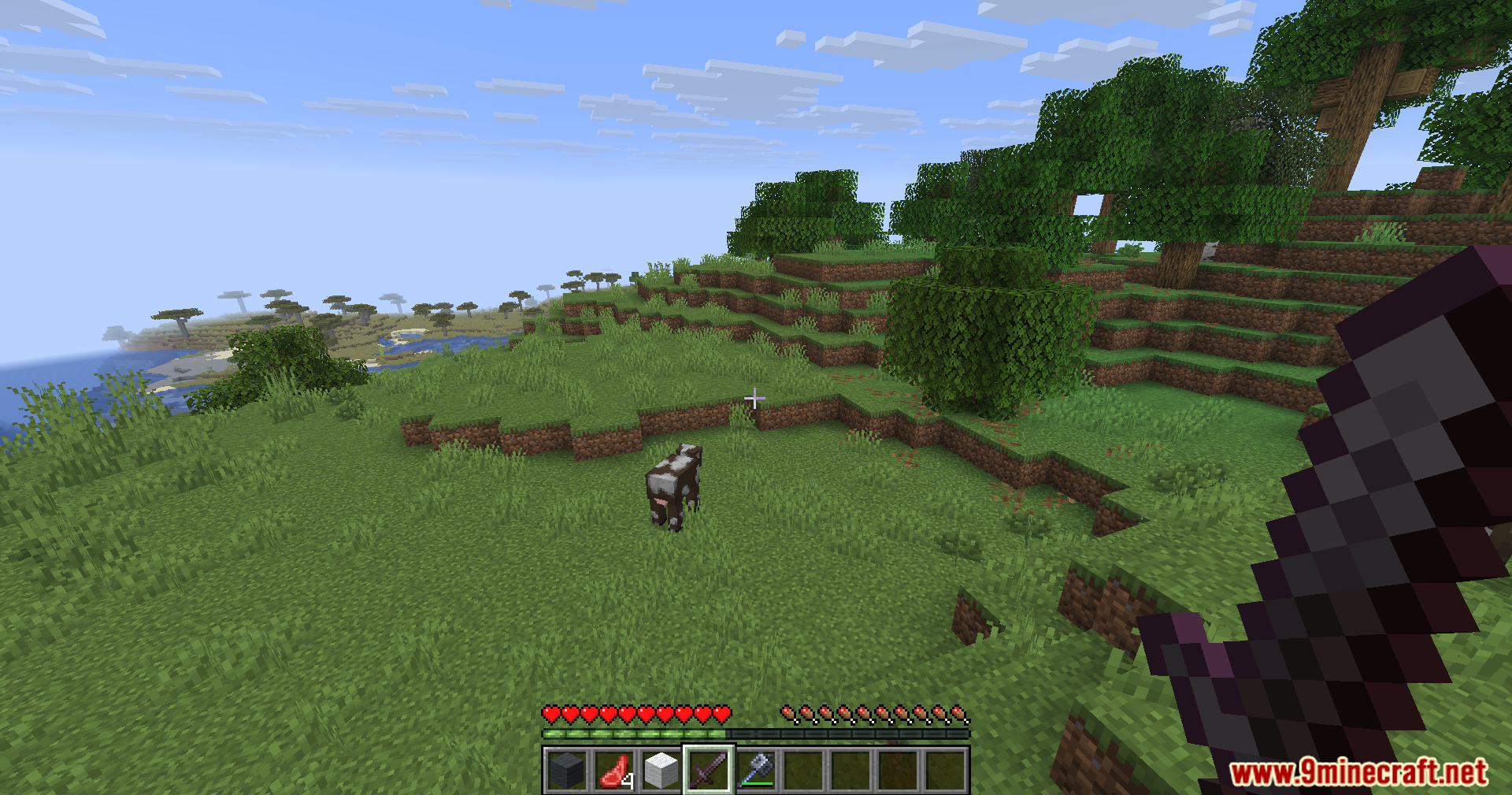
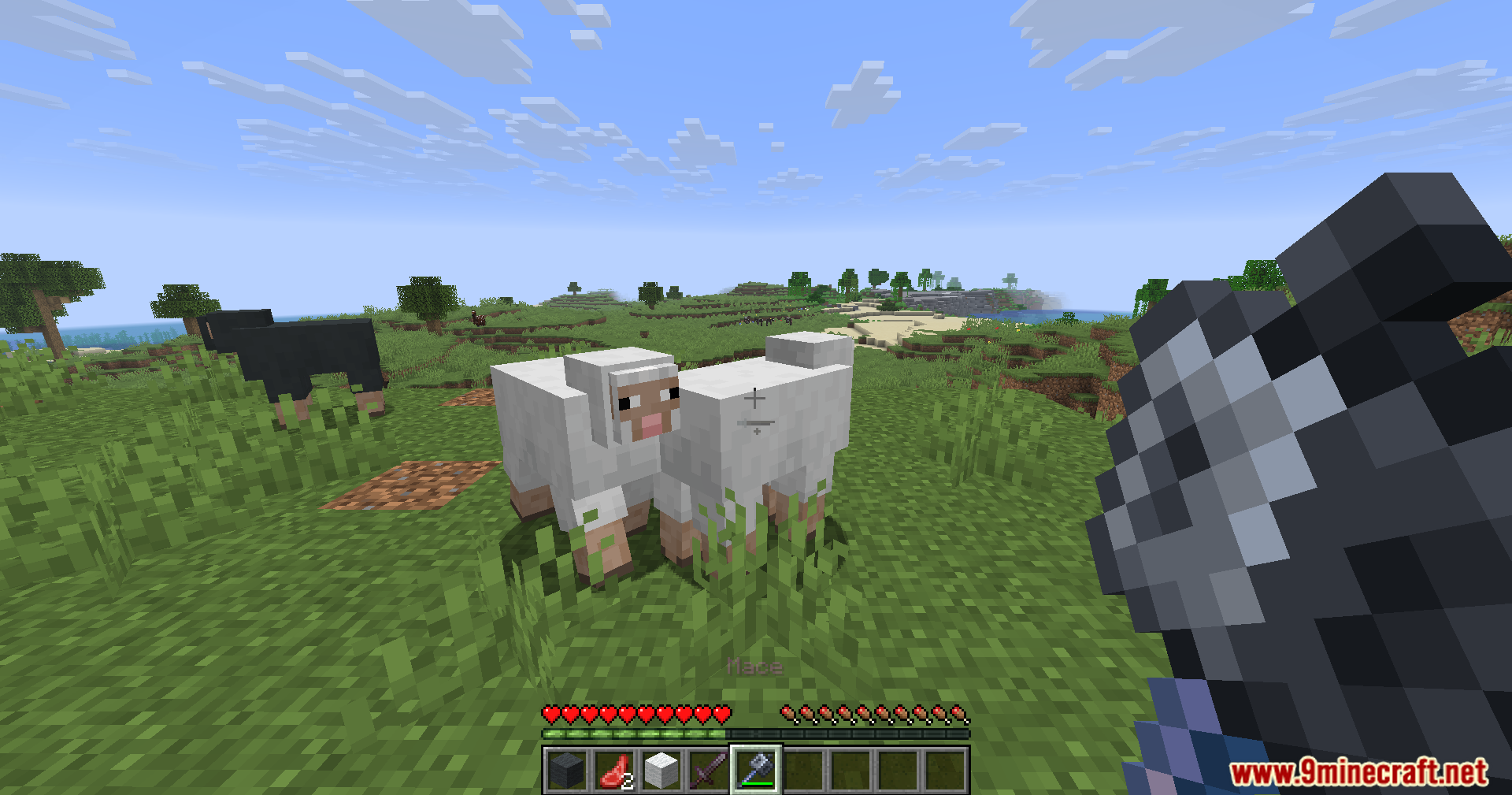
Swap Helper Mod automatically performs breach swapping when you fight with a mace. It handles the weapon switching instantly so you can focus on landing hits during combat. This mod speeds up your reaction time and makes fighting much easier for players who want a smoother gameplay style.
Features:
- Automatic Swapping: The mod instantly switches to your mace, attacks, and switches back to your main weapon.
- StunSlam Support: Automatically performs a StunSlam attack when you are holding an axe.
- Works well when your main hand holds a sword or an axe.
- Finds the mace anywhere in your hotbar from slots 1 to 9.
- Turns on and off easily using a custom keybind.
- Runs quietly in the background without adding any new menus to your screen.
- Speeds up your combat for survival player-versus-player fights.
How to Use:
- Place your mace in one of your hotbar slots (1 through 9).
- Hold a sword or an axe in your main hand.
- Open your game controls menu to find the toggle keybind and turn the mod on.
- Attack an enemy, and the mod will do the quick swap for you.
- Keep this mod in singleplayer or private survival worlds, as public servers might ban automatic combat tools.
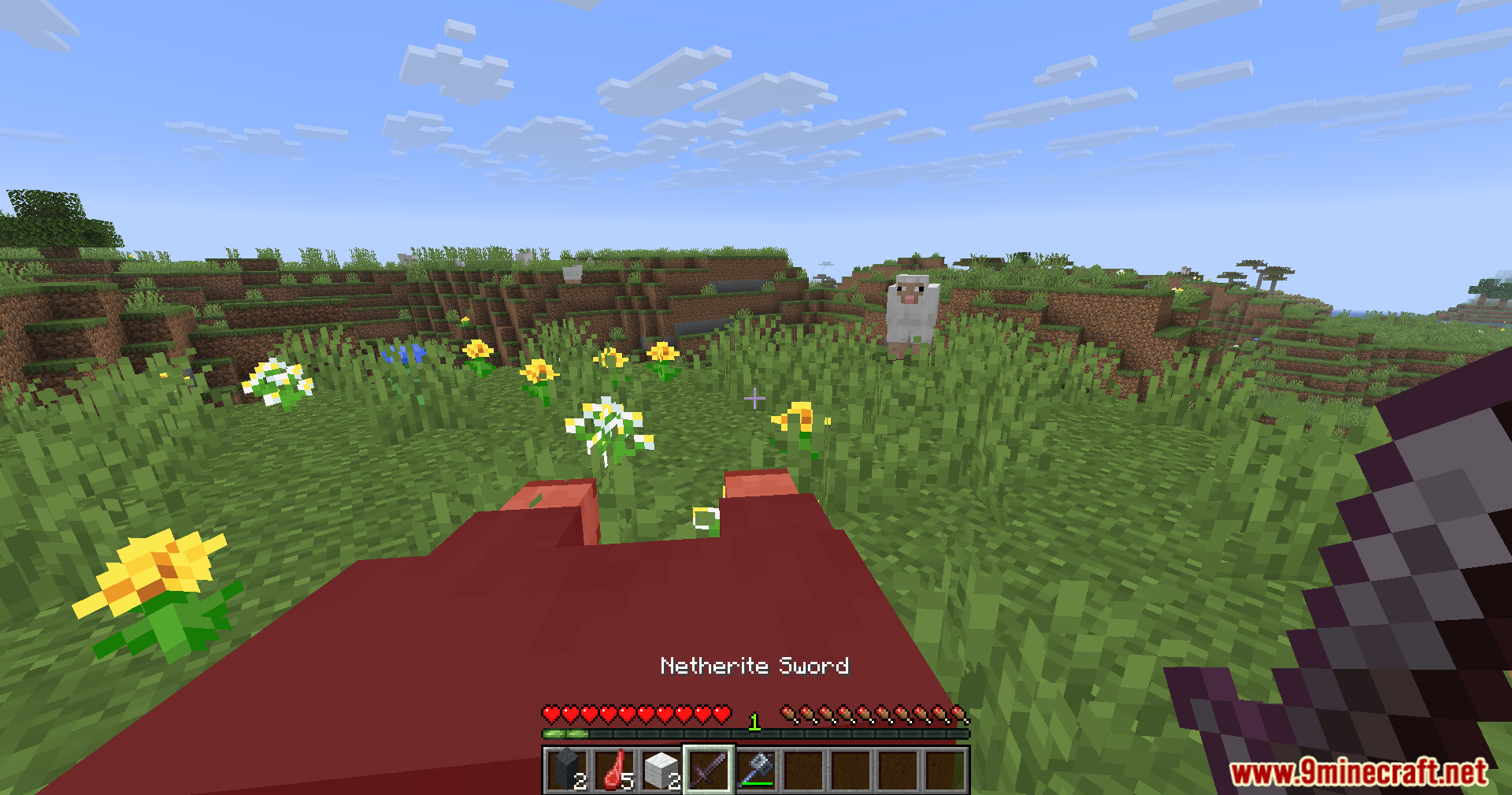
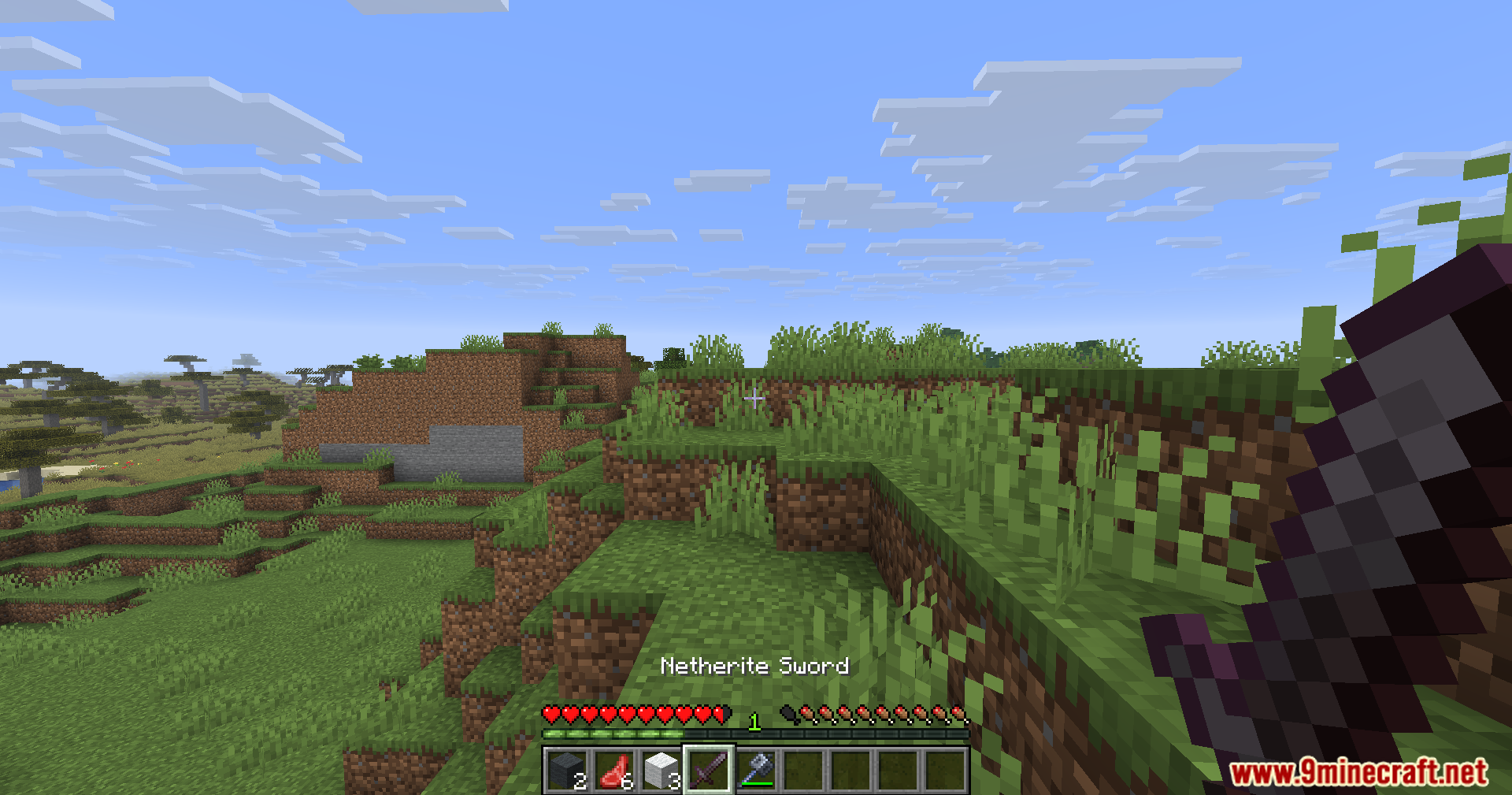
Screenshots:
Swap Helper Mod Download Links
Quick facts
- Edition: Minecraft Java
- File type: .jar
- Minecraft version listed: 1.21.11
- How to install: Install the matching mod loader (Forge, Fabric or NeoForge) for your Minecraft version. → Download the .jar. → Put it in the .minecraft/mods folder and launch that loader profile.
- Where to get it: In MC Java Mods, or directly above on this page.
Install steps are the general flow for this file type — How to install Minecraft Java mods & modpacks walks through it step by step.
File checked by MCModsHub
- Downloads as 2376.mcaddon
- Download size: 20 KB
- Download link checked 25 Sept 2026 — working
- Mirrored on our own servers — the download does not depend on the original host
These come from our own check of the pack file, not from the source page.