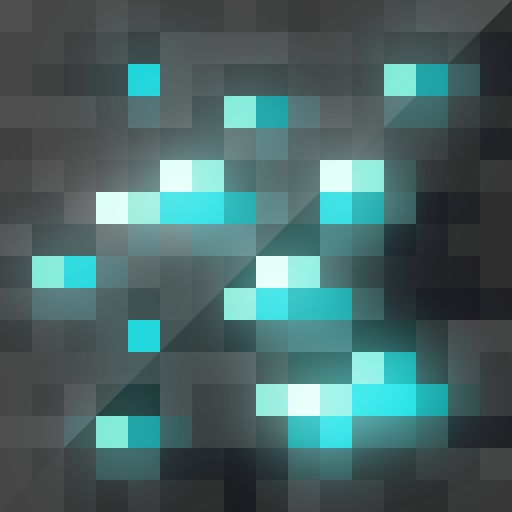
Emissive Vanilla Textures
Java resource pack listed for Minecraft 1.16–1.21. Downloads from the MC Java Mods app on Android.
⬇ Download on CurseForge
REQUIRES OPTIFINE! If you'd rather not use Optifine, there are plenty of alternatives that specialize in emissive textures. I'd recommend Puzzle (https://www.curseforge.com/minecraft/mc-mods/puzzle) for items/blocks and Entity Texture Features (https://www.curseforge.com/minecraft/mc-mods/entity-texture-features-fabric) for entities.
Includes emissive textures for various blocks, items, and mobs to make them glow. Adds a real nice touch to ores, tools, and a wide variety of items!
This pack contains:
- Glowing ores, both regular and deepslate
- Glowing outlines on player armor
- Small details to mobs
- Various glowing details on items
IMPORTANT NOTE REGARDING ARMOR TRIMS: Because of the way armor trims are layered, they do not work with emissive functions without some extra work. To make them emissive, one would have to modify the game's shaders which is beyond my knowledge. Therefore, this pack will not have emissive armor trims; I'd recommend using someone else's pack for that. I personally use Manuel XXVI's pack: www.planetminecraft.com/texture-pack/xxvi-s-shiny-armor-trims/
You may also download this pack on Planet Minecraft: https://www.planetminecraft.com/texture-pack/emissive-vanilla-textures-for-1-17/
- Edition: Minecraft Java
- File type: .zip (resource pack)
- Minecraft versions listed: 1.21, 1.20.1, 1.20
- How to install: Download the .zip resource pack — do not unzip it. → Put it in .minecraft/resourcepacks. → Enable it in Options → Resource Packs.
- Where to get it: Opens on CurseForge — not every file is mirrored on our own servers.
Install steps are the general flow for this file type — How to install Minecraft Java resource packs walks through it step by step.
Emissive Vanilla Textures is a free Minecraft Java resourcepack. Compatible with Minecraft 1.21, 1.20.1, 1.20, 1.19.3 and newer. Downloaded 25,805 times (via CurseForge). Download it and open it directly in the game.