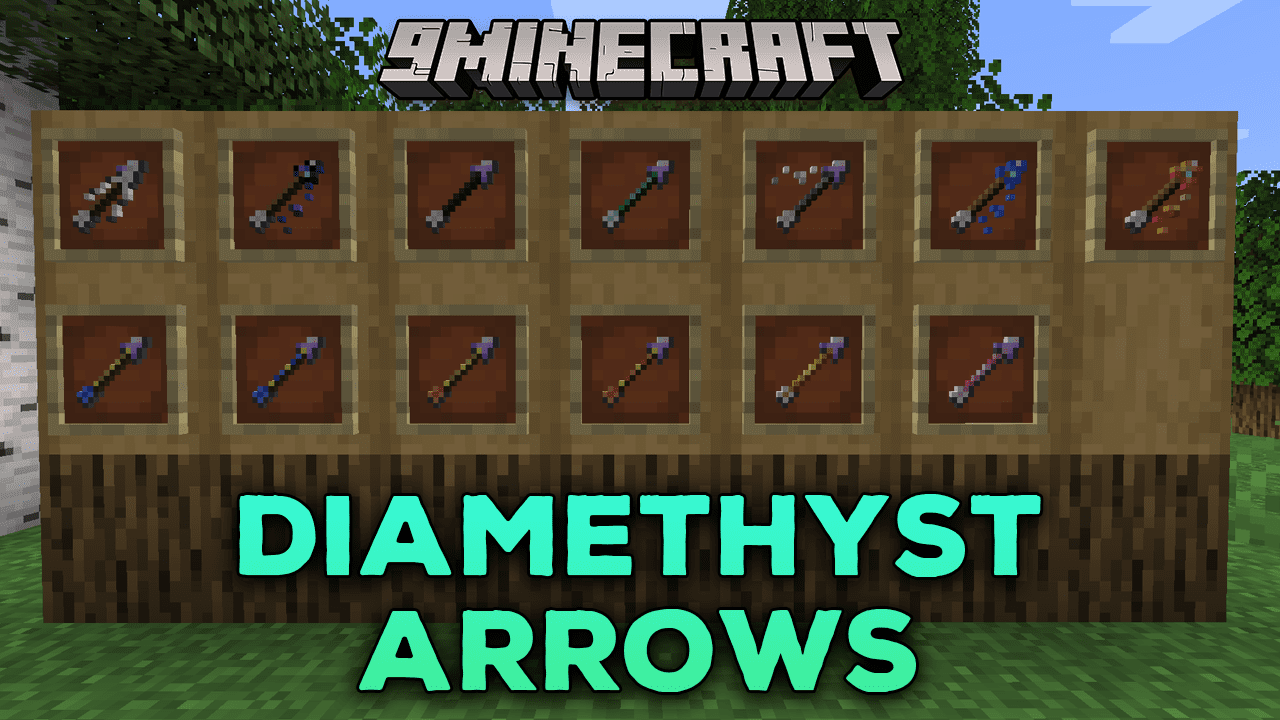
Diamethyst Arrows Mod (1.21.1, 1.20.1) – Enhance Your Arsenal, Explore New Arrow Upgrades
Java mod listed for Minecraft 1.20–1.21. Downloads from the MC Java Mods app on Android.
⬇ Download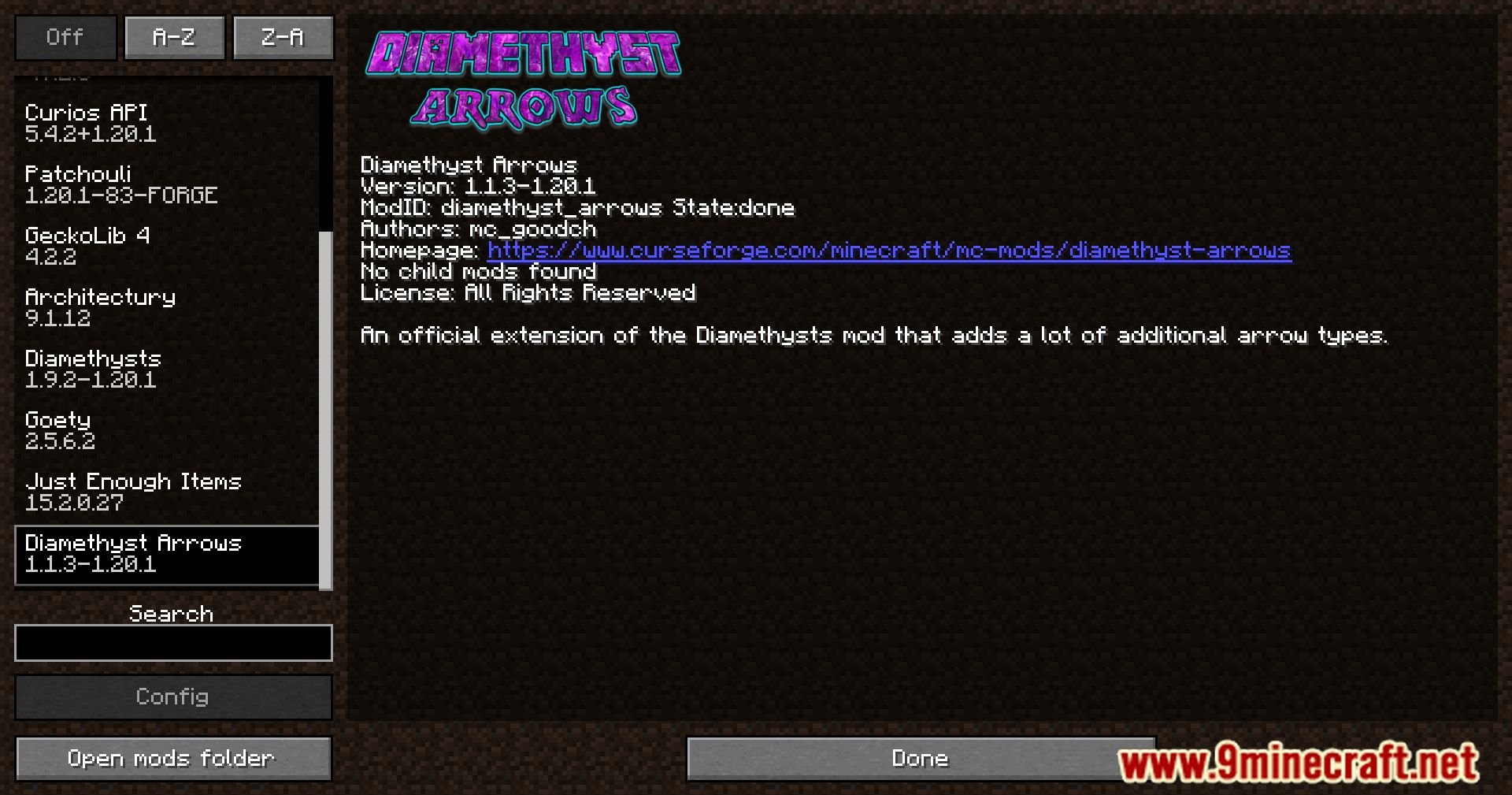
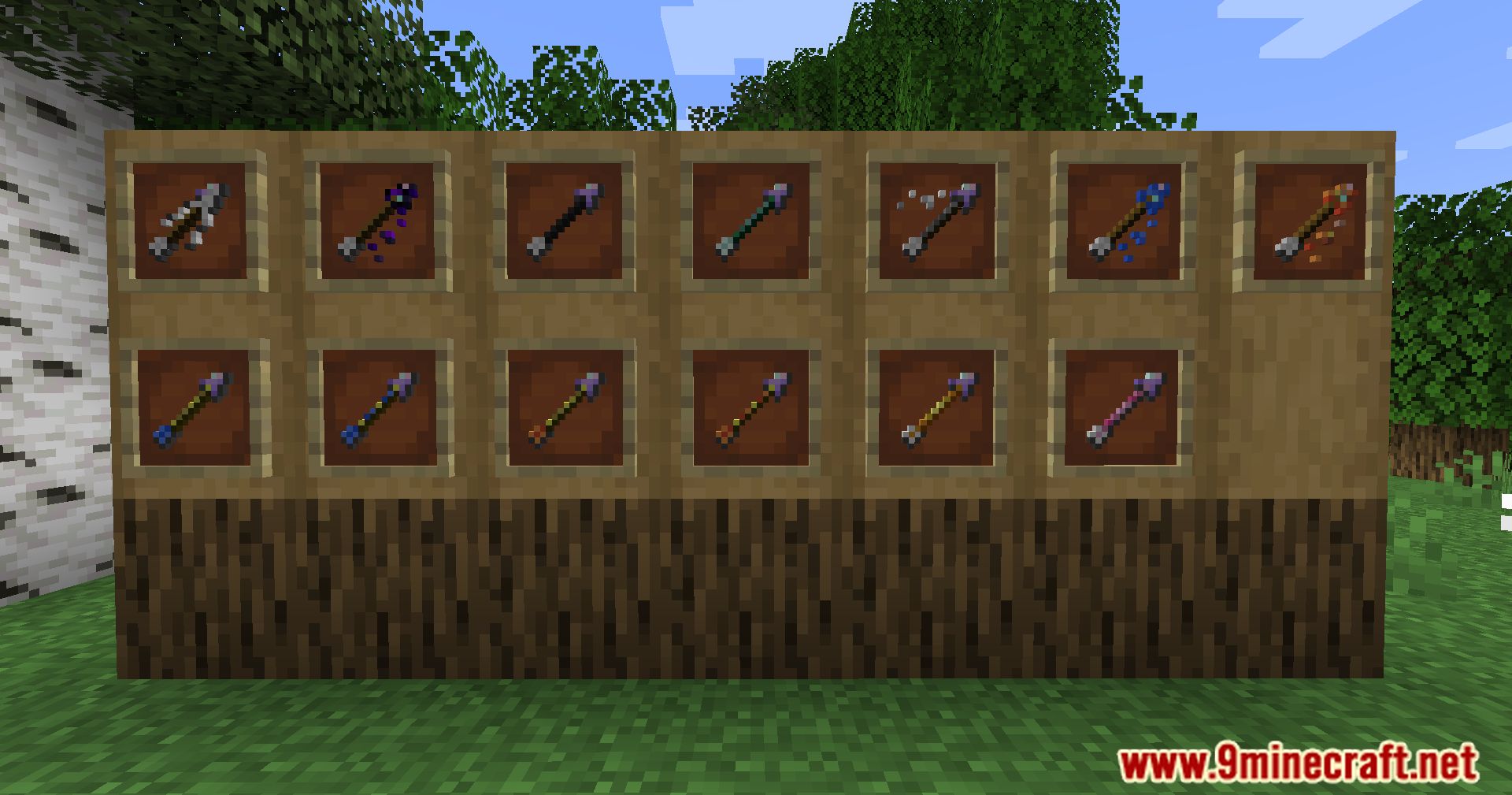
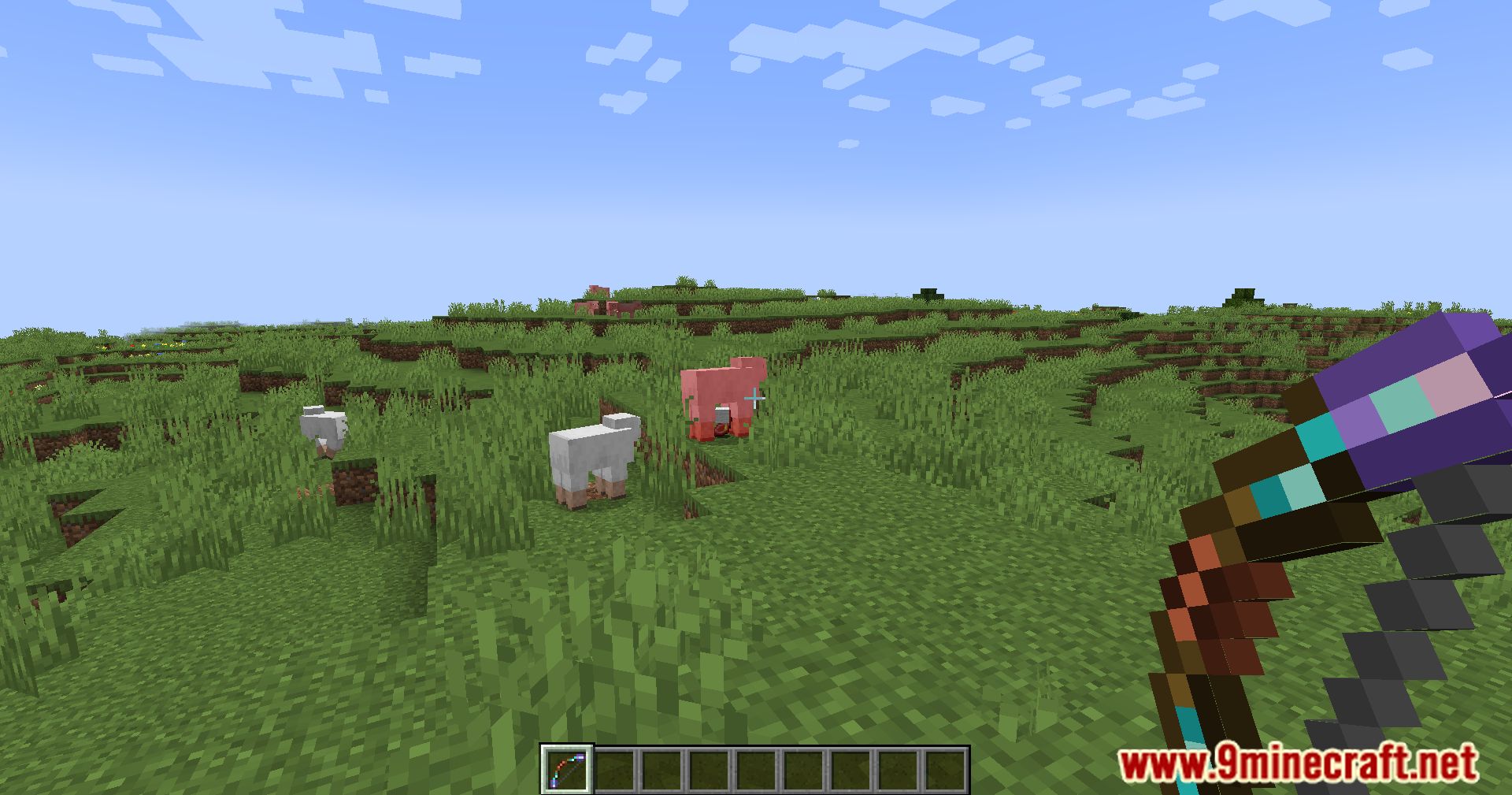
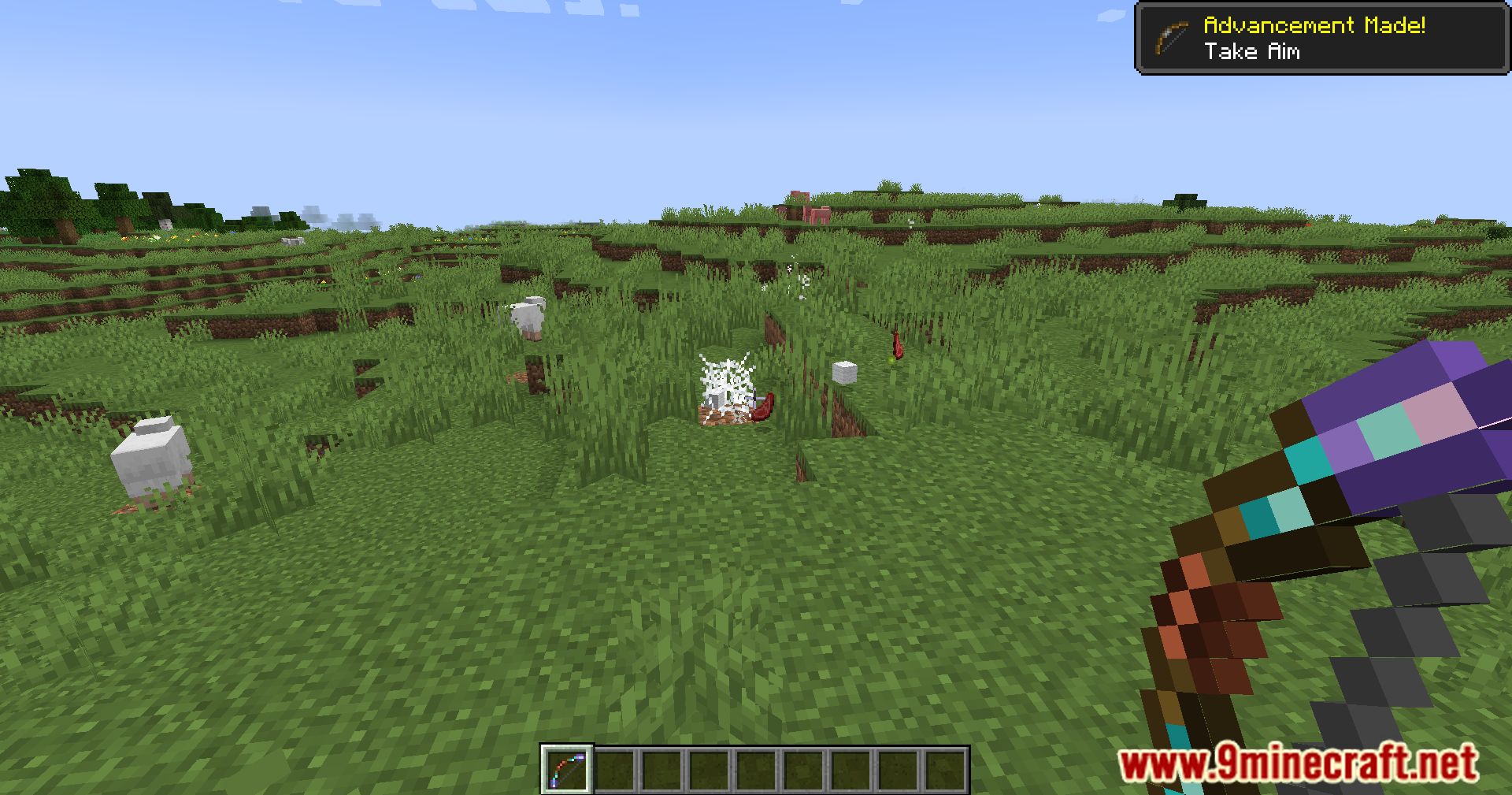
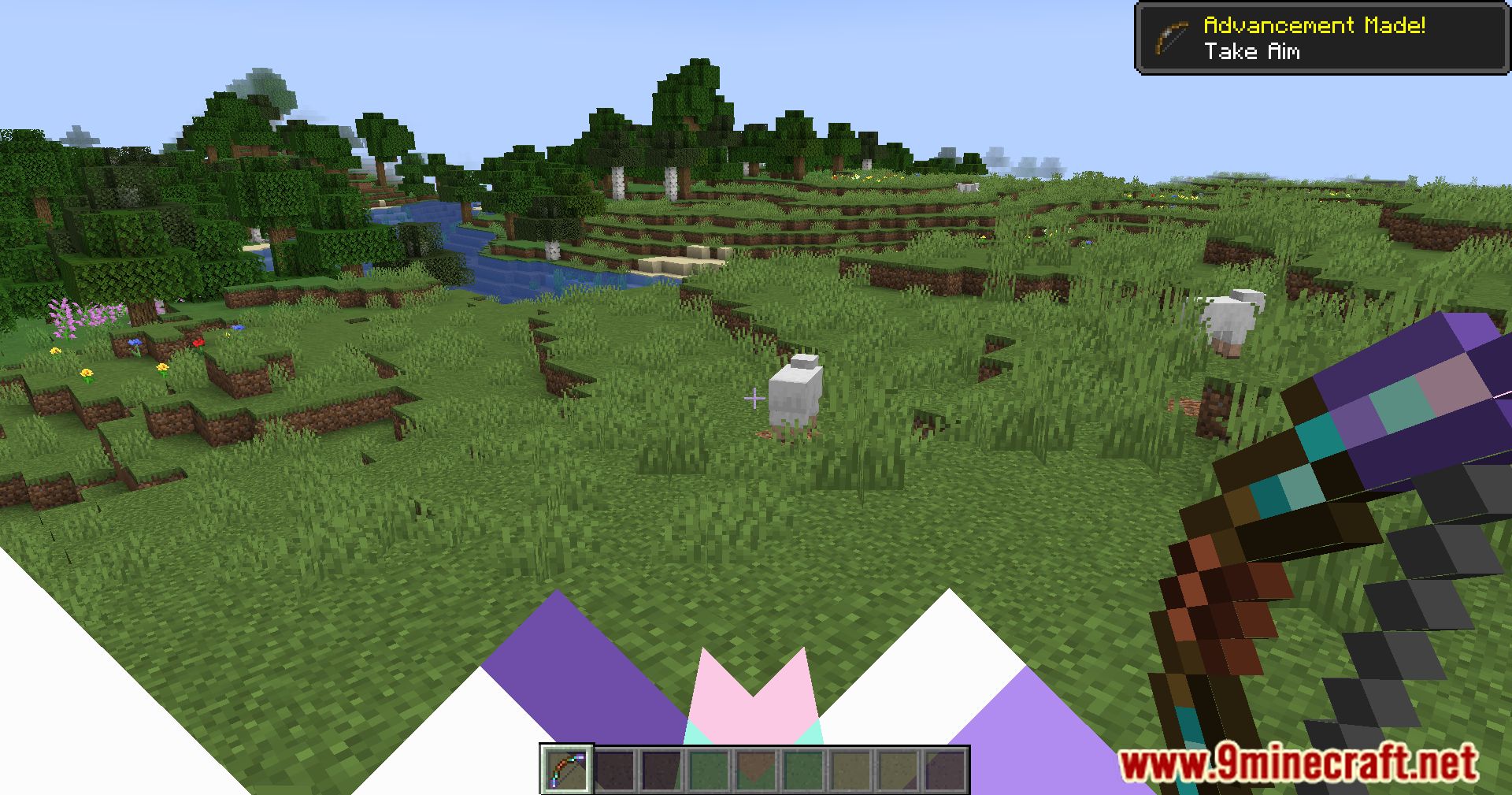
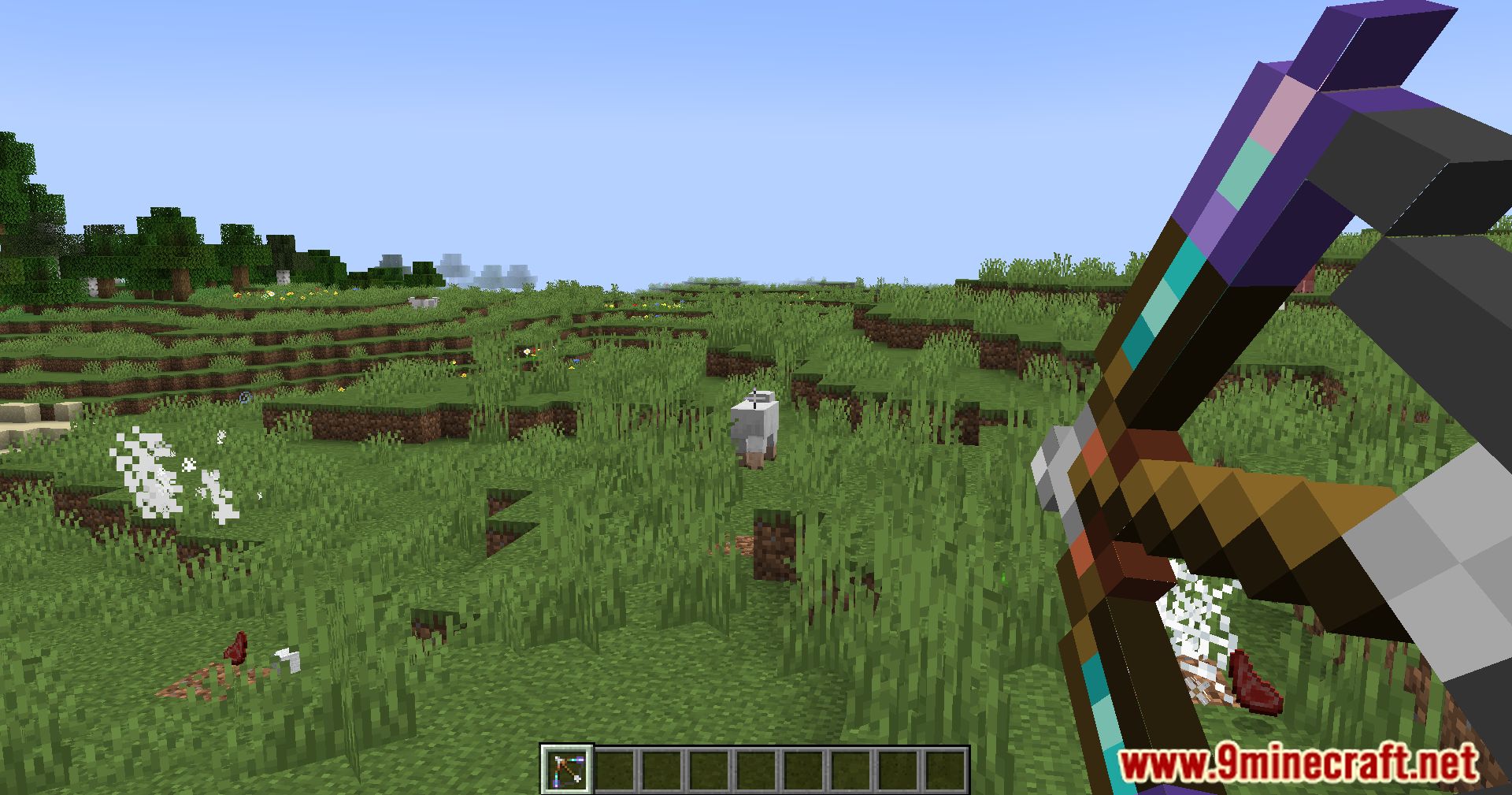
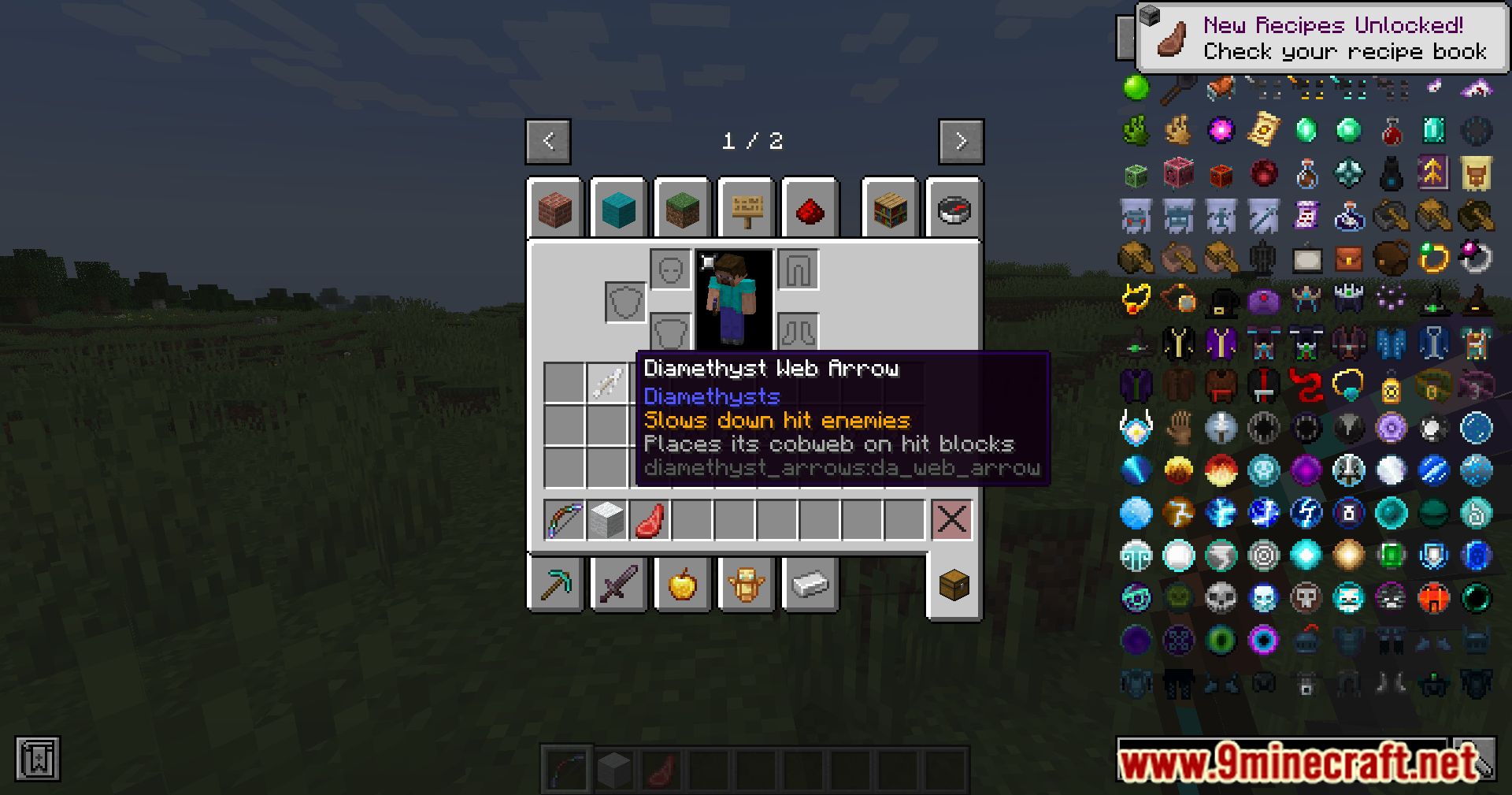
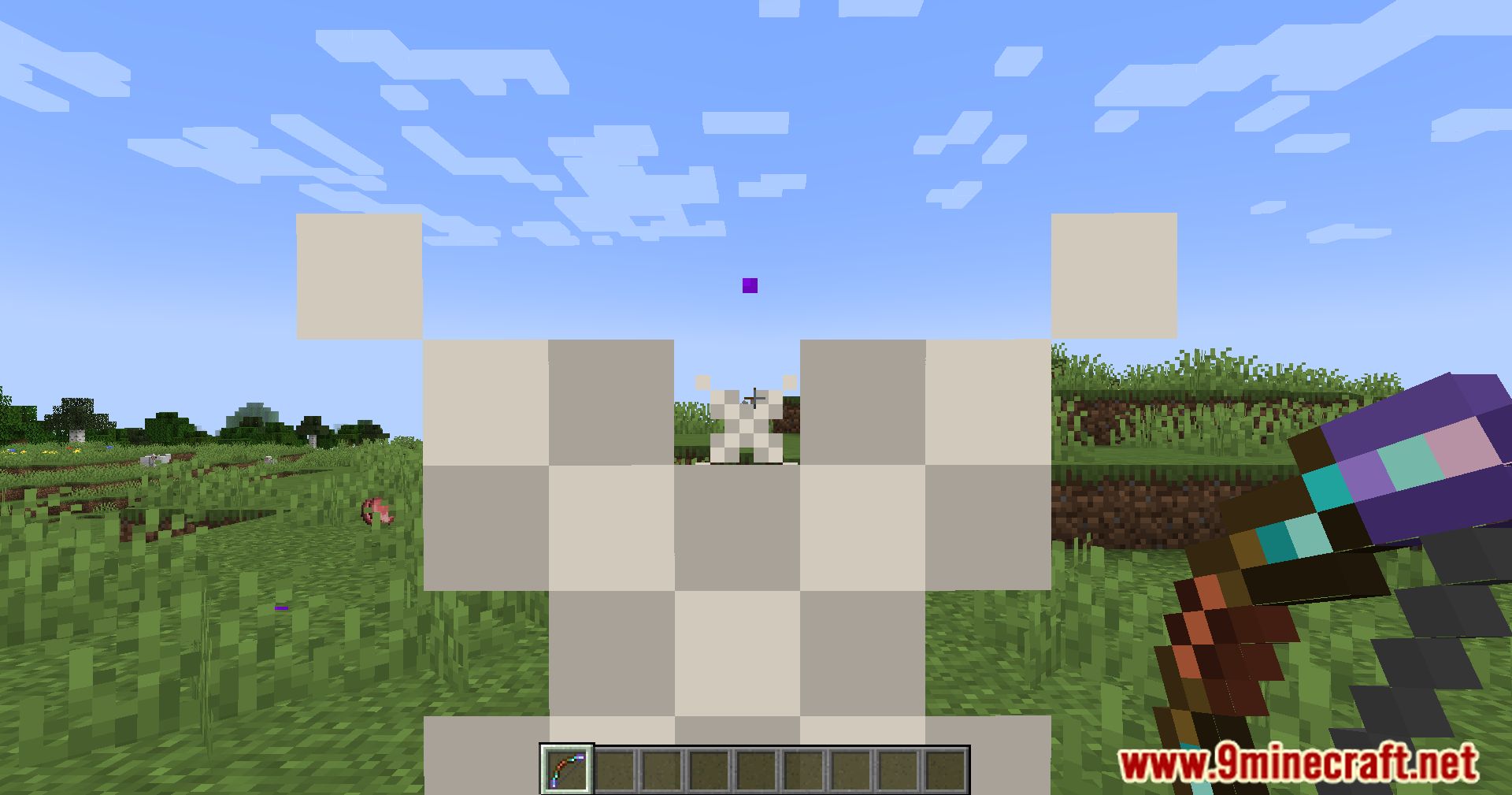
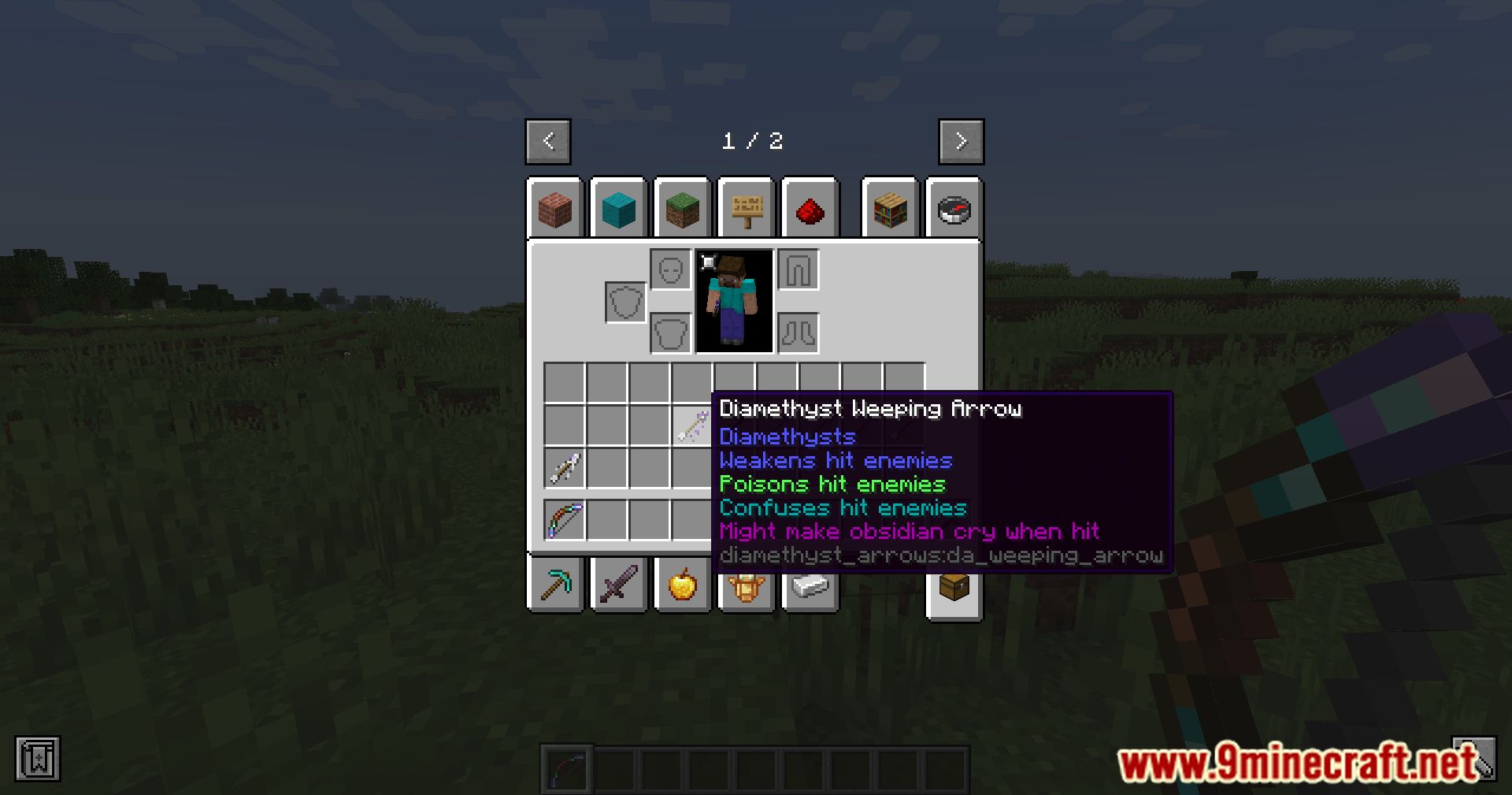
Diamethyst Arrows Mod serves as an add-on mod expanding upon the Diamethysts mod, introducing a variety of arrow upgrades that were initially deemed divergent from the mod’s vanilla aesthetics. Rather than discarding these concepts, they’ve been integrated into this supplementary mod, offering players the freedom to incorporate them into their gameplay or opt to abstain entirely. With this mod, players can access an array of arrow upgrades that enhance their arsenal with unique abilities and effects. These additions provide an opportunity for players to customize their combat strategies and tailor their approach to suit their playstyle. Whether players seek to imbue their arrows with additional powers or prefer to maintain a more traditional gameplay experience, it accommodates both preferences. It offers a flexible and optional enhancement to the base Diamethysts mod, empowering players to curate their Minecraft experience according to their preferences. In essence, this expands the possibilities within the Diamethysts mod, allowing players to delve deeper into customization and experimentation while preserving the essence of the gameplay.
Features:
- Adds a variety of arrow upgrades to complement the Diamethysts mod.
- Enhances player arsenal with unique abilities and effects.
- Offers flexibility and choice, allowing players to customize their gameplay experience.
- Maintains compatibility with the vanilla feel of the Diamethysts mod.
- Provides players with the freedom to integrate or opt out of arrow upgrades according to their preferences.
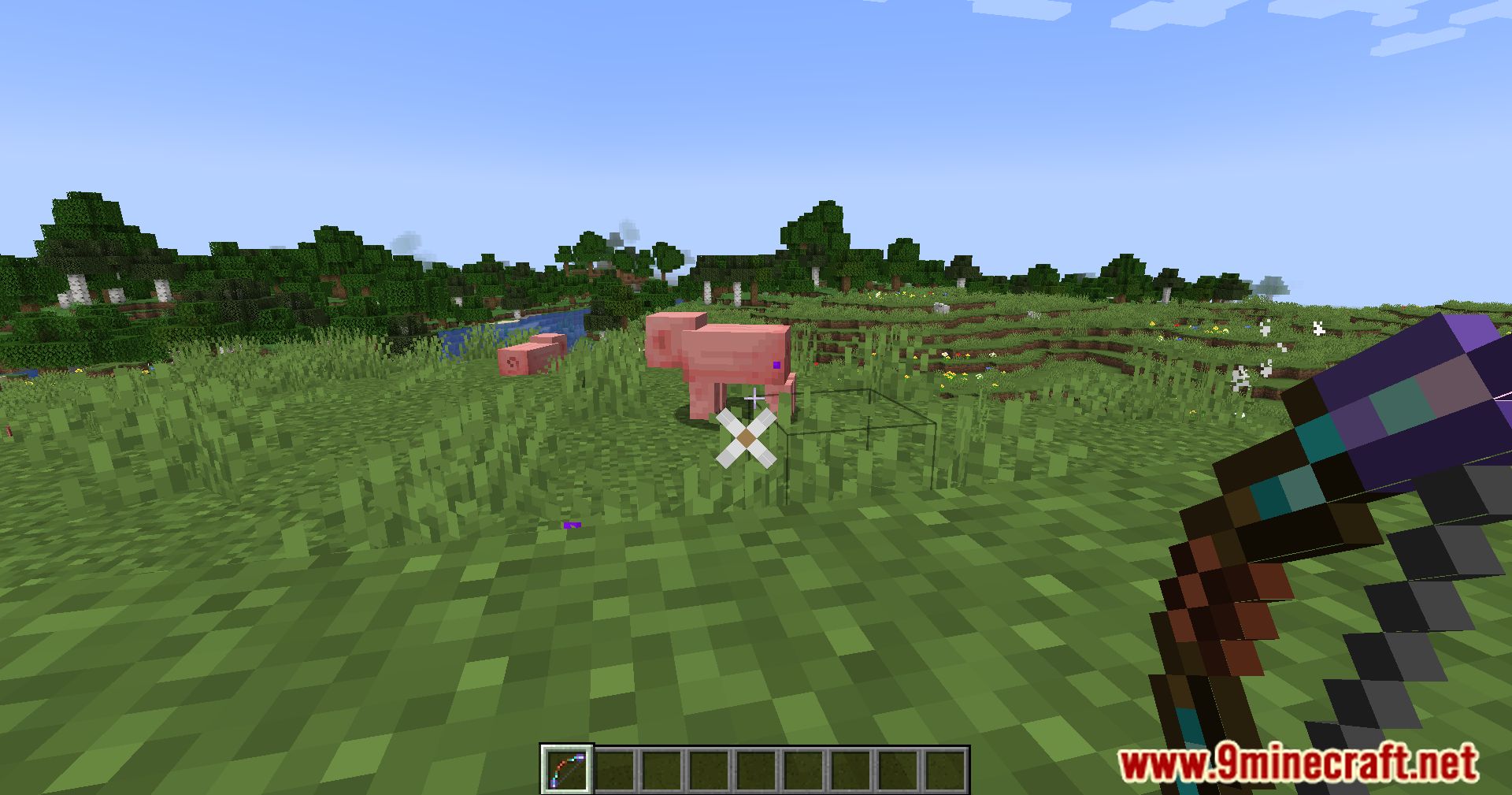
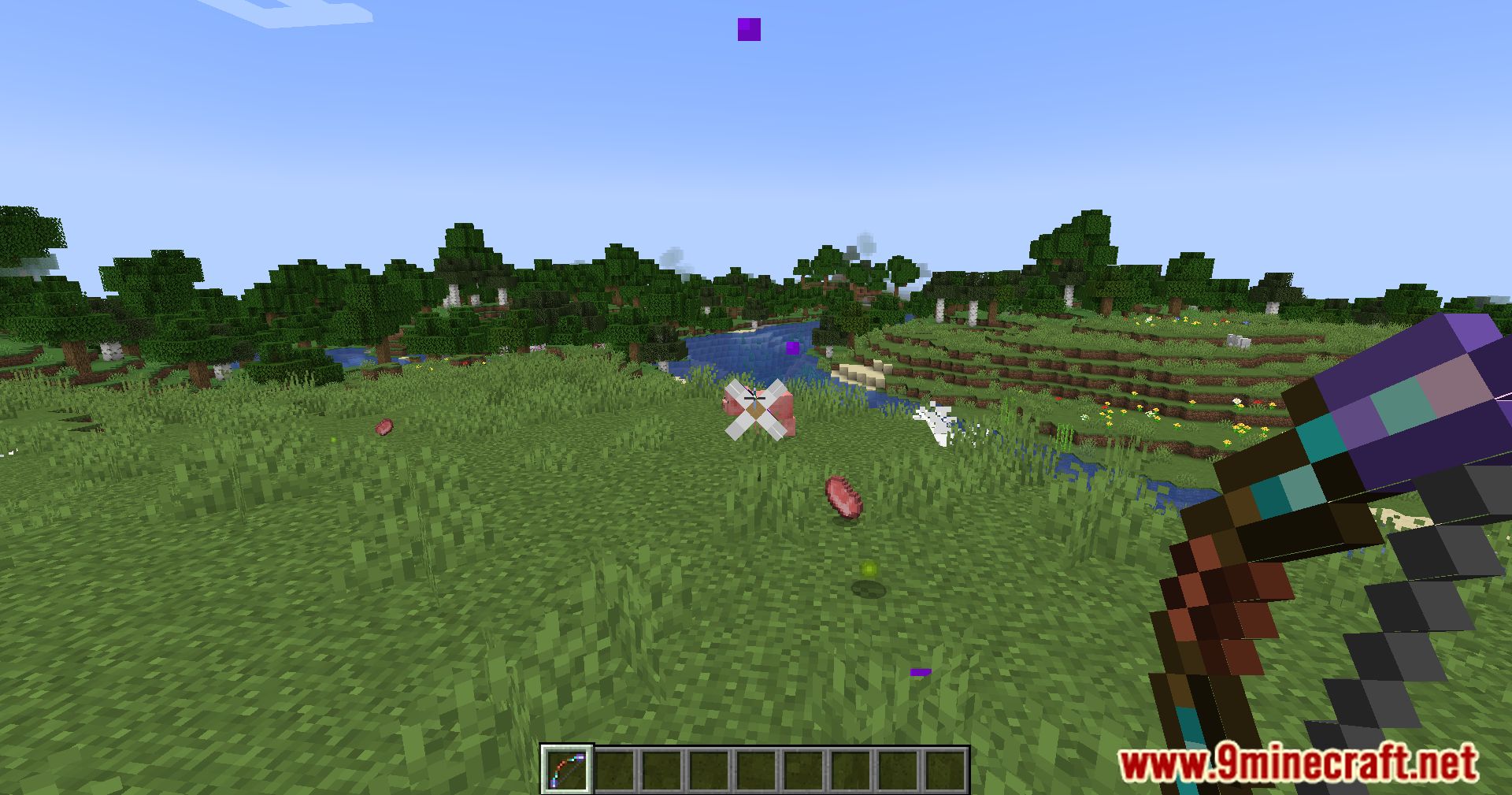
Screenshots:
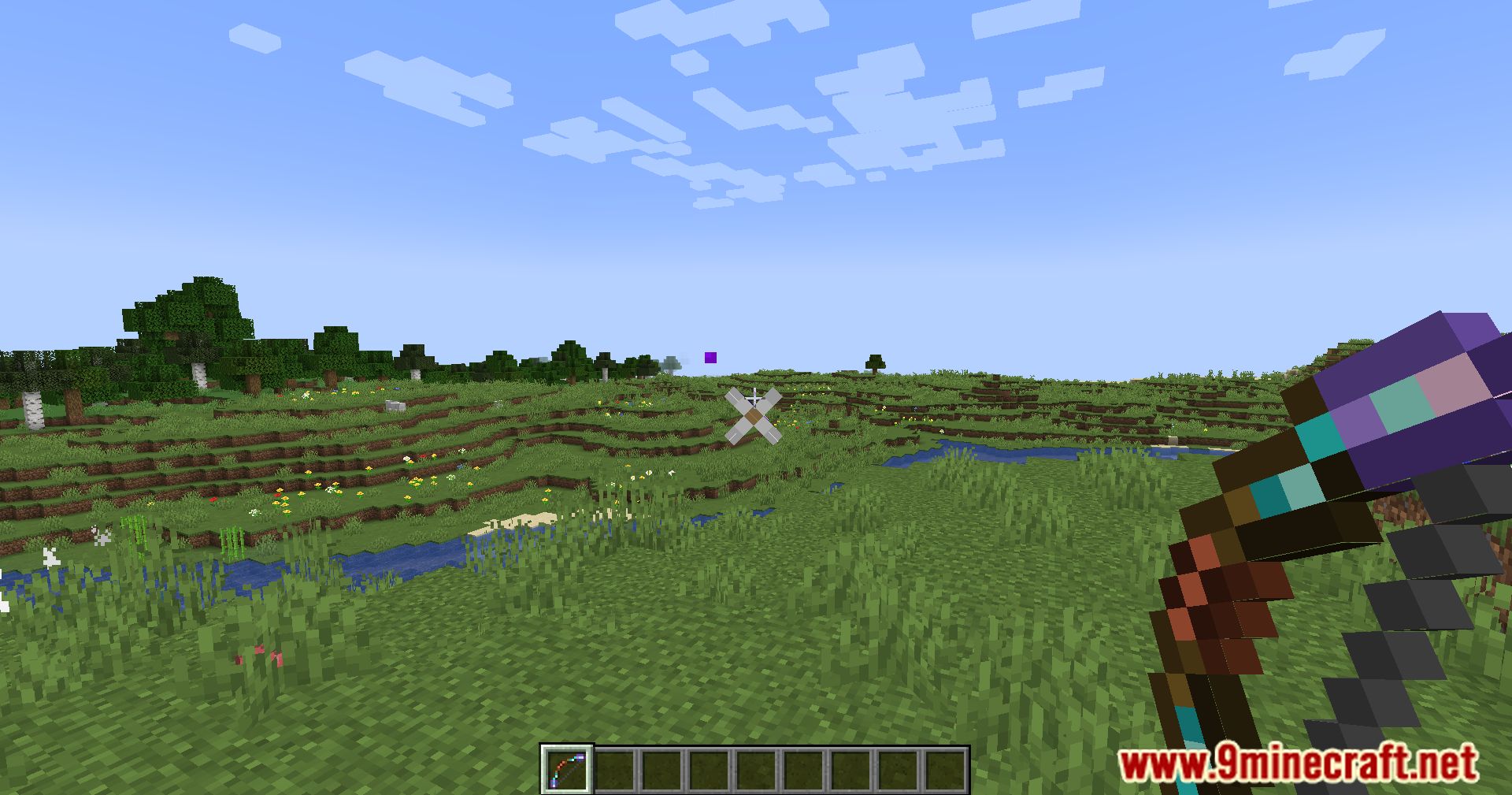
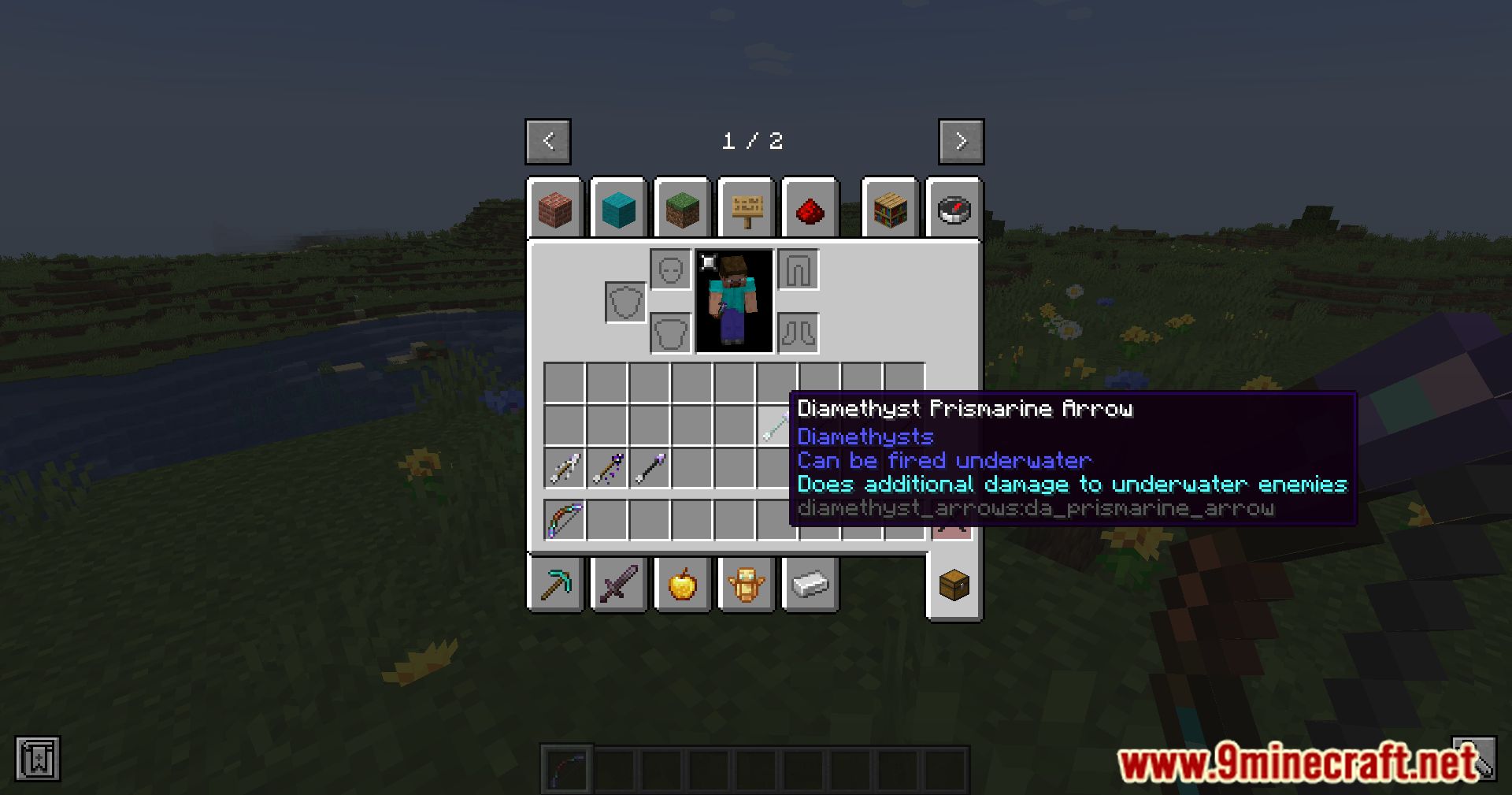
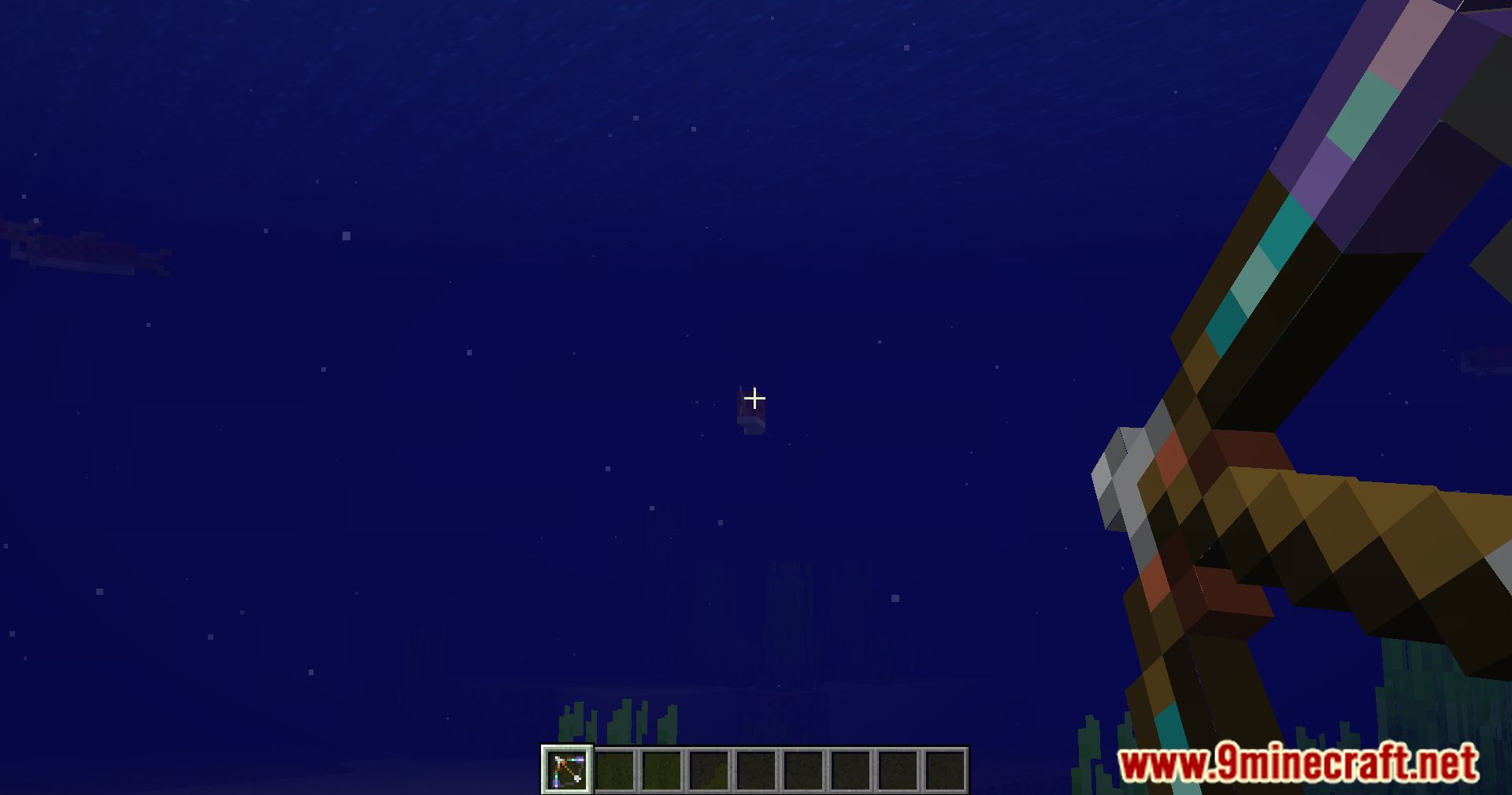
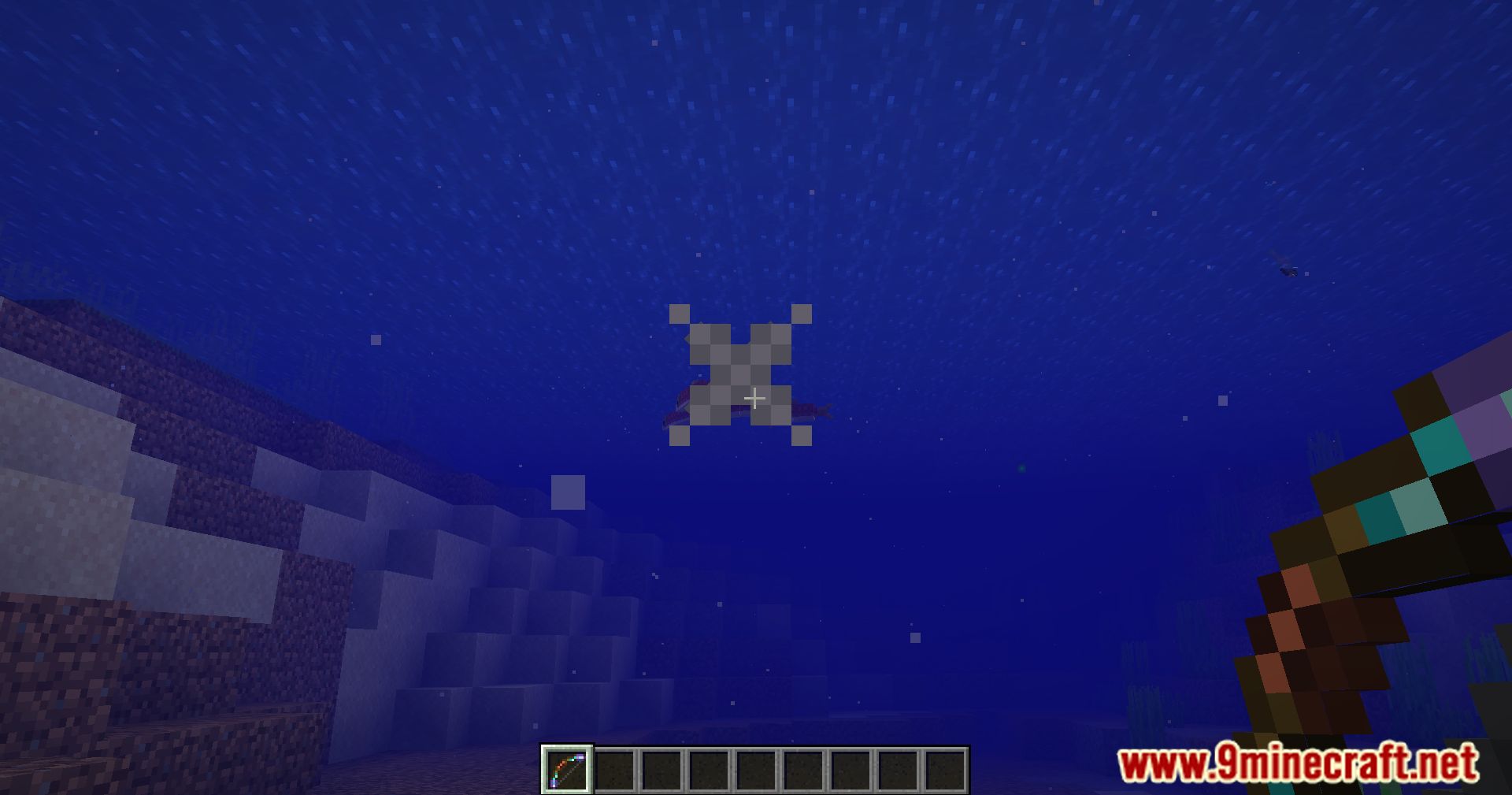
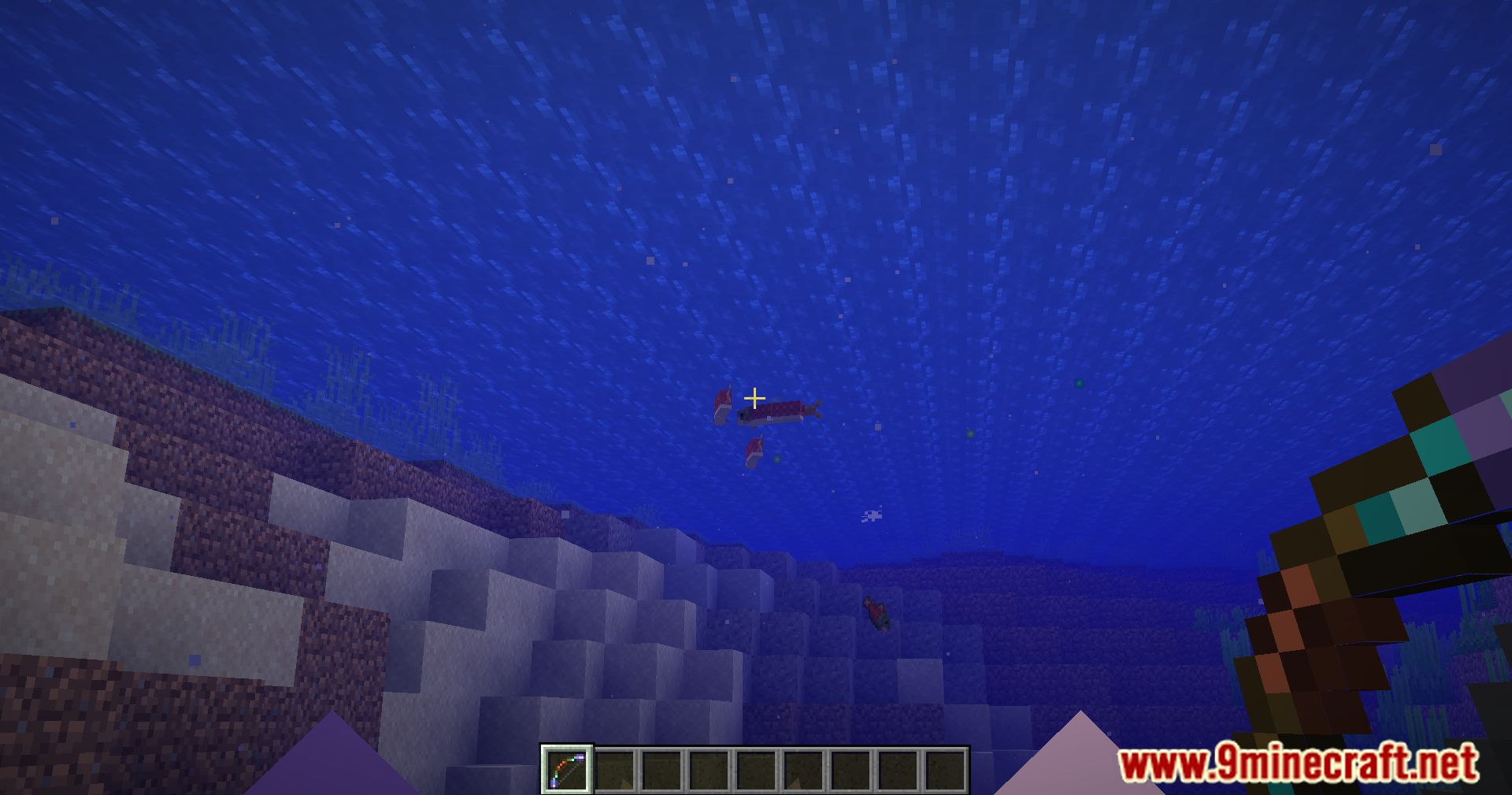
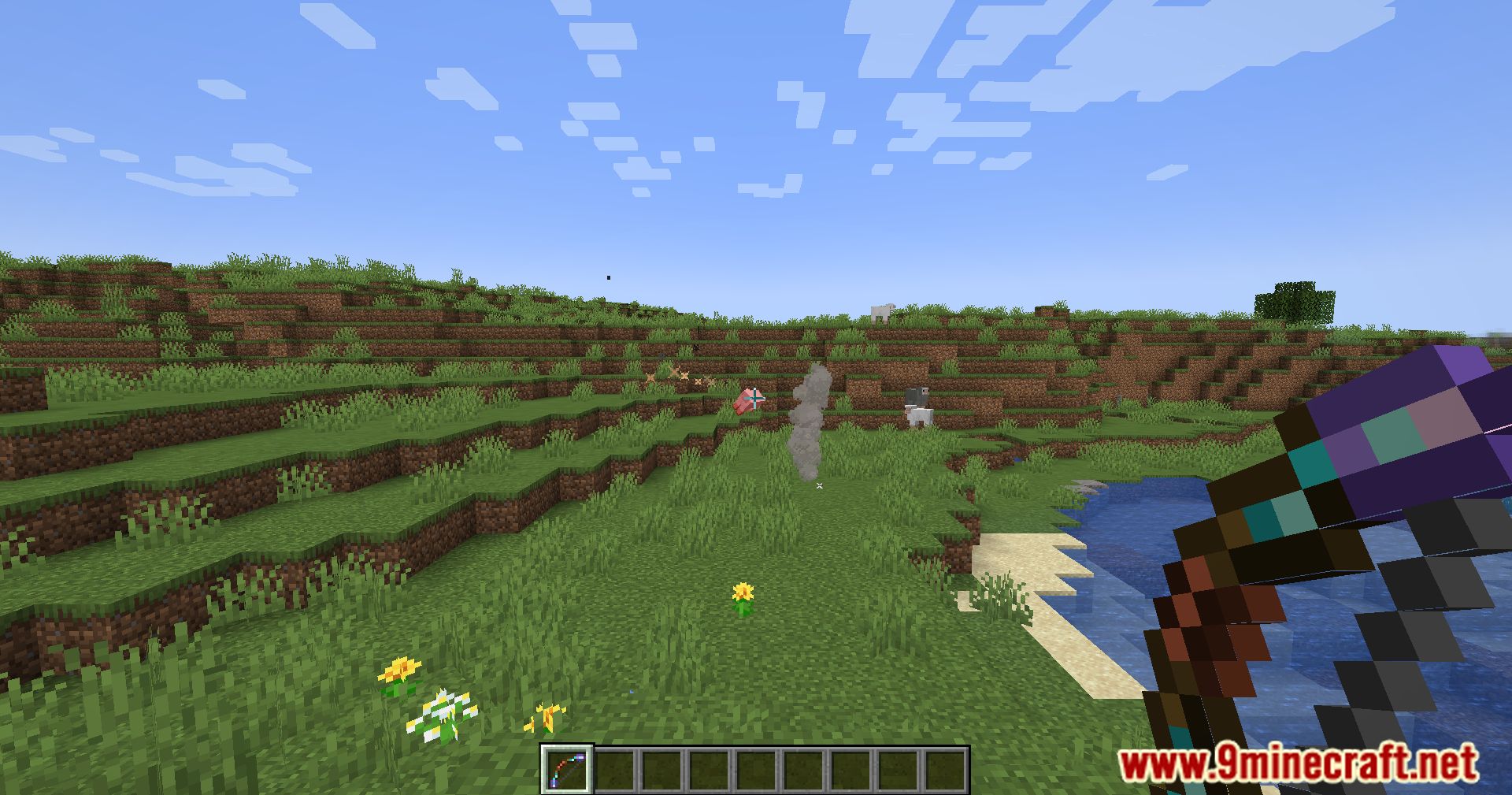
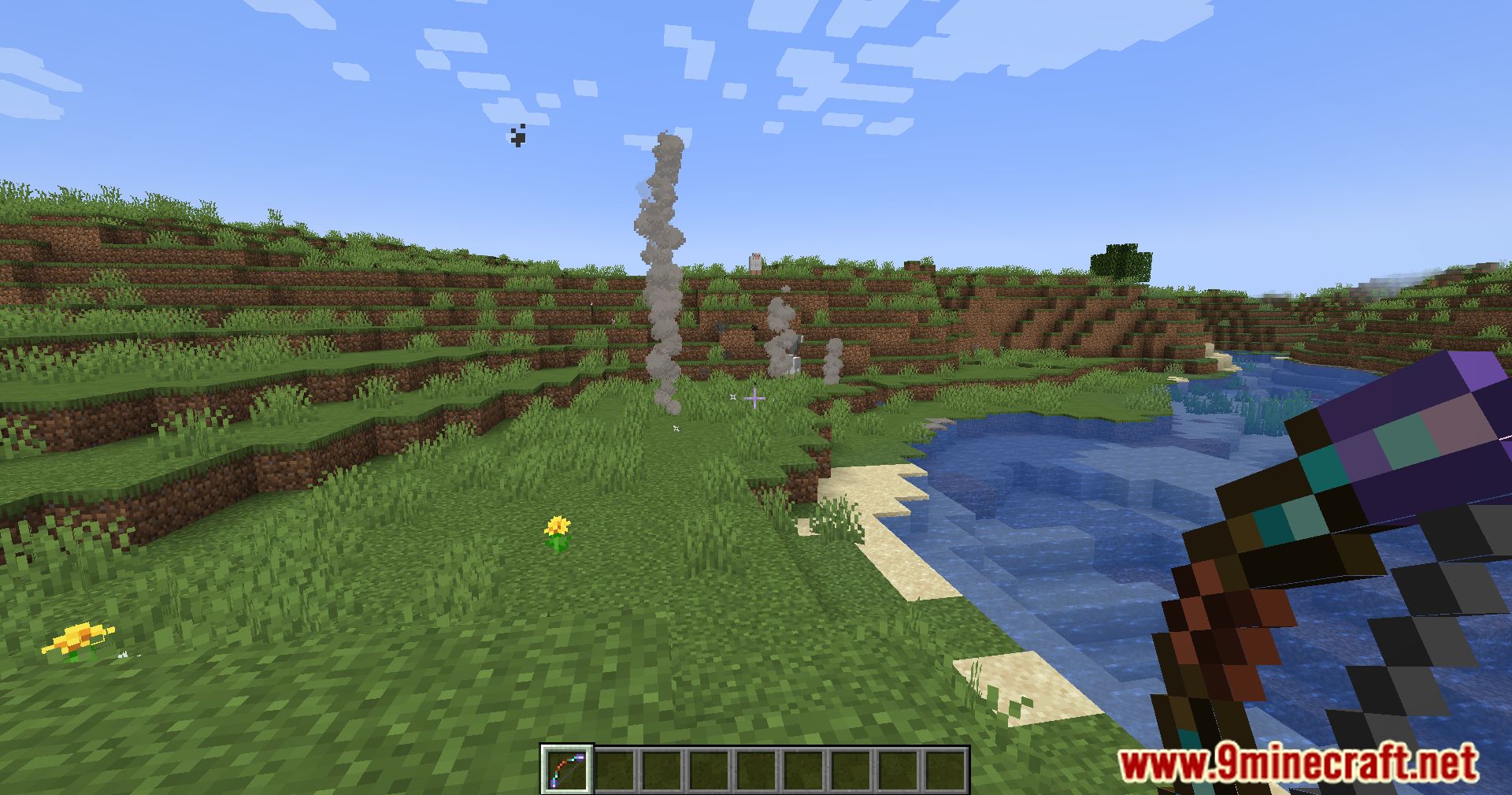
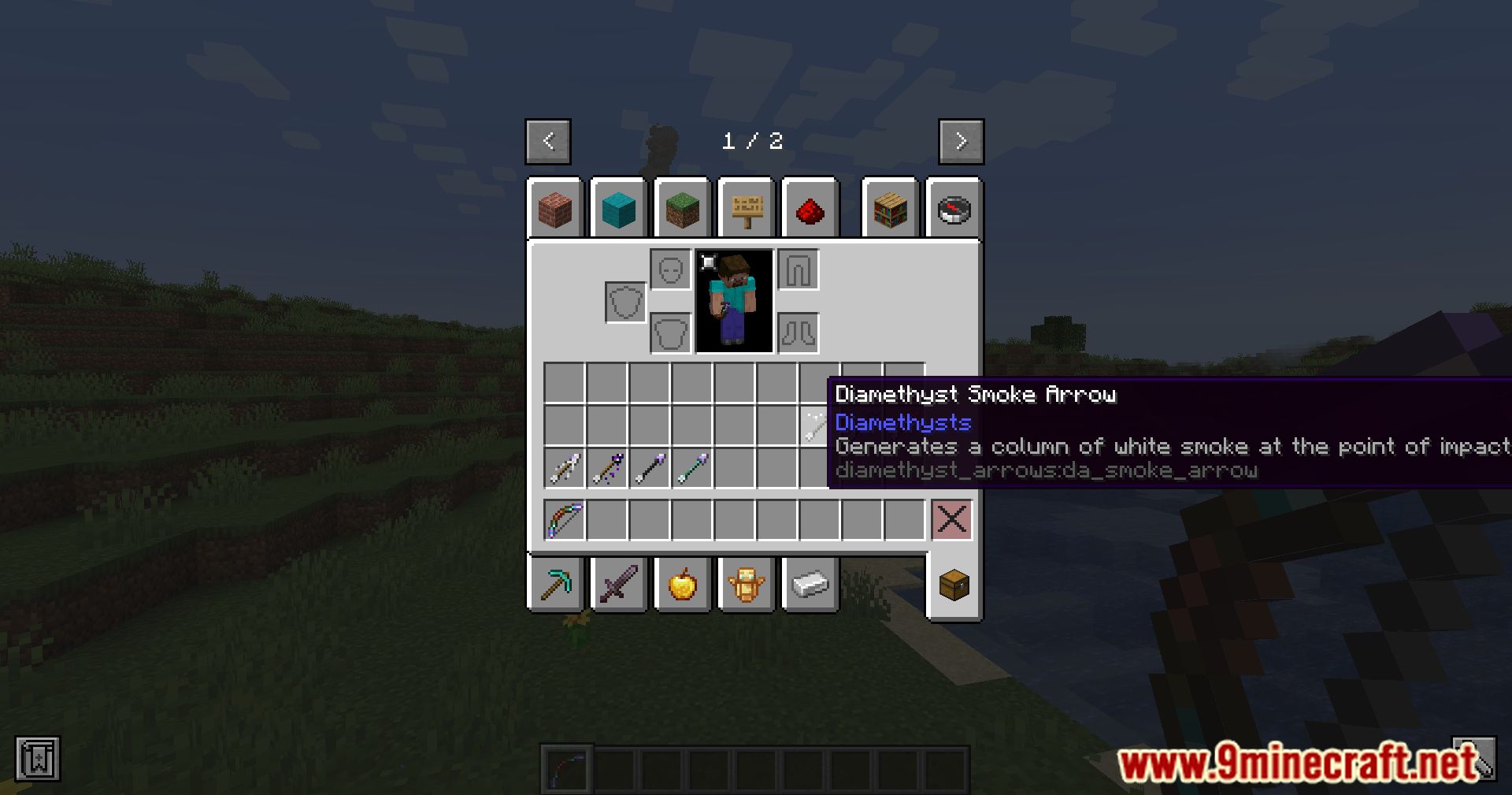
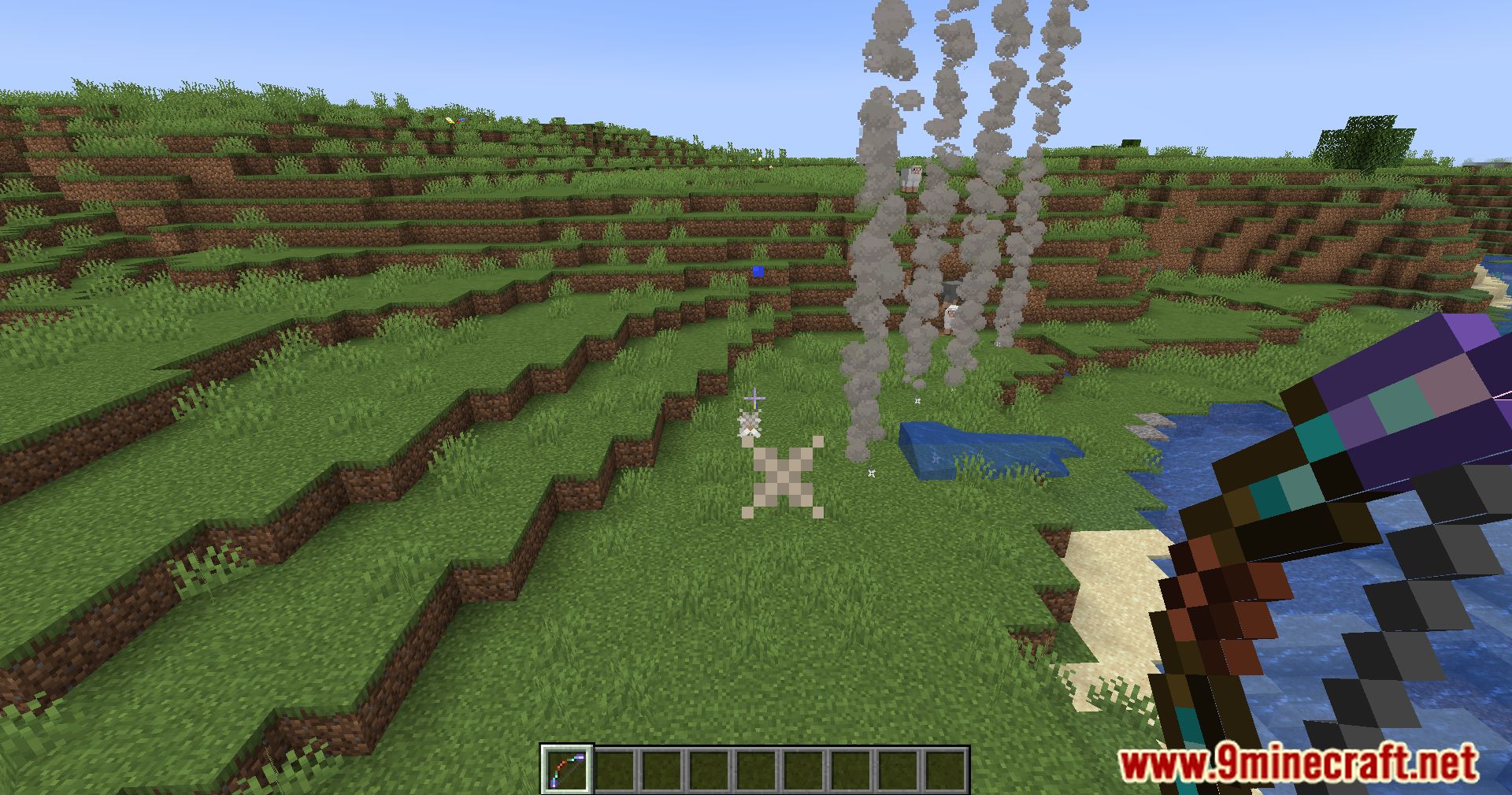
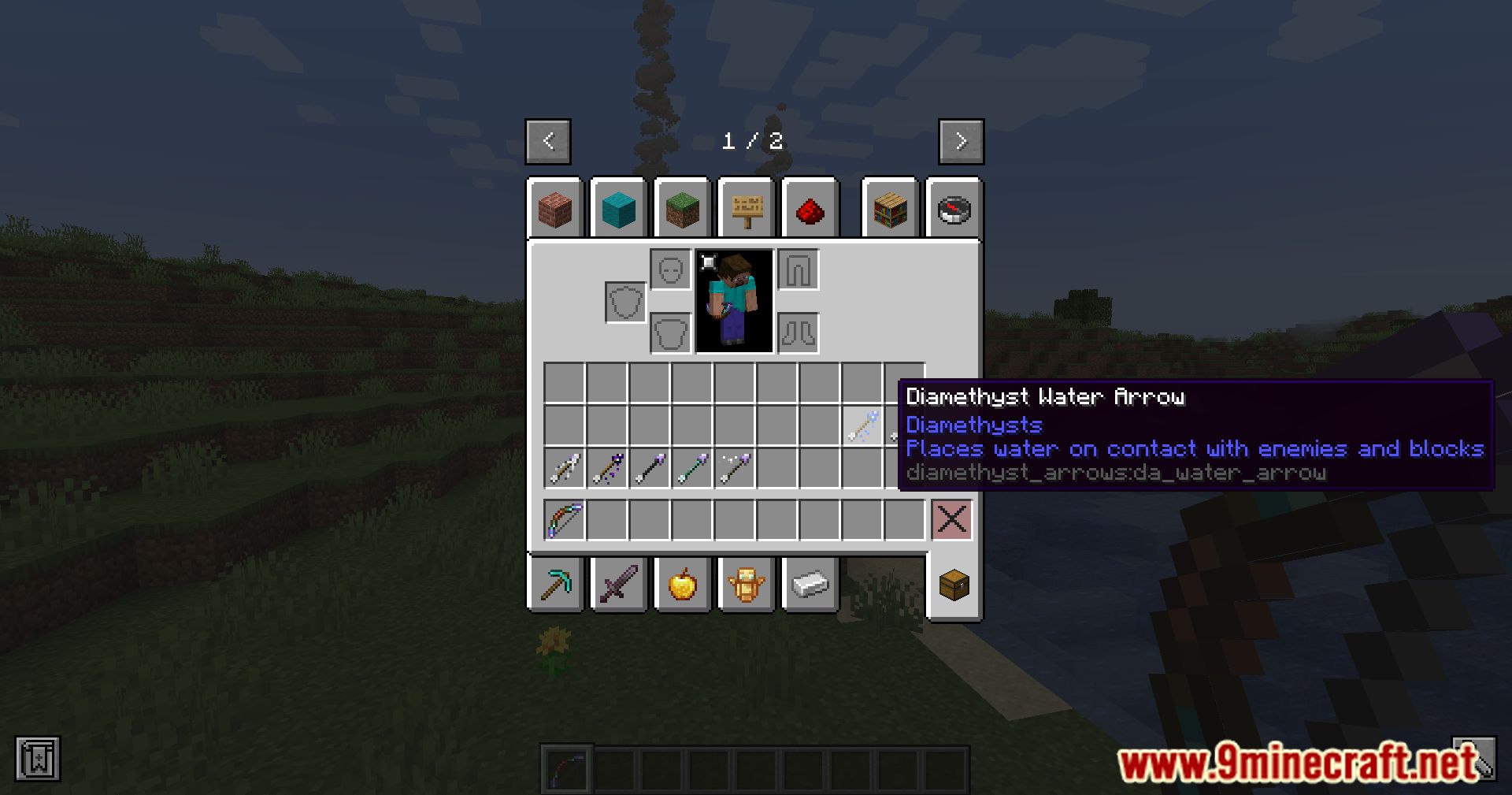
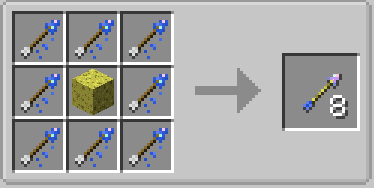
Crafting Recipes:
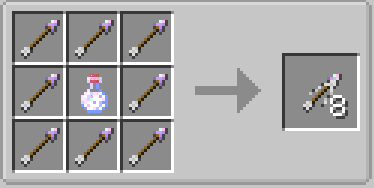
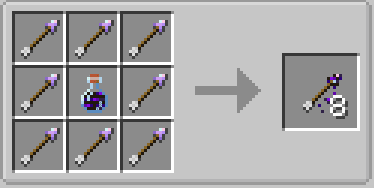
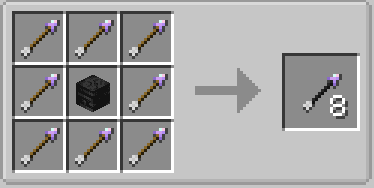
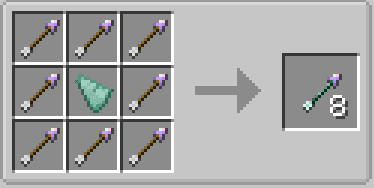
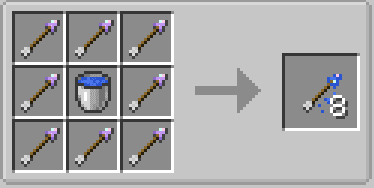
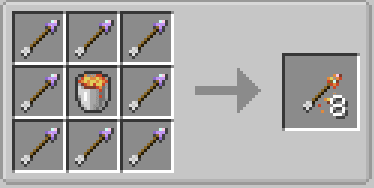
Diamethyst Arrows Mod Download Links
- Edition: Minecraft Java
- File type: .jar
- Minecraft versions listed: 1.21.1, 1.20.1
- How to install: Install the matching mod loader (Forge, Fabric or NeoForge) for your Minecraft version. → Download the .jar. → Put it in the .minecraft/mods folder and launch that loader profile.
- Where to get it: In MC Java Mods, or directly above on this page.
Install steps are the general flow for this file type — How to install Minecraft Java mods & modpacks walks through it step by step.
- Downloads as 2388.mcaddon
- Download size: 431 KB
- Download link checked 25 Sept 2026 — working
- Mirrored on our own servers — the download does not depend on the original host
These come from our own check of the pack file, not from the source page.