
ModsJava
Applied Flux Mod (26.1.2, 1.20.1) – Store FE in Your ME System
Java mod listed for Minecraft 1.20. Downloads from the MC Java Mods app on Android.
⬇ Download




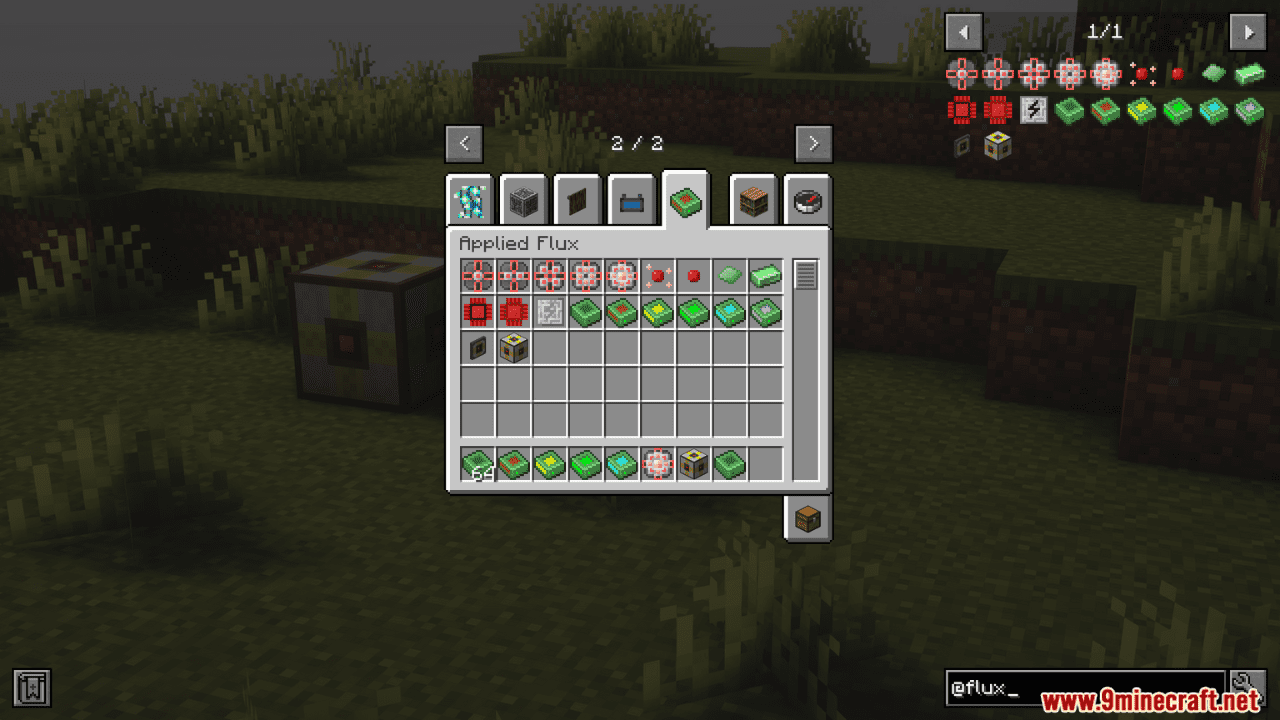

Applied Flux Mod adds new cells to your ME network for storing huge amounts of Forge Energy (FE). This mod makes it simple to manage and use the power in your Applied Energistics 2 system. You can easily see how much energy you have and charge your tools directly from a terminal.
Features:
- Adds special cells for storing Forge Energy (FE) directly in your ME network.
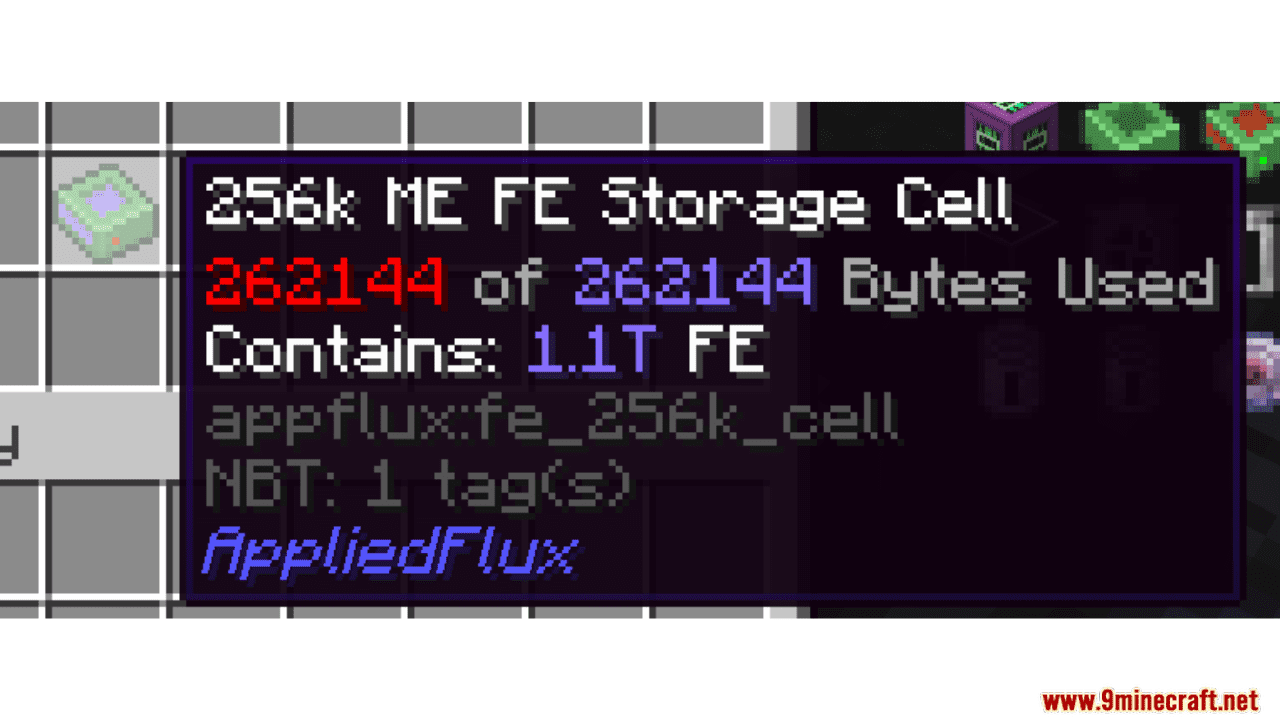
- Store massive amounts of power, with the largest cell holding over 200 trillion FE.
- Use the Flux Accessor to interact with the energy stored in your system.
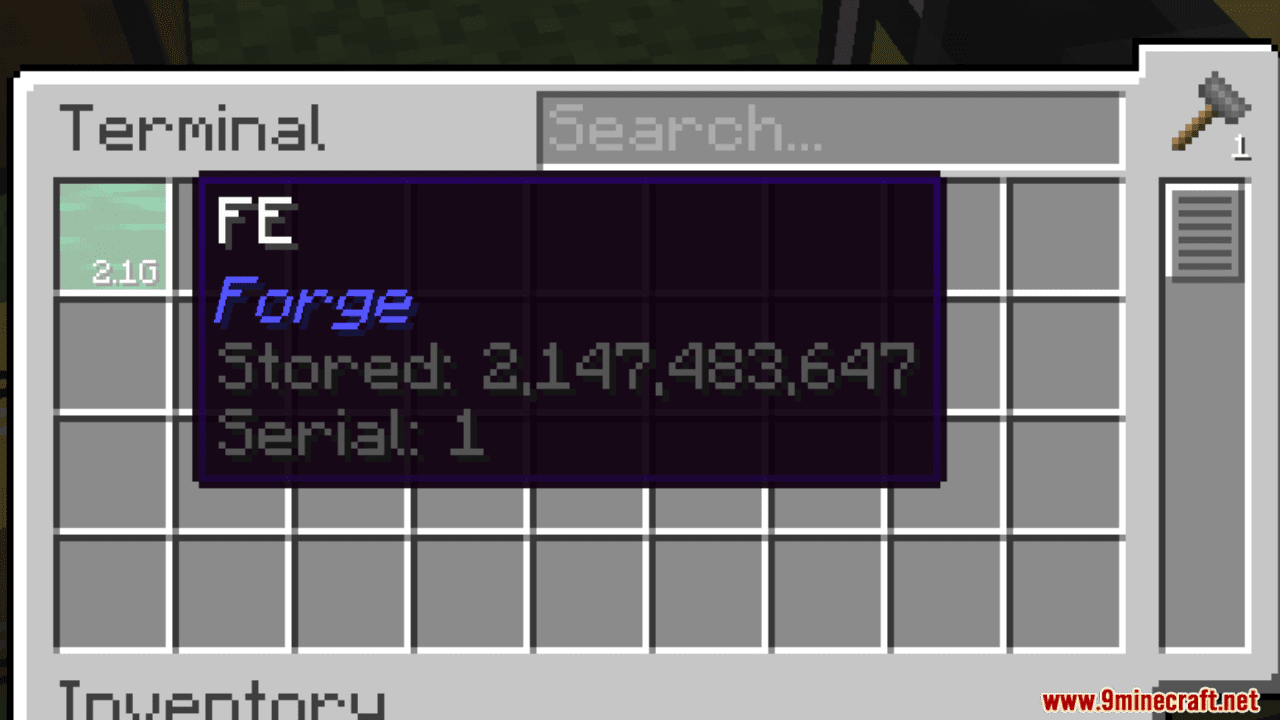
- Check your total stored energy at a glance from the terminal interface.
- Charge and discharge your items right inside the terminal.
How to Use:
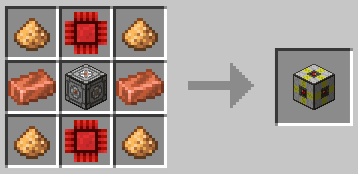
- Craft the new energy cells to begin storing FE.
- Place the cells into your ME network to increase your total power storage.
- Open a terminal to see how much energy you have stored.
- Place items in the terminal’s slots to charge or discharge them using the network’s power.
Crafting Recipes:
Screenshots:





Applied Flux Mod Download Links
Quick facts
- Edition: Minecraft Java
- File type: .jar
- Minecraft version listed: 1.20.1
- How to install: Install the matching mod loader (Forge, Fabric or NeoForge) for your Minecraft version. → Download the .jar. → Put it in the .minecraft/mods folder and launch that loader profile.
- Where to get it: In MC Java Mods, or directly above on this page.
Install steps are the general flow for this file type — How to install Minecraft Java mods & modpacks walks through it step by step.
Applied Flux Mod (26.1.2, 1.20.1) – Store FE in Your ME System is a free Minecraft Java mod. Compatible with Minecraft 1.20.1. Download it and open it directly in the game.