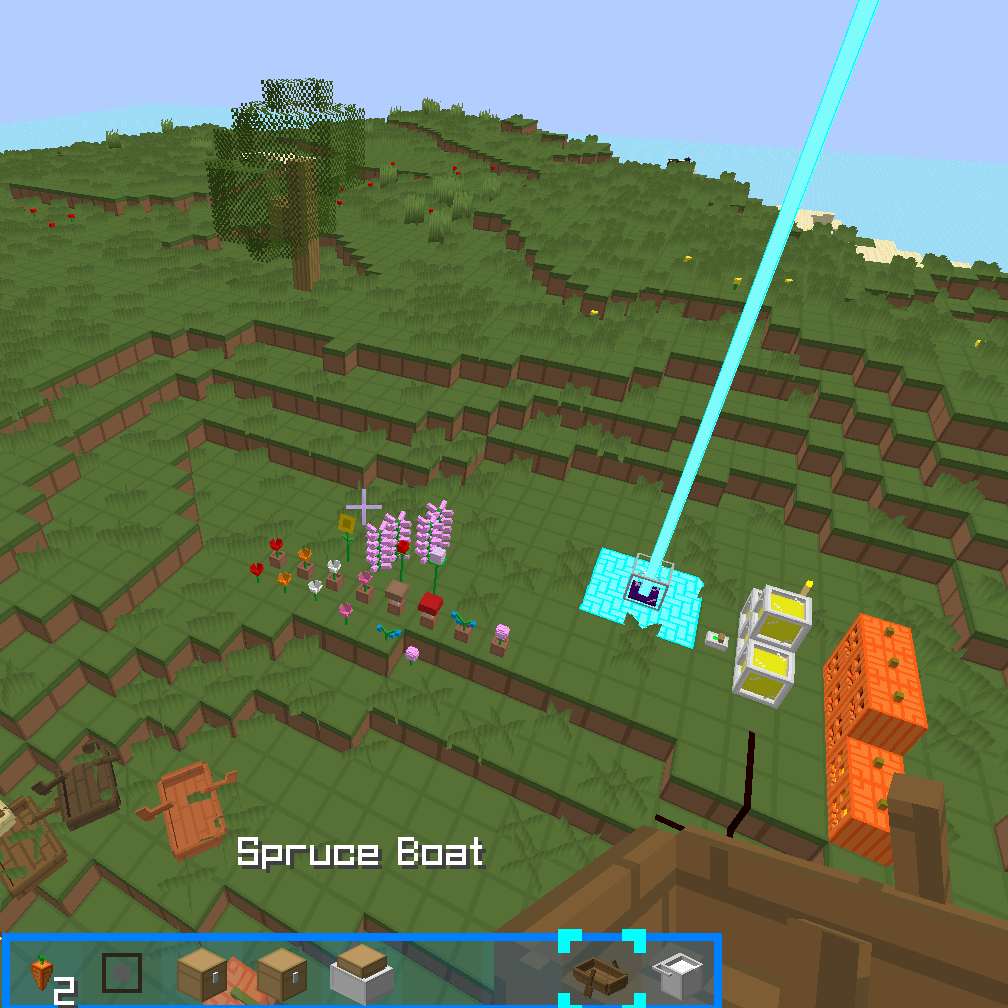
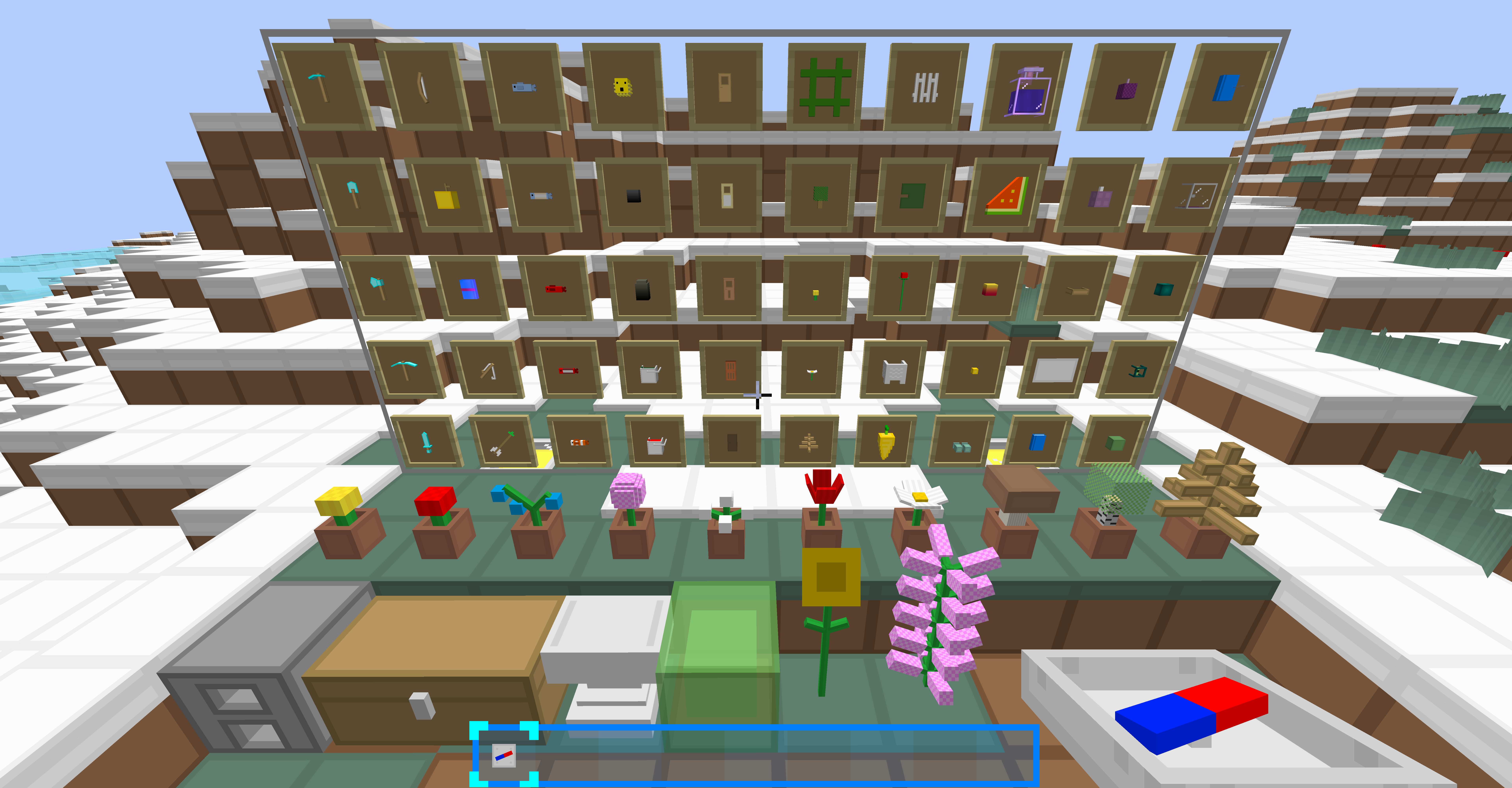
BlueBlocksCraft is a simple resource pack.
For 1.14+, use the 1.16 version from the github source. most things would work well.
3.x supports MC1.12+. MC1.9~1.11.2 is no longer supported but still usable(use 1.12.2 version instead, may have minor bugs)
2.x supports MC1.6~1.7.10 and is no longer supported.
This resource pack supports Optifine except for earlier versions for MC1.13.x.
To install Optifine without a mod loader using MultiMC launcher,see this.
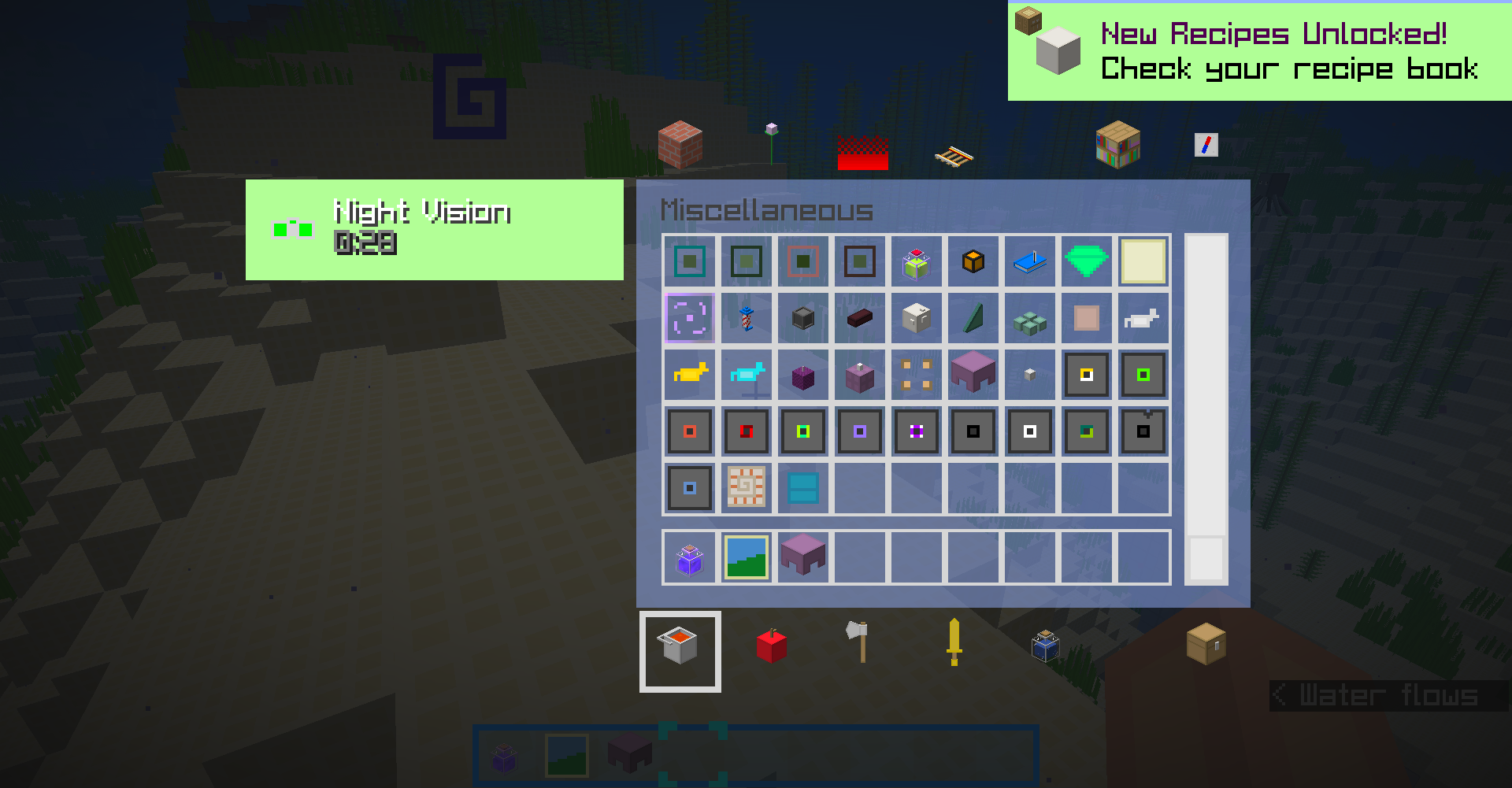
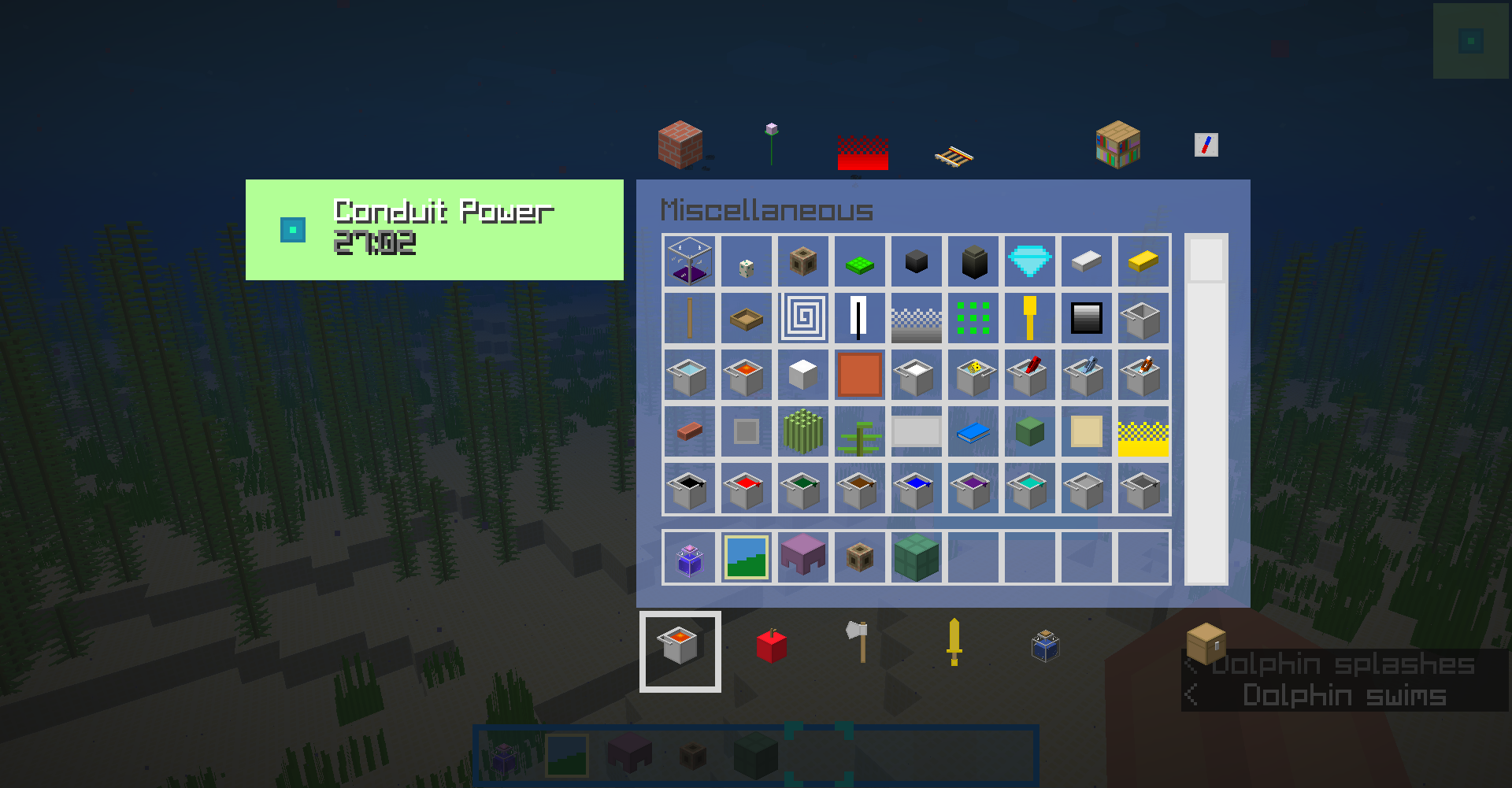
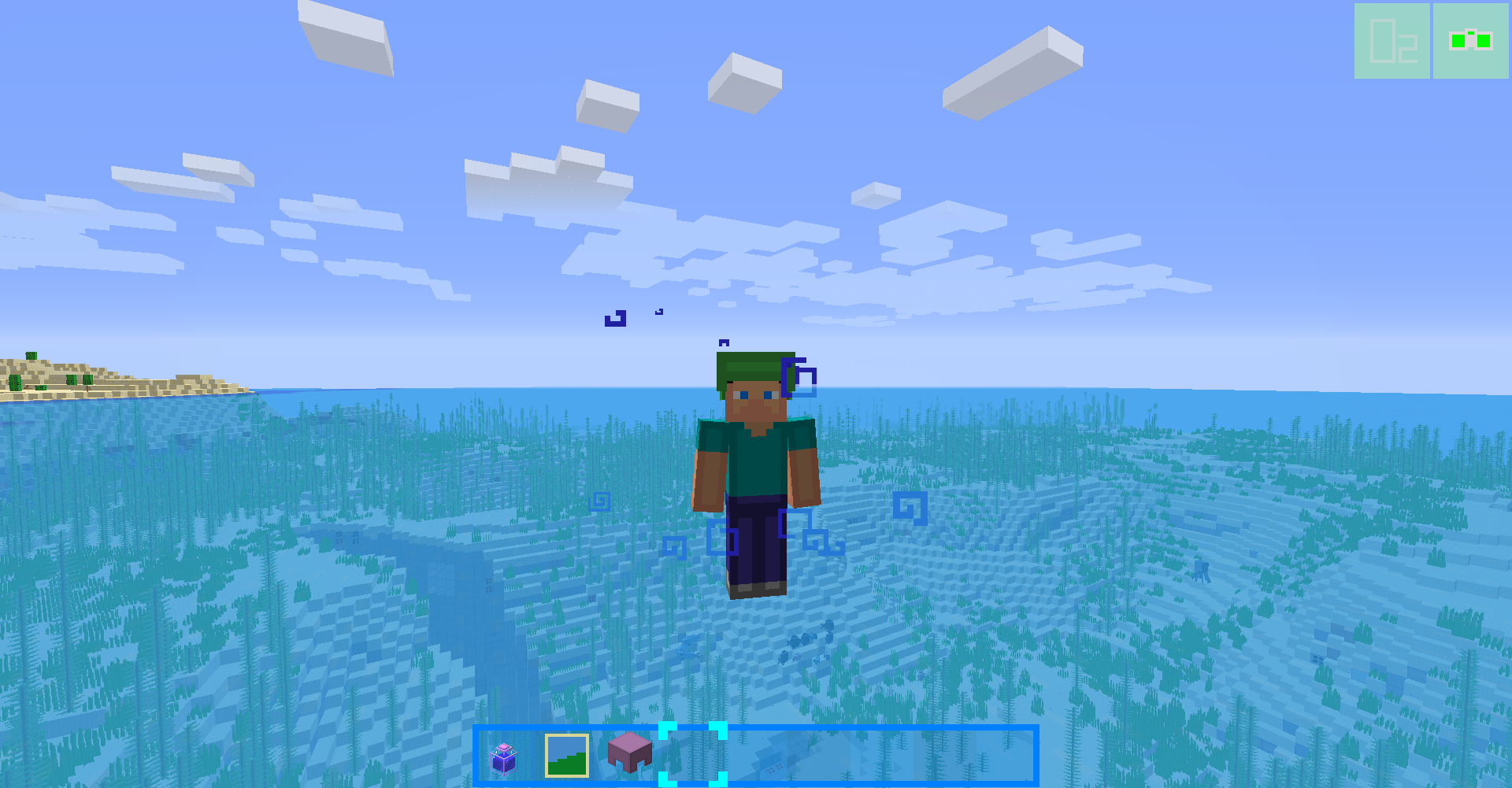
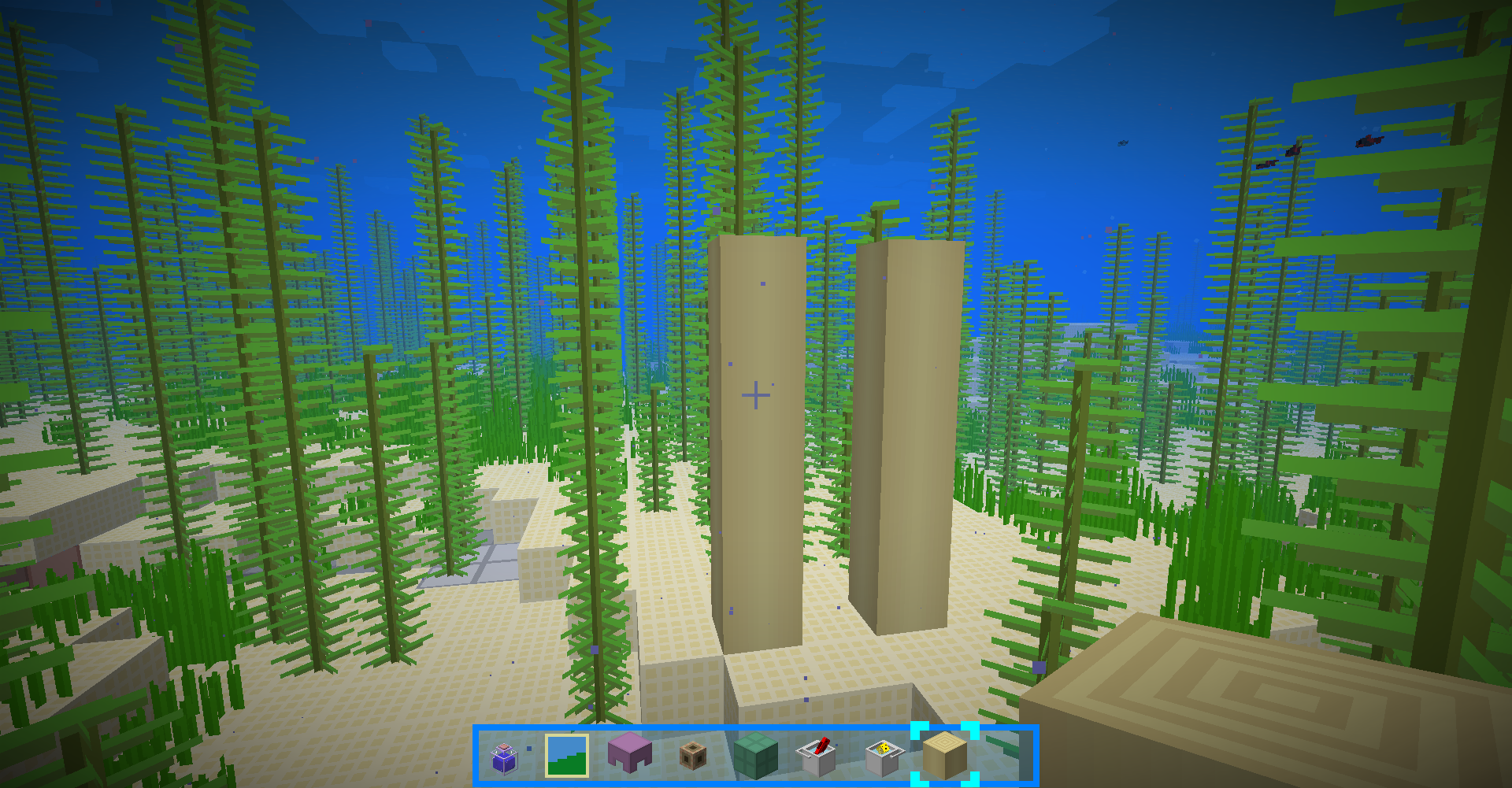
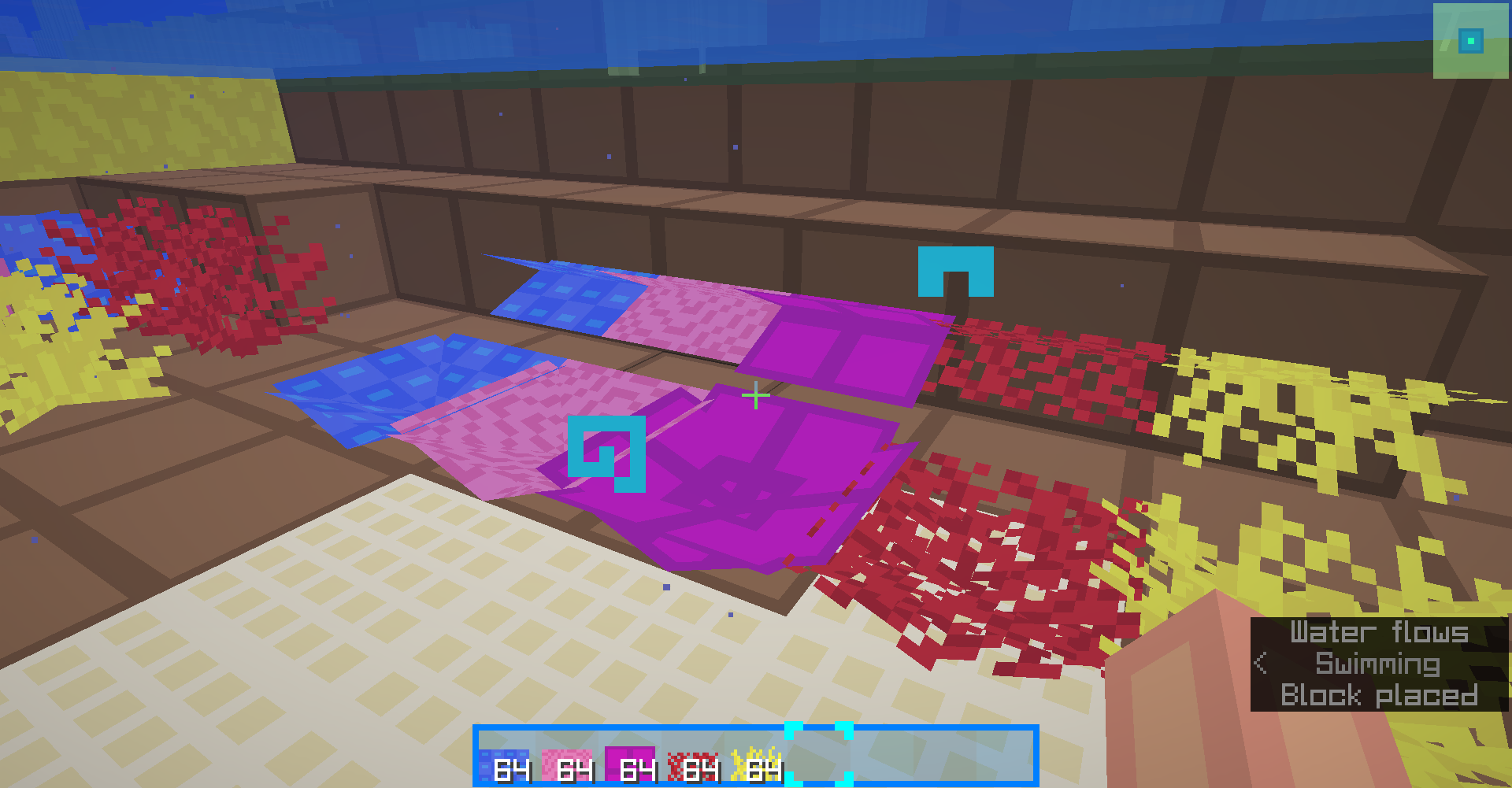
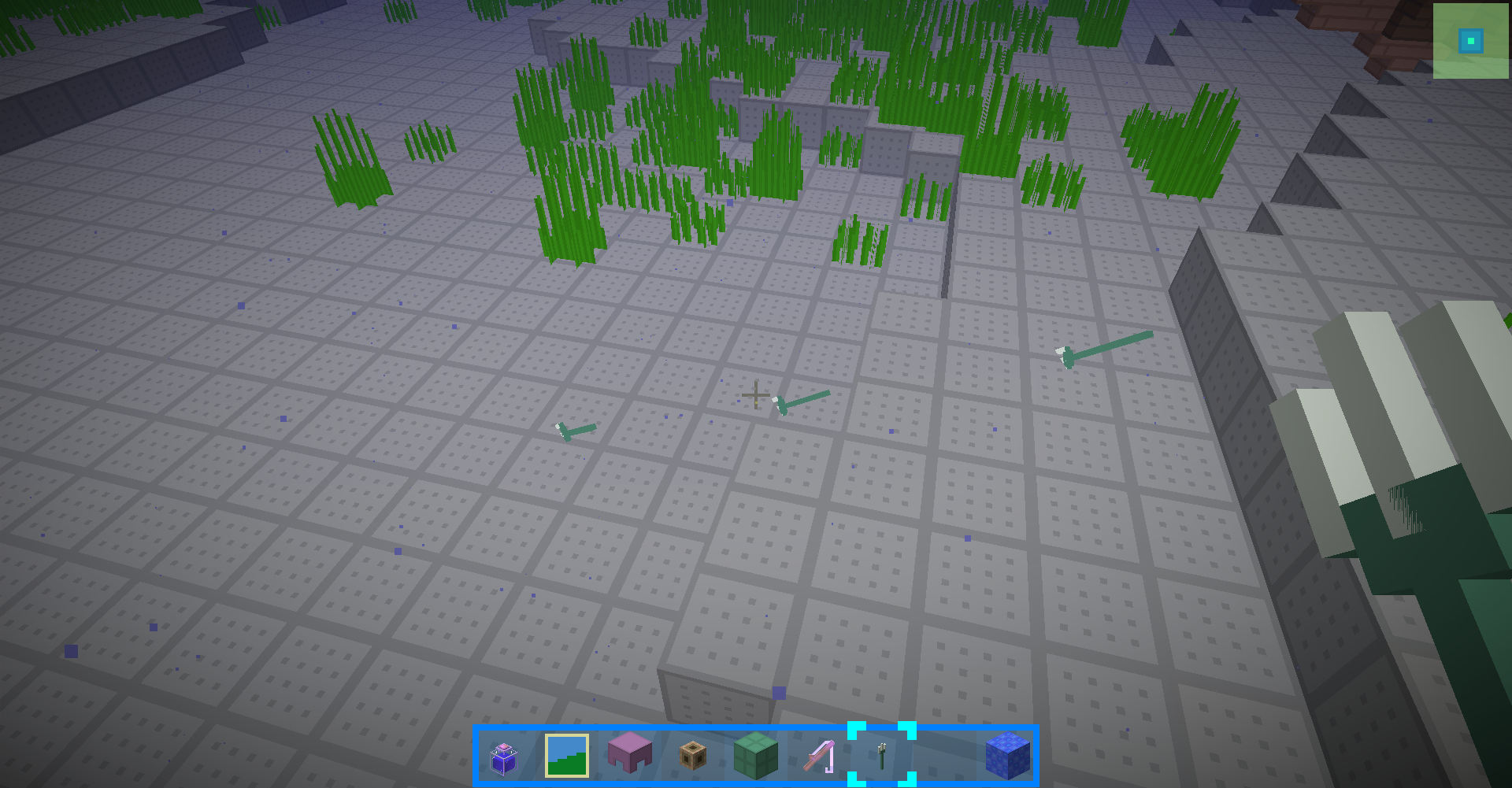
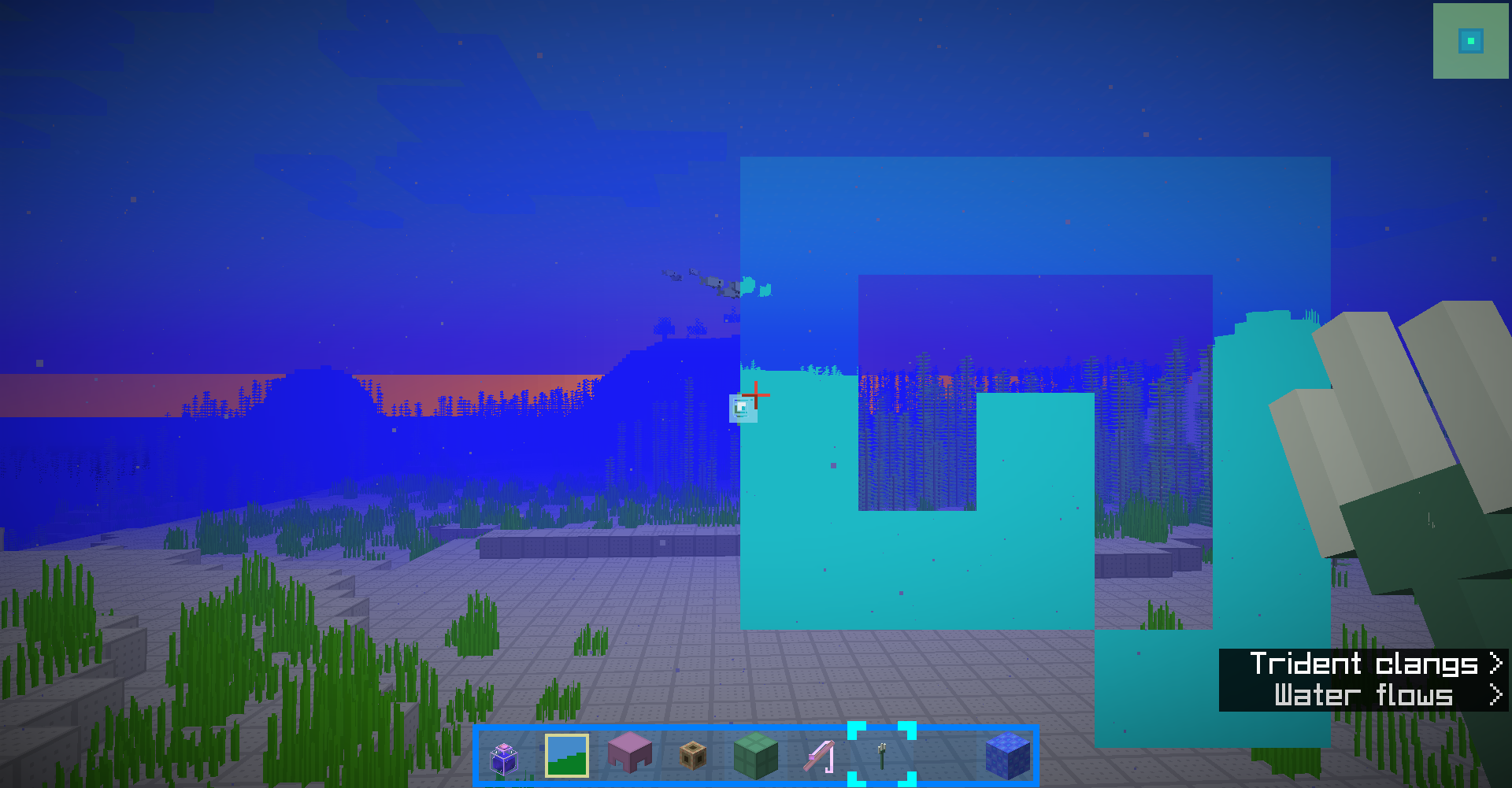
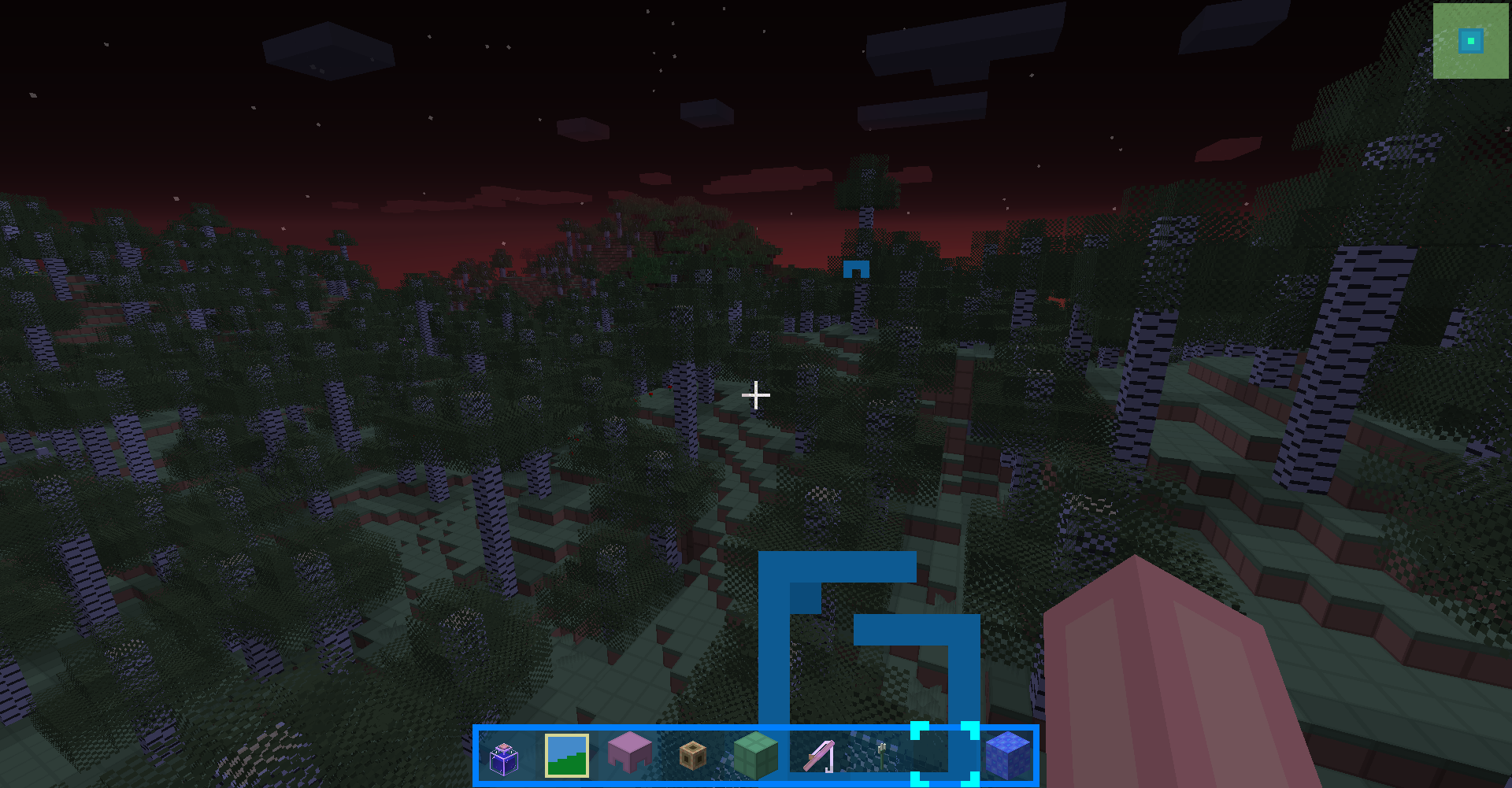
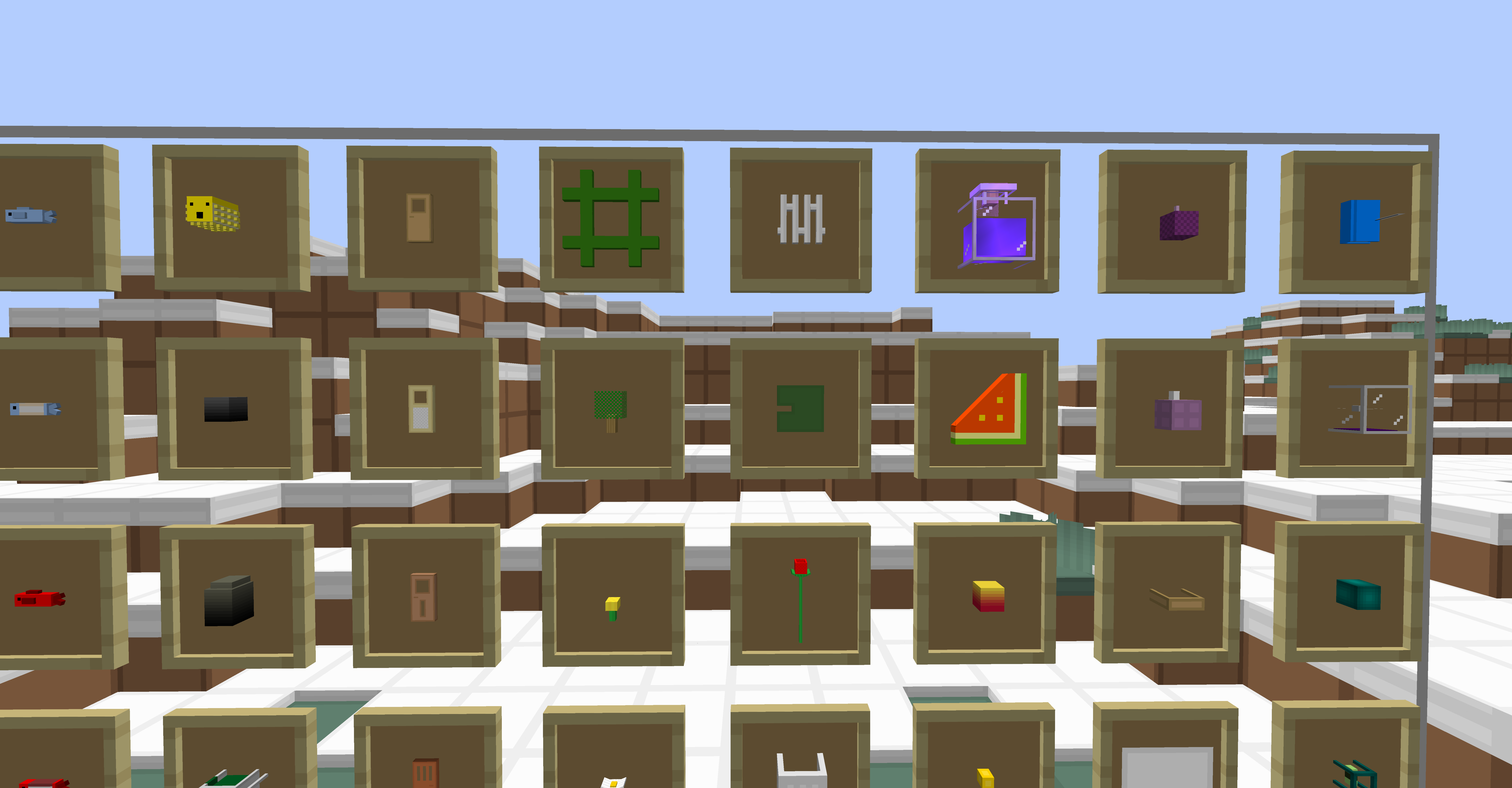
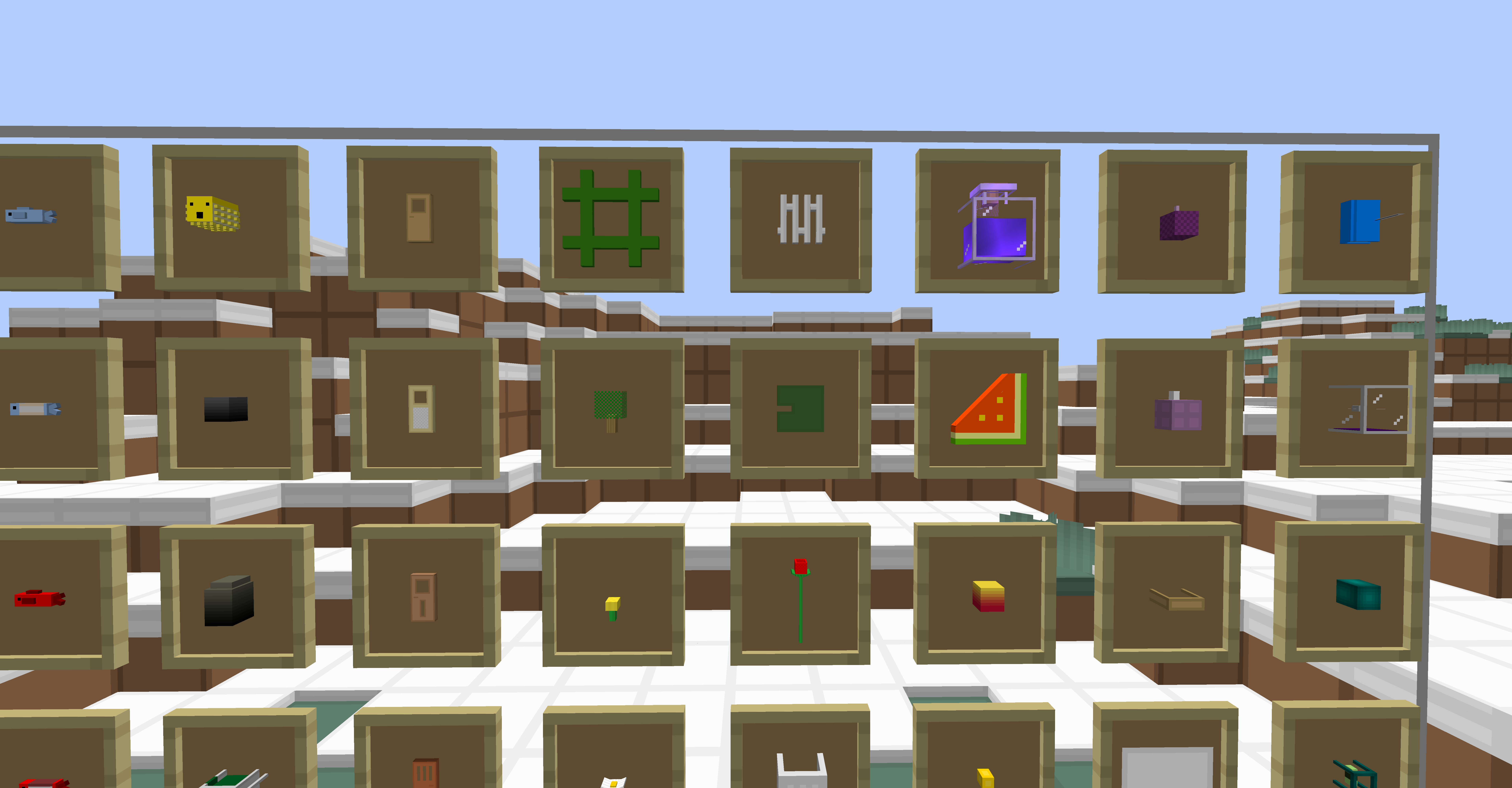
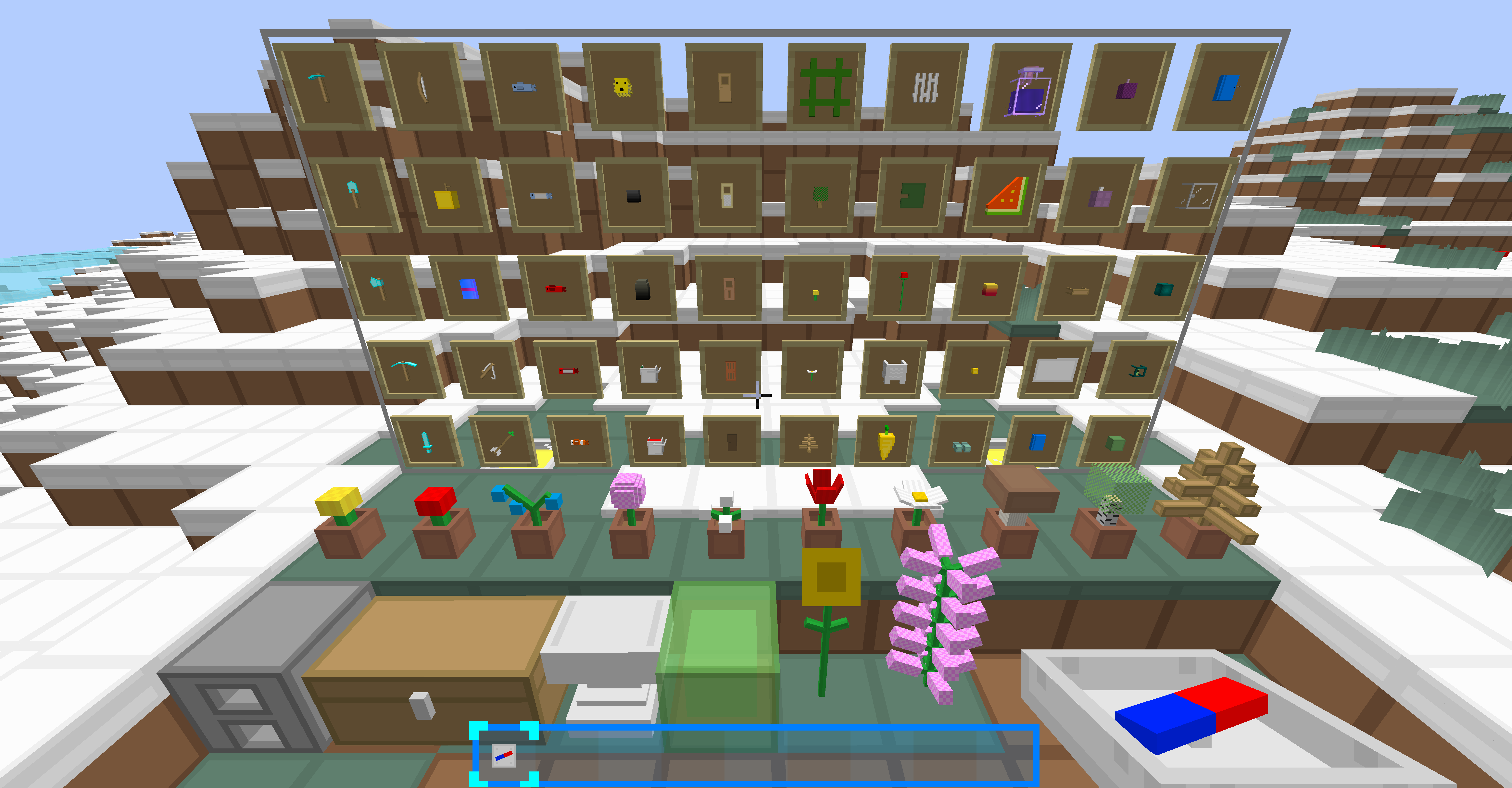
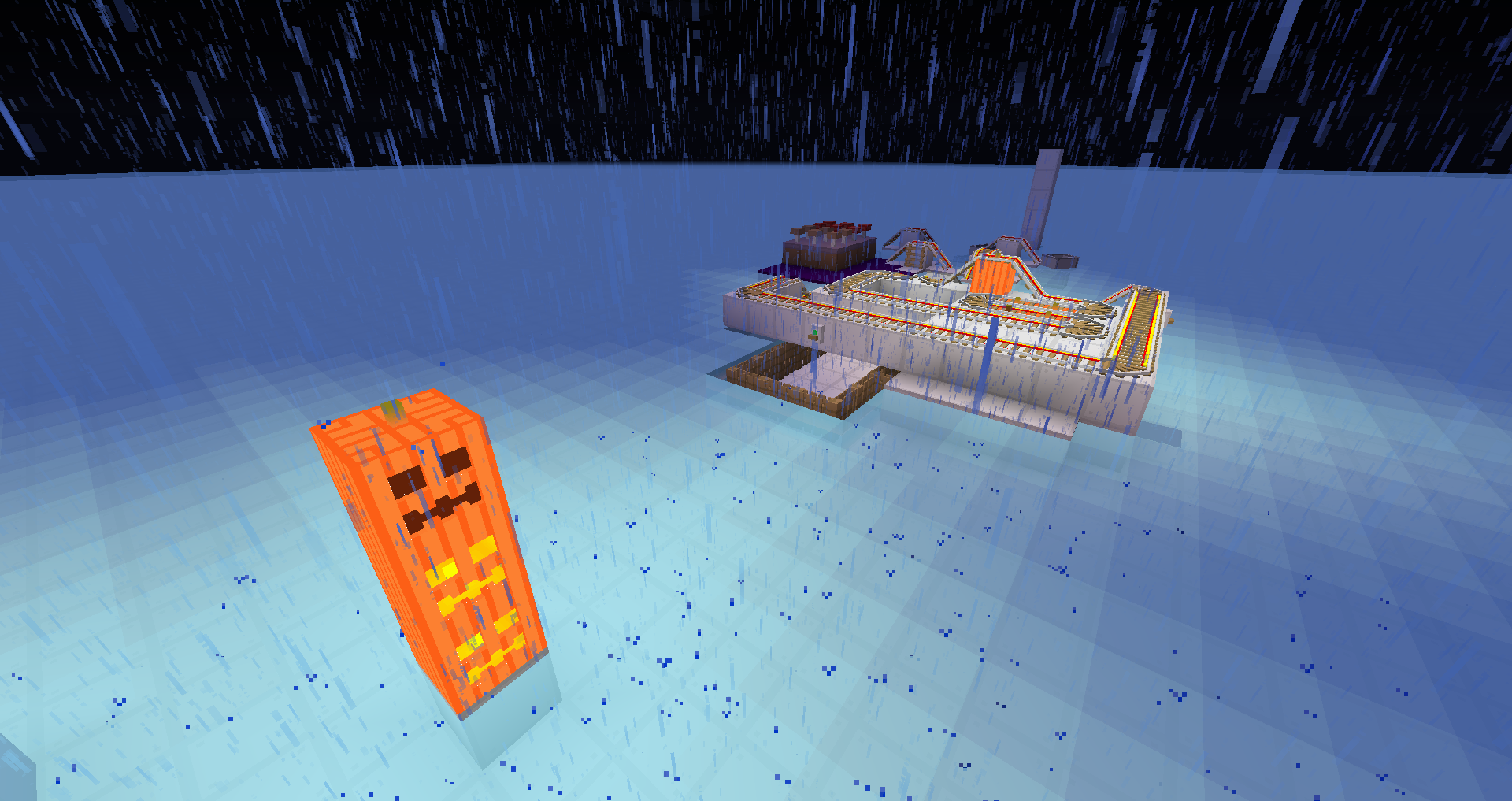
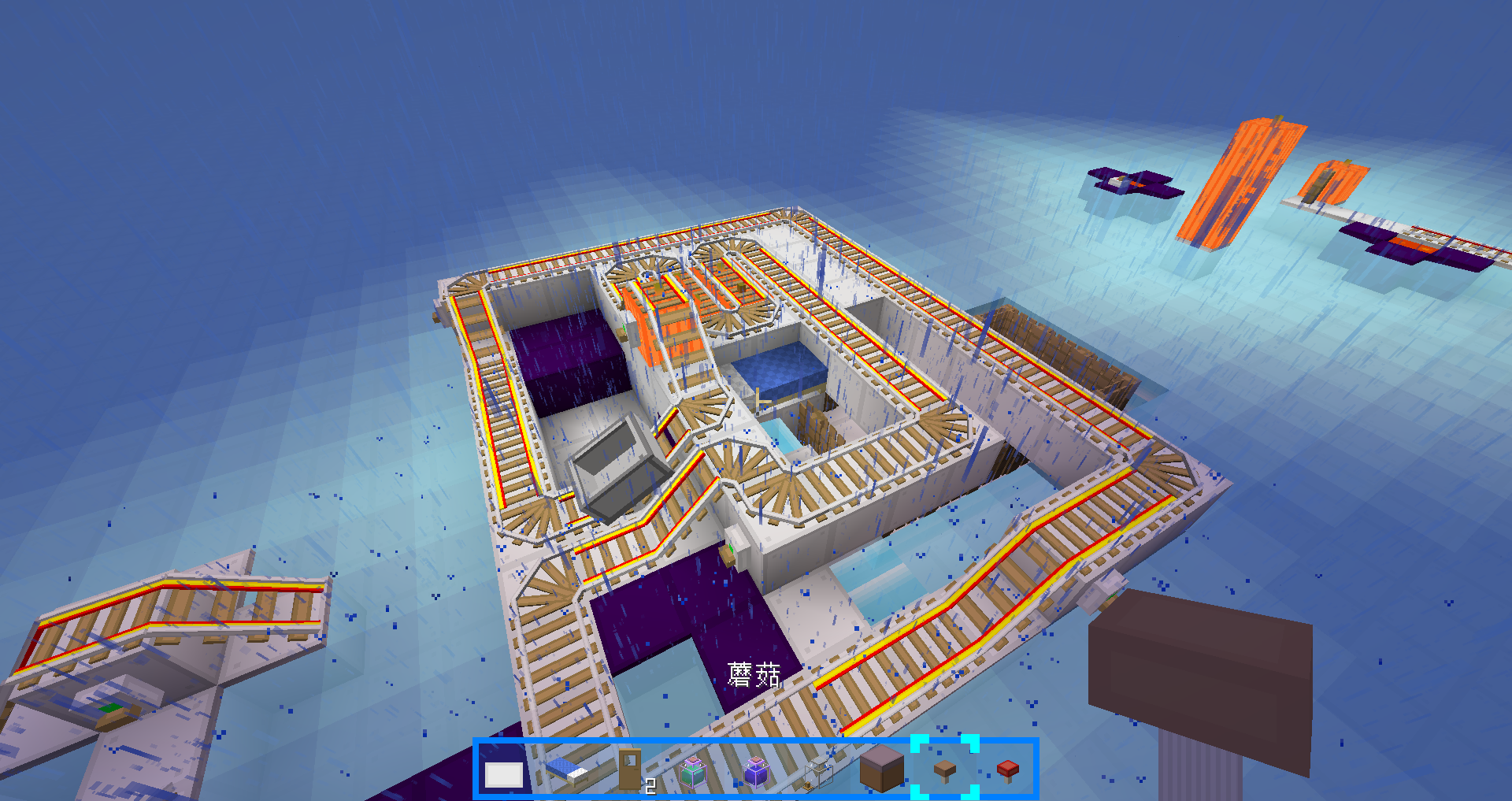
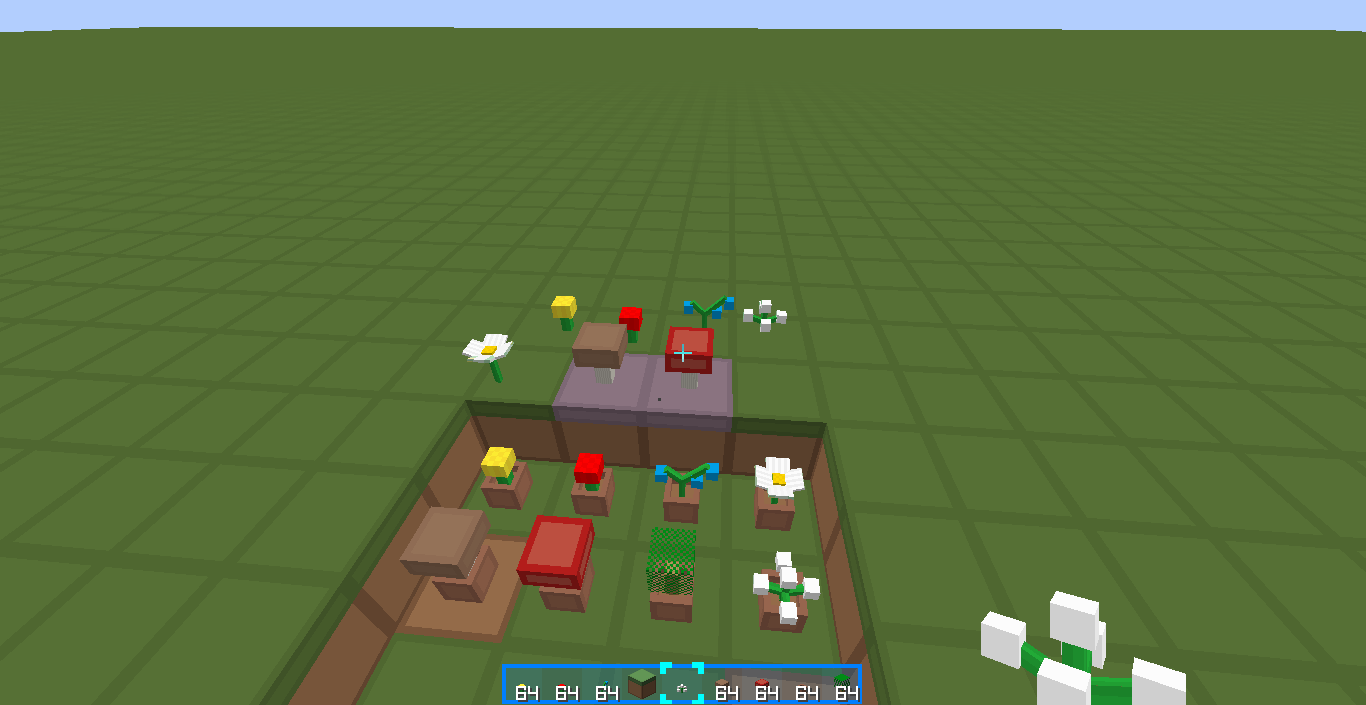
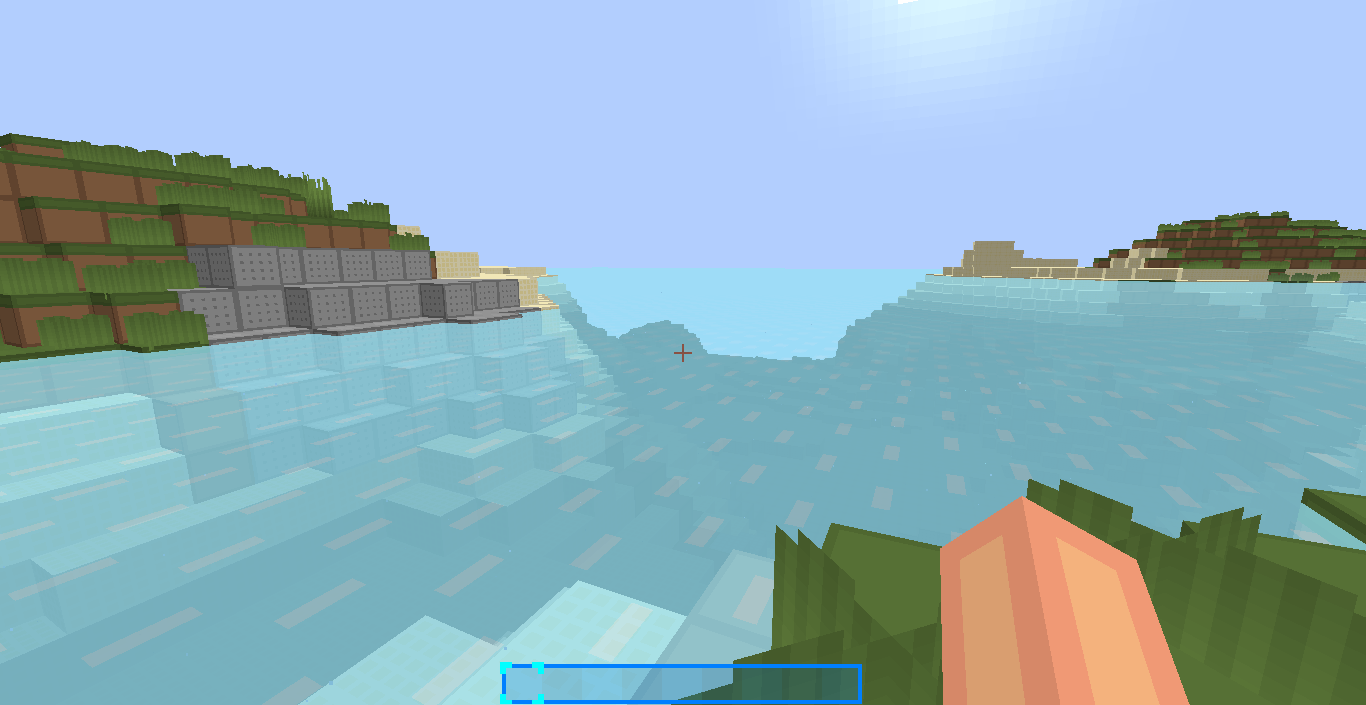
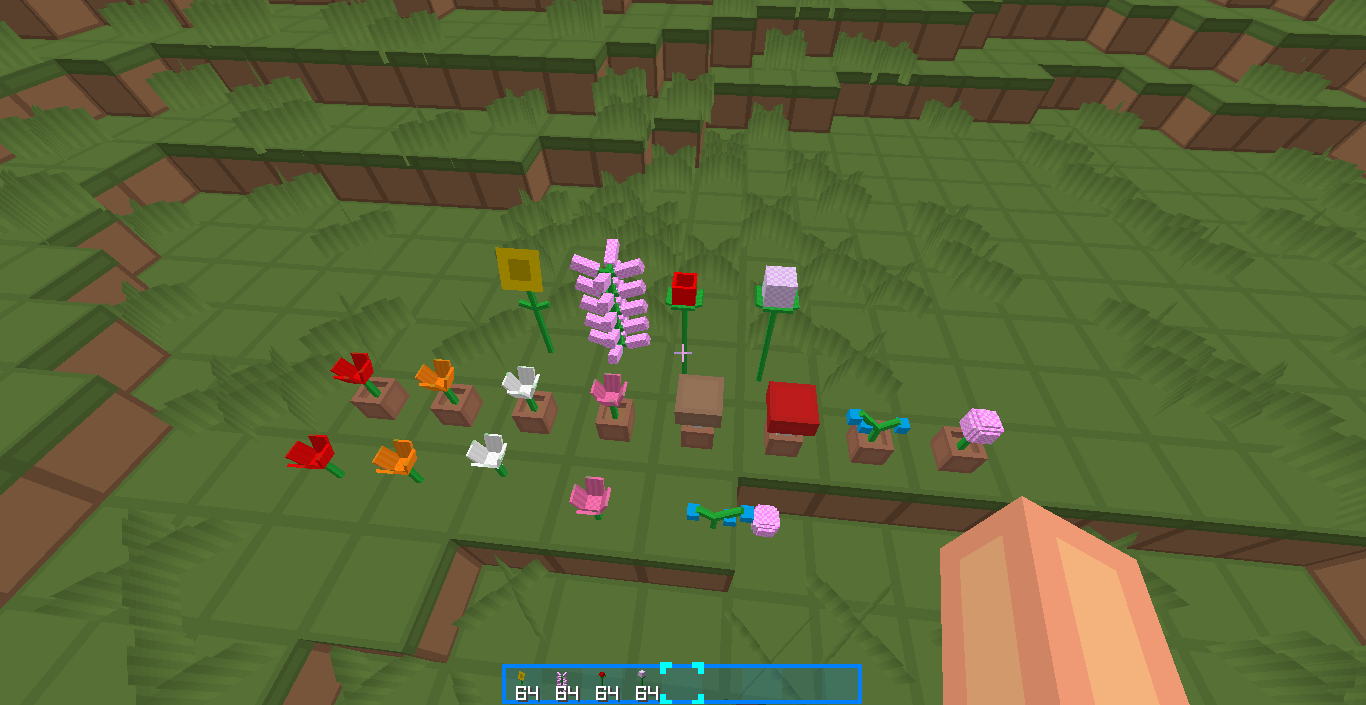
Now has 3D models for many blocks and items!
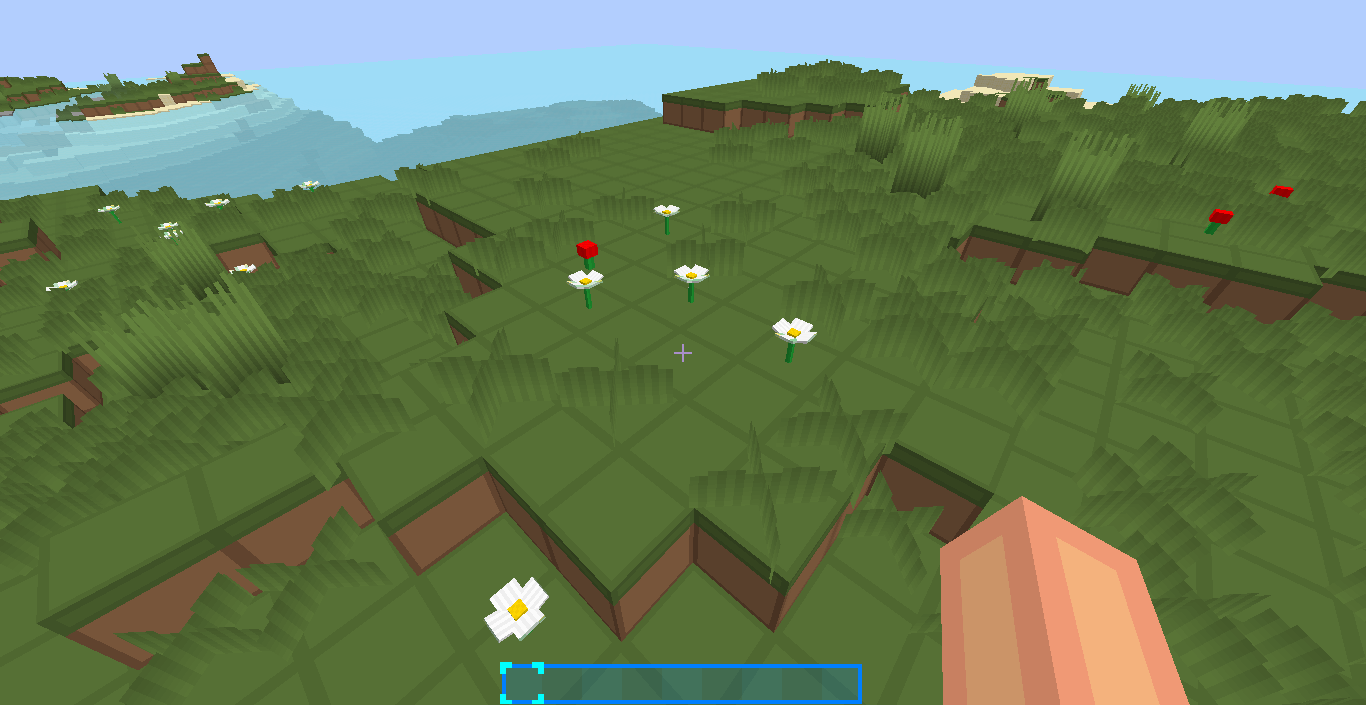
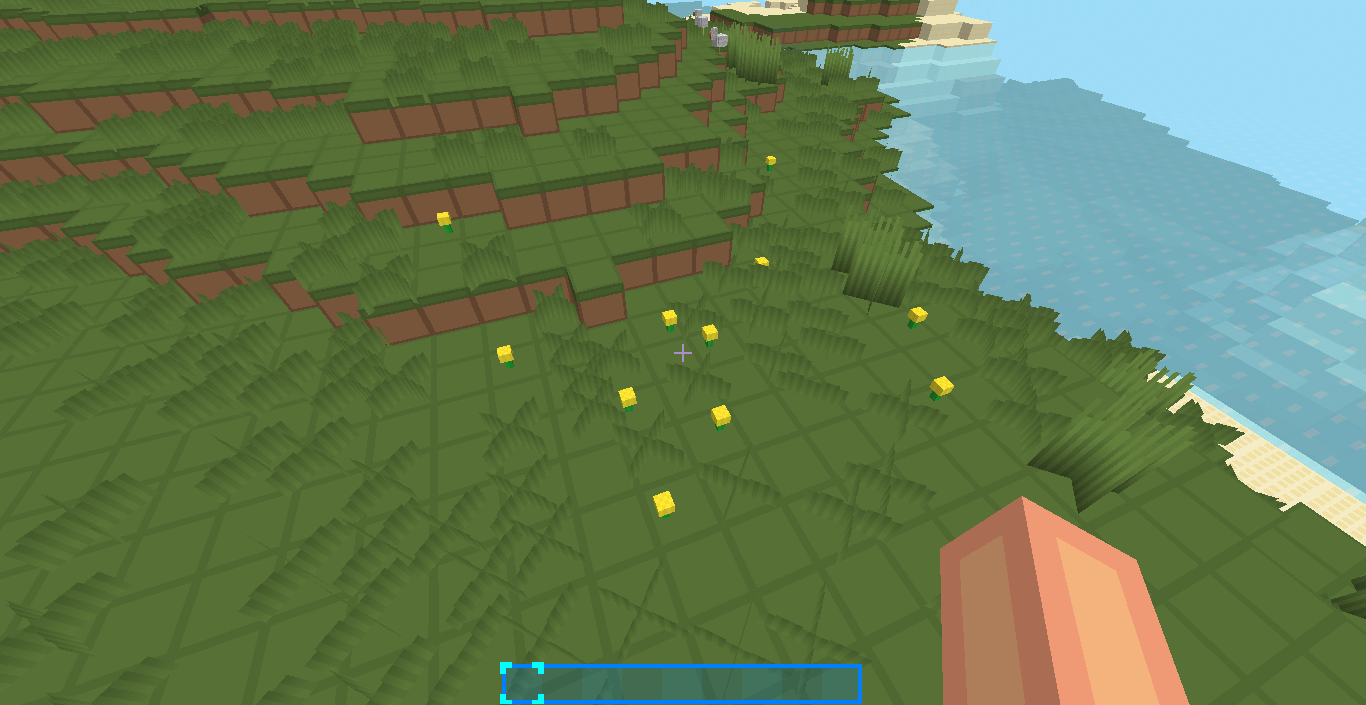
Such as: Tools, flowers, rails, pumpkin and melon, and more!
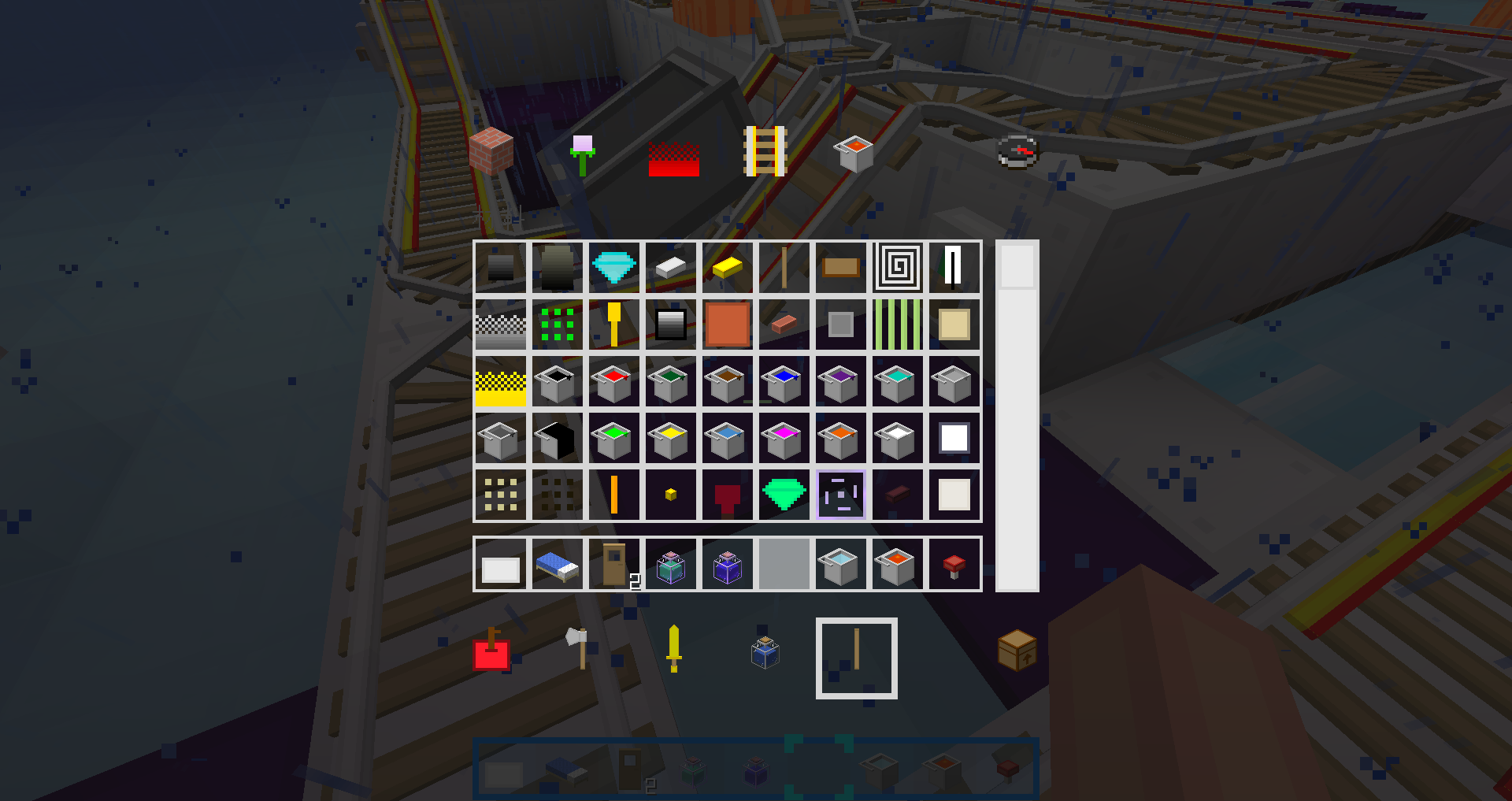
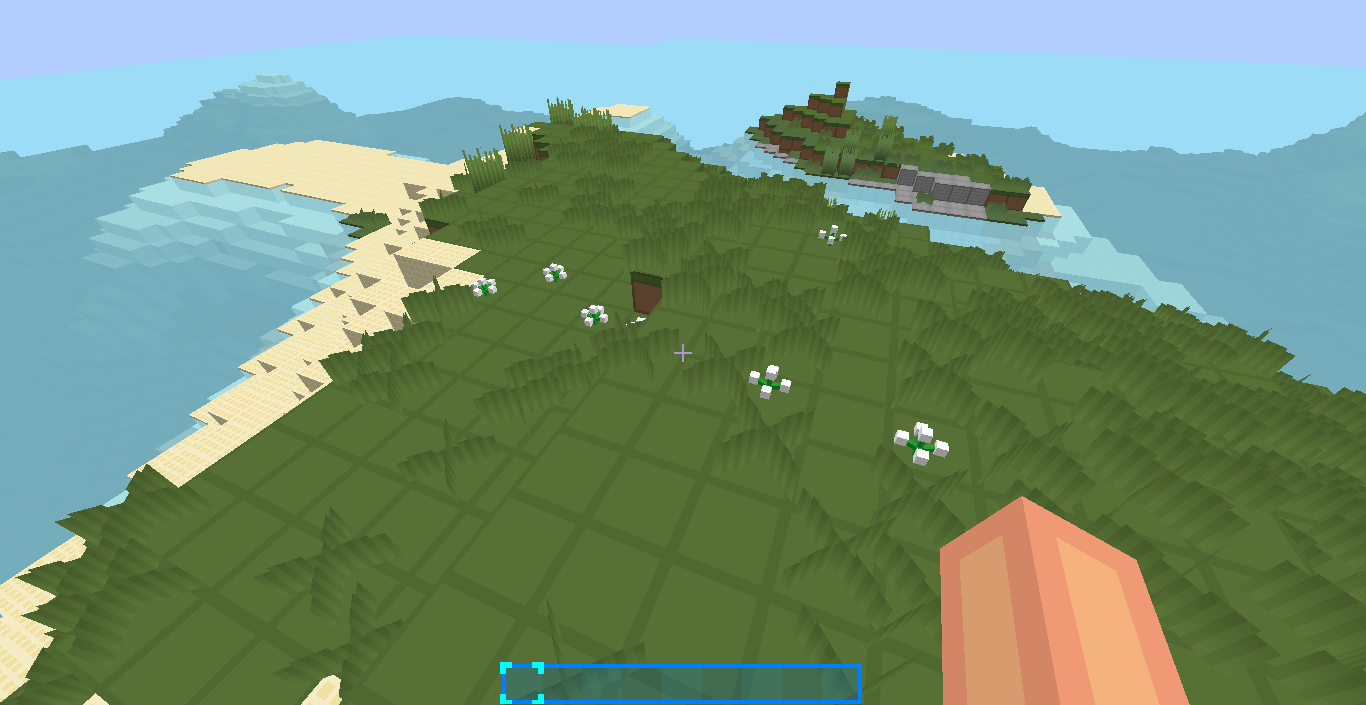
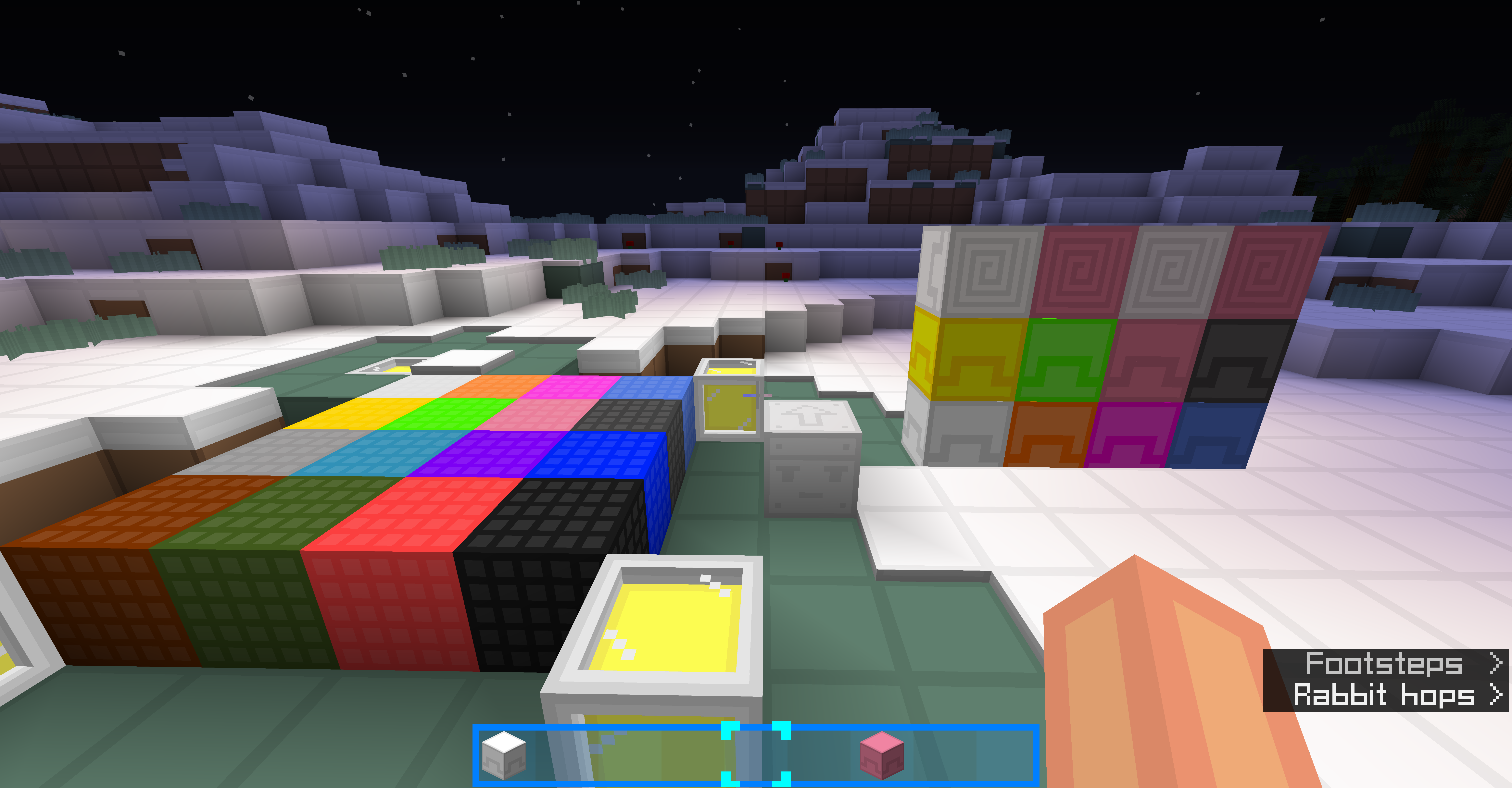
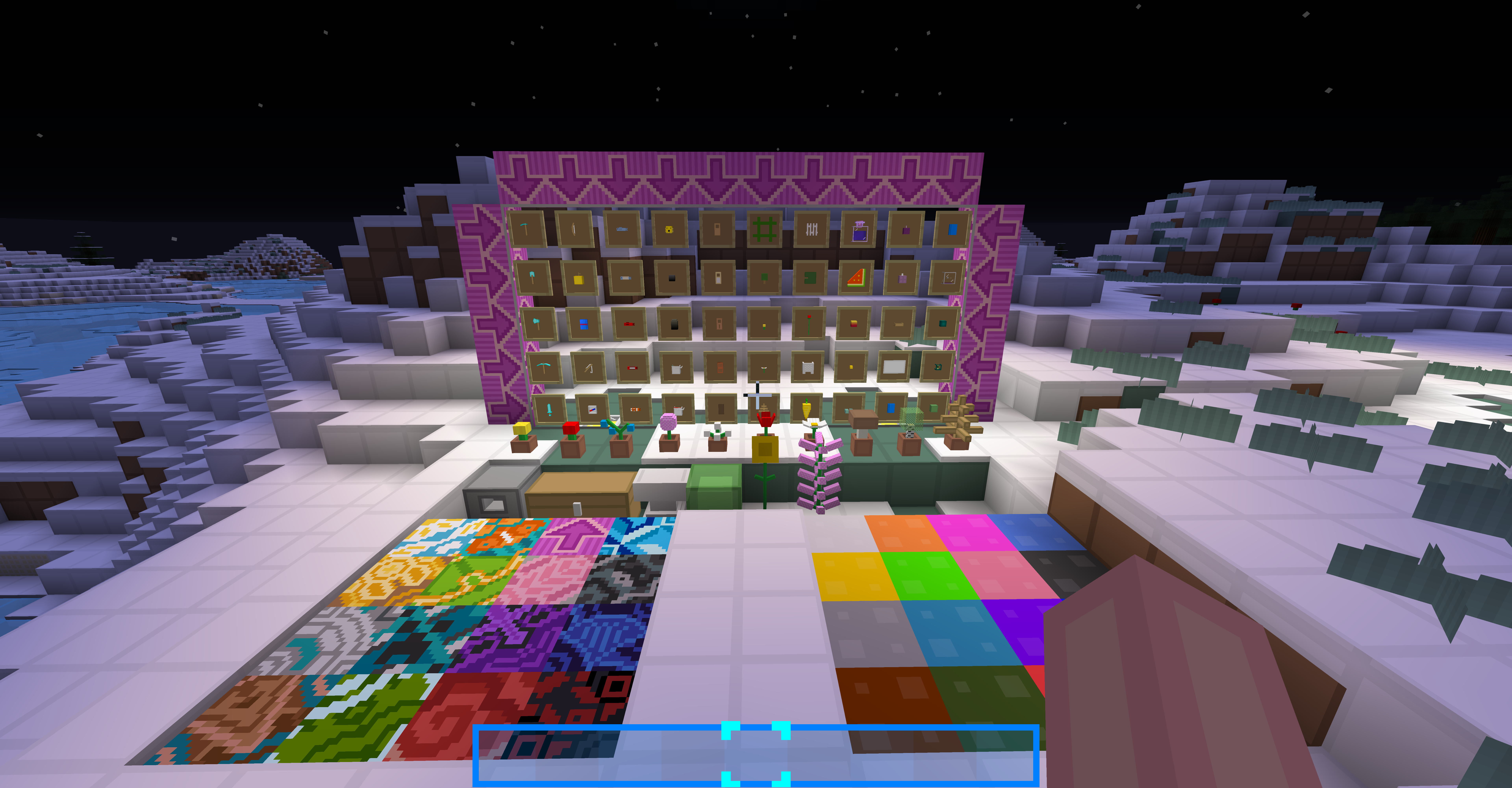
Screeshots:
1.13:
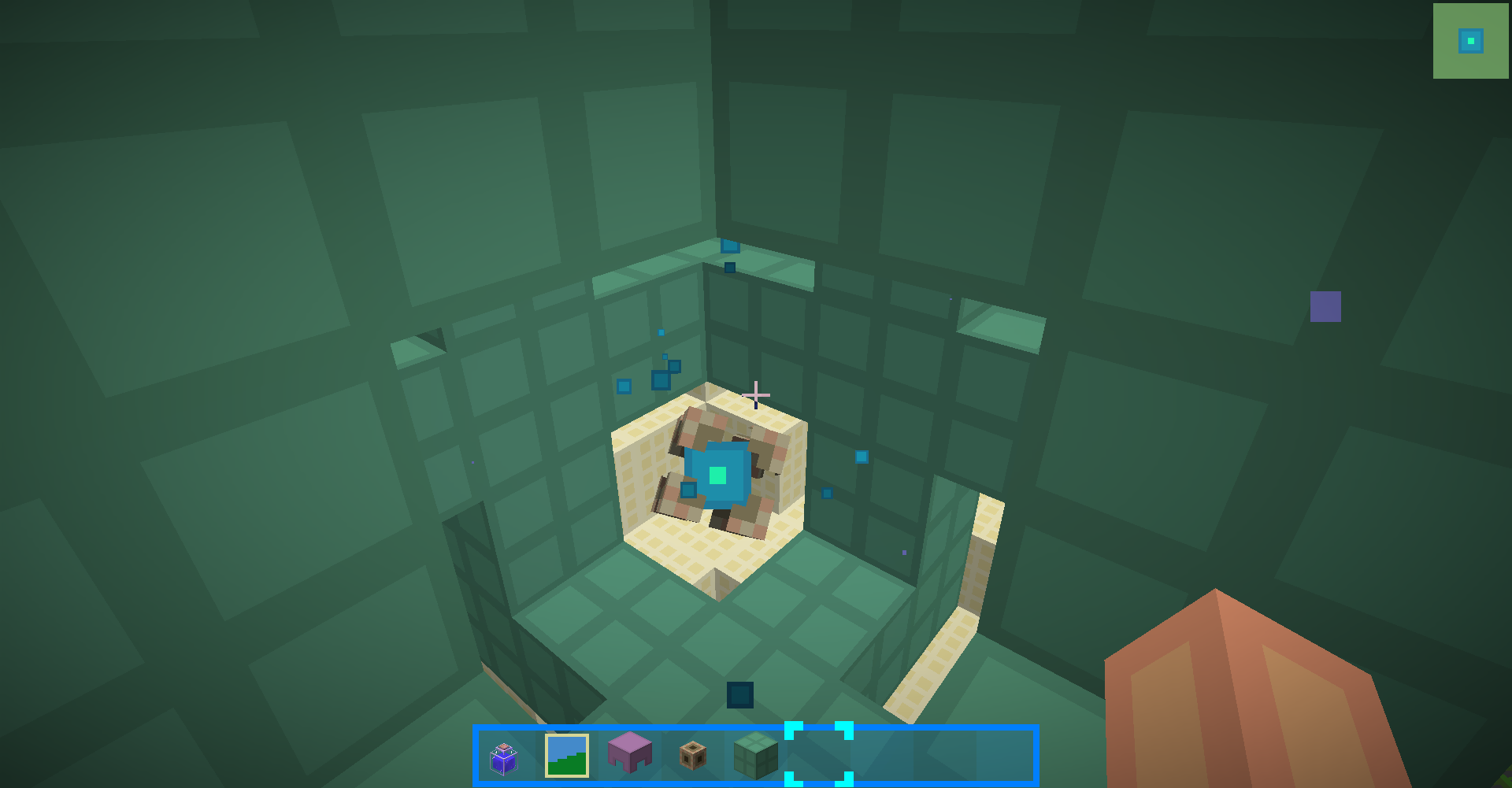
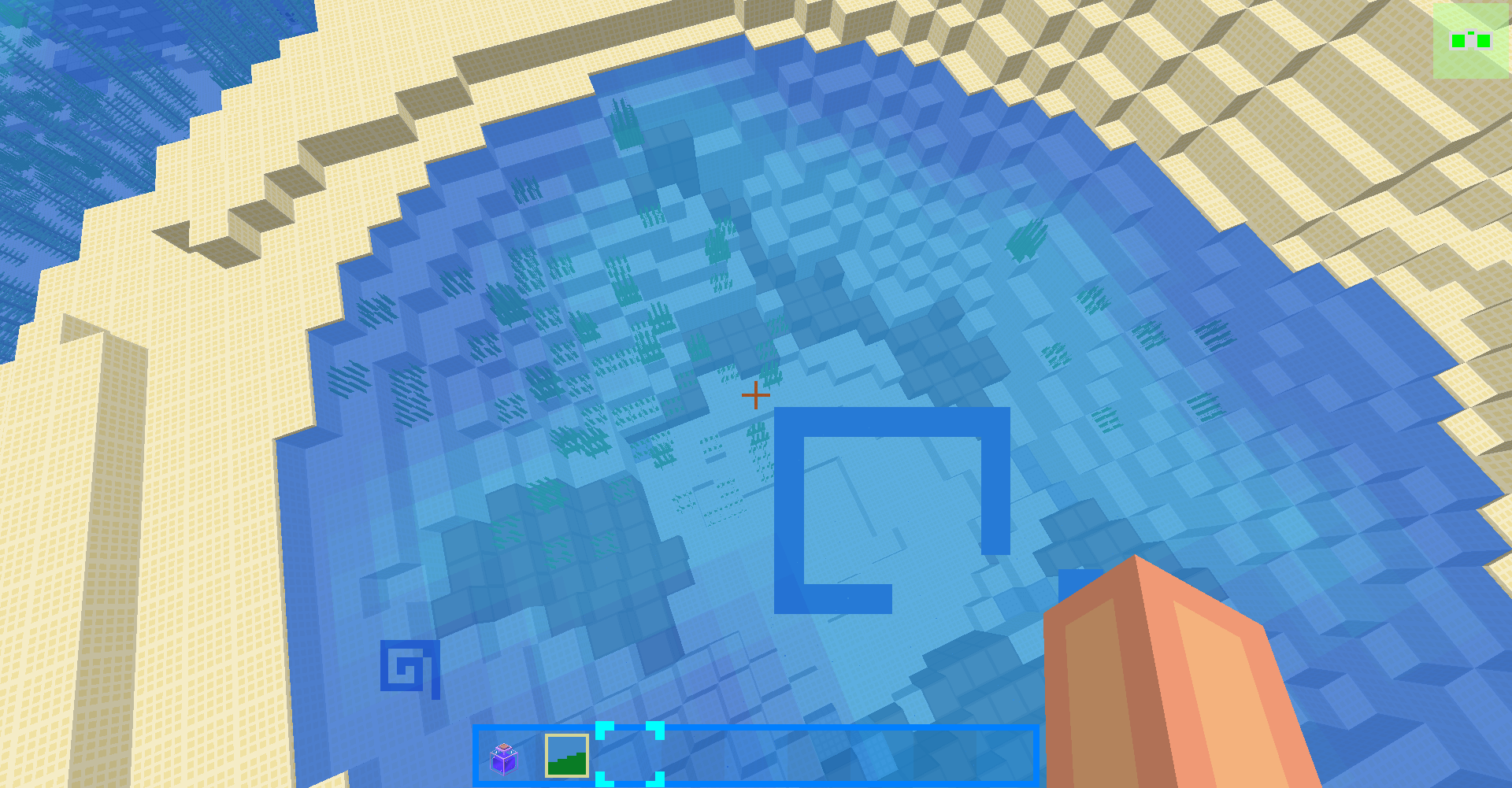
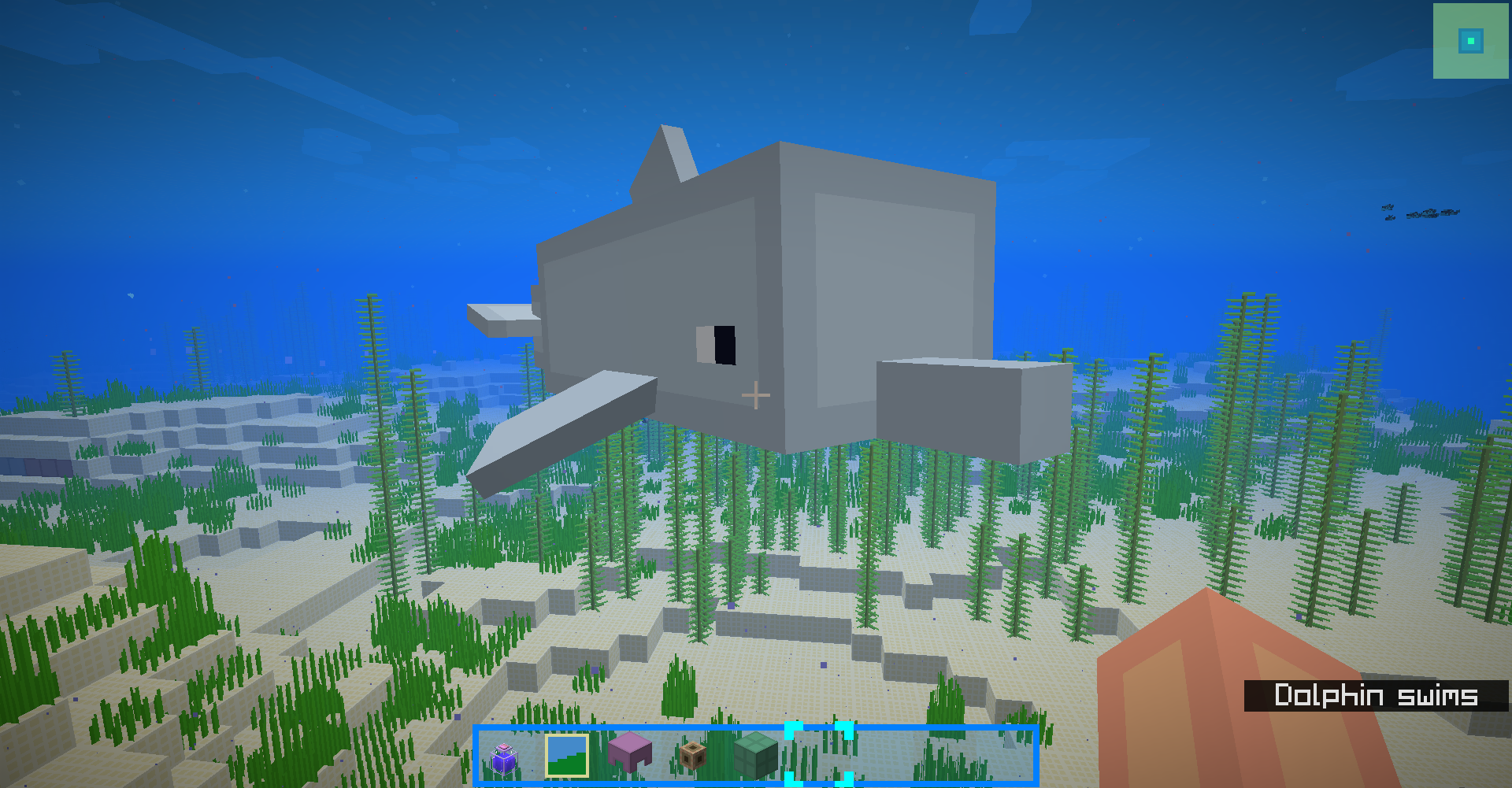
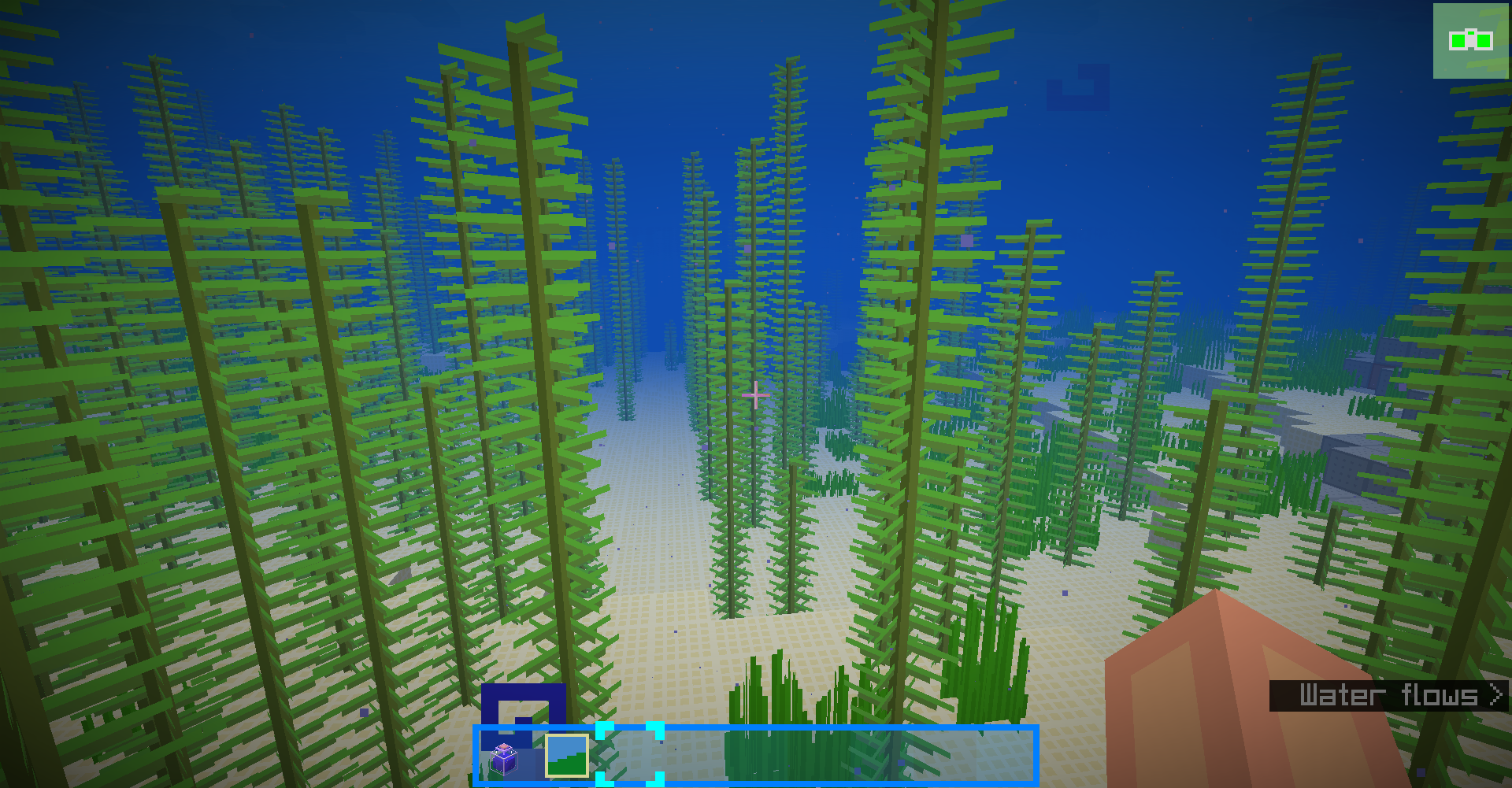
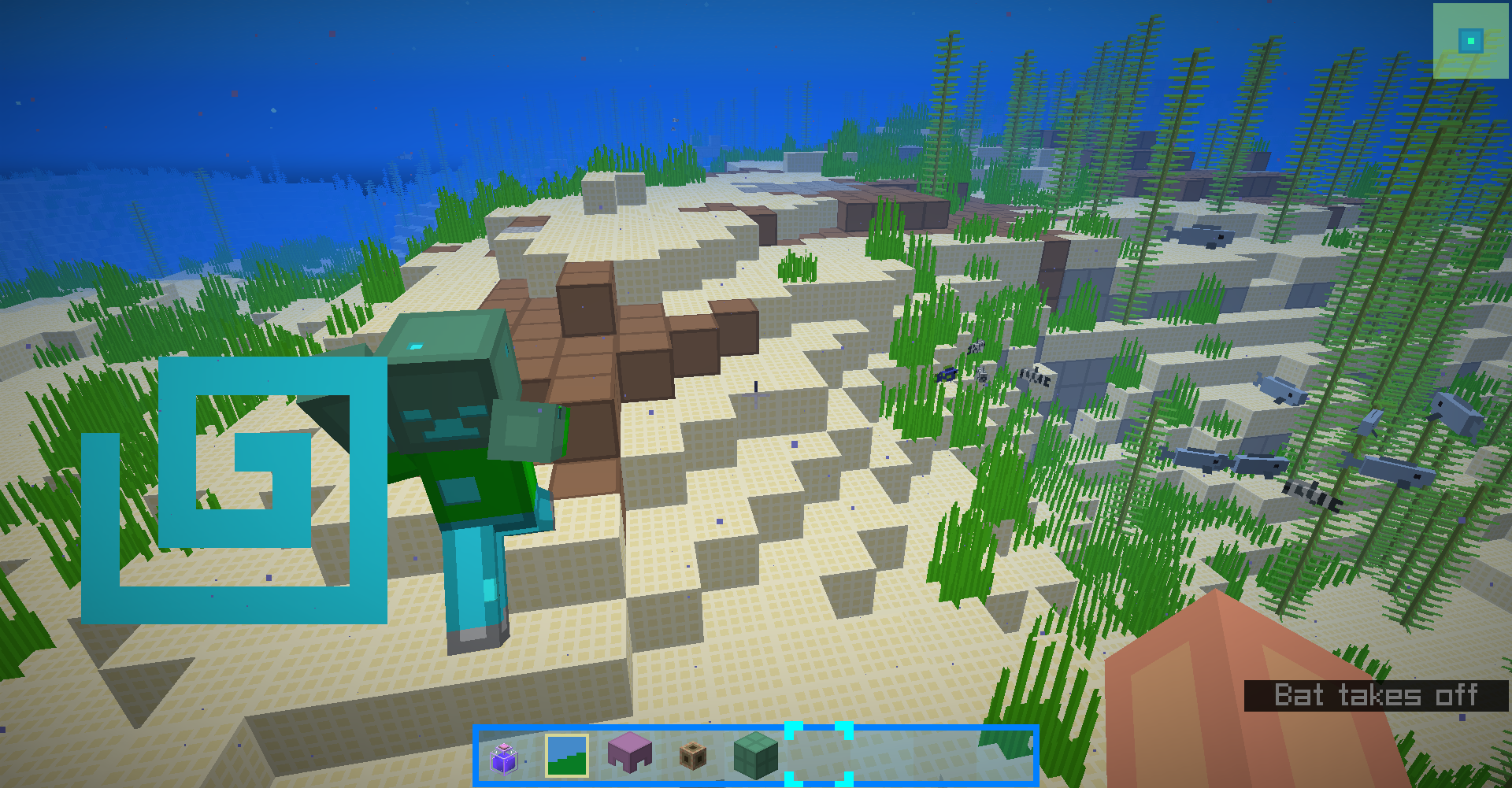
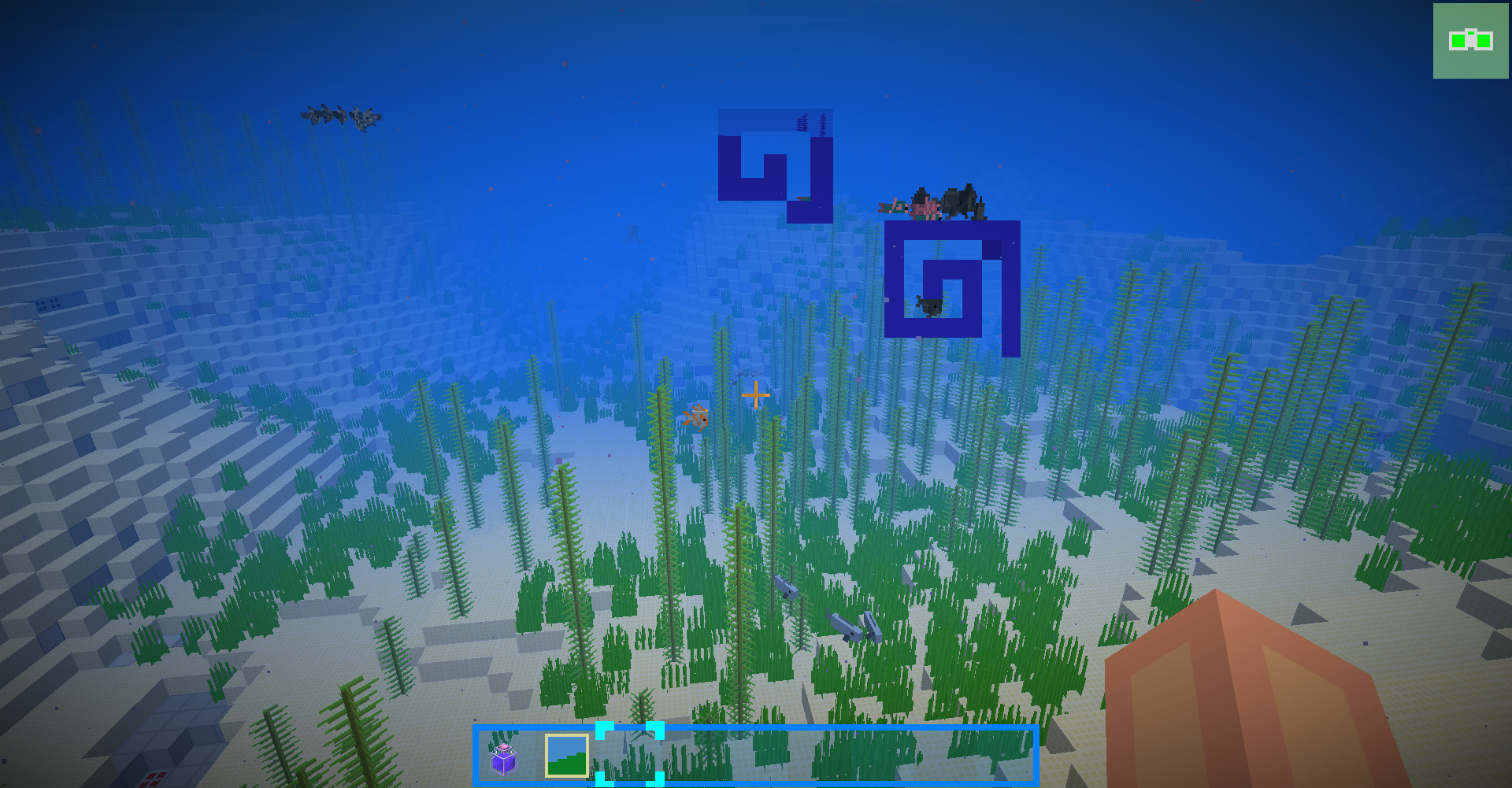
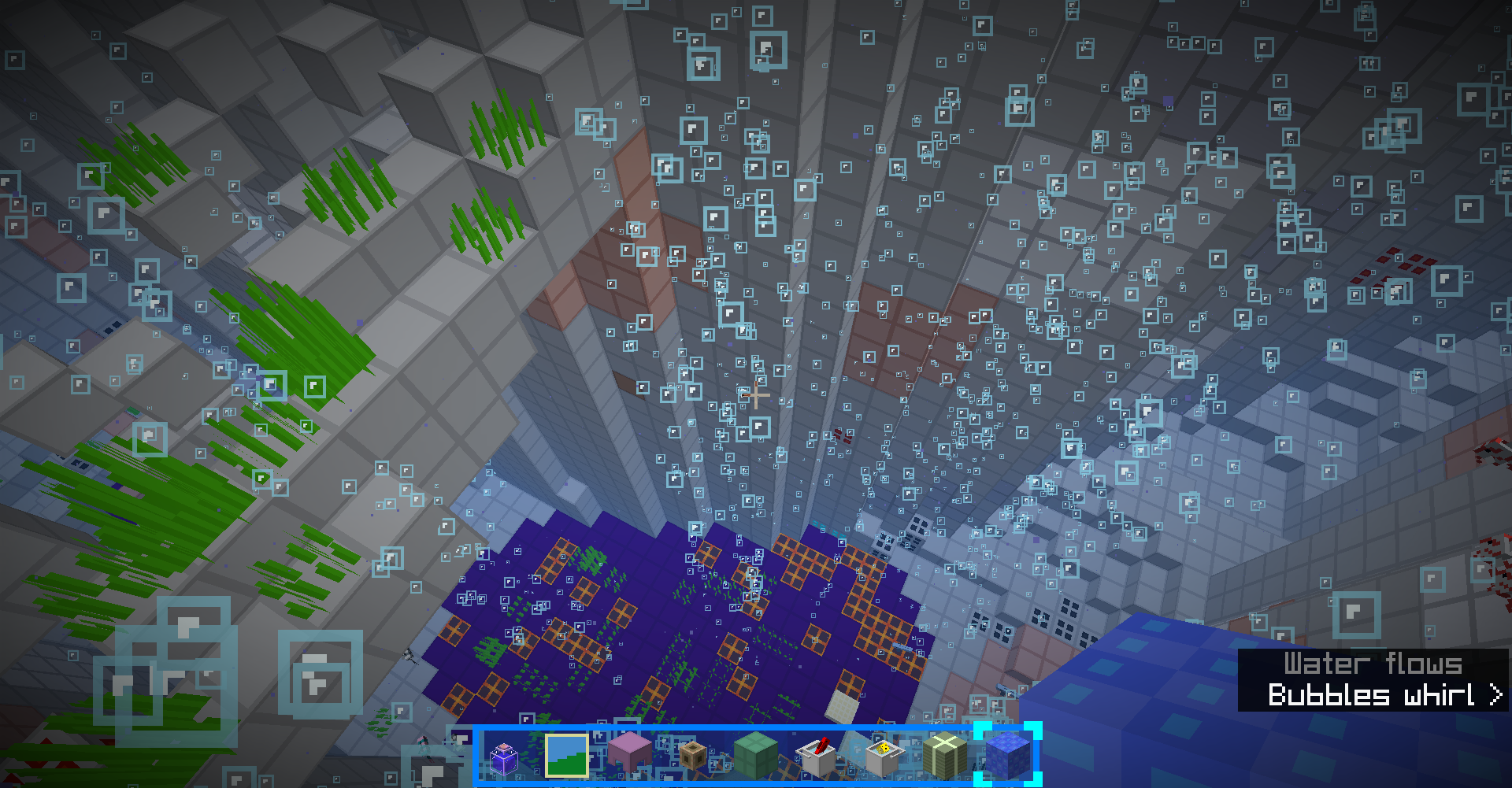
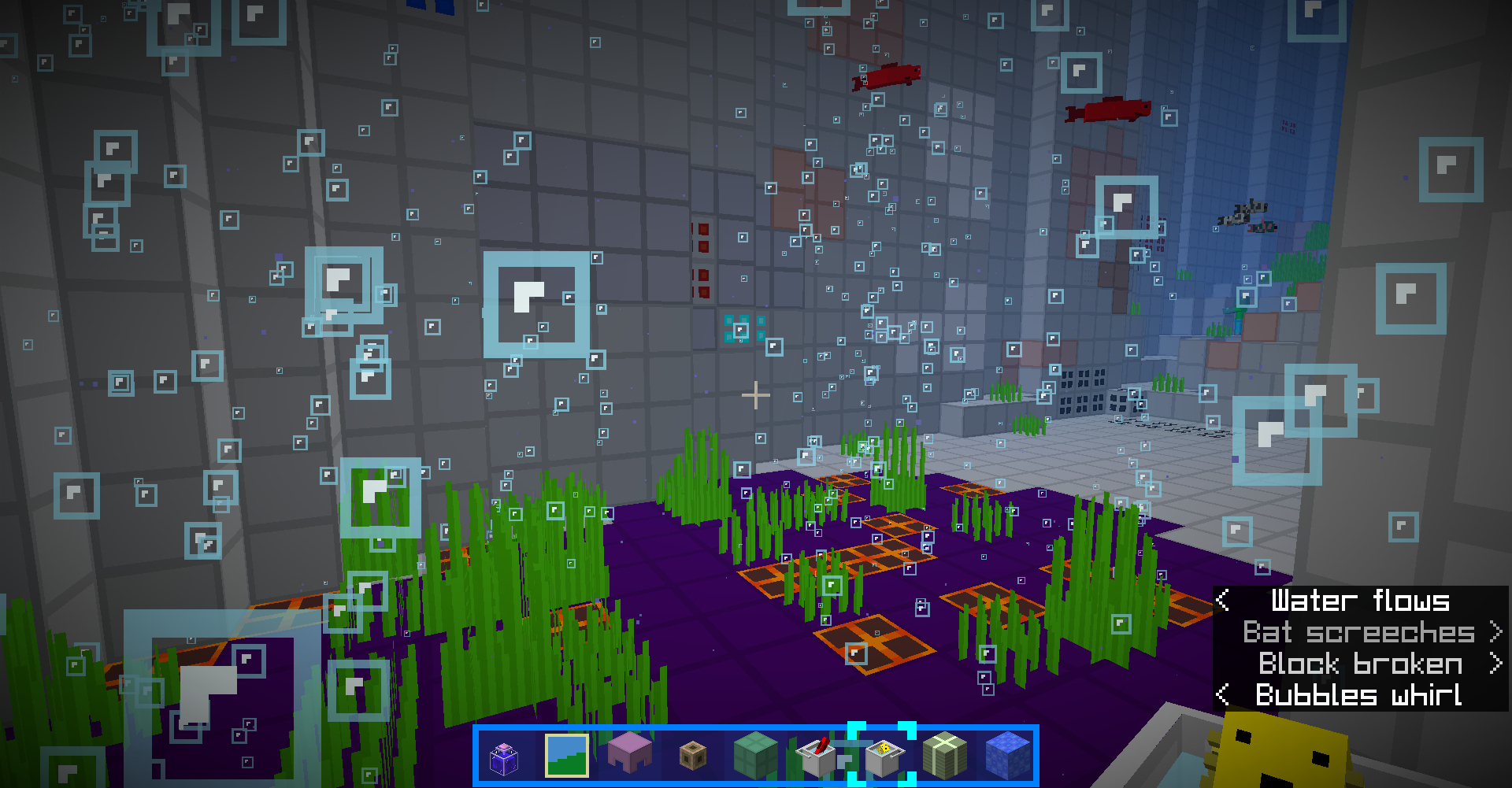
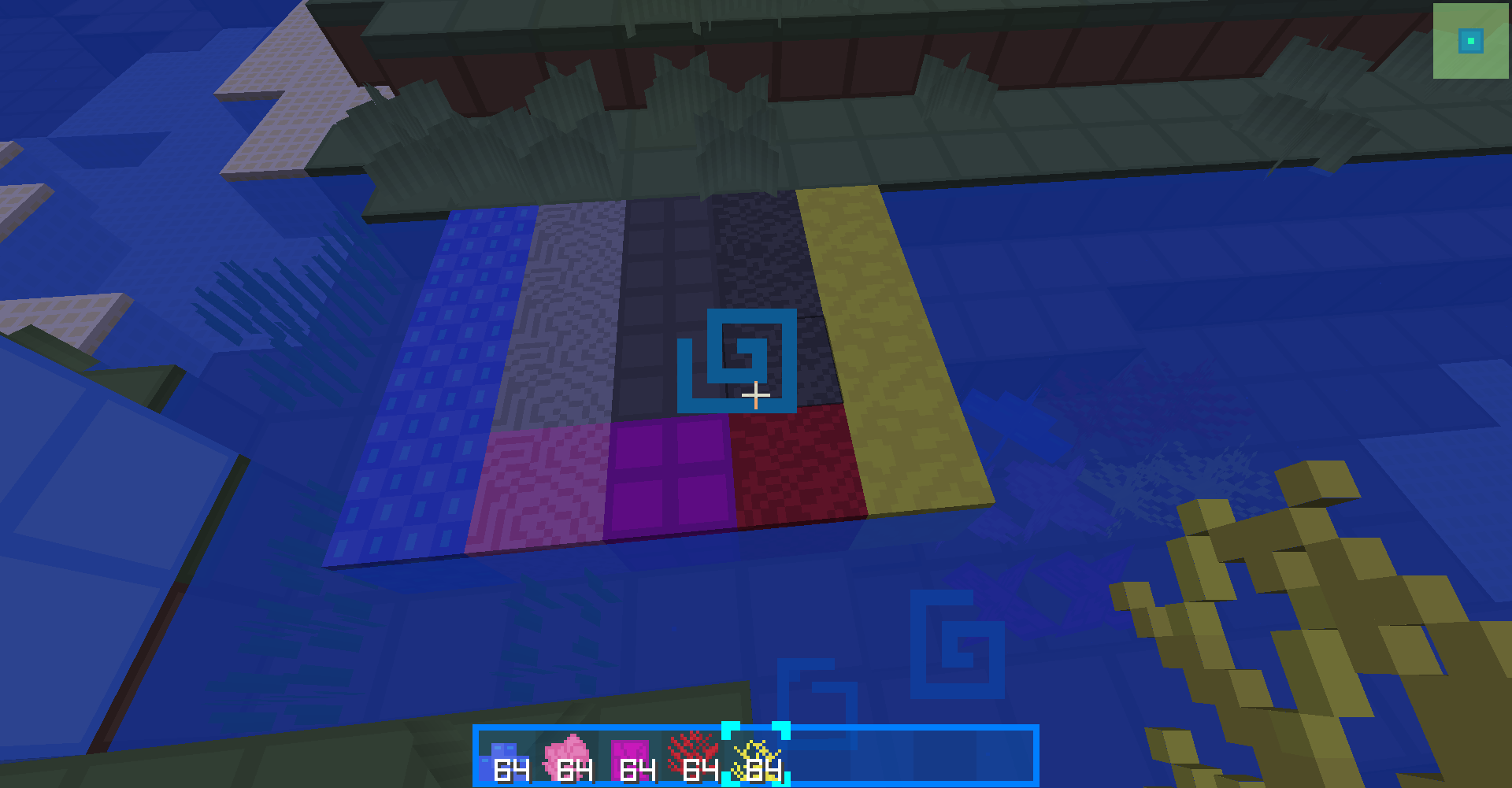
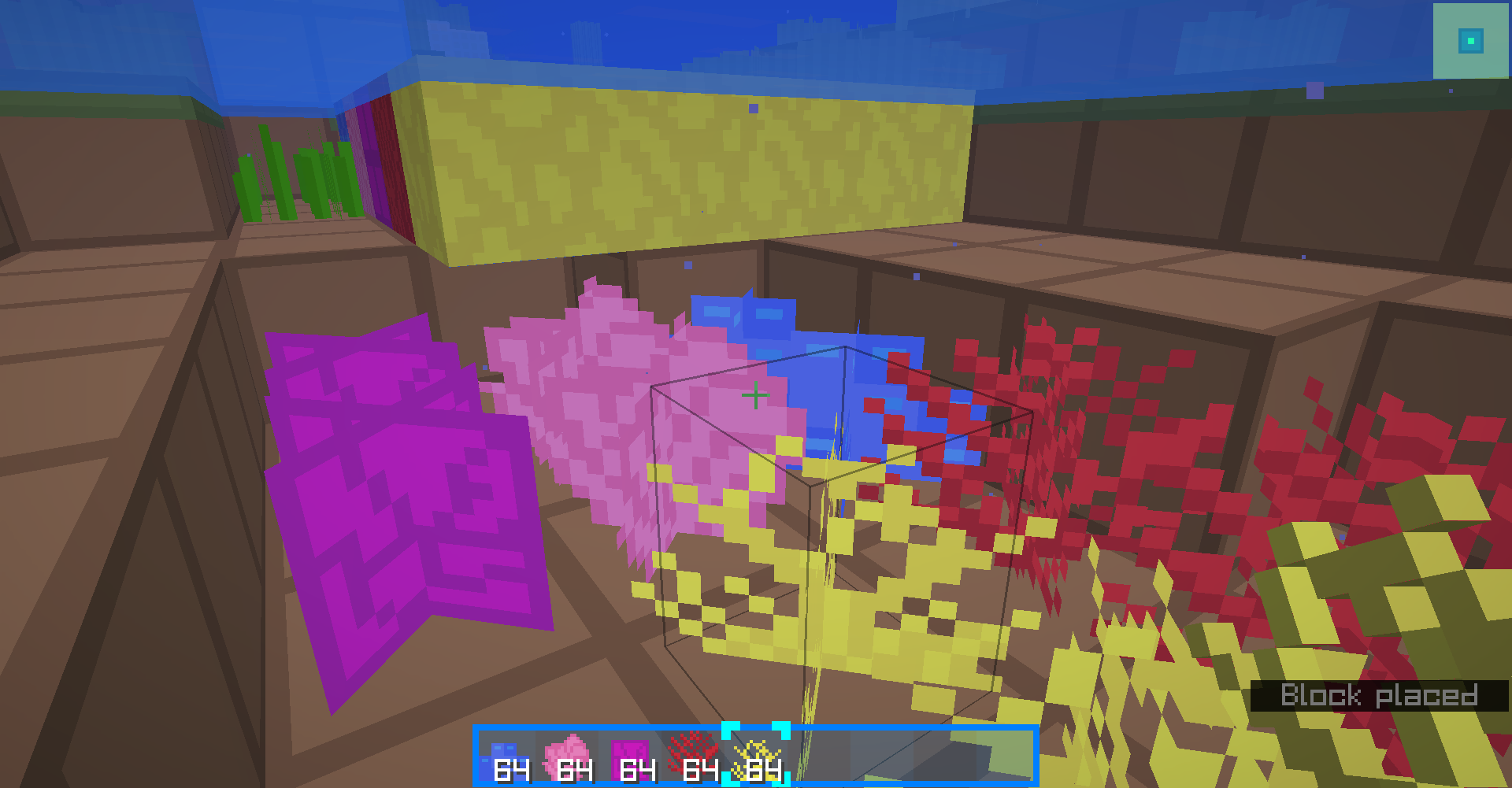
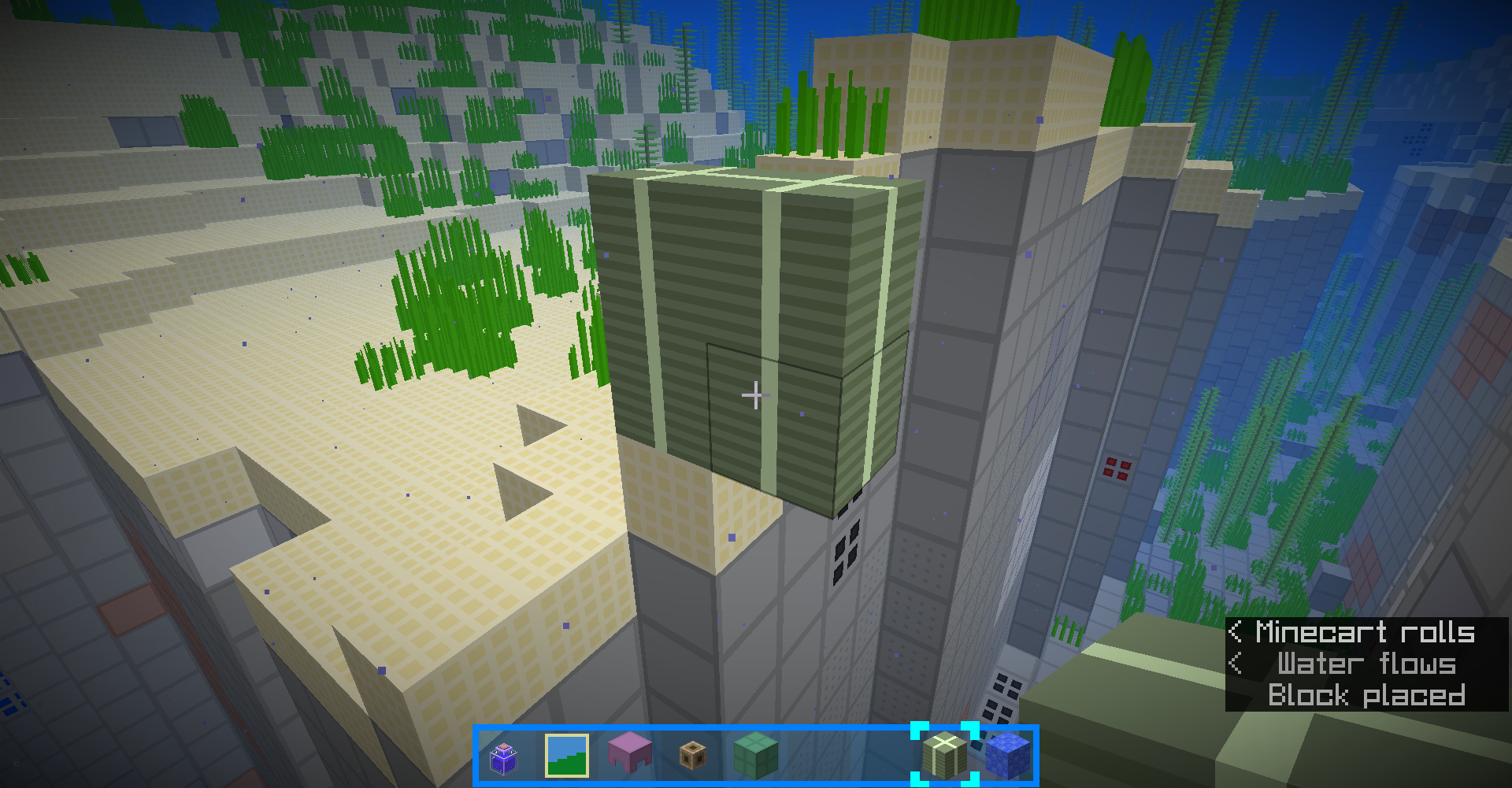
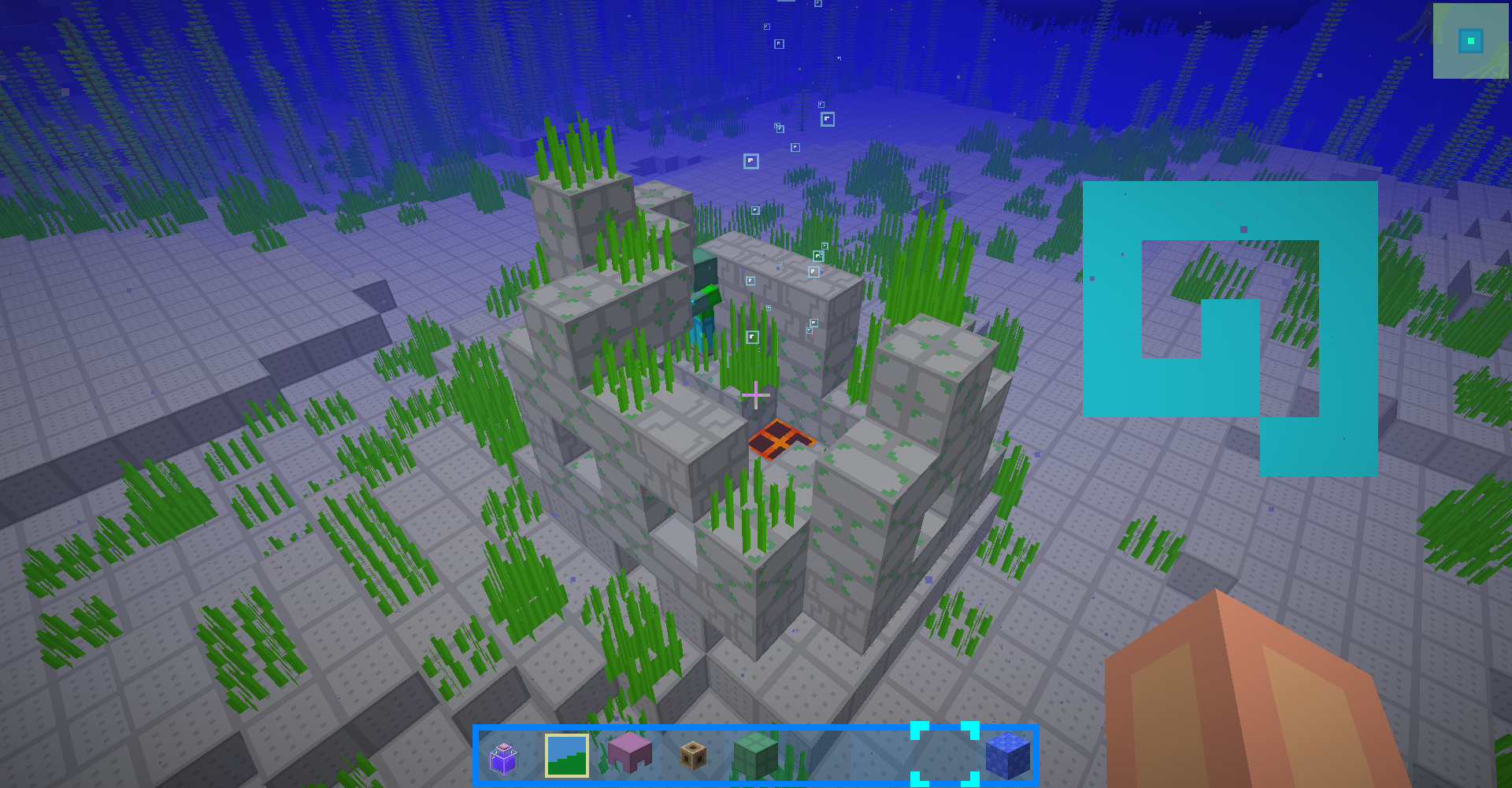
1.10.2 and 1.12.2:
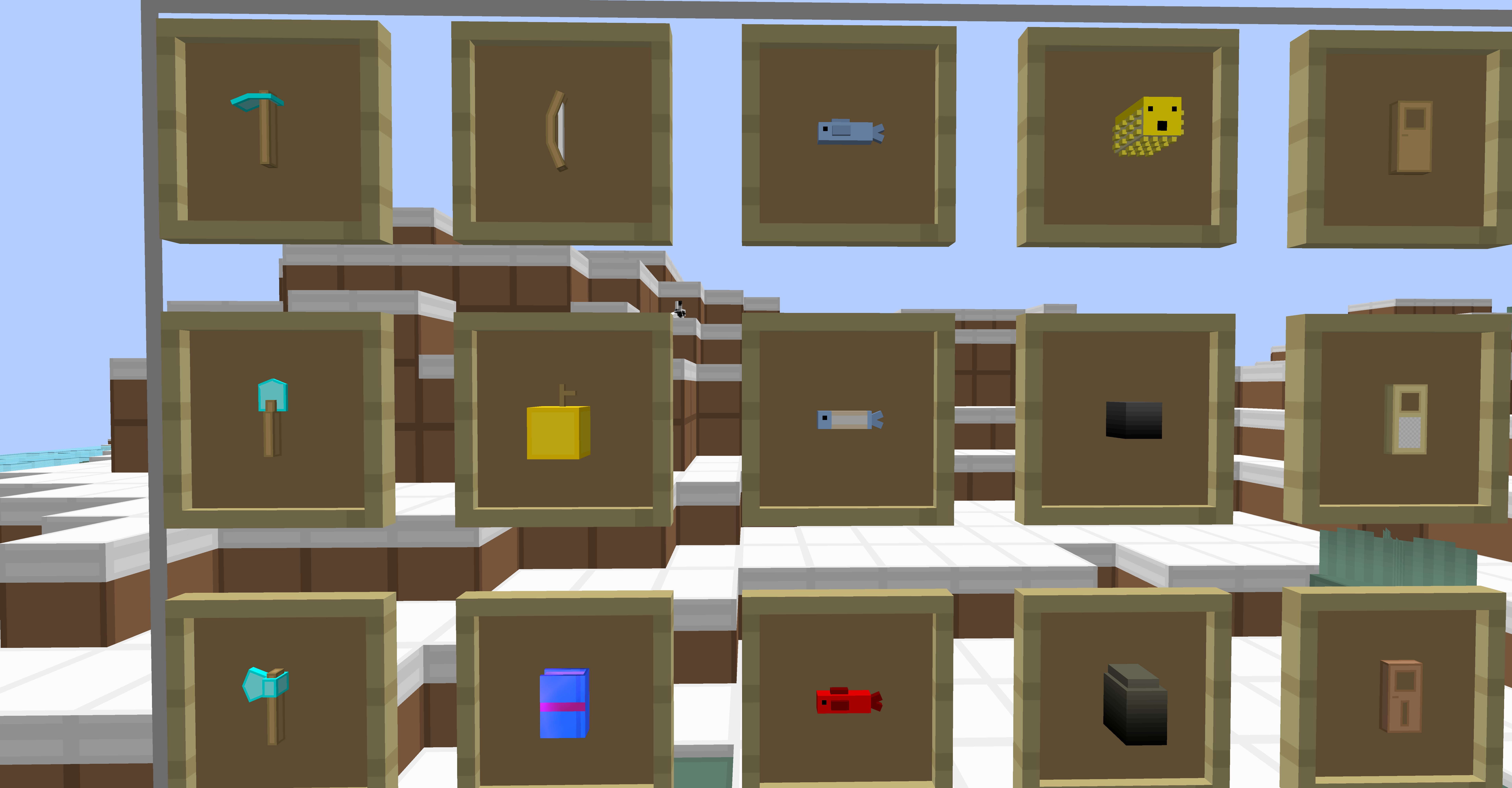 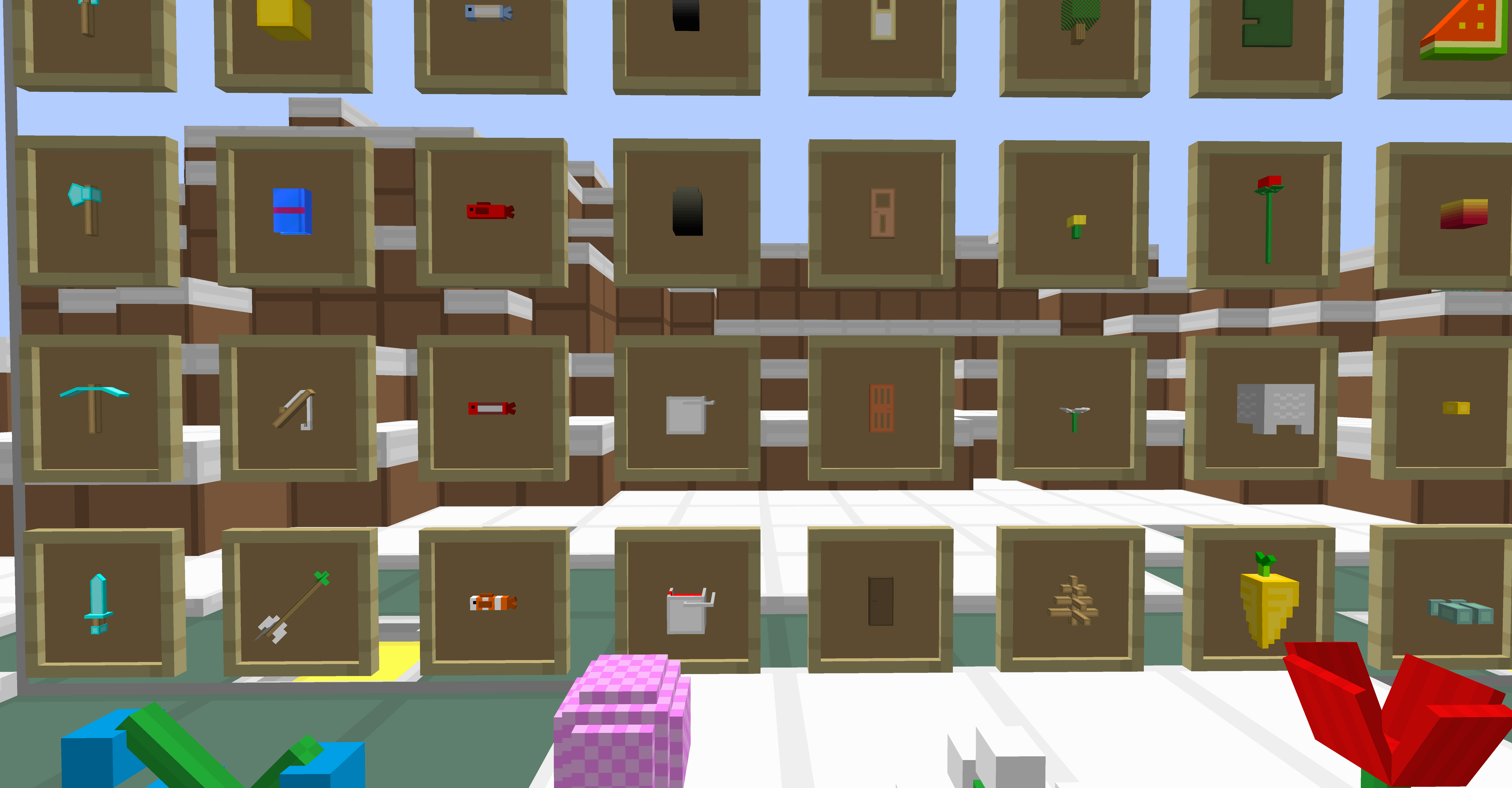     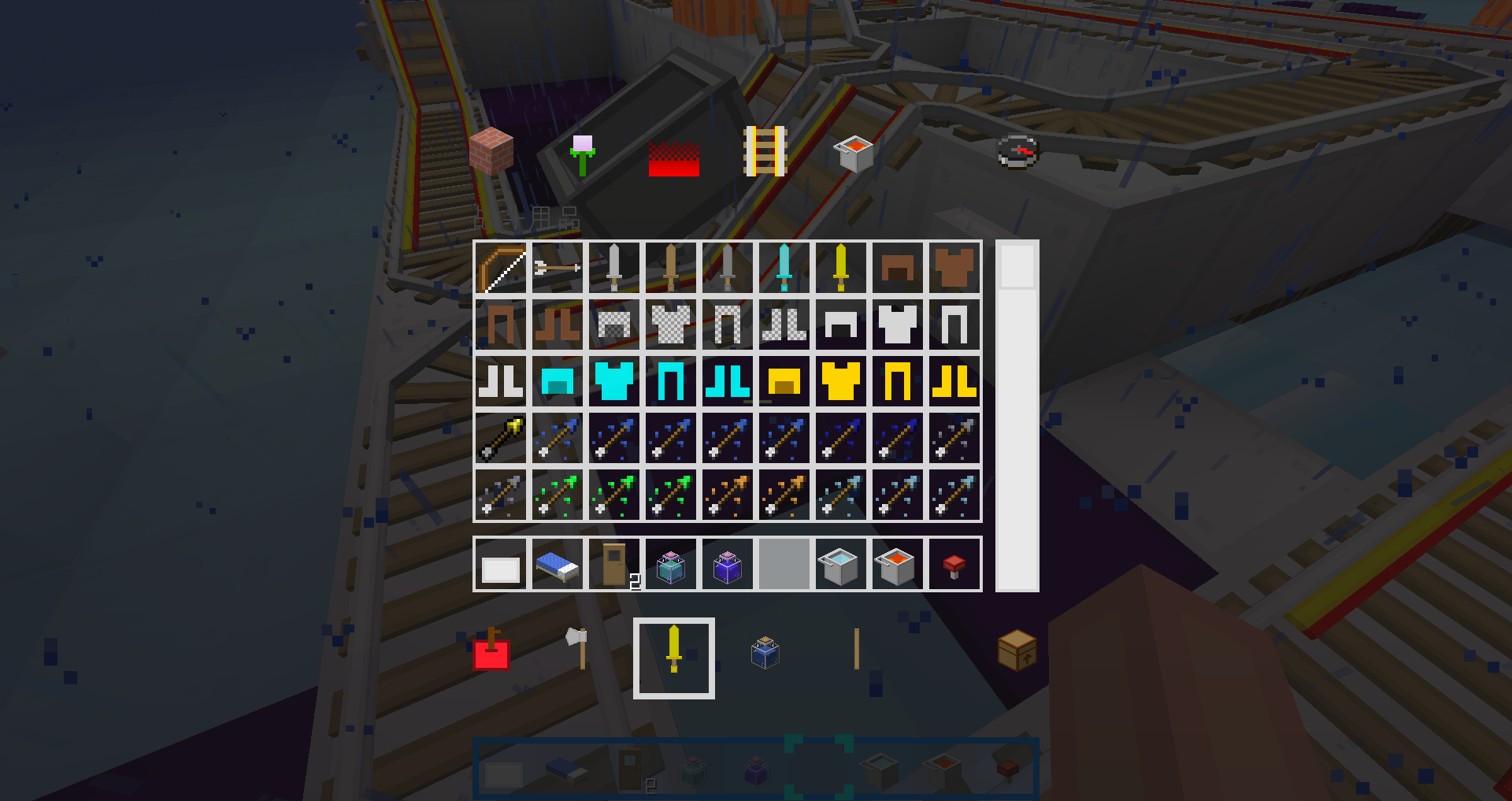 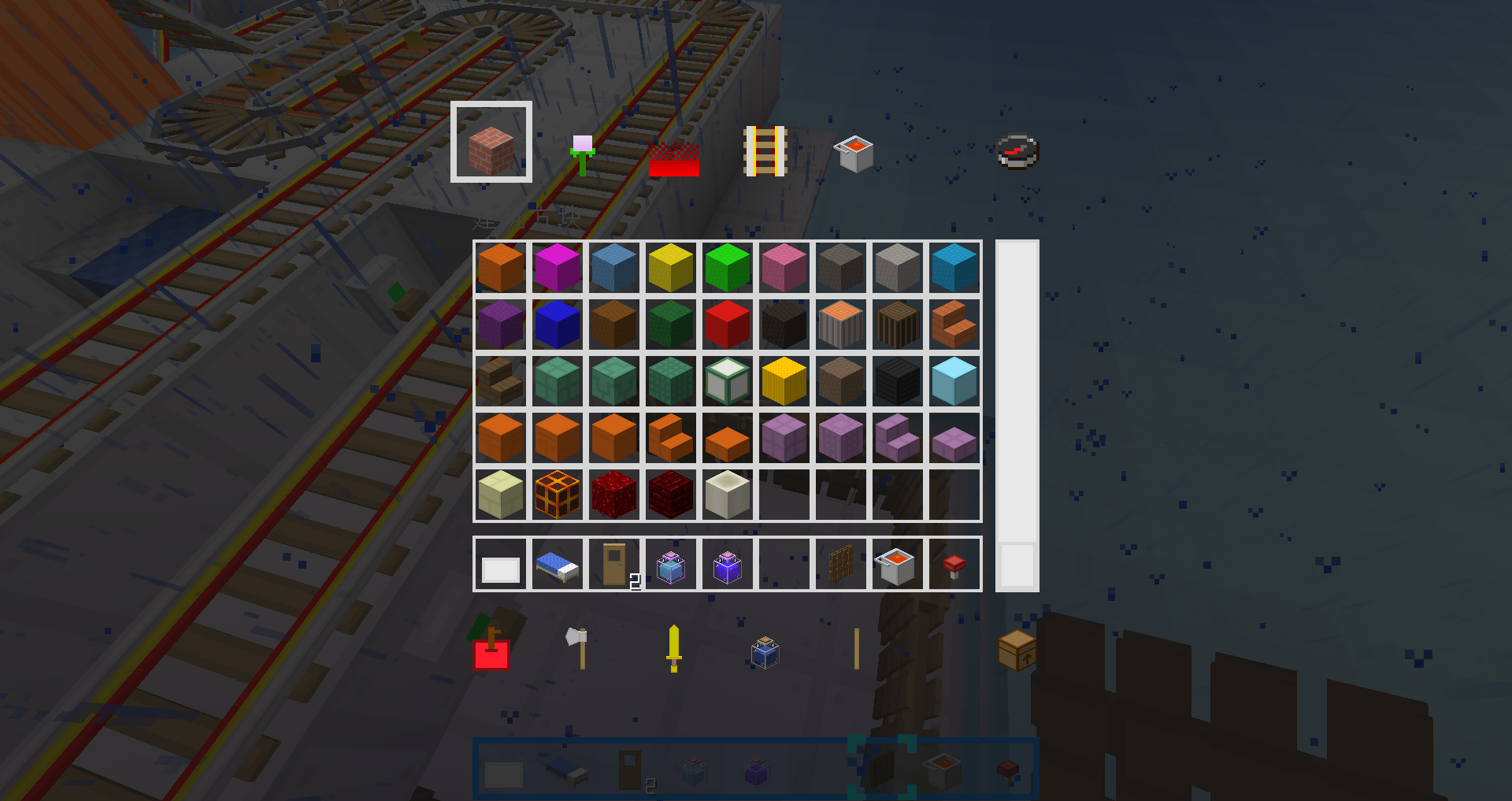 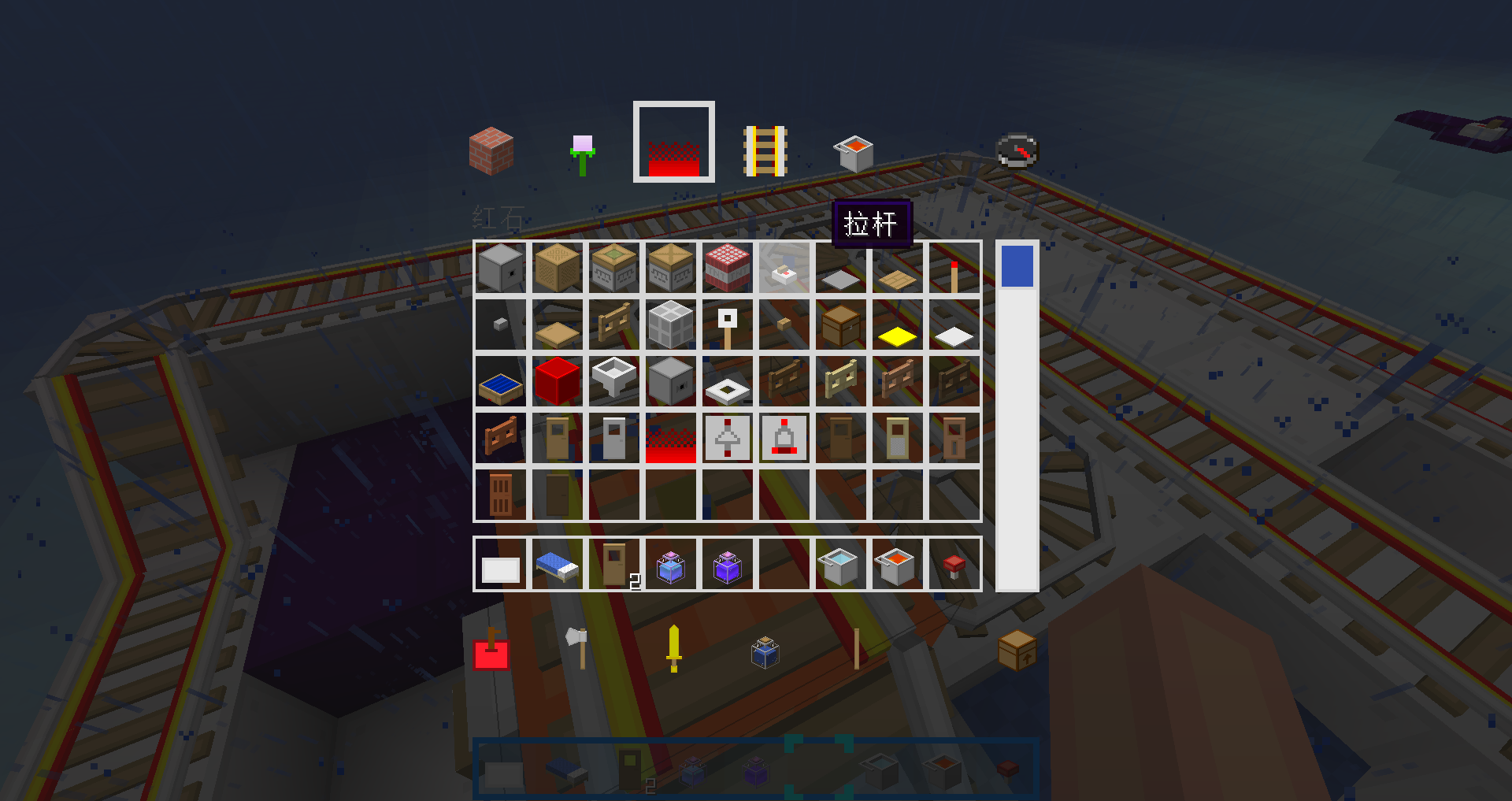 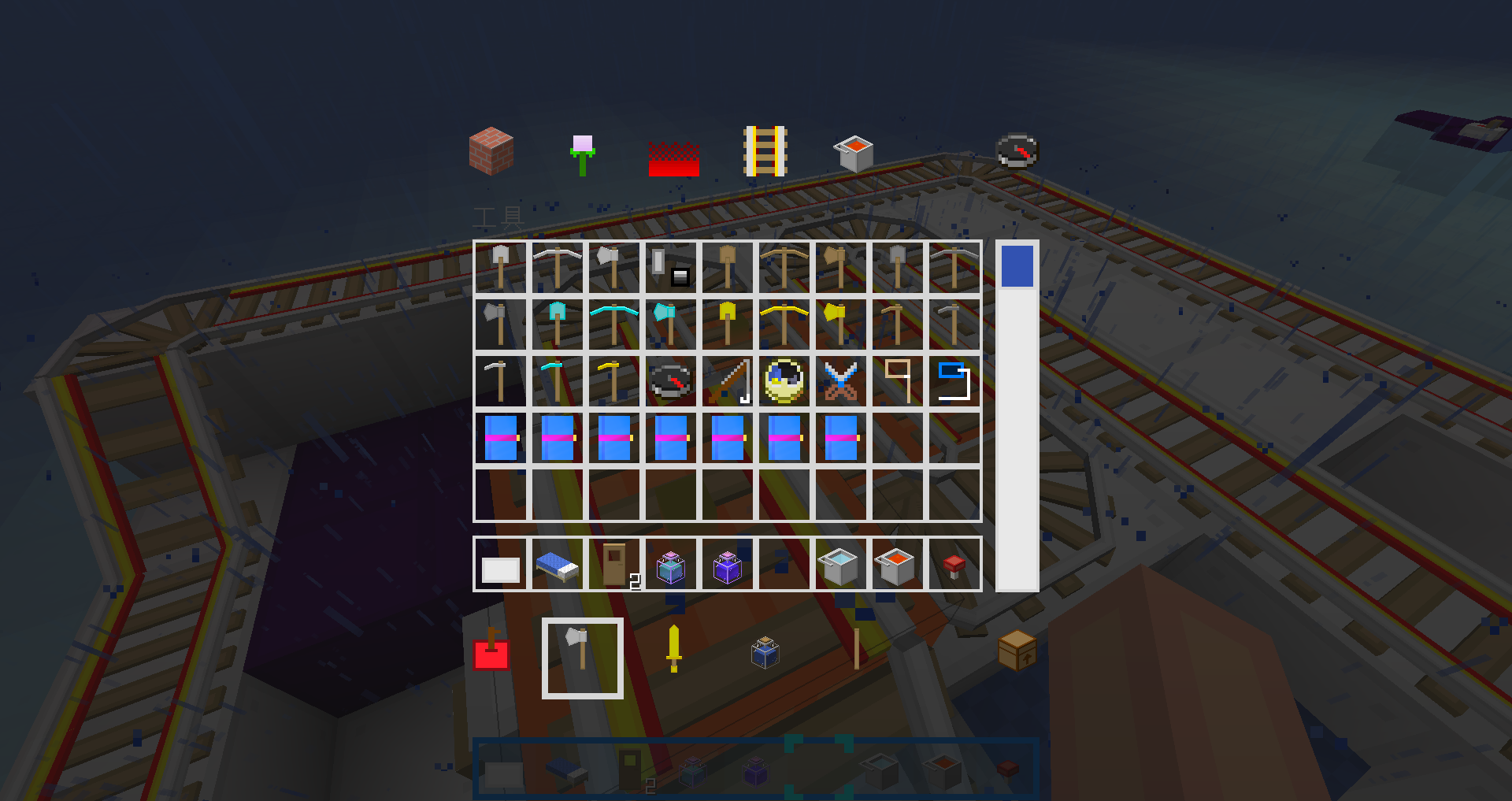 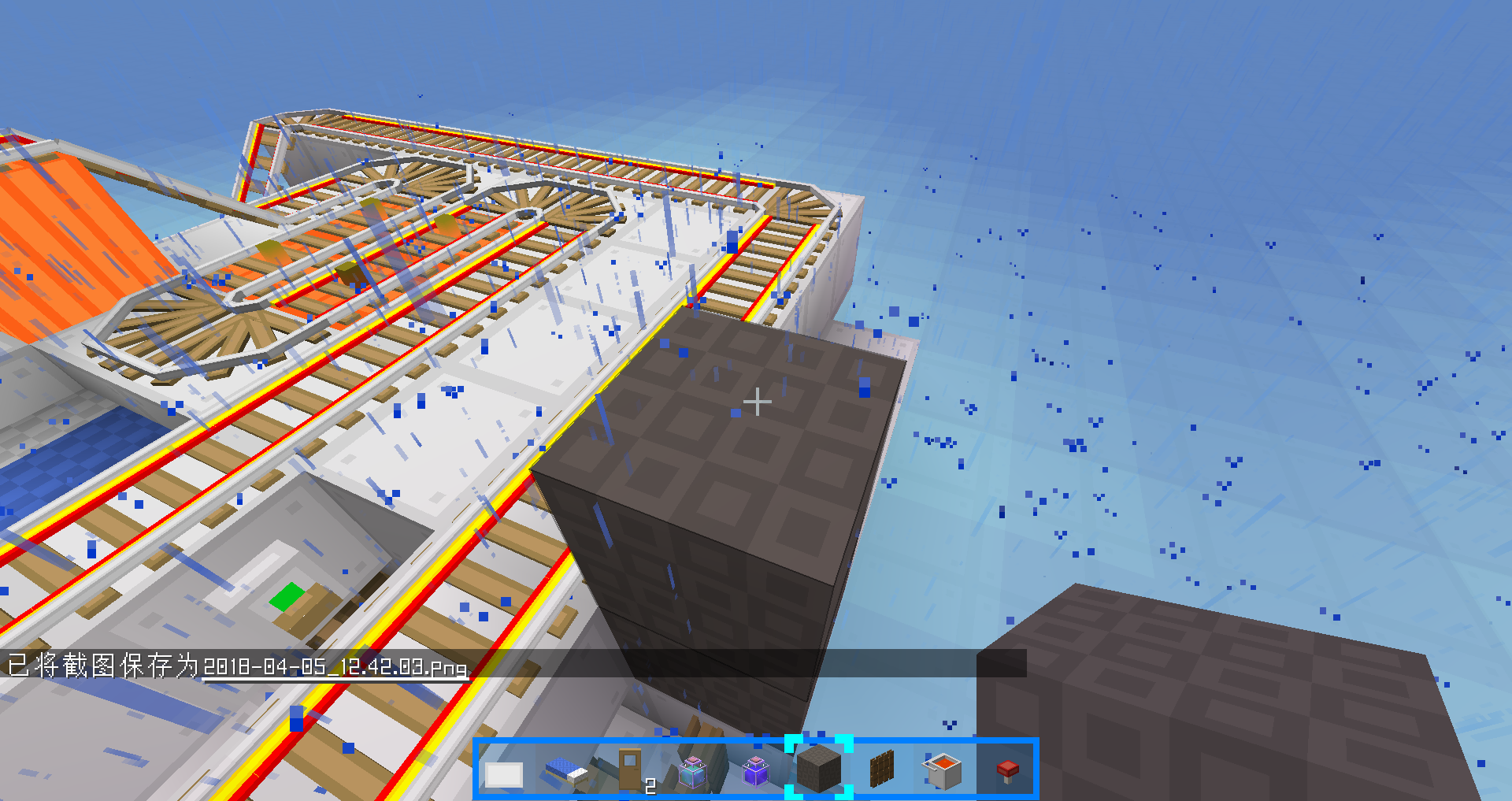 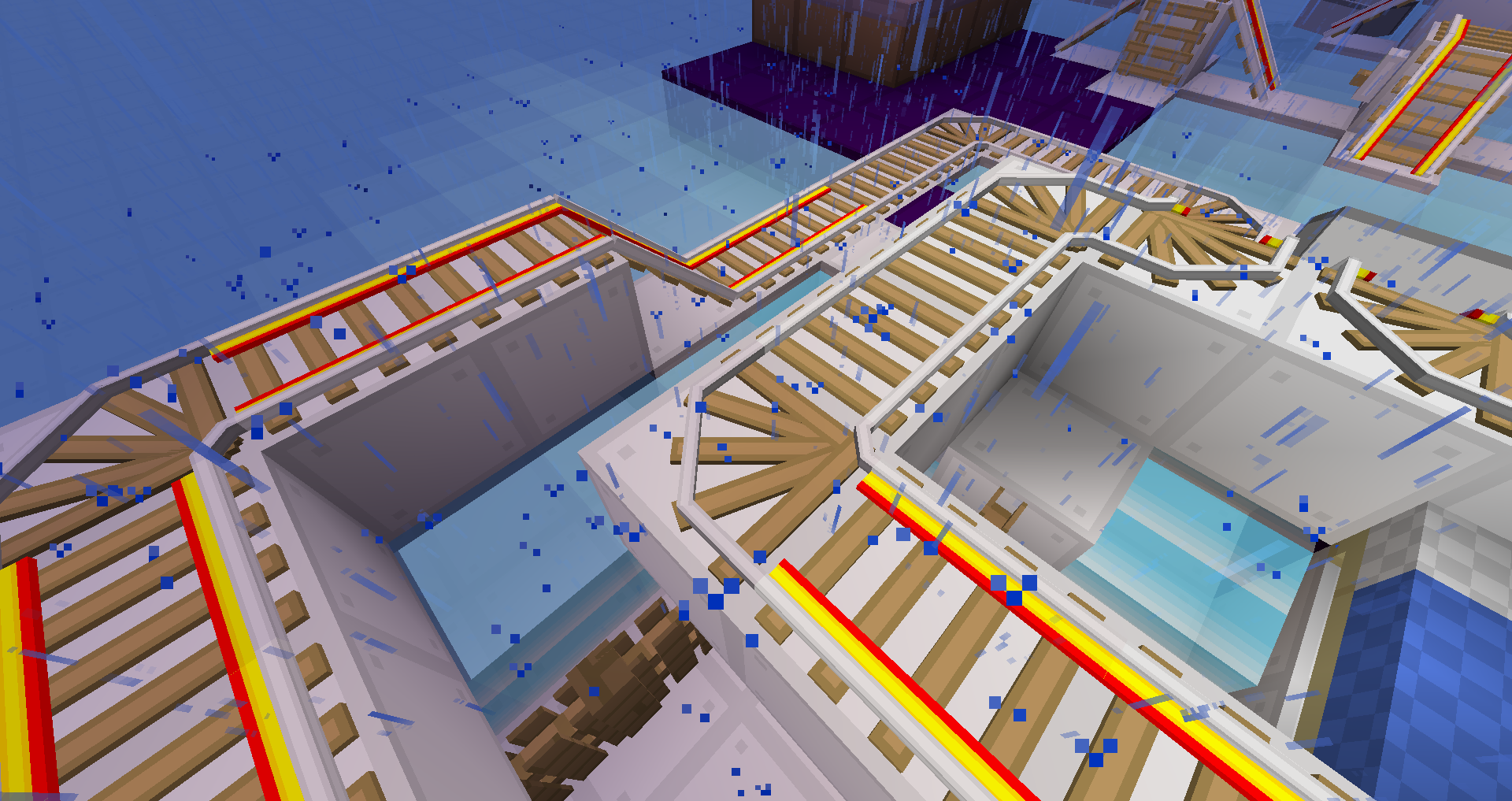 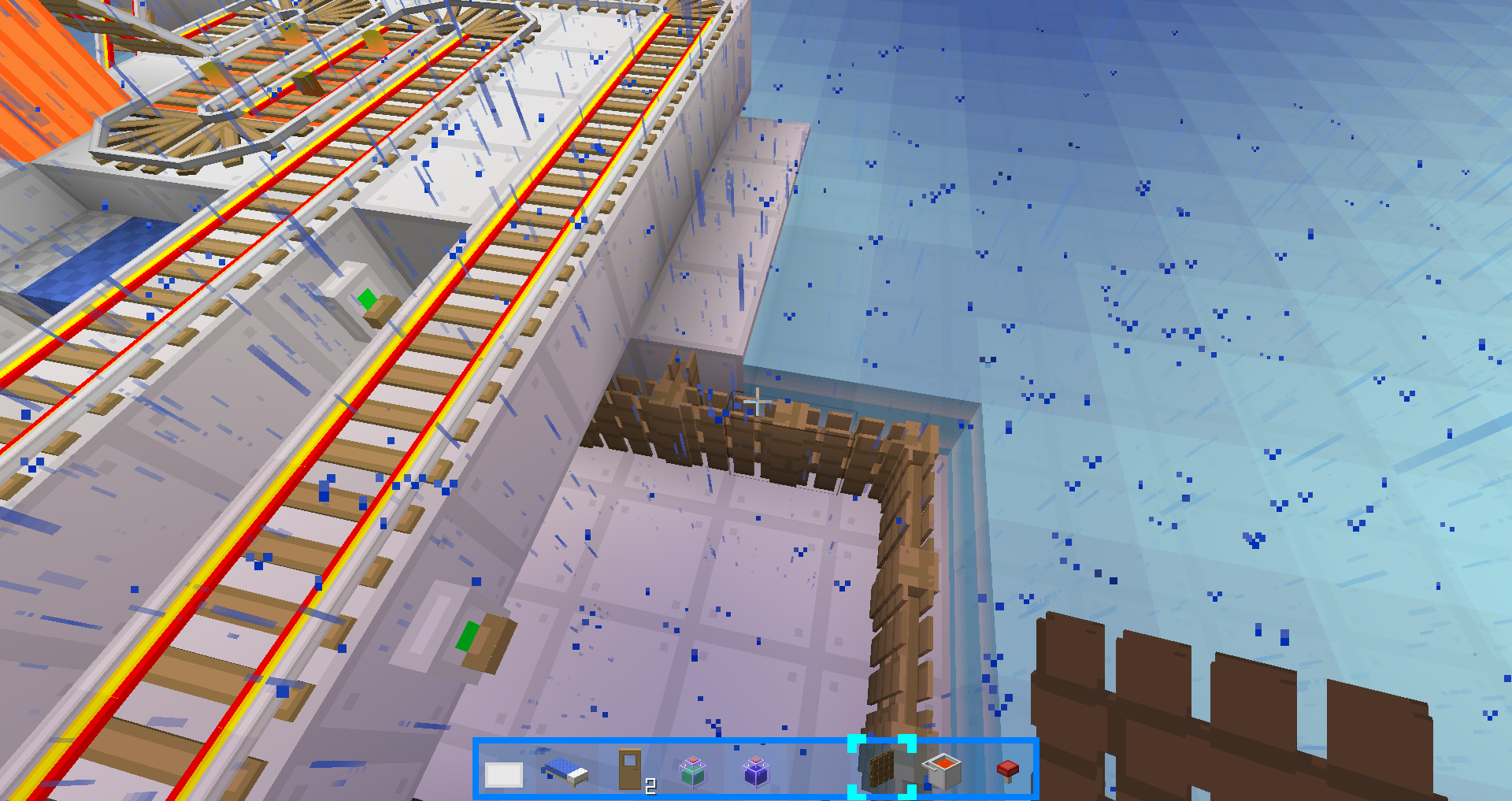 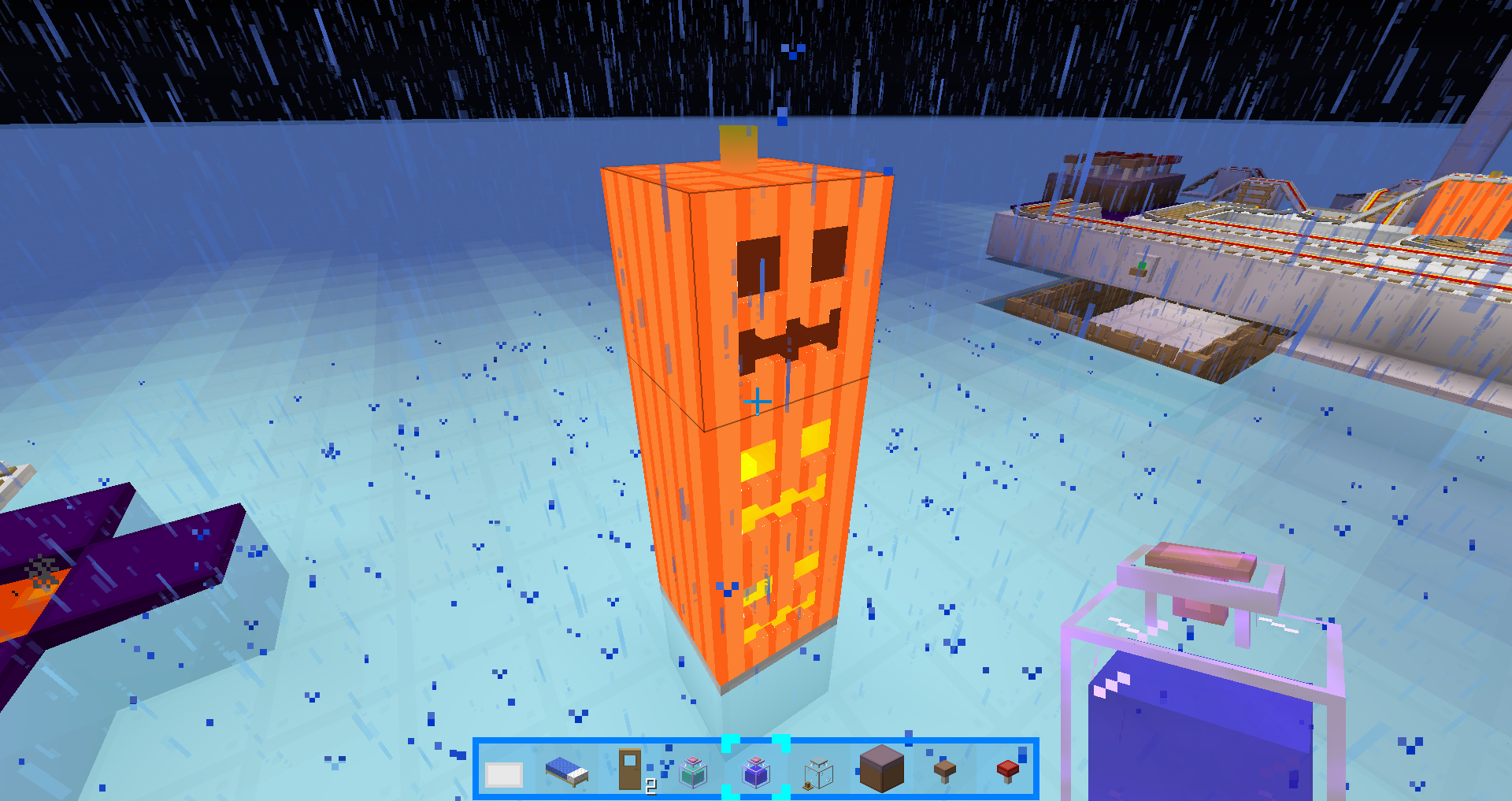           |
1.9~1.10.2 Installing tips:
Click Yes in this prompt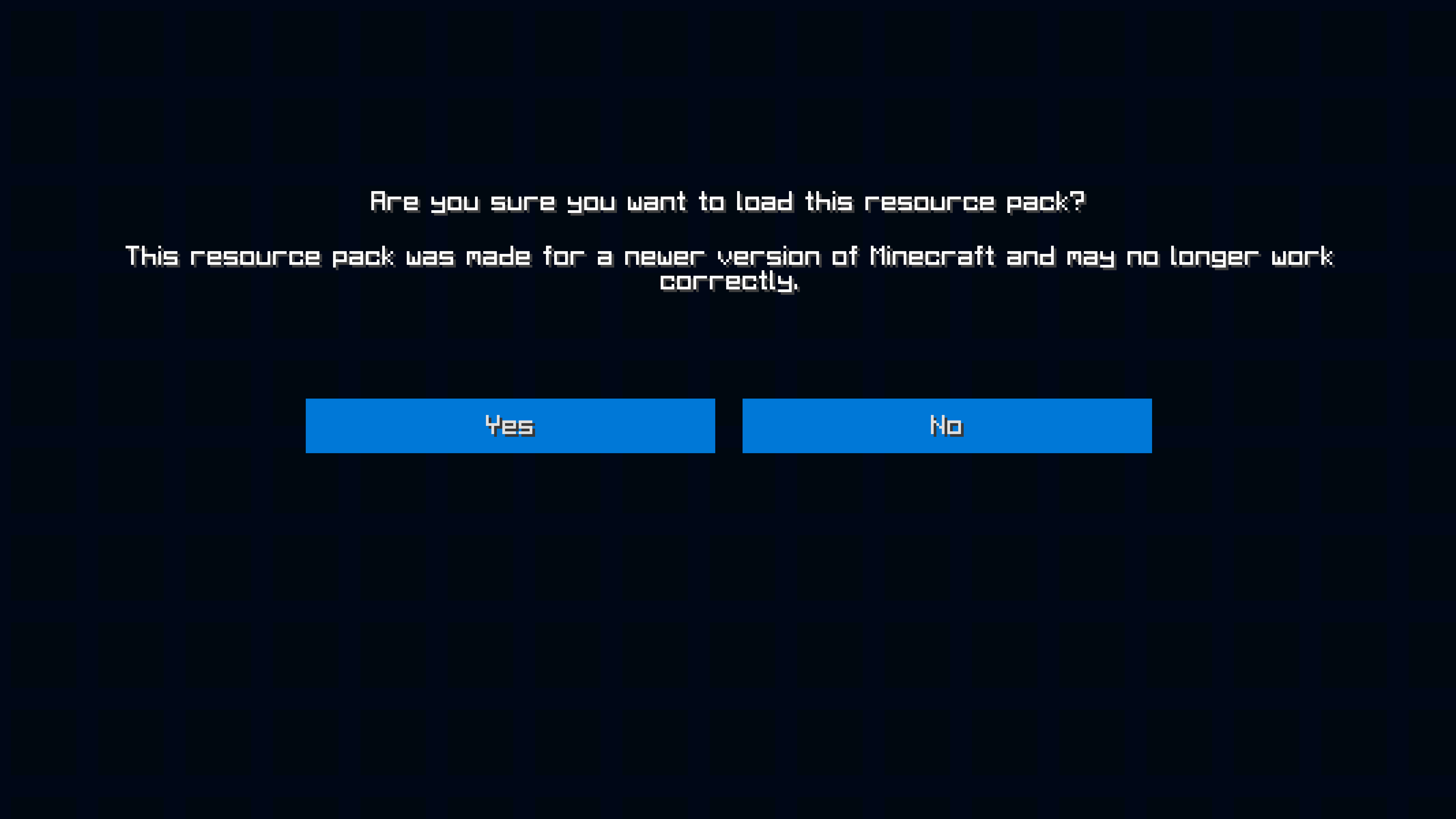
Minecraft Forum post(English):https://www.minecraftforum.net/forums/mapping-and-modding-java-edition/resource-packs/2917555-1-9-1-13-16x-blueblockscraft-not-just-simple
MCBBS post(Chinese):http://www.mcbbs.net/thread-809999-1-1.html
Github(You can get developing versions here):https://github.com/Blue-Beaker/BlueBlocksCraft_Vanilla
Gitee(Mirrored from Github, but faster for Chinese users):https://gitee.com/blue-beaker/BlueBlocksCraft_Vanilla
You may also need these packs:
- Edition: Minecraft Java
- File type: .zip (resource pack)
- Minecraft versions listed: 1.16.5, 1.16.1, 1.16
- How to install: Download the .zip resource pack — do not unzip it. → Put it in .minecraft/resourcepacks. → Enable it in Options → Resource Packs.
- Where to get it: Opens on CurseForge — not every file is mirrored on our own servers.
Install steps are the general flow for this file type — How to install Minecraft Java resource packs walks through it step by step.
- Downloads as BlueBlocksCraft-1.16.zip
- Download size: 20.9 MB
- Download link checked 28 Aug 2026 — working
These come from our own check of the pack file, not from the source page.